AI Sports Broadcast Screenshots


Sports Broadcast Style Filters You Will Love
Discover the perfect sports broadcast filter for your next creation. Choose from dynamic action cams, live TV graphics, and stadium ready visuals.
Key Features of AI Sports Broadcast Screenshots
Create stunning sports broadcast visuals with our powerful AI tools. From dynamic camera angles to live TV graphics, every feature is designed to make your photos look like professional sports production stills.
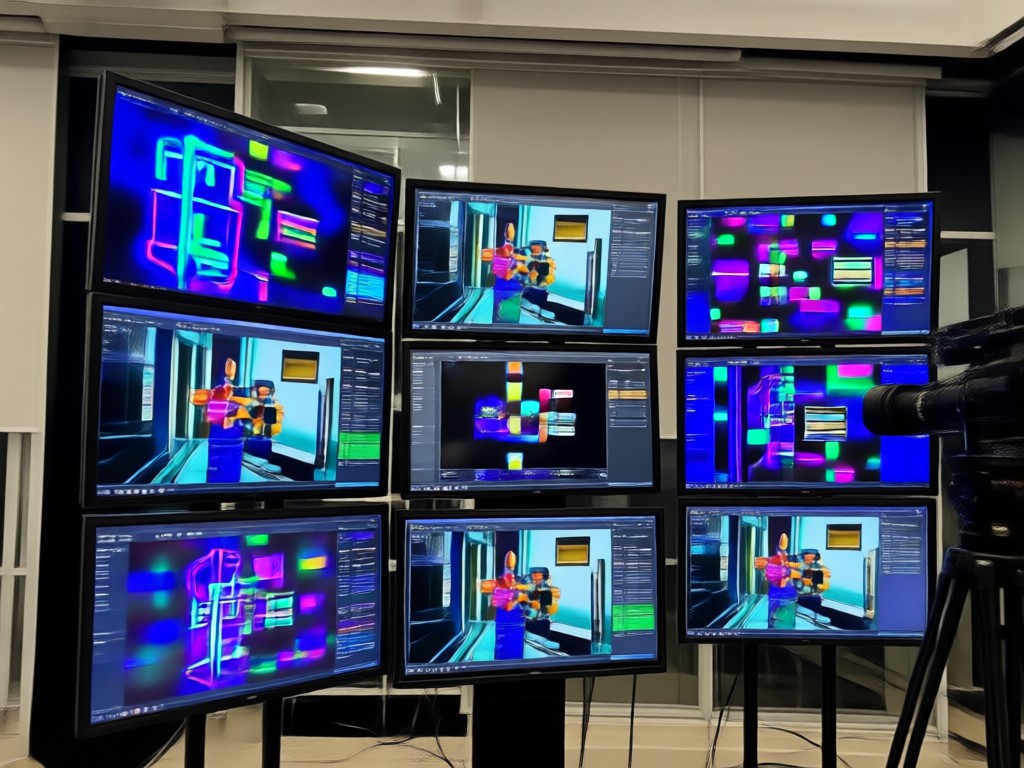
Dynamic Camera Angles
Transform static photos into dynamic sports broadcast frames. Our AI automatically detects the action and applies professional camera angles including wide shots, close ups, and overhead views. Every frame looks like it was pulled directly from a live sports production. Add motion blur, stadium lighting, and broadcast overlays for that authentic broadcast feel.
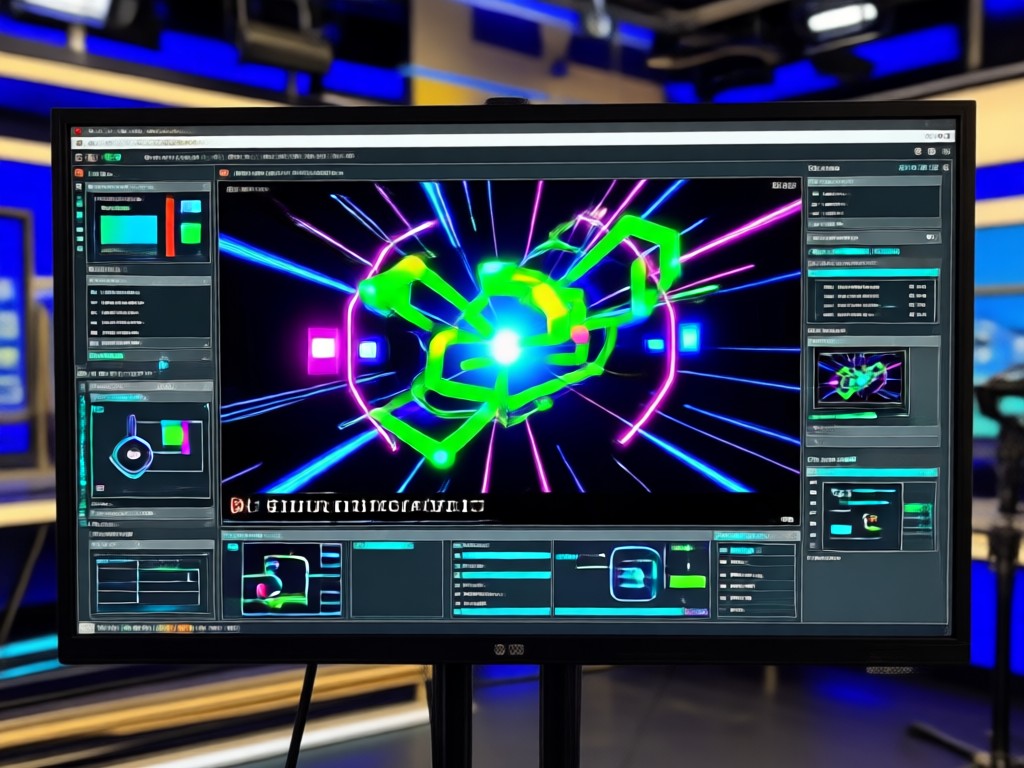
Live TV Graphics Overlays
Overlay real time scoreboards, player name tags, match timers, and channel logos onto your images. Choose from a library of broadcast graphic templates used by professional sports networks. Customize colors and positions to match your favorite team or channel. Every screenshot feels ready for primetime television.
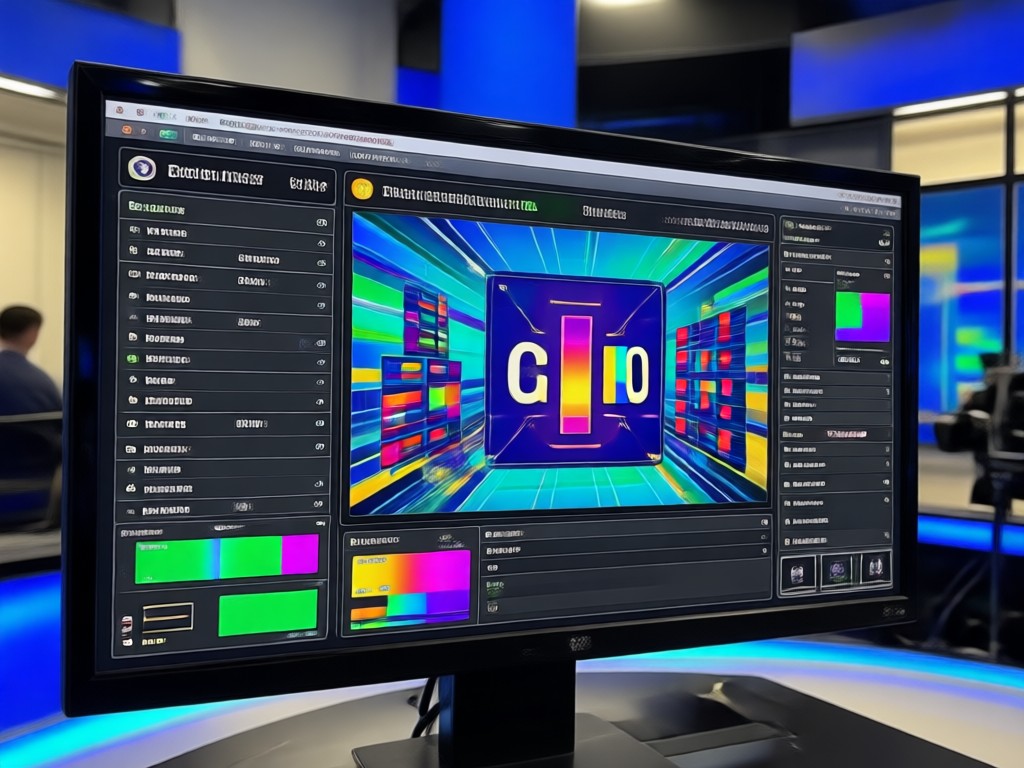
Instant Style Transfer
Upload any photo and let the AI transform it into a broadcast screenshot in seconds. Our image to image technology preserves the original subject while applying sports lighting, contrast enhancement, and cinematic color grading. No complex prompt engineering needed. Just pick a filter and tap generate for professional results.
Explore AI Sports Broadcast Screenshot Creations
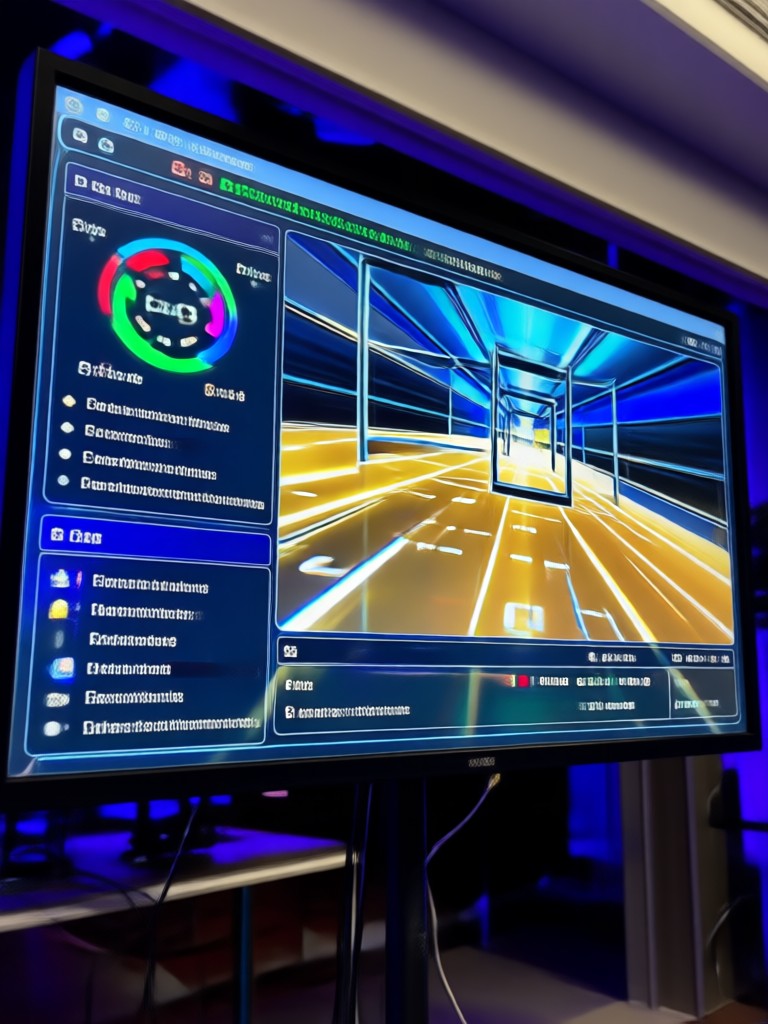
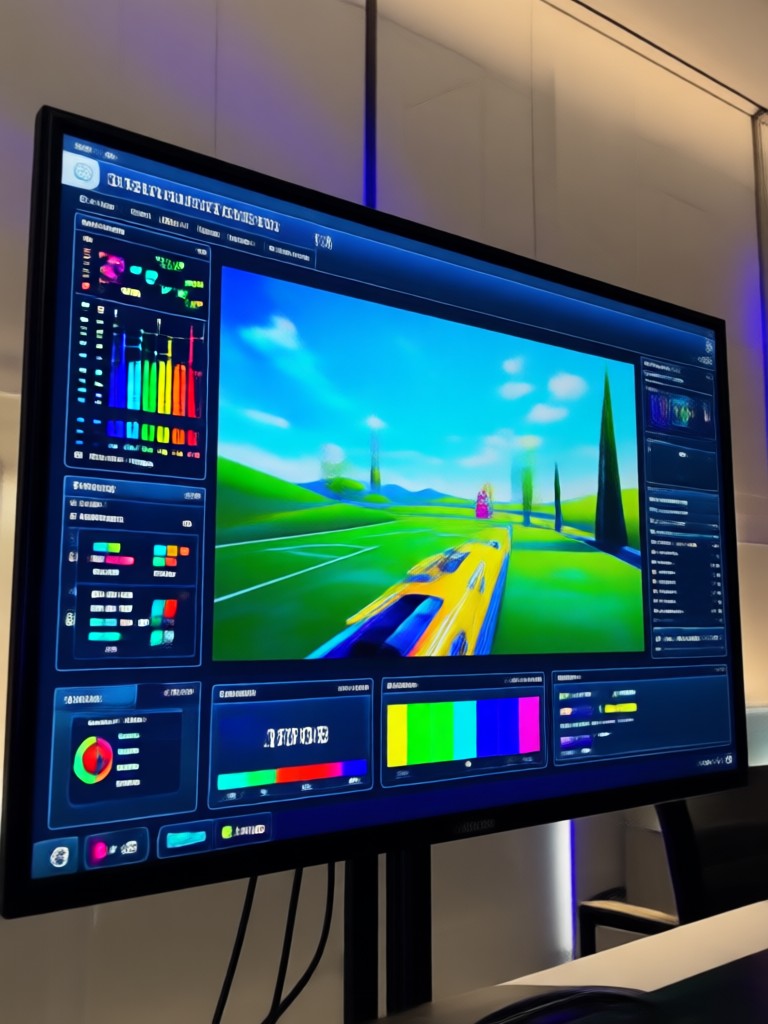
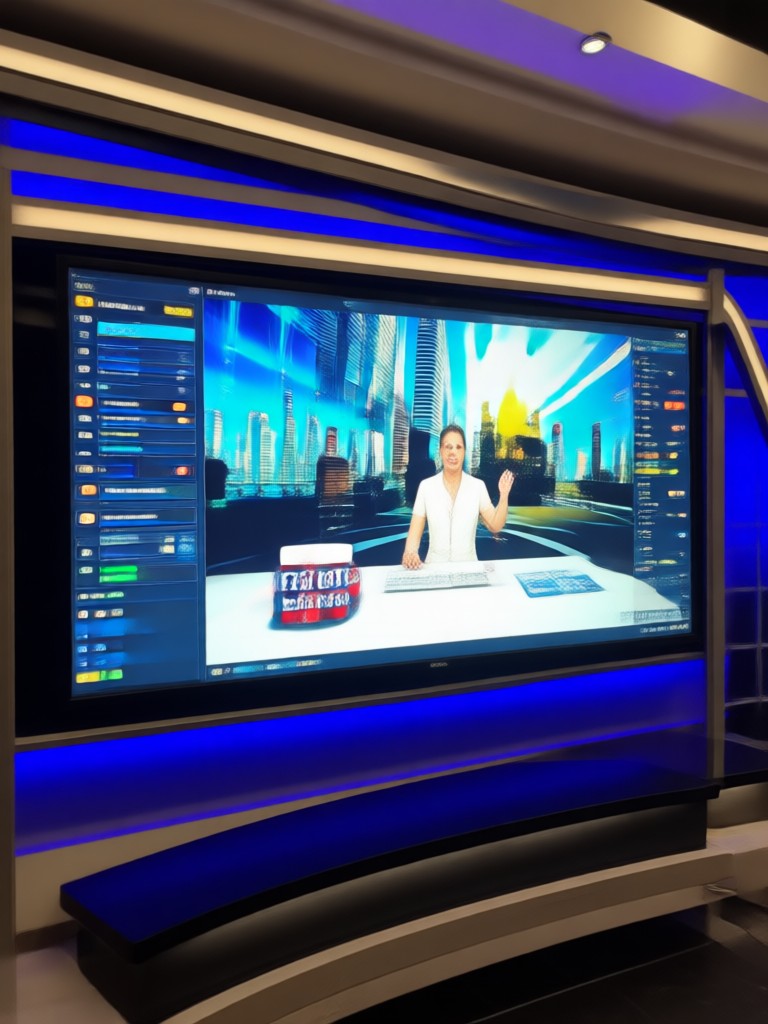
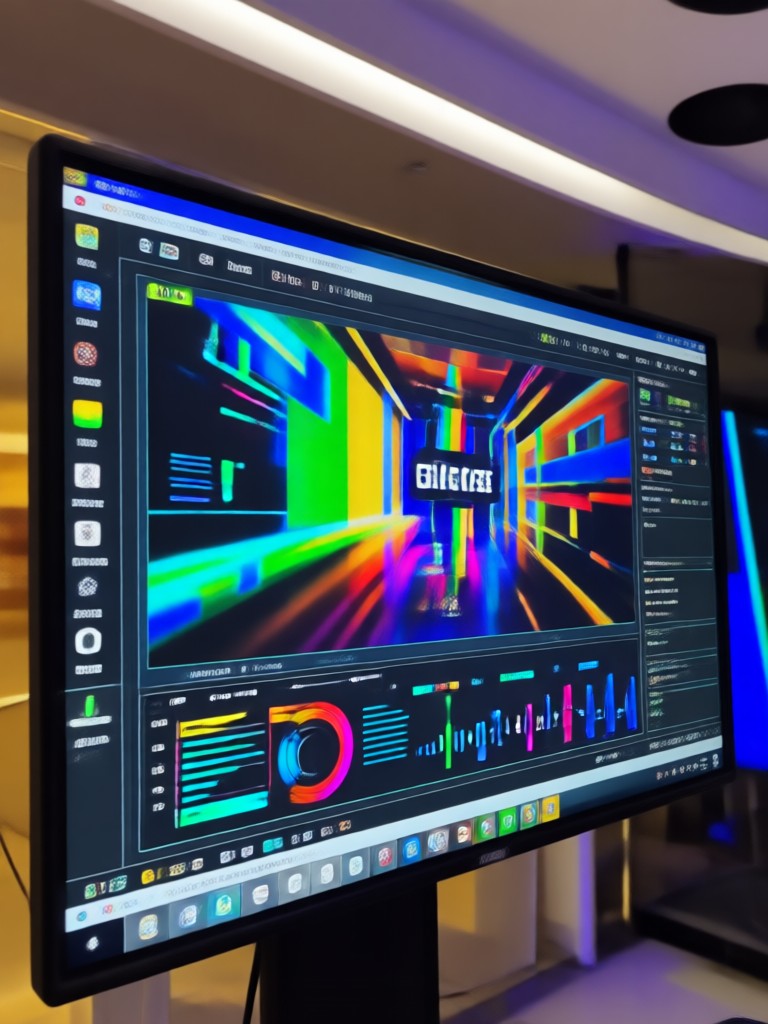
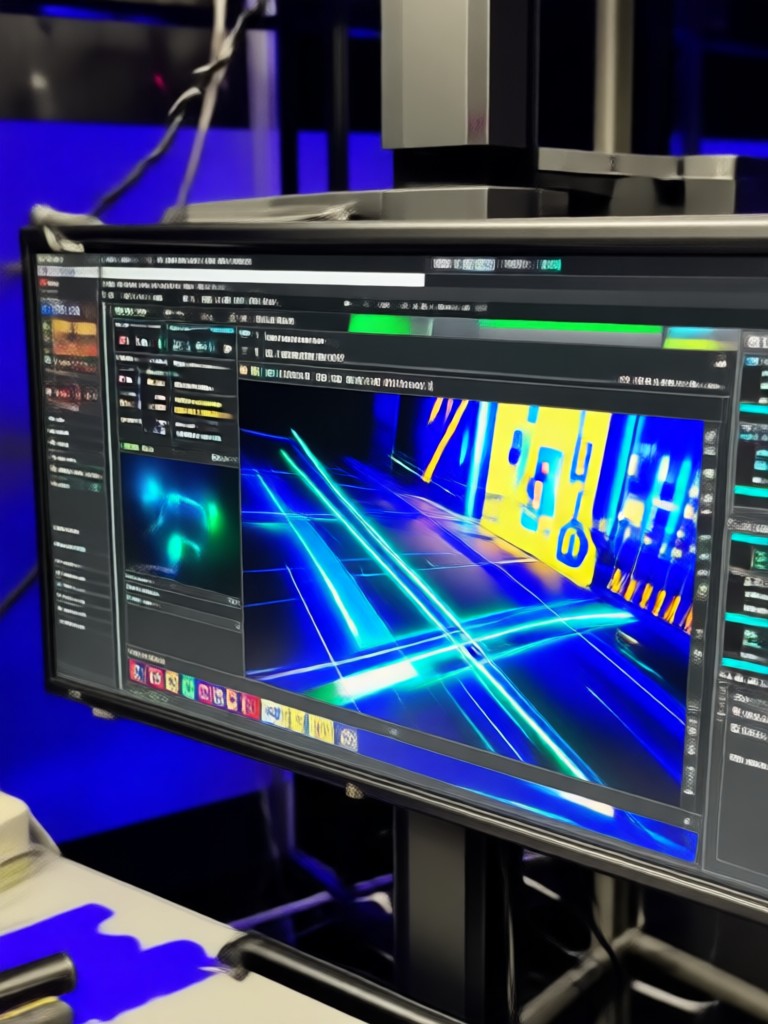
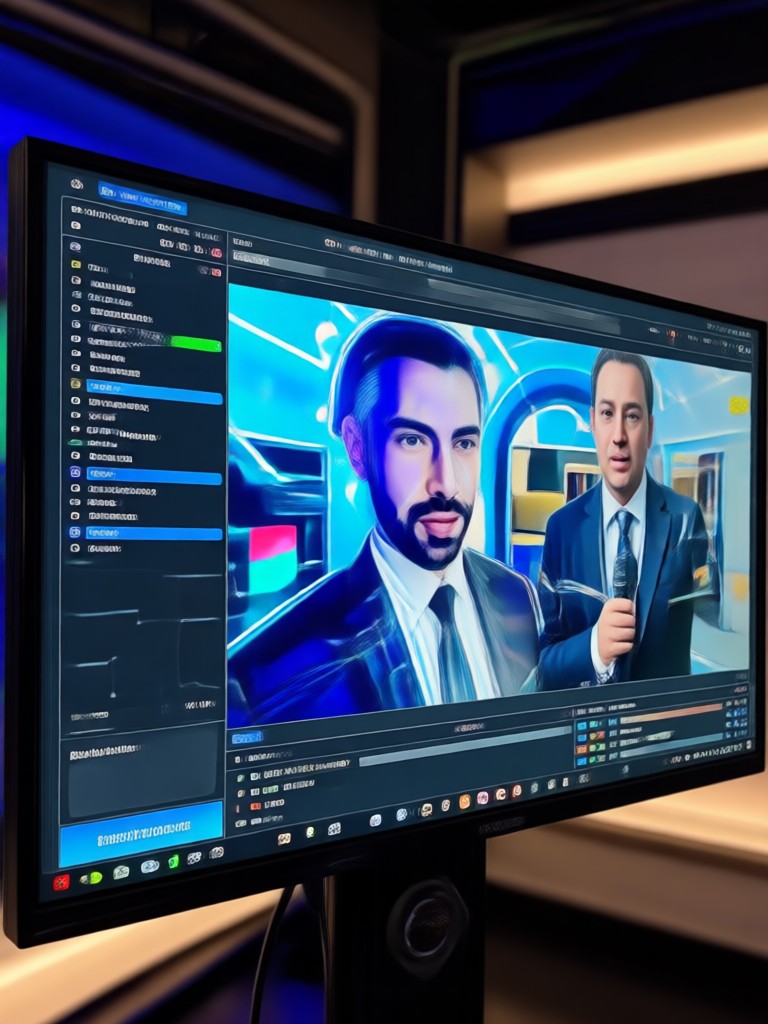
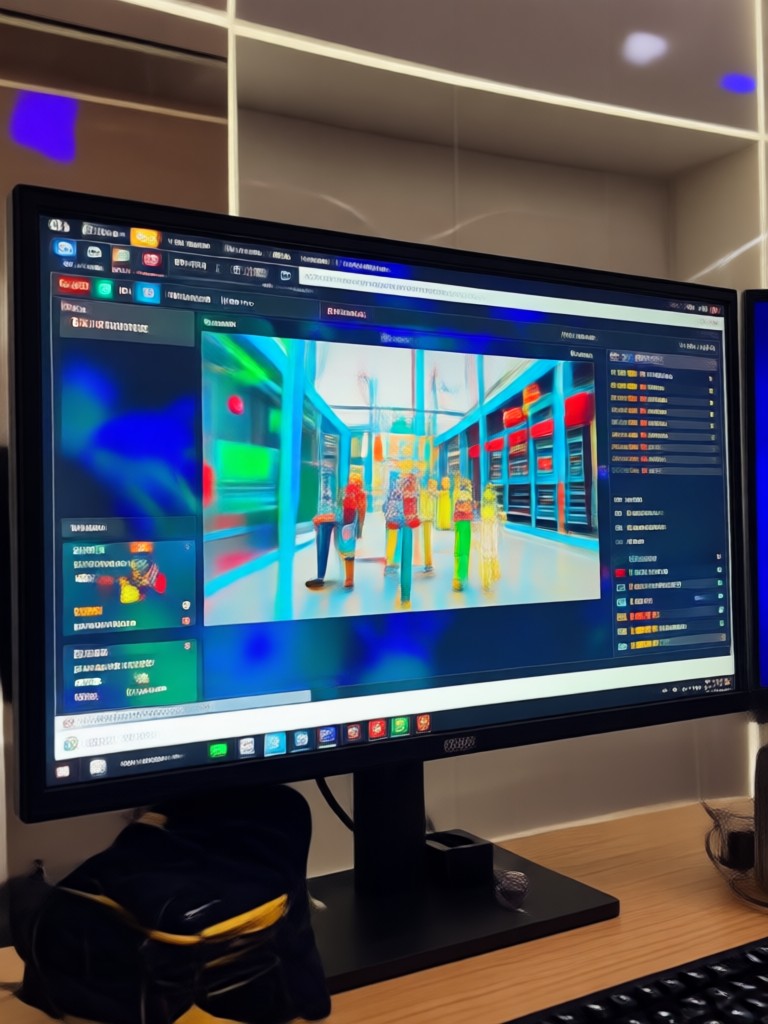
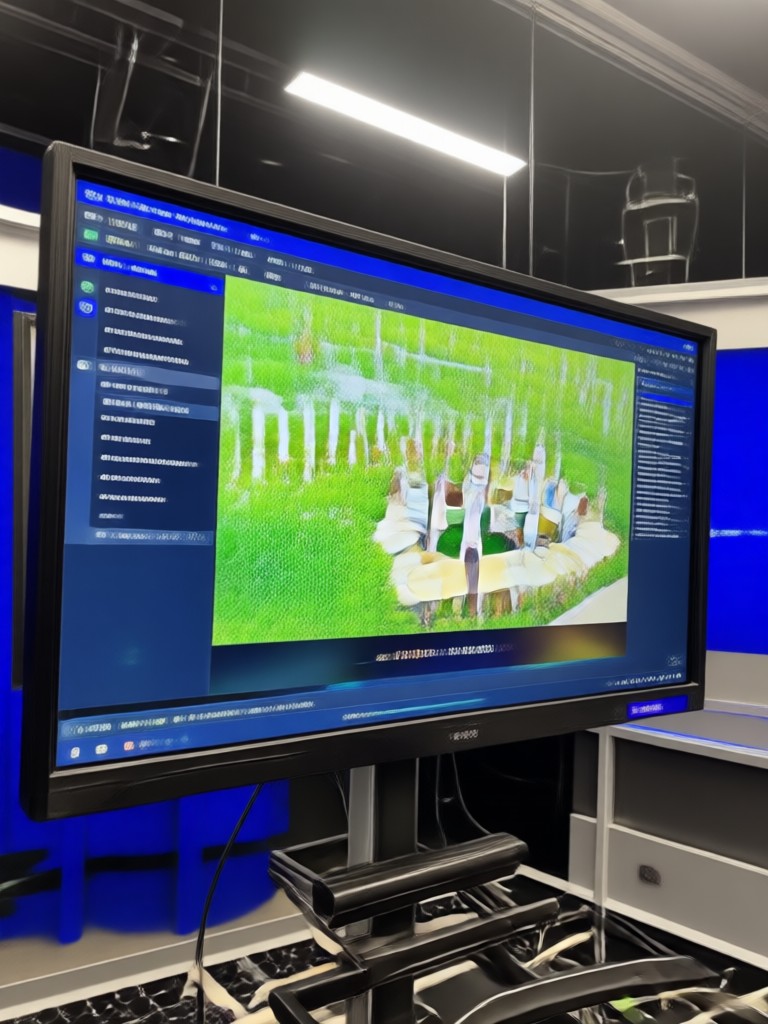
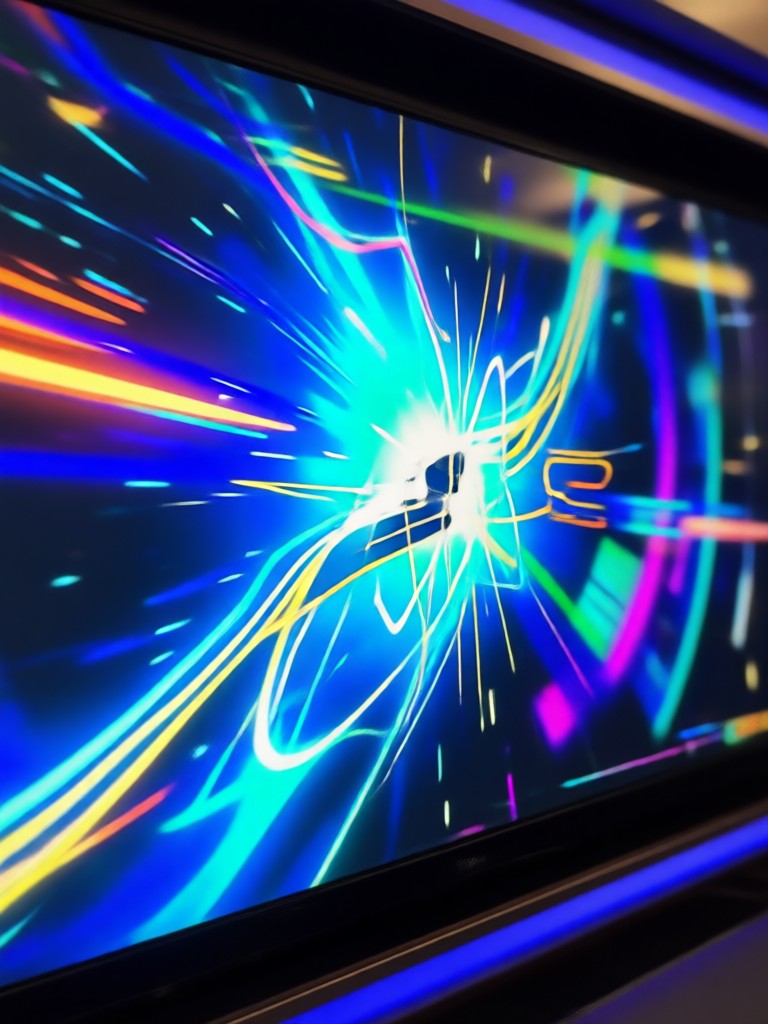
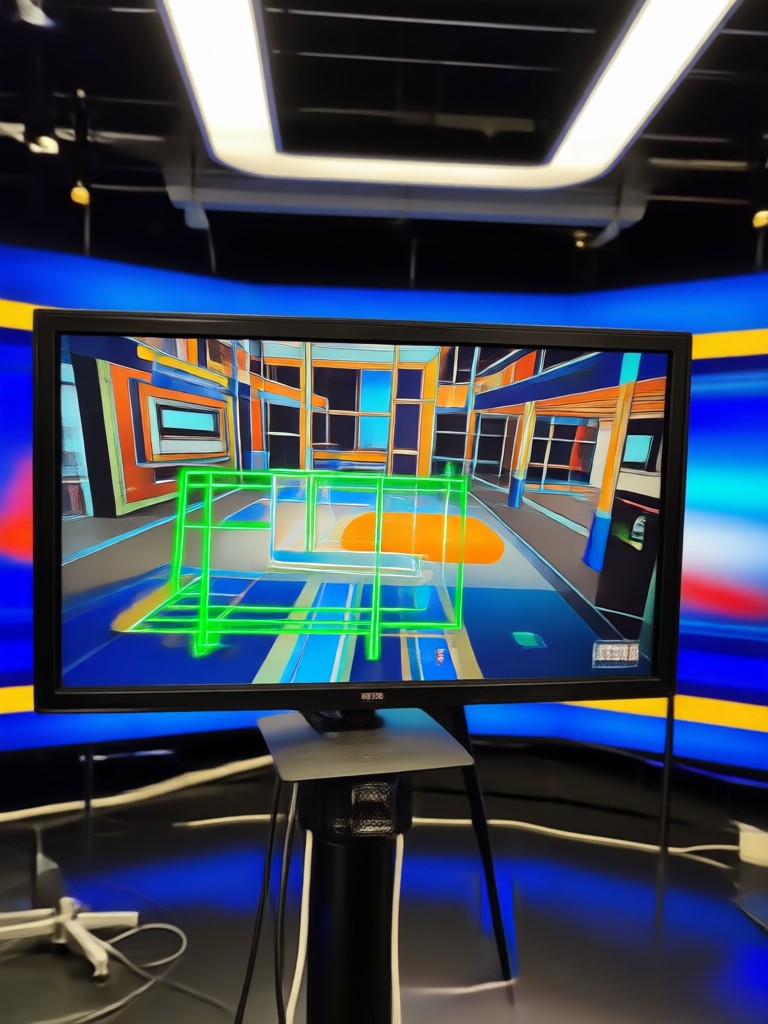
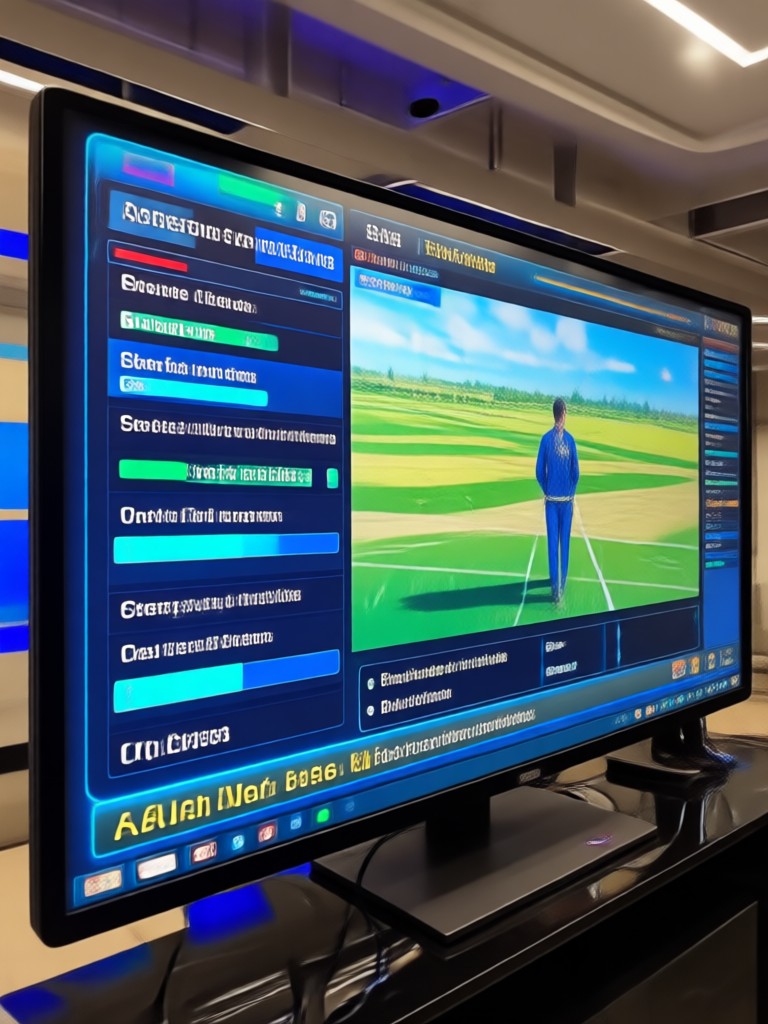
Browse stunning AI generated sports broadcast screenshots made with veeo. Discover creative possibilities and start creating your own professional sports visuals today.
How to Create AI Sports Broadcast Screenshots?
Turn your ordinary photos into professional sports broadcast moments in three simple steps using veeo.
Step 01.
Download the veeo app from Google Play and open it on your phone. The installation takes less than one minute and no account setup is required to start exploring.
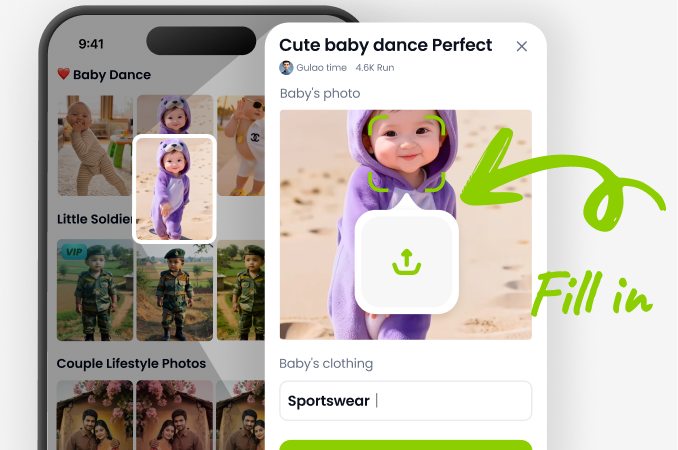
Step 02.
Upload your photo and select a sports broadcast filter from the library. Choose from dynamic camera angles, live TV graphics, and stadium lighting styles that match your sport.
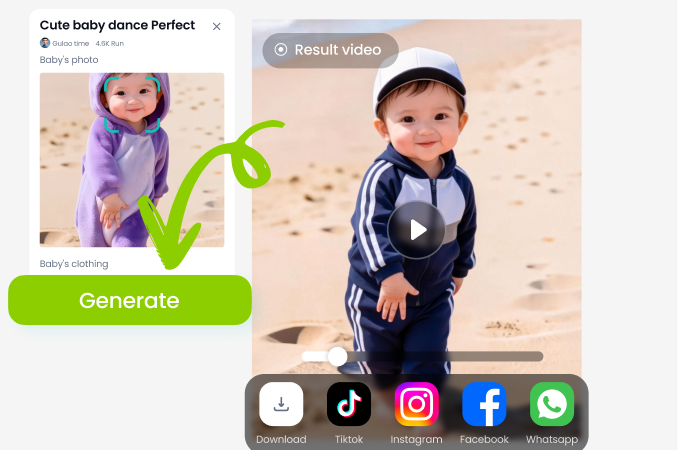
Step 03.
Tap generate and watch the AI transform your photo into a broadcast quality screenshot. Download your creation and share it on social media or with friends.
Why Choose veeo for Sports Broadcast Screenshots
Professional sports visuals used to require expensive cameras and production teams. Our AI technology puts that power in your pocket. Create broadcast quality screenshots in seconds, not hours. With over a million style filters and continuous updates, you will never run out of creative options for your sports content.
Turn Any Photo into a Sports Broadcast Moment
Whether you want to transform a gym selfie into a halftime highlight or turn your kid soccer photo into an ESPN style action frame, veeo makes it possible. Upload your image, choose a sports broadcast filter, and let the AI handle the rest. Realistic results appear in seconds, not hours, ready to download and share instantly.
Who Uses AI Sports Broadcast Screenshots

Marcus Johnson
I create highlight reels for local basketball games. These sports broadcast screenshots make my thumbnails look like they came straight from ESPN. Engagement doubled in two weeks.

Alex Martinez
Our league uses these broadcast style graphics for weekly recaps and trash talk posts. It looks professional and everyone thinks we hired a designer.
Jordan Lee
Parents want photos that look like their kids are on TV. veeo delivers that broadcast look every time without me having to learn complex editing software.
Chris Rivera
We handle social for a minor league team. Being able to generate broadcast screenshots from regular game photos has saved us thousands in production costs.
Marcus Johnson
I create highlight reels for local basketball games. These sports broadcast screenshots make my thumbnails look like they came straight from ESPN. Engagement doubled in two weeks.
Alex Martinez
Our league uses these broadcast style graphics for weekly recaps and trash talk posts. It looks professional and everyone thinks we hired a designer.
Jordan Lee
Parents want photos that look like their kids are on TV. veeo delivers that broadcast look every time without me having to learn complex editing software.
Chris Rivera
We handle social for a minor league team. Being able to generate broadcast screenshots from regular game photos has saved us thousands in production costs.
Frequently Asked Questions
Find clear answers to common questions about AI Sports Broadcast Screenshots and get the guidance you need to create stunning visuals.
More Topics You May Like
Explore more topics you may like and discover fresh ideas tailored to your interests.
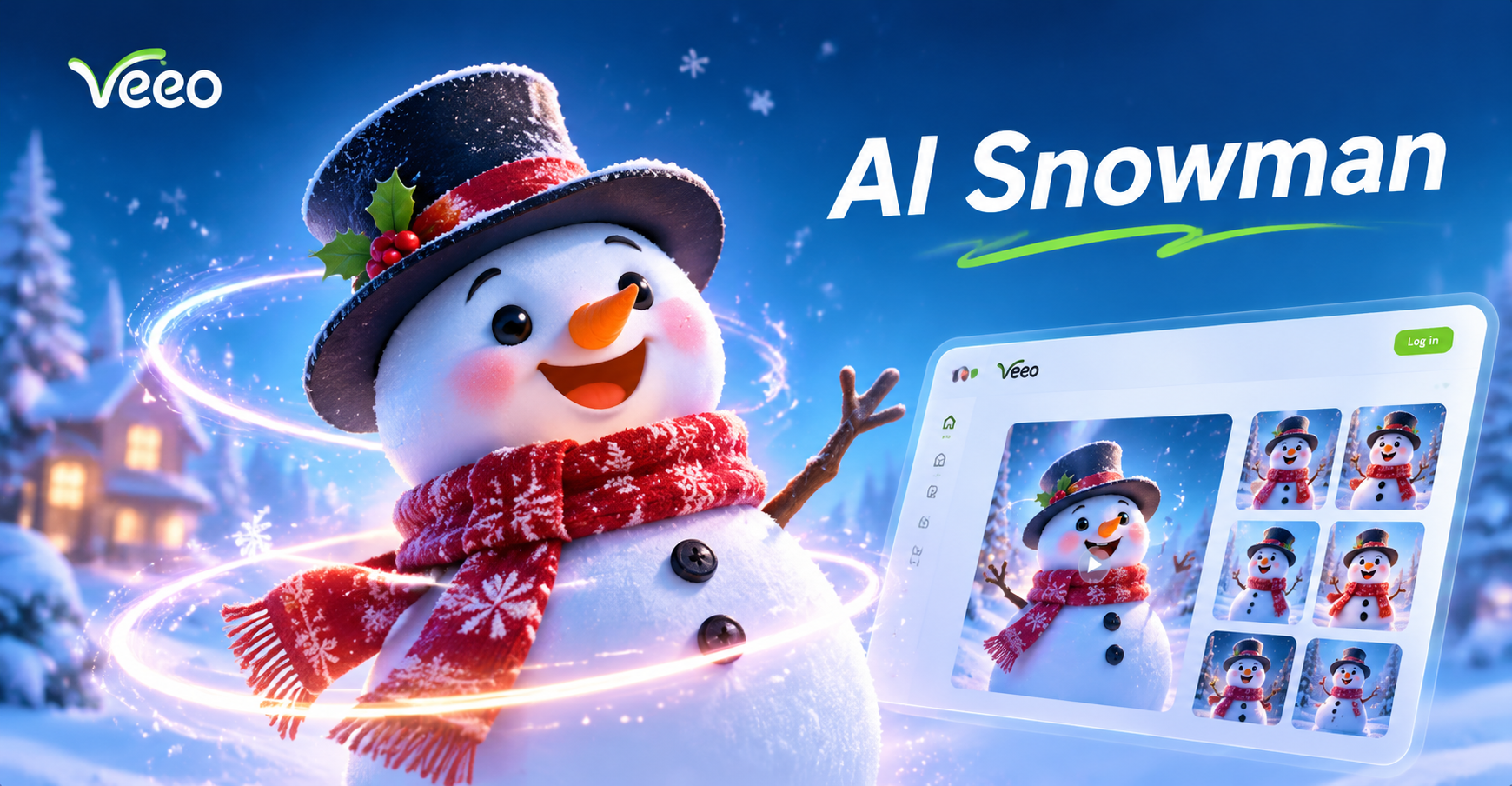
Turn Your Photo Into an AI Snowman Video
Upload a photo and turn it into an animated snowman video with veeo. Choose winter styles, add snow effects, and share magical holiday clips instantly. Download on Google Play.
Slim Down Photos Instantly with AI Skinny Filter
AI Skinny Filter lets you slim your body and face in photos with a single tap. Upload any image, choose your intensity, and download a natural-looking result in seconds.
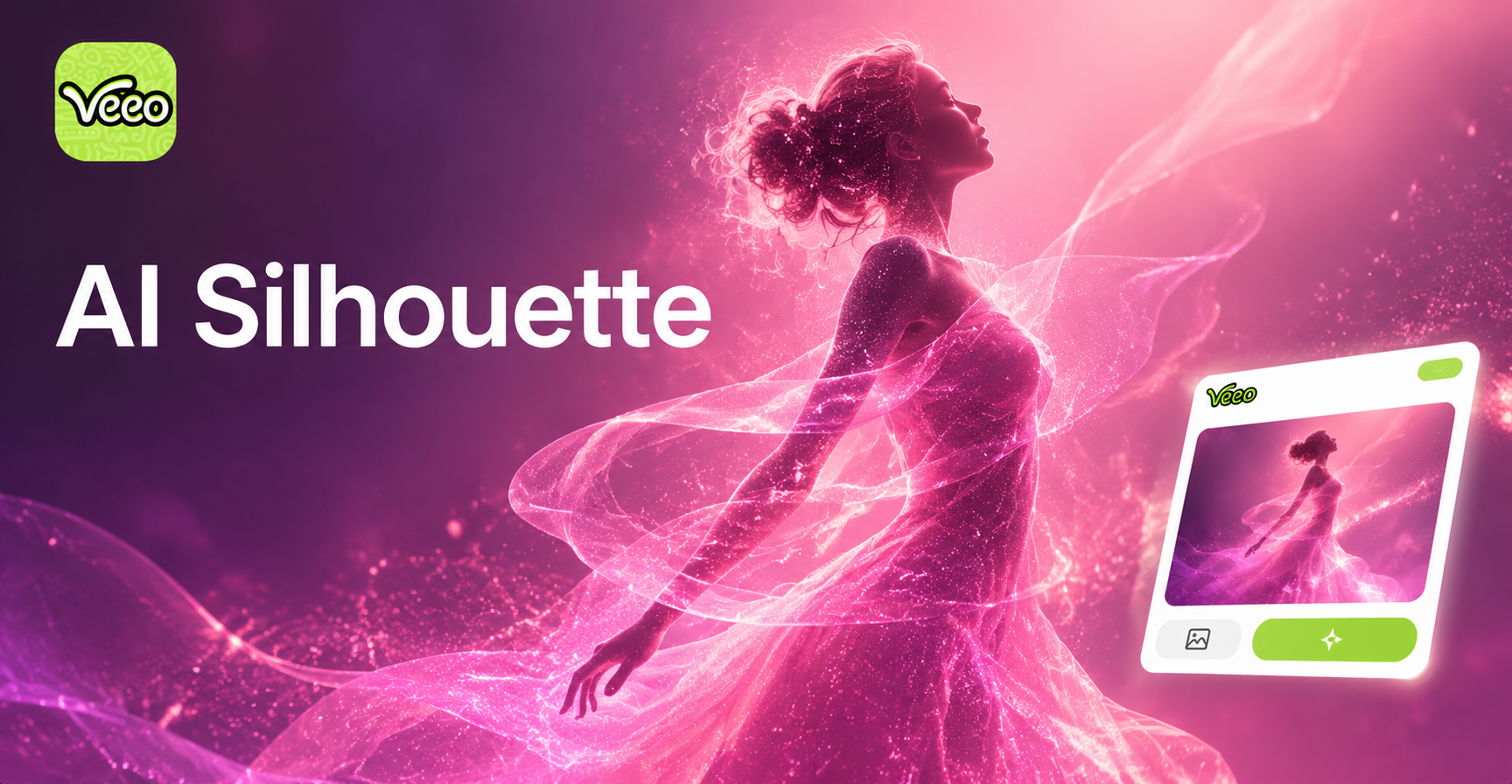
AI Silhouette Maker: Transform Photos into Shadow Art
Create striking silhouette images with the AI Silhouette Maker. Upload a photo, choose a style, and generate dramatic shadow portraits, sunset scenes, and artistic cutouts in seconds.

Turn Any Photo Into a Renaissance Masterpiece
AI Renaissance Painting transforms photos into classical oil portraits. Upload a picture, choose a style, and get museum quality results in seconds.
Your Broadcast Moment Starts Now
Turn ordinary photos into professional sports broadcast screenshots. Download veeo today and start creating content that captures the excitement of live sports.
Your Broadcast Moment Starts Now
Turn ordinary photos into professional sports broadcast screenshots. Download veeo today and start creating content that captures the excitement of live sports.