AI Skinny Filter


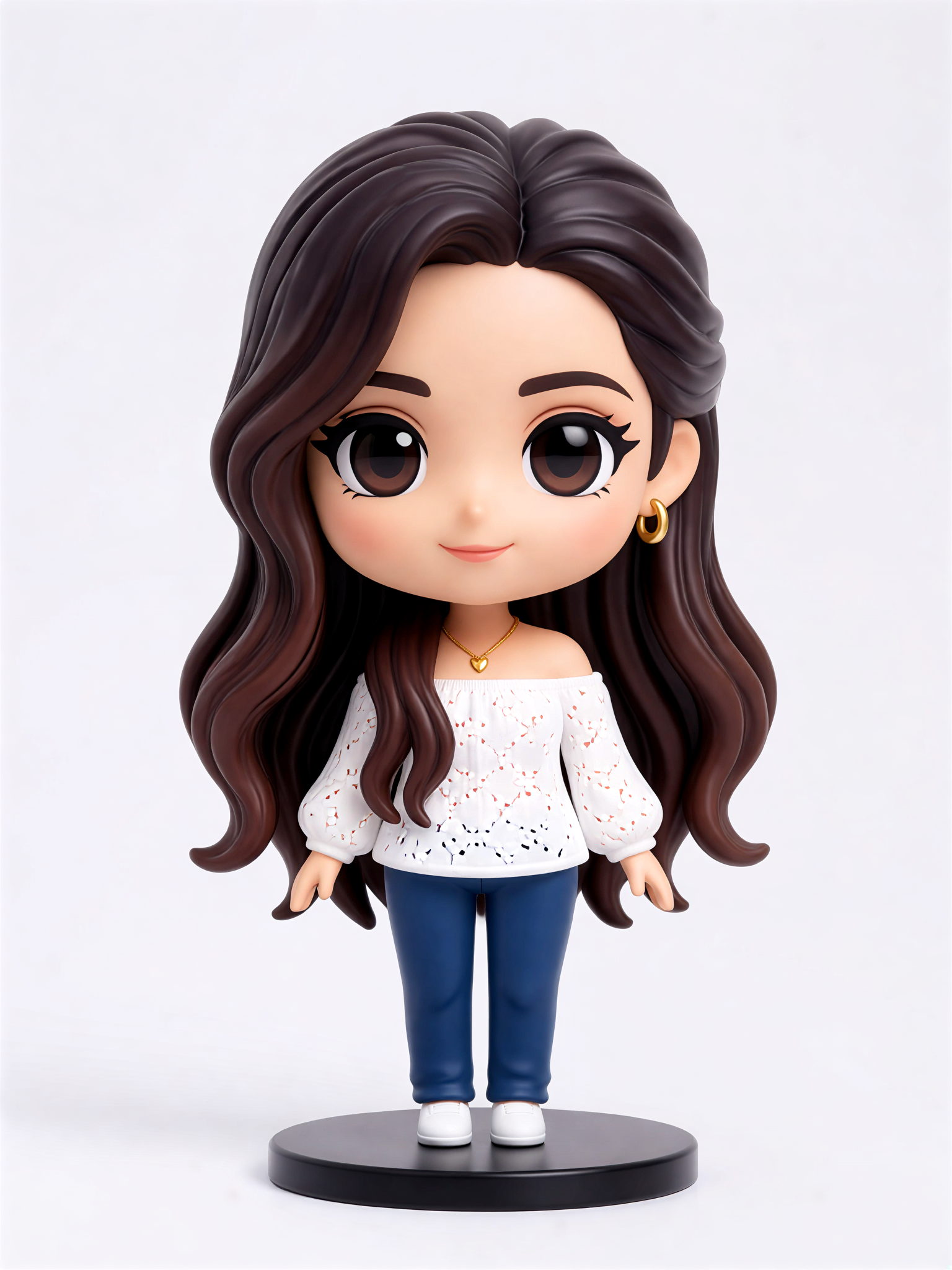
Cute Figurine


Key Features of AI Skinny Filter
Discover how AI Skinny Filter transforms your photos with realistic body slimming, face contouring, and adjustable intensity for natural-looking results.
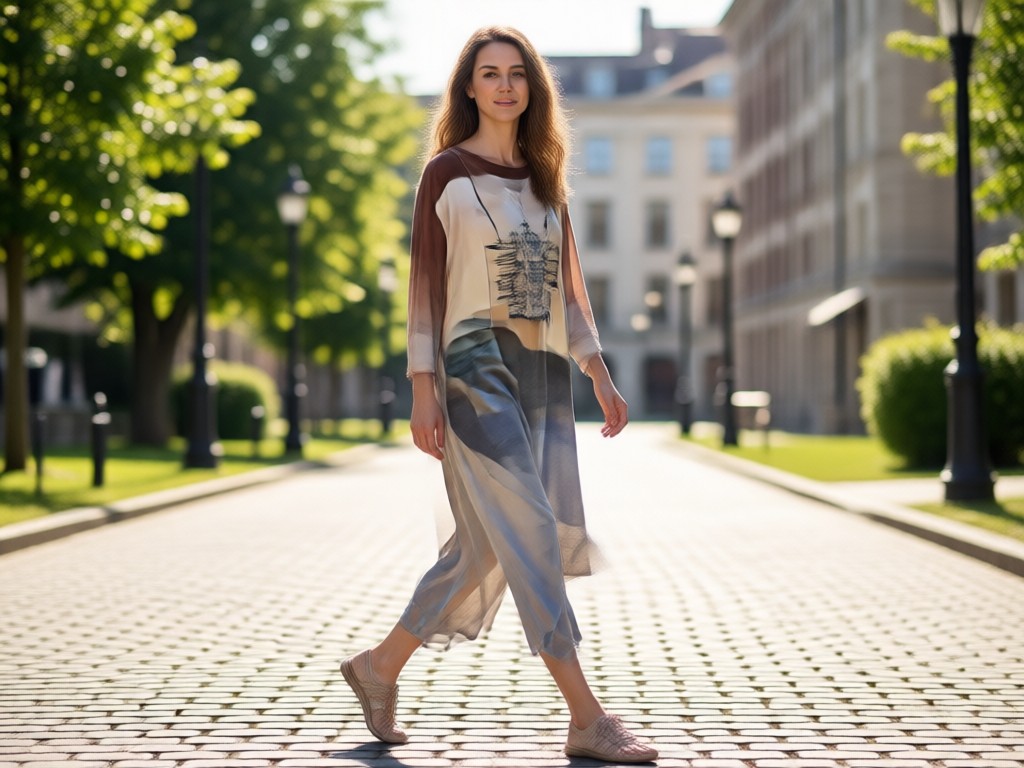
Natural Body Slimming
AI Skinny Filter analyzes your body proportions and gently slims your waist, arms, and legs without warping the background. The result looks like a real photo, not a digital edit. You can choose subtle or dramatic changes depending on your goal.
Natural Body Slimming
AI Skinny Filter analyzes your body proportions and gently slims your waist, arms, and legs without warping the background. The result looks like a real photo, not a digital edit. You can choose subtle or dramatic changes depending on your goal.
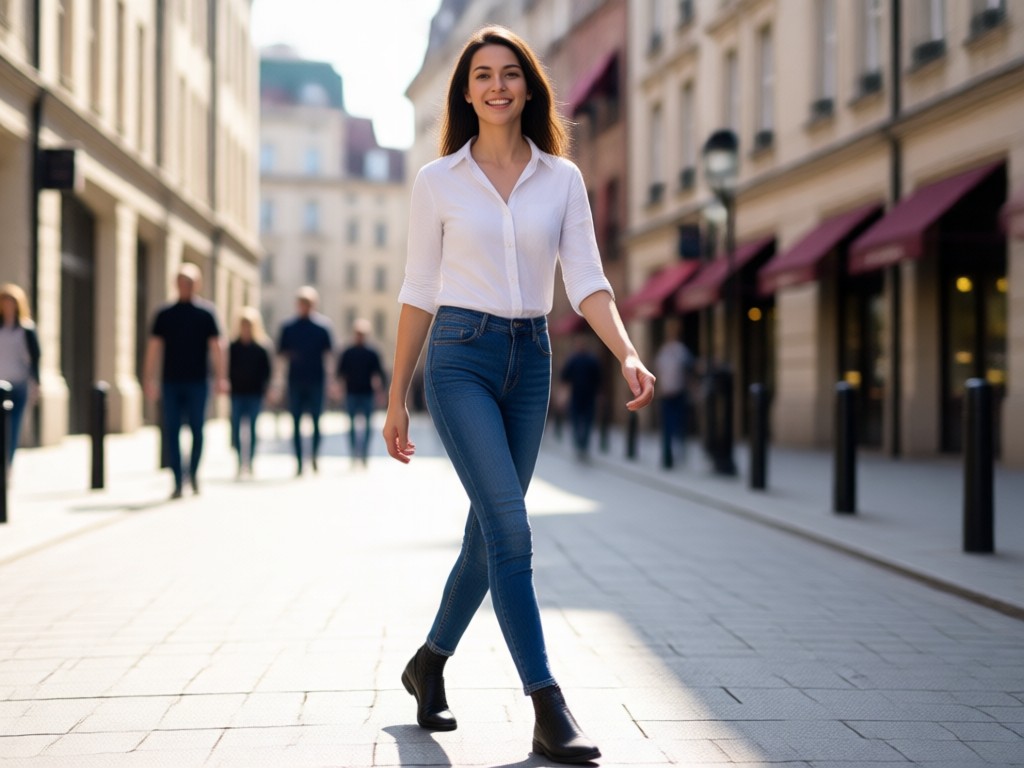
Face Slimming and Contouring
Get a sharper jawline and slimmer cheeks with AI-powered face contouring. The filter detects facial landmarks and adjusts the shape naturally, preserving your unique features. Perfect for profile pictures and selfies.
Face Slimming and Contouring
Get a sharper jawline and slimmer cheeks with AI-powered face contouring. The filter detects facial landmarks and adjusts the shape naturally, preserving your unique features. Perfect for profile pictures and selfies.
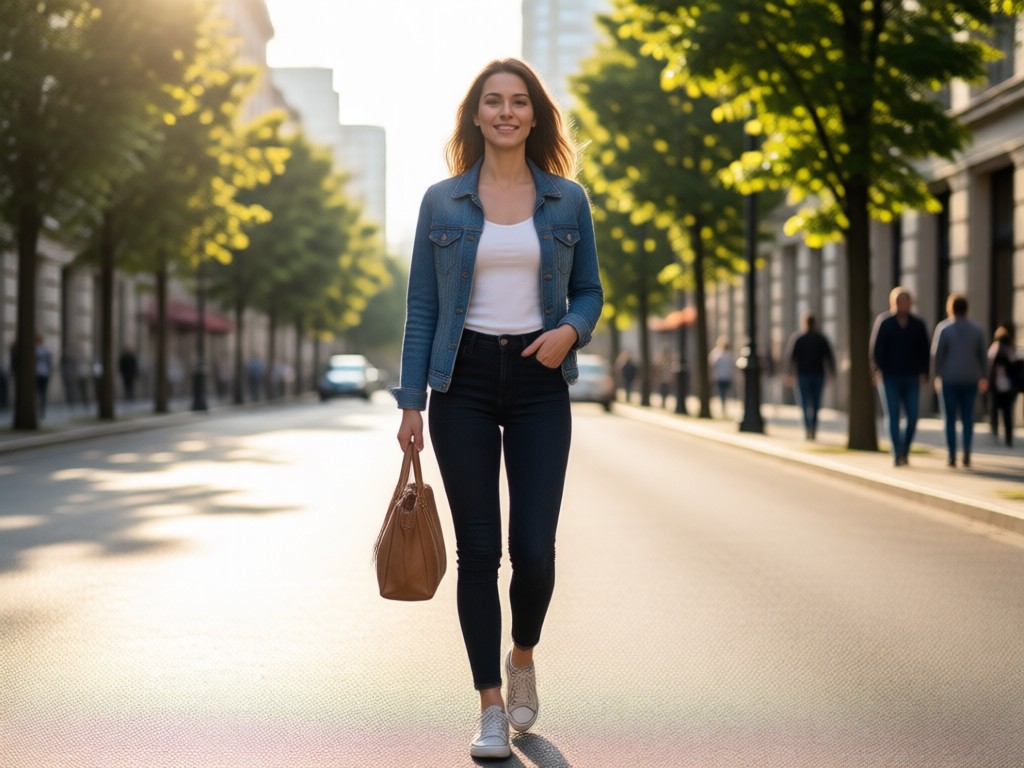
Adjustable Intensity Control
You are in control. Use a simple slider to set the slimming intensity from barely there to dramatic. Preview changes in real time and fine-tune the effect until it looks exactly the way you want. No over-processing.
Adjustable Intensity Control
You are in control. Use a simple slider to set the slimming intensity from barely there to dramatic. Preview changes in real time and fine-tune the effect until it looks exactly the way you want. No over-processing.
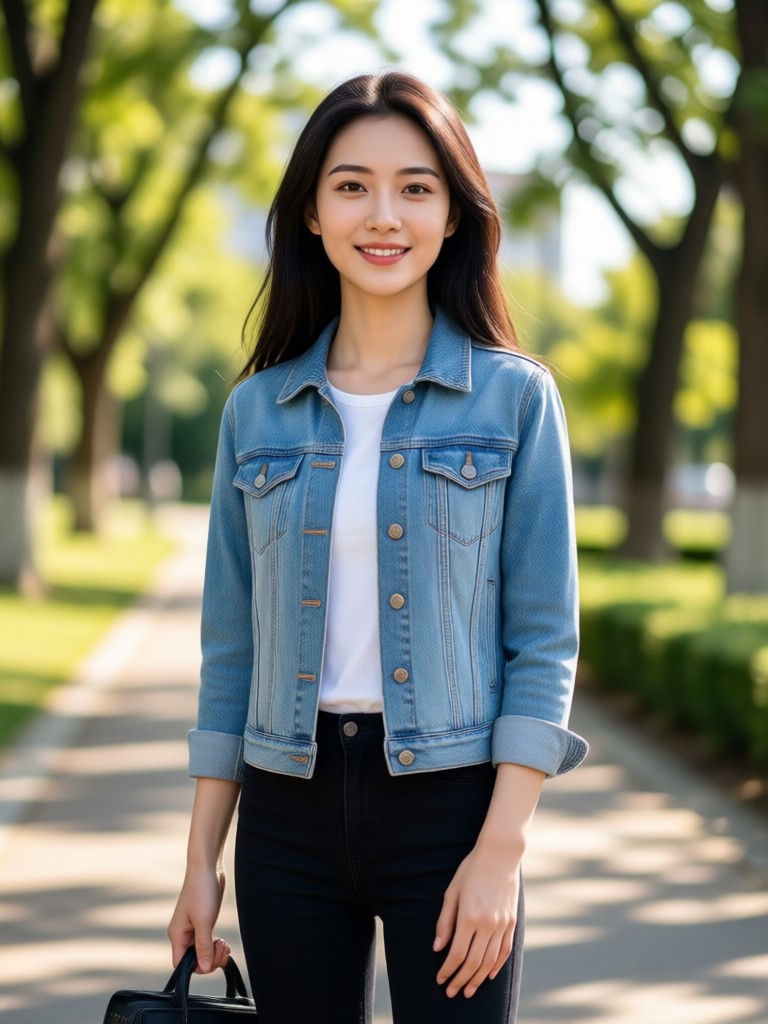
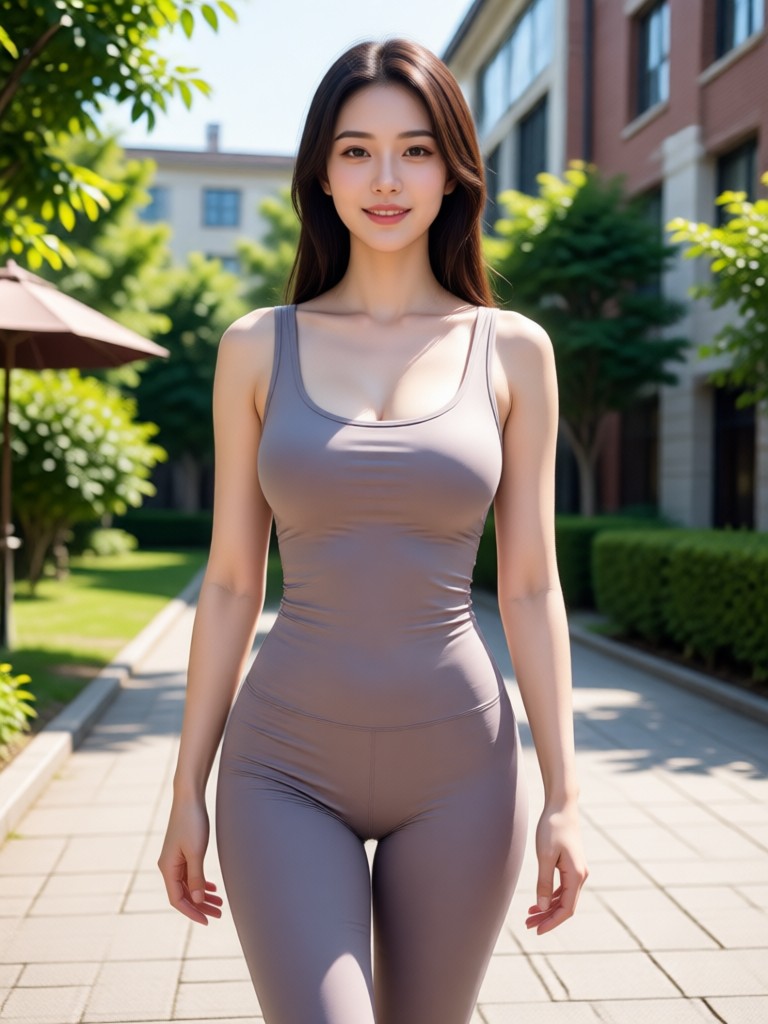
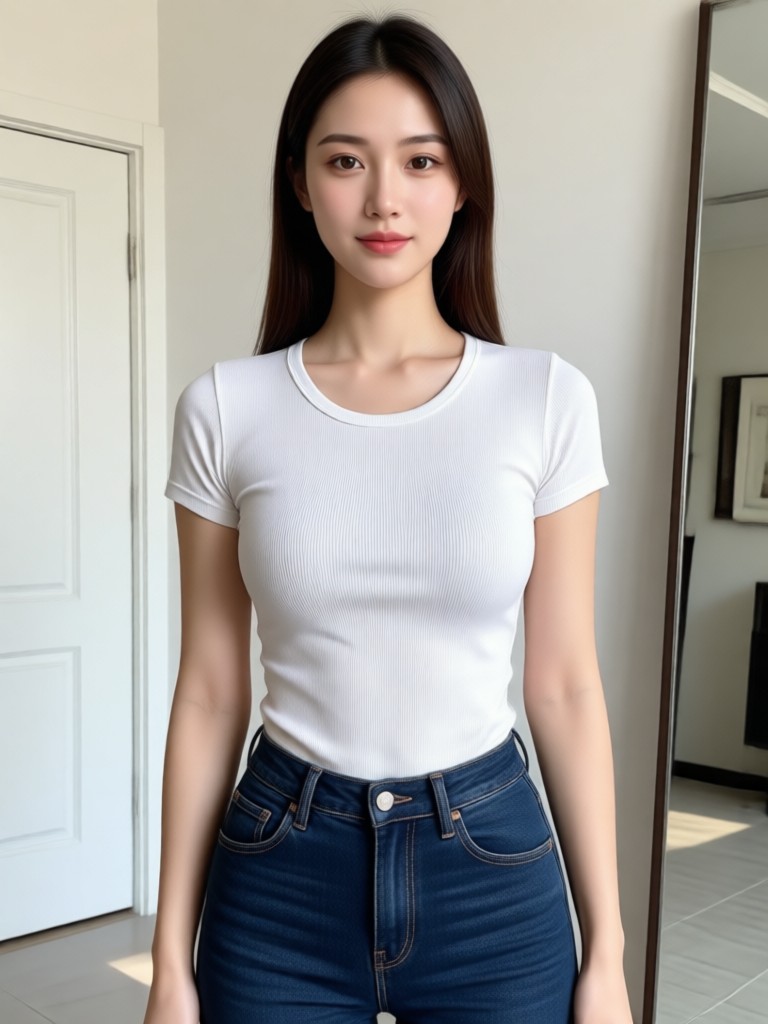
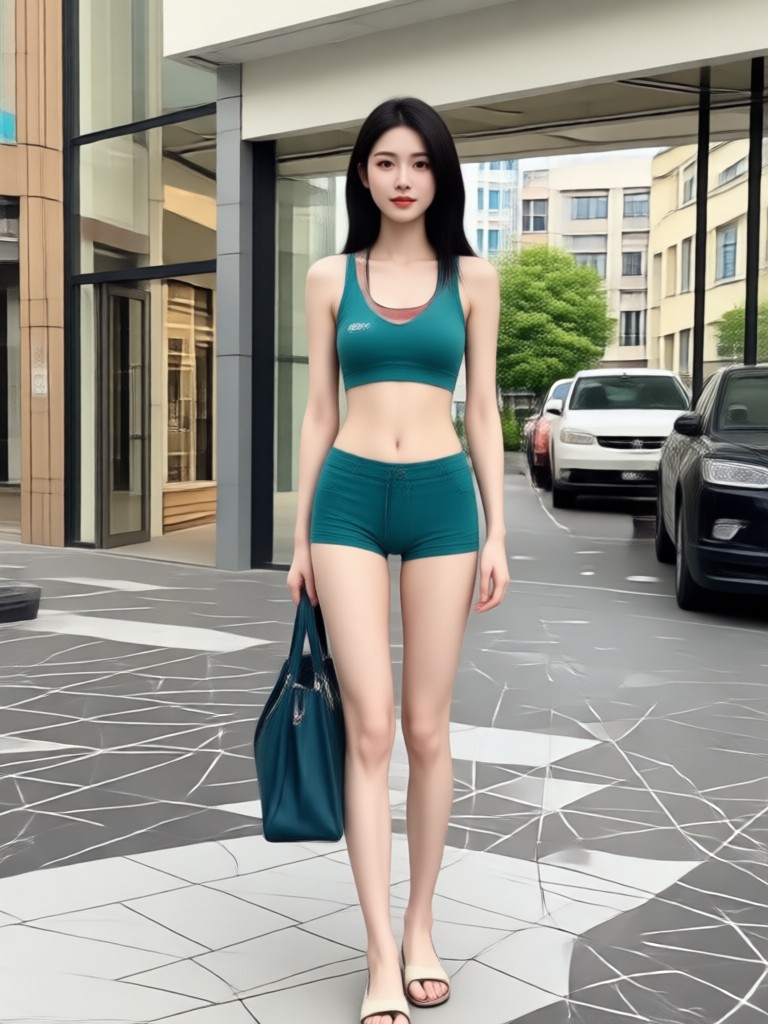
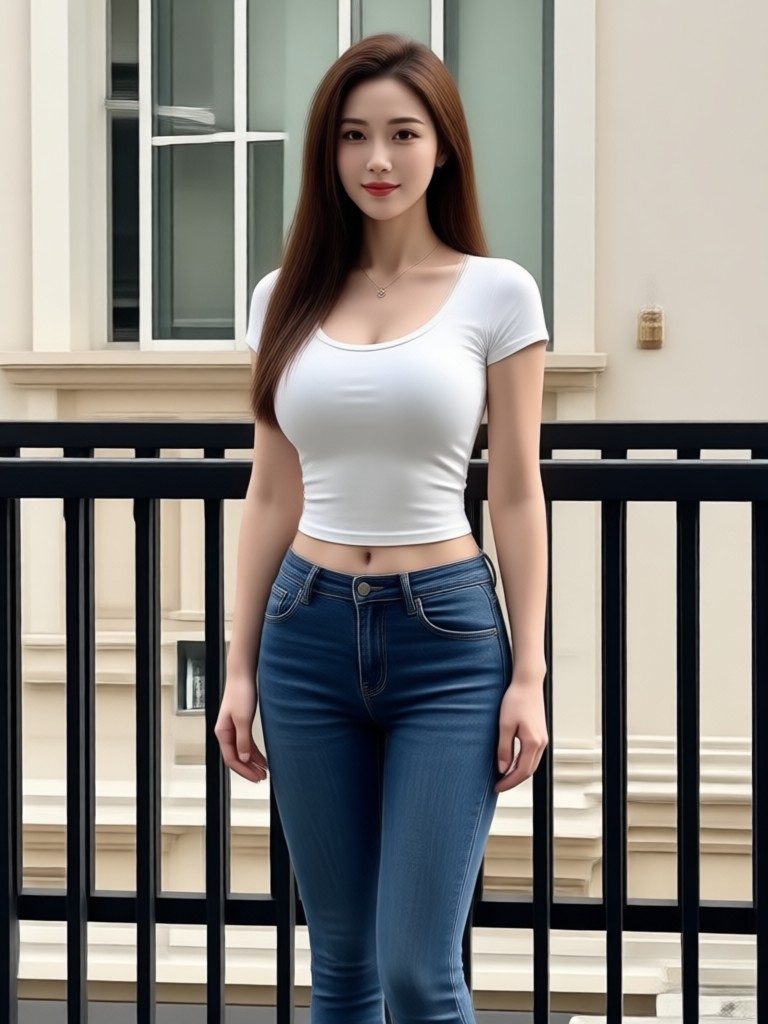
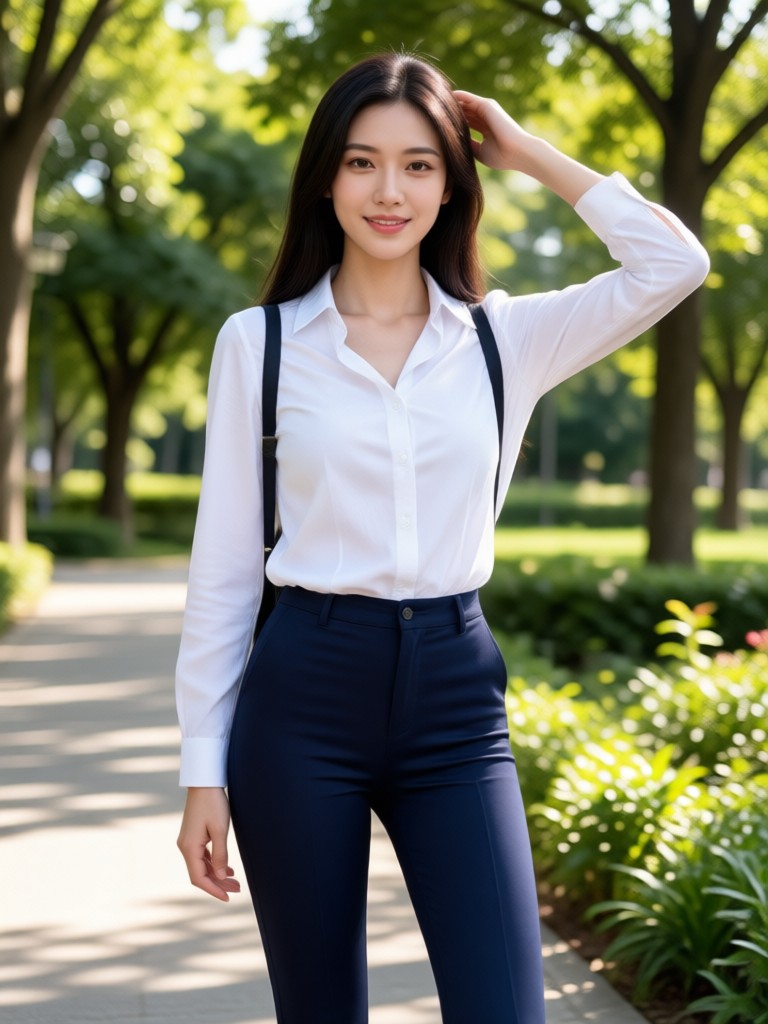
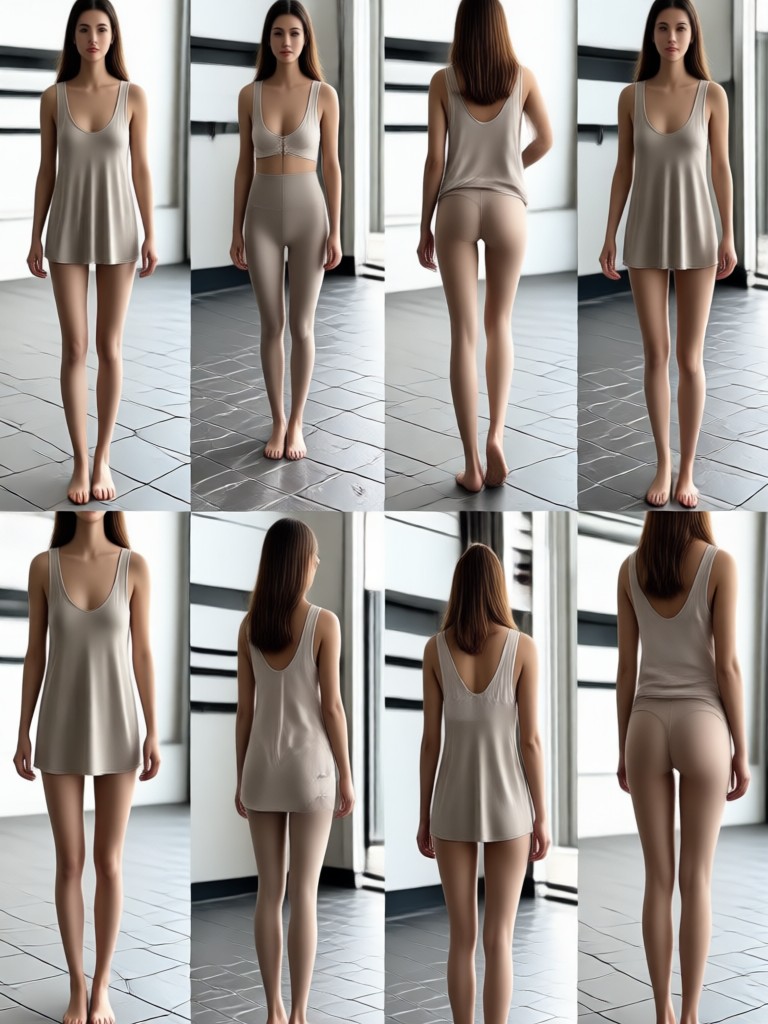
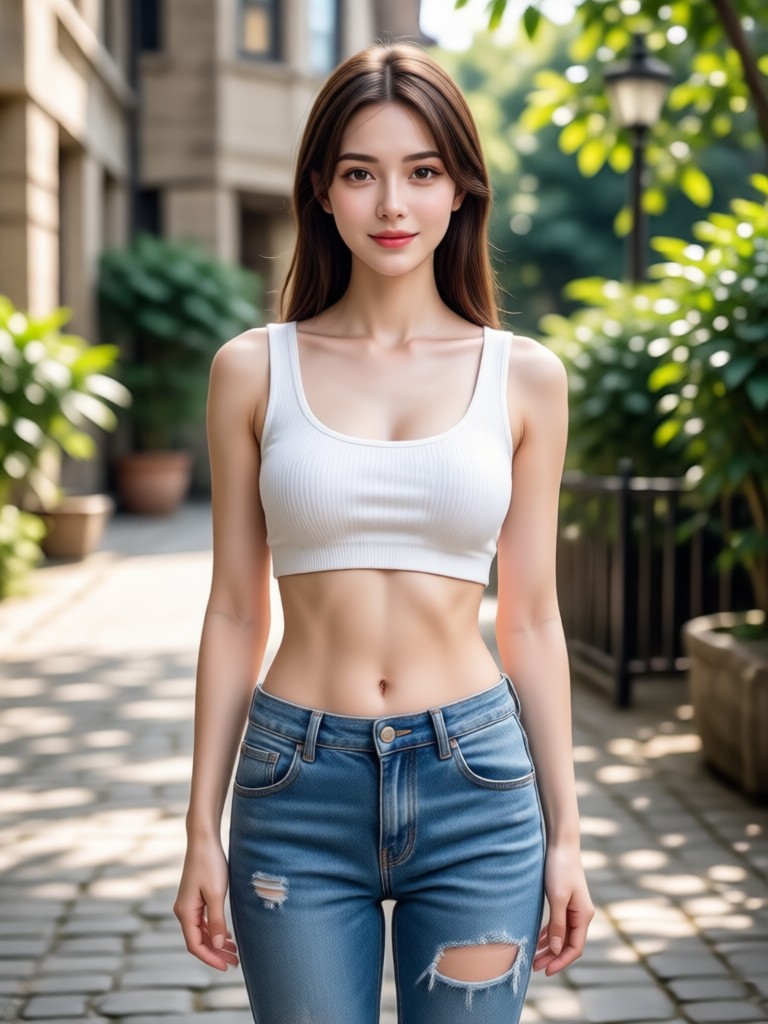
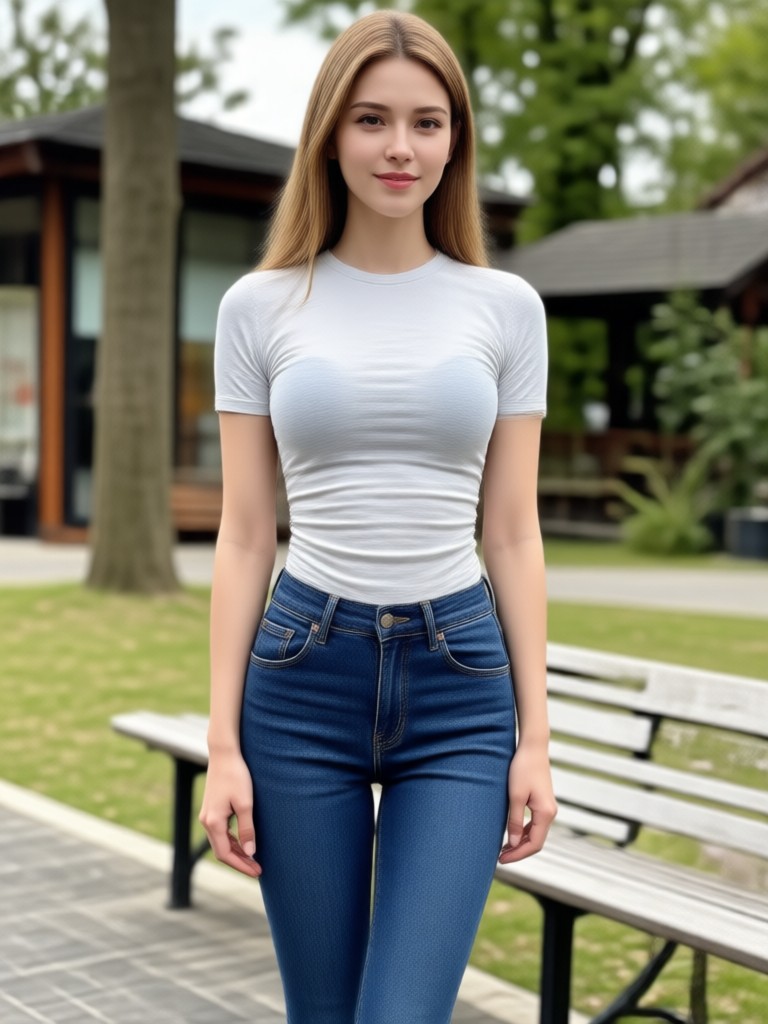
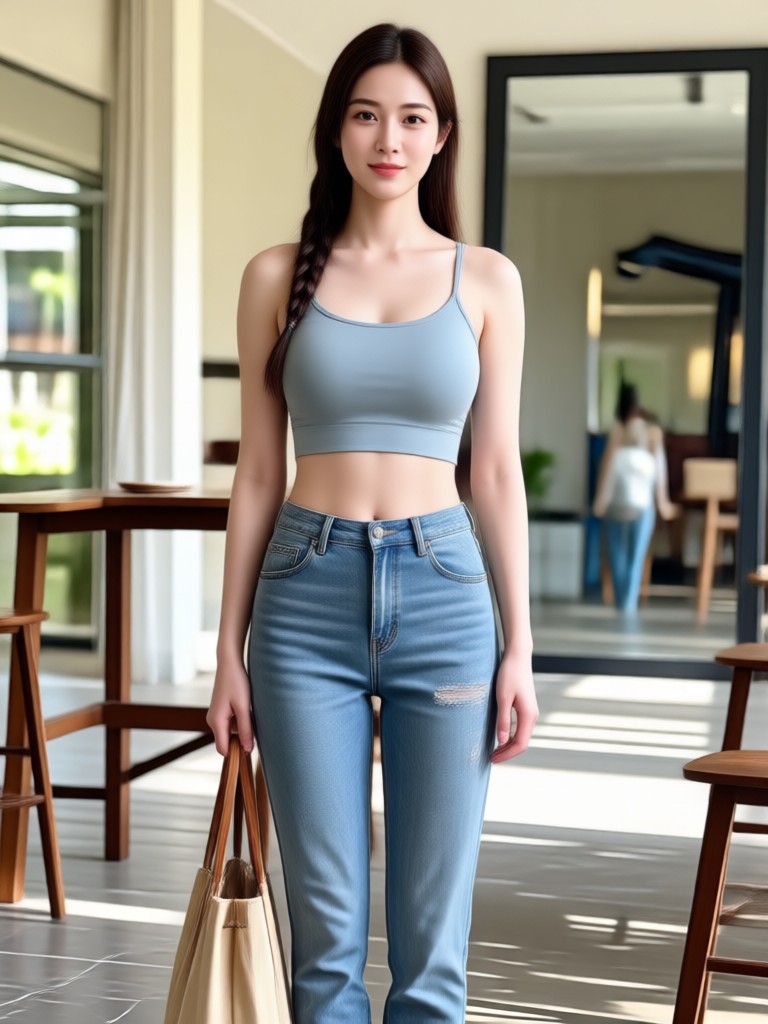
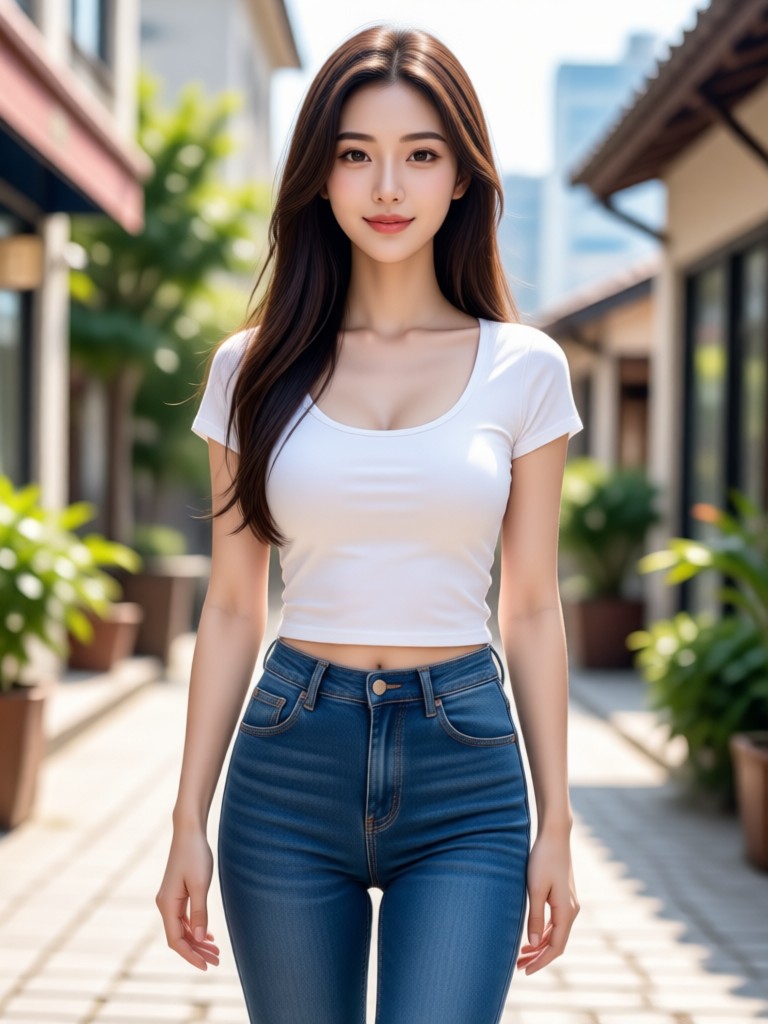
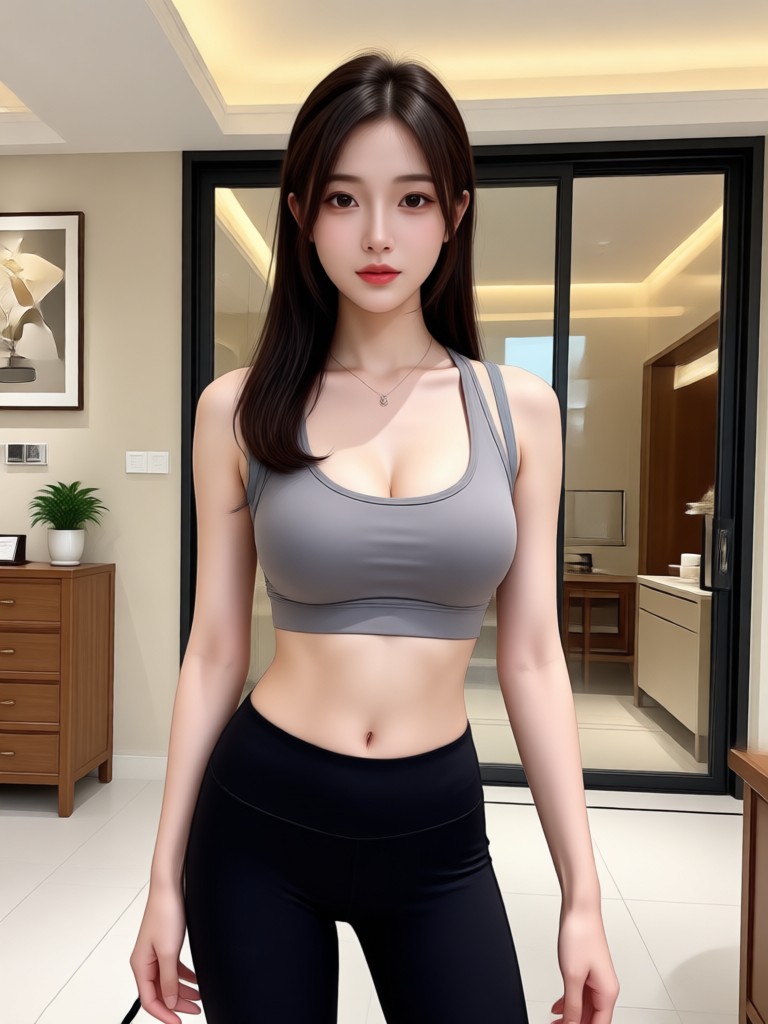
AI Skinny Filter Results Gallery
Browse stunning before and after examples created with AI Skinny Filter. See how the filter slims bodies and faces naturally while keeping the original photo quality.

Why Use AI Skinny Filter?
Most slimming apps distort your image or require complex editing skills. AI Skinny Filter uses advanced artificial intelligence to understand your body shape and apply changes that look completely natural. You get a refined photo in seconds, ready to share anywhere.
Why Use AI Skinny Filter?
Most slimming apps distort your image or require complex editing skills. AI Skinny Filter uses advanced artificial intelligence to understand your body shape and apply changes that look completely natural. You get a refined photo in seconds, ready to share anywhere.
How to Use AI Skinny Filter
Create a slimmer version of any photo in just three simple steps using the veeo app on your Android device.

Step 01.
Download the veeo app from Google Play and open it on your Android phone or tablet.
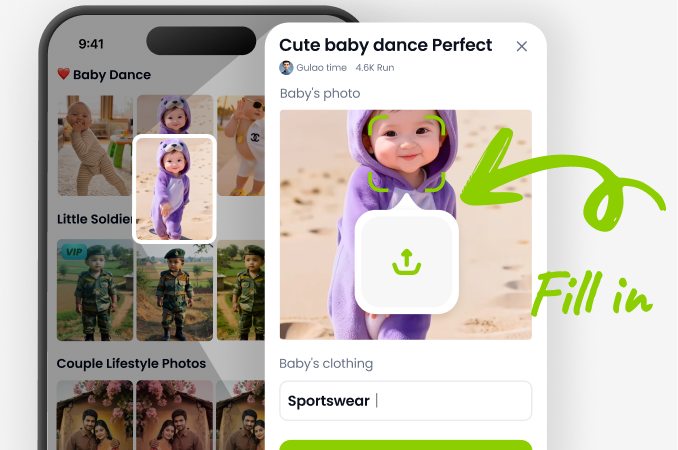
Step 02.
Upload a photo from your gallery or take a new one. Select the AI Skinny Filter from the effects library.
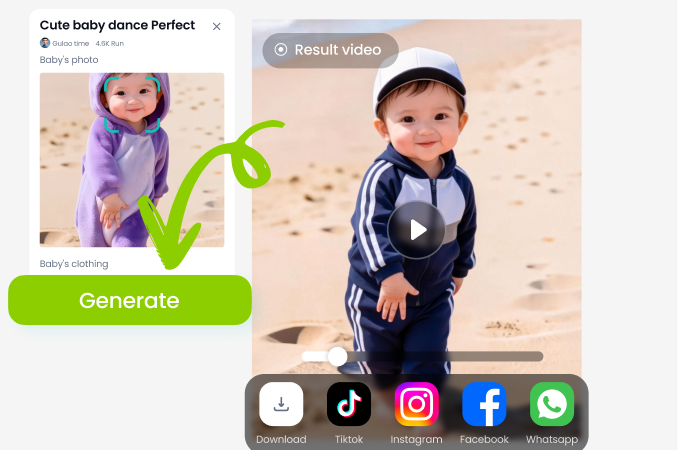
Step 03.
Adjust the slimming intensity with the slider, preview the result, and save or share your new photo instantly.
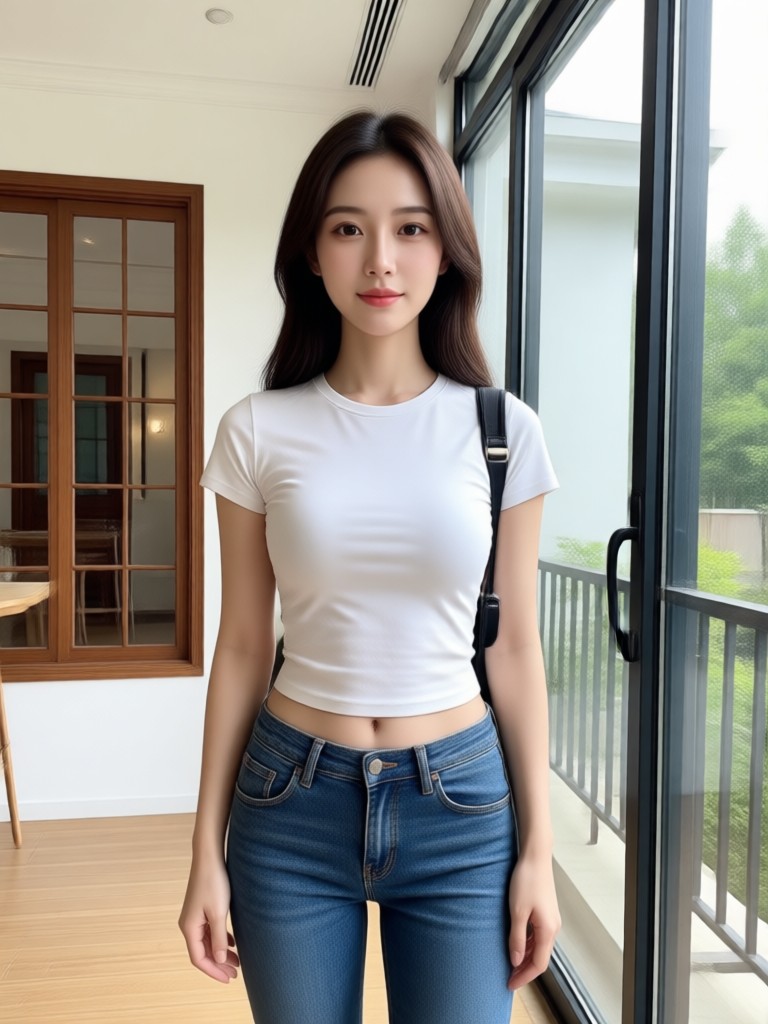
AI Skinny Filter App for Android
Download the veeo app from Google Play and start slimming your photos naturally. Works on all Android devices, no sign-up required for basic use.

Frequently Asked Questions
Find clear answers to common questions about AI Skinny Filter and how it works.
Here is What People Think About AI Skinny Filter
Finally a natural looking slimming filter
I have tried many slimming apps before and they always made my arms look weird. AI Skinny Filter is different. The result looks like I actually lost weight in the photo. No one can tell it was edited.
Amazing results for my social media
I use this filter on all my Instagram posts now. It takes two seconds and my photos look so much better. The intensity slider is perfect, I usually keep it at 30 percent for a natural change.
Easy to use and realistic
I am not tech savvy at all, but this app is super simple. I uploaded my photo, chose the skinny filter, and downloaded the result. It even works on group photos without messing up other people.
More Topics You May Like
Explore more topics you may like and discover fresh ideas tailored to your interests.
AI Silhouette Maker: Transform Photos into Shadow Art

Turn Any Photo Into a Renaissance Masterpiece
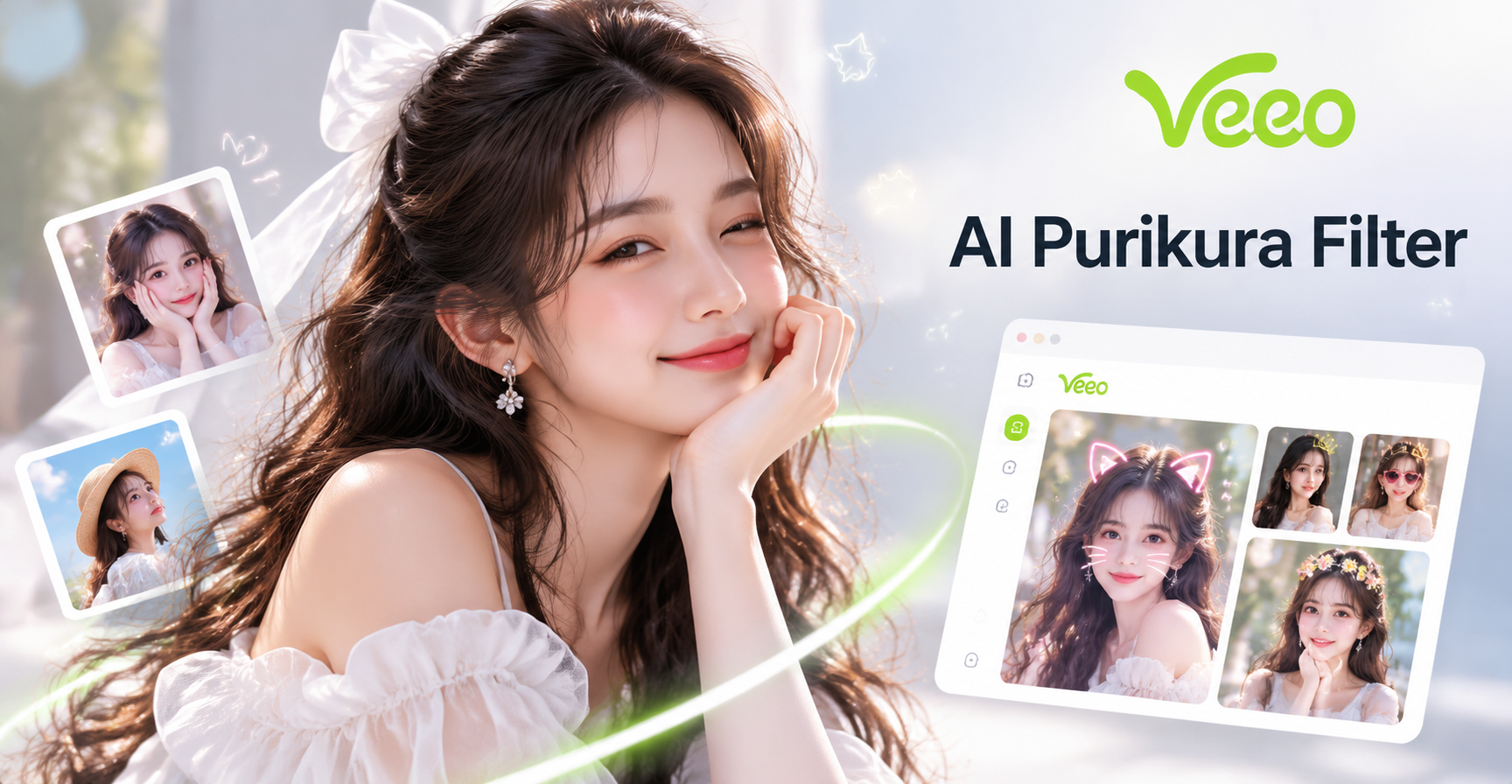
AI Purikura Filter: Kawaii Japanese Photo Booth Makeover

AI Run Fast Effects: Add Motion Speed to Any Photo
AI Silhouette Maker: Transform Photos into Shadow Art
Turn Any Photo Into a Renaissance Masterpiece
AI Purikura Filter: Kawaii Japanese Photo Booth Makeover
AI Run Fast Effects: Add Motion Speed to Any Photo
Ready to Slim Down with AI?
Download the veeo app now and start using AI Skinny Filter to transform your photos in seconds. Natural results, zero editing skills required.

Ready to Slim Down with AI?
Download the veeo app now and start using AI Skinny Filter to transform your photos in seconds. Natural results, zero editing skills required.