AI Silhouette Maker
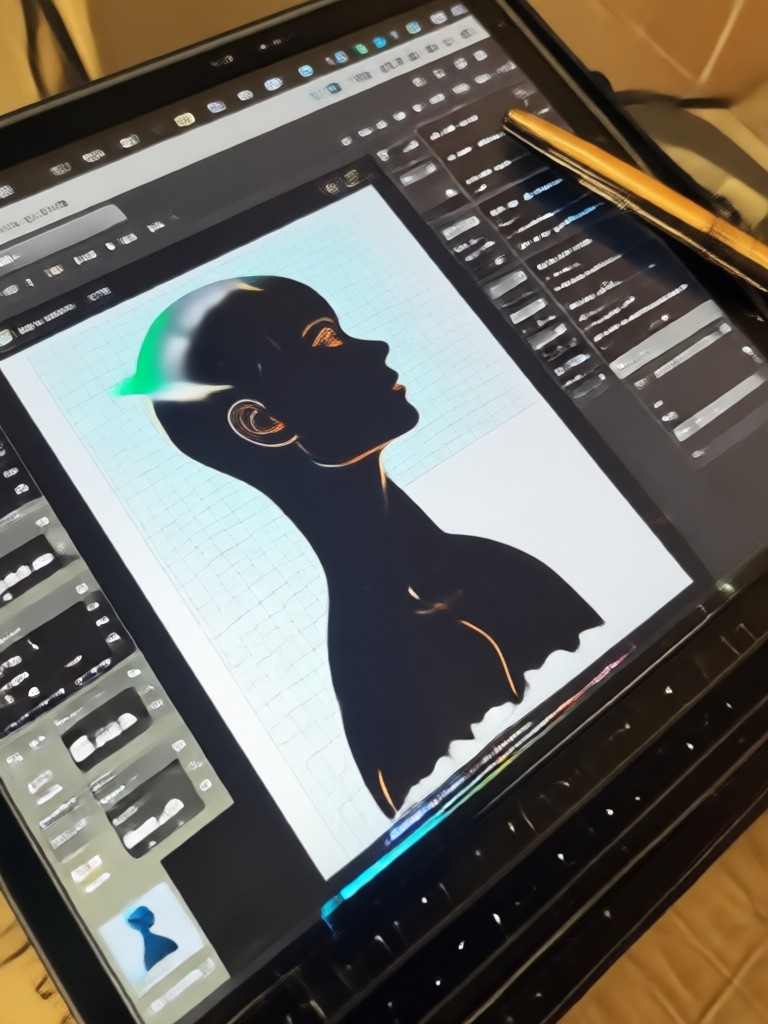
Discover Silhouette Styles That Match Your Mood
Browse a handpicked collection of silhouette filters and find the perfect shadow effect for your photo.
Create Stunning Silhouette Art Effortlessly
The AI Silhouette Maker gives you everything you need to turn any image into a dramatic shadow masterpiece. Explore the core capabilities below.
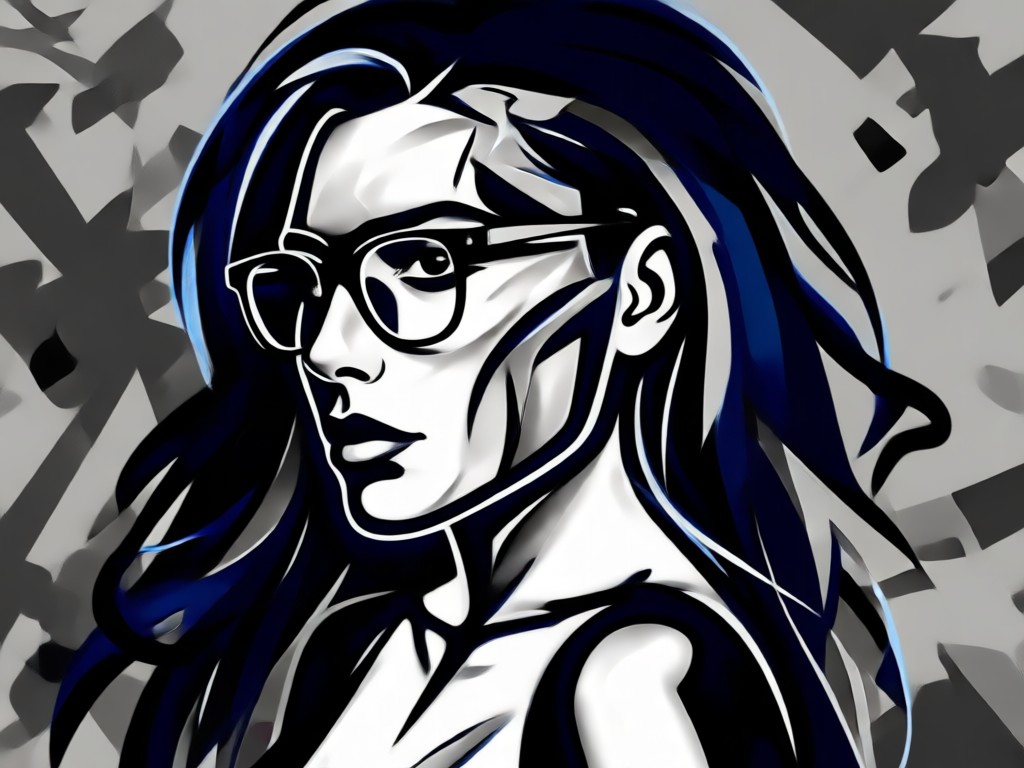
One Tap Shadow Conversion
Upload your photo and let AI detect the main subject. It removes background clutter and replaces it with a clean, dramatic silhouette shape instantly.
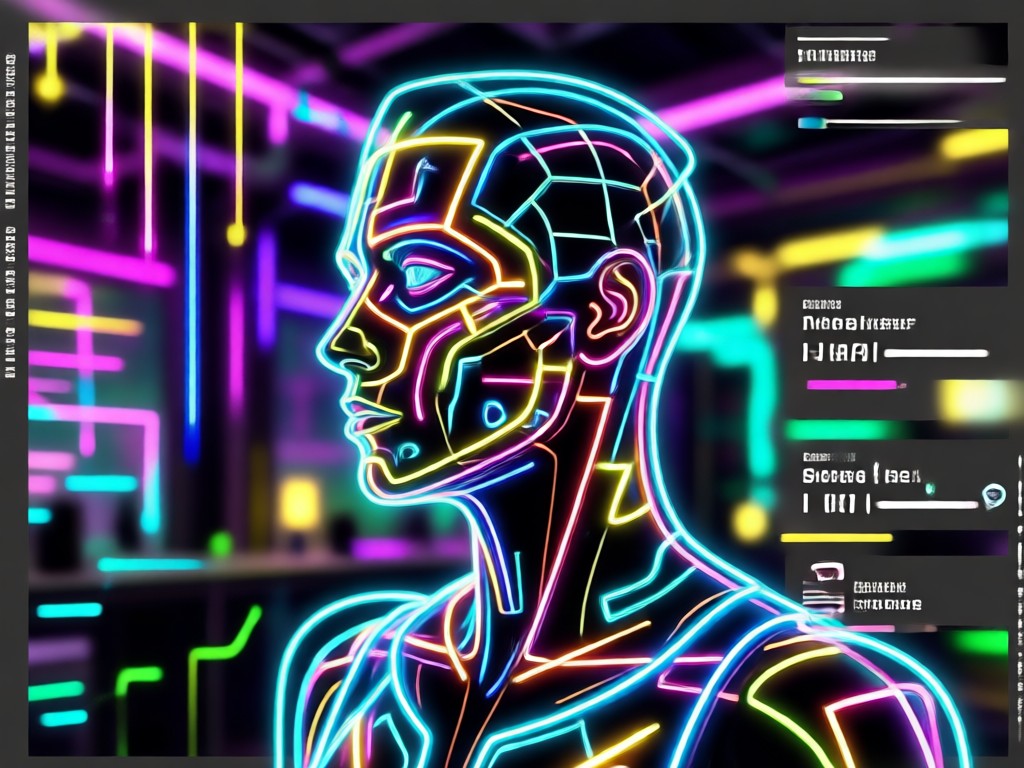
Dramatic Background Presets
Choose from golden hour sunsets, neon cityscapes, moody forests, and minimalist solid colors. Each preset automatically adjusts contrast and shadow depth.
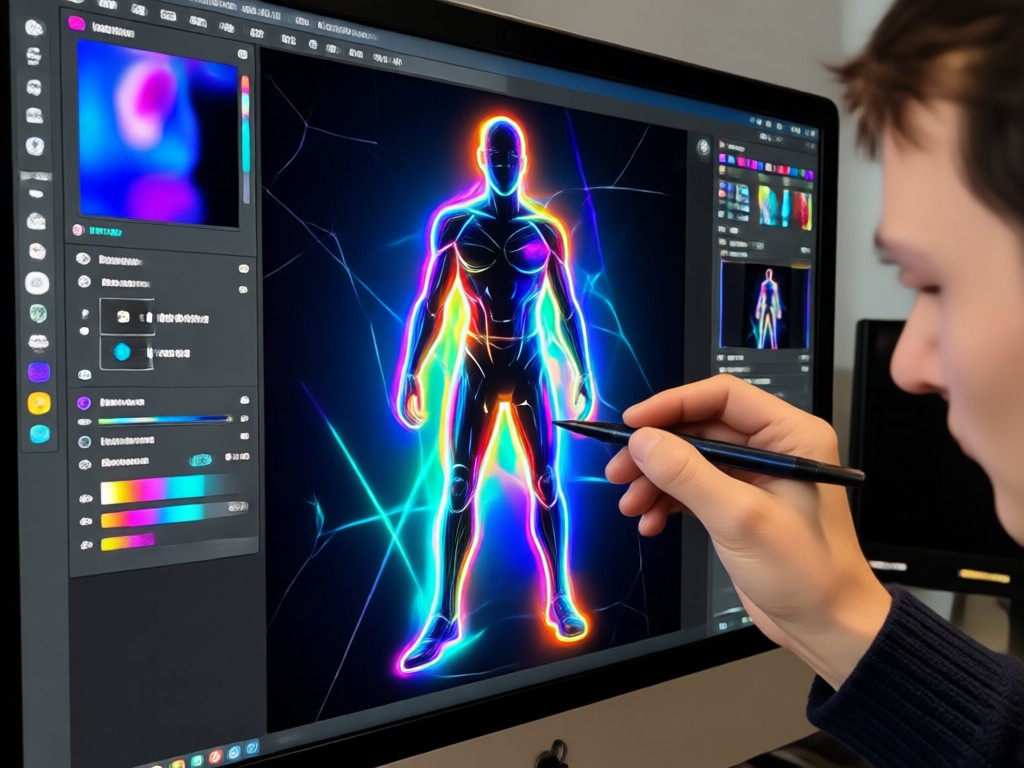
HD Portrait Silhouettes
Preserve facial profiles and body contours with high precision. The AI sharpens edges and smooths jagged lines for a professional vector-like finish.
AI Silhouette Creation Gallery
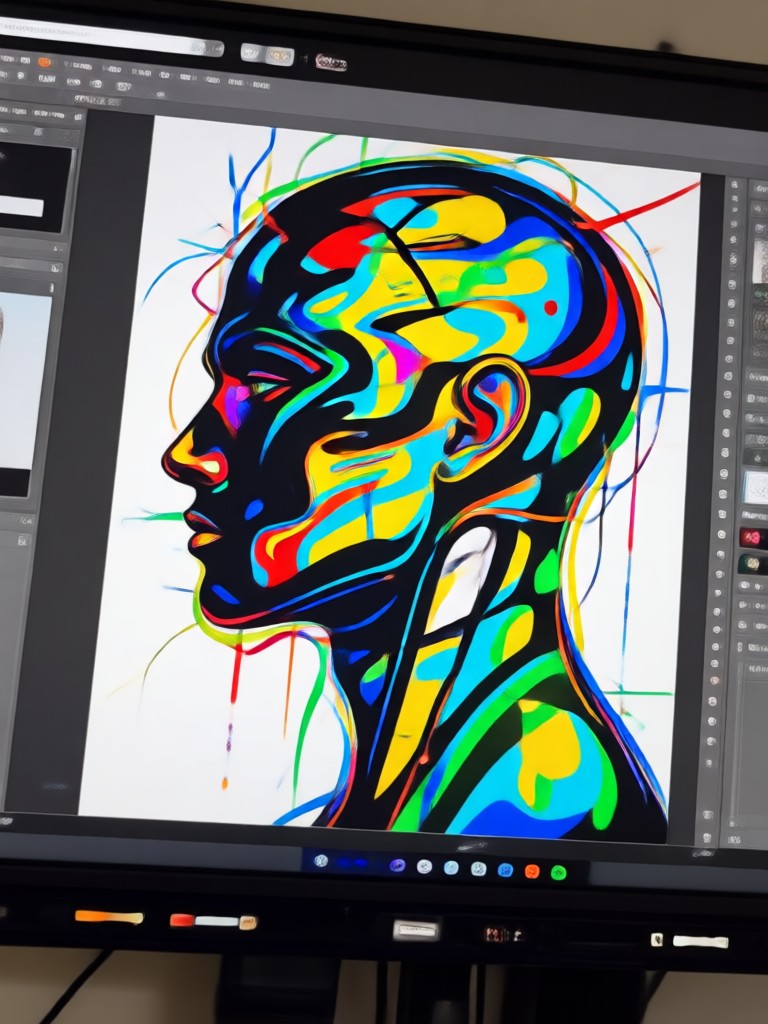
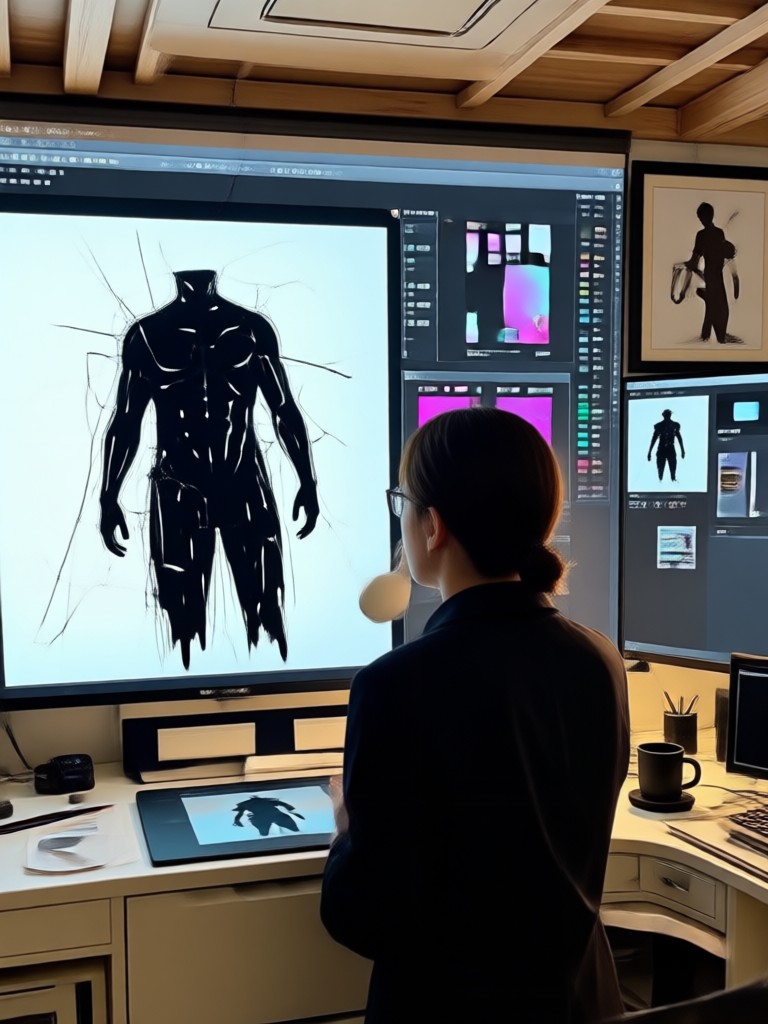
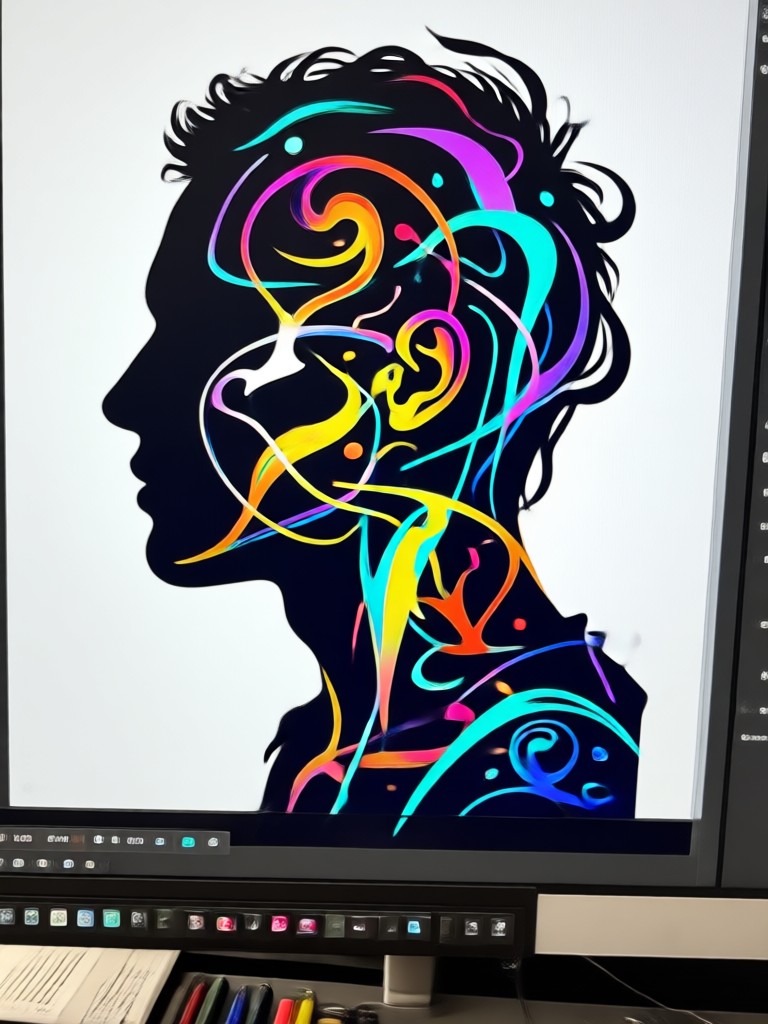
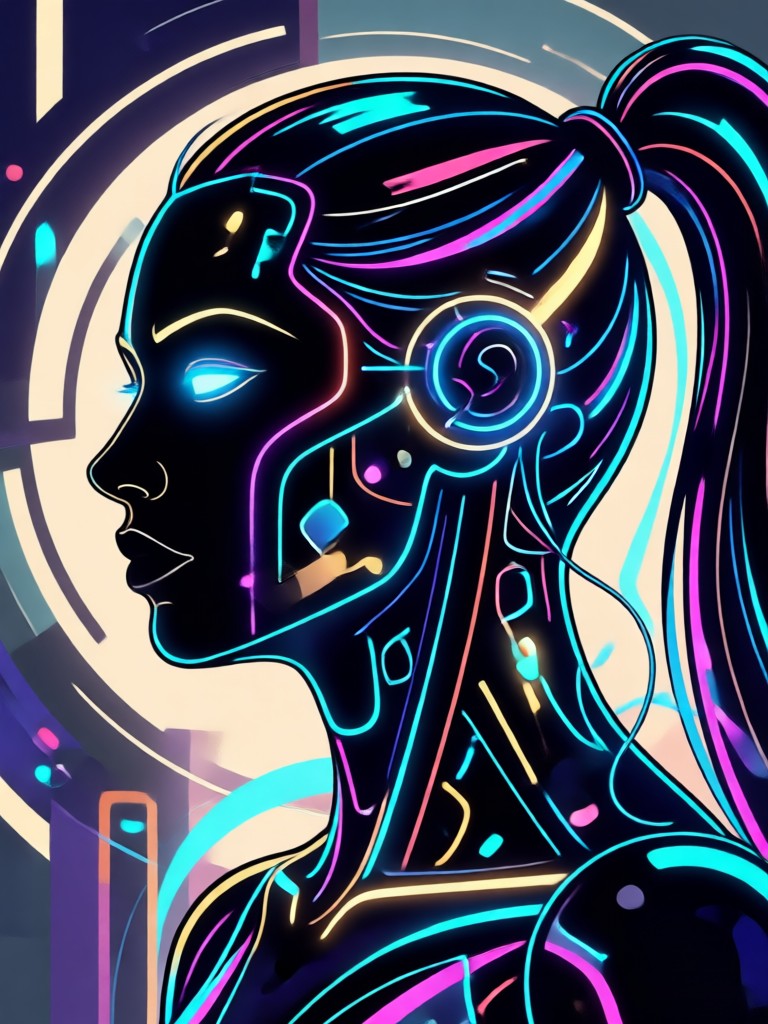
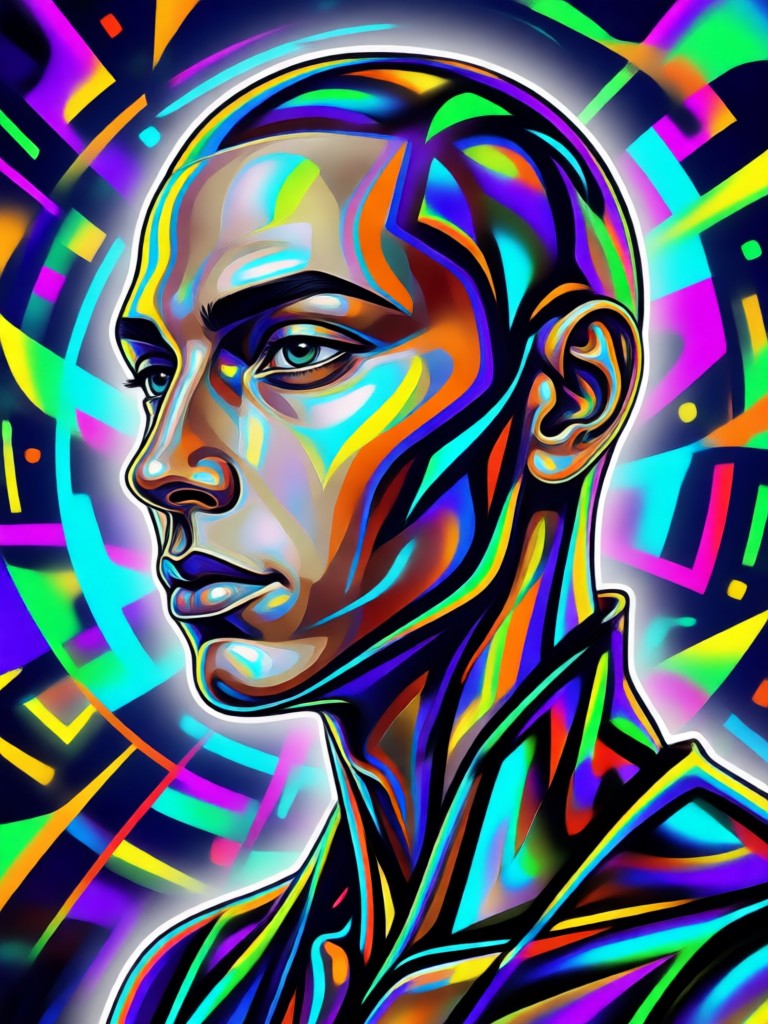
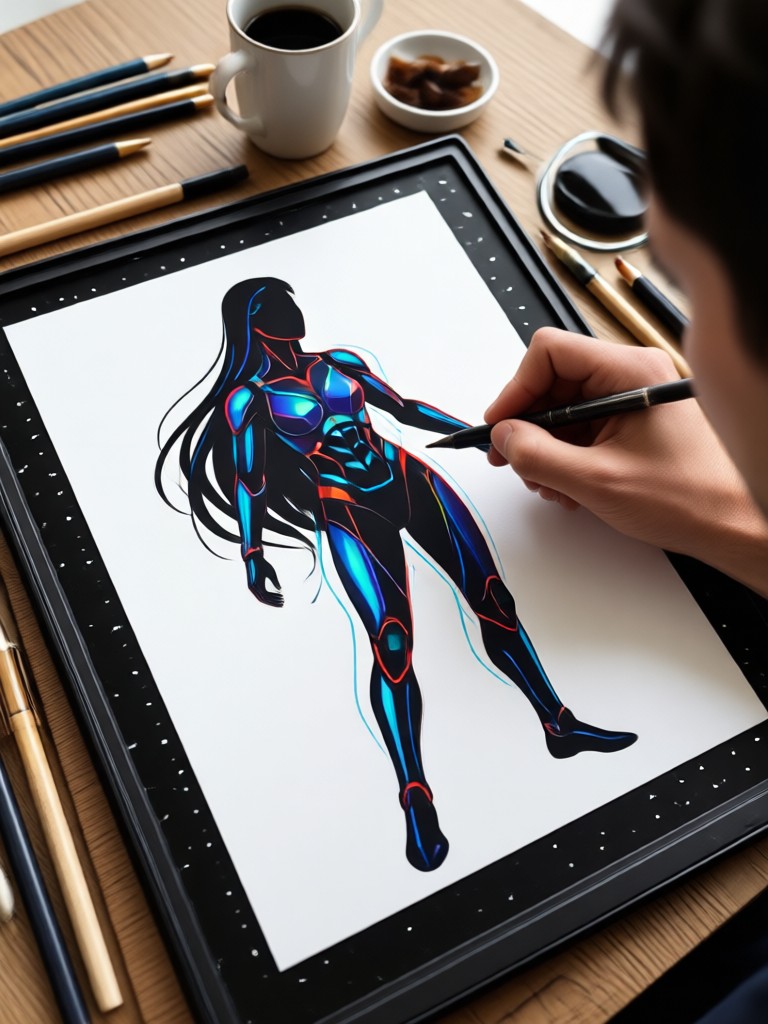
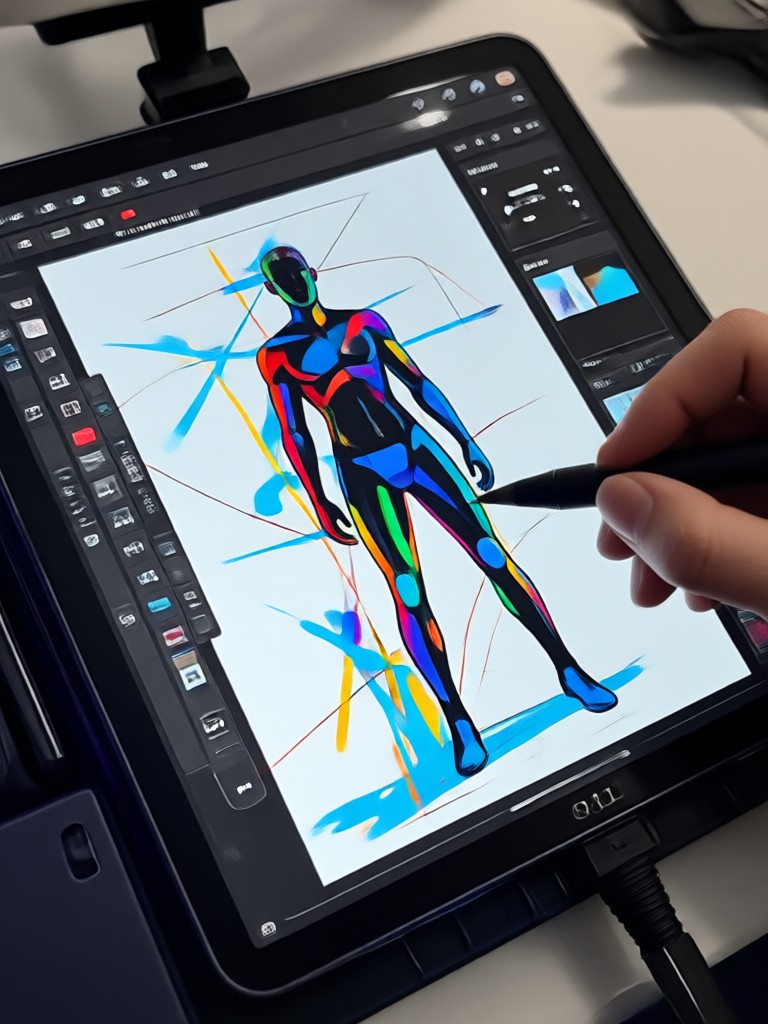
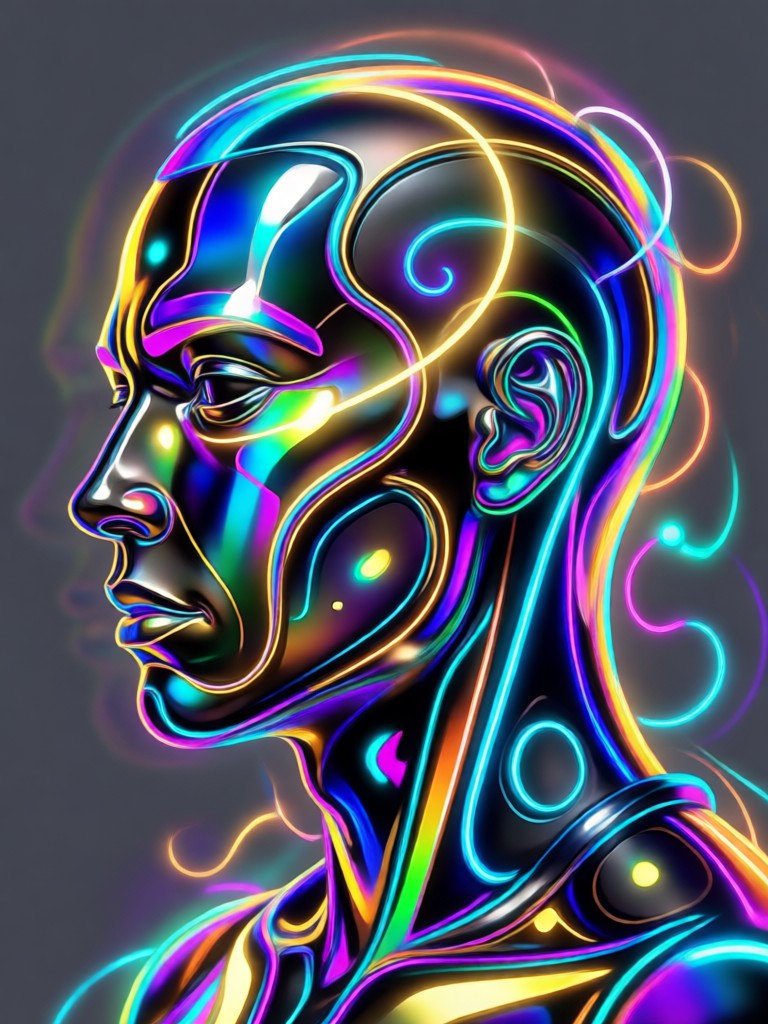
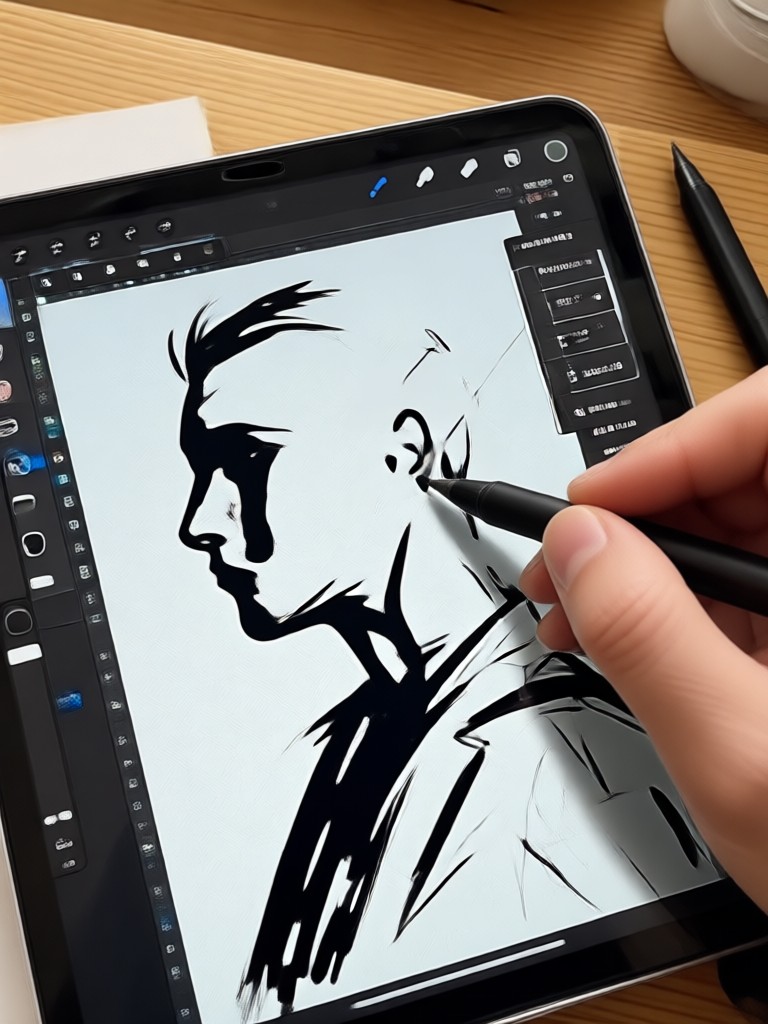
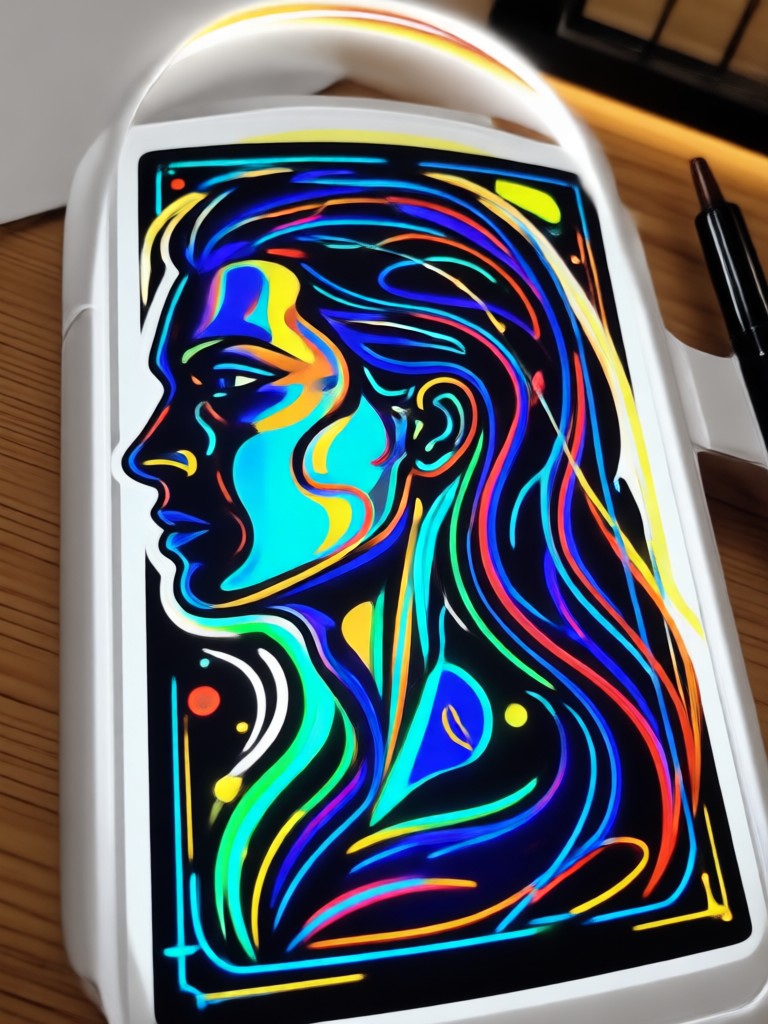
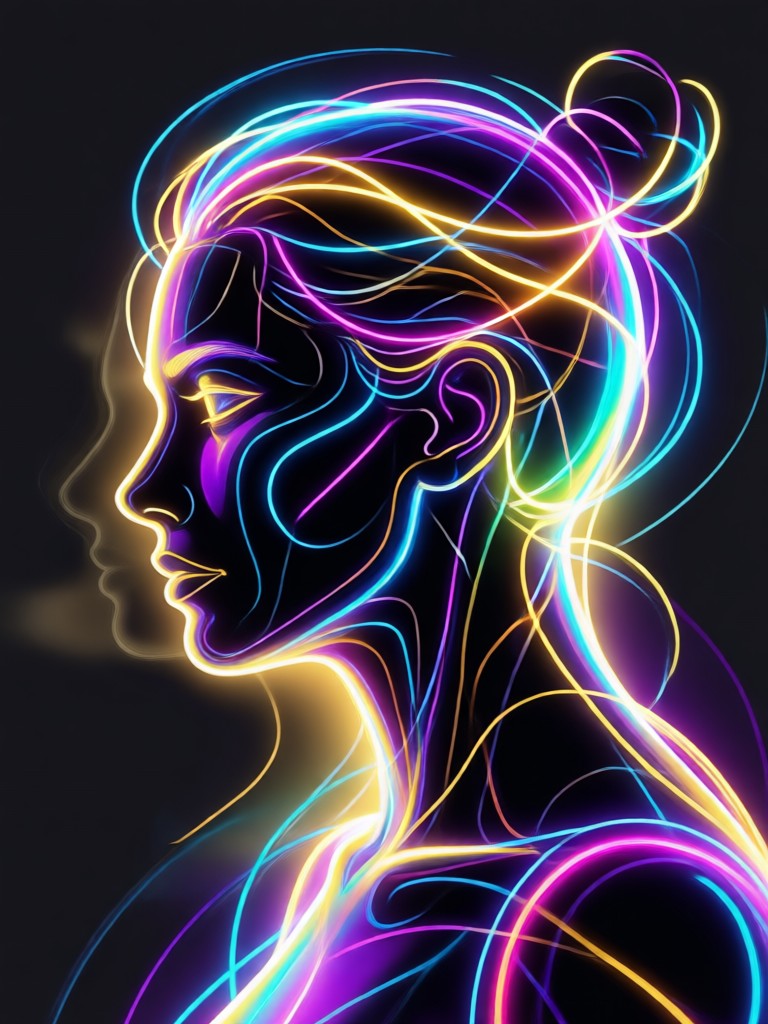
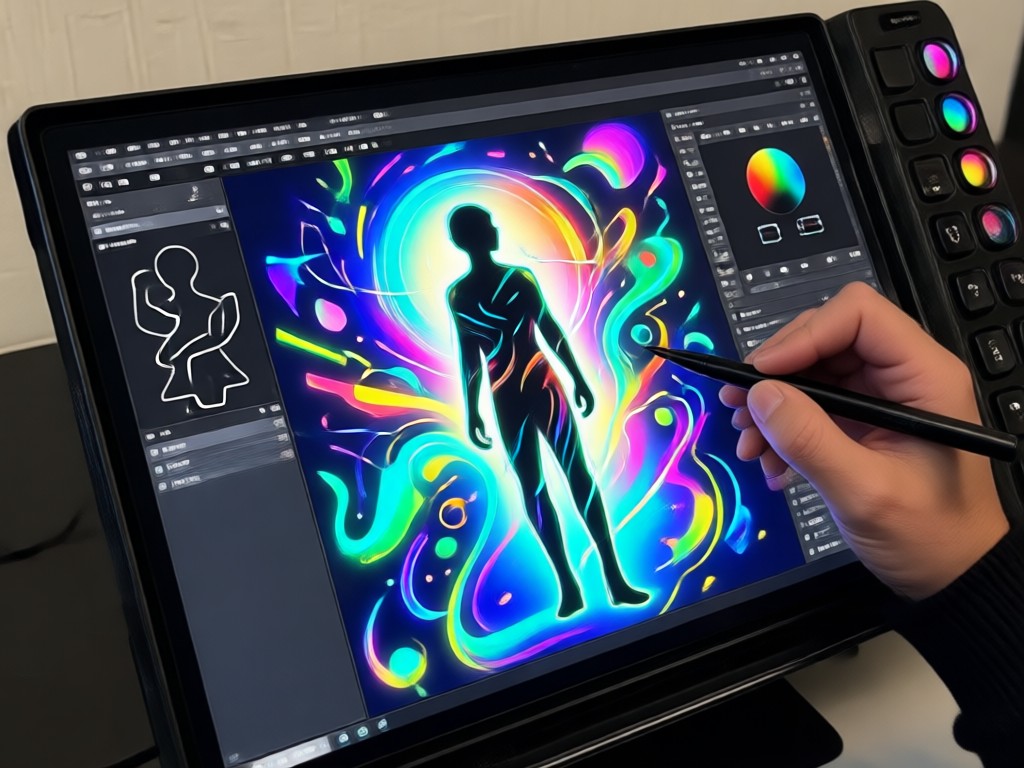
See how veeo transforms ordinary photos into stunning shadow art. From romantic couple poses to dramatic landscape cutouts, the possibilities are endless.
Why Use veeo's AI Silhouette Maker?
Traditional silhouette creation requires complex photo editing software like Photoshop. You need to manually trace edges, adjust contrast curves, and layer backgrounds. veeo simplifies everything into a single tap. The AI understands subject contours automatically, works on portraits, pets, nature, and architecture, and delivers results that are ready for social media, wall art, or profile pictures. No expensive subscriptions or desktop tools are needed.
How to Make AI Silhouette Art?
Create beautiful silhouette images from your existing photos in just three simple steps using the veeo app.

Step 01.
Download the veeo app from Google Play and open it on your mobile device. Accept the easy onboarding prompts and enter the main creative dashboard.
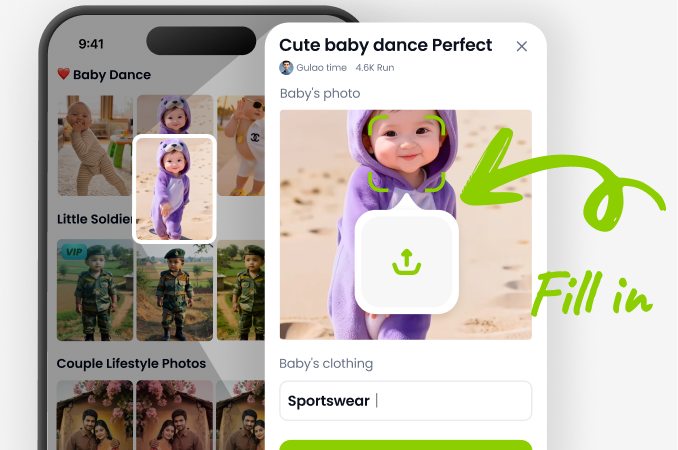
Step 02.
Upload a photo from your gallery or take a new one. Navigate to the style library and search for silhouette filters. Select the shadow style that matches your creative vision.
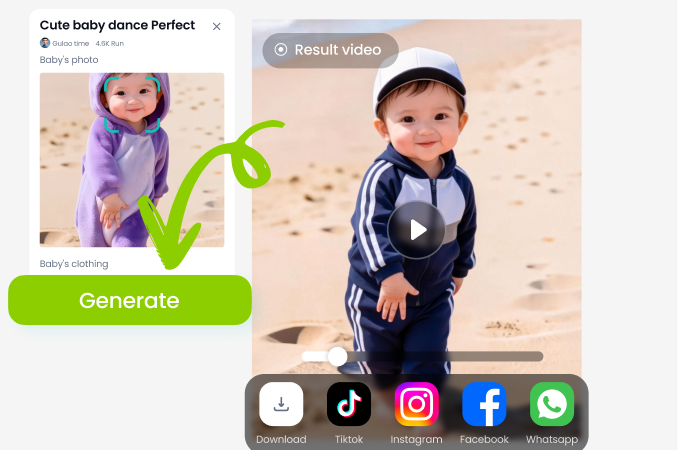
Step 03.
Let the AI process the image for a few seconds. Preview your new silhouette creation, adjust the intensity if needed, then download it to your phone or share it directly to social media.
What Creators Say About the Silhouette Maker
Incredible detail on facial profiles
I was worried the AI would butcher the nose and chin lines, but the silhouette came out incredibly sharp. It looks like a professional vector graphic I paid someone to make. I used it for a custom phone wallpaper and got tons of compliments.
Fastest way to make couple art
My girlfriend wanted a silhouette picture of us for our anniversary. I tried doing it manually in editing apps and failed. veeo did it in ten seconds flat. The sunset background preset was exactly what she wanted.
Great for marketing visuals
I run a small bakery and wanted a minimalist logo silhouette. I uploaded a photo of a cupcake and the app turned it into a sleek black shape. I paired it with a font and now it is my brand mark. Super useful.
AI Silhouette Maker FAQs
Find clear answers to common questions about creating silhouette art with veeo's AI tools.
More Topics You May Like
Explore more topics you may like and discover fresh ideas tailored to your interests.
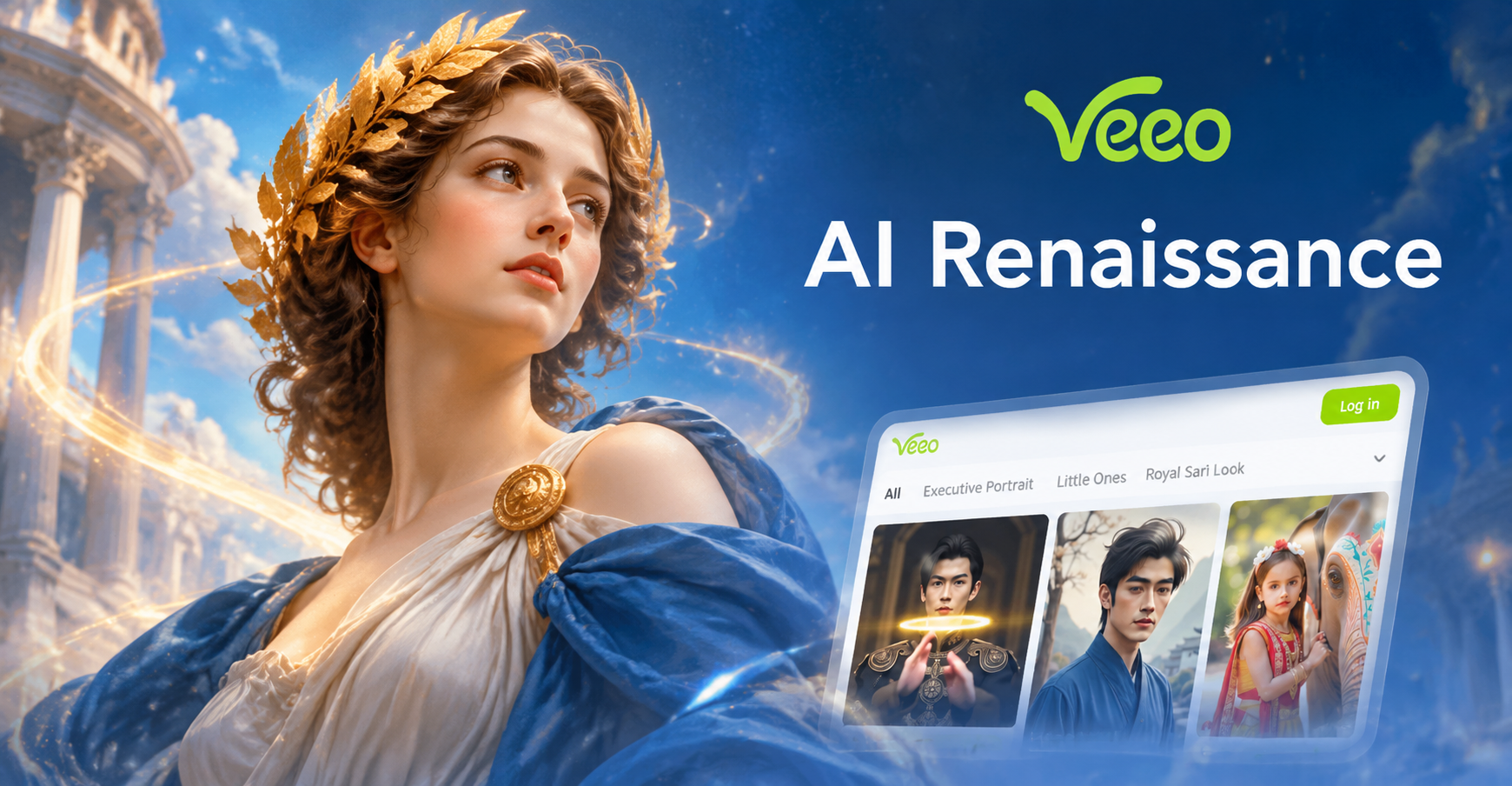
Turn Any Photo Into a Renaissance Masterpiece
AI Renaissance Painting transforms photos into classical oil portraits. Upload a picture, choose a style, and get museum quality results in seconds.
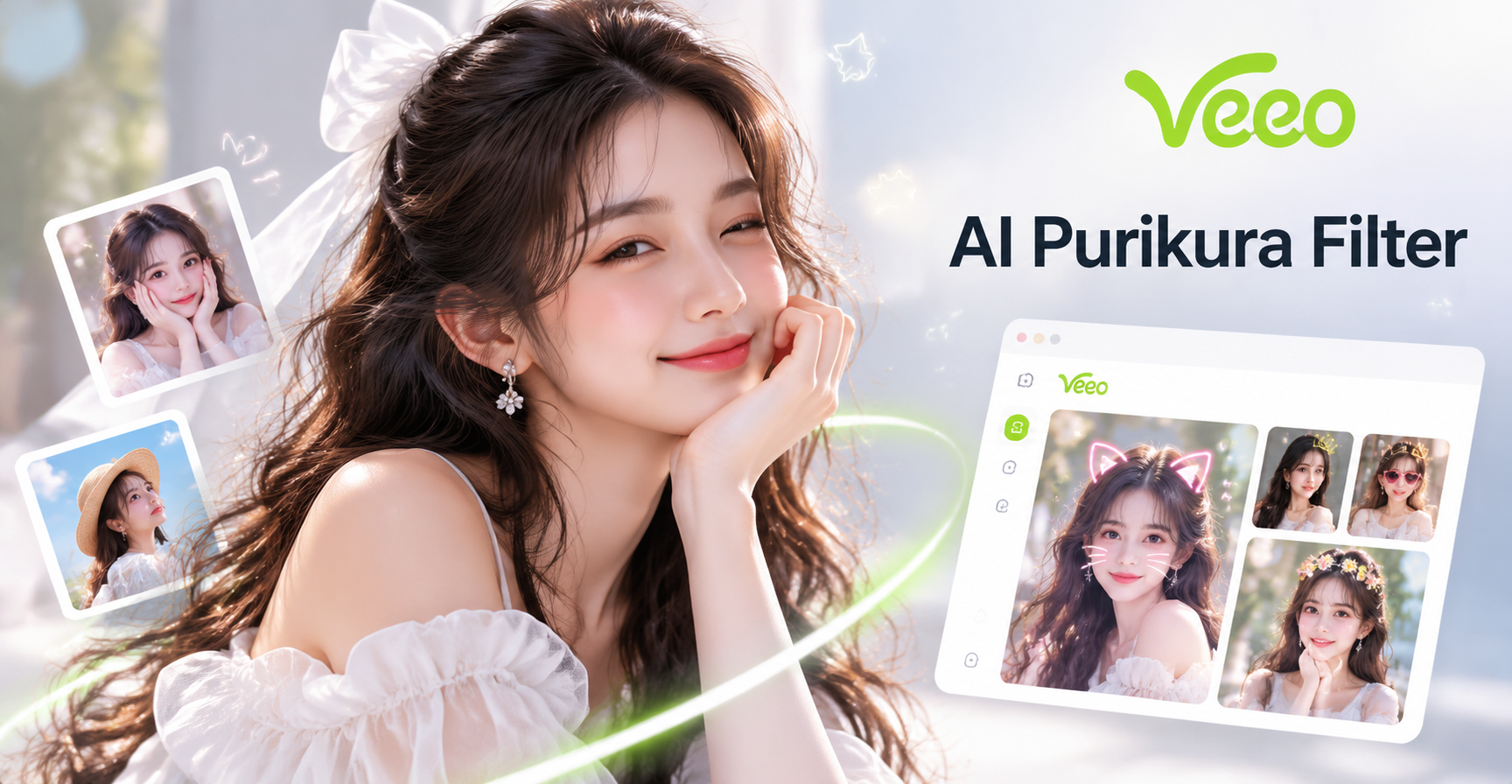
AI Purikura Filter: Kawaii Japanese Photo Booth Makeover
Turn selfies into kawaii Japanese photo booth shots with the AI Purikura filter. Get sparkle stamps, glossy eyes, and soft glam skin. No design skills needed.
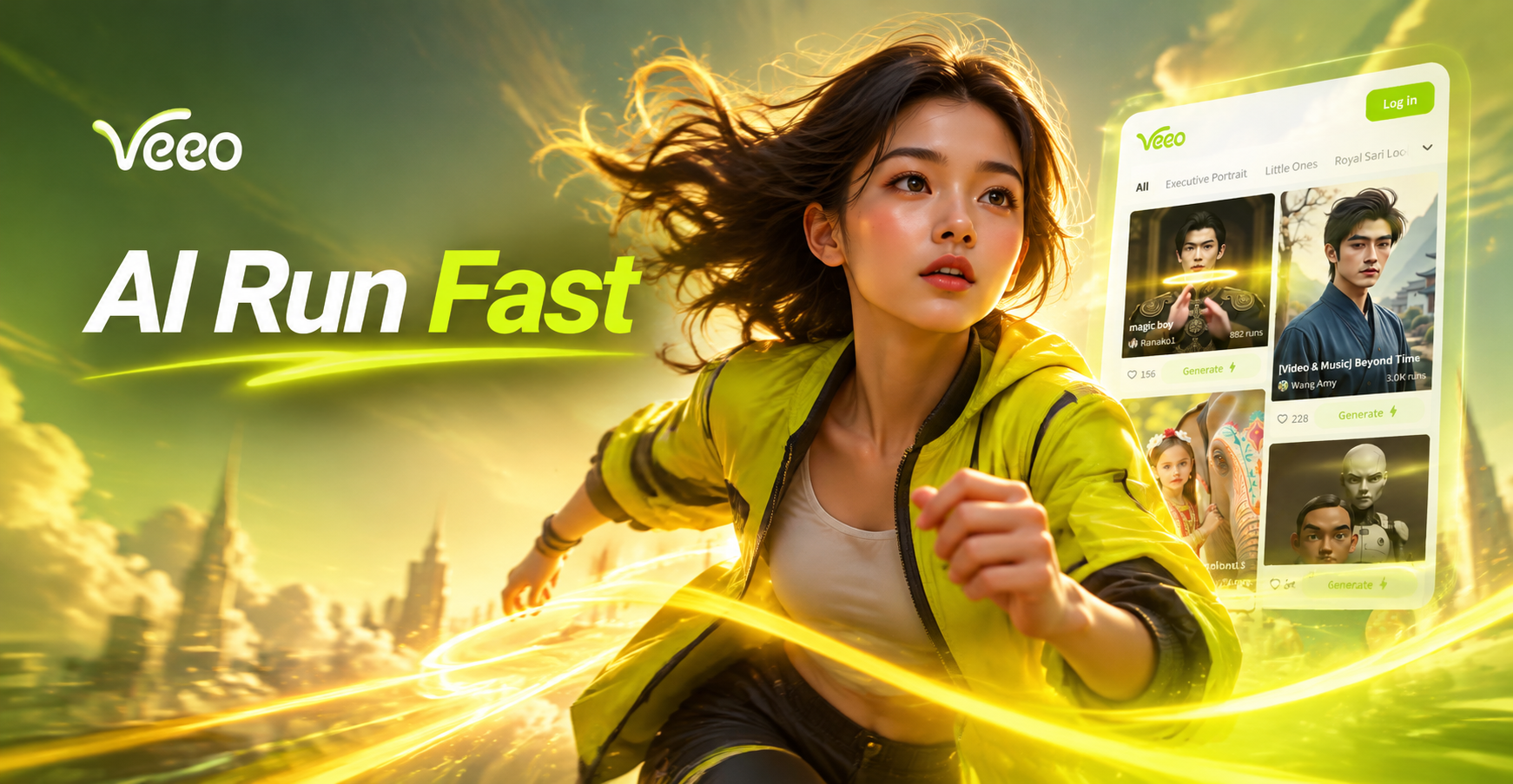
AI Run Fast Effects: Add Motion Speed to Any Photo
AI Run Fast Effects adds motion blur and speed streaks to photos. Upload an image, pick a speed effect, and watch it become a sprinting scene in seconds.
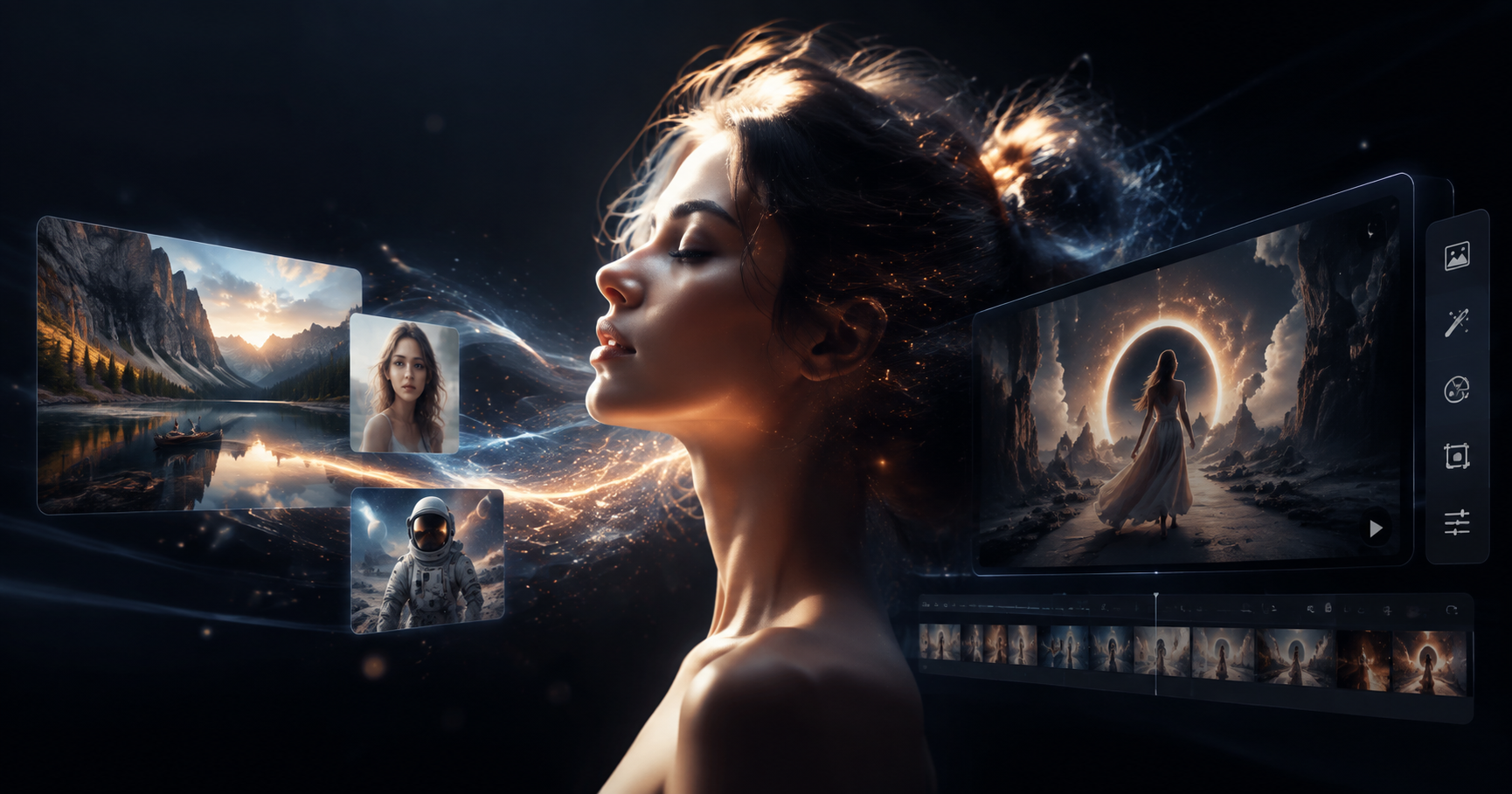
AI Santa Sleigh: Turn Photos into Christmas Magic
AI Santa Sleigh turns photos into magical Christmas scenes. Upload a picture, choose a festive style, and generate Santa sleigh images or videos instantly. Download veeo.
Create Dramatic Silhouette Art Right Now
Download veeo and turn your photos into stunning shadow art in seconds. The easiest AI silhouette maker is waiting in the Google Play Store.

Create Dramatic Silhouette Art Right Now
Download veeo and turn your photos into stunning shadow art in seconds. The easiest AI silhouette maker is waiting in the Google Play Store.