AI Renaissance Painting
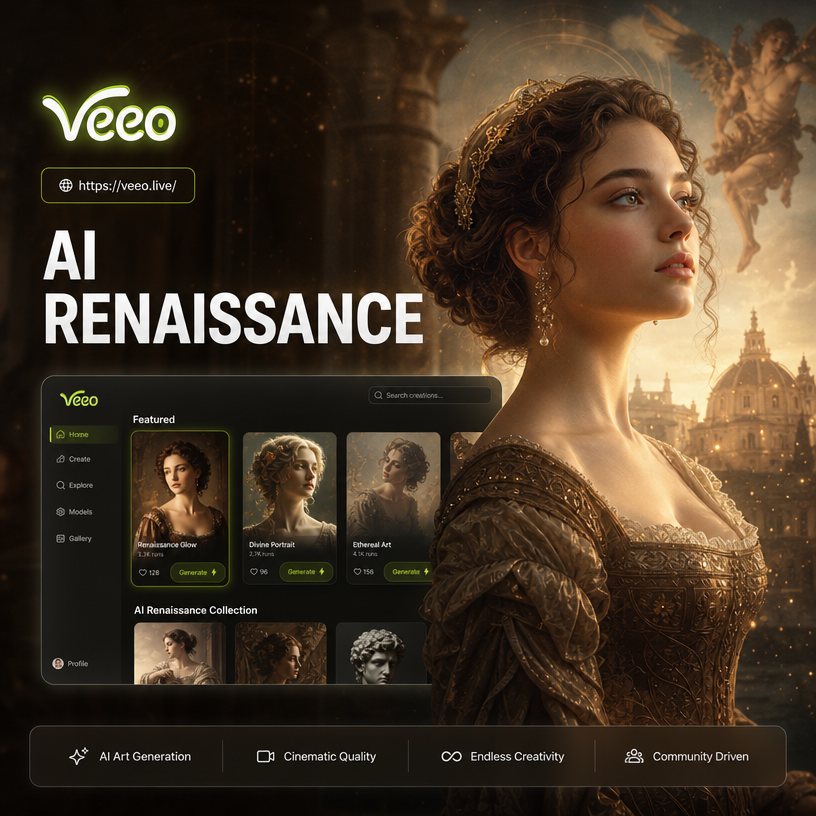
Choose Your Renaissance Style
Explore classical portrait filters, oil painting textures, and old master inspired templates that match your mood.
Key Features of AI Renaissance Painting
Discover how veeo makes classical art transformation simple, fast, and stunningly realistic without any design experience.
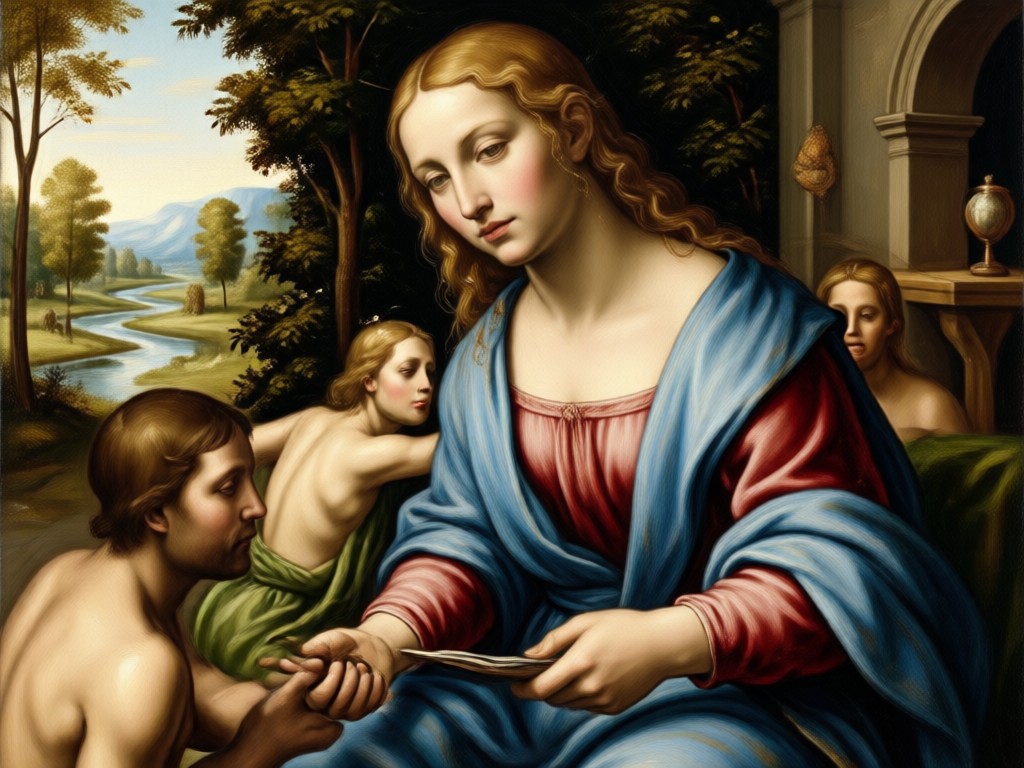
Classical Oil Texture
Watch veeo layer realistic brushstrokes, canvas grain, and aged varnish effects over your photo. The result looks like a genuine old master painting rather than a flat digital filter. Every highlight and shadow gains depth, giving portraits a rich and tactile feel.
Classical Oil Texture
Watch veeo layer realistic brushstrokes, canvas grain, and aged varnish effects over your photo. The result looks like a genuine old master painting rather than a flat digital filter. Every highlight and shadow gains depth, giving portraits a rich and tactile feel.
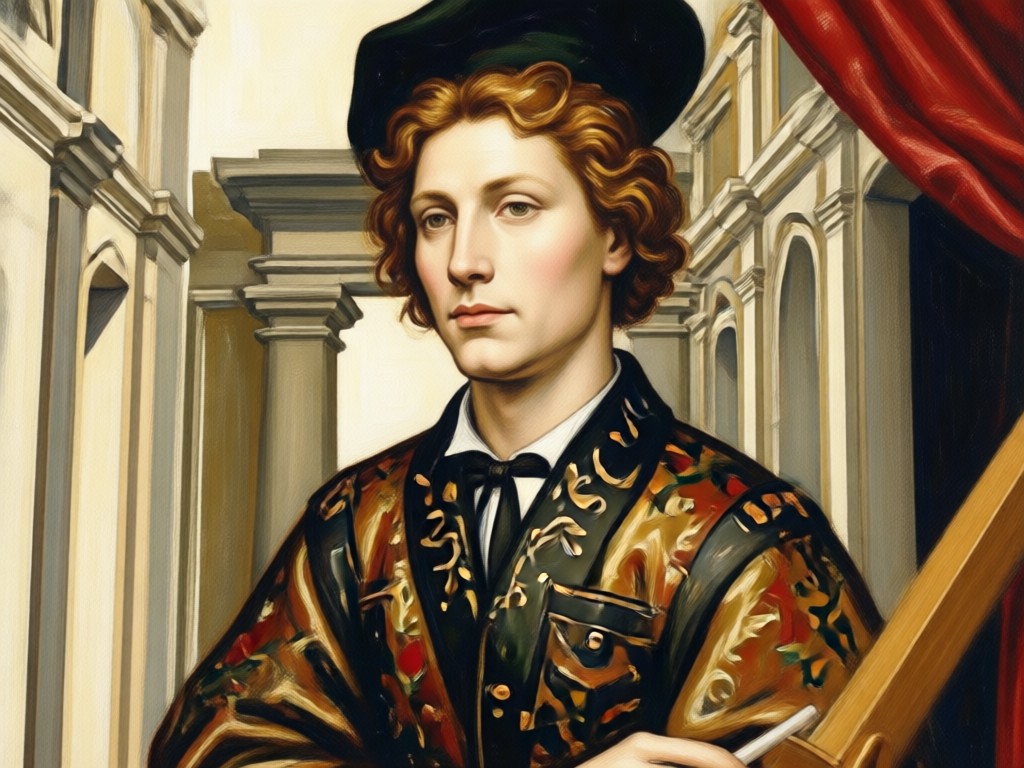
Period Portrait Styling
AI detects facial structure, clothing, and background, then reimagines them with Renaissance era details. You get soft modeled lighting, muted jewel tones, and elegant composition without manual editing. Perfect for turning selfies, family photos, or pet portraits into regal works of art.
Period Portrait Styling
AI detects facial structure, clothing, and background, then reimagines them with Renaissance era details. You get soft modeled lighting, muted jewel tones, and elegant composition without manual editing. Perfect for turning selfies, family photos, or pet portraits into regal works of art.
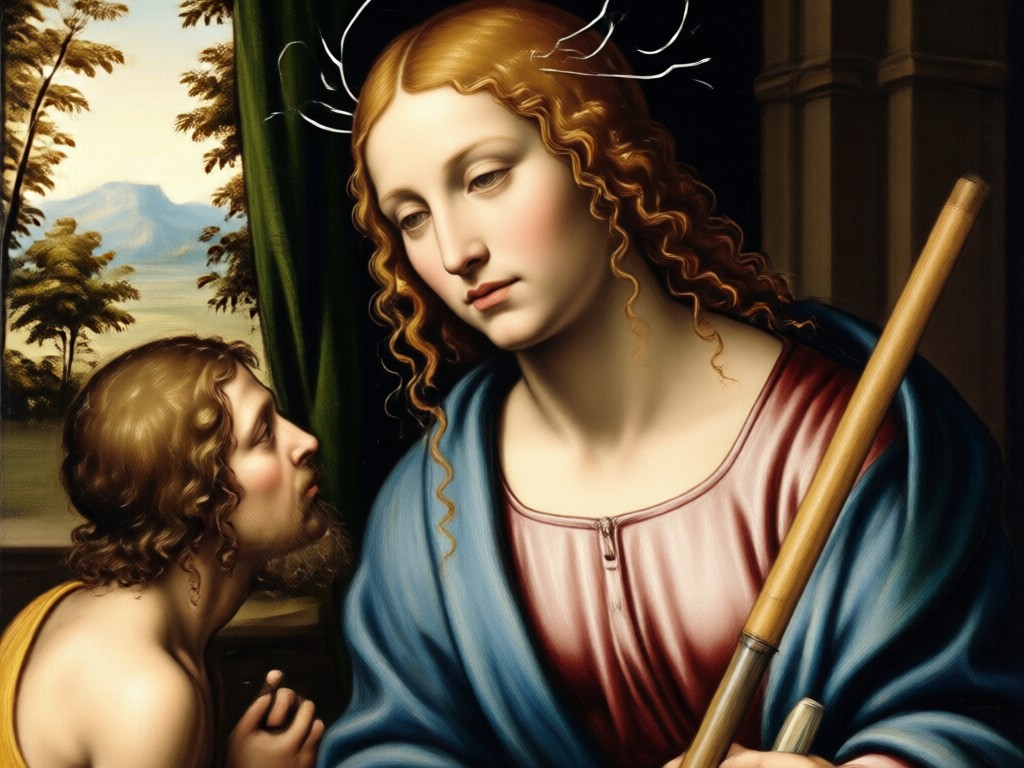
Instant Museum Quality Output
Generate high resolution images in seconds using a simple mobile workflow. Choose a style, tap once, and download a polished result ready for printing, framing, or sharing. No design experience required, and no complicated prompt writing needed to achieve professional looking classical artwork.
Instant Museum Quality Output
Generate high resolution images in seconds using a simple mobile workflow. Choose a style, tap once, and download a polished result ready for printing, framing, or sharing. No design experience required, and no complicated prompt writing needed to achieve professional looking classical artwork.
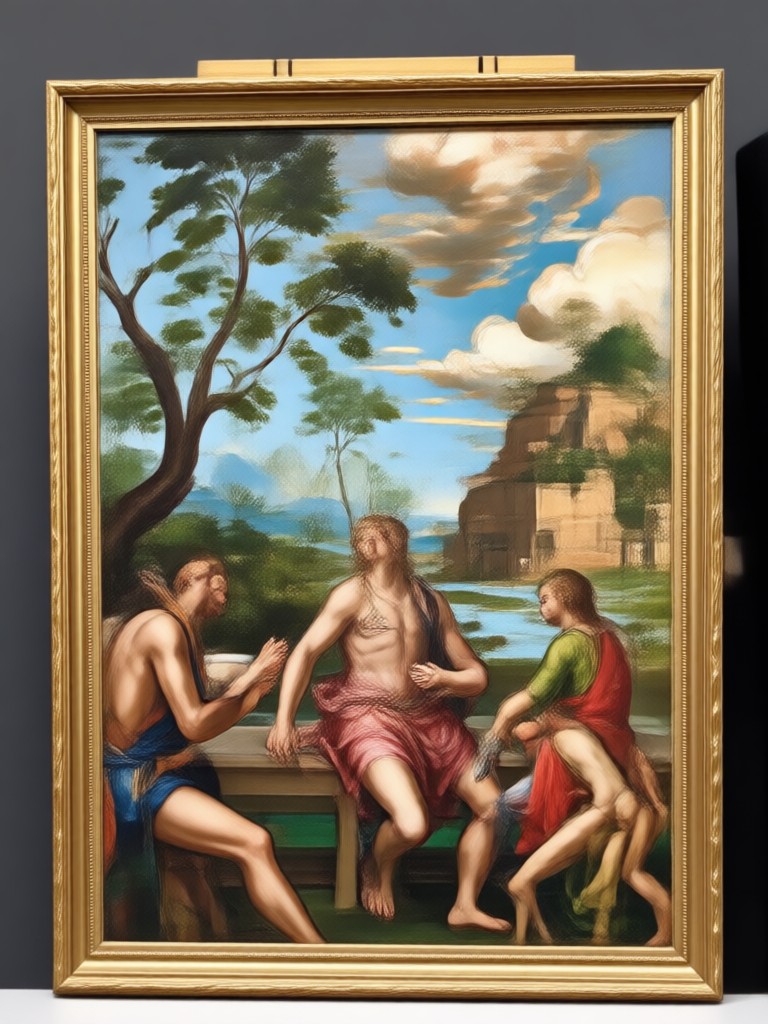
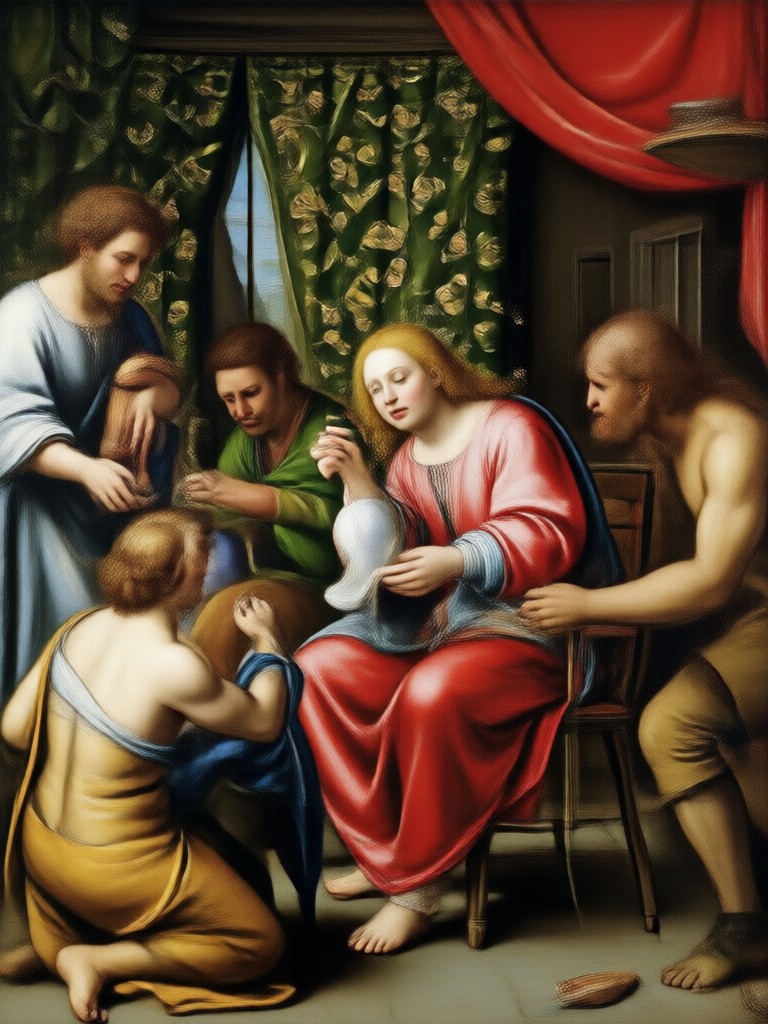
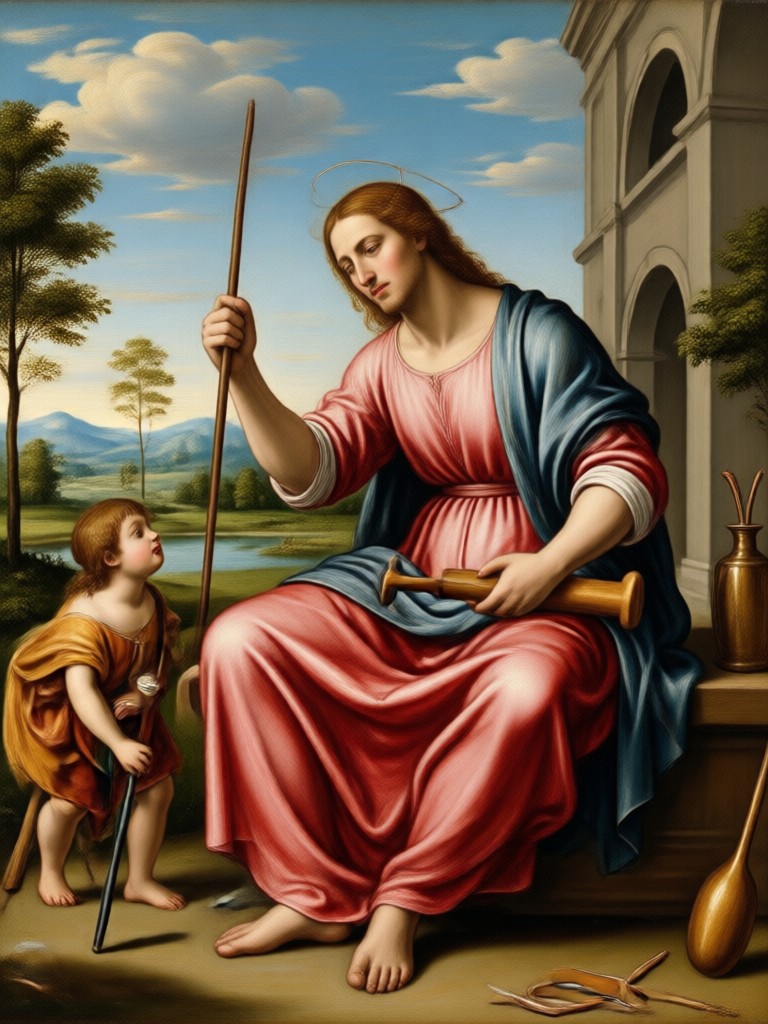
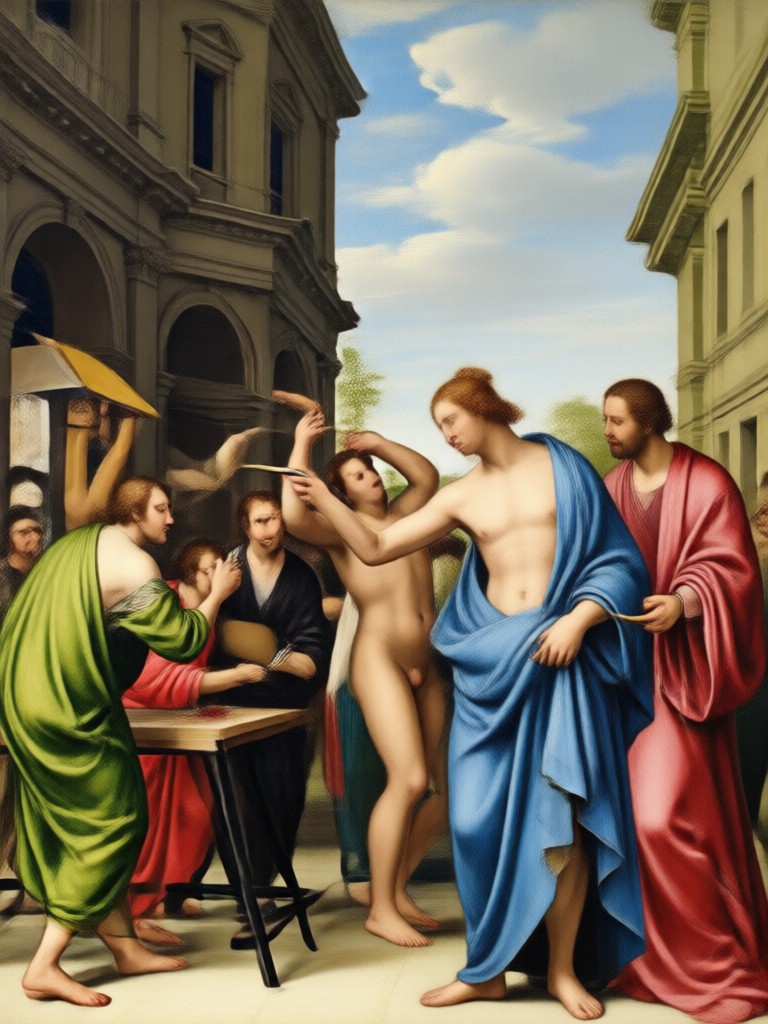
AI Renaissance Painting Gallery
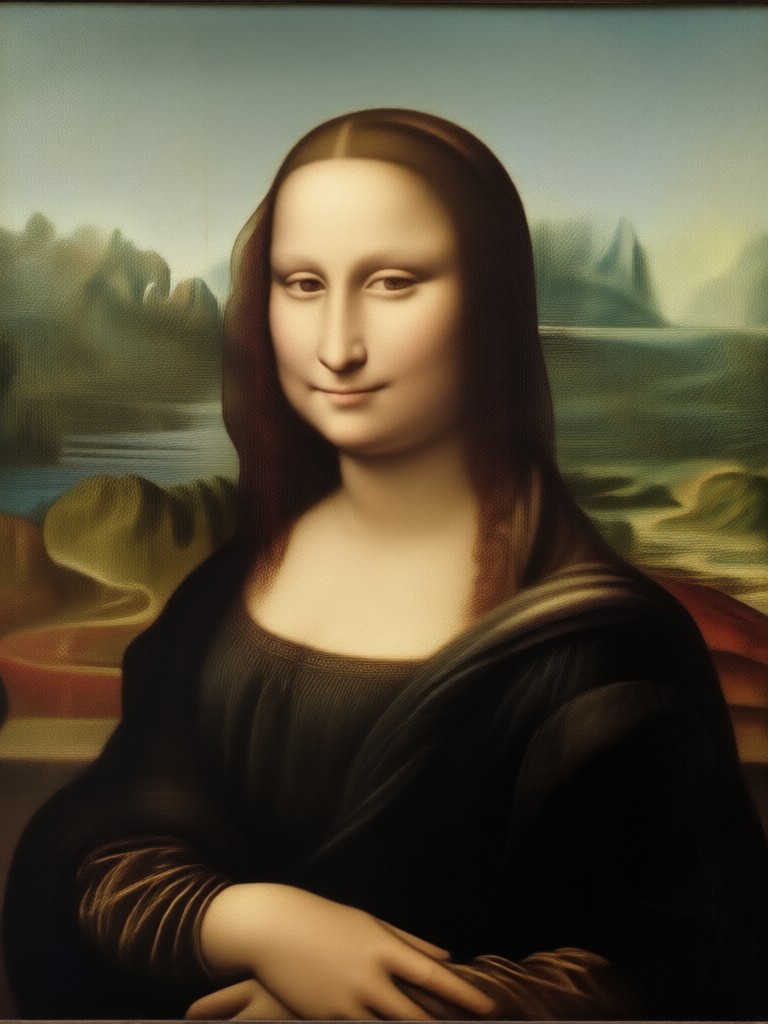
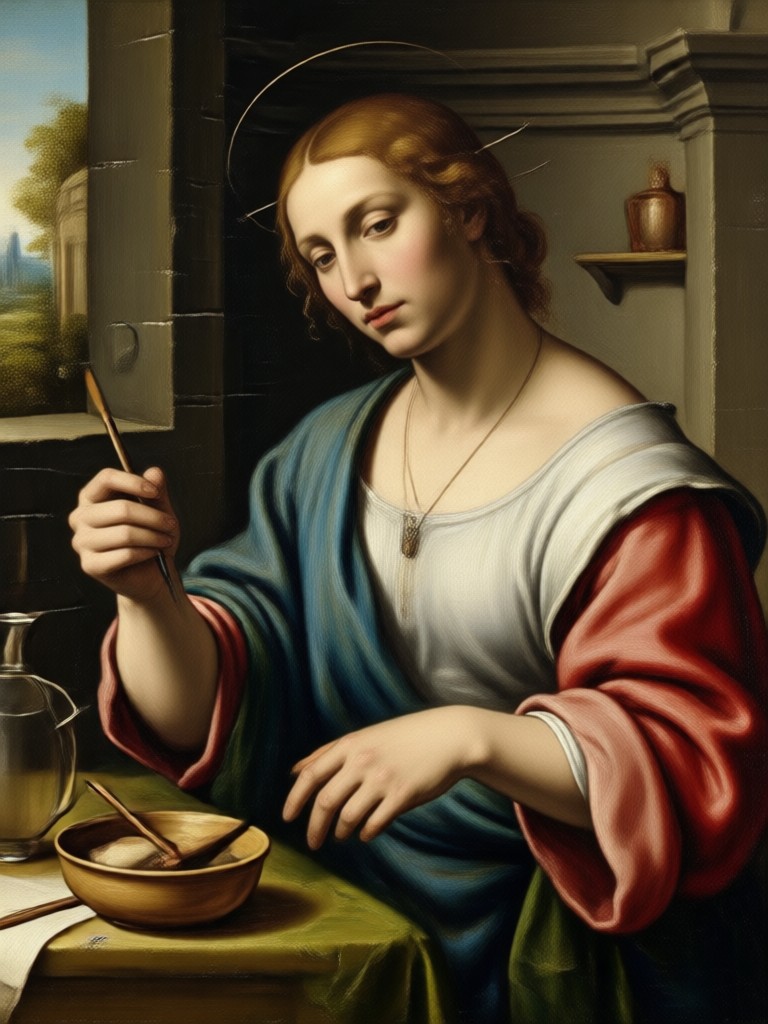
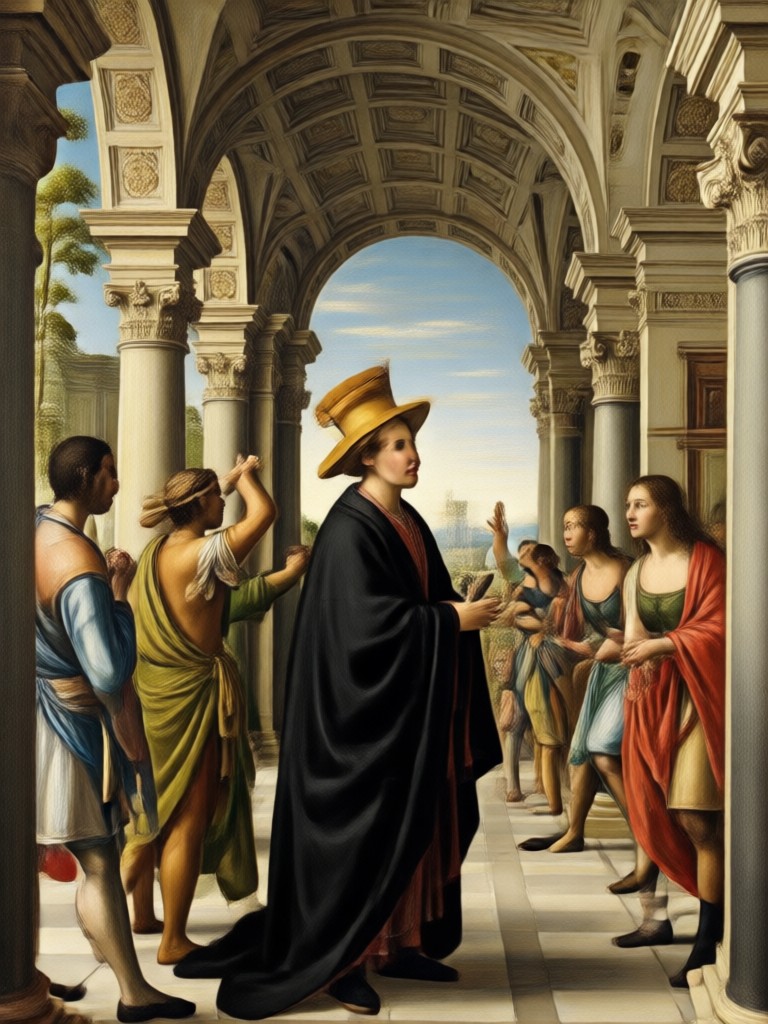
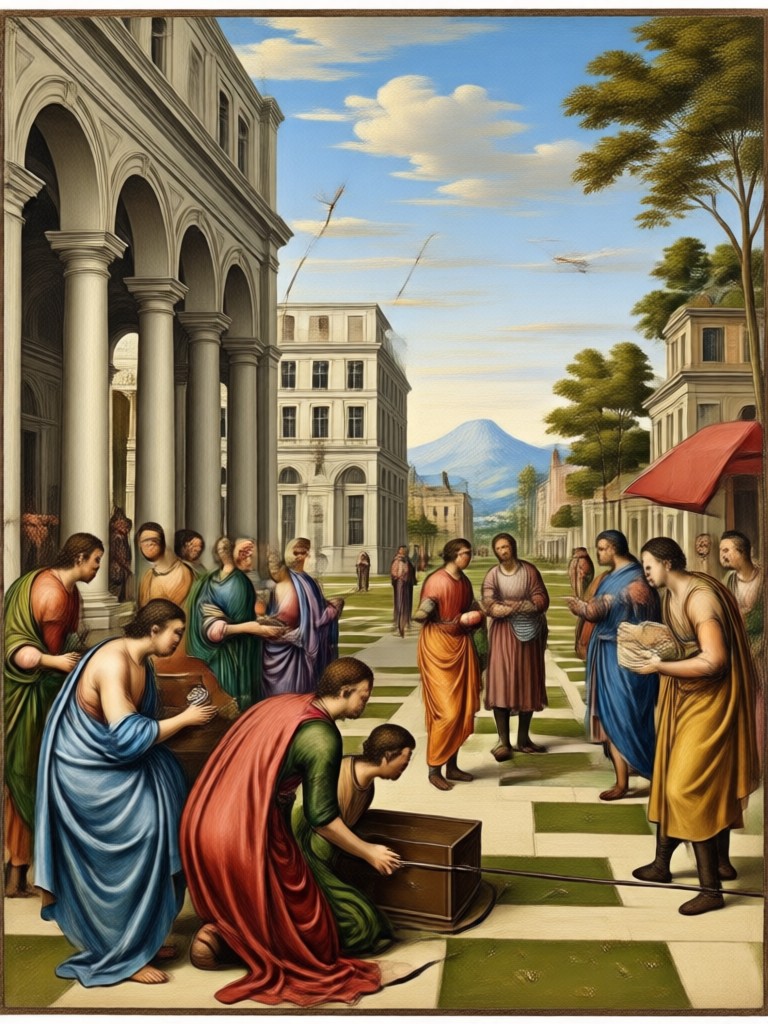
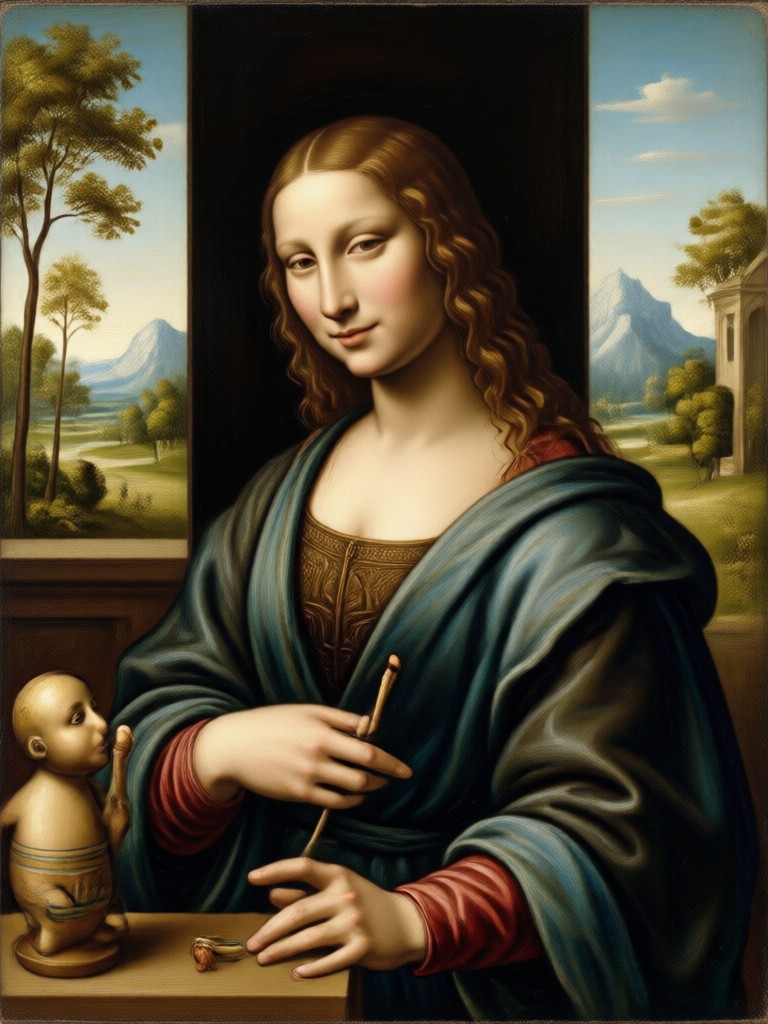
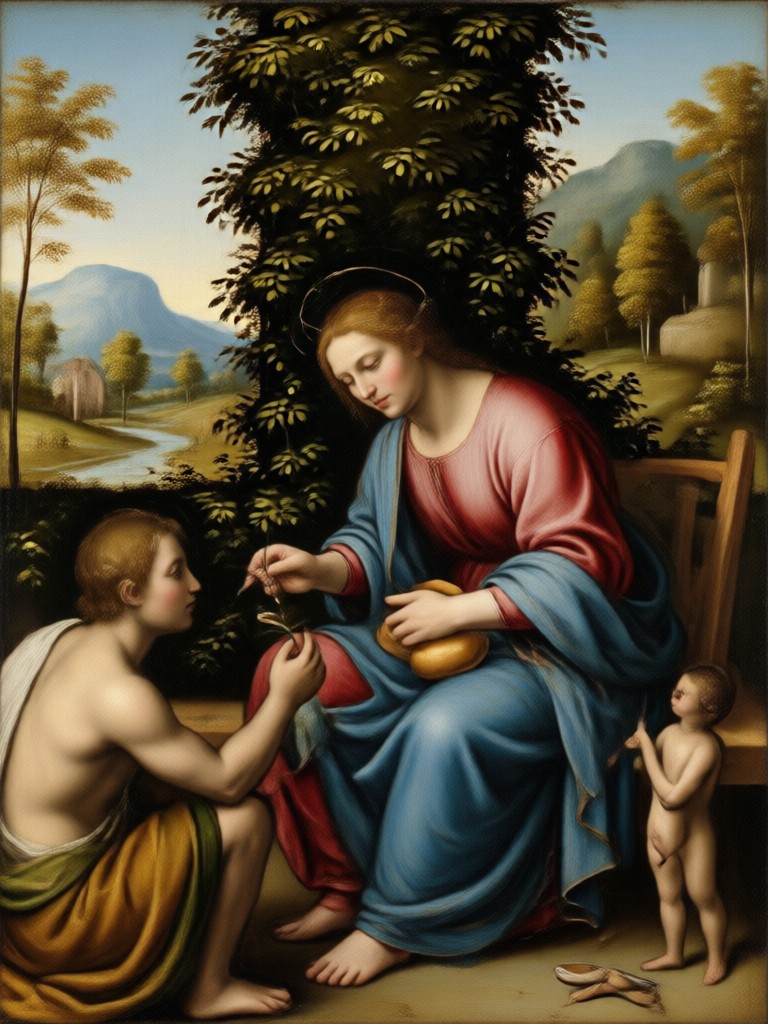
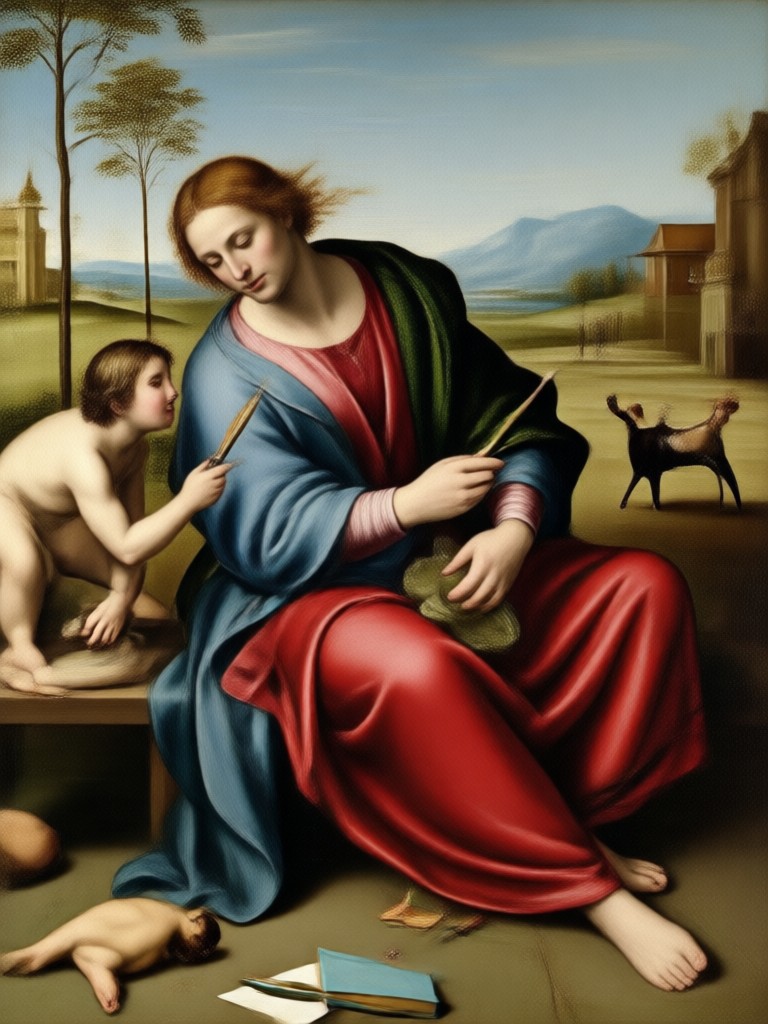
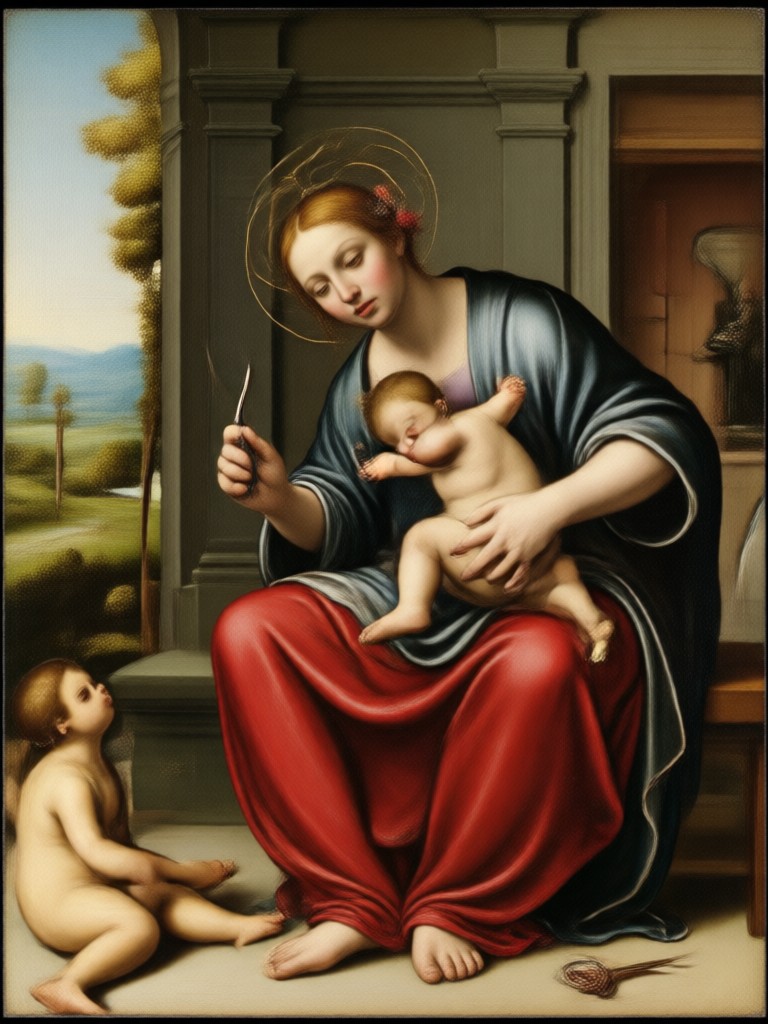
Browse stunning AI generated Renaissance style portraits and classical artworks made with veeo. Discover the creative possibilities and get inspired to transform your own photos.
Why Use AI Renaissance Painting on veeo
Discover why thousands of creators choose veeo for classical art transformations that feel authentic and personal.
From Selfie to Old Master in One Tap
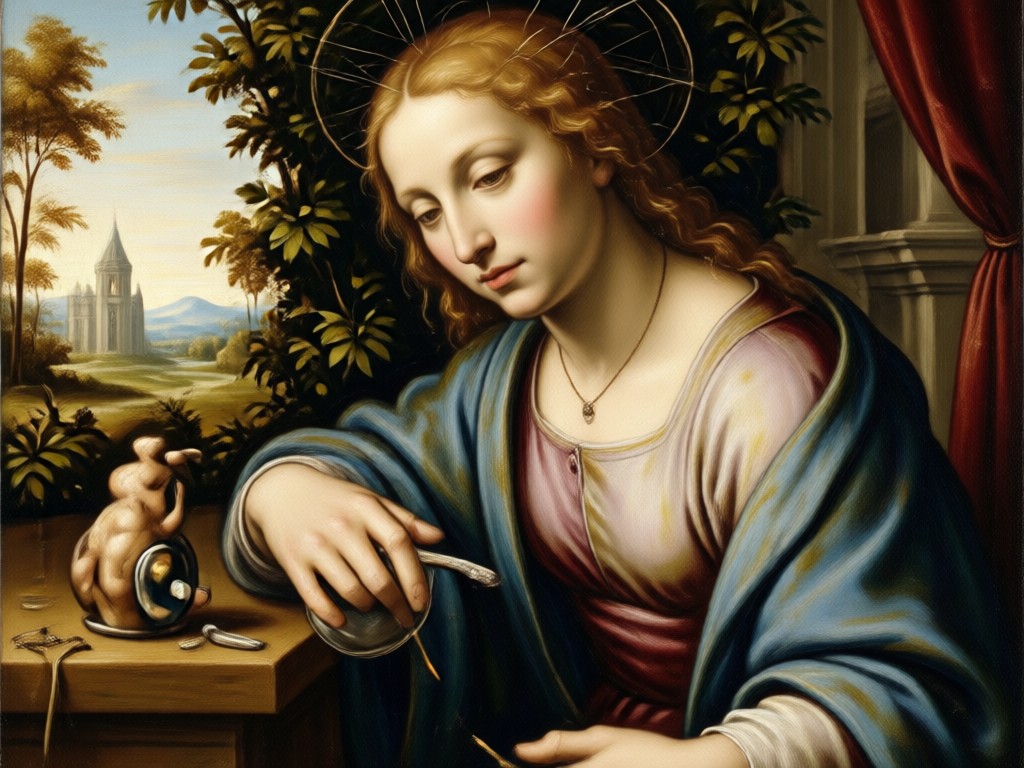
veeo respects your original face and posture while rebuilding the image with Renaissance color palettes, soft chiaroscuro, and aged canvas textures. The result is not a cheap overlay. It is a complete artistic reinterpretation that still feels like you. You can print it, frame it, or post it as a conversation starting profile picture. No studio, no painter, and no waiting required.
From Selfie to Old Master in One Tap
veeo respects your original face and posture while rebuilding the image with Renaissance color palettes, soft chiaroscuro, and aged canvas textures. The result is not a cheap overlay. It is a complete artistic reinterpretation that still feels like you. You can print it, frame it, or post it as a conversation starting profile picture. No studio, no painter, and no waiting required.
How to Create an AI Renaissance Painting
Create a classical oil portrait in just a few simple steps using the veeo mobile app.

Step 01.
Download veeo from Google Play and install the app on your Android phone. The entire Renaissance transformation happens inside the app.
Step 02.
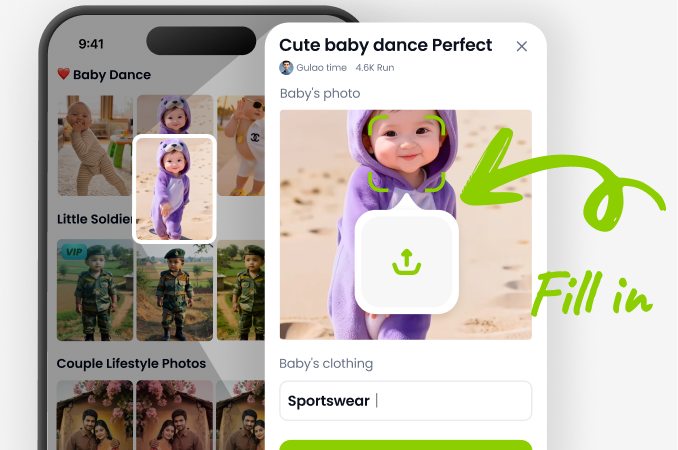
Upload a portrait photo and choose a Renaissance painting style from the built in filter library. You can also select a text prompt template for extra control.
Step 03.
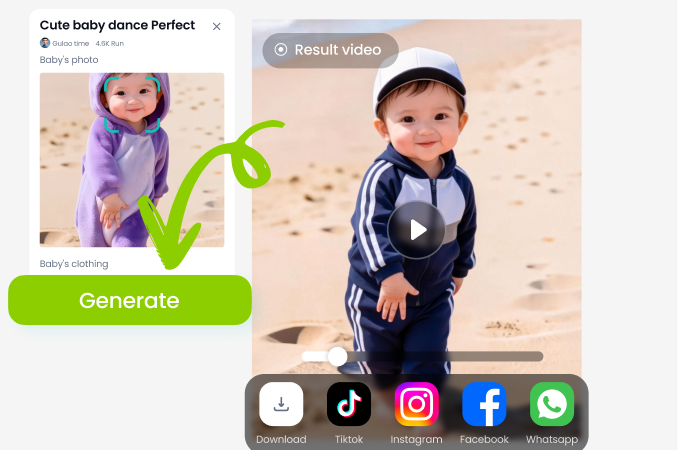
Tap generate and wait a few seconds. Save your classical portrait in high resolution and share it directly to social media or with friends.
AI Renaissance Painting App for Android
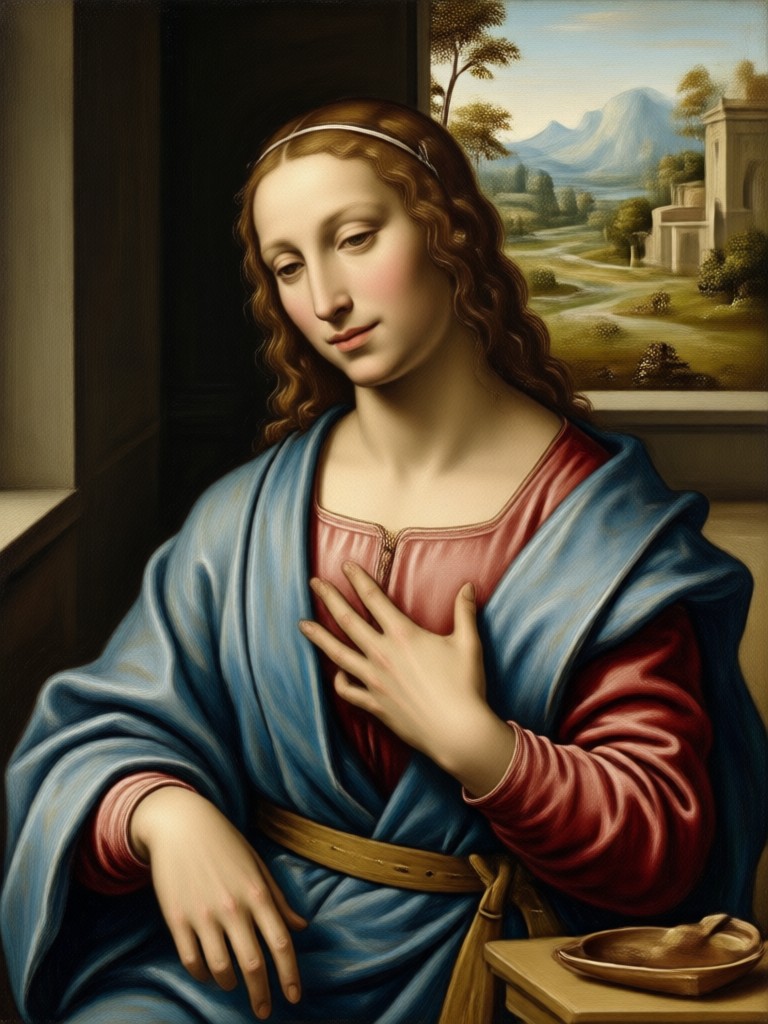
Download veeo on Google Play and turn any photo into a classical oil painting with realistic textures, dramatic light, and timeless composition.

What Creators Say About veeo Renaissance Filters
My family portraits finally look timeless
I used the Renaissance filter for a holiday card and everyone thought we hired an artist. The app kept our faces recognizable while adding gorgeous oil paint texture and soft lighting.
Perfect for historical content
As a history educator I use veeo to turn modern photos into Renaissance style visuals for my lessons. The results are accurate enough to feel authentic but fast enough to use weekly.
No skills needed for museum quality
I cannot draw at all, but veeo makes me look like I commissioned a classical painter. The style filters are intuitive and the output is crisp enough to print and frame.
Frequently Asked Questions About AI Renaissance Painting
Find clear answers to common questions about turning photos into Renaissance style paintings with veeo.
More Topics You May Like
Explore more topics related to AI Renaissance Painting and discover fresh ideas tailored to your creative interests.

AI Run Fast Effects: Add Motion Speed to Any Photo
AI Run Fast Effects adds motion blur and speed streaks to photos. Upload an image, pick a speed effect, and watch it become a sprinting scene in seconds.

Make Any Face Move with AI Face Video Generator
Turn any portrait into a lifelike face video with veeo. Upload a photo, pick a motion style, and create realistic talking or smiling faces in seconds. Download the app.

AI Emoji Generator: Create Custom Emojis in Seconds
Turn your ideas into unique AI emojis with veeo. Upload a photo or type a prompt, choose from 1M+ styles, and generate custom emojis in seconds. No design skills needed.
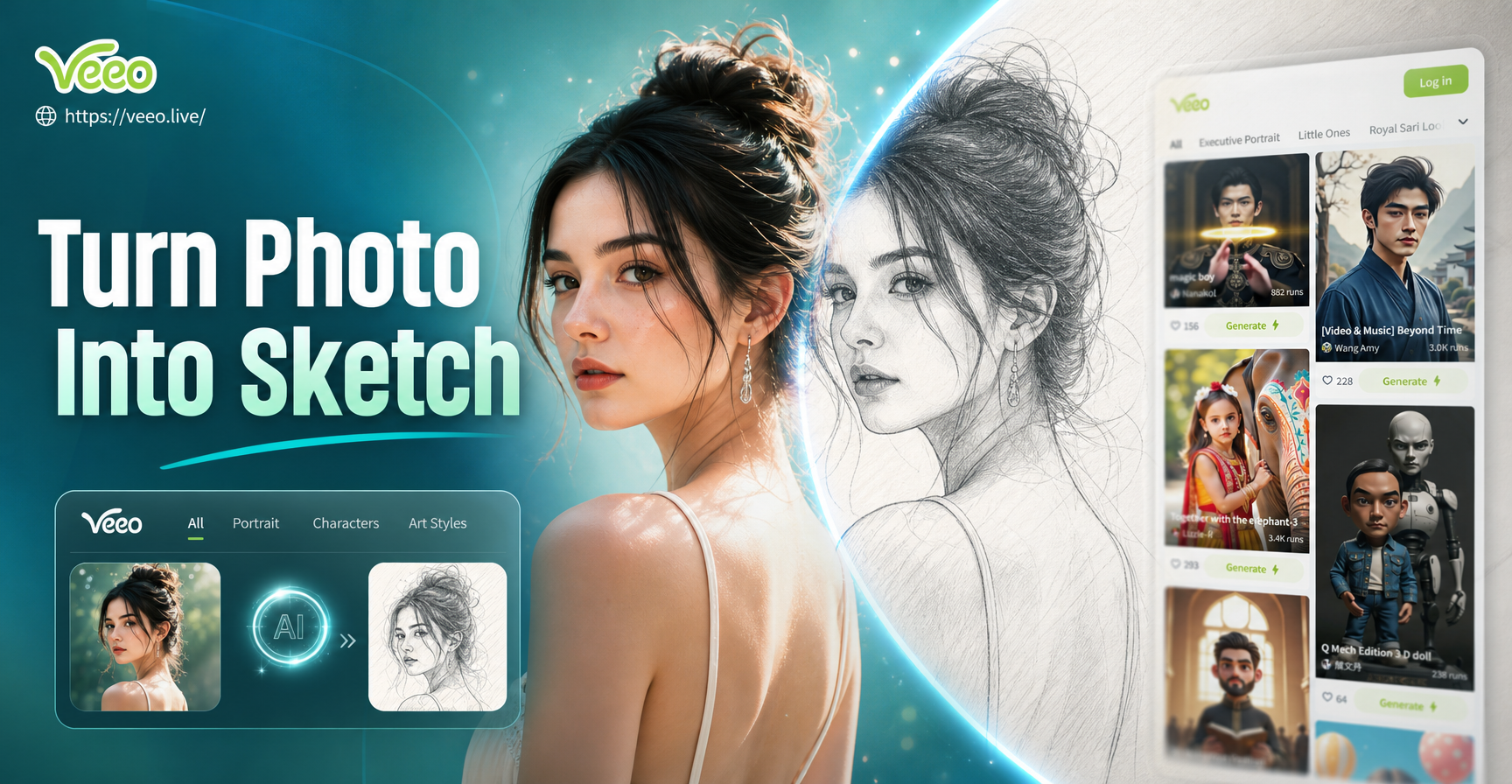
Turn Photo Into Sketch: Pencil & Line Art Effects
Transform any photo into a realistic sketch with veeo. AI converts pictures into pencil, line art, and charcoal drawings. Download the app to sketch your photo in seconds.
Create Your Own Renaissance Masterpiece Today
Download veeo and turn everyday photos into classical art in seconds. Realistic oil textures, period details, and one tap results.

Create Your Own Renaissance Masterpiece Today
Download veeo and turn everyday photos into classical art in seconds. Realistic oil textures, period details, and one tap results.