AI Purikura Filter

Choose Your Favorite Purikura Style
Explore veeo's collection of kawaii Japanese photo booth filters, from pink pastel sparkles to retro arcade stamp effects.
What Makes the AI Purikura Filter Special
The AI Purikura filter recreates the iconic Japanese photo booth look right on your phone. From glossy eyes and smooth skin to sparkly stamps and pastel doodles, every detail is designed to turn ordinary selfies into adorable kawaii masterpieces. No photo booth required.
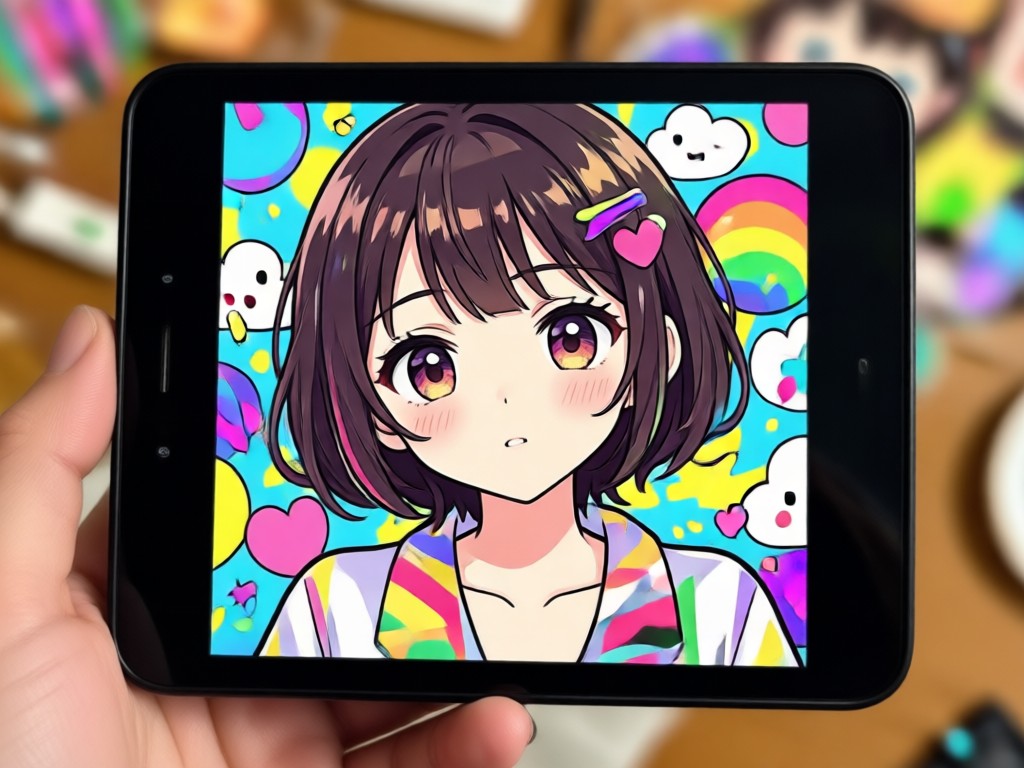
Kawaii Glam Skin
Get the smooth, dewy, almost doll-like skin tone that defines Japanese purikura. The AI evens out texture, brightens the complexion, and adds a soft pink glow for that perfect kawaii look.
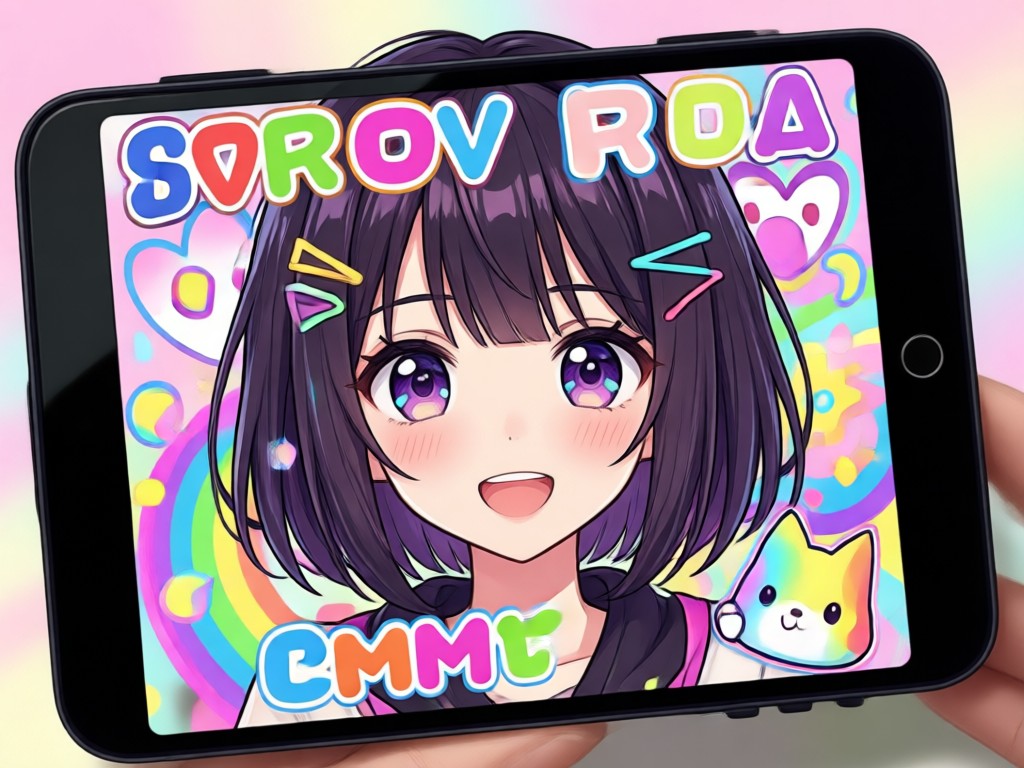
Sparkle Stamps and Doodles
Decorate your portrait with hearts, stars, bows, and handwritten style captions. Pick from hundreds of cute stickers that make every photo feel like a real photo booth strip.
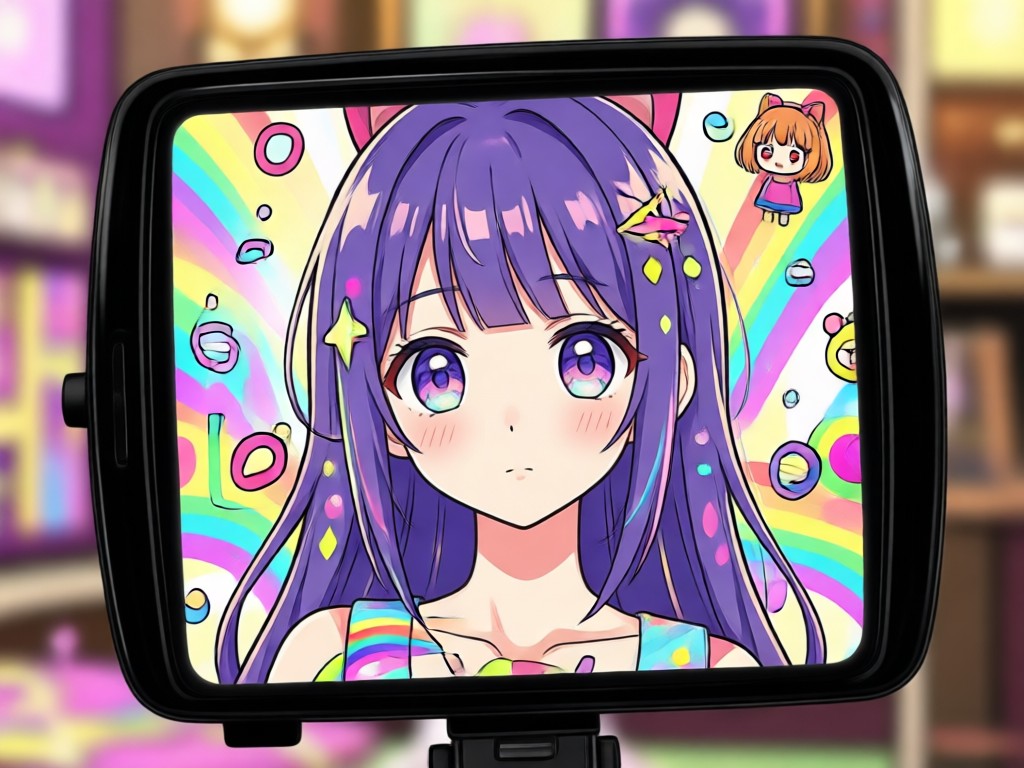
Big Anime Eyes
Achieve the signature enlarged, sparkling eye look that makes purikura photos instantly recognizable. The filter gently enhances eye size and adds a glossy catchlight for a dreamy gaze.
AI Purikura Filter Creations Gallery
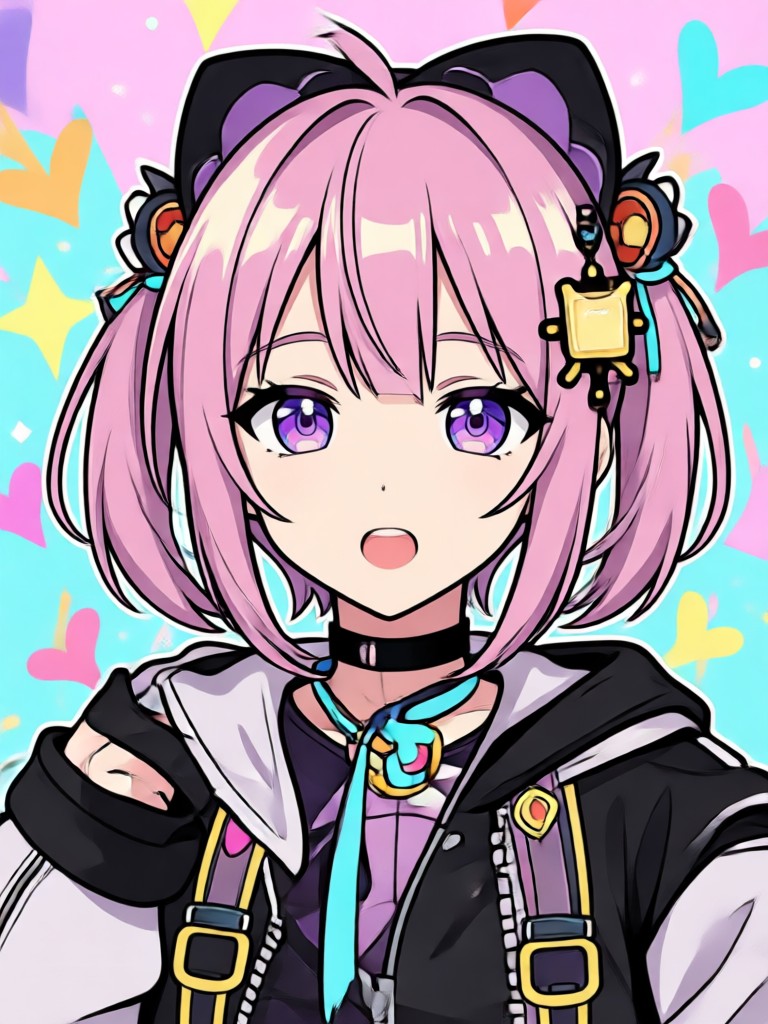
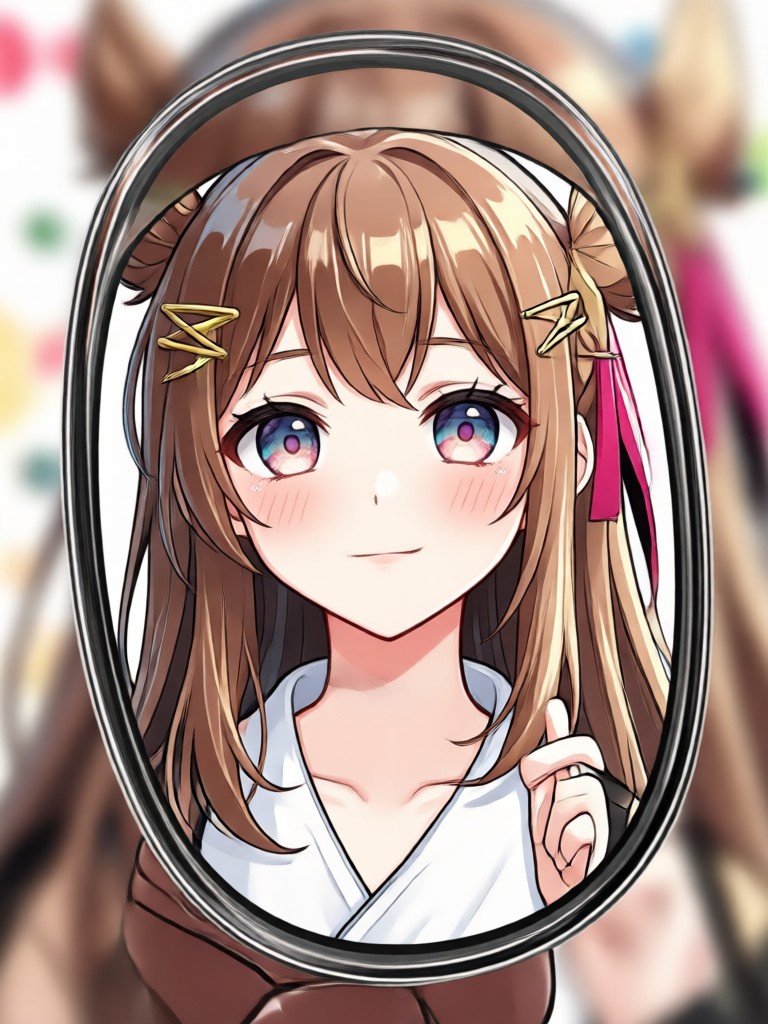
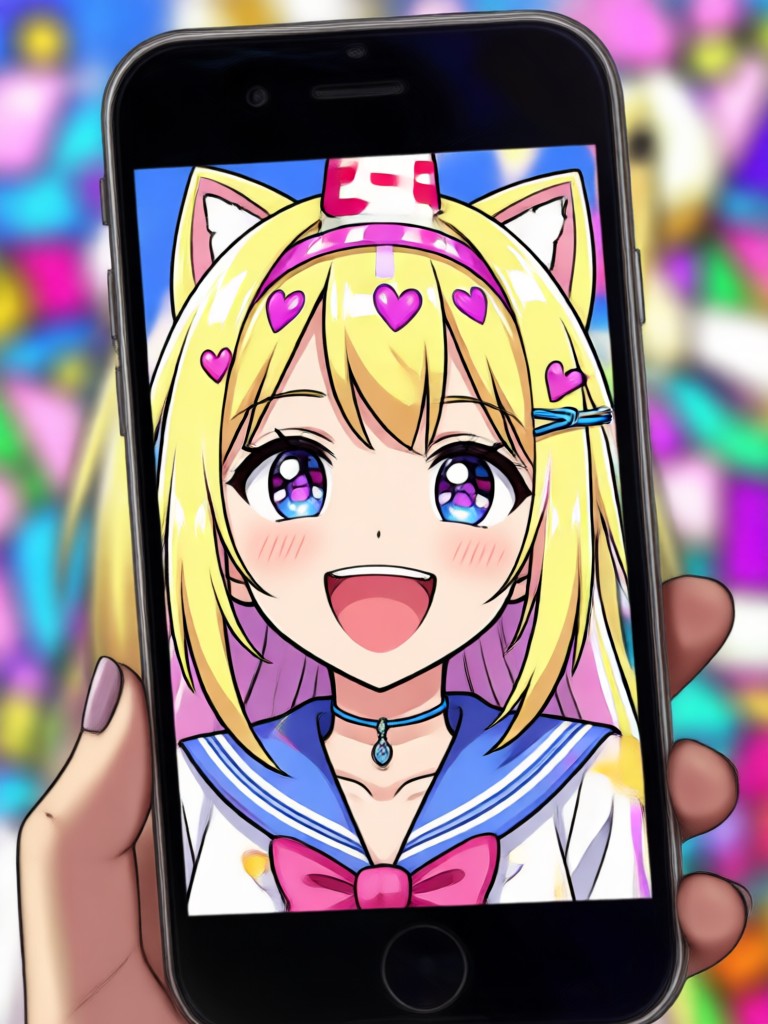
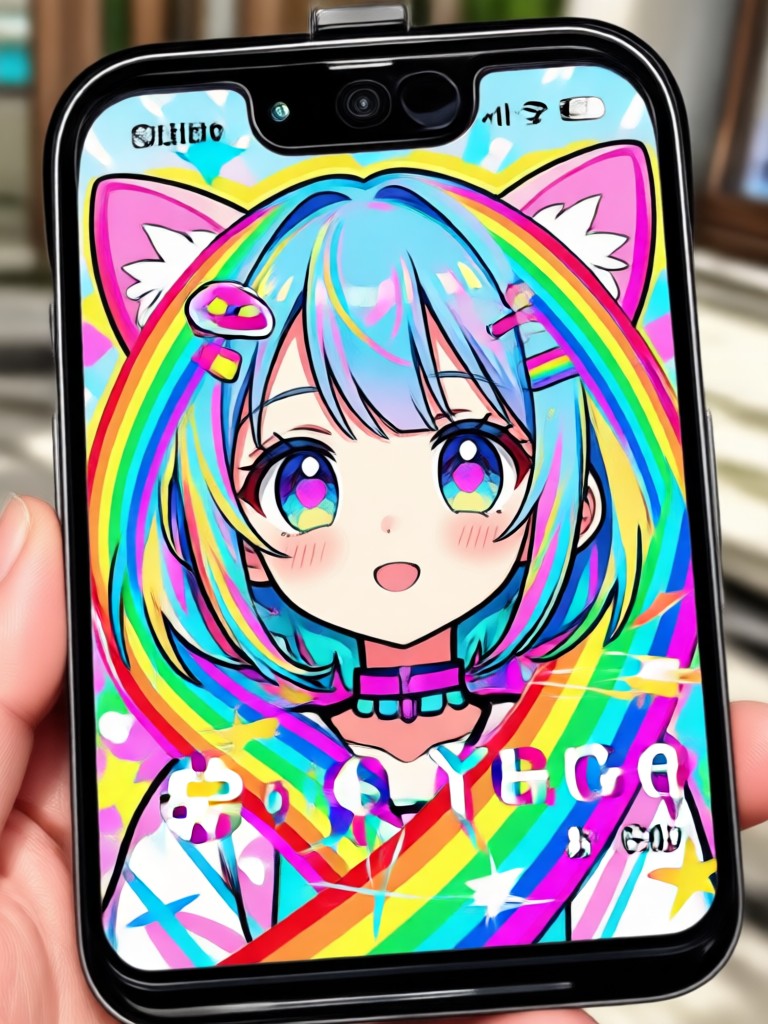
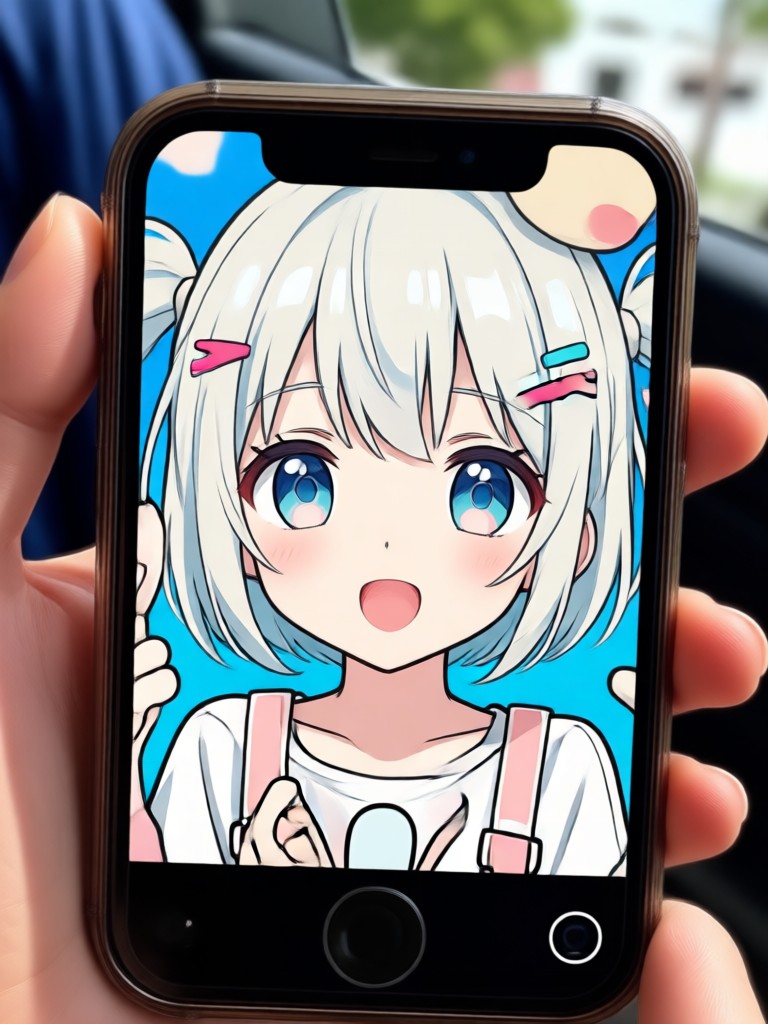
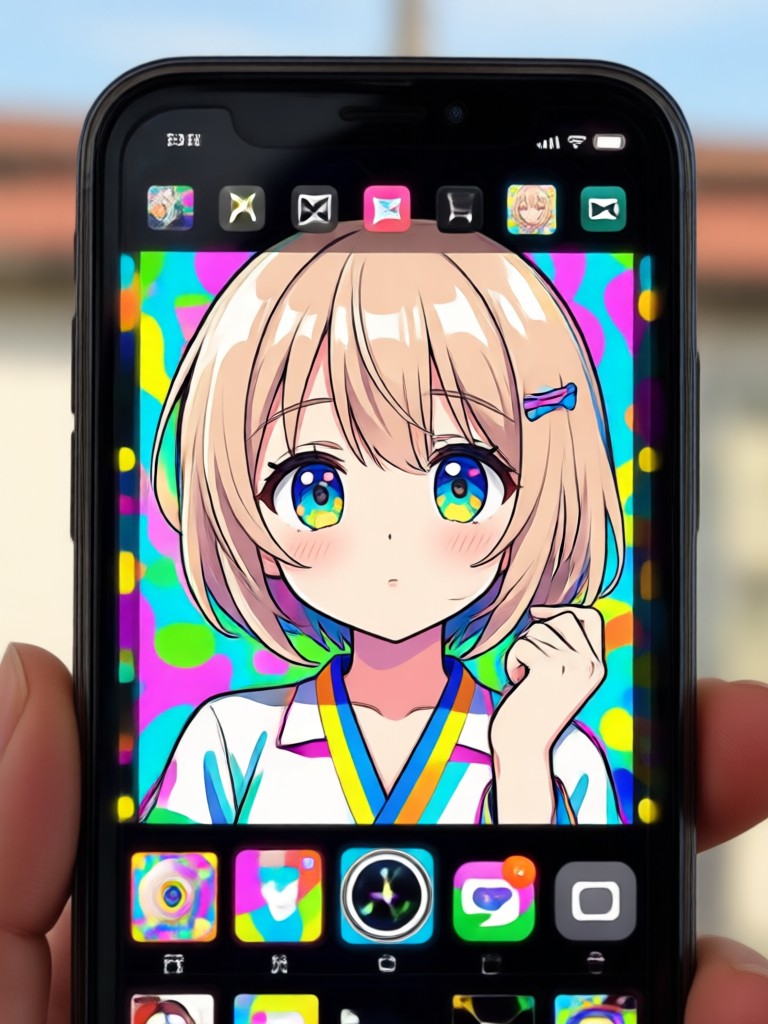
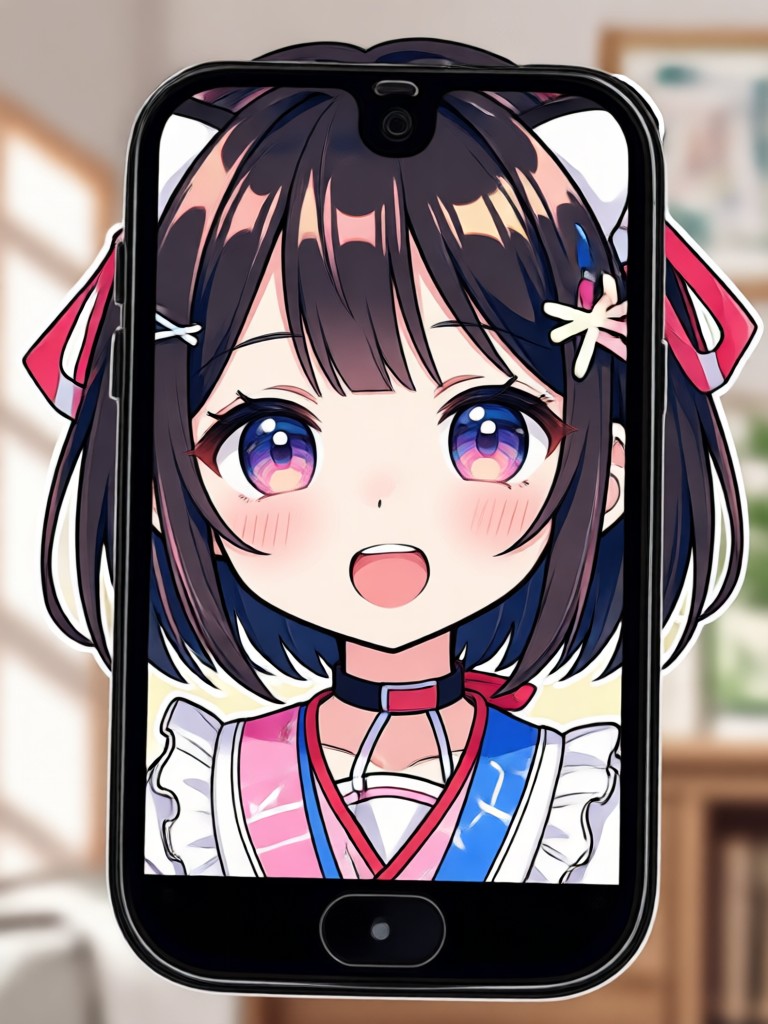
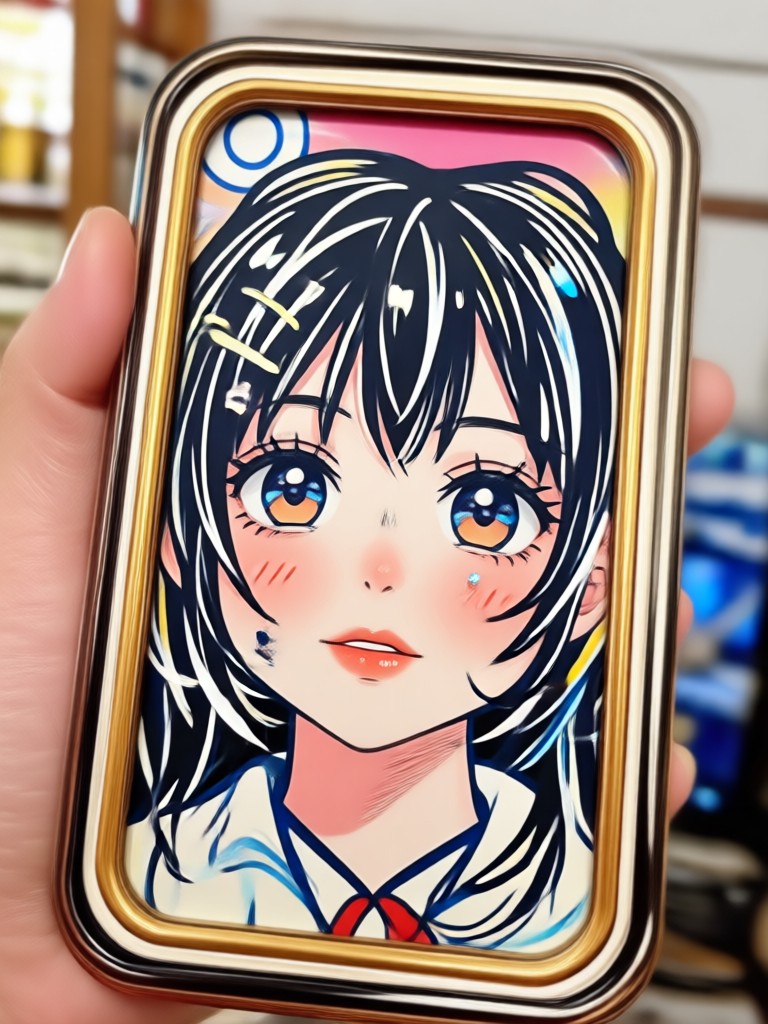
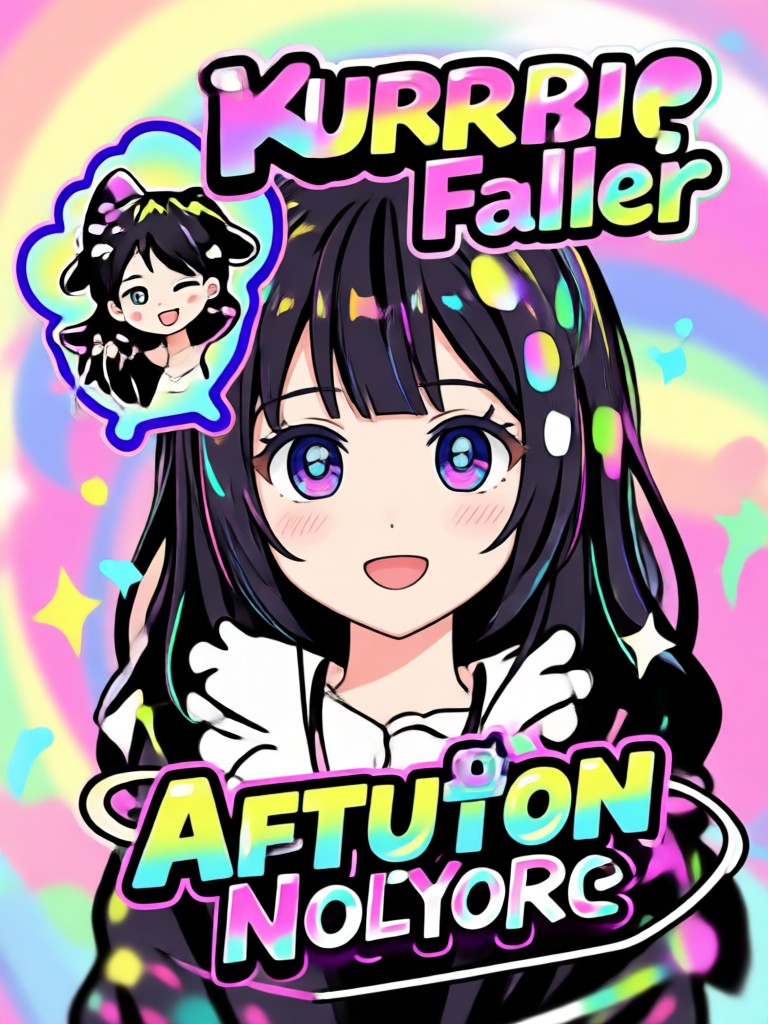
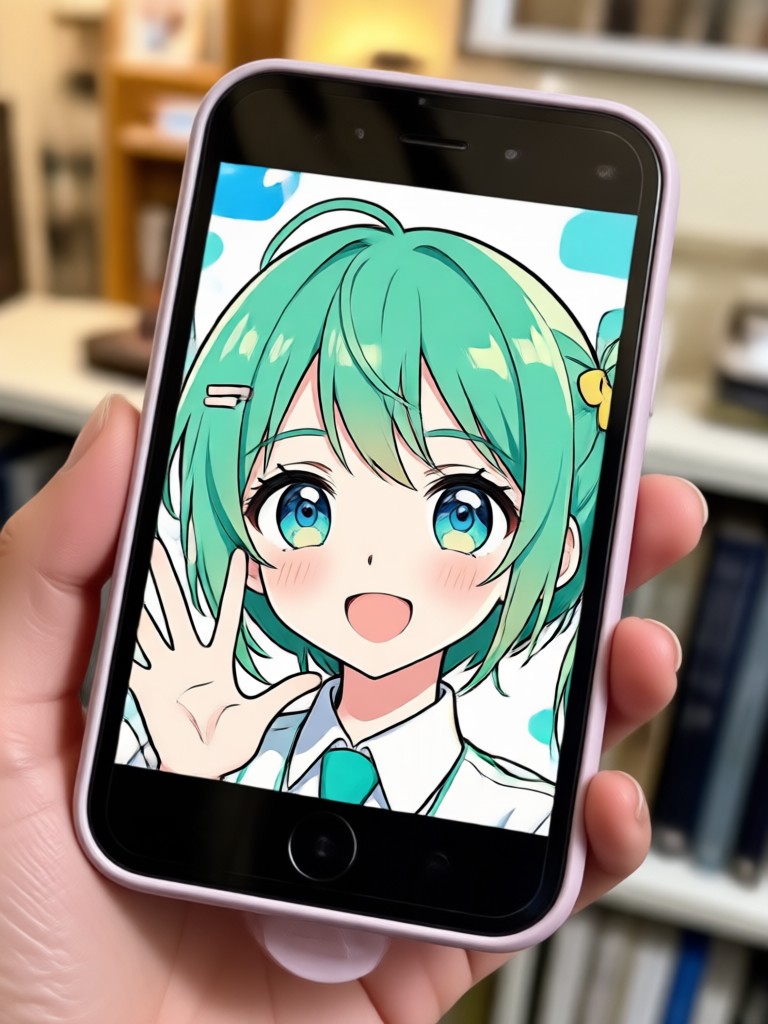
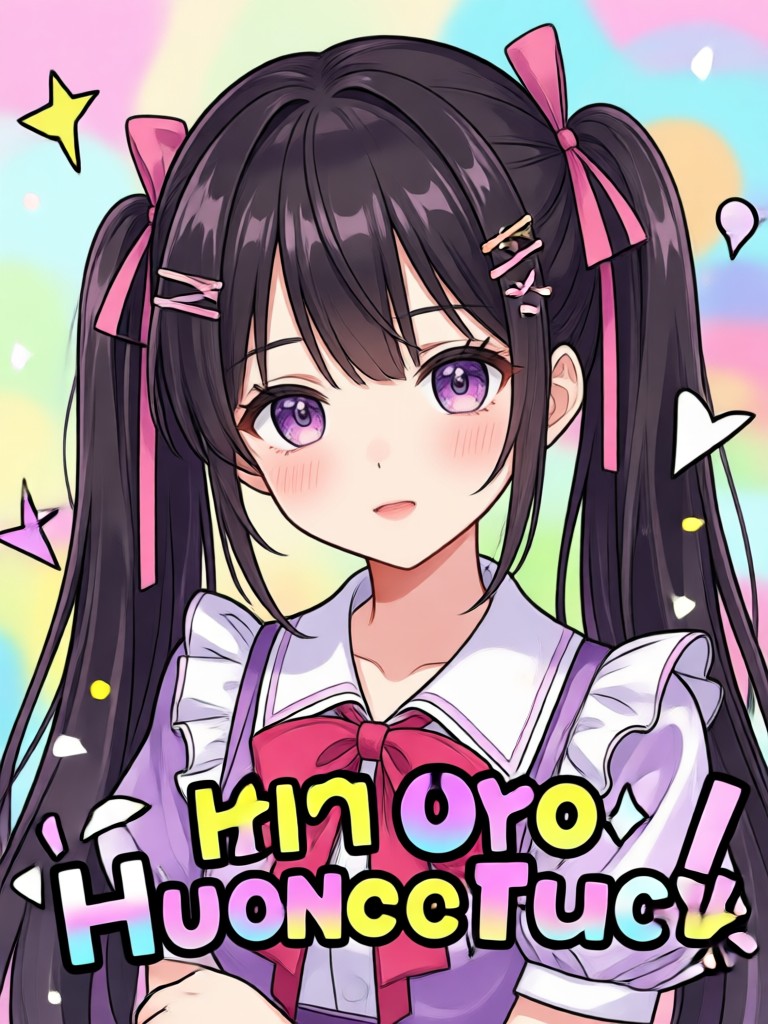
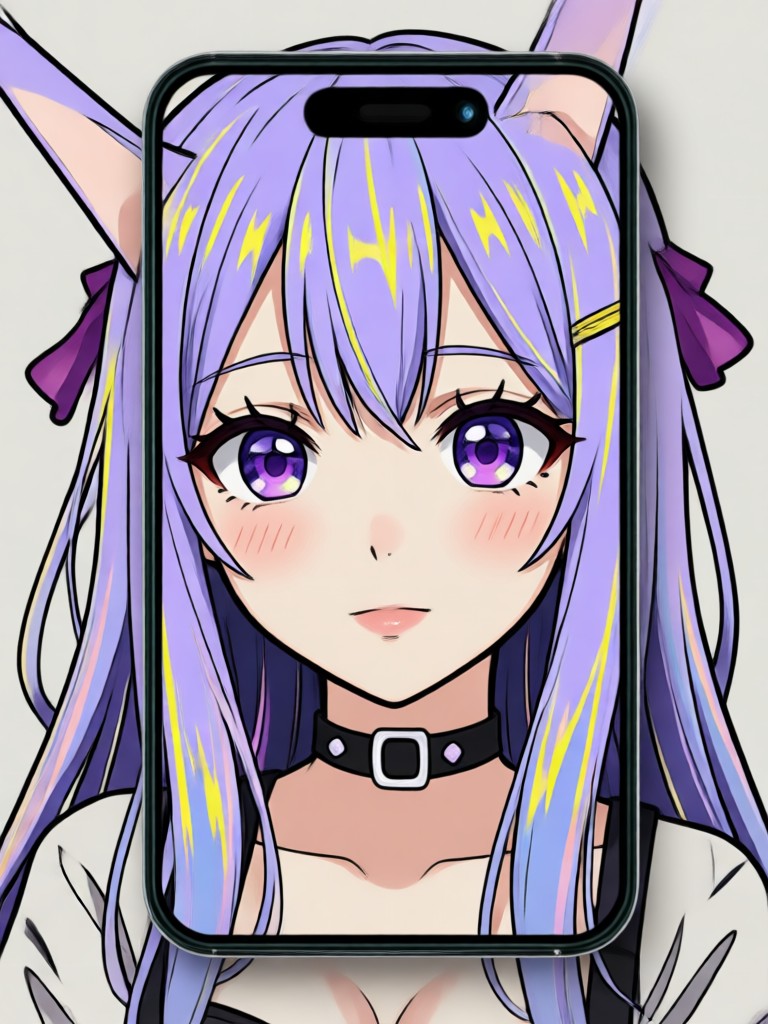
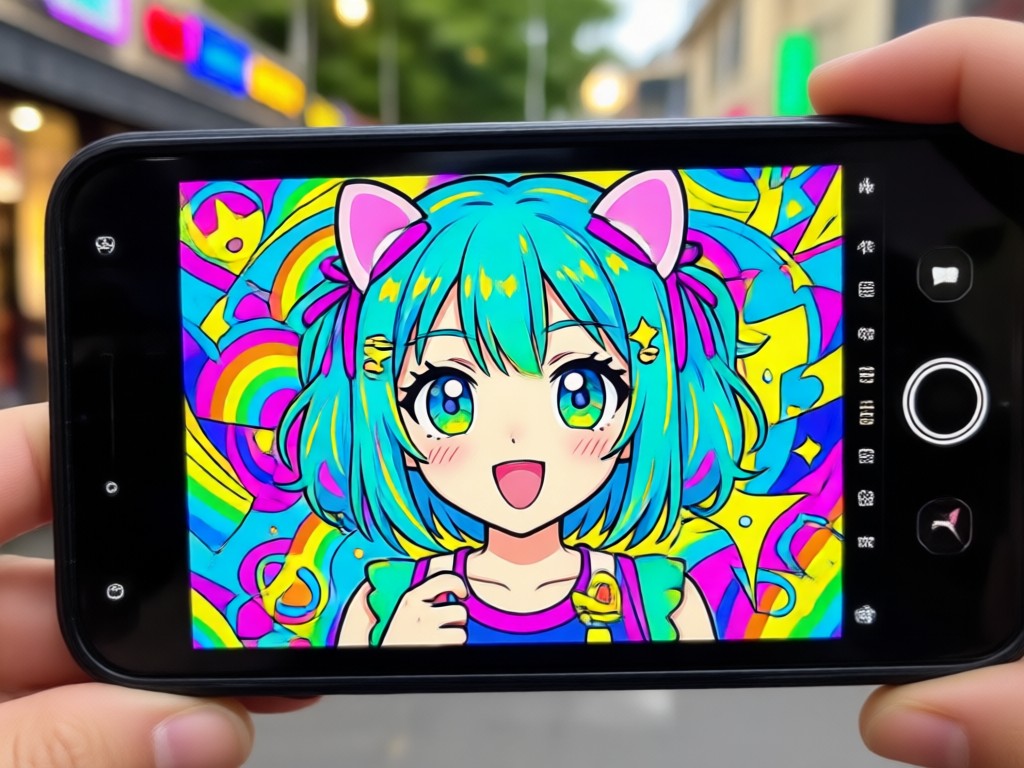
See how veeo transforms regular photos into adorable purikura-style portraits. Browse through sparkly, pastel, and kawaii creations made with the AI Purikura filter.
Why Use an AI Purikura Filter
Purikura booths are fun but expensive and hard to find outside Japan. With veeo, you get the same kawaii charm in a mobile app. Apply glossy eyes, smooth skin, and cute stamps to any photo in seconds. Turn every selfie into a collectible photo booth masterpiece without leaving your room.
How to Use the AI Purikura Filter
Create your own kawaii Japanese photo booth photos in three simple steps with the veeo app.
Step 01.
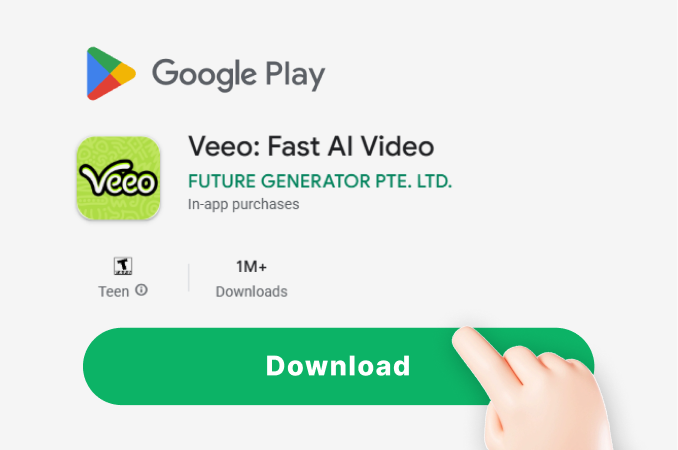
Download veeo from the Google Play store and open the app on your phone. Installation takes less than a minute and the Purikura filter is ready to use immediately.
Step 02.
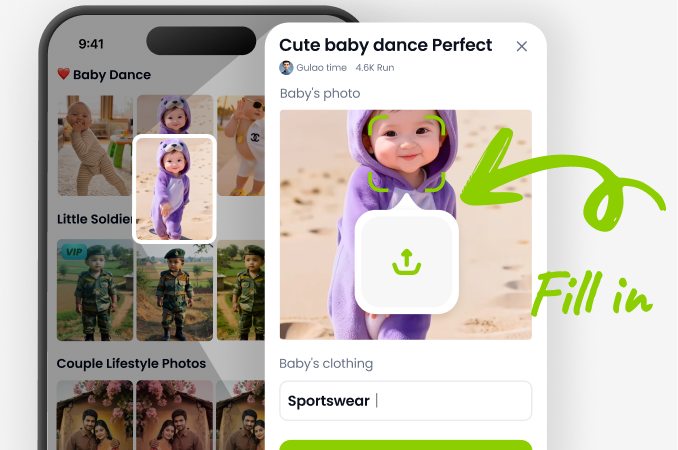
Upload a selfie or take a new photo inside the app. Browse the style gallery and select the AI Purikura filter, then pick your favorite sticker pack and pastel color theme.
Step 03.
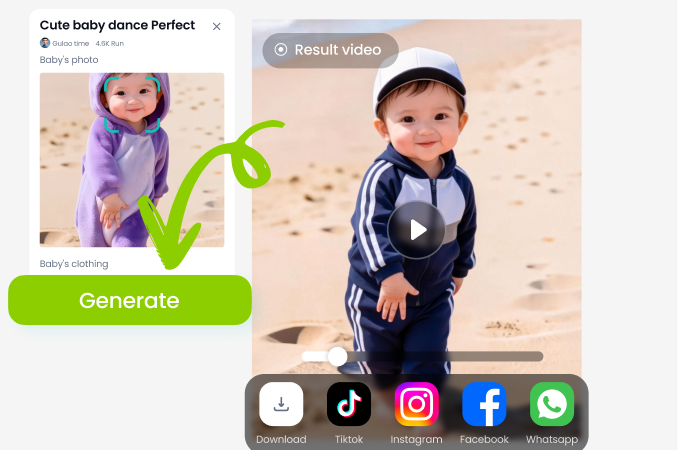
Let the AI generate your kawaii photo booth image. Save the result to your gallery and share it on Instagram, TikTok, or with your friends.
Who Loves the AI Purikura Filter
Mika Tanaka
I live in the US and miss the purikura booths in Tokyo. This filter brings back all the cute memories. The sparkle stamps and big eye effect are spot on.
Sofia Chen
My friends asked which photo booth I used. They could not believe it was an app. The kawaii skin smoothing is so flattering.
Aiko Yamamoto
So easy to use. I upload a selfie, pick a purikura style, and share it on Instagram. My posts get way more likes now.
Lily Nguyen
The AI Purikura filter is my go-to for profile pictures. Love the dreamy pastel colors and cute doodle stamps. Feels like a real Japanese photo booth.
Mika Tanaka
I live in the US and miss the purikura booths in Tokyo. This filter brings back all the cute memories. The sparkle stamps and big eye effect are spot on.
Sofia Chen
My friends asked which photo booth I used. They could not believe it was an app. The kawaii skin smoothing is so flattering.
Aiko Yamamoto
So easy to use. I upload a selfie, pick a purikura style, and share it on Instagram. My posts get way more likes now.
Lily Nguyen
The AI Purikura filter is my go-to for profile pictures. Love the dreamy pastel colors and cute doodle stamps. Feels like a real Japanese photo booth.
Frequently Asked Questions About AI Purikura Filter
Find answers to common questions about the AI Purikura filter and how to create your own kawaii Japanese photo booth photos.
More Topics You May Like
Explore more topics you may like and discover fresh ideas tailored to your interests.
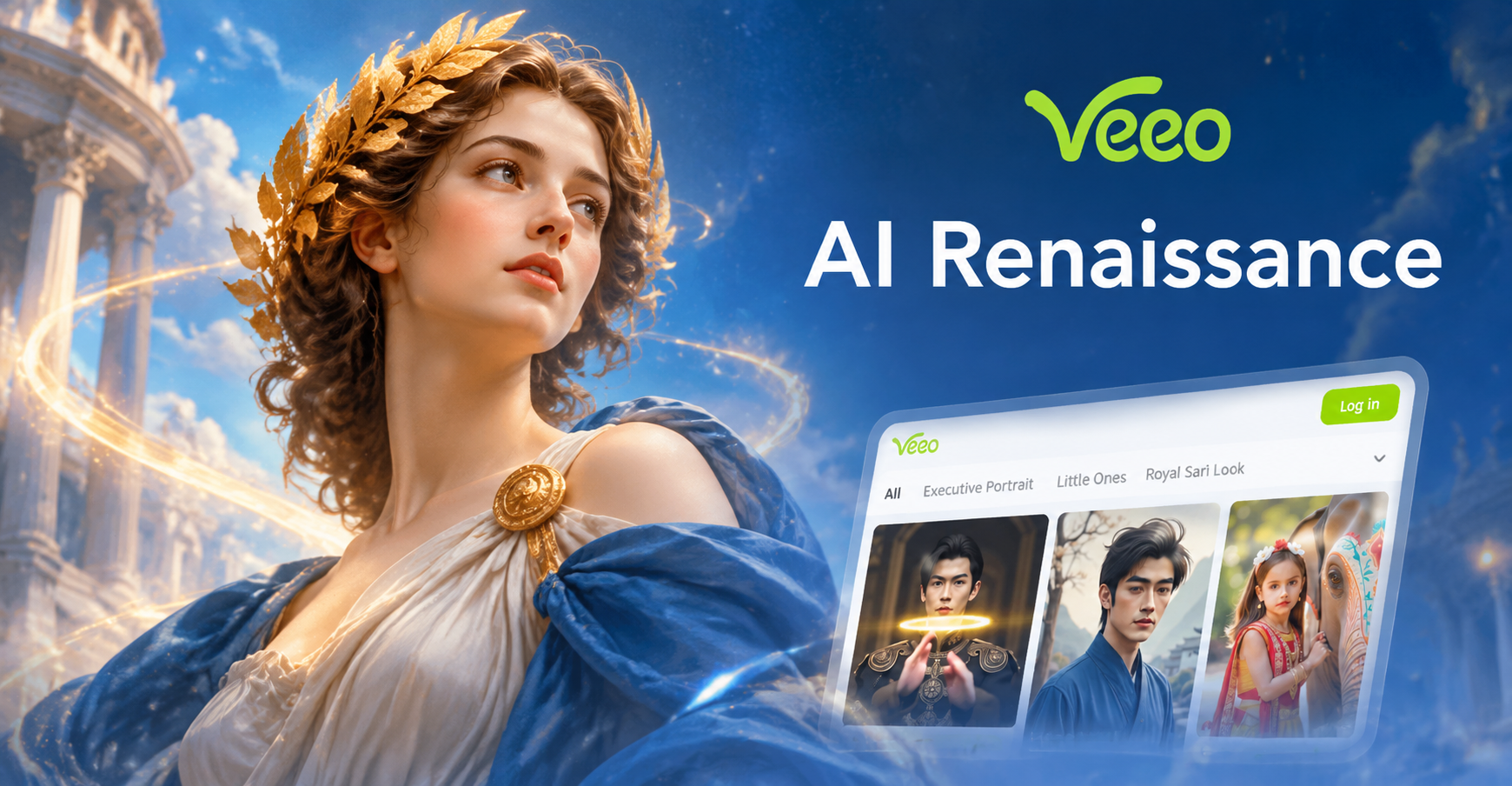
Turn Any Photo Into a Renaissance Masterpiece
AI Renaissance Painting transforms photos into classical oil portraits. Upload a picture, choose a style, and get museum quality results in seconds.
AI Run Fast Effects: Add Motion Speed to Any Photo
AI Run Fast Effects adds motion blur and speed streaks to photos. Upload an image, pick a speed effect, and watch it become a sprinting scene in seconds.
Make Any Face Move with AI Face Video Generator
Turn any portrait into a lifelike face video with veeo. Upload a photo, pick a motion style, and create realistic talking or smiling faces in seconds. Download the app.
AI Emoji Generator: Create Custom Emojis in Seconds
Turn your ideas into unique AI emojis with veeo. Upload a photo or type a prompt, choose from 1M+ styles, and generate custom emojis in seconds. No design skills needed.
Ready to Create Cute Purikura Photos?
Download veeo and start turning your selfies into adorable kawaii Japanese photo booth masterpieces with the AI Purikura filter.

Ready to Create Cute Purikura Photos?
Download veeo and start turning your selfies into adorable kawaii Japanese photo booth masterpieces with the AI Purikura filter.