AI Politician Filter: Turn Selfies Into Campaign Portraits
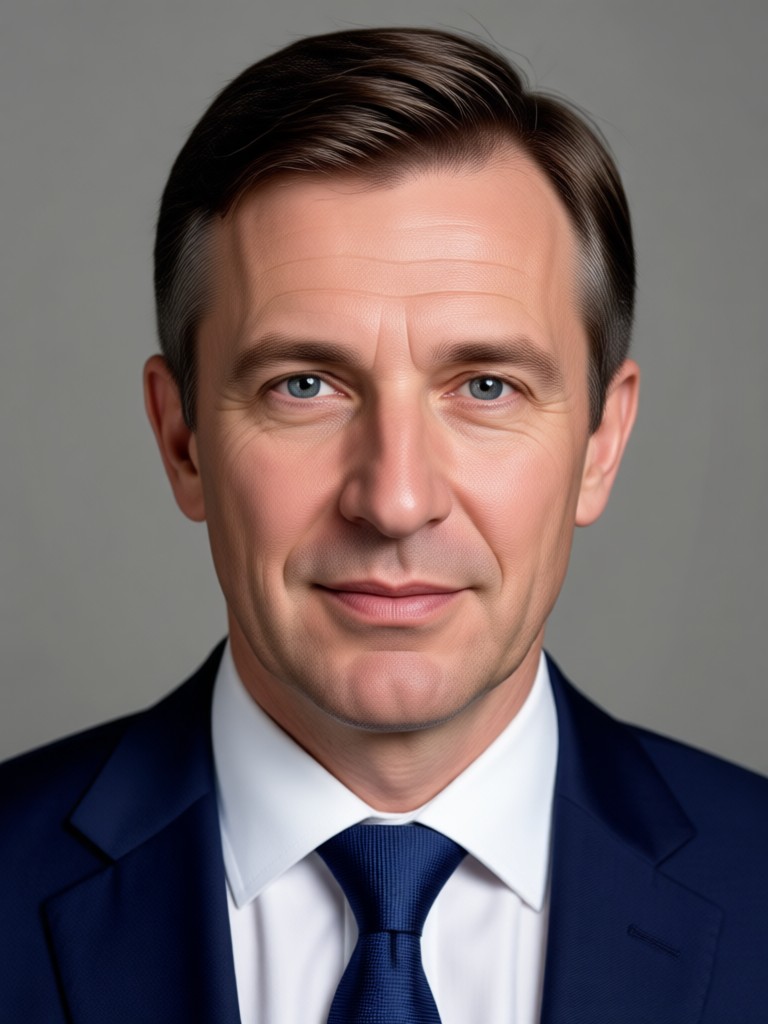
Choose Your AI Politician Filter Style
Browse curated politician templates, from presidential podium shots to campaign posters, and apply them to your photo in one tap.
Key Features of the AI Politician Filter
The AI Politician Filter makes it easy to create believable political portraits for fun, satire, or creative projects. Here is what you can do.
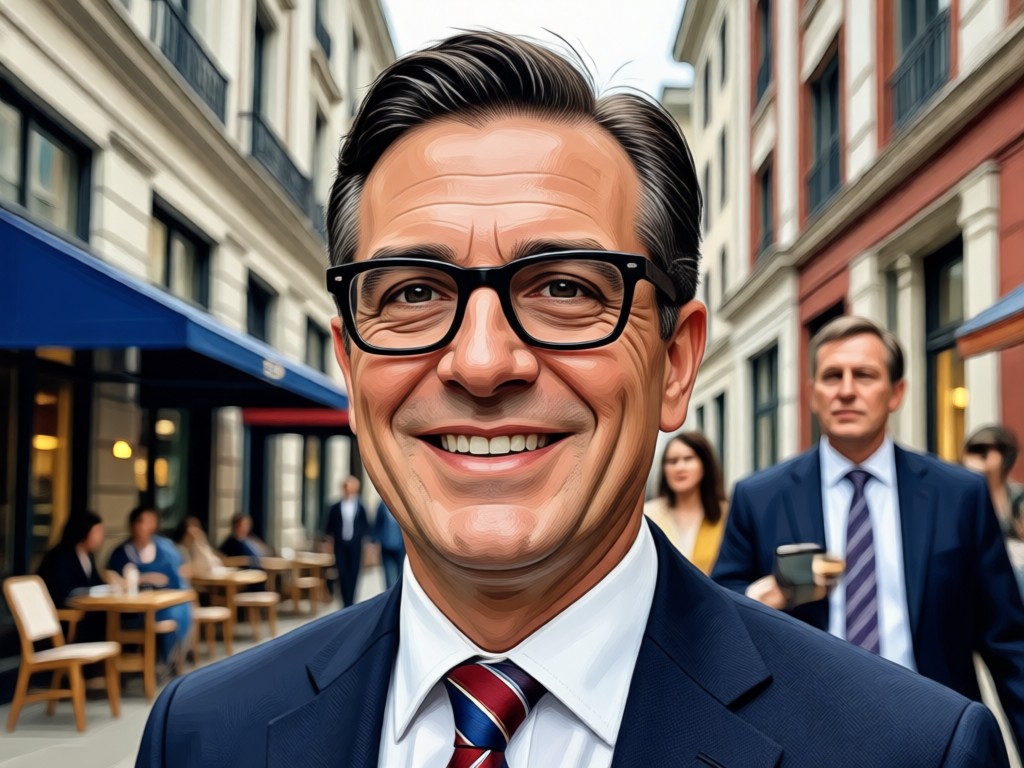
Realistic Political Portrait Generation
Upload a photo and let AI add a professional suit, adjust posture, and place you in a formal setting. The result looks like a real campaign headshot, not a cartoon overlay.
Realistic Political Portrait Generation
Upload a photo and let AI add a professional suit, adjust posture, and place you in a formal setting. The result looks like a real campaign headshot, not a cartoon overlay.
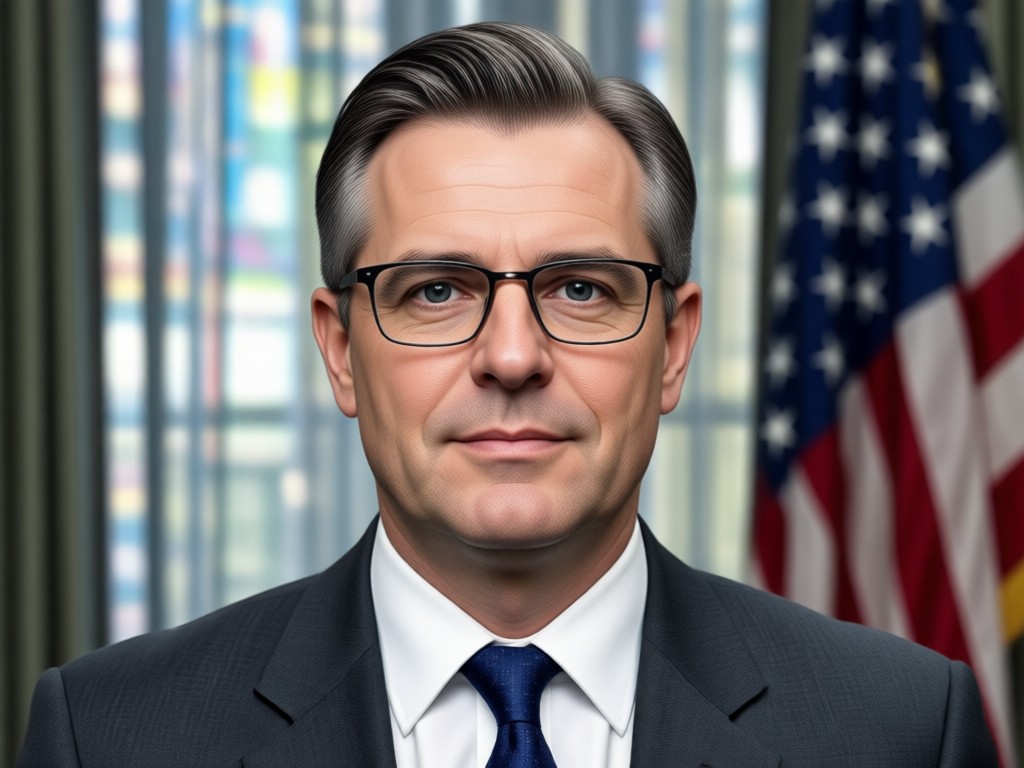
Campaign Poster and Podium Styles
Choose from backdrops with flags, podiums, press rooms, and campaign banners. Each style is applied instantly with matching lighting and color grading.
Campaign Poster and Podium Styles
Choose from backdrops with flags, podiums, press rooms, and campaign banners. Each style is applied instantly with matching lighting and color grading.
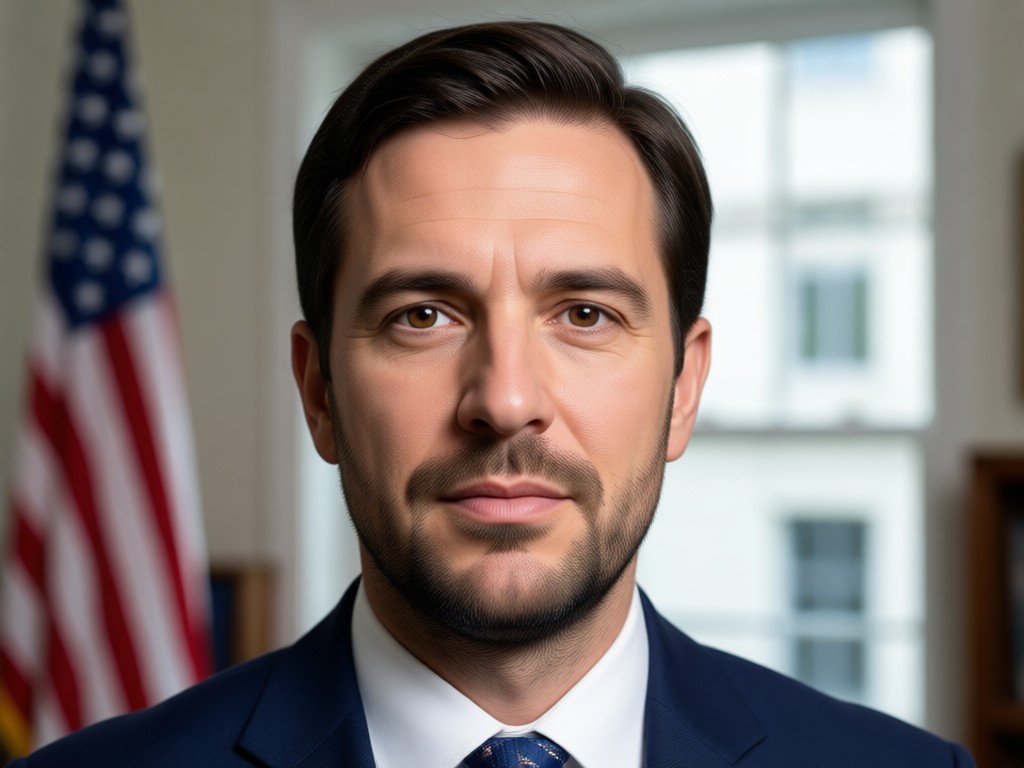
One Tap Sharing for Social Media
Save your AI politician portrait in high resolution and share it directly to social media. Perfect for election season memes, satire, or creative campaigns.
One Tap Sharing for Social Media
Save your AI politician portrait in high resolution and share it directly to social media. Perfect for election season memes, satire, or creative campaigns.
How to Use the AI Politician Filter
Create a convincing political portrait in three simple steps using the veeo app.
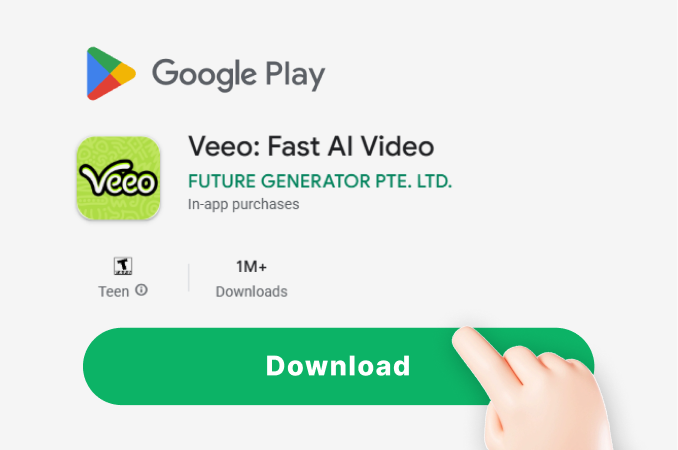
Step 01.
Download the veeo app from Google Play and open it on your device. No account or credit card is required to start creating.
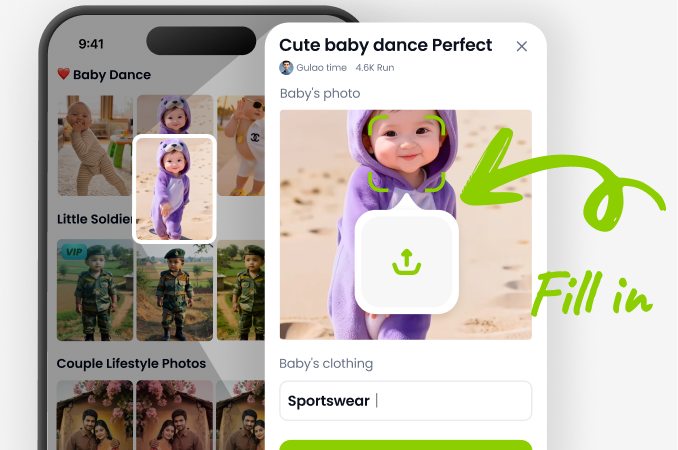
Step 02.
Upload a selfie and select the AI Politician Filter from the style gallery. Pick a suit, podium, or campaign backdrop that fits your vision.
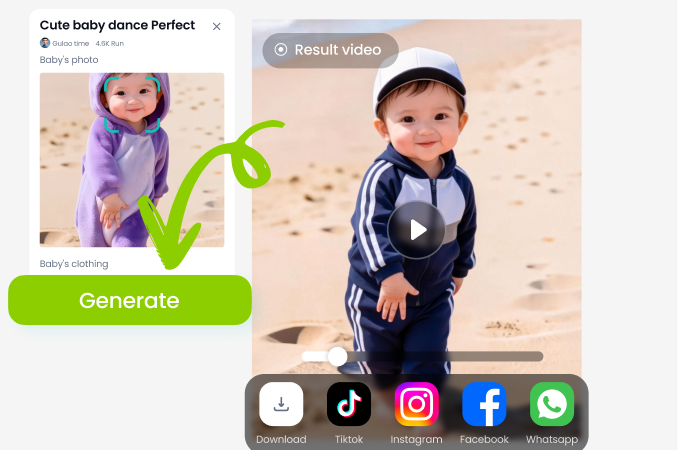
Step 03.
Generate your political portrait and preview the result. Save it in HD or share it directly to your social media feed.
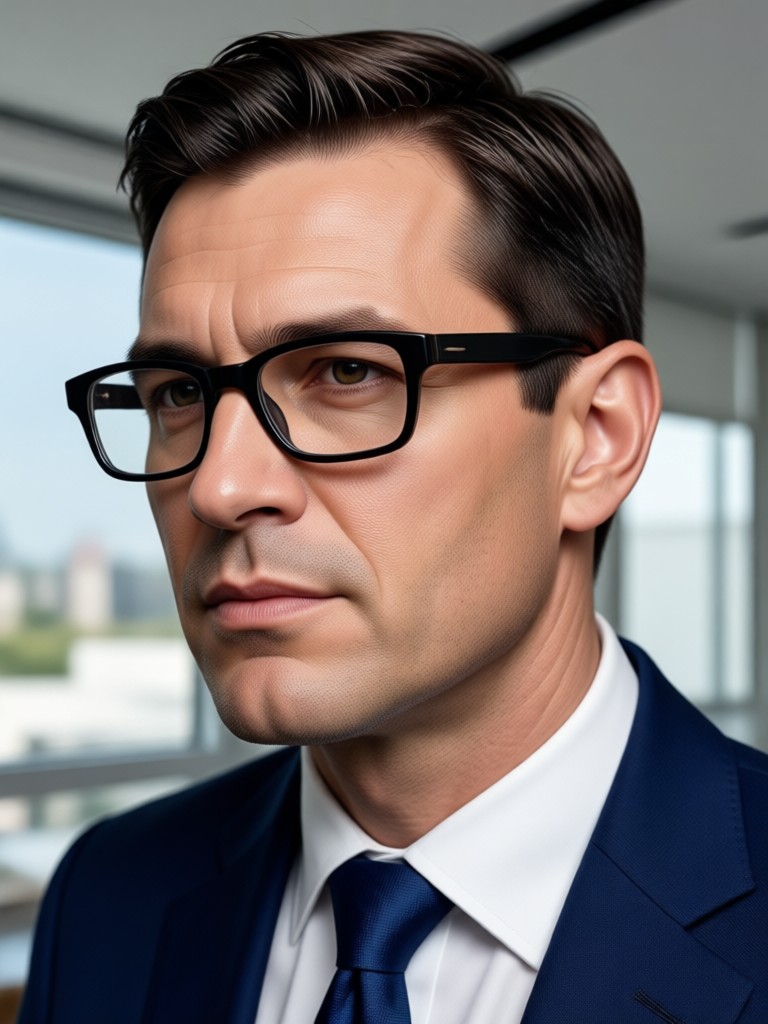
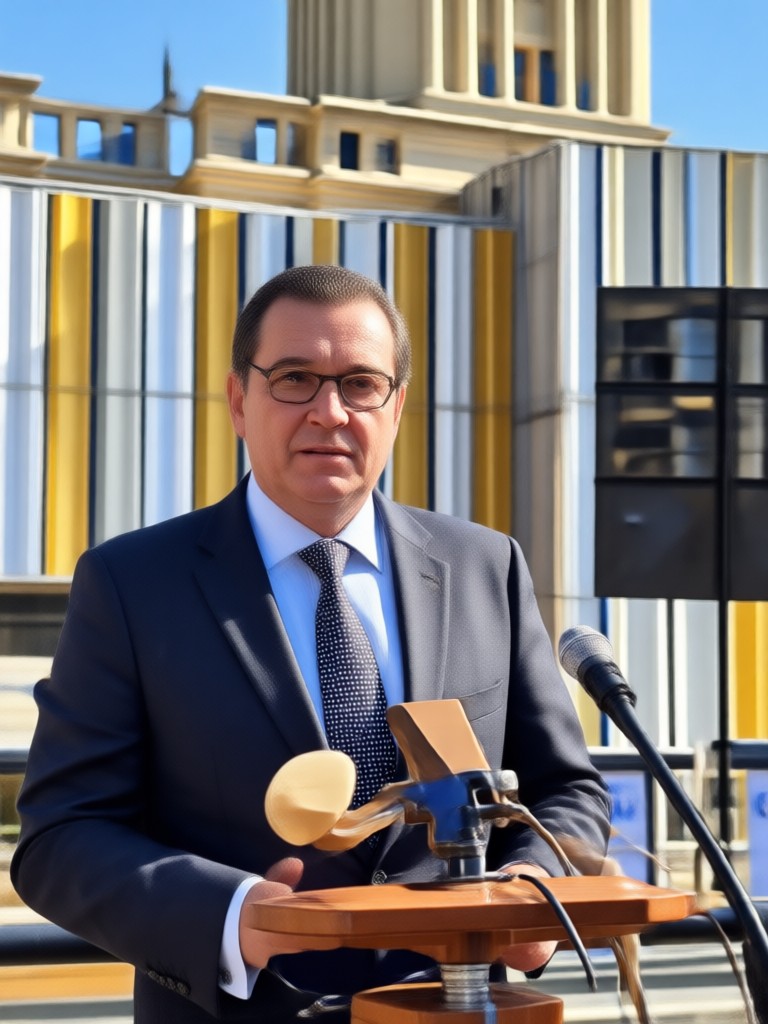
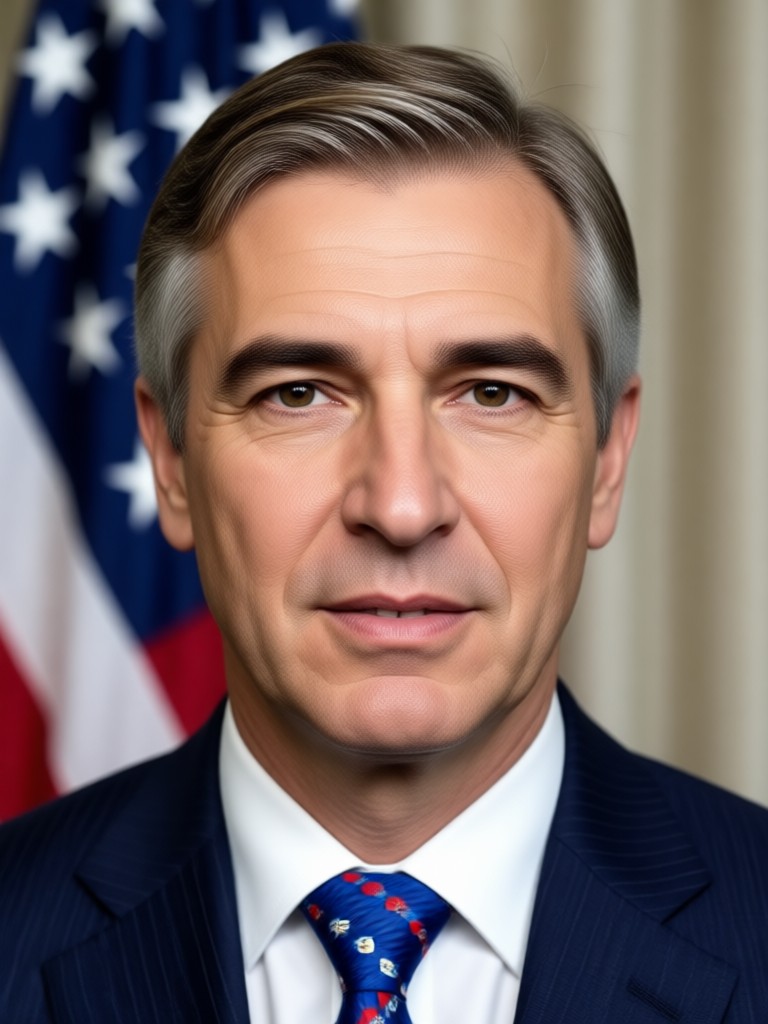
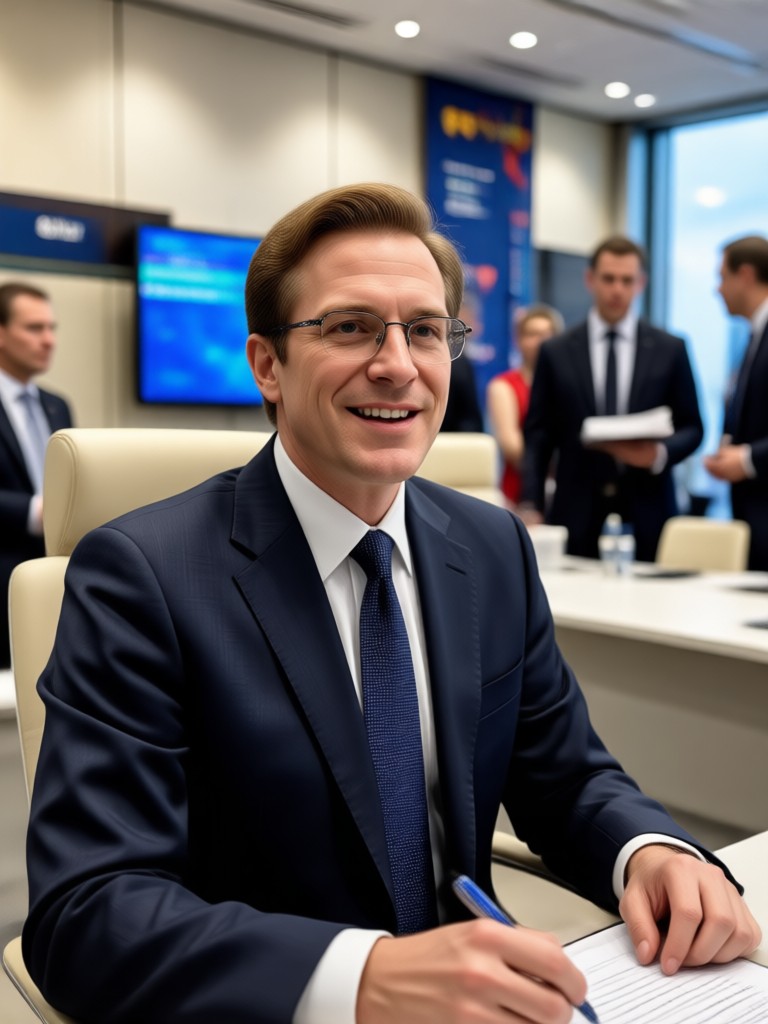
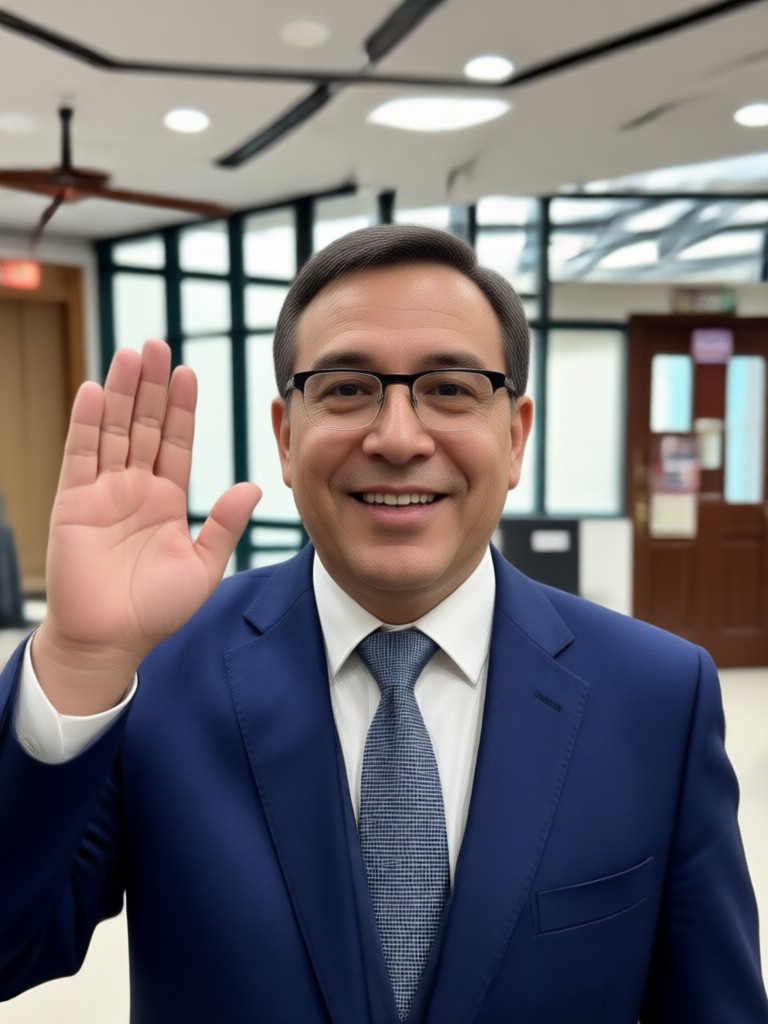
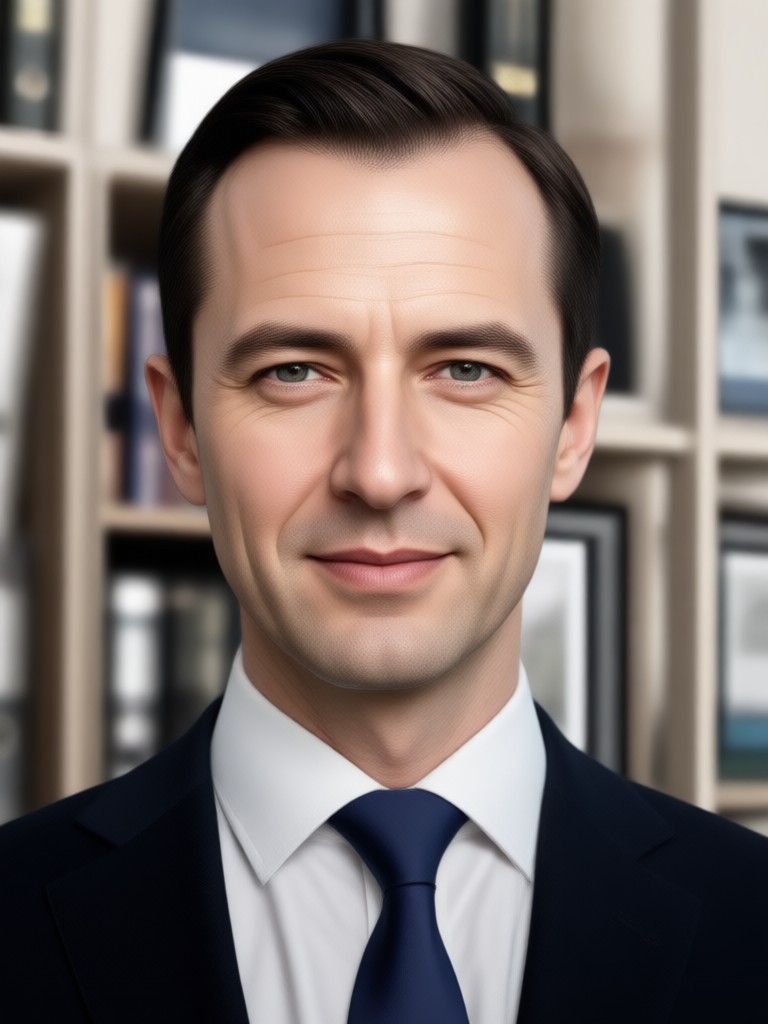
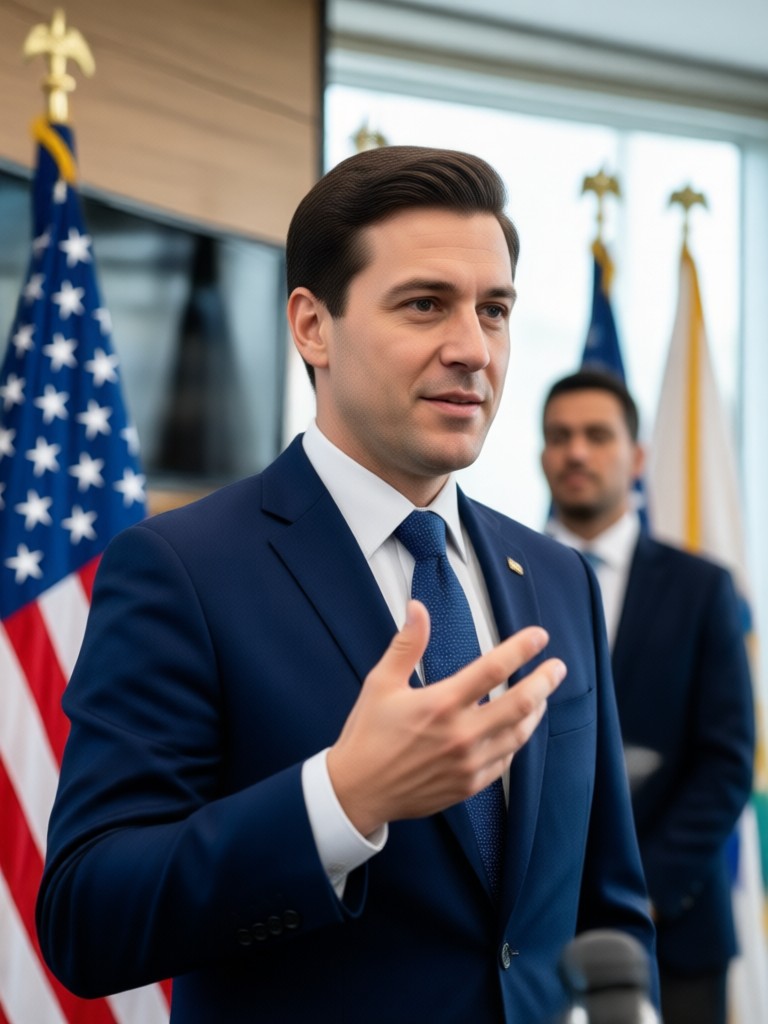
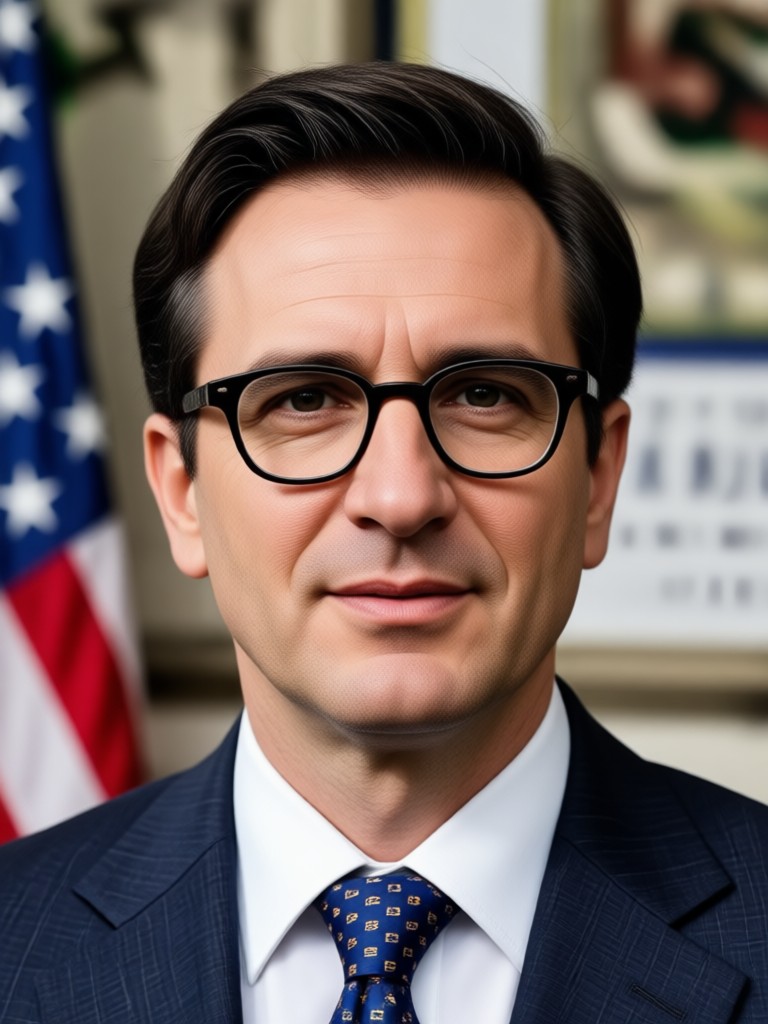
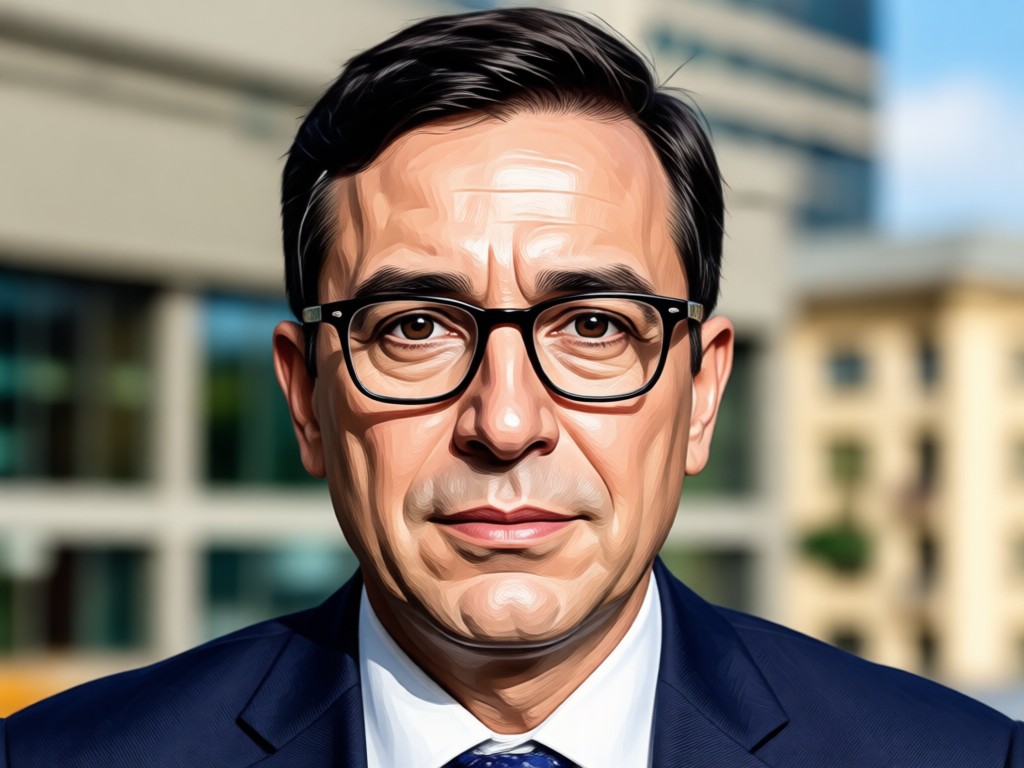
AI Politician Filter Results Gallery
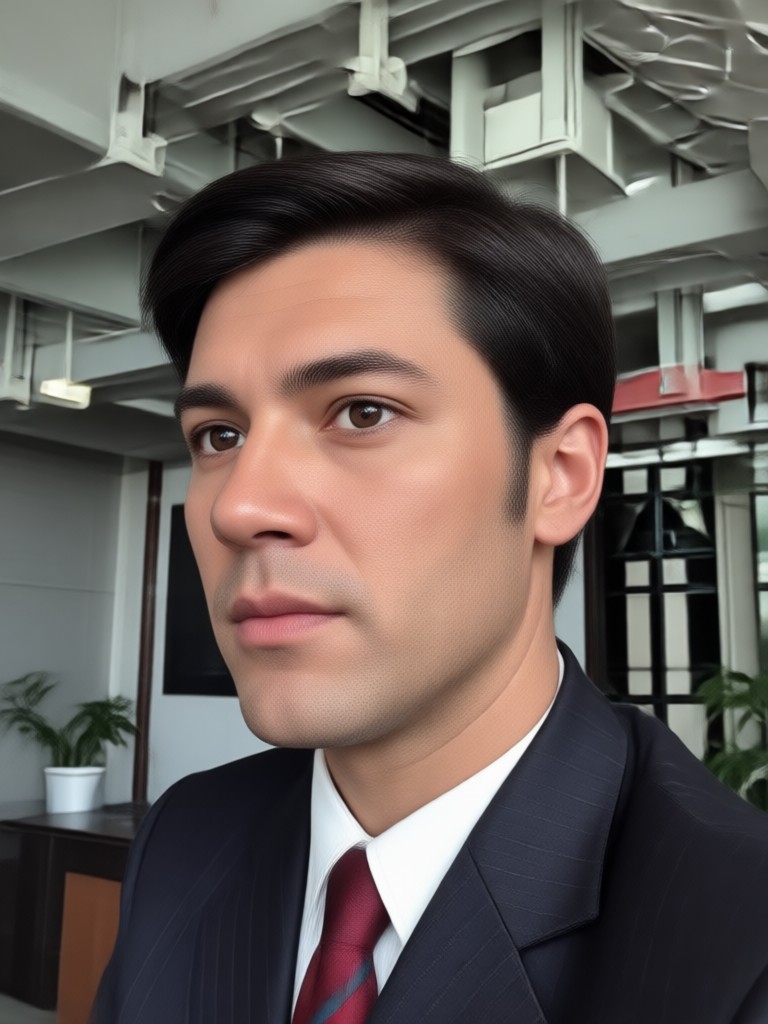
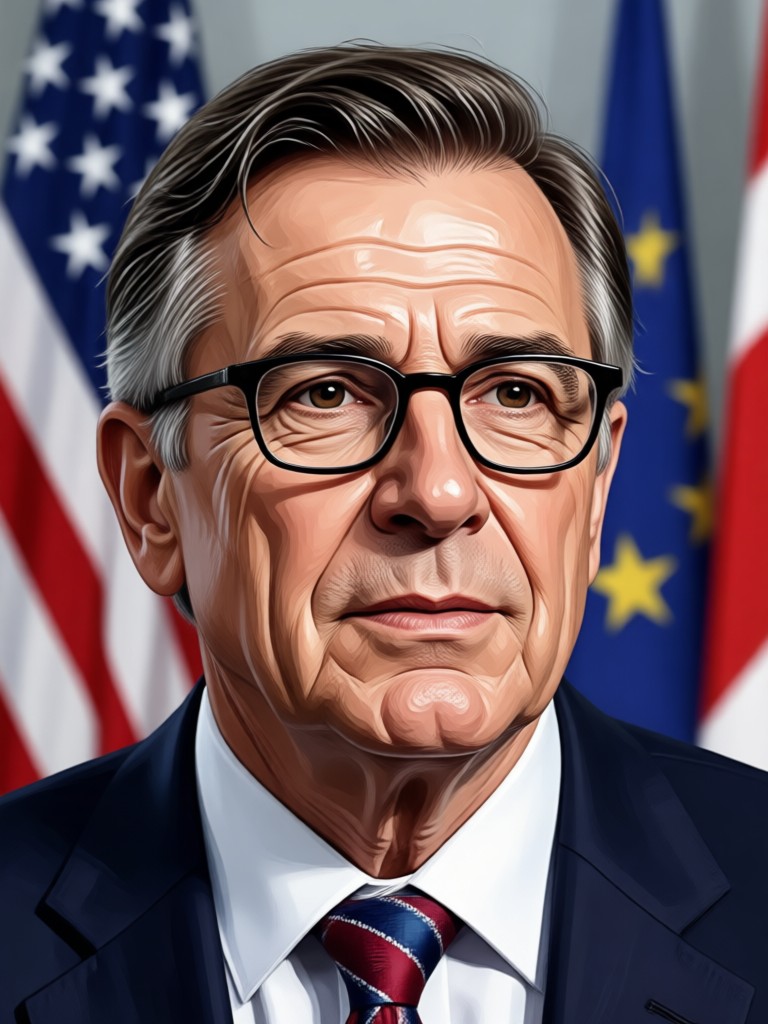
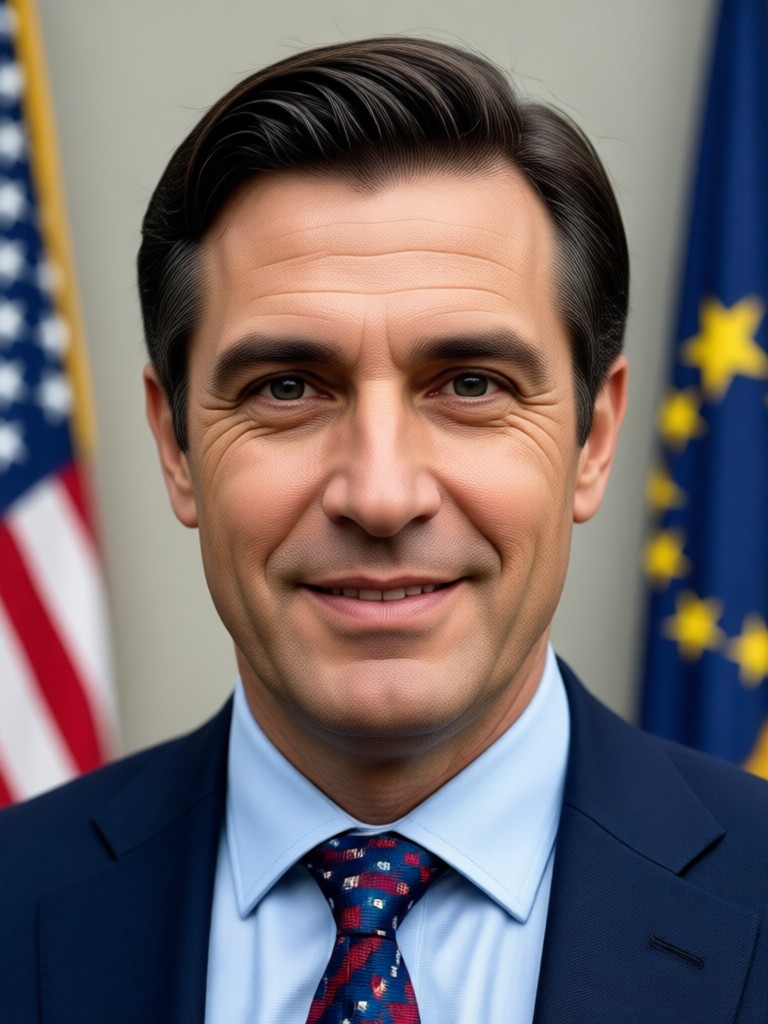
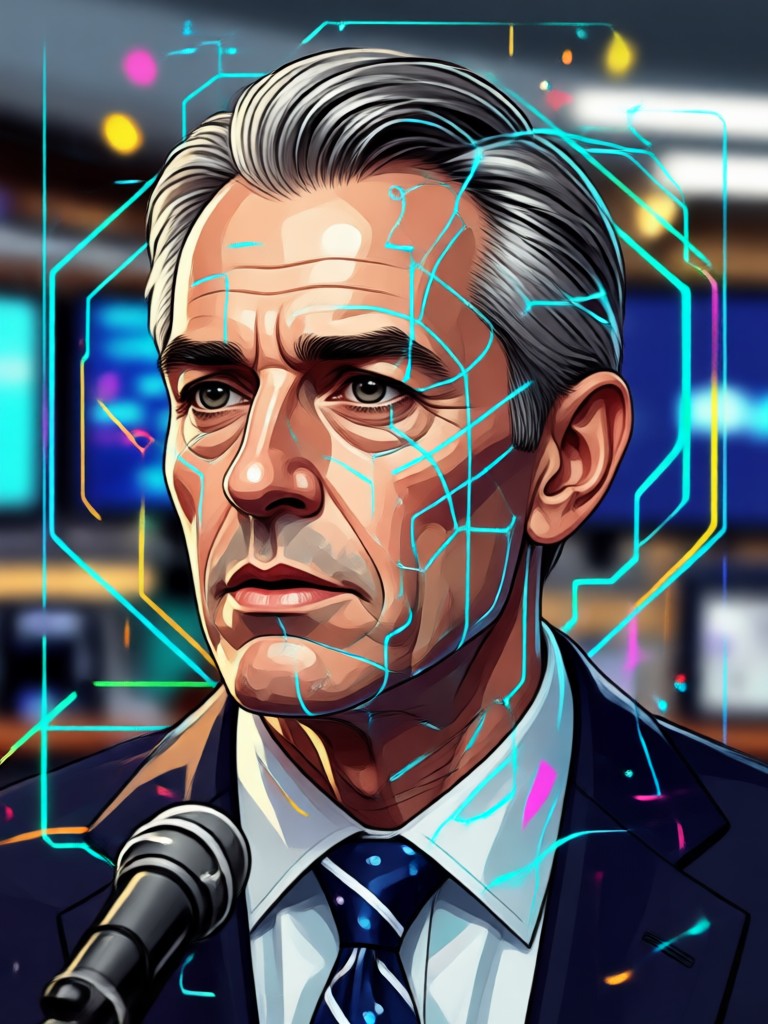
See what veeo users created with the AI Politician Filter. These examples show a range of presidential, parliamentary, and campaign style portraits.
Why Use the AI Politician Filter in veeo
Unlike basic photo editors, veeo uses advanced AI to understand faces, lighting, and context. The Politician Filter blends your features into a realistic formal portrait without awkward cutouts or mismatched skin tones. It is fast, free to try, and designed for anyone.
Why Use the AI Politician Filter in veeo
Unlike basic photo editors, veeo uses advanced AI to understand faces, lighting, and context. The Politician Filter blends your features into a realistic formal portrait without awkward cutouts or mismatched skin tones. It is fast, free to try, and designed for anyone.
Who Uses the AI Politician Filter
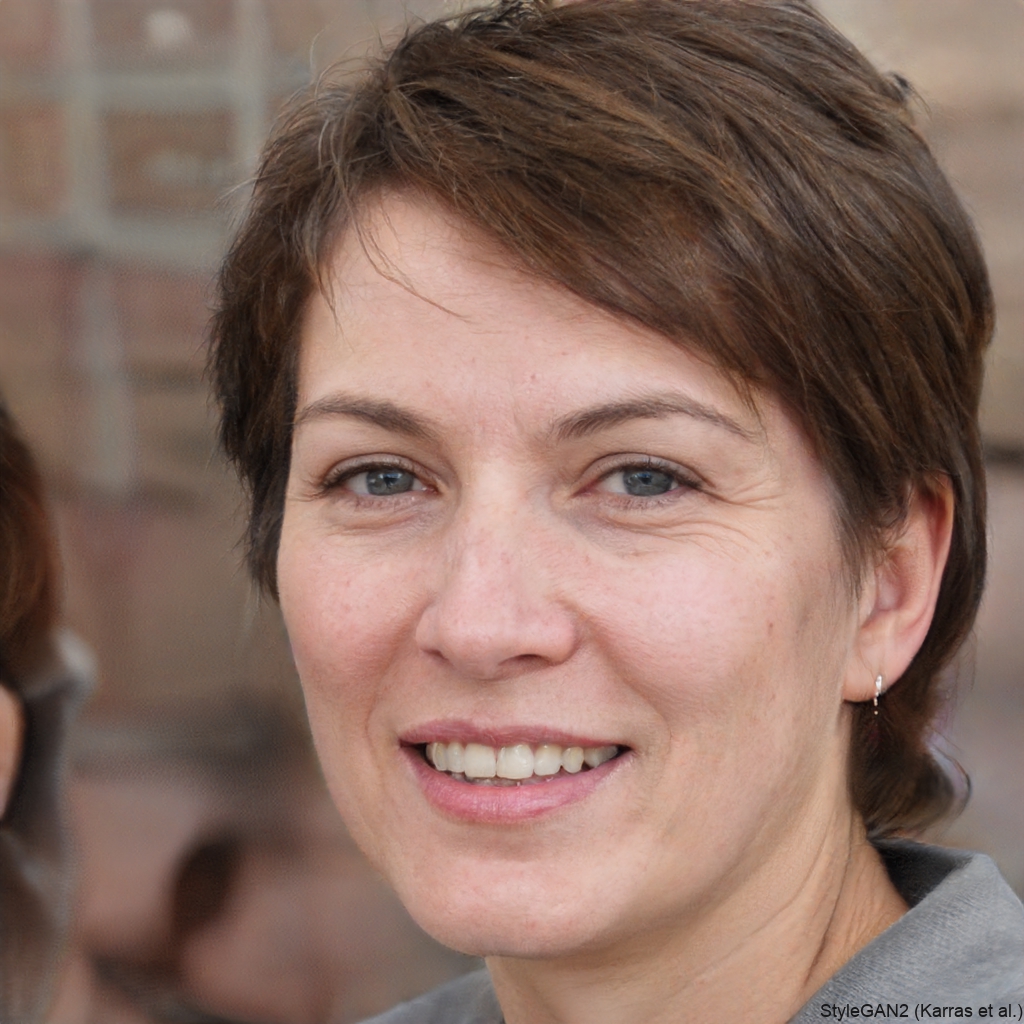
Marcus T.
I used the AI Politician Filter to make a funny campaign poster for my office. It looked so real my coworkers thought it was a professional photoshoot.
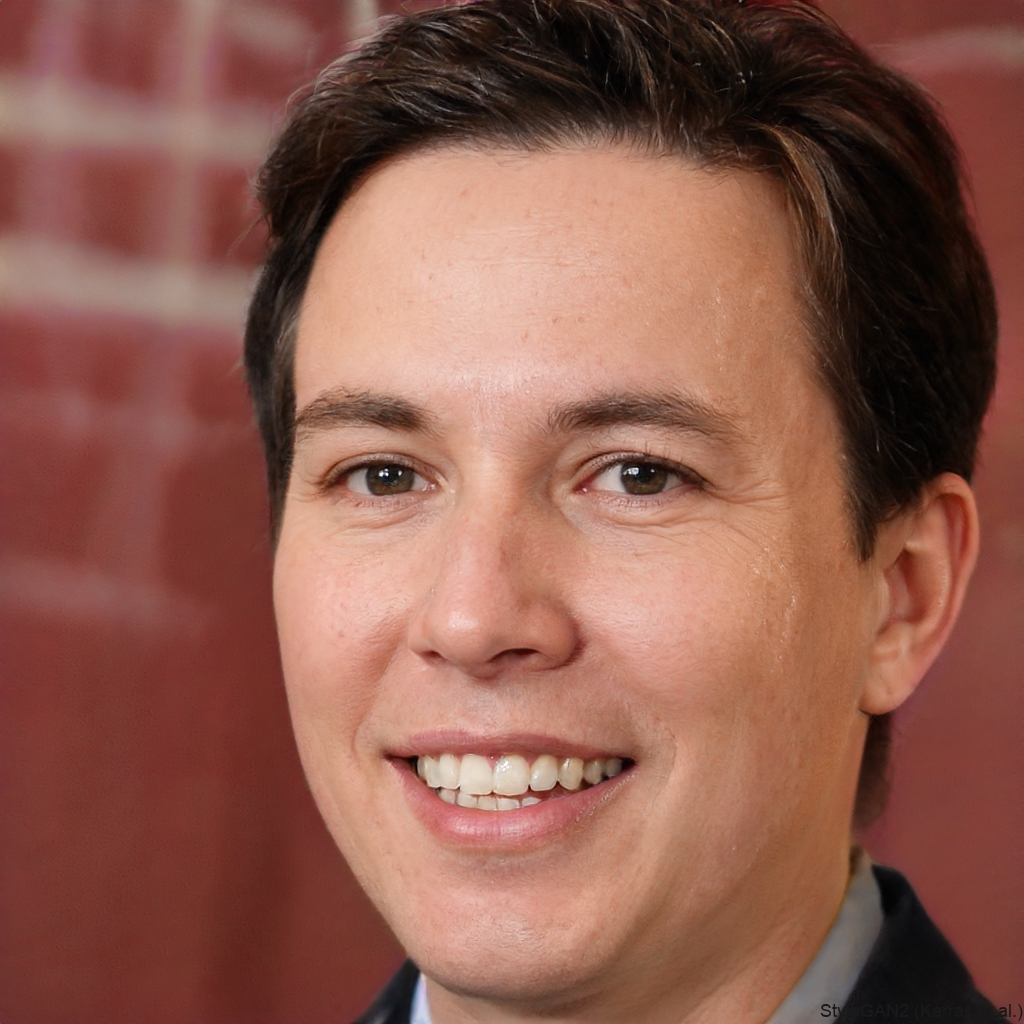
Elena R.
I needed a quick satirical image for a school project. veeo gave me a sharp, realistic politician portrait in less than a minute.

David K.
The podium and flag backgrounds are perfect. I turned my dog into a presidential candidate and it went viral on my group chat.
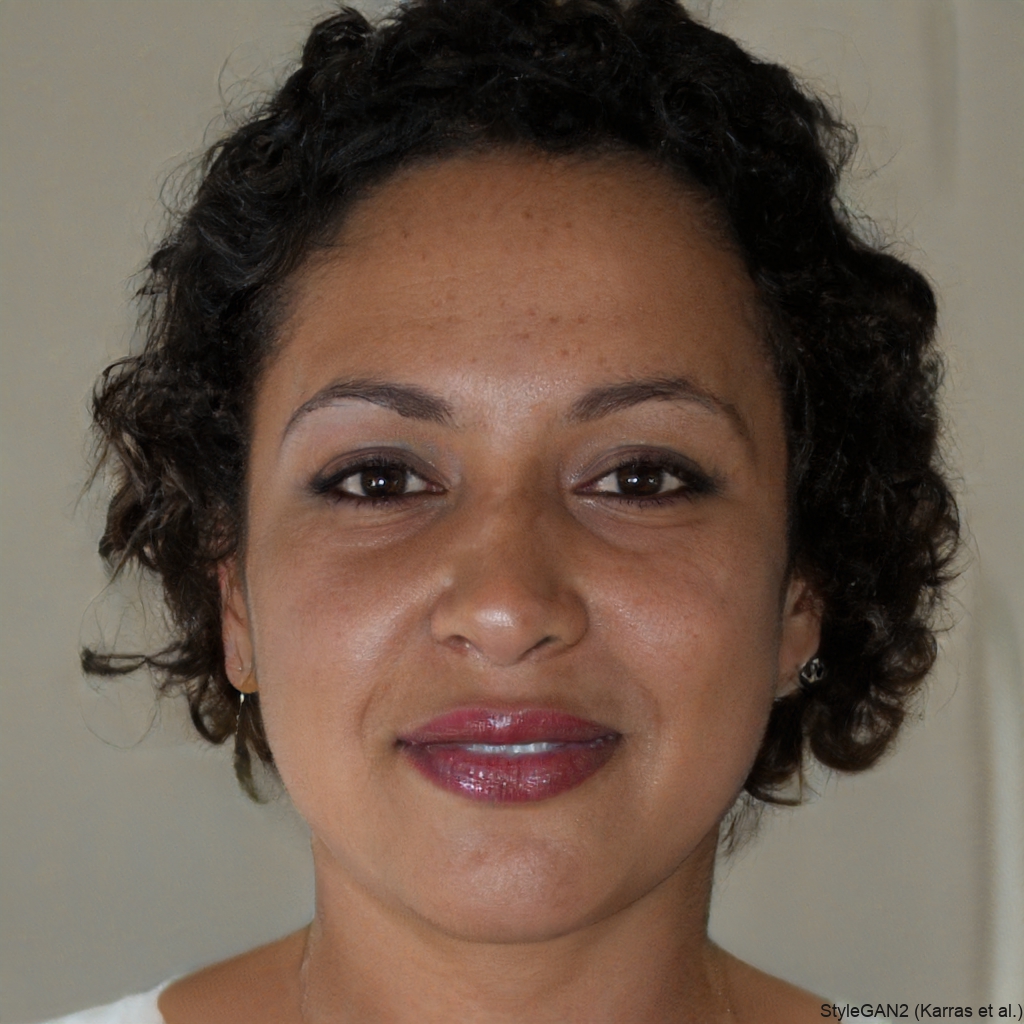
Sophia L.
I love the variety of suit styles and backdrops. The filter handles lighting really well, unlike other apps I have tried.
Marcus T.
I used the AI Politician Filter to make a funny campaign poster for my office. It looked so real my coworkers thought it was a professional photoshoot.
Elena R.
I needed a quick satirical image for a school project. veeo gave me a sharp, realistic politician portrait in less than a minute.
David K.
The podium and flag backgrounds are perfect. I turned my dog into a presidential candidate and it went viral on my group chat.
Sophia L.
I love the variety of suit styles and backdrops. The filter handles lighting really well, unlike other apps I have tried.
Marcus T.
I used the AI Politician Filter to make a funny campaign poster for my office. It looked so real my coworkers thought it was a professional photoshoot.
Elena R.
I needed a quick satirical image for a school project. veeo gave me a sharp, realistic politician portrait in less than a minute.
David K.
The podium and flag backgrounds are perfect. I turned my dog into a presidential candidate and it went viral on my group chat.
Sophia L.
I love the variety of suit styles and backdrops. The filter handles lighting really well, unlike other apps I have tried.
Frequently Asked Questions About the AI Politician Filter
Find clear answers to common questions about the AI Politician Filter and how to use it with veeo.
More Topics You May Like
Explore more AI filters and creative tools similar to the AI Politician Filter.
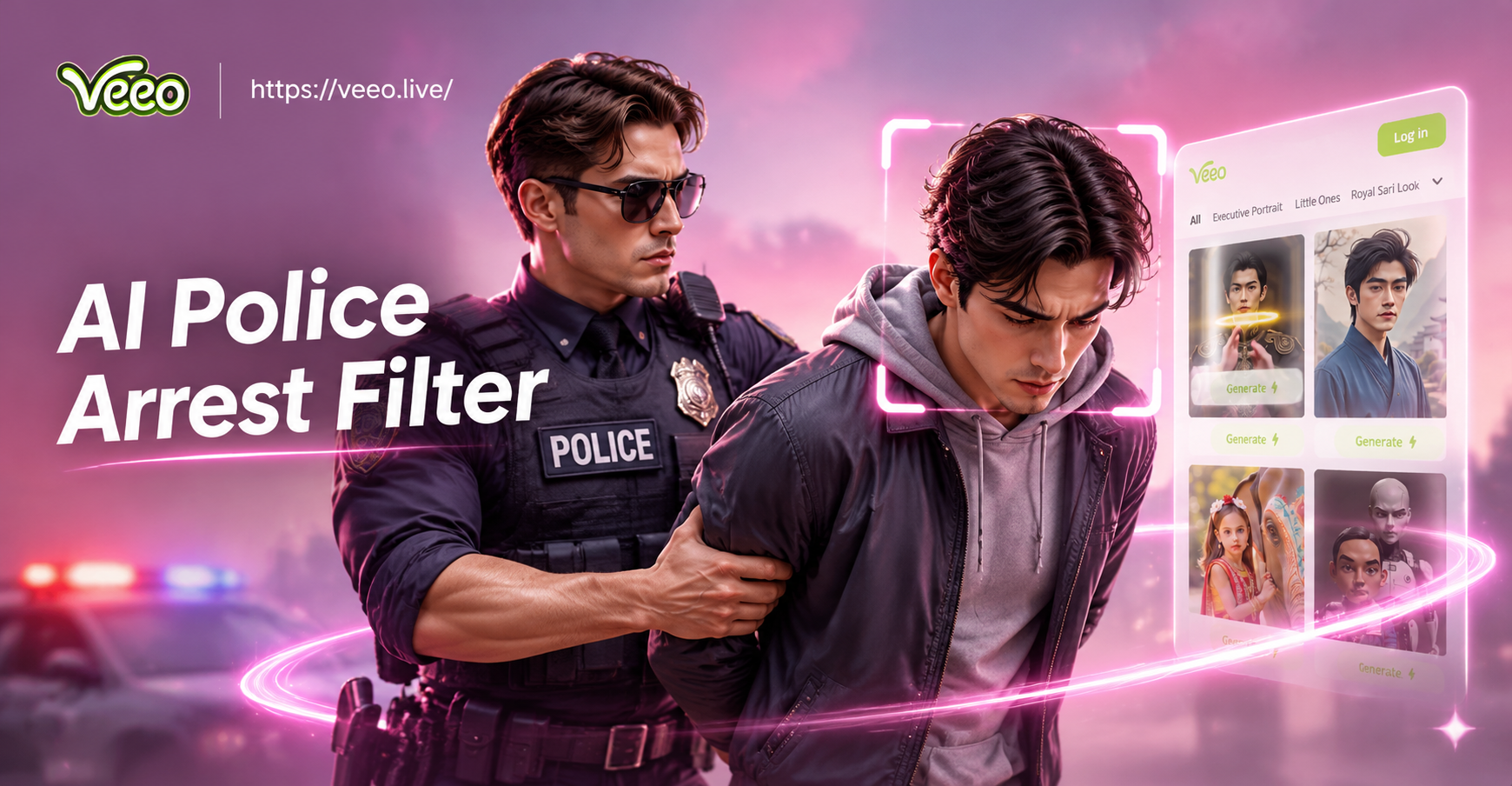
AI Police Arrest Filter: Create Viral Mugshot Photos
Turn your photo into a realistic AI police arrest scene. Upload a selfie, choose a uniform or mugshot template, and get share worthy results in seconds. No editing skills needed. Download veeo now.

Turn Any Photo Into a Stunning Pole Dance AI Video
Use the AI Pole Dance Effect to turn photos into smooth dance clips. Upload, pick a style, and get realistic motion in seconds. No skills needed. Download the veeo app.
Try AI Pikki Pikki Dance: Viral K-Pop Moves in Seconds
Create the viral AI Pikki Pikki Dance trend from a single photo. Turn yourself into a dancing K-pop star with realistic motion. No video editing skills needed. Download veeo to start.
Make Any Photo Dance with the AI Pigeon Dance Effect
Turn any photo into a dancing pigeon video. Upload a picture, pick the AI Pigeon Dance filter, and get a share ready clip in seconds.
Ready to Look Like a Leader?
Download veeo and try the AI Politician Filter on your next photo. Create a realistic campaign portrait in seconds and share it with friends.
Ready to Look Like a Leader?
Download veeo and try the AI Politician Filter on your next photo. Create a realistic campaign portrait in seconds and share it with friends.