AI Police Arrest Filter
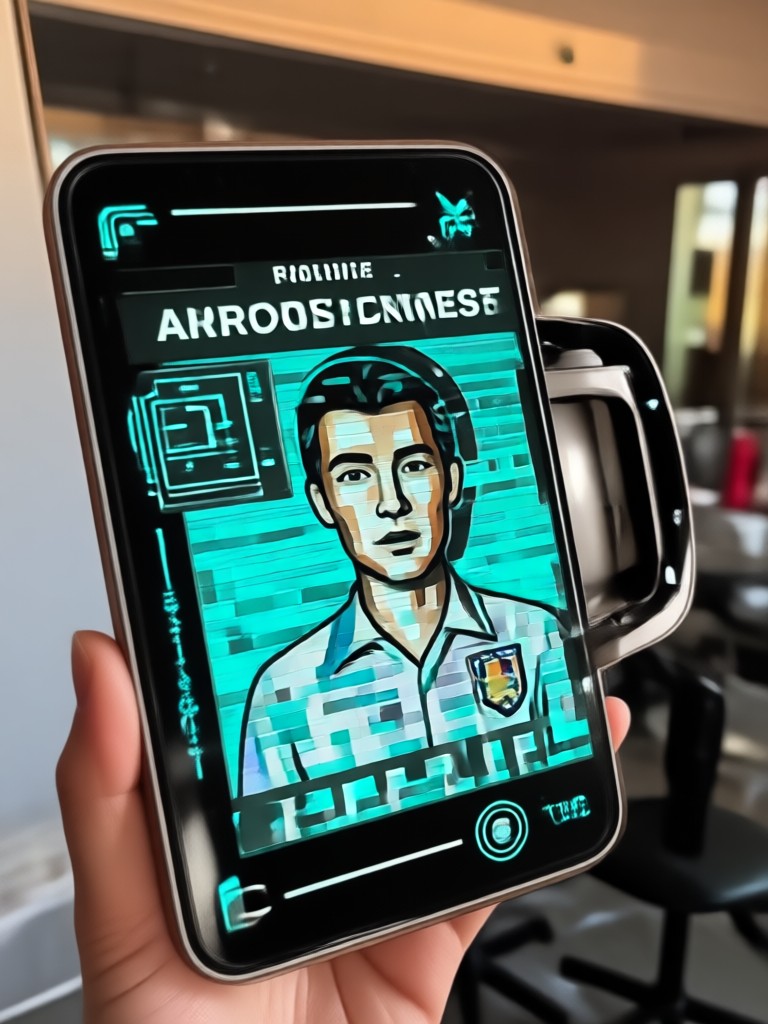
Pick Your Police Arrest Filter Style
Browse related AI filters for mugshots, prison scenes, handcuff effects, and more. Find the perfect look for your next viral post.
Key Features of AI Police Arrest Filter
Discover why veeo's AI Police Arrest Filter is the fastest way to create realistic police themed images and videos from your phone.
Realistic Uniform and Props
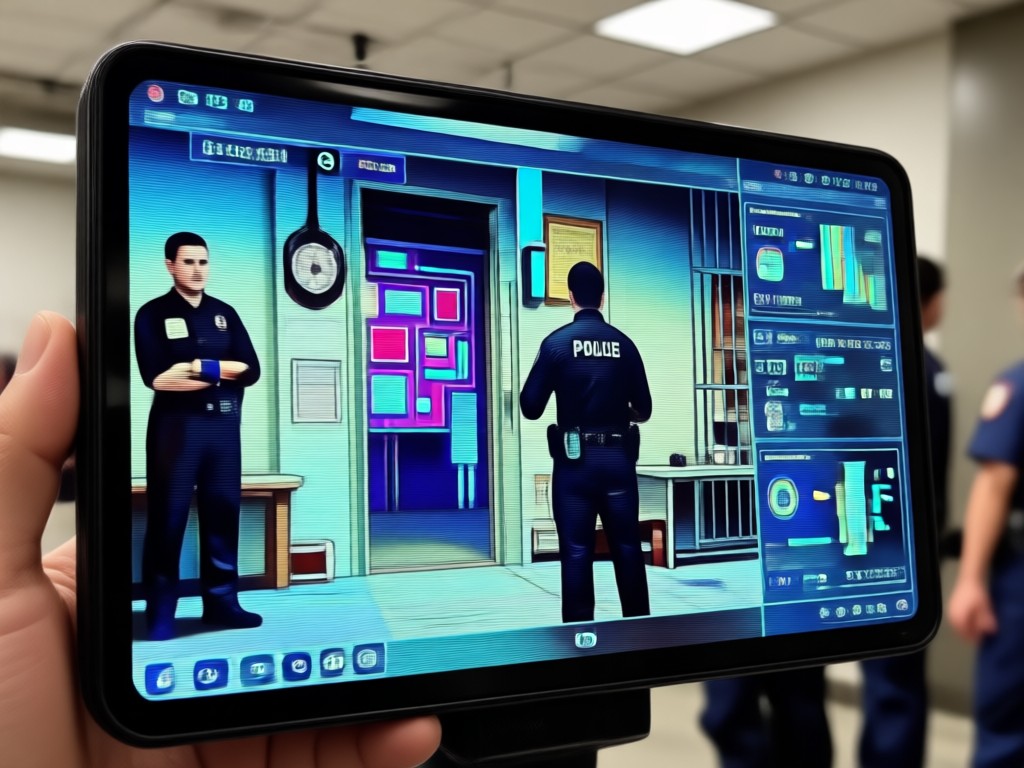
The AI adds authentic police uniforms, handcuffs, and badge details while keeping your face natural. Choose from multiple officer ranks and scene styles for a convincing result.
Realistic Uniform and Props
The AI adds authentic police uniforms, handcuffs, and badge details while keeping your face natural. Choose from multiple officer ranks and scene styles for a convincing result.
Mugshot and Interrogation Scenes
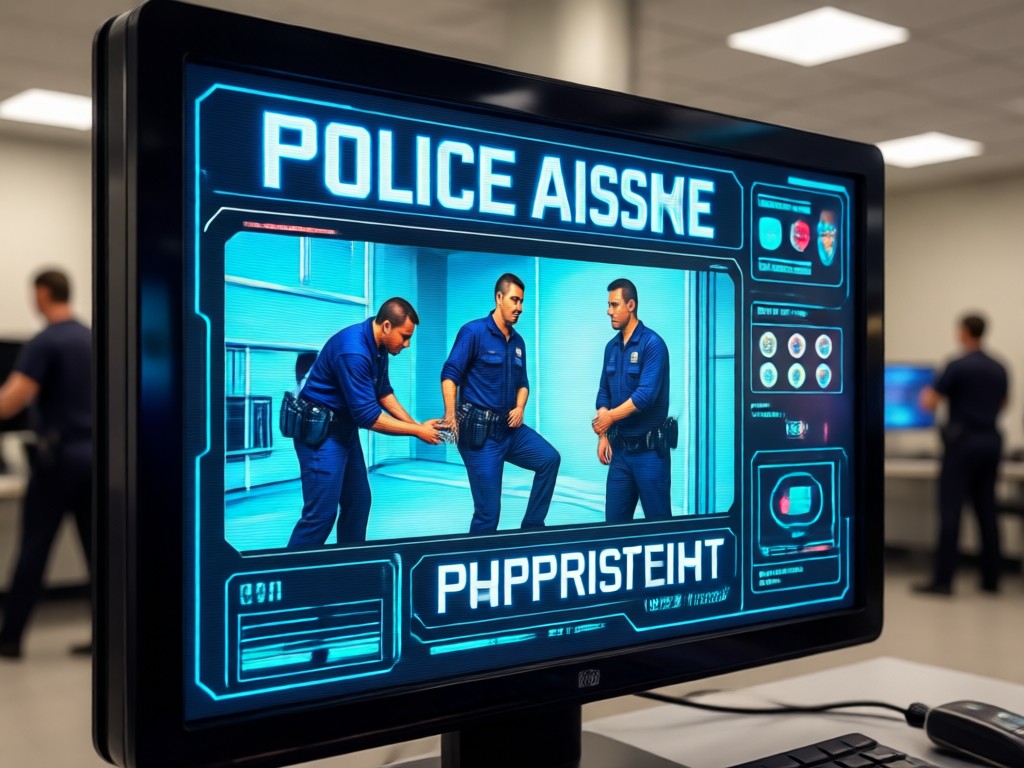
Transform your photo into a classic police booking photo or a dim interrogation room scene. The filter handles lighting, shadows, and background replacements automatically.
Mugshot and Interrogation Scenes
Transform your photo into a classic police booking photo or a dim interrogation room scene. The filter handles lighting, shadows, and background replacements automatically.
One Tap Social Sharing
Save your creation in high resolution and share directly to TikTok, Instagram, or WhatsApp. No watermarks, no hidden fees, and no design experience required.
One Tap Social Sharing
Save your creation in high resolution and share directly to TikTok, Instagram, or WhatsApp. No watermarks, no hidden fees, and no design experience required.
AI Police Arrest Filter Gallery
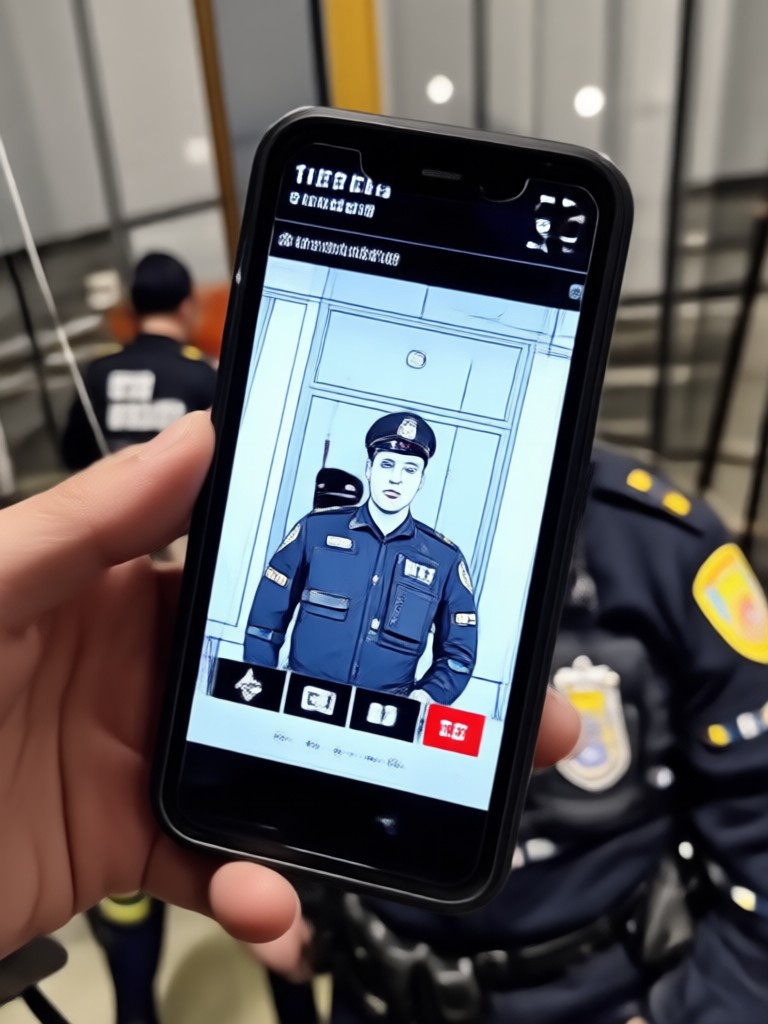
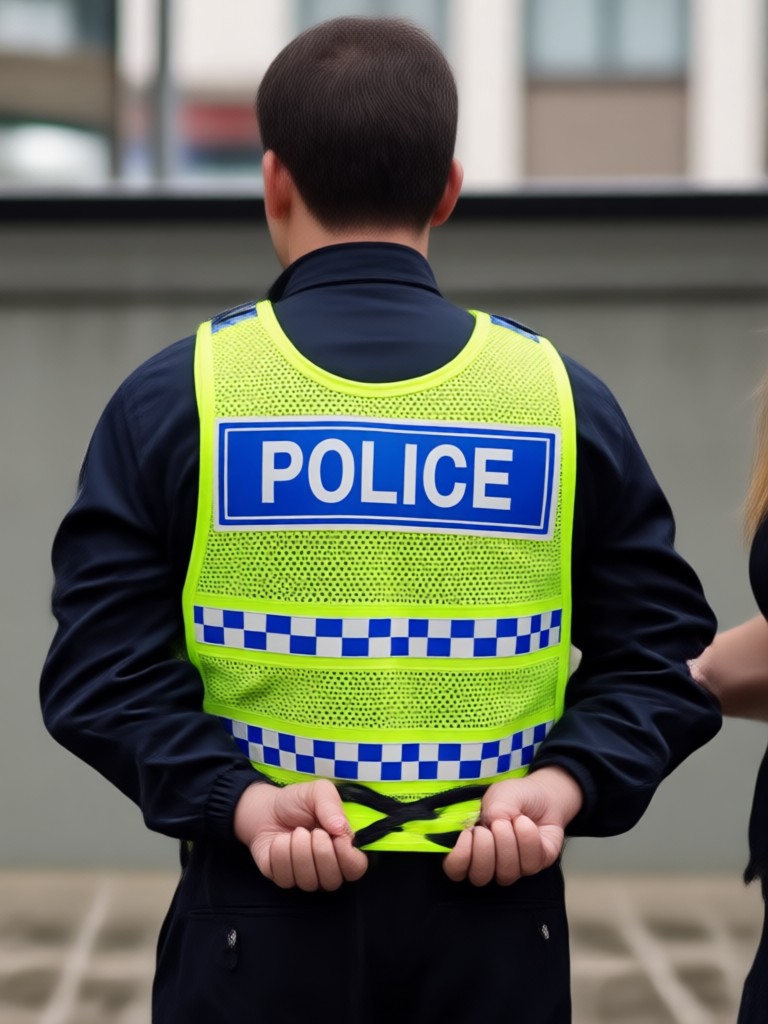
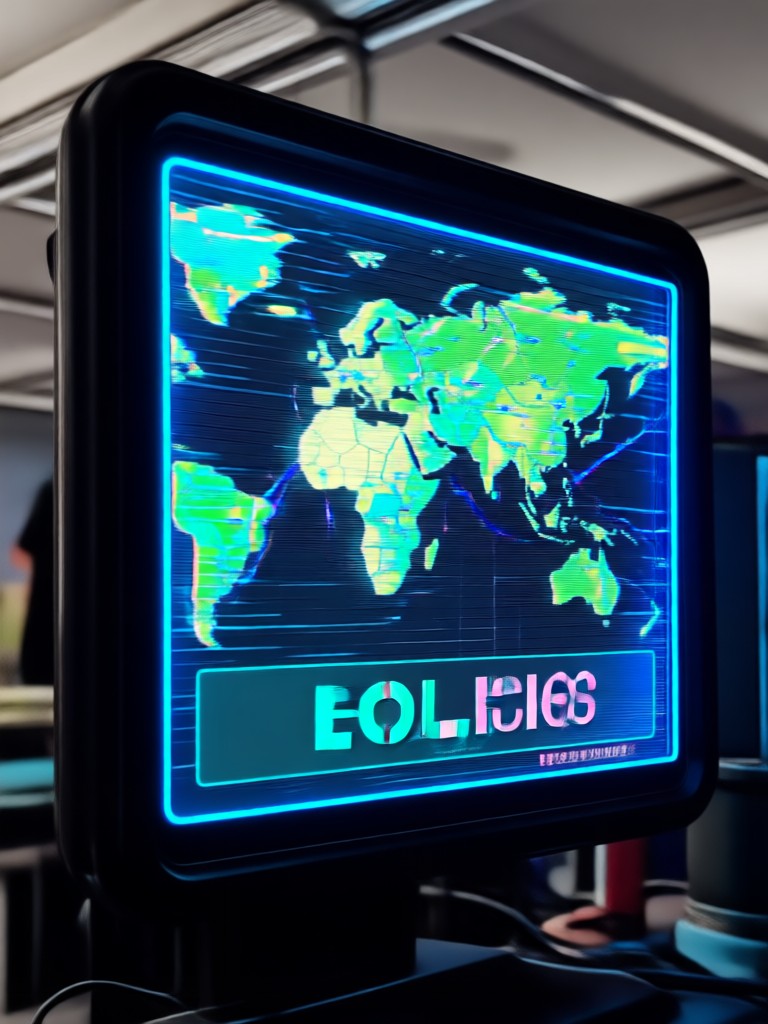
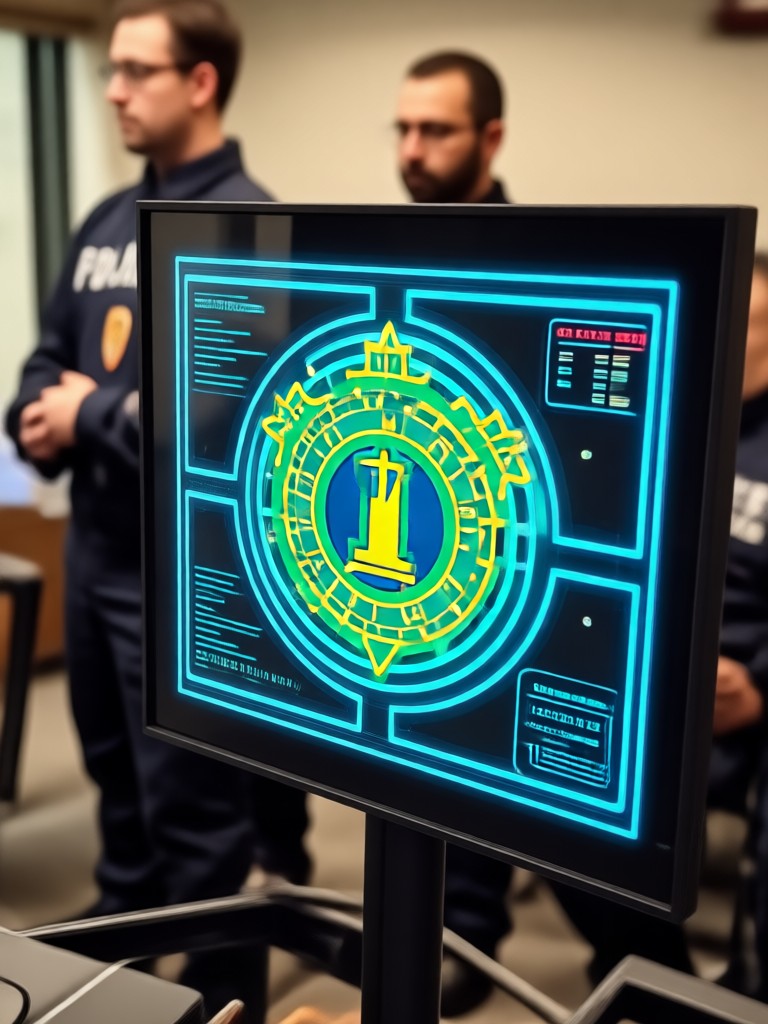
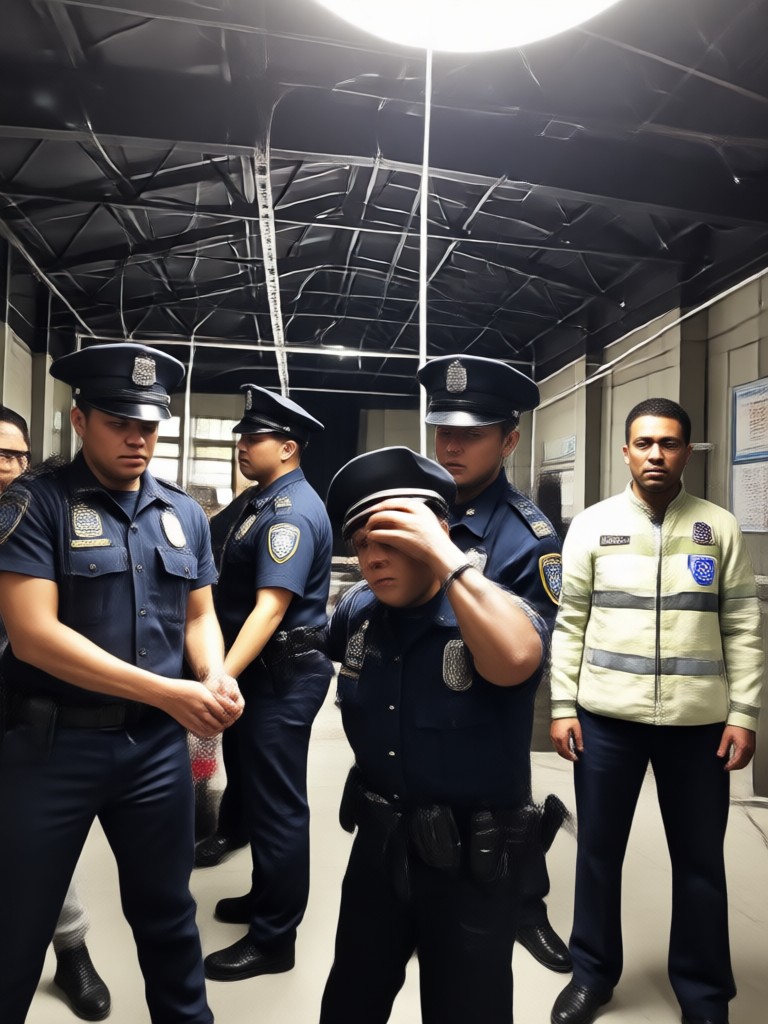
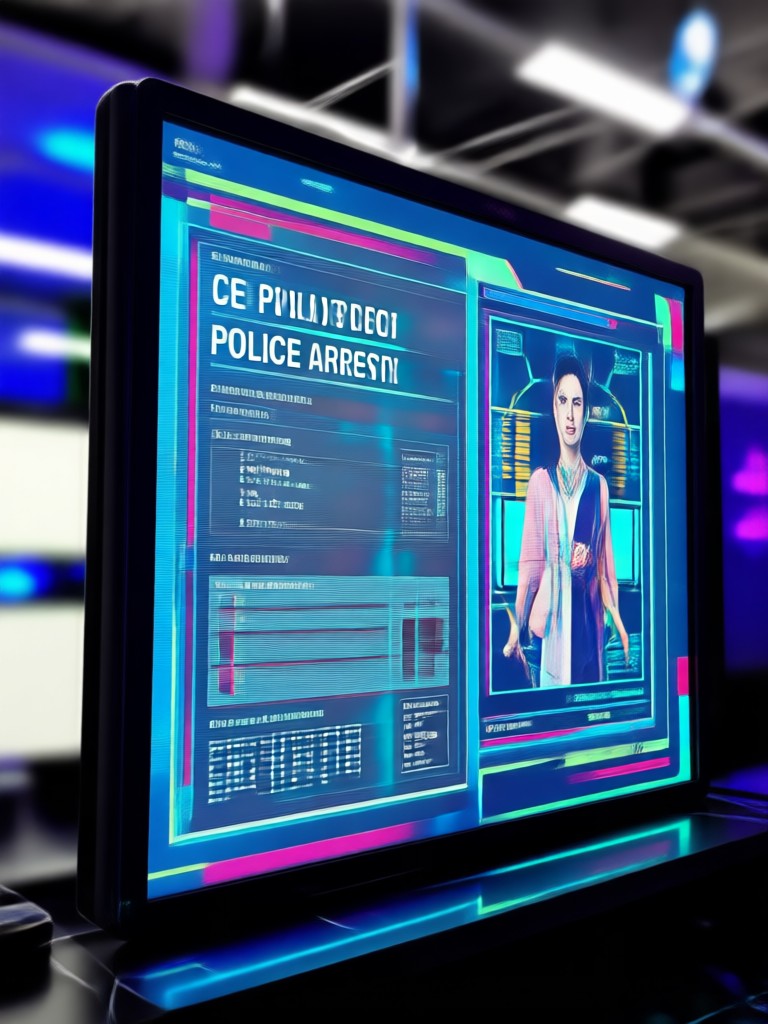
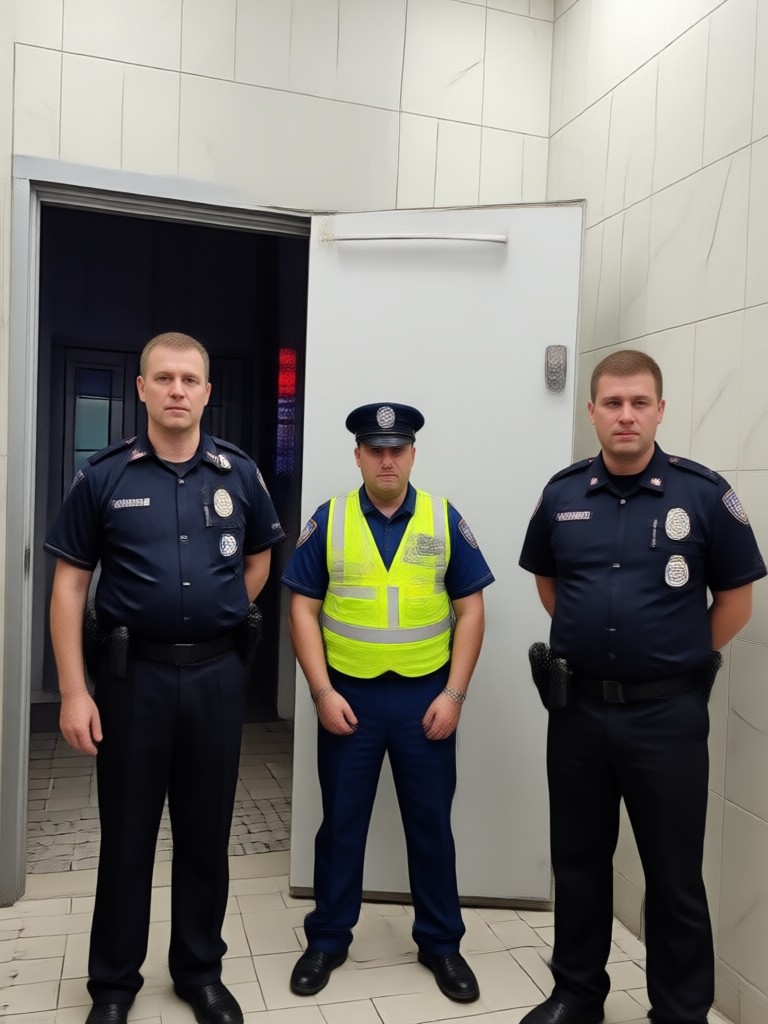
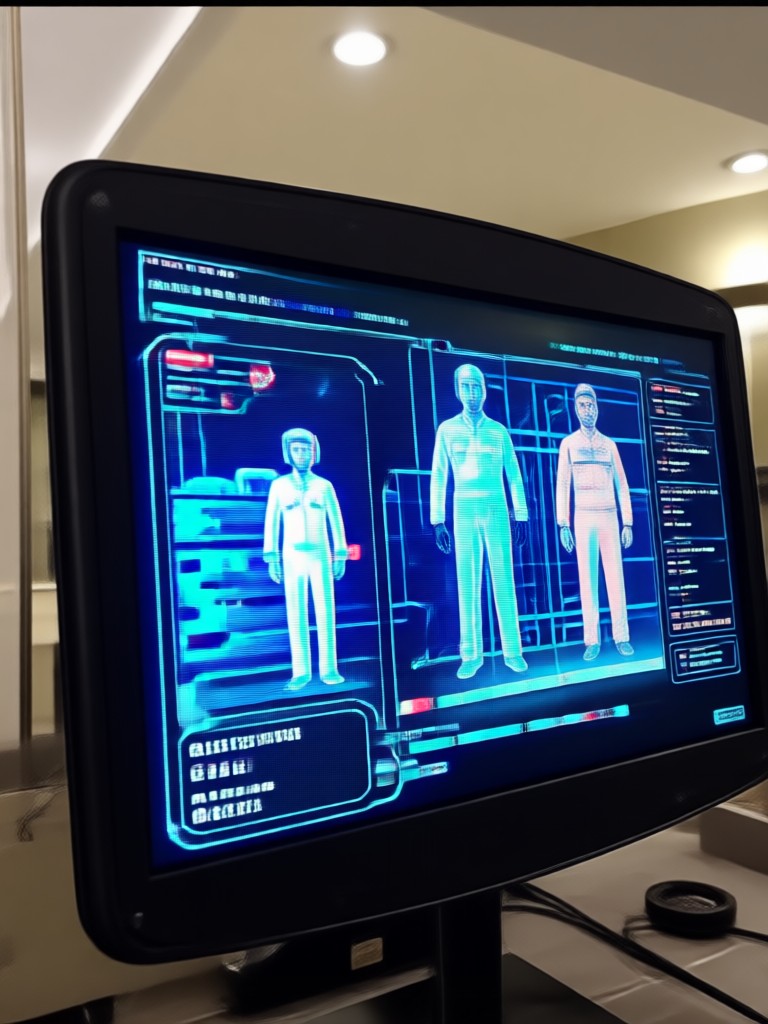
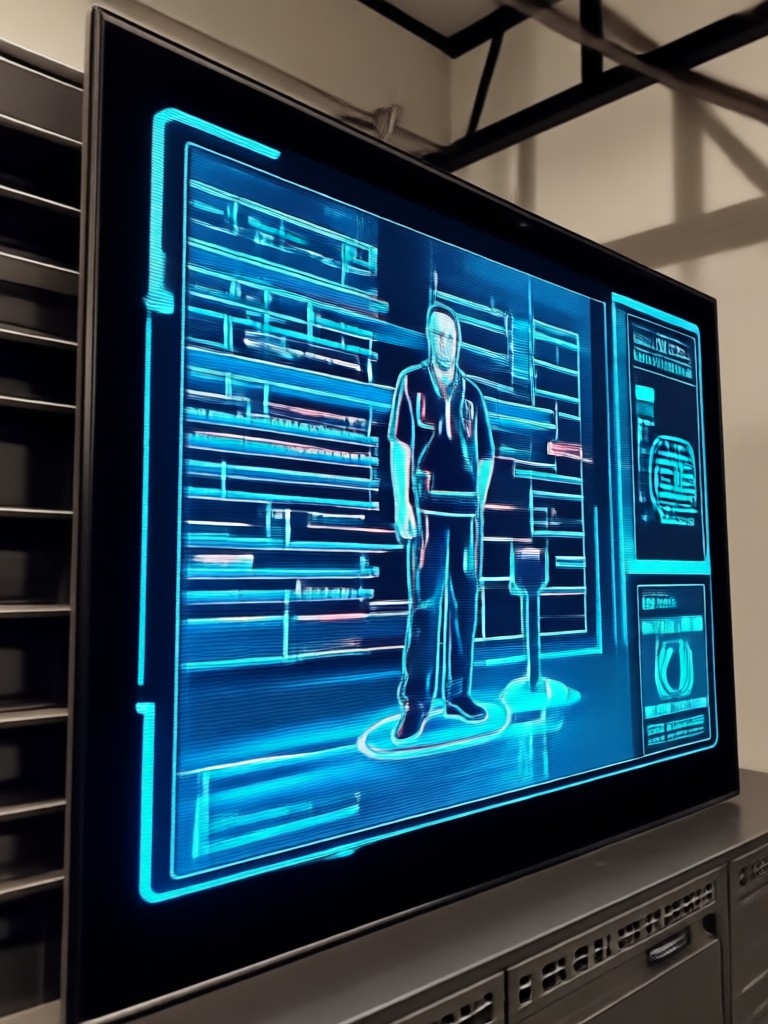
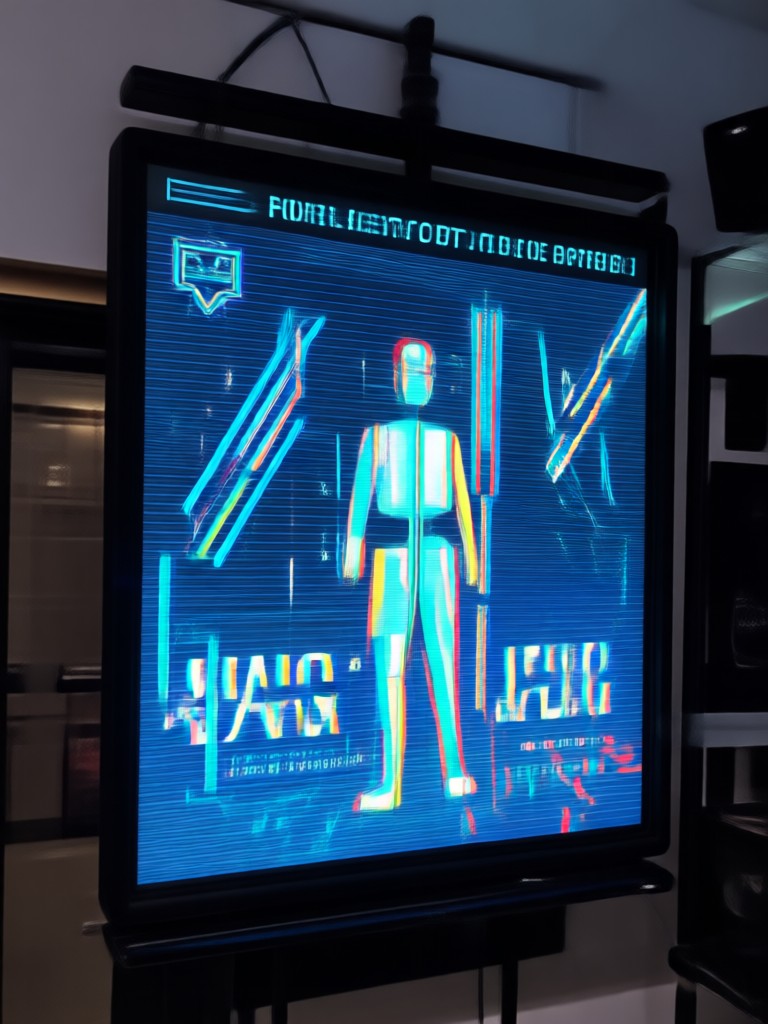
See what other users have created with the AI Police Arrest Filter. From dramatic mugshots to full arrest scenes, these examples show the filter's realistic output.
How to Use AI Police Arrest Filter
Create your own AI police arrest photo in three simple steps. No design skills or complex prompts needed.
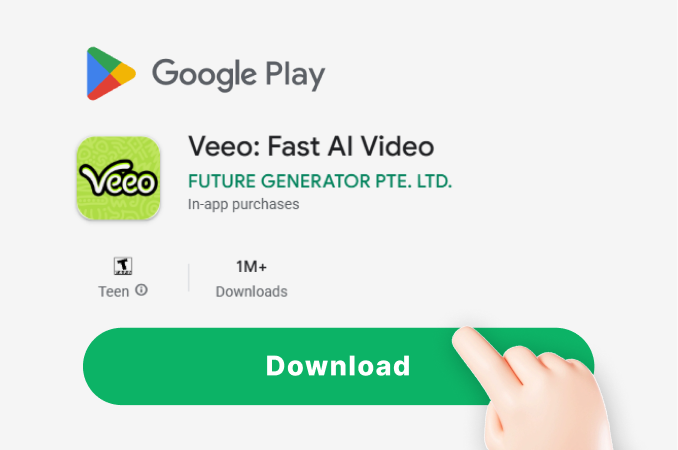
Step 01.
Download the veeo app from Google Play and install it on your Android phone. The app is free and ready to use in under a minute.
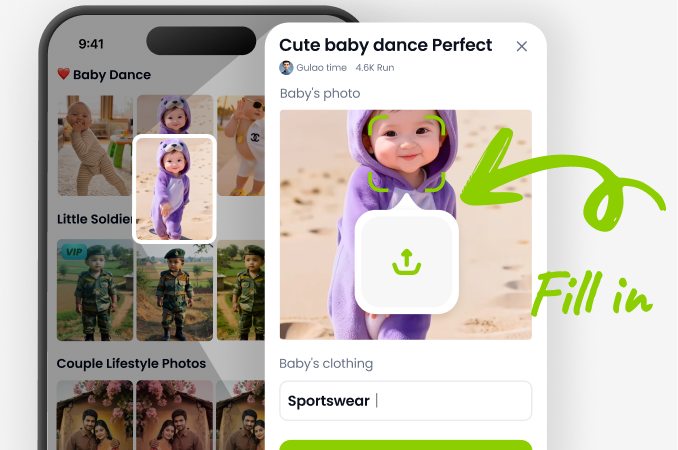
Step 02.
Open the app, upload a clear selfie, and search for the AI Police Arrest Filter. Pick a uniform style, mugshot template, or full scene preset.
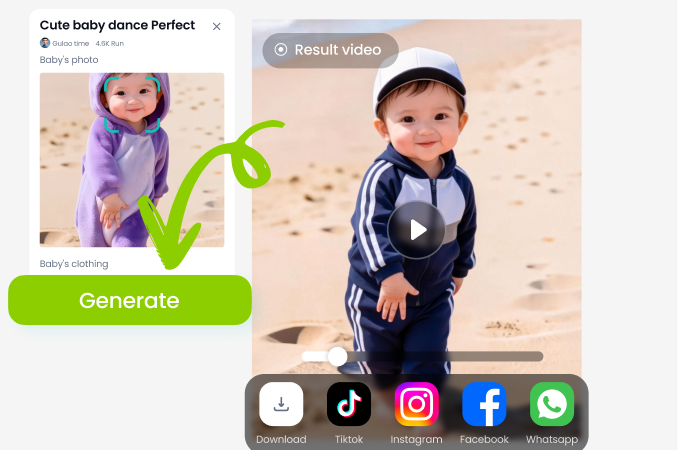
Step 03.
Tap generate and wait a few seconds. Download your result in HD and share it with friends or post it on social media instantly.
Why Creators Love the AI Police Arrest Filter
A quick look at why veeo is the top choice for realistic police arrest photo effects.
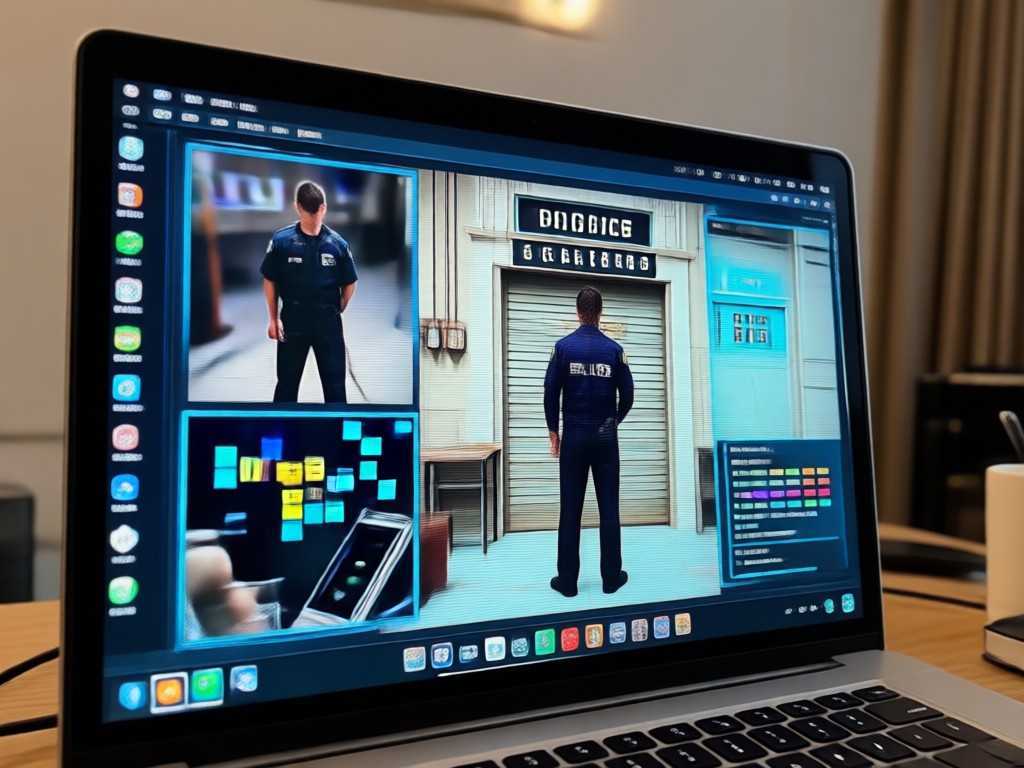
Realistic Results Without Any Risk
Unlike cheap photo editors, veeo uses advanced AI to preserve your facial features while adding authentic clothing, props, and backgrounds. You stay in full control of privacy because everything happens on your device. The final images look like they came from a movie set, not a basic sticker app. Perfect for pranks, skits, and social media challenges that need a convincing police arrest scene.
Realistic Results Without Any Risk
Unlike cheap photo editors, veeo uses advanced AI to preserve your facial features while adding authentic clothing, props, and backgrounds. You stay in full control of privacy because everything happens on your device. The final images look like they came from a movie set, not a basic sticker app. Perfect for pranks, skits, and social media challenges that need a convincing police arrest scene.
AI Police Arrest Filter for Android
Upload any portrait or full body photo and let the AI do the rest. The filter supports single person and group photos, so you can stage an entire arrest scene with friends. No watermark, no signup required beyond installing the free app, and results are ready in seconds.
Who Uses the AI Police Arrest Filter

Jake Miller
I used the mugshot filter for a short skit video and it looked terrifyingly real. My friends thought I actually got arrested. The uniform detail is insane.

Priya Sharma
Perfect for my Instagram story challenge. Generated a police lineup with my three friends and everyone cracked up. So easy to use on my Android.
Carlos Mendes
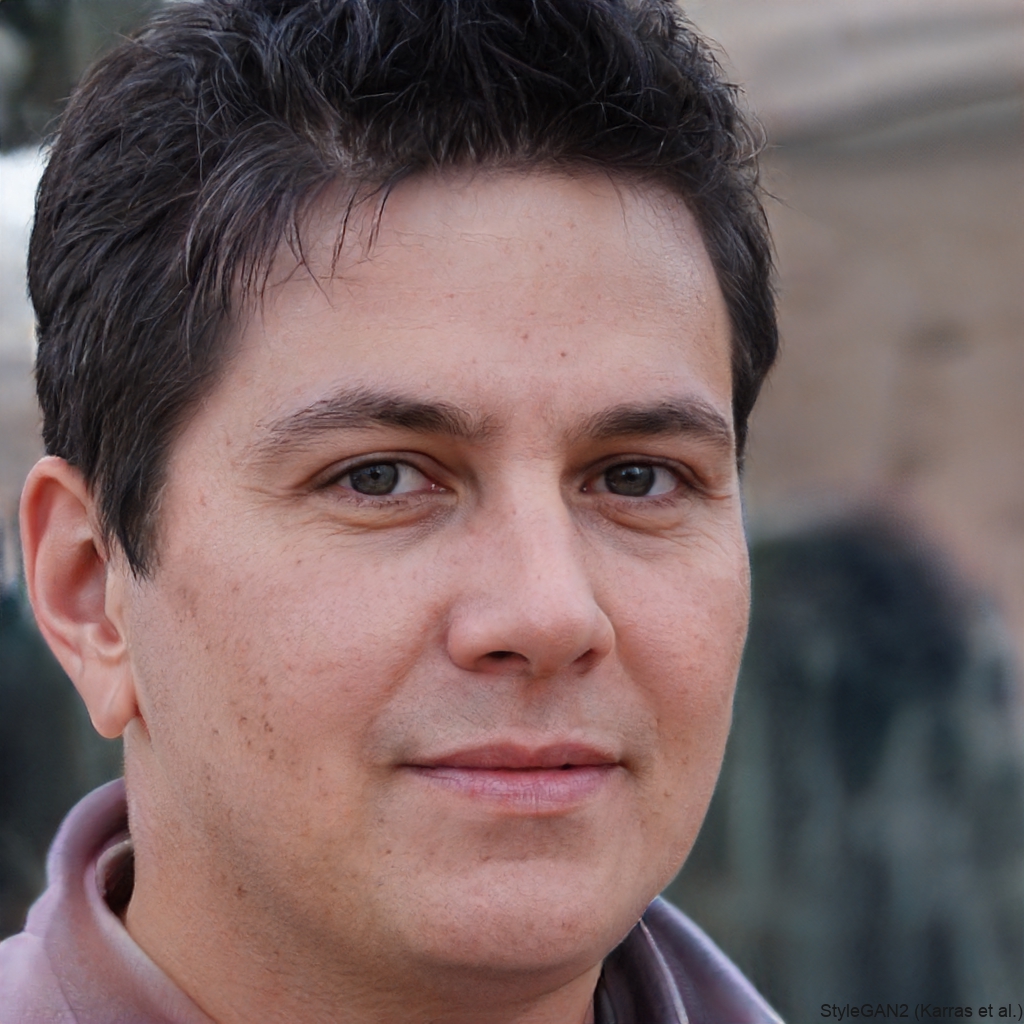
The quality is way better than other apps. I made a fake arrest warrant video for a birthday prank and it went viral. No editing skills needed.
Emily Chen
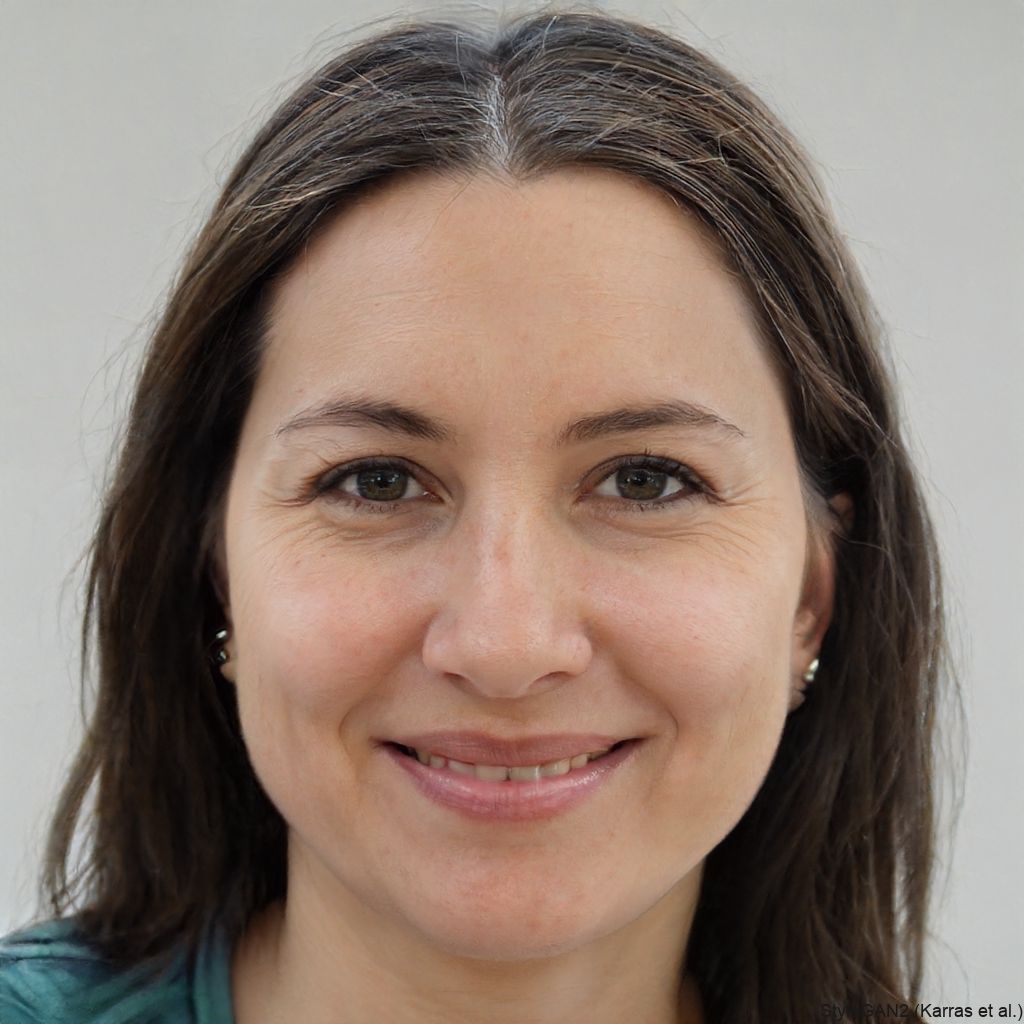
I love that it keeps my face looking natural while changing everything else. The mugshot background looks like a real police station. Highly recommend.
Jake Miller
I used the mugshot filter for a short skit video and it looked terrifyingly real. My friends thought I actually got arrested. The uniform detail is insane.
Priya Sharma
Perfect for my Instagram story challenge. Generated a police lineup with my three friends and everyone cracked up. So easy to use on my Android.
Carlos Mendes
The quality is way better than other apps. I made a fake arrest warrant video for a birthday prank and it went viral. No editing skills needed.
Emily Chen
I love that it keeps my face looking natural while changing everything else. The mugshot background looks like a real police station. Highly recommend.
Jake Miller
I used the mugshot filter for a short skit video and it looked terrifyingly real. My friends thought I actually got arrested. The uniform detail is insane.
Priya Sharma
Perfect for my Instagram story challenge. Generated a police lineup with my three friends and everyone cracked up. So easy to use on my Android.
Carlos Mendes
The quality is way better than other apps. I made a fake arrest warrant video for a birthday prank and it went viral. No editing skills needed.
Emily Chen
I love that it keeps my face looking natural while changing everything else. The mugshot background looks like a real police station. Highly recommend.
AI Police Arrest Filter FAQ
Answers to common questions about using the AI Police Arrest Filter in the veeo app.
More Topics You May Like
Explore more topics you may like and discover fresh ideas tailored to your interests.

Turn Any Photo Into a Stunning Pole Dance AI Video
Use the AI Pole Dance Effect to turn photos into smooth dance clips. Upload, pick a style, and get realistic motion in seconds. No skills needed. Download the veeo app.
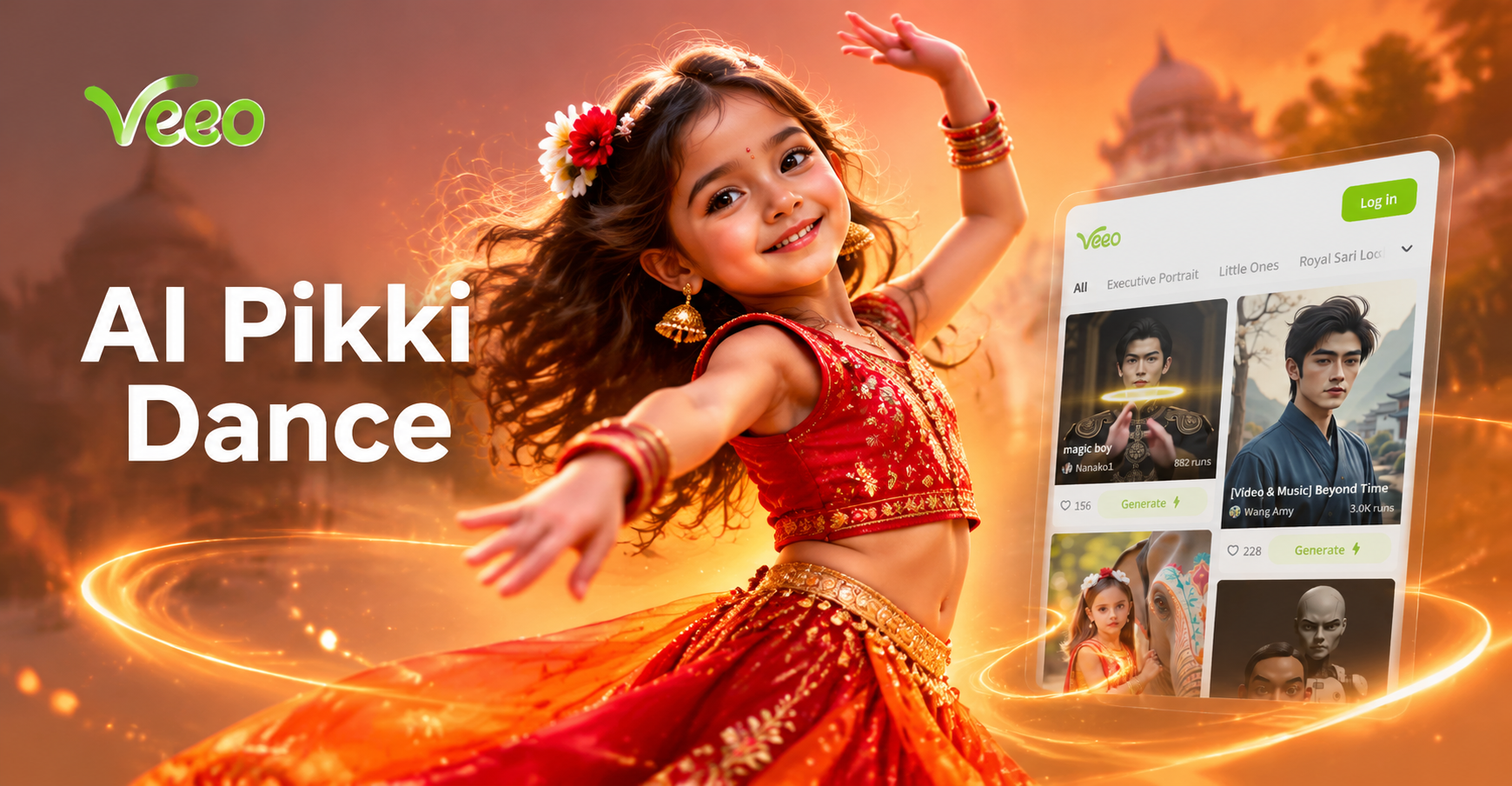
Try AI Pikki Pikki Dance: Viral K-Pop Moves in Seconds
Create the viral AI Pikki Pikki Dance trend from a single photo. Turn yourself into a dancing K-pop star with realistic motion. No video editing skills needed. Download veeo to start.
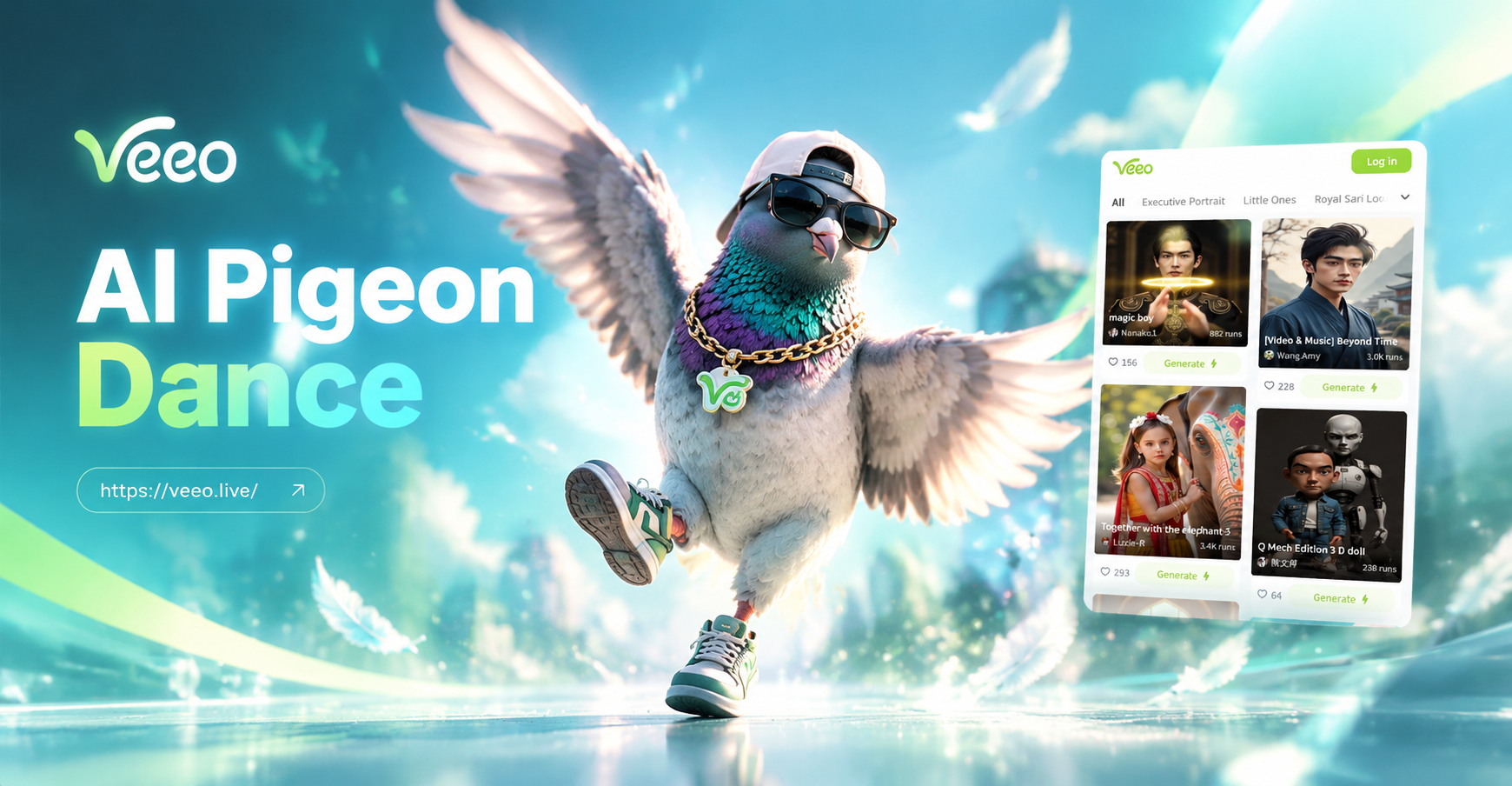
Make Any Photo Dance with the AI Pigeon Dance Effect
Turn any photo into a dancing pigeon video. Upload a picture, pick the AI Pigeon Dance filter, and get a share ready clip in seconds.
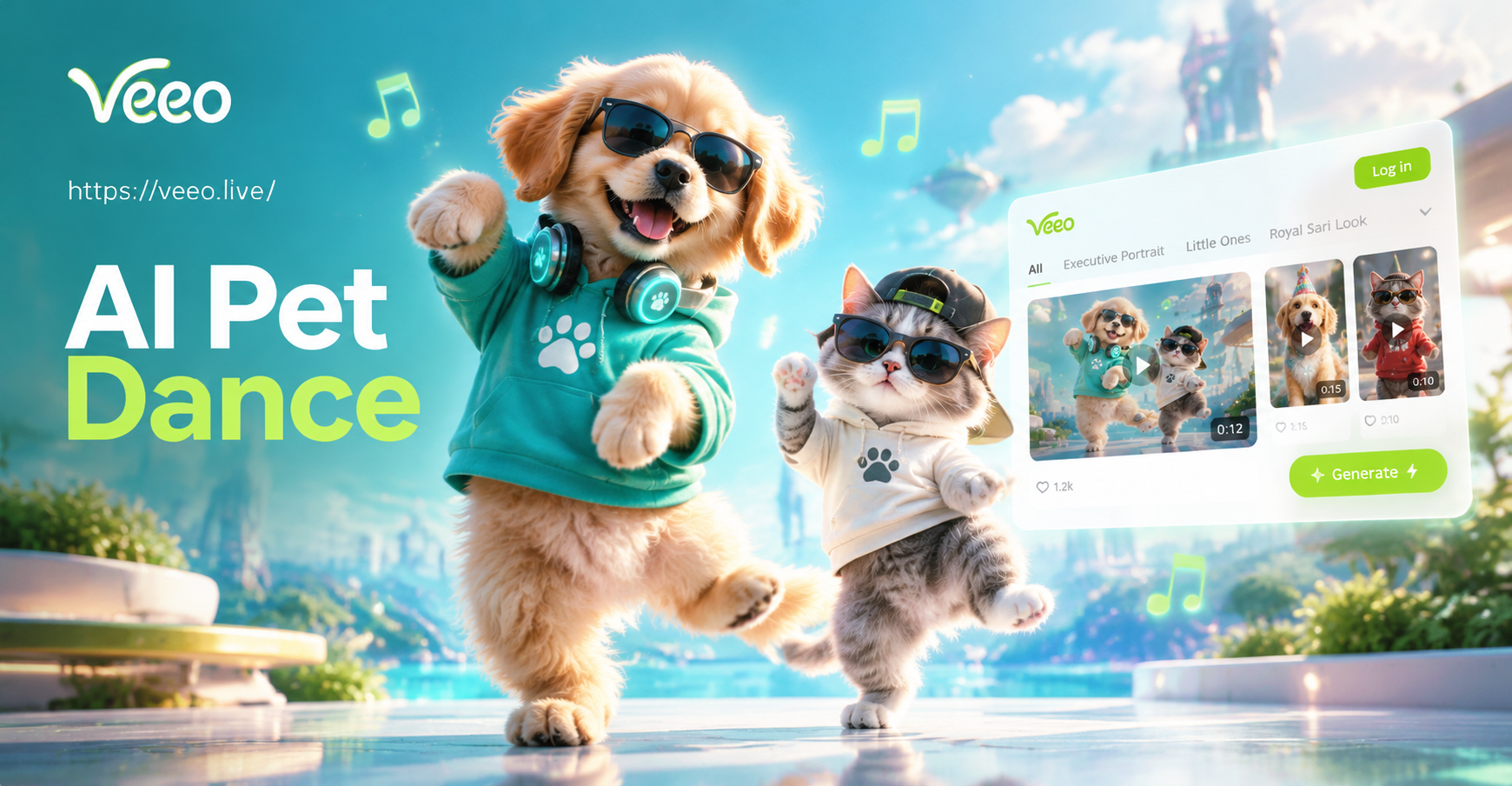
AI Pet Dance: Make Your Pet Dance with AI Magic
AI Pet Dance turns your pet photo into fun dancing videos. Pick a style, generate in seconds, and share. No editing skills needed. Try it now!
Get the AI Police Arrest Filter Now
Download veeo and turn any photo into a realistic police arrest scene in seconds. Create mugshots, lineup photos, and viral skit videos with just a few taps.
Get the AI Police Arrest Filter Now
Download veeo and turn any photo into a realistic police arrest scene in seconds. Create mugshots, lineup photos, and viral skit videos with just a few taps.