AI Pigeon Dance

Choose the AI Pigeon Dance Filter That Suits You Best
Discover pigeon dance styles from goofy bops to smooth grooves. Pick a filter and turn your photo into a share worthy AI Pigeon Dance video in one tap.
Why the AI Pigeon Dance Filter Goes Viral
veeo turns static images into playful motion clips with realistic physics and smooth loops. Get social ready content without any video editing background.
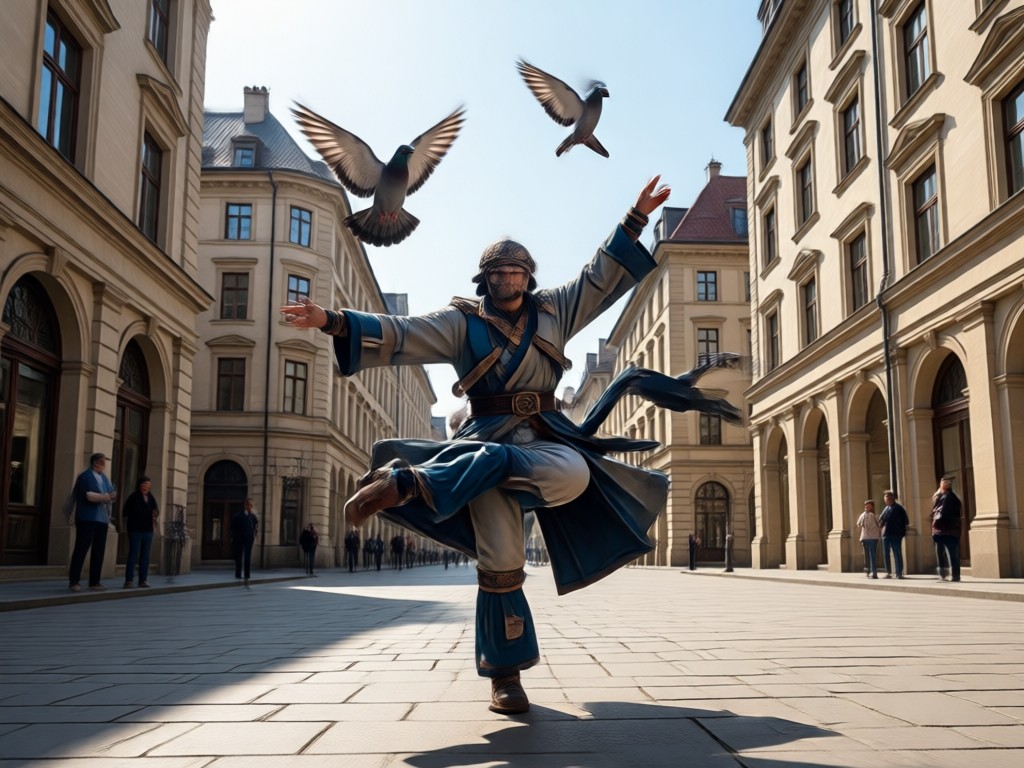
Photo to Dancing Pigeon in Seconds
Upload any portrait, pet photo, or object. veeo maps the AI Pigeon Dance motion onto your subject and delivers a smooth, funny clip ready to share.
Photo to Dancing Pigeon in Seconds
Upload any portrait, pet photo, or object. veeo maps the AI Pigeon Dance motion onto your subject and delivers a smooth, funny clip ready to share.
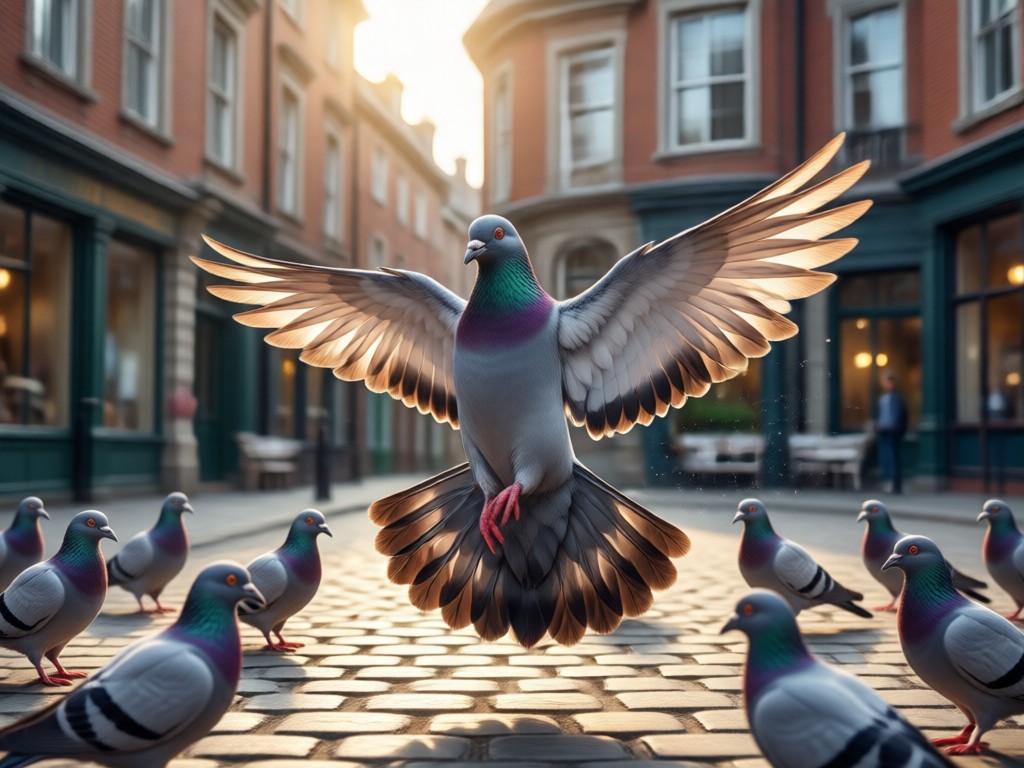
Multiple Dance Styles and Angles
Choose from bob, strut, spin, or funky wing moves. Each AI Pigeon Dance style keeps your original subject recognizable while adding lifelike motion.
Multiple Dance Styles and Angles
Choose from bob, strut, spin, or funky wing moves. Each AI Pigeon Dance style keeps your original subject recognizable while adding lifelike motion.
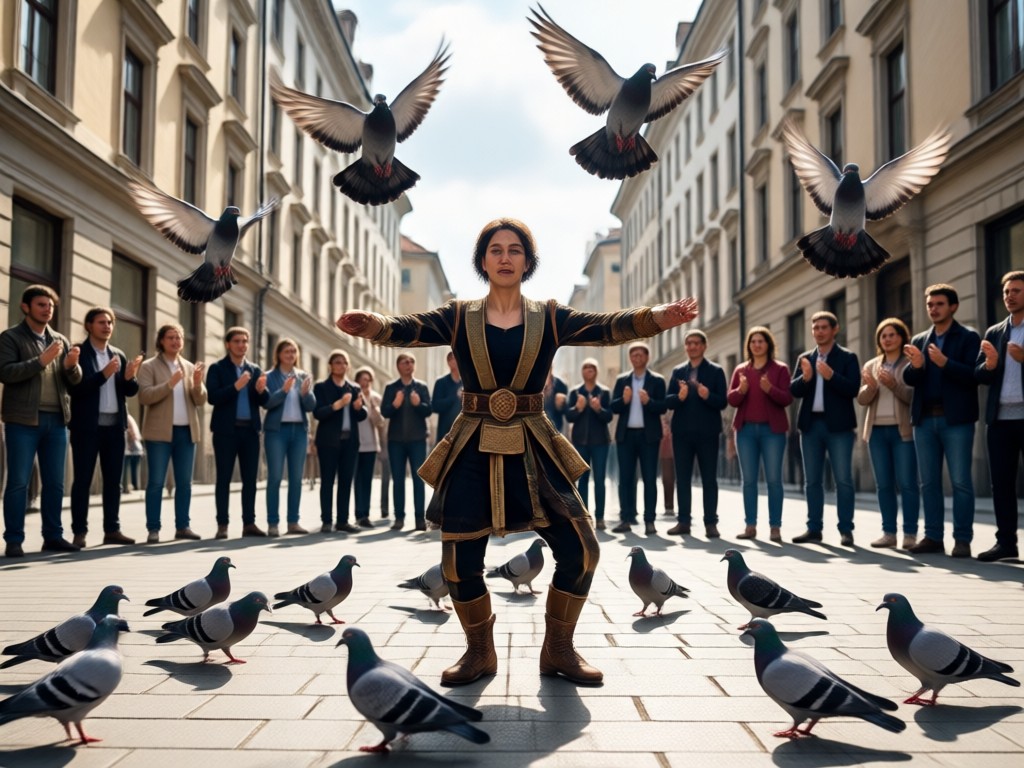
No Editing Skills Needed
Skip complex software. The built in templates handle timing and motion. Just pick a photo, select the effect, and download your finished video.
No Editing Skills Needed
Skip complex software. The built in templates handle timing and motion. Just pick a photo, select the effect, and download your finished video.
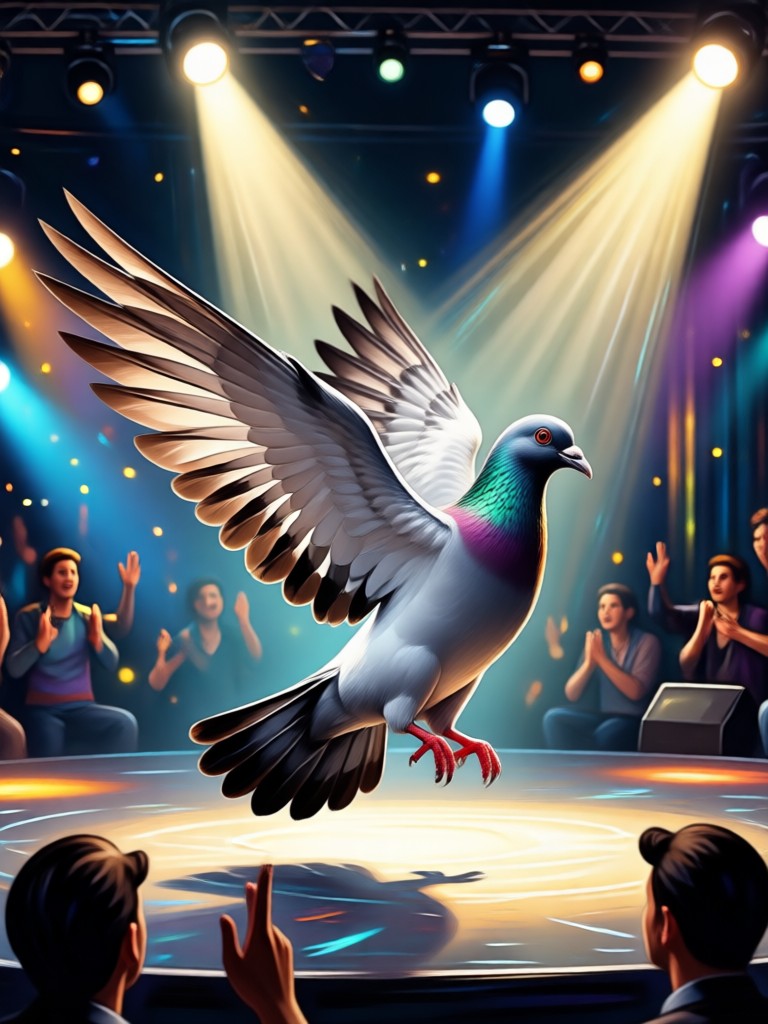
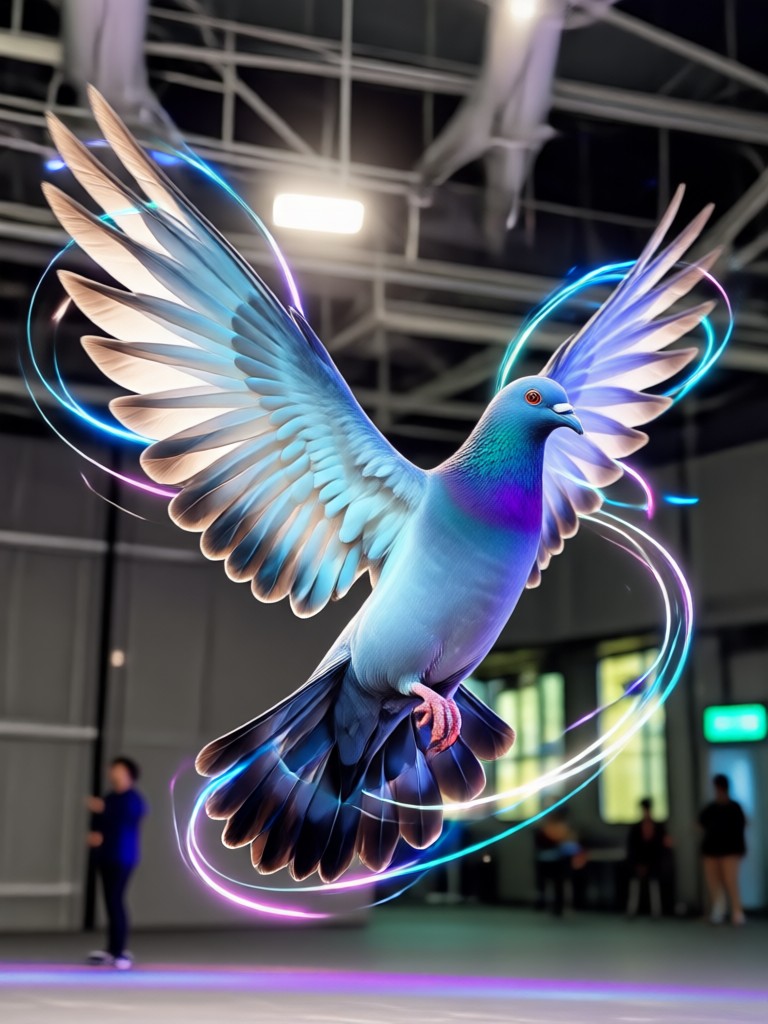
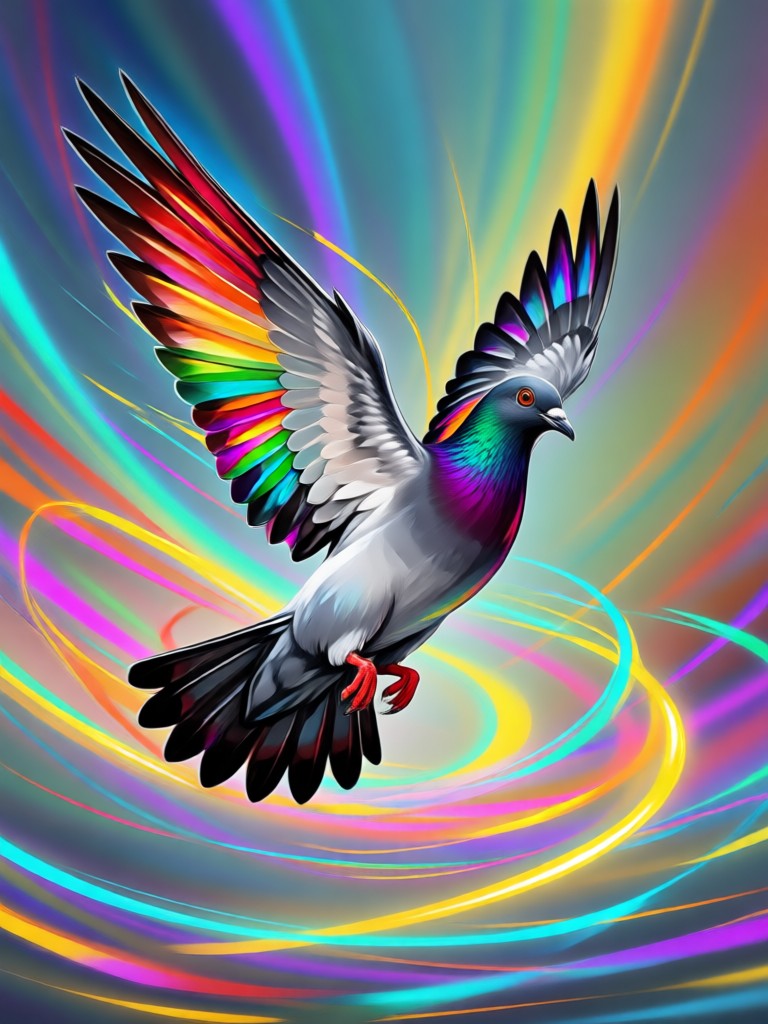
AI Pigeon Dance Creations Gallery
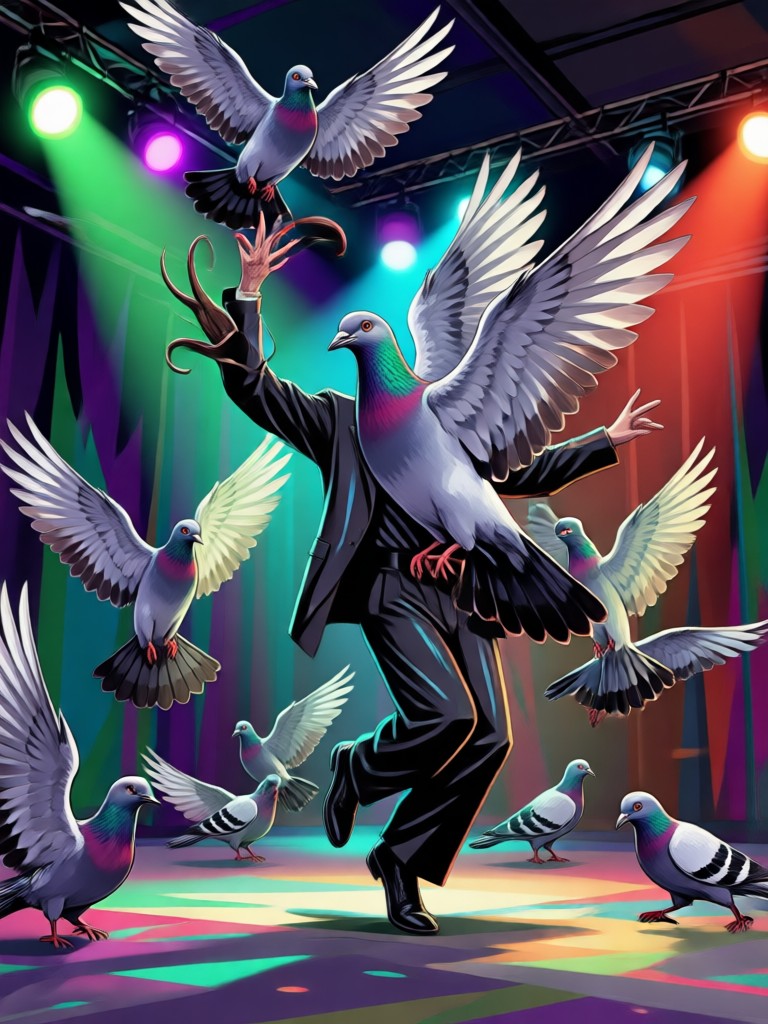
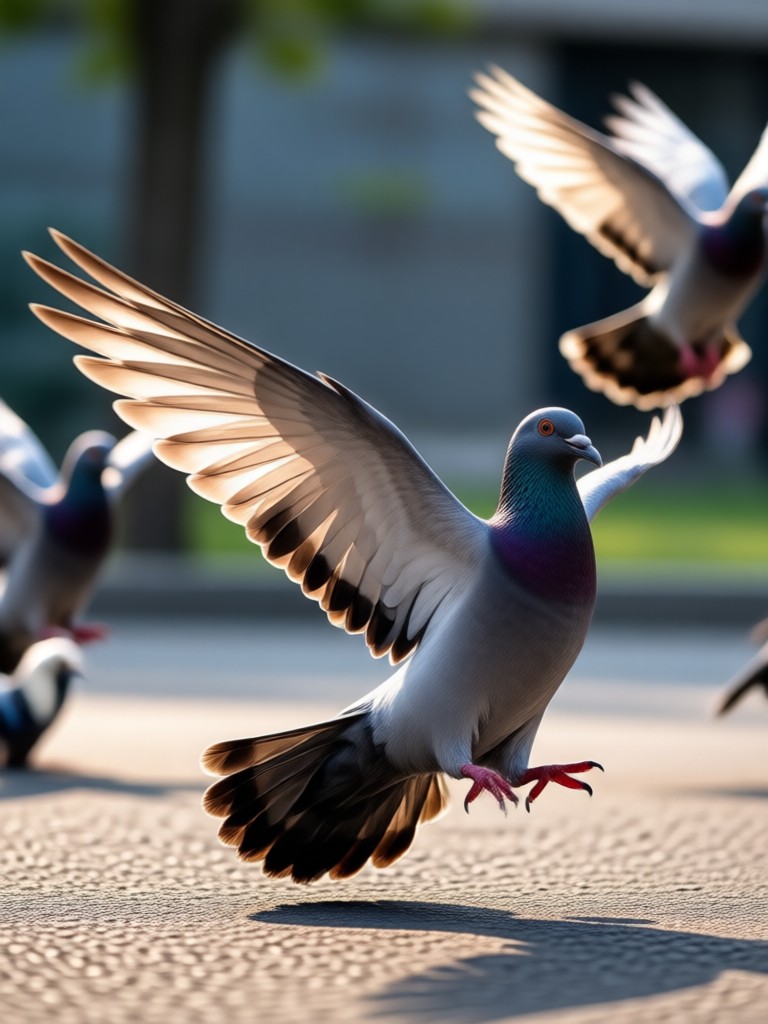
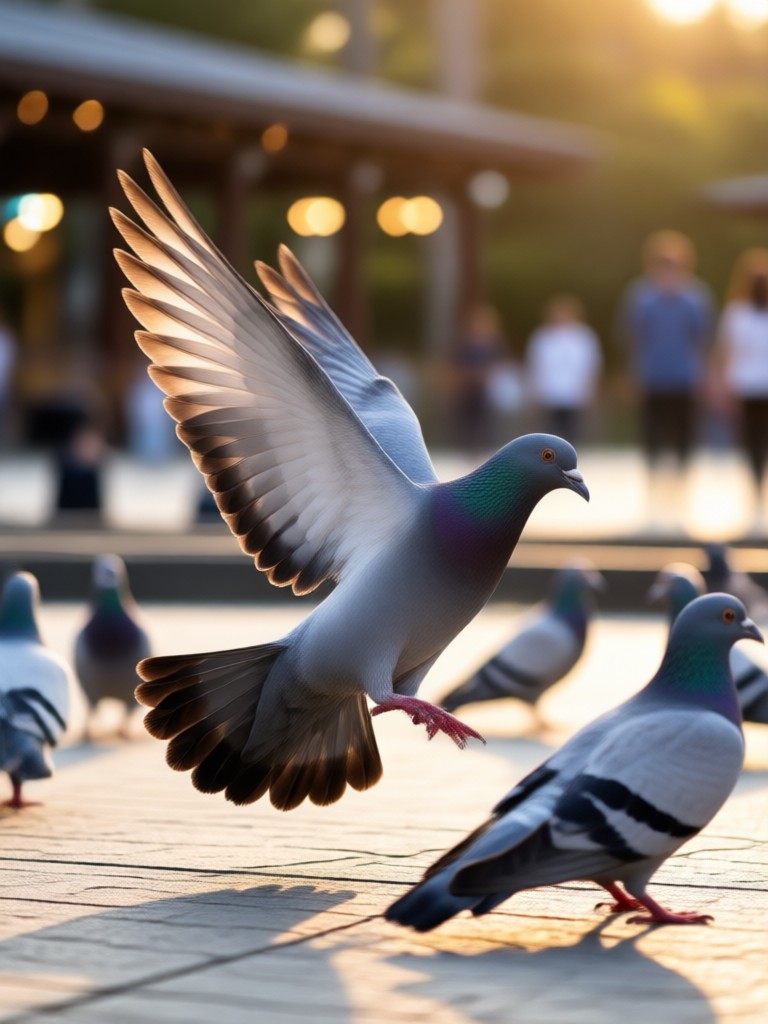
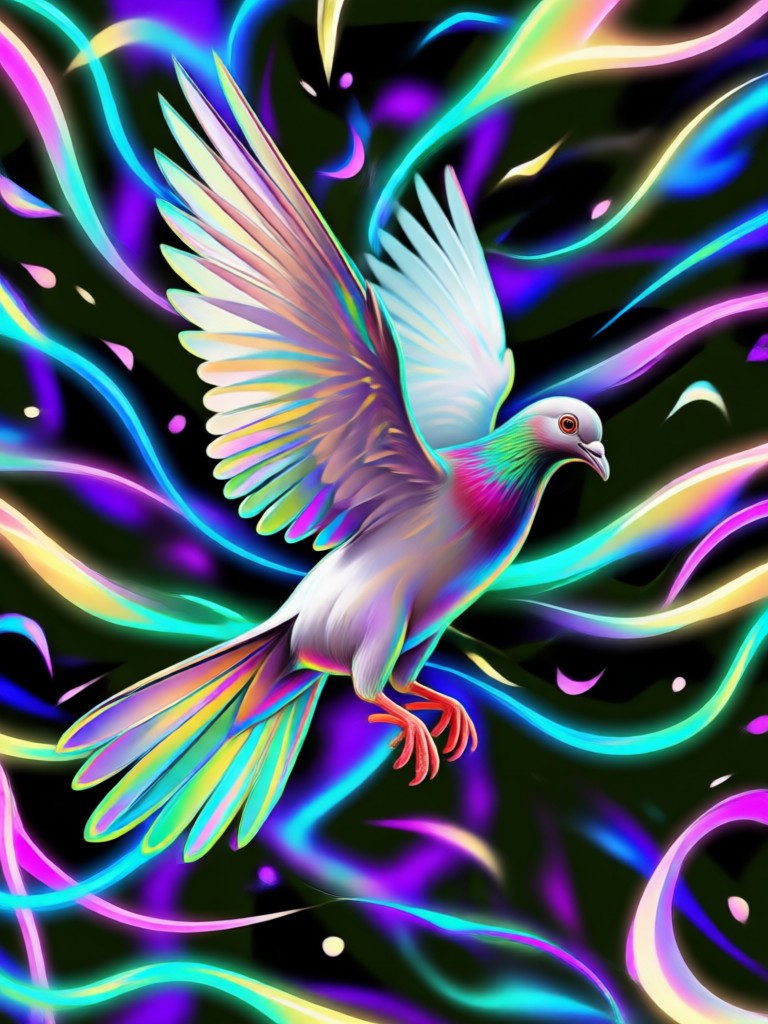
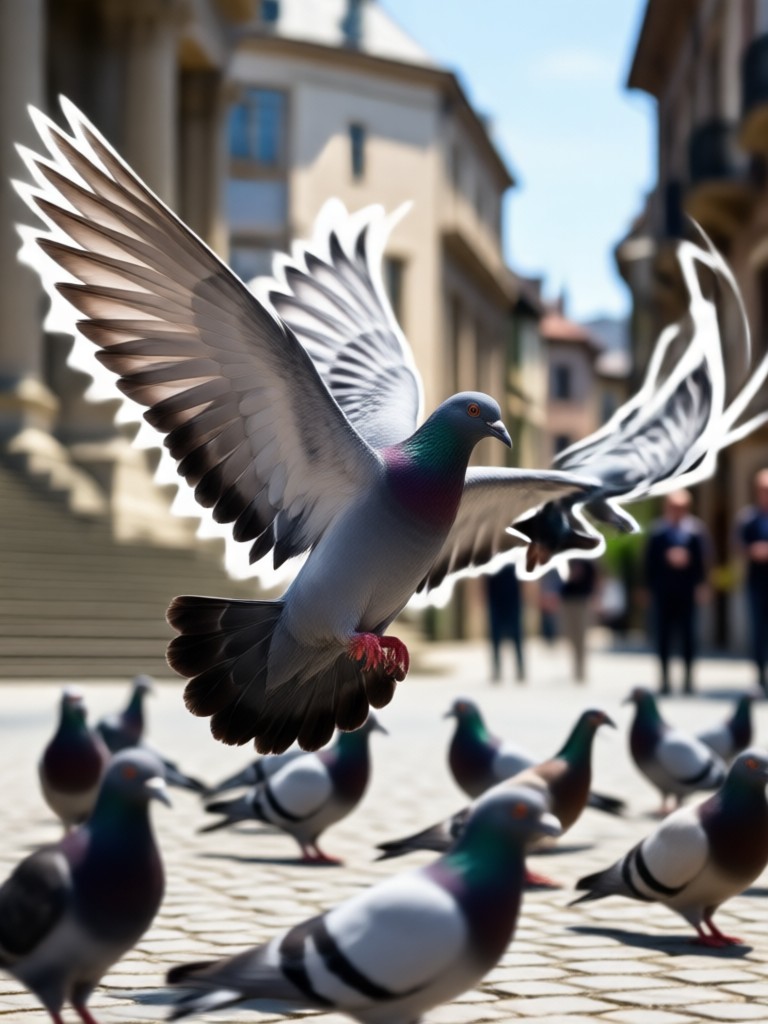
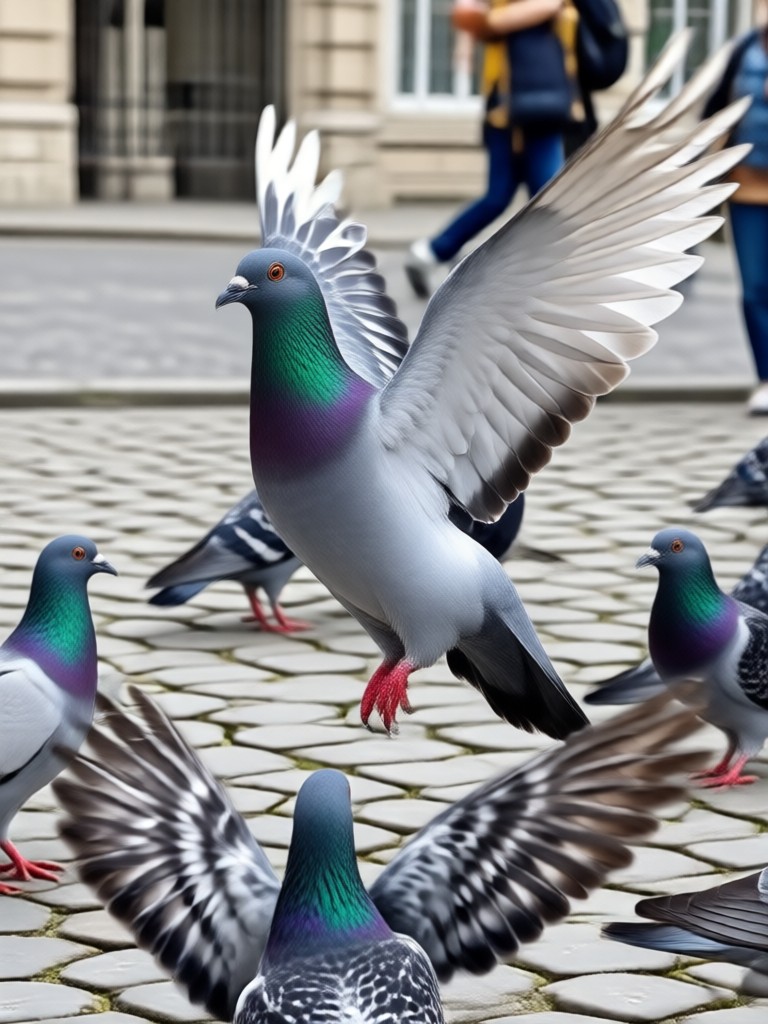
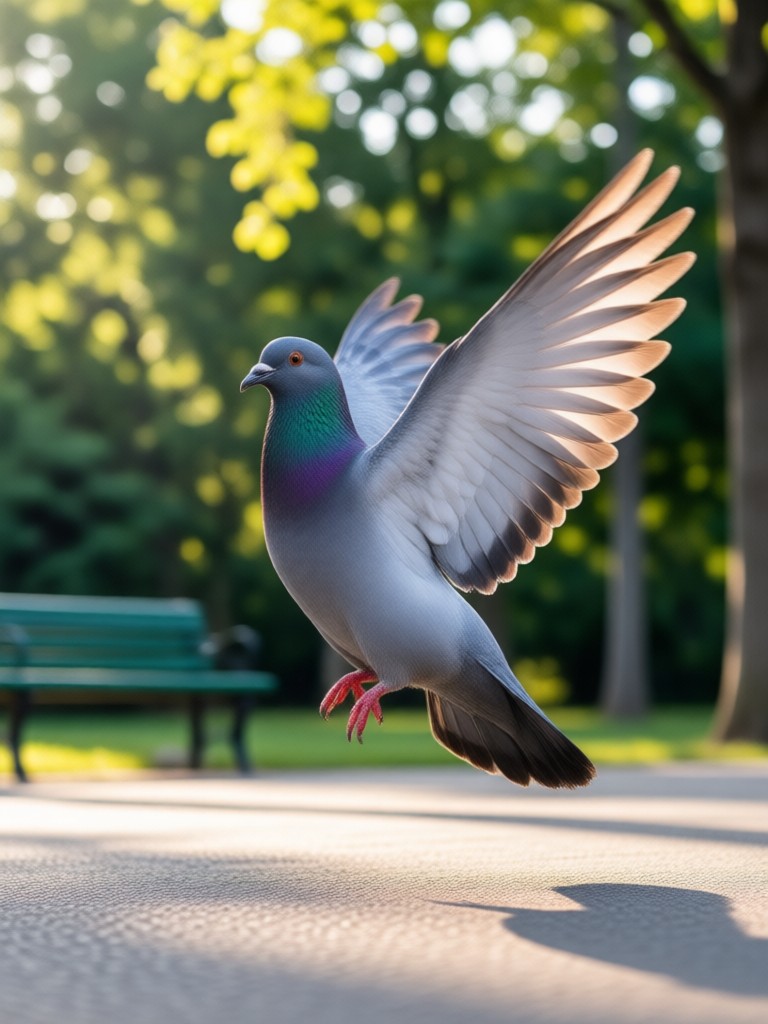
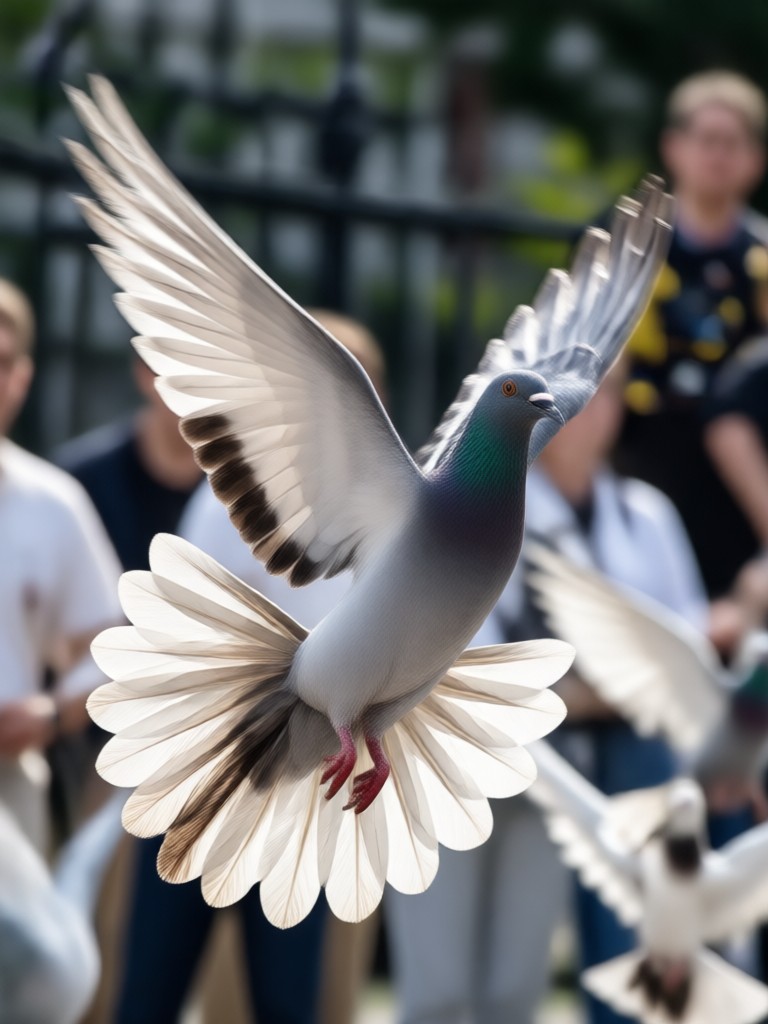
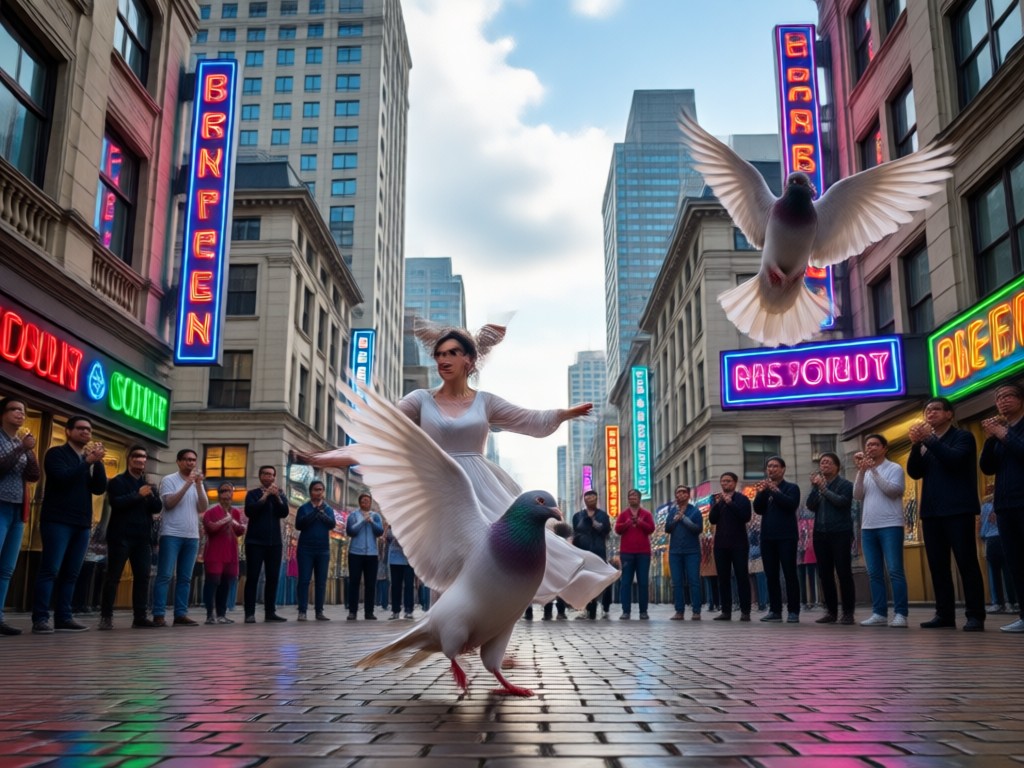
See how static portraits, pets, and even objects transform into dancing pigeons. Browse these AI Pigeon Dance examples and imagine your own viral clip.
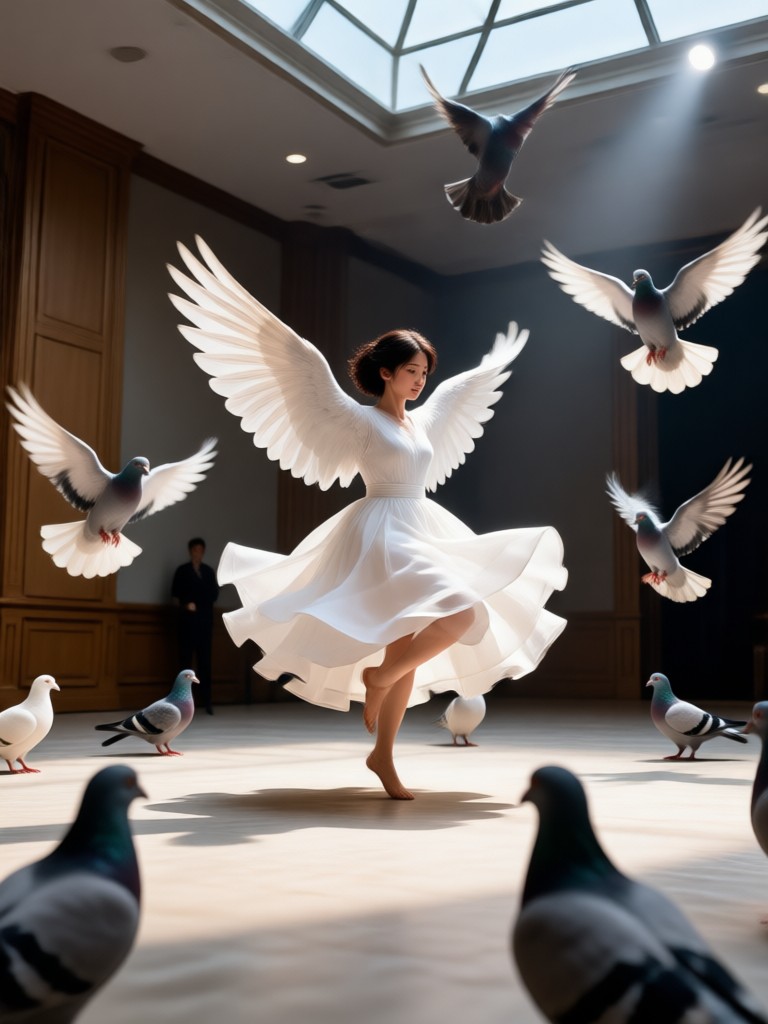
How to Make an AI Pigeon Dance Video?
Create a hilarious AI Pigeon Dance clip in three simple steps using the veeo app.
Step 01.
Download the veeo app from Google Play and open the AI Pigeon Dance filter.
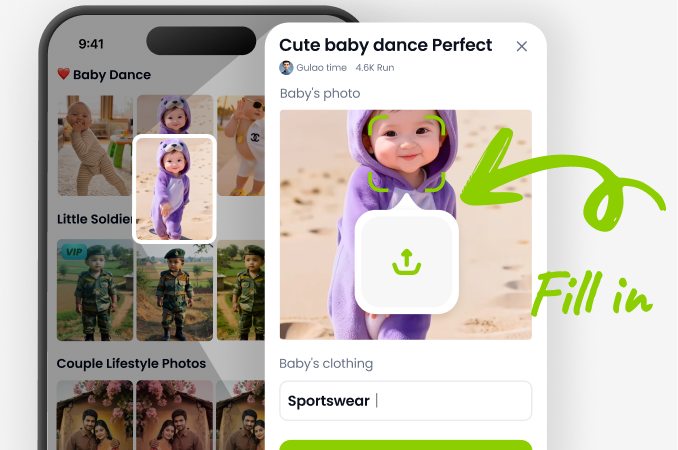
Step 02.
Upload a clear photo of a person, pet, or object and choose your favorite pigeon dance style.
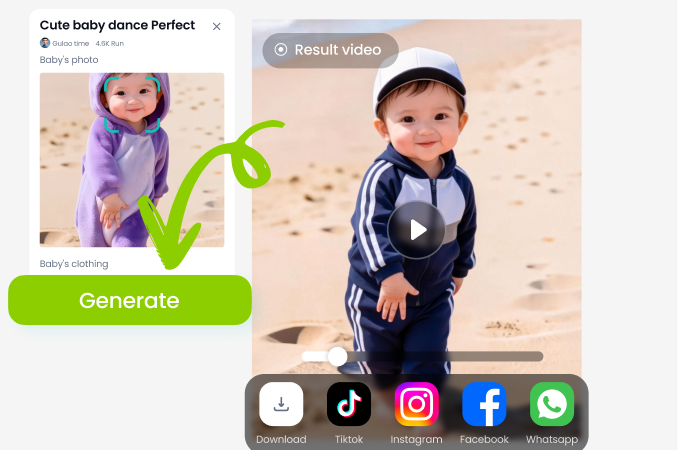
Step 03.
Generate your video, then save or share your dancing pigeon clip on TikTok, Instagram, or with friends.
Why Use veeo for AI Pigeon Dance
veeo combines a simple mobile interface with powerful AI motion transfer. You get smooth loops, realistic pigeon movements, and high resolution exports. No desktop software, no prompt engineering, and no watermark hassles. Just open the app and create.
Why Use veeo for AI Pigeon Dance
veeo combines a simple mobile interface with powerful AI motion transfer. You get smooth loops, realistic pigeon movements, and high resolution exports. No desktop software, no prompt engineering, and no watermark hassles. Just open the app and create.
Here is What Creators Say About AI Pigeon Dance
My pet pigeon video blew up overnight
I uploaded a photo of my cat and the AI Pigeon Dance filter made it strut like a pigeon. The motion is smooth and the result got thousands of likes on TikTok.
Fast, funny, and incredibly easy
I usually avoid editing apps, but this took less than a minute. The pigeon dance effect is silly in the best way. I have already made clips with my friends and coworkers.
Great for group photos too
We made our whole team do the AI Pigeon Dance. The app kept every face clear and the dance loop looked natural. Perfect for our office social post.
Frequently Asked Questions About AI Pigeon Dance
Get clear answers about the AI Pigeon Dance effect, supported photos, video quality, and how to use the veeo app.
More Topics You May Like
Explore more viral AI effects and creative guides to keep your content fresh.
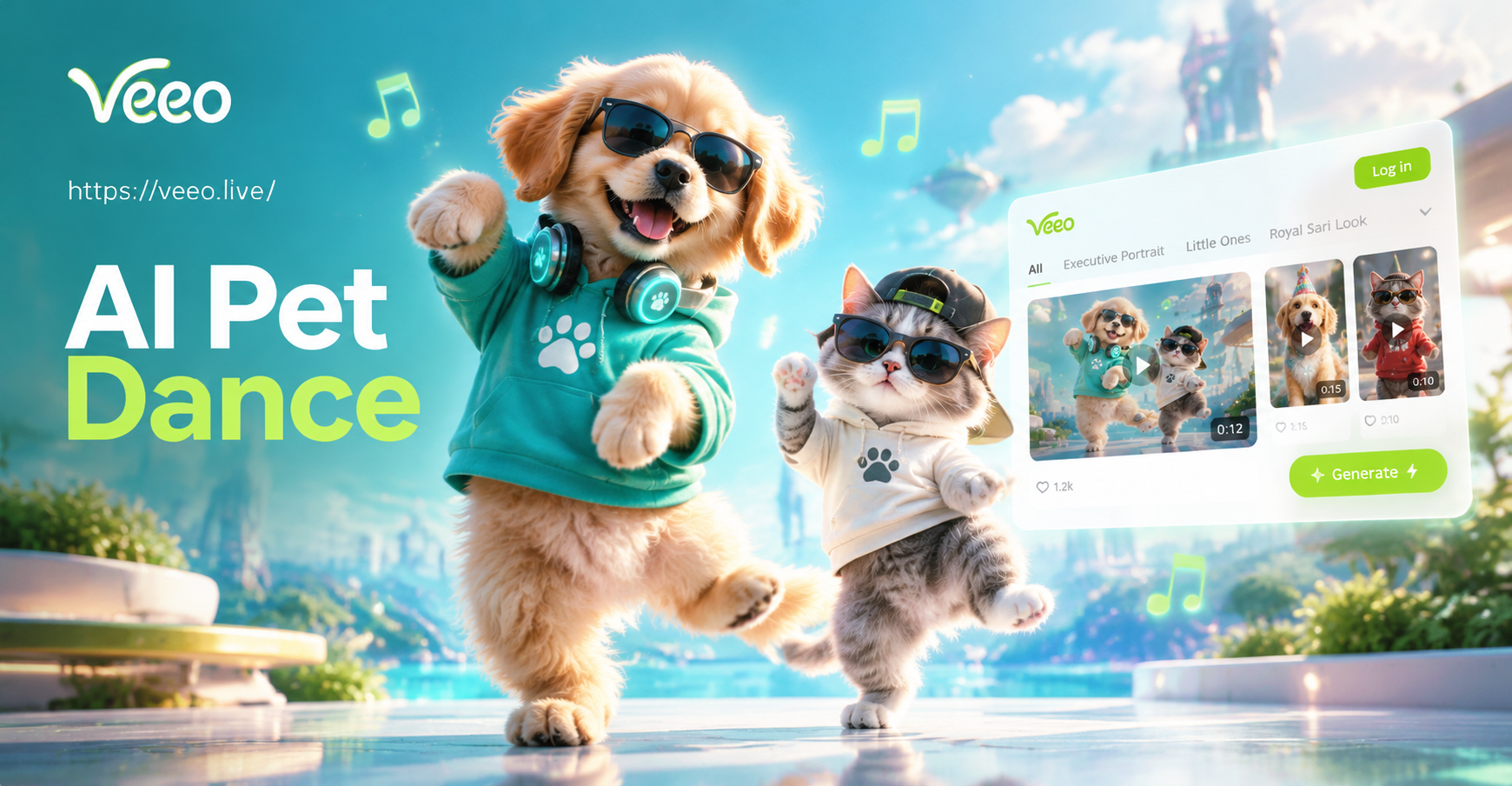
AI Pet Dance: Make Your Pet Dance with AI Magic
AI Pet Dance turns your pet photo into fun dancing videos. Pick a style, generate in seconds, and share. No editing skills needed. Try it now!
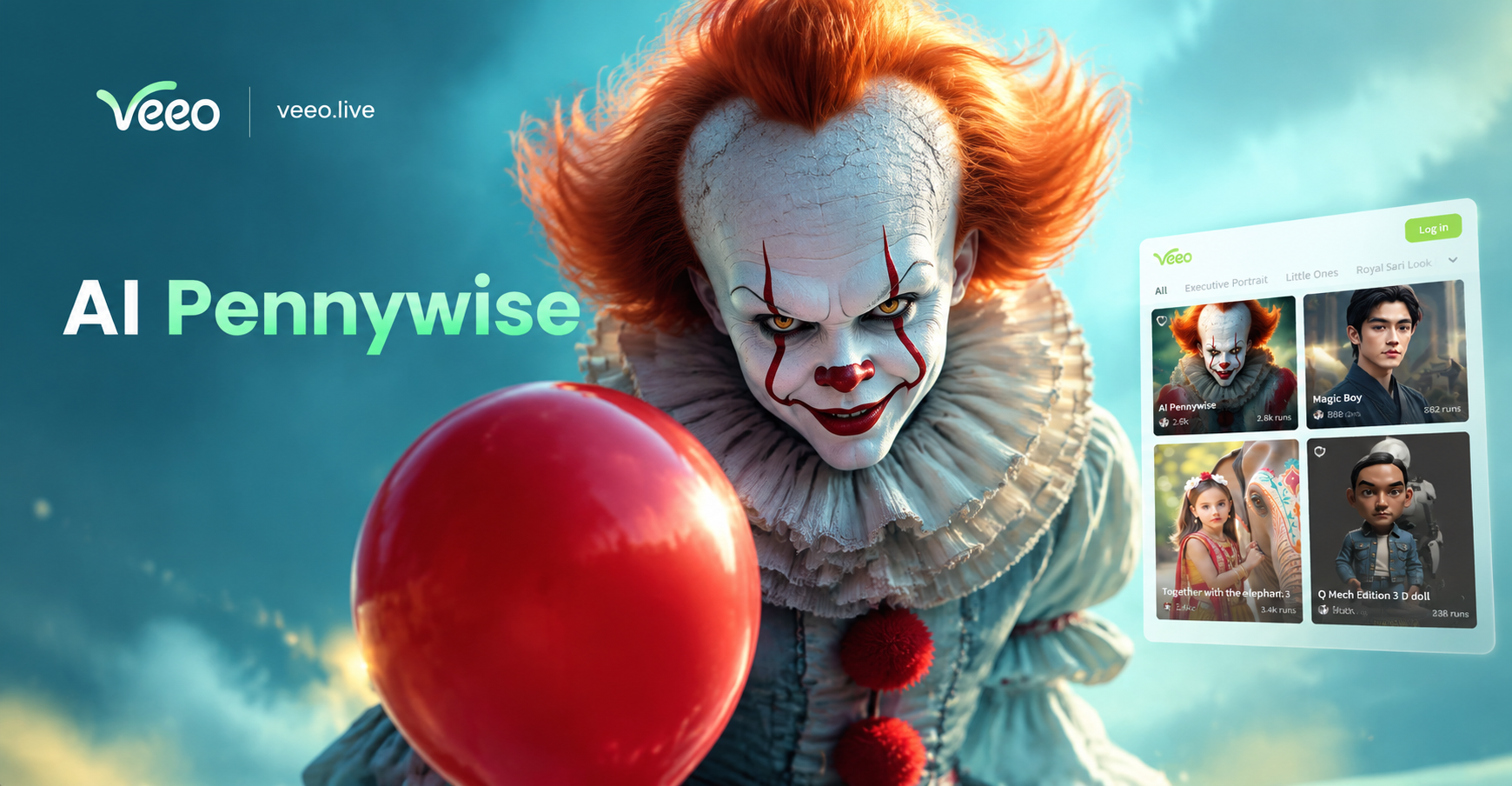
AI Pennywise Generator: Horror Clown Art in Seconds
Create creepy AI Pennywise images and videos with veeo. Upload a photo, choose a horror clown style, and generate realistic results. No design skills needed. Download the app.
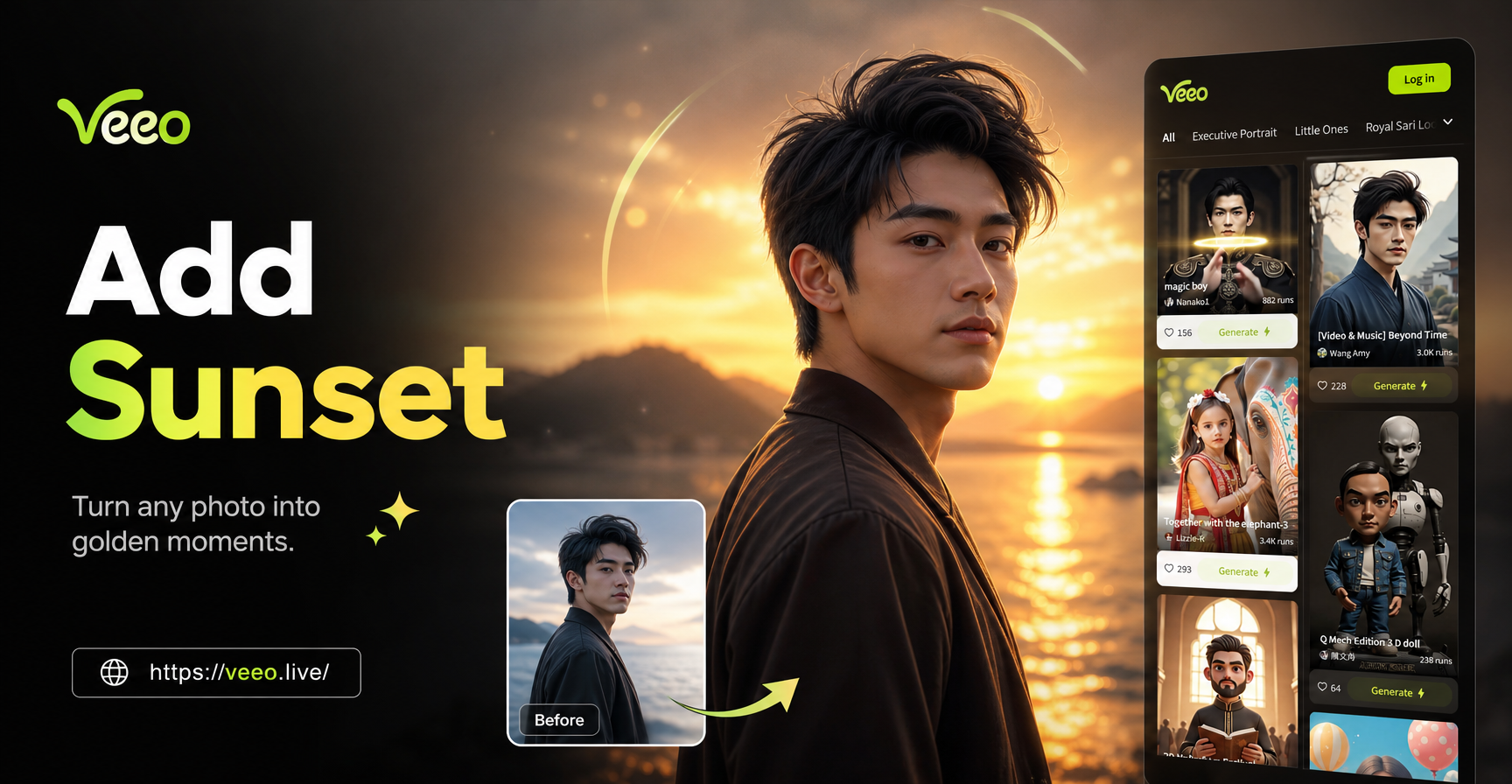
Add Sunset To Photo - AI Powered Creative Tool | Veeo
Create stunning Add Sunset To Photo with veeo AI. Generate images, videos, and art instantly with one tap. Download the app and start creating today.
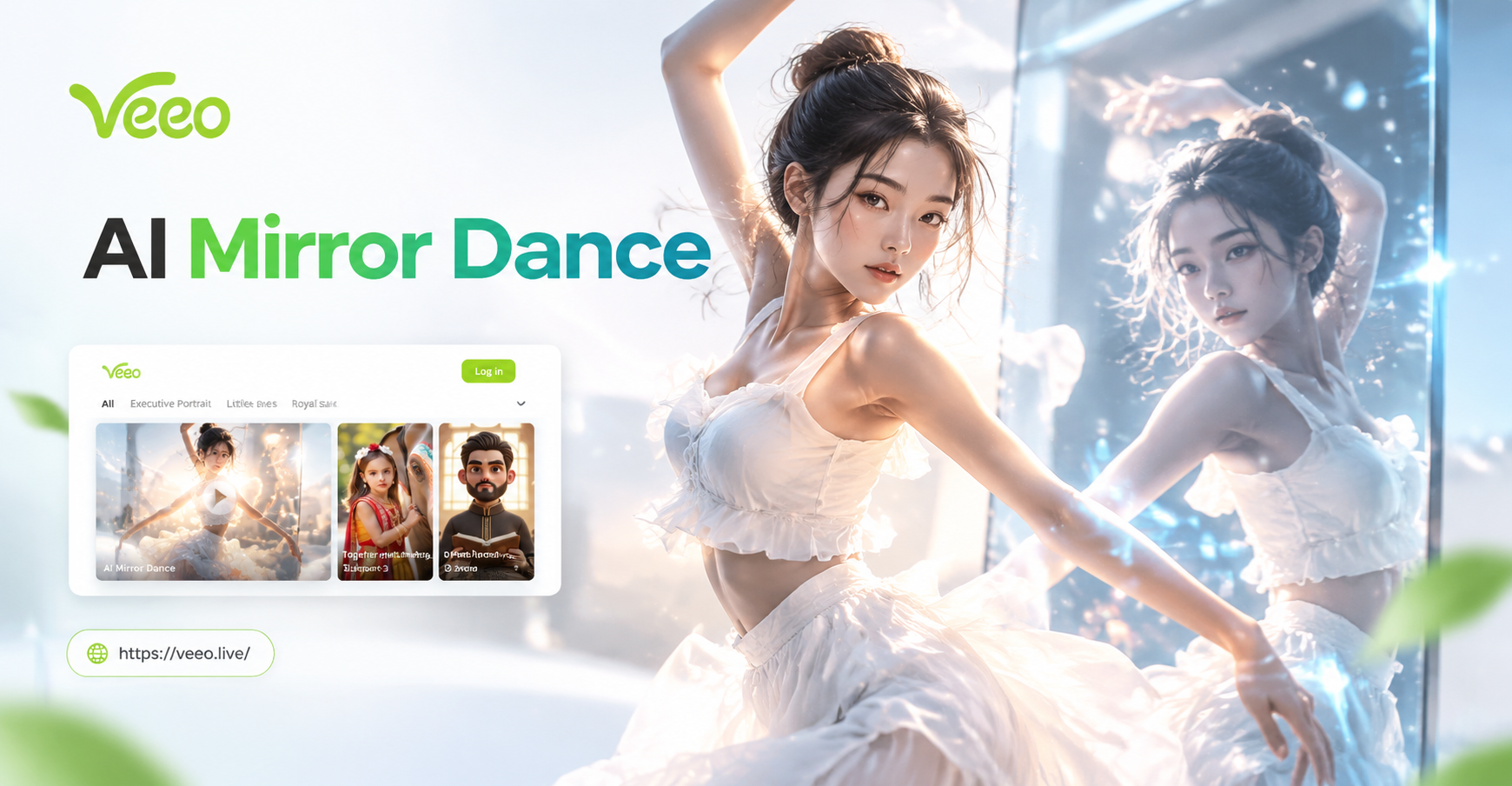
Create Stunning AI Mirror Dance Videos in Seconds
Turn any photo into a viral AI Mirror Dance video. Upload a selfie, pick a dance style, and let veeo animate your moves in seconds. No editing skills needed.
Make Your Photos Do the AI Pigeon Dance
Download veeo from Google Play and turn any picture into a hilarious dancing pigeon video in seconds. No editing skills required.

Make Your Photos Do the AI Pigeon Dance
Download veeo from Google Play and turn any picture into a hilarious dancing pigeon video in seconds. No editing skills required.