AI Pikki Pikki Dance
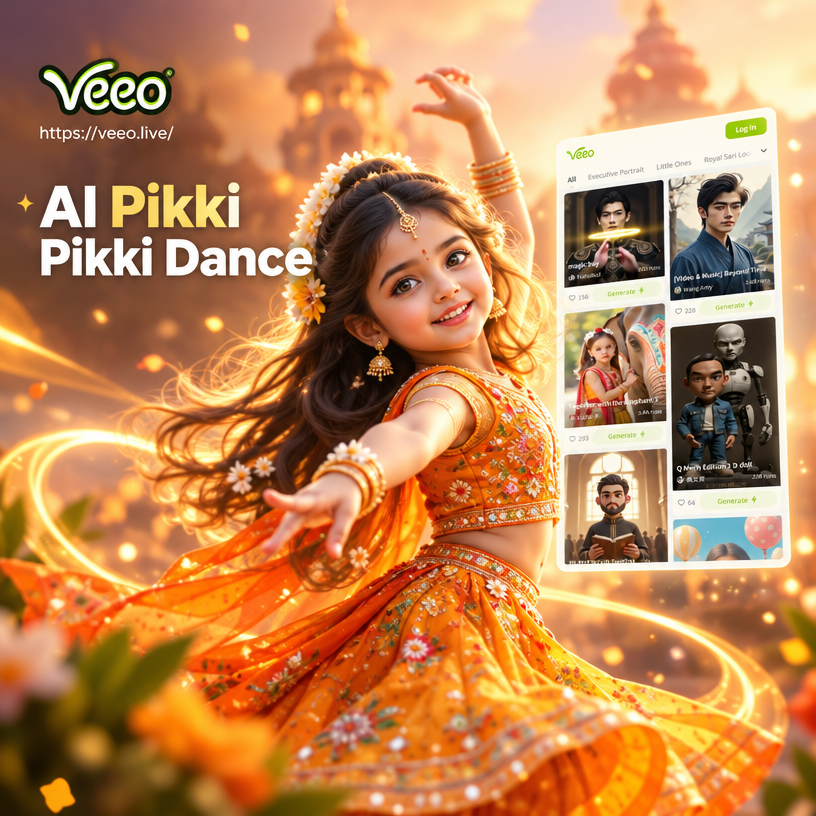
Explore More Viral Video Effects
Pair the Pikki Pikki Dance with other trending motion styles. Discover filters that make your photos sing, dance, or come alive with cinematic quality.
Why veeo Nails the AI Pikki Pikki Dance
Creating a believable dance video from a single image requires precise motion tracking and style preservation. veeo handles the complex parts so you only need to choose a photo and hit generate.
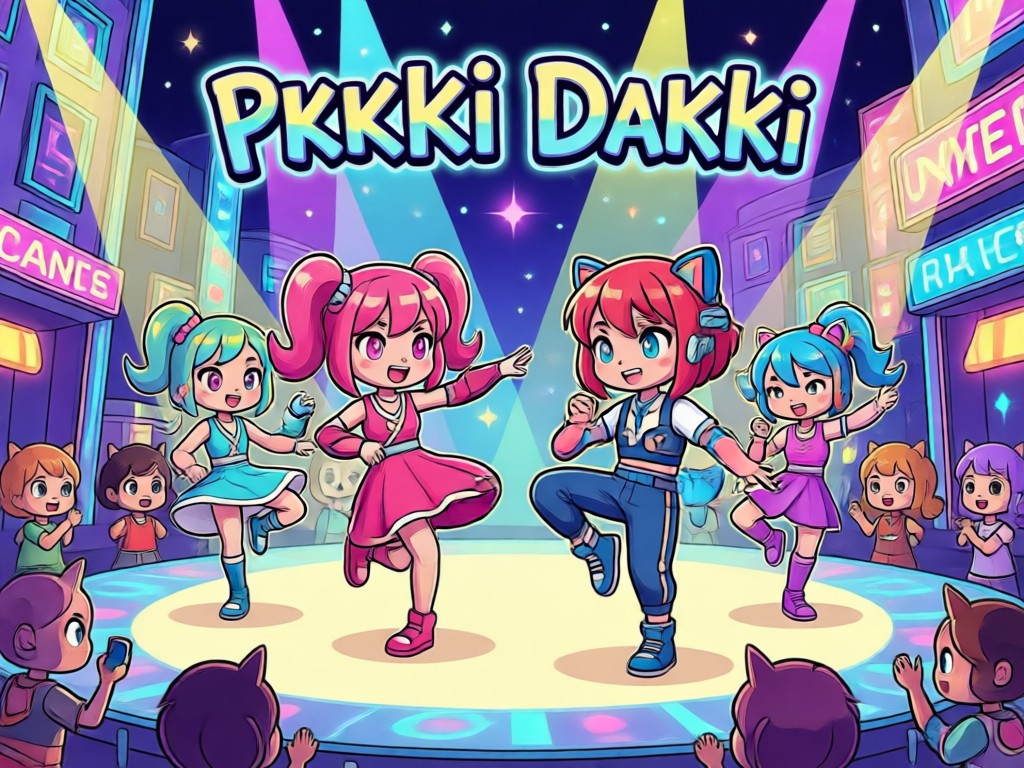
Accurate Motion Mapping
The AI identifies your body structure and applies the signature Pikki Pikki arm movements smoothly. Your limbs stay proportionate and your posture looks natural throughout the short clip.
Accurate Motion Mapping
The AI identifies your body structure and applies the signature Pikki Pikki arm movements smoothly. Your limbs stay proportionate and your posture looks natural throughout the short clip.
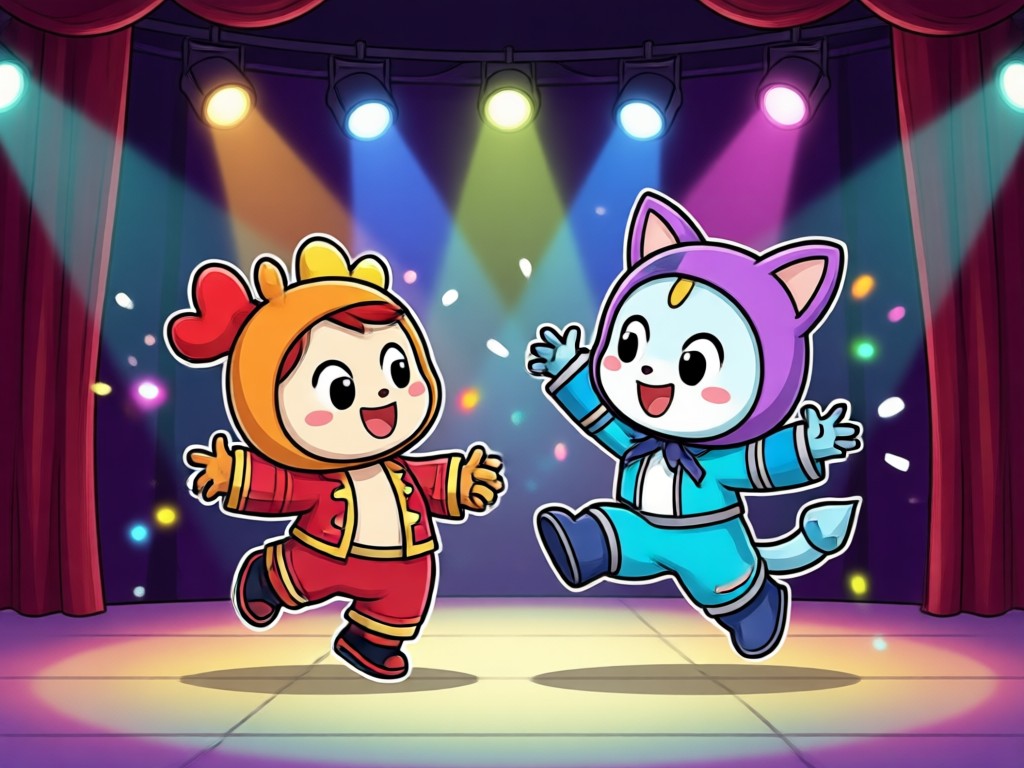
Realistic Faces and Outfits
Unlike simple filters, veeo preserves the details that matter. Your face remains sharp and recognizable while your clothes flow naturally with the movement. The result looks like a real video.
Realistic Faces and Outfits
Unlike simple filters, veeo preserves the details that matter. Your face remains sharp and recognizable while your clothes flow naturally with the movement. The result looks like a real video.
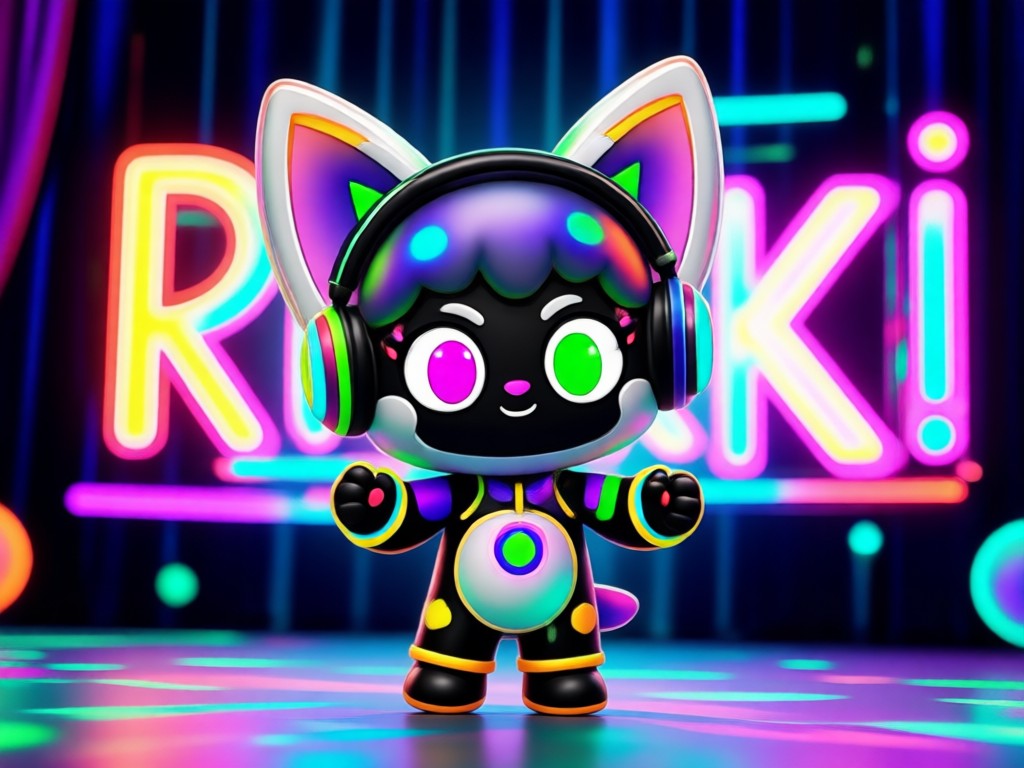
Multiple Style Templates
Turn yourself into a 3D clay character, an anime star, or a cinematic hero while you dance. You control the aesthetic, from photorealistic to fully stylized, with one tap.
Multiple Style Templates
Turn yourself into a 3D clay character, an anime star, or a cinematic hero while you dance. You control the aesthetic, from photorealistic to fully stylized, with one tap.
How to Make an AI Pikki Pikki Dance Video?
Create your own viral dance clip in three simple steps using the veeo mobile app.

Step 01.
Download the veeo app from Google Play. It is a free AI creative studio designed for mobile.
Step 02.
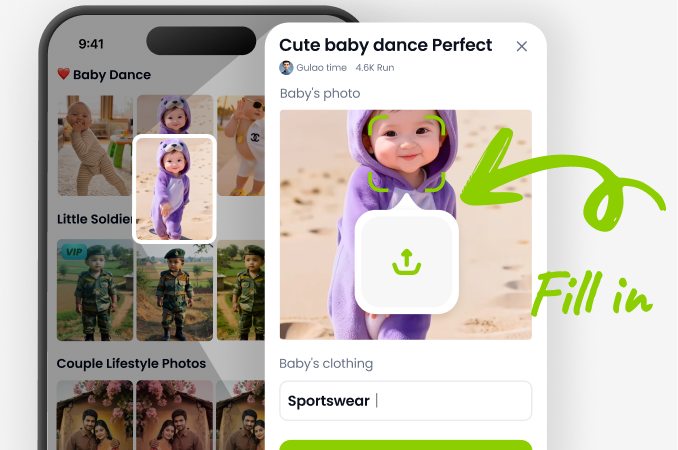
Upload a clear portrait photo and search for the Pikki Pikki dance motion template in the AI video section.
Step 03.
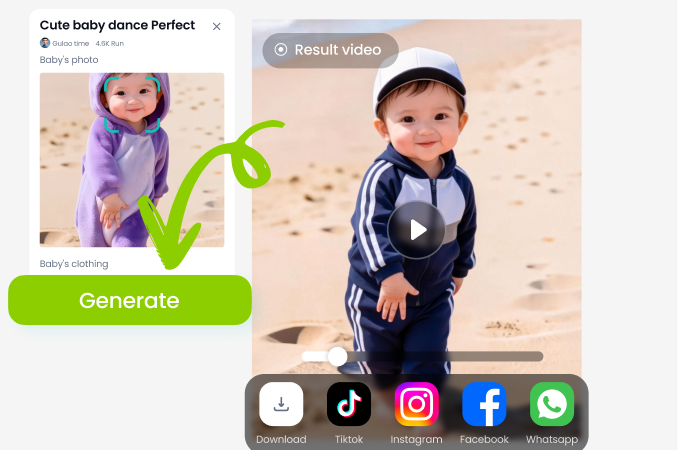
Tap generate and wait a few seconds. Preview your dance, download the video, and post it to your social feed.
Explore AI Dance Creations Gallery
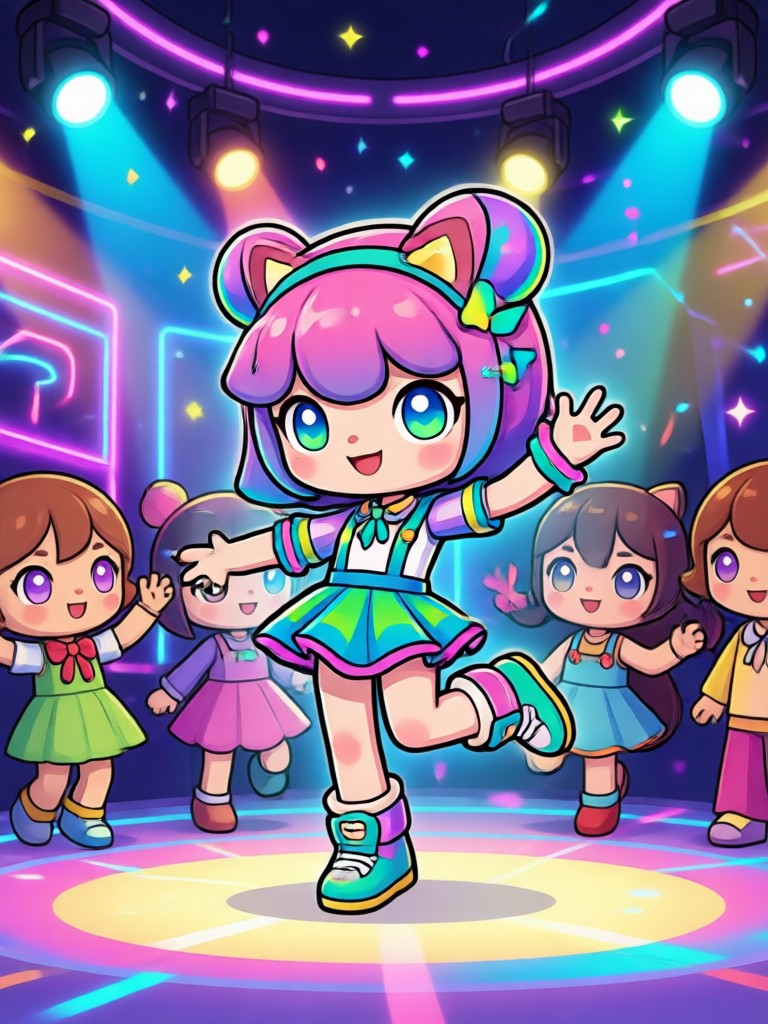
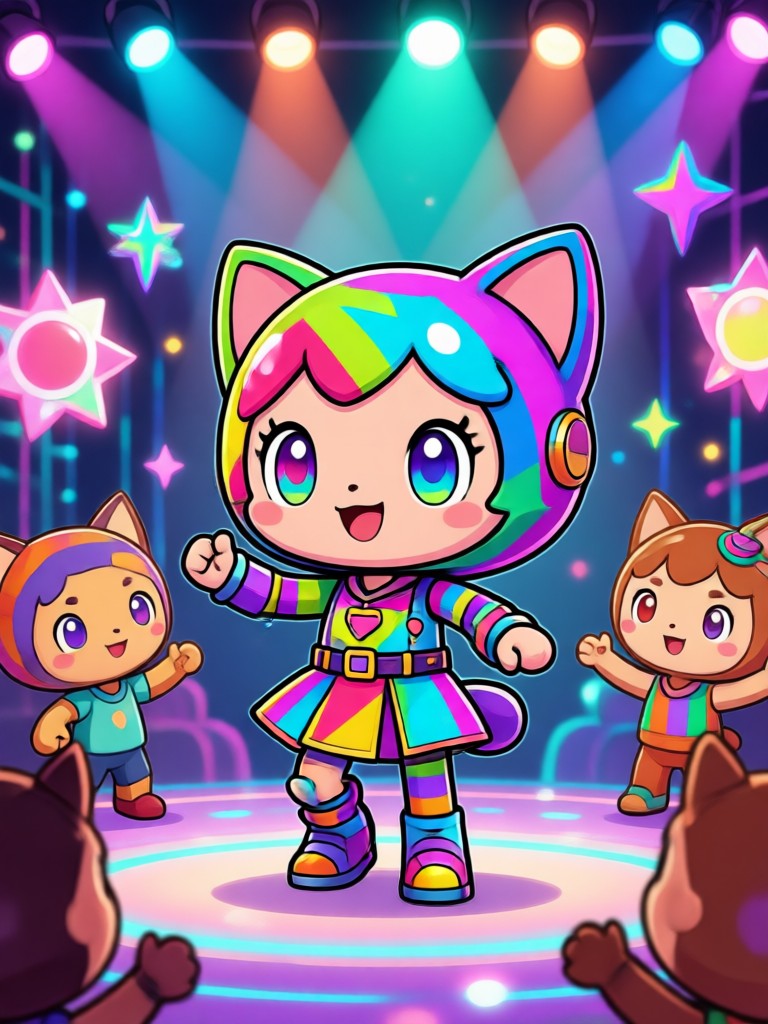
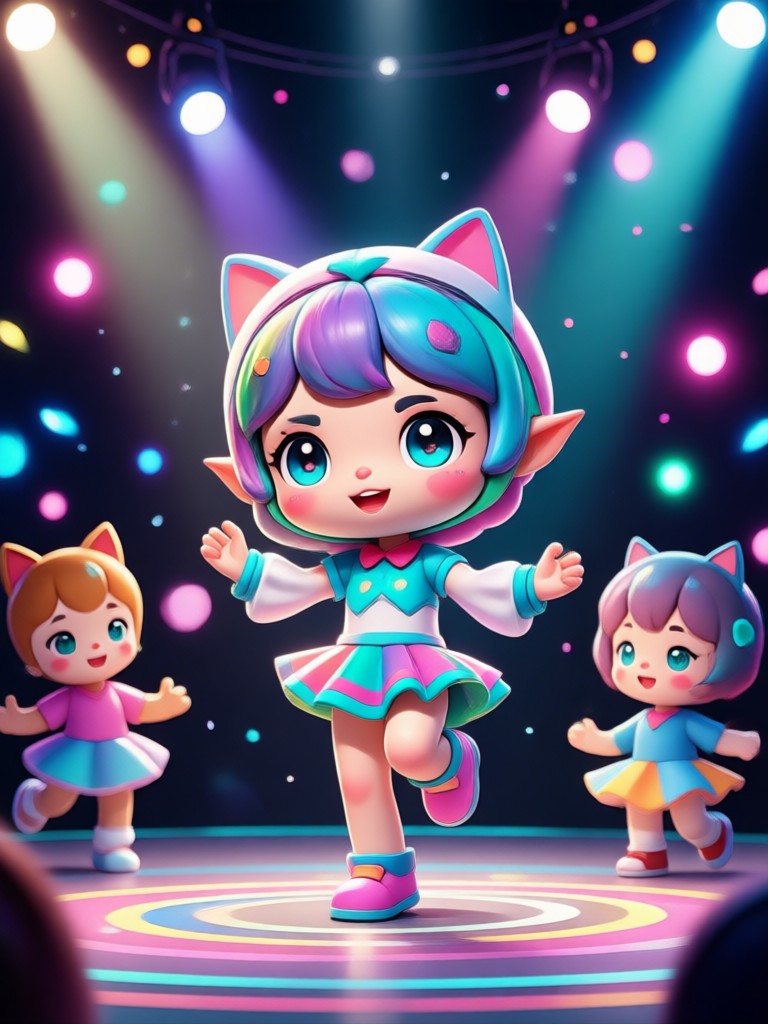
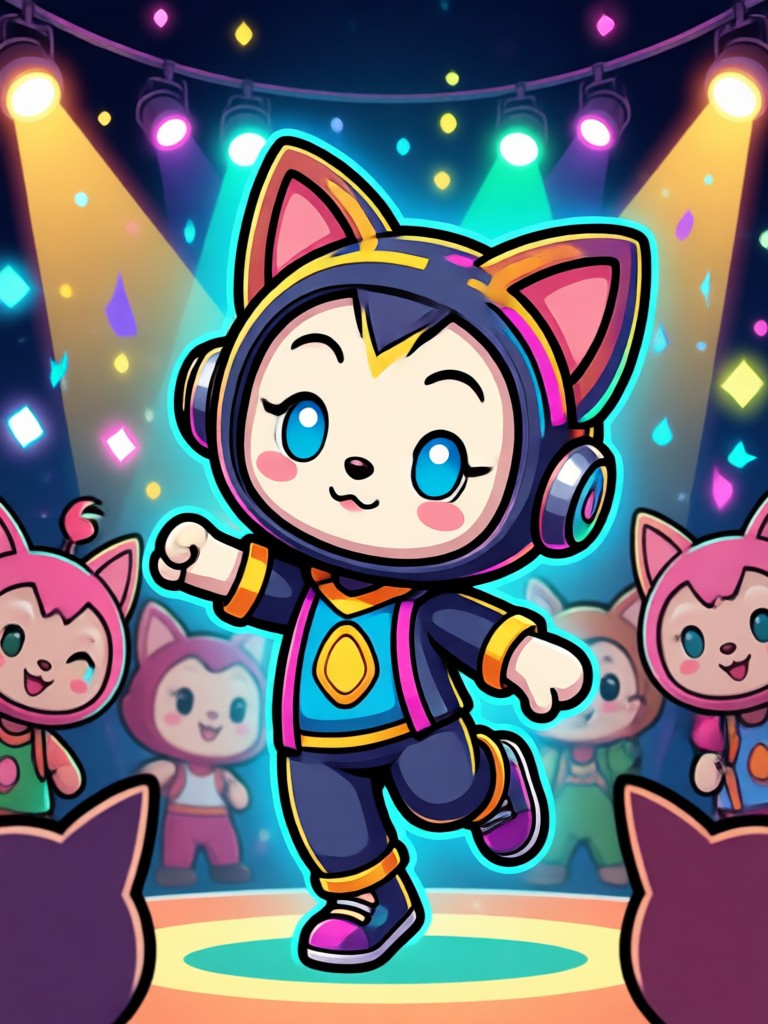
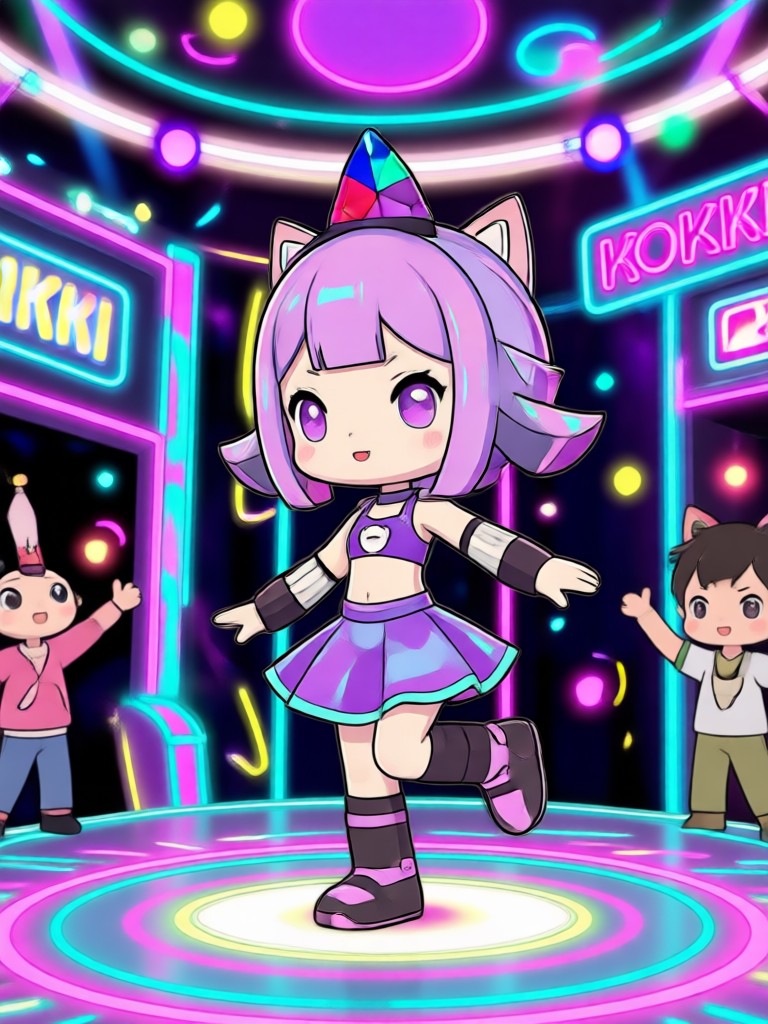
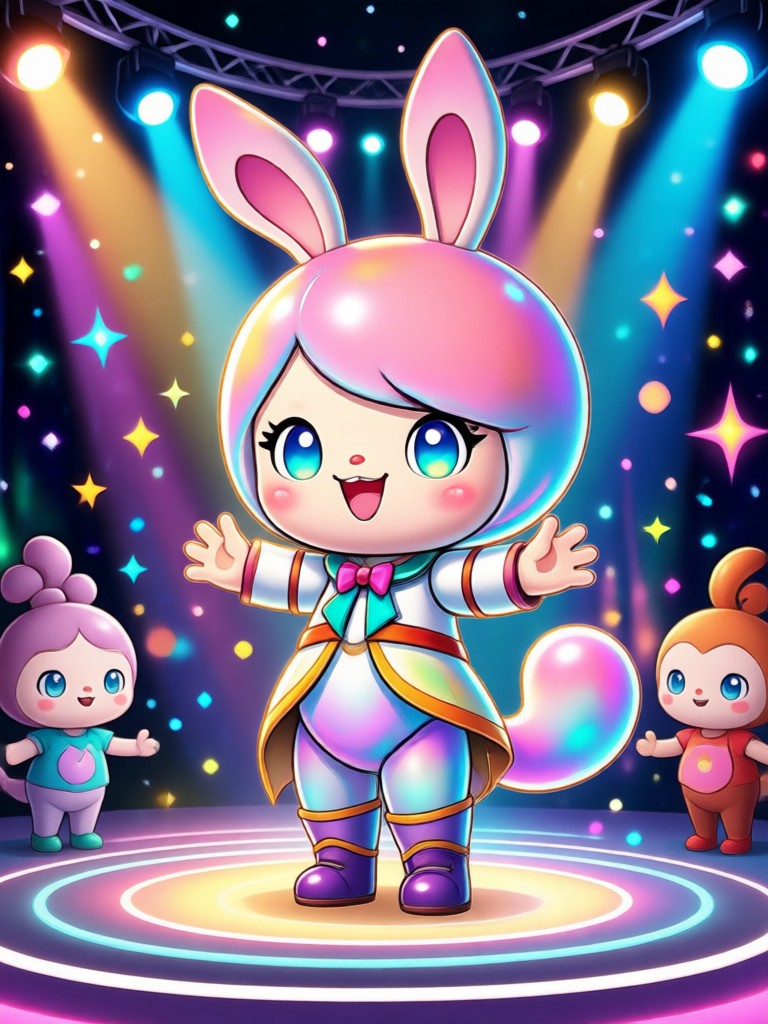
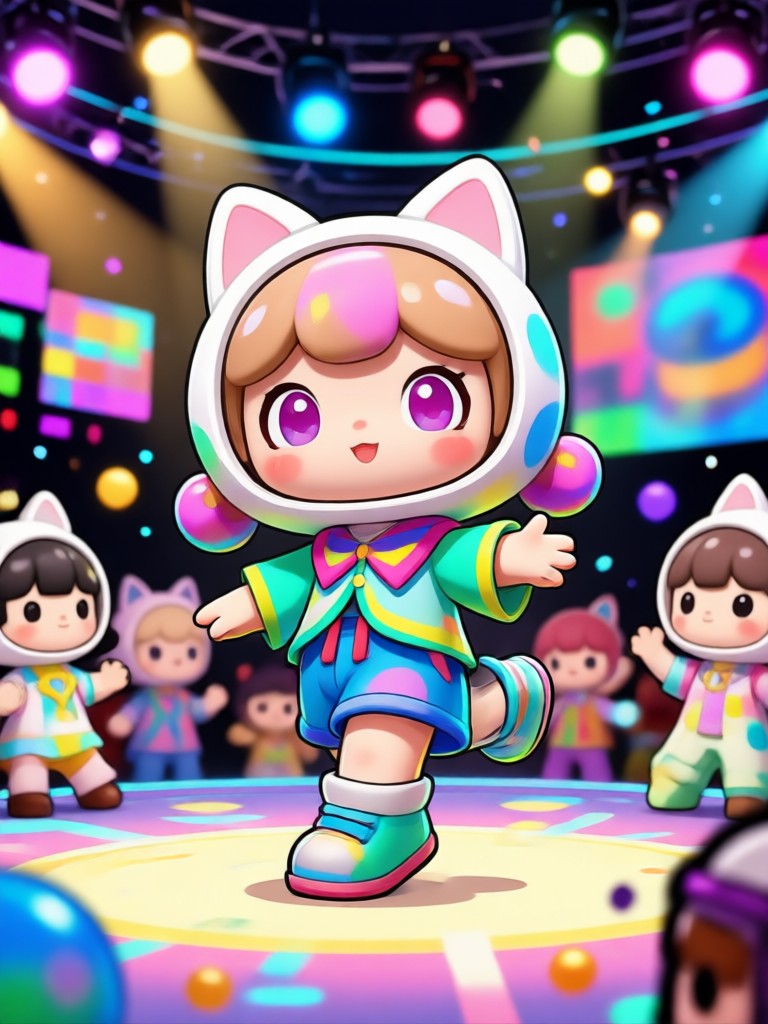
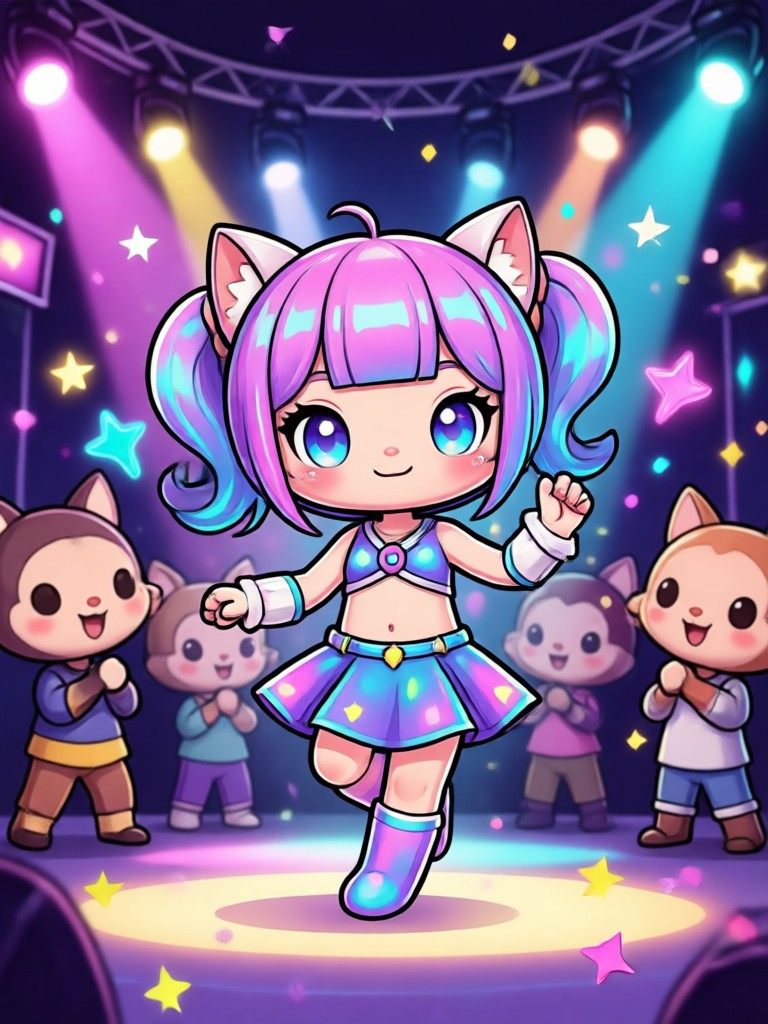
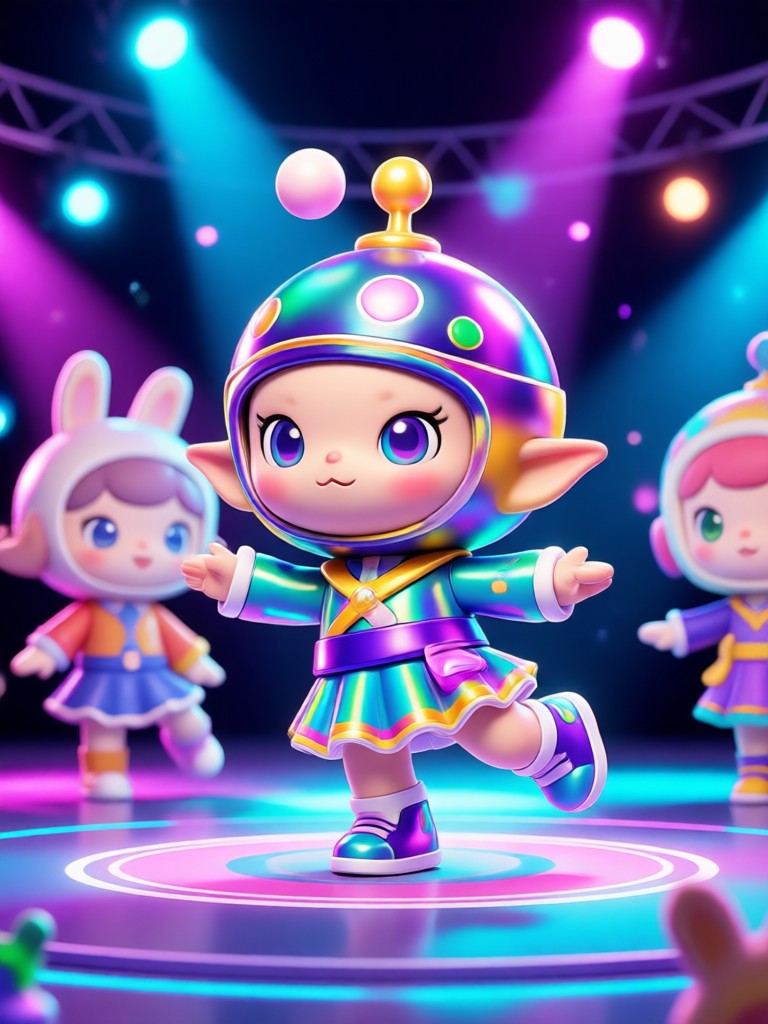
See how users are transforming their portraits into joyful dance clips. From realistic shots to anime and 3D clay art, the possibilities are endless.
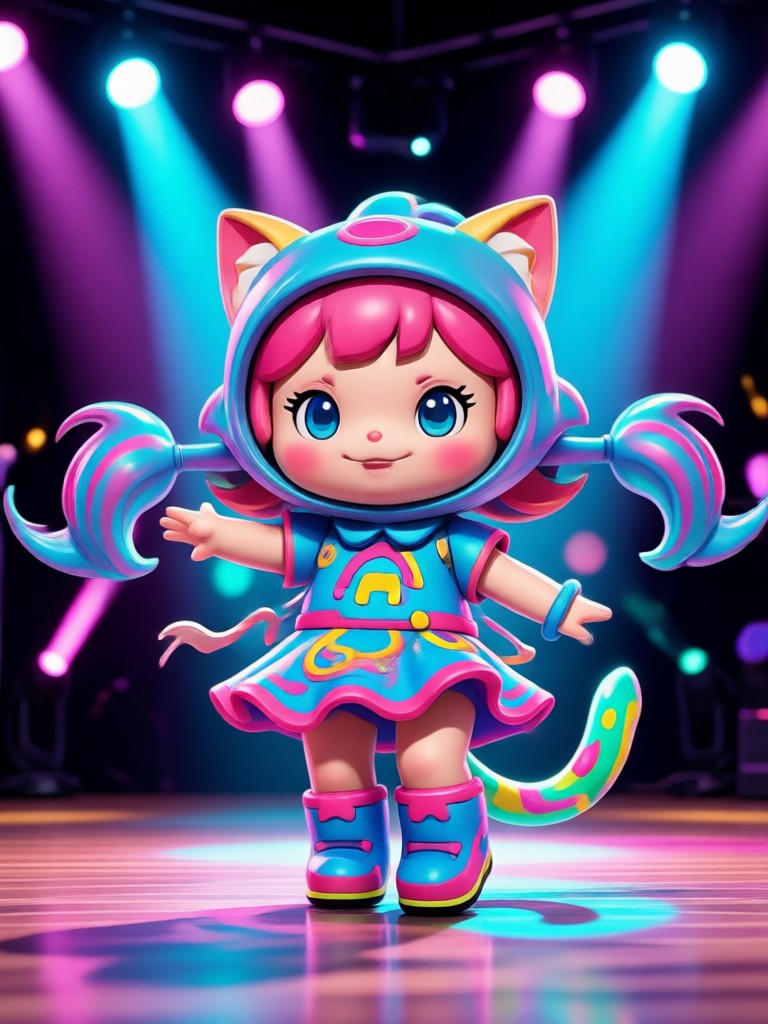
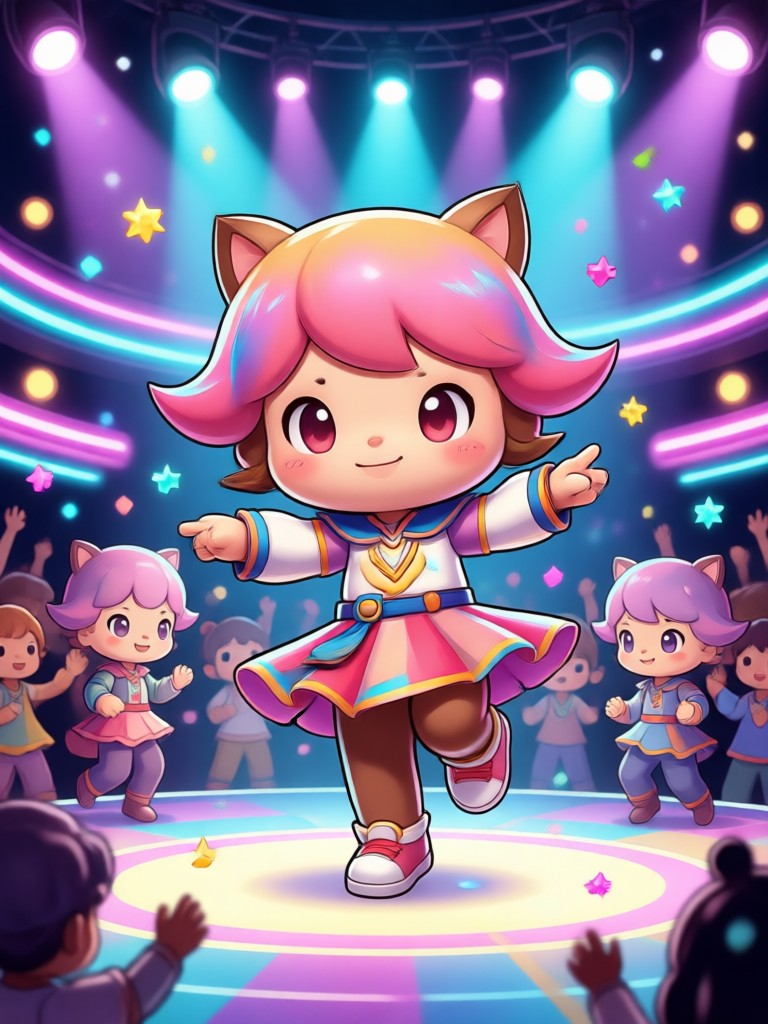
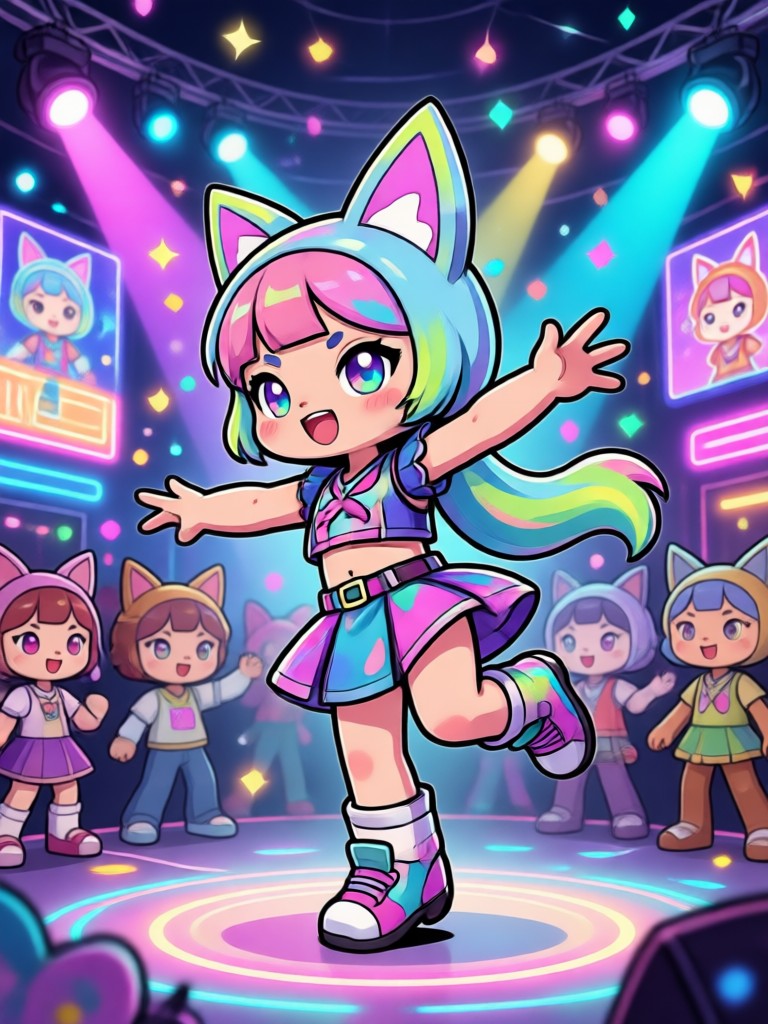
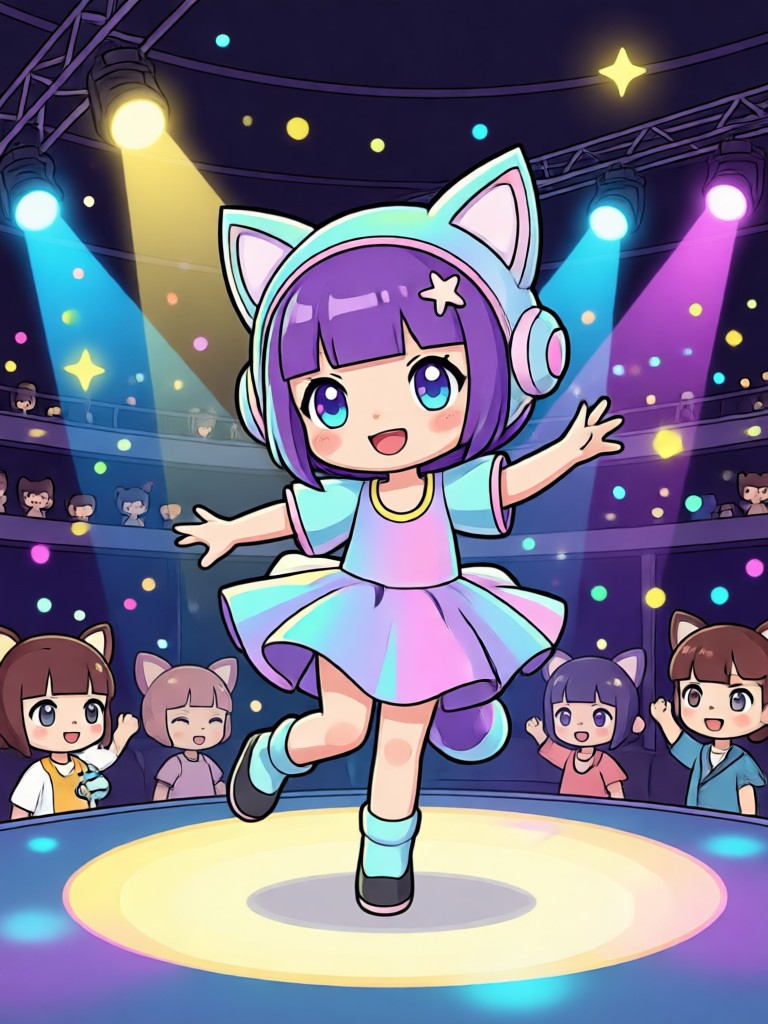
AI Pikki Pikki Dance on Mobile
veeo runs entirely on your phone. Upload, generate, and share trending dance videos without needing a computer or complex editing software.

Frequently Asked Questions
Find clear answers to common questions about creating the AI Pikki Pikki Dance with veeo.
Your Viral Dance Video Is Ready
Stop watching the trend and start joining it. Download veeo to turn your photos into the most shared content on your feed.
Your Viral Dance Video Is Ready
Stop watching the trend and start joining it. Download veeo to turn your photos into the most shared content on your feed.