Add Rainbow To Photo
Choose Your Rainbow Style
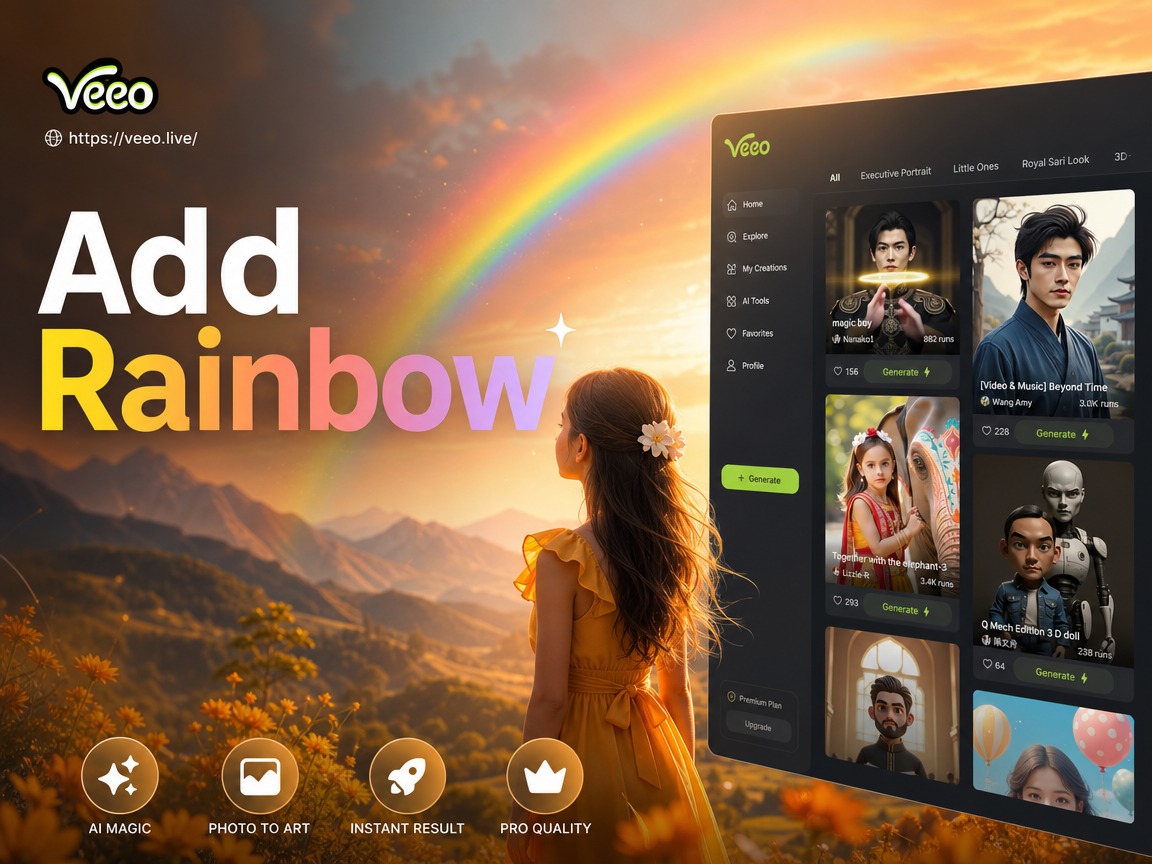
Discover rainbow filters that match your mood, from natural sky arcs to glowing neon effects. Pick a template and let AI blend it perfectly with your photo.
Why Add a Rainbow to Your Photo?
Our AI rainbow photo editor makes it effortless to enhance any image with stunning rainbow effects. Whether you want a natural sky bow, a subtle color wash, or a bold neon arc, veeo gives you full creative control with instant results.
Realistic Rainbow Overlays
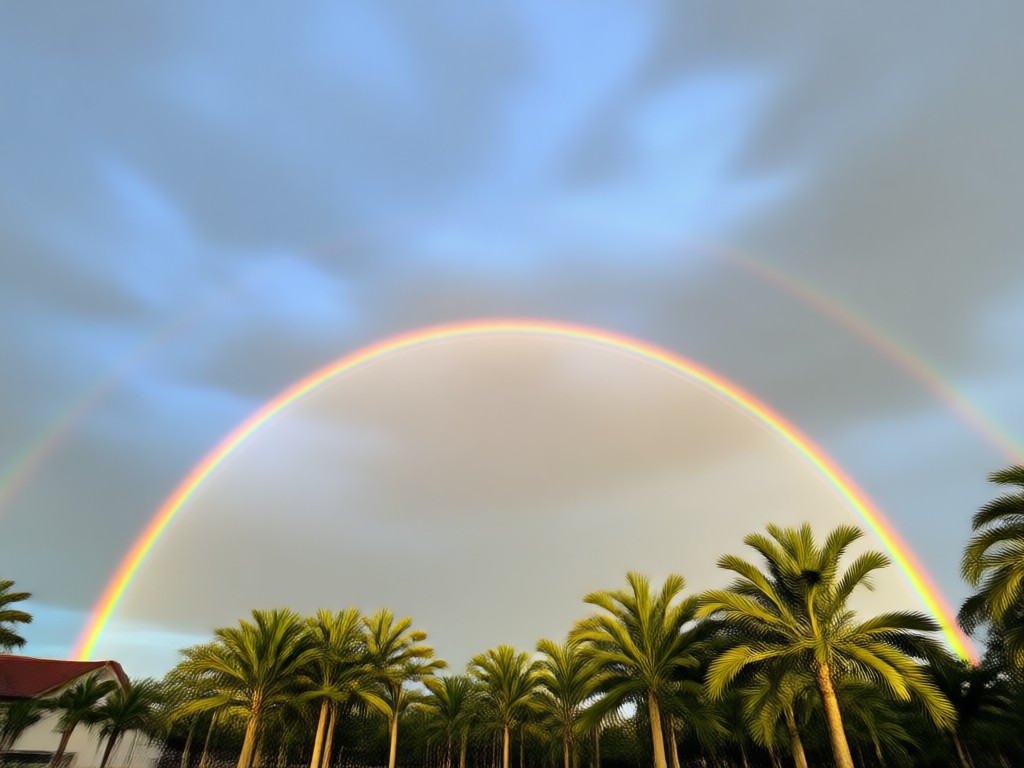
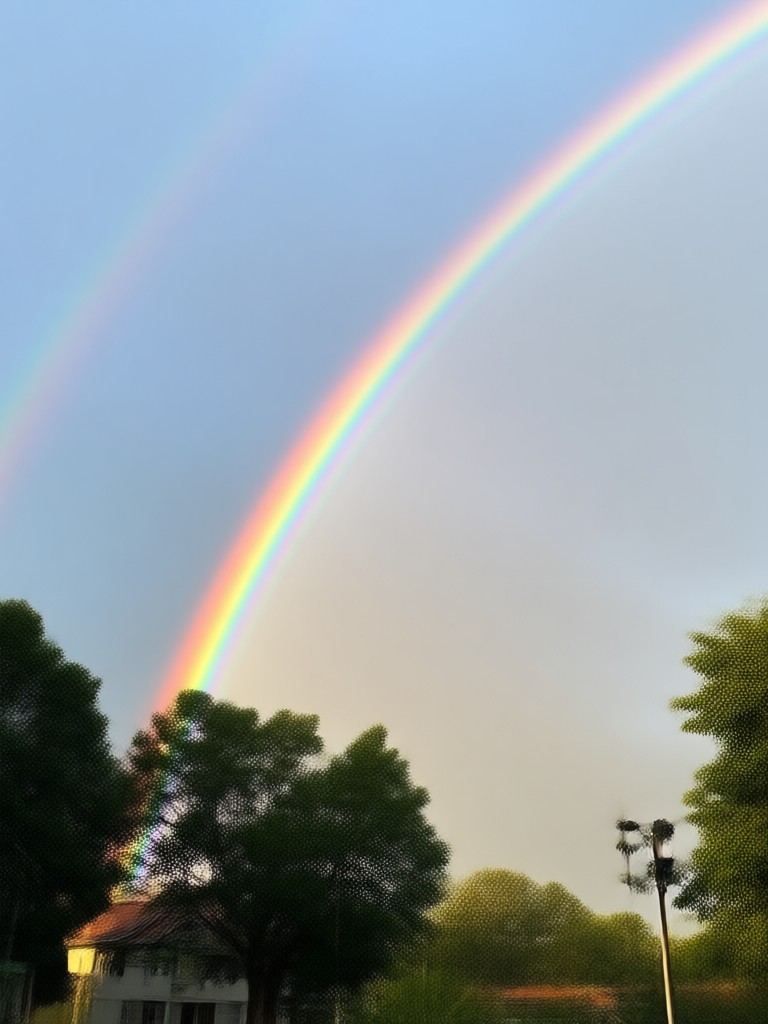
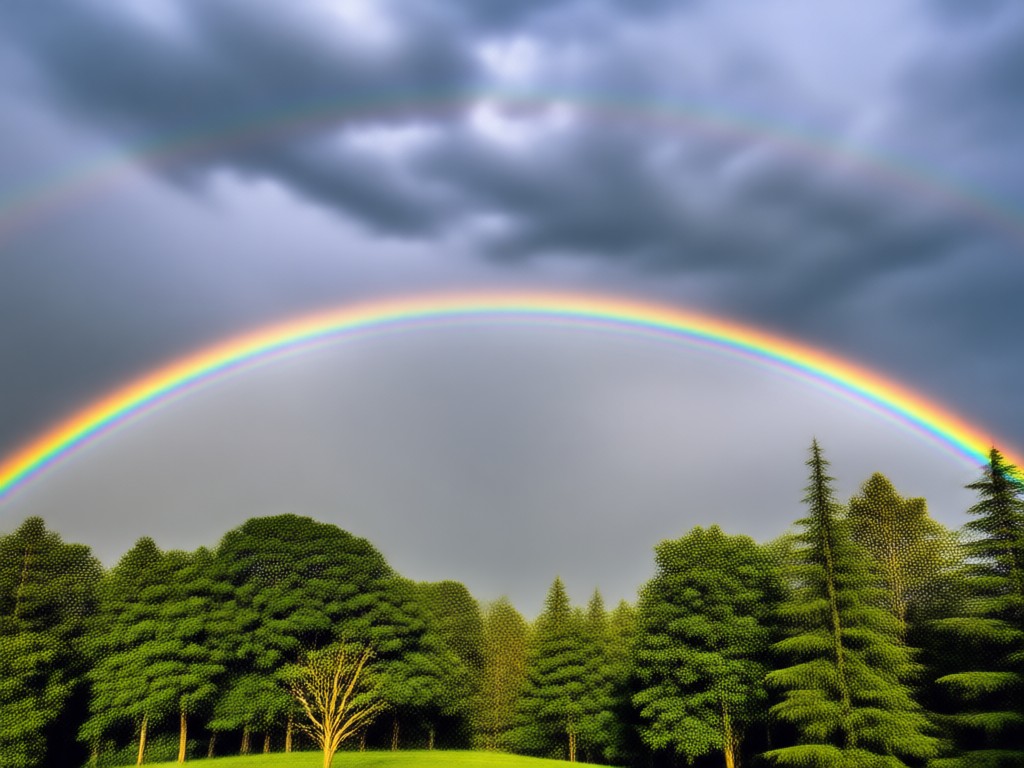
Add a photorealistic rainbow that blends naturally with your photo's lighting and landscape. Perfect for outdoor shots and sky replacements.
Creative Rainbow Styles
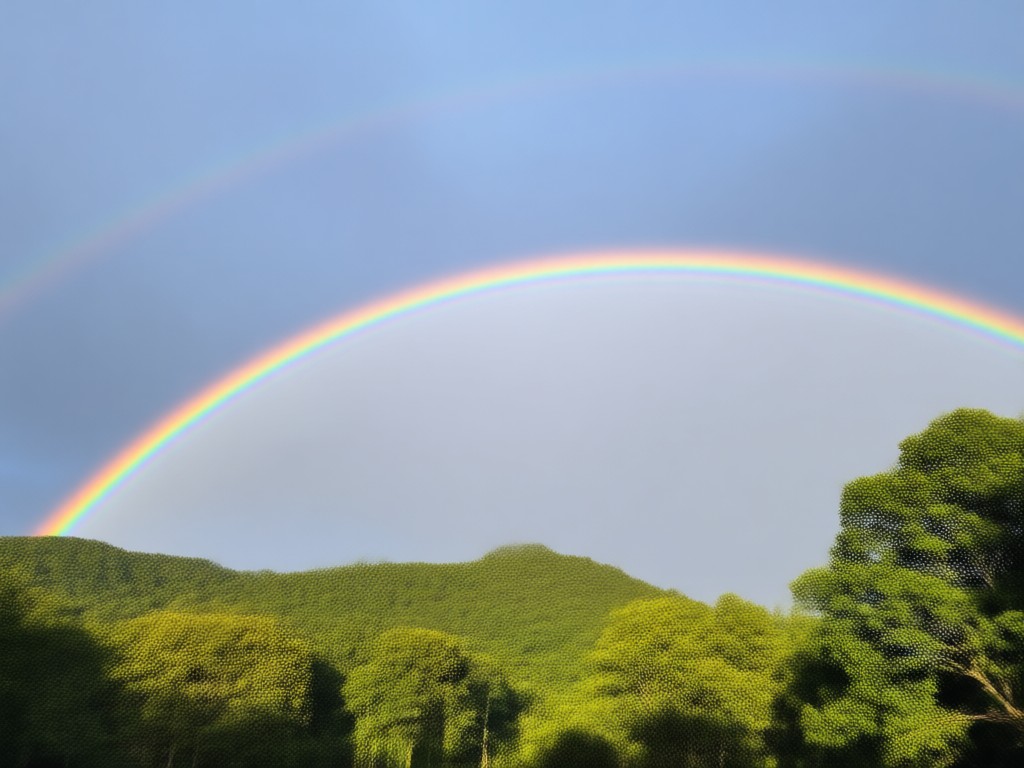
Choose from pastel, neon, double rainbow, and rainbow light leak effects. Each style can be adjusted for brightness, saturation, and opacity.
One Tap AI Generation
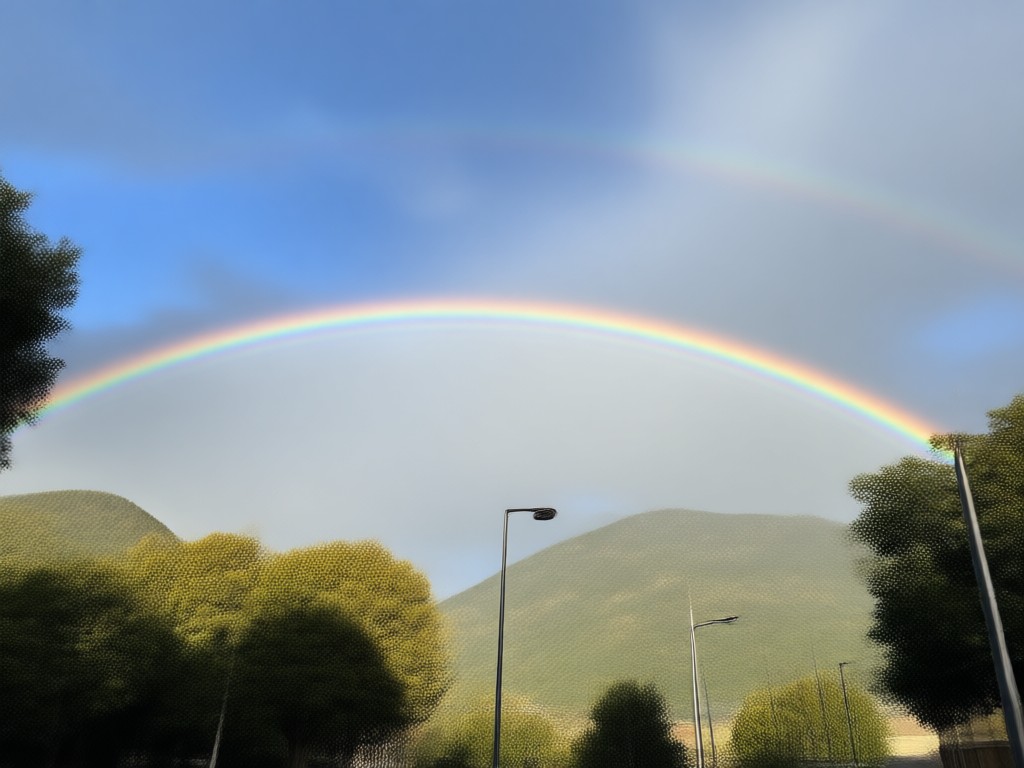
No manual masking or complex editing. Just upload your photo, pick a rainbow template, and let AI do the rest. Get results in seconds.
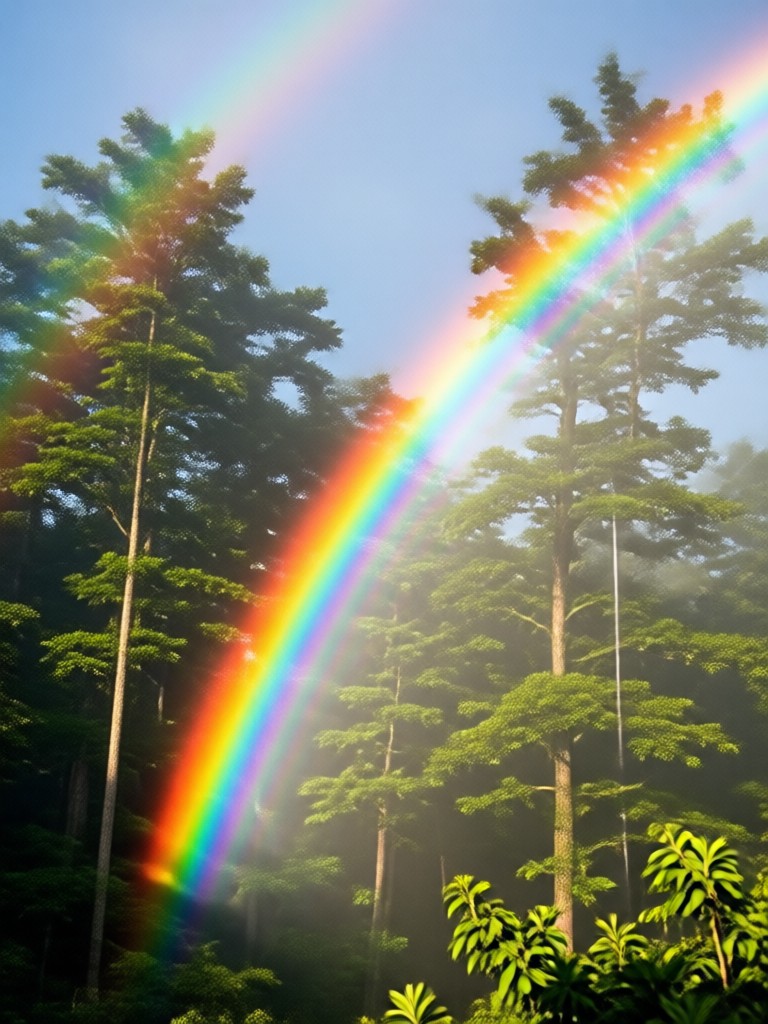
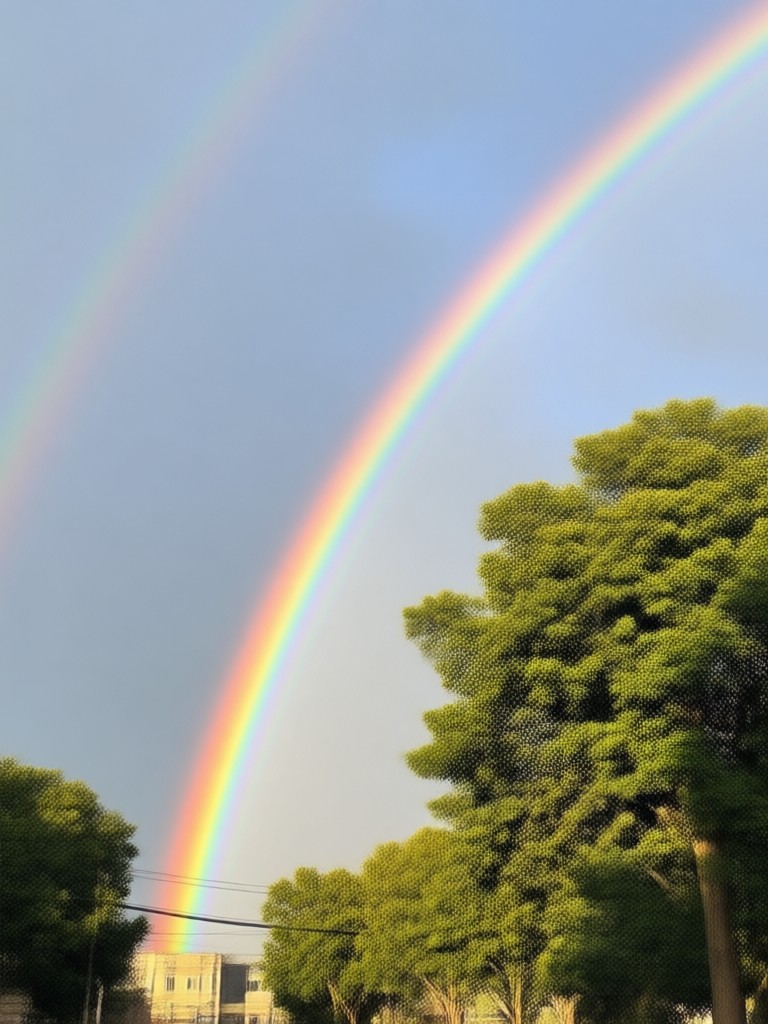
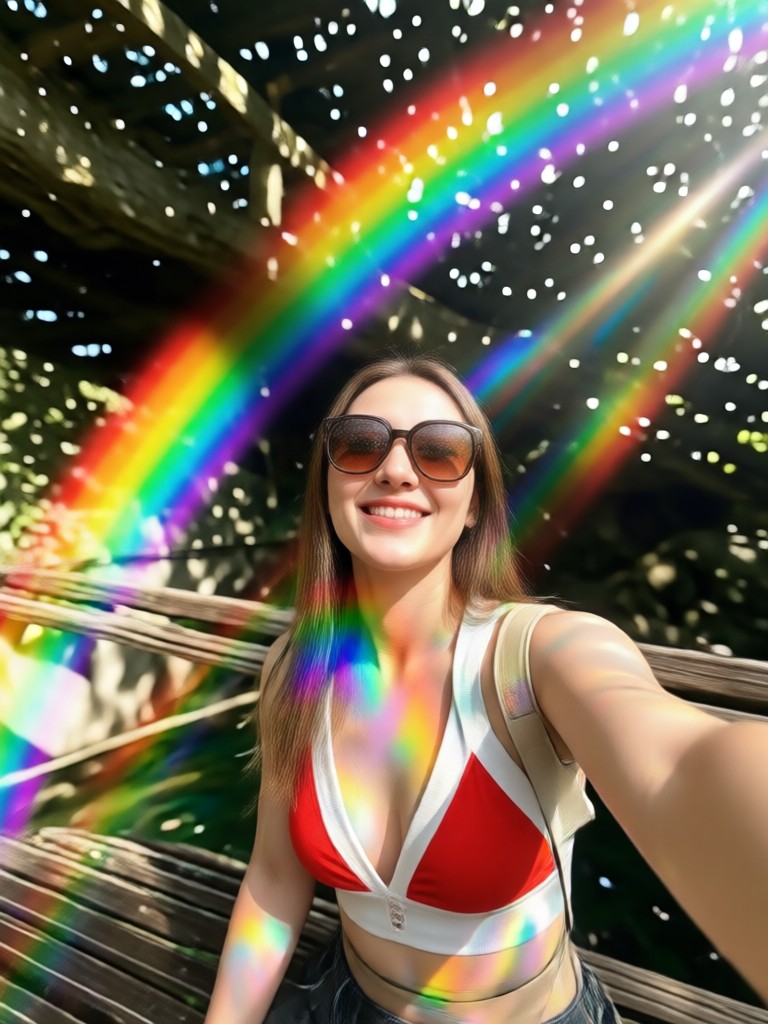
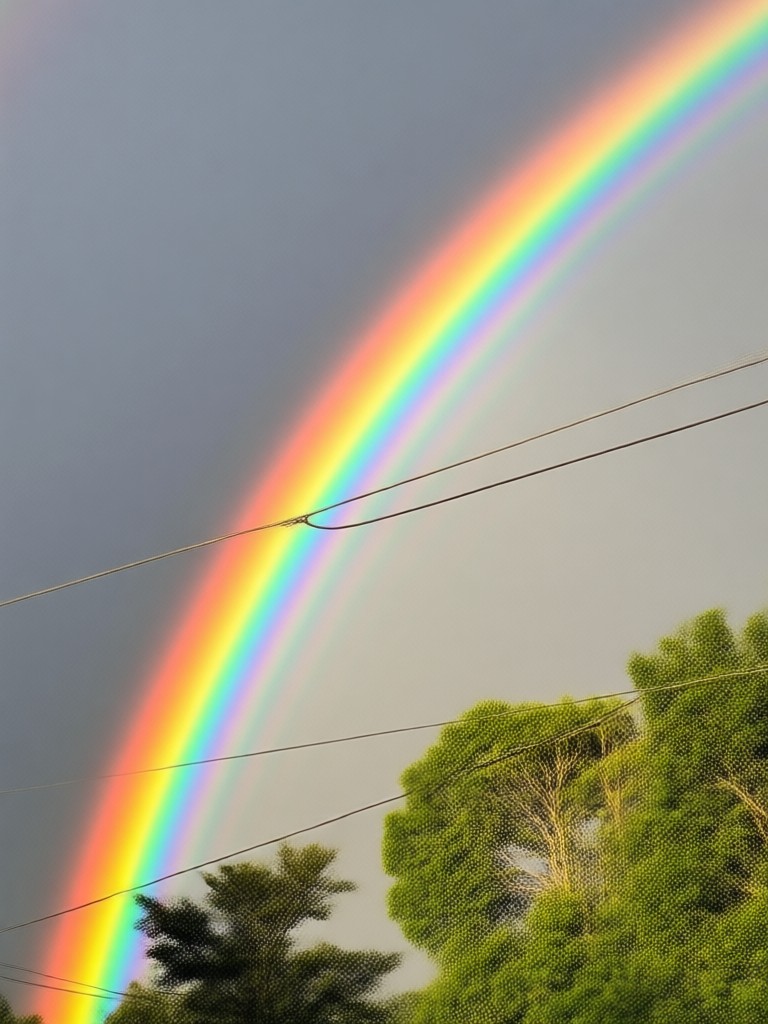
Rainbow Effect Examples You Can Create
Browse these rainbow photo transformations made with veeo. Each example shows a different rainbow style applied to a real photo. Tap any template to try it on your own picture.
Why Use veeo for Rainbow Photo Effects?
veeo is a mobile AI design tool that puts a million style filters at your fingertips. Adding a rainbow to your photo takes just three taps. No desktop software, no complex layers, no learning curve. Download the app and start creating today.
Why Use veeo for Rainbow Photo Effects?
veeo is a mobile AI design tool that puts a million style filters at your fingertips. Adding a rainbow to your photo takes just three taps. No desktop software, no complex layers, no learning curve. Download the app and start creating today.
How to Add a Rainbow to Your Photo?
Create stunning rainbow photo effects in three simple steps using veeo.

Step 01.
Download the veeo app from Google Play and open it on your phone.
Step 02.
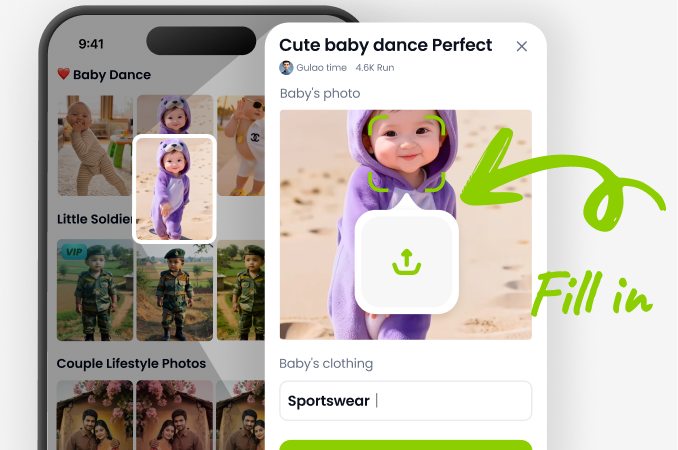
Upload a photo from your gallery or take a new one, then choose a rainbow filter from the style library.
Step 03.
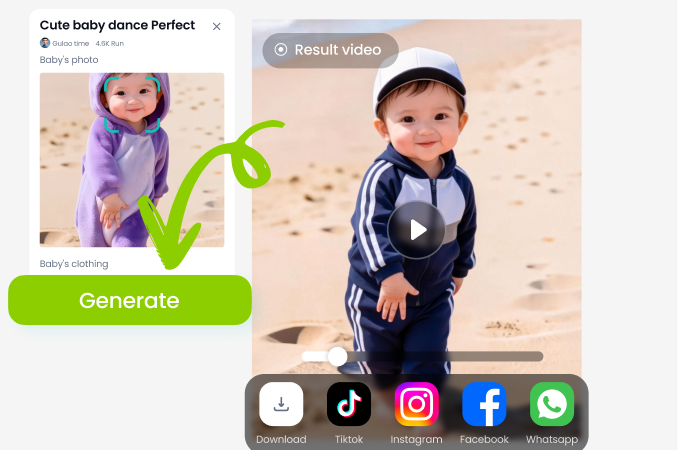
Tap generate and watch the rainbow appear. Adjust intensity if needed, then save and share your creation.
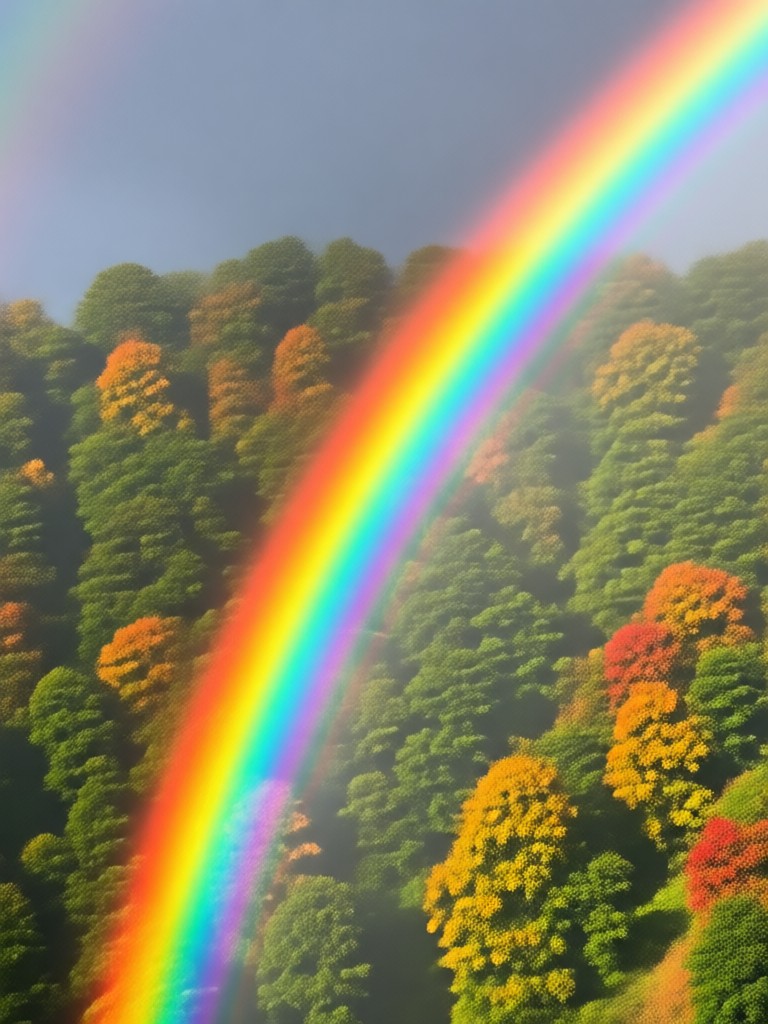
Add Rainbow To Photo on Android
Download veeo from Google Play and get instant access to rainbow filters, plus thousands of other creative effects. Enhance your photos anywhere, no desktop needed.

What Users Say About Adding Rainbows

Maya Chen
I used veeo to add a rainbow to my vacation photo and it looked completely natural. The AI matched the lighting perfectly. My friends thought I actually caught a double rainbow!
Diego Ramos
The neon rainbow filter is my favorite for social media posts. It takes two seconds and always gets more likes. The app is super easy to use.

Sophie Turner
I tried other photo editors but the rainbow overlays always looked fake. veeo's AI blends the rainbow seamlessly. I use the pastel style for my Instagram feed all the time.

Liam O'Connor
Adding a rainbow to my product photos gave them a fresh, cheerful look. Great for spring promotions and colorful branding.
Maya Chen
I used veeo to add a rainbow to my vacation photo and it looked completely natural. The AI matched the lighting perfectly. My friends thought I actually caught a double rainbow!
Diego Ramos
The neon rainbow filter is my favorite for social media posts. It takes two seconds and always gets more likes. The app is super easy to use.
Sophie Turner
I tried other photo editors but the rainbow overlays always looked fake. veeo's AI blends the rainbow seamlessly. I use the pastel style for my Instagram feed all the time.
Liam O'Connor
Adding a rainbow to my product photos gave them a fresh, cheerful look. Great for spring promotions and colorful branding.
Maya Chen
I used veeo to add a rainbow to my vacation photo and it looked completely natural. The AI matched the lighting perfectly. My friends thought I actually caught a double rainbow!
Diego Ramos
The neon rainbow filter is my favorite for social media posts. It takes two seconds and always gets more likes. The app is super easy to use.
Sophie Turner
I tried other photo editors but the rainbow overlays always looked fake. veeo's AI blends the rainbow seamlessly. I use the pastel style for my Instagram feed all the time.
Liam O'Connor
Adding a rainbow to my product photos gave them a fresh, cheerful look. Great for spring promotions and colorful branding.
Frequently Asked Questions About Adding Rainbow to Photo
Find clear answers about using veeo to add rainbow effects to your photos.
More Topics You May Like
Explore more topics you may like and discover fresh ideas tailored to your interests.
Turn Pet Photos Into Stunning AI Art for Free
Make Any Photo Cute With Kawaii Filters
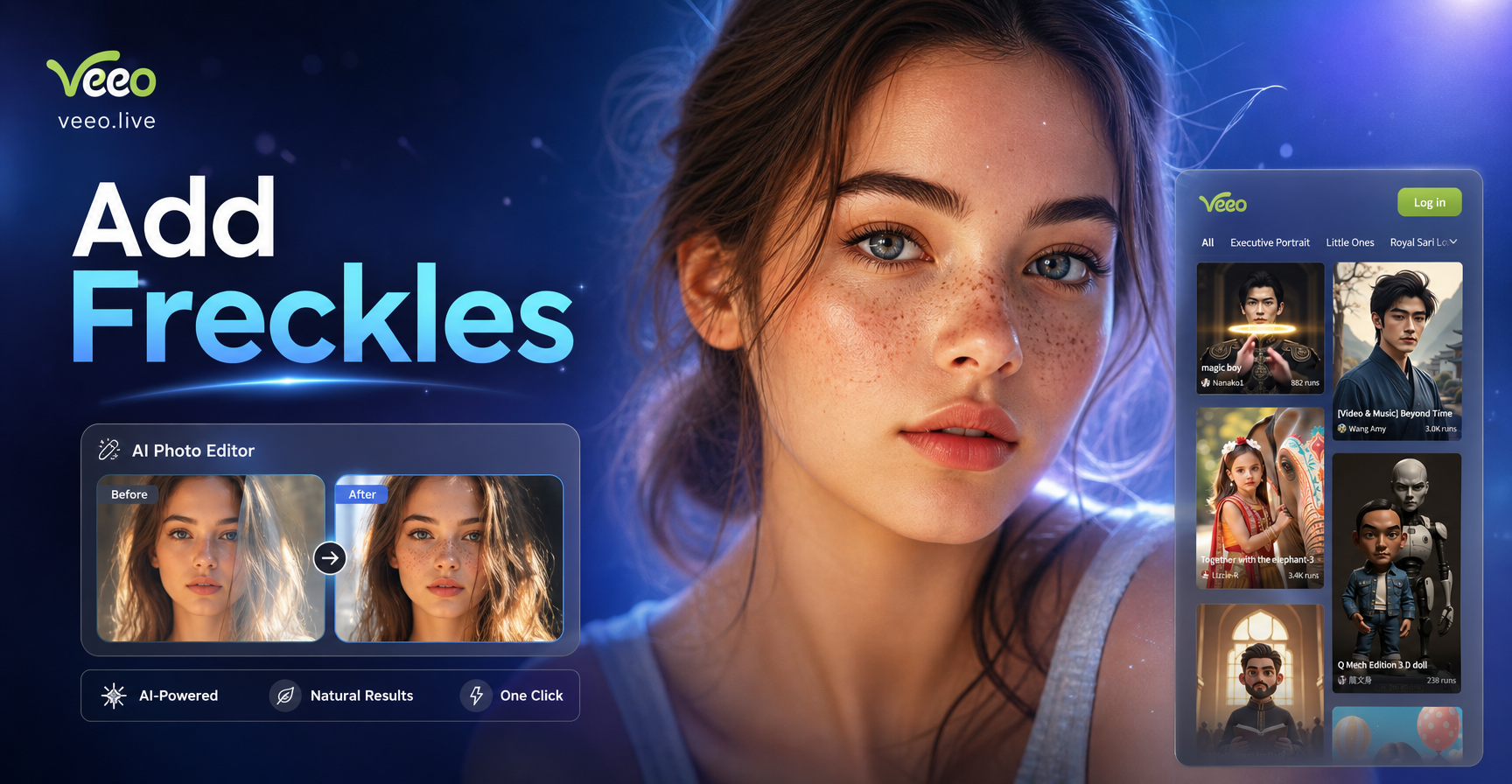
Add Freckles to Photo Naturally with AI App
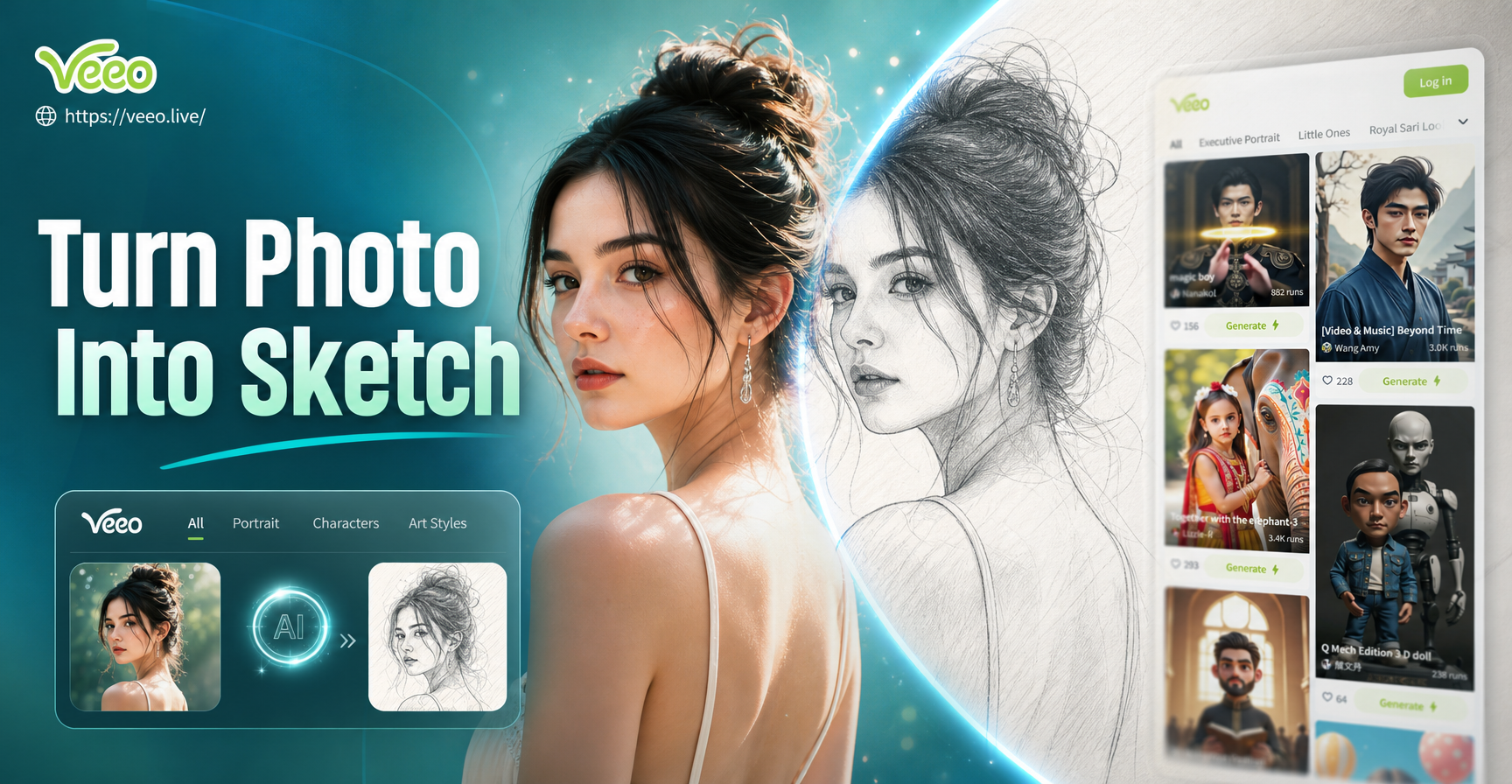
Turn Photo Into Sketch: Pencil & Line Art Effects
Turn Pet Photos Into Stunning AI Art for Free
Make Any Photo Cute With Kawaii Filters
Add Freckles to Photo Naturally with AI App
Turn Photo Into Sketch: Pencil & Line Art Effects
Add a Rainbow to Your Photo Today
Download veeo and start creating stunning rainbow photo effects in seconds. With a million style filters and AI powered editing, your next viral photo is just a tap away.
Add a Rainbow to Your Photo Today
Download veeo and start creating stunning rainbow photo effects in seconds. With a million style filters and AI powered editing, your next viral photo is just a tap away.