Add Kawaii Filter To Photo
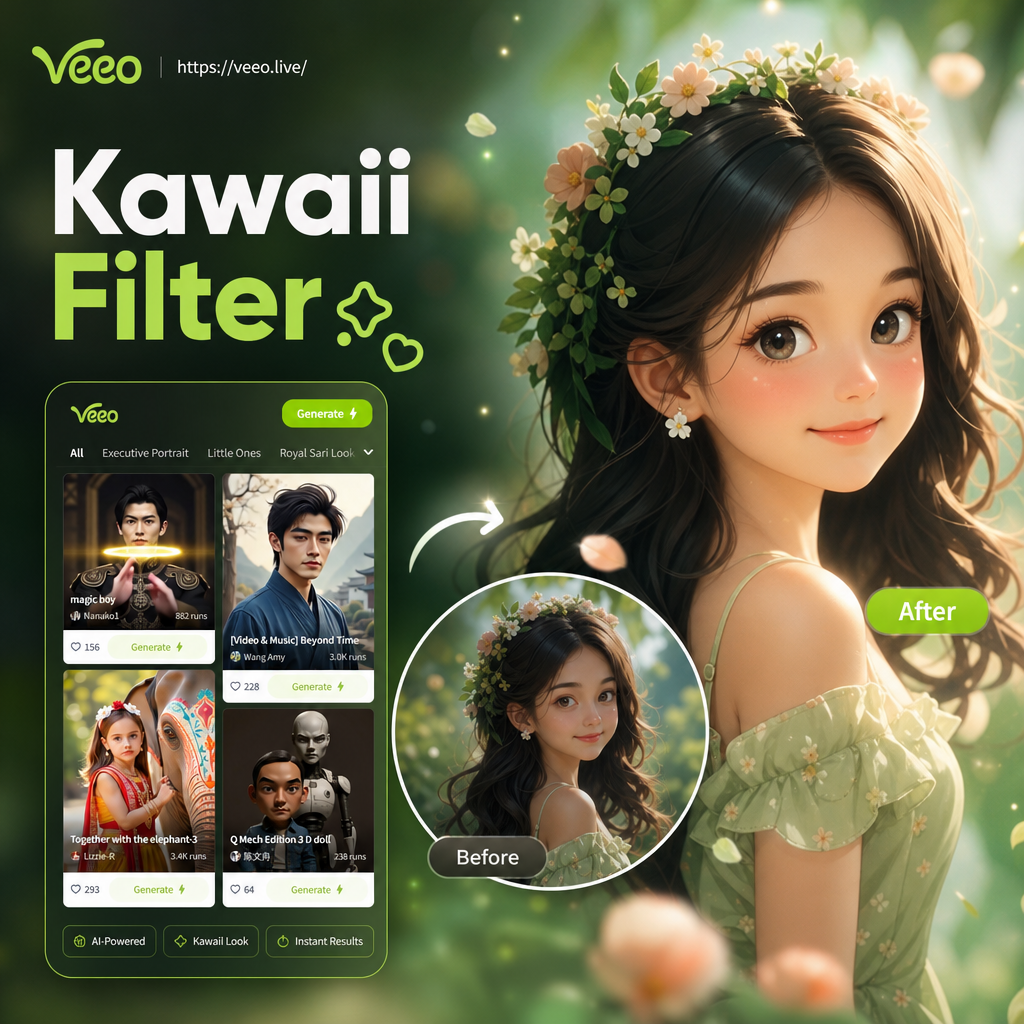
Choose the Kawaii Filter That Matches Your Mood
Discover cute pastel, anime, and soft dreamy filters that instantly add a kawaii touch to any photo.
Why Kawaii Filters Are Perfect for Your Photos
Add a kawaii filter to photo with veeo and get soft colors, dreamy textures, and anime inspired cuteness while keeping your original details intact.
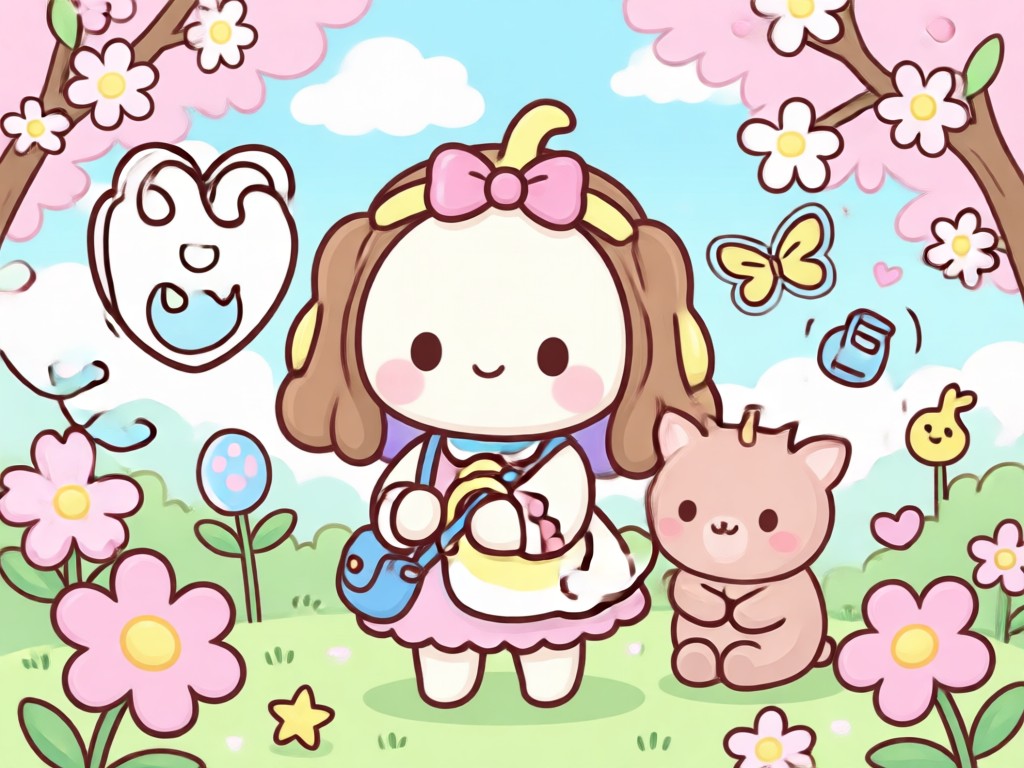
Instant Cute Transformation
Upload any portrait or selfie and apply a kawaii filter in one tap. veeo adjusts colors, lighting, and softness automatically for an adorable result.
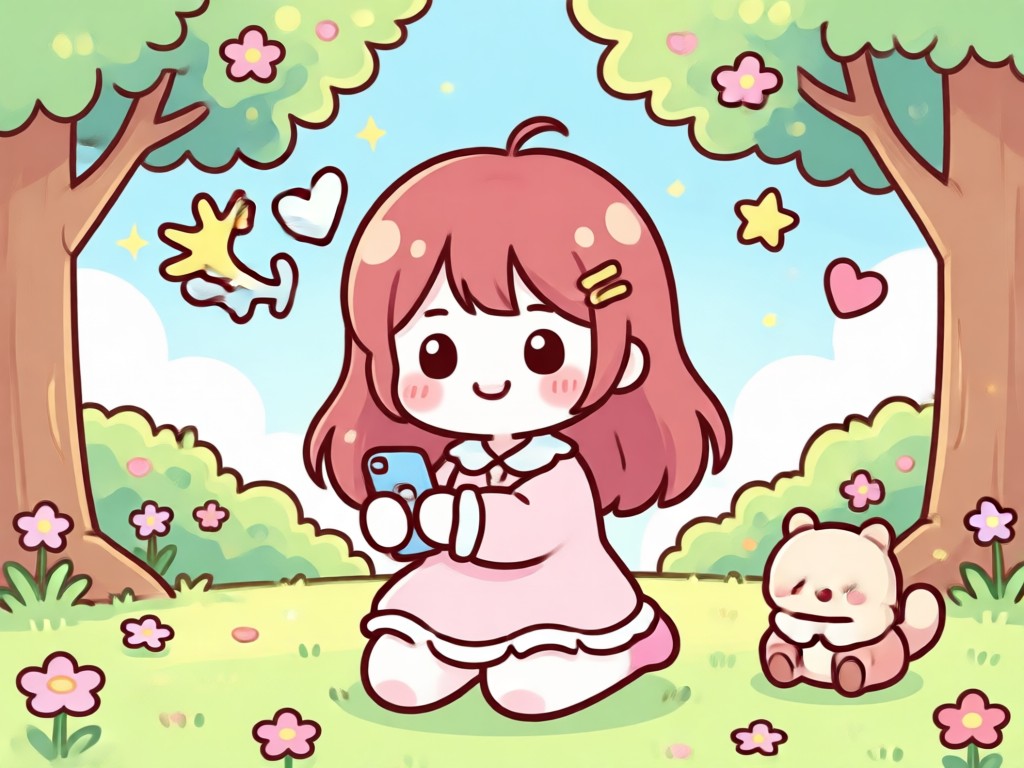
Preserve Your Original Look
The AI keeps your face, pose, and background recognizable while adding pastel tones, sparkles, and kawaii details. You stay you, just cuter.
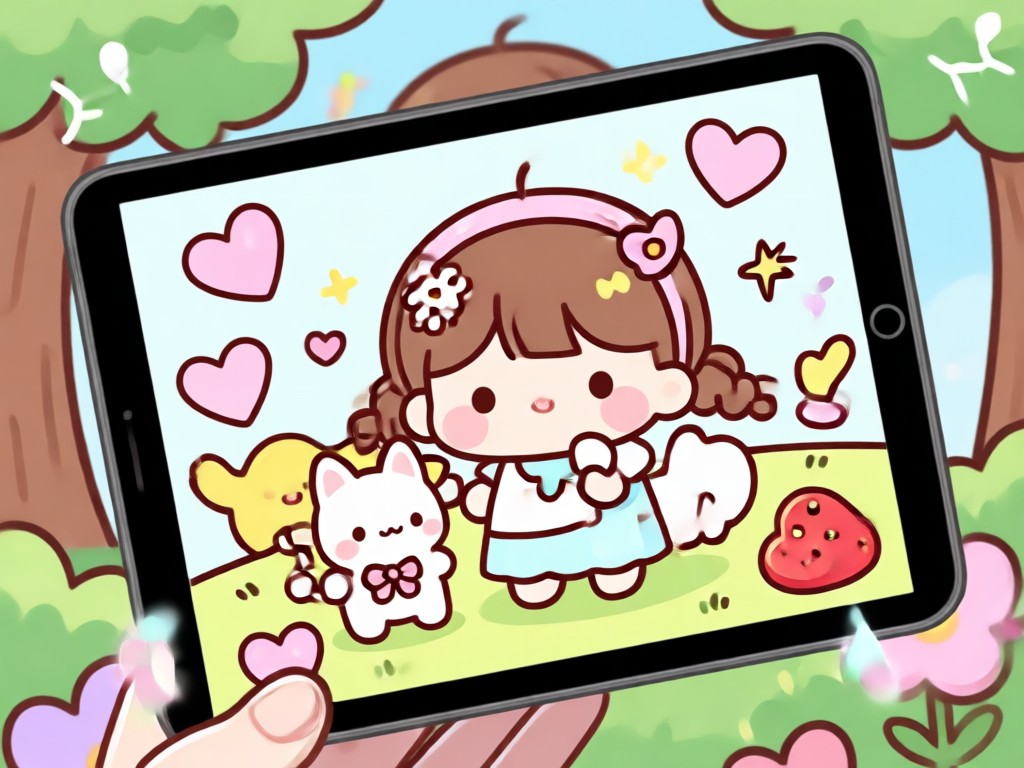
Endless Kawaii Styles
Choose from anime girl filters, pastel dream effects, soft blush overlays, and more. Mix styles or try viral kawaii templates for unique results.
How to Add Kawaii Filter to Photo in 3 Steps
Transform any photo into a kawaii masterpiece in minutes using veeo. It takes just three simple steps.

Step 01.
Download veeo from Google Play and open the app on your phone. No account needed to start exploring kawaii filters.
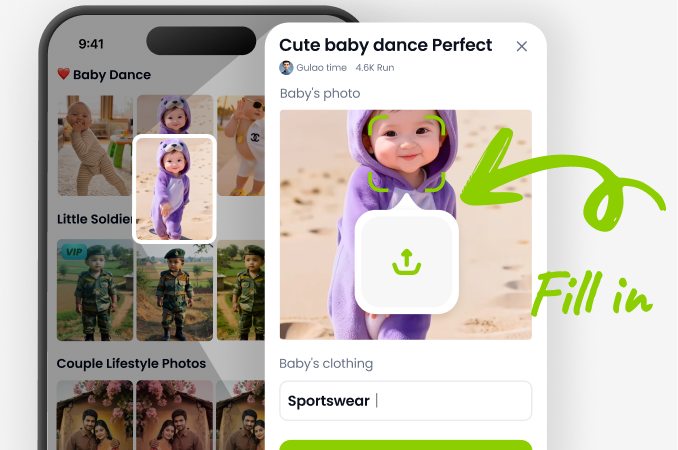
Step 02.
Upload a photo from your gallery or take a new selfie. Pick a kawaii filter from the huge built in library.
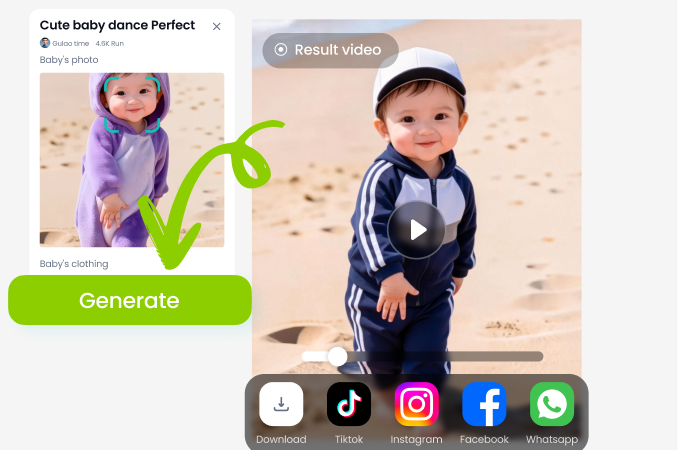
Step 03.
Generate your cute result and download or share it directly to social media. veeo saves the image in high resolution.
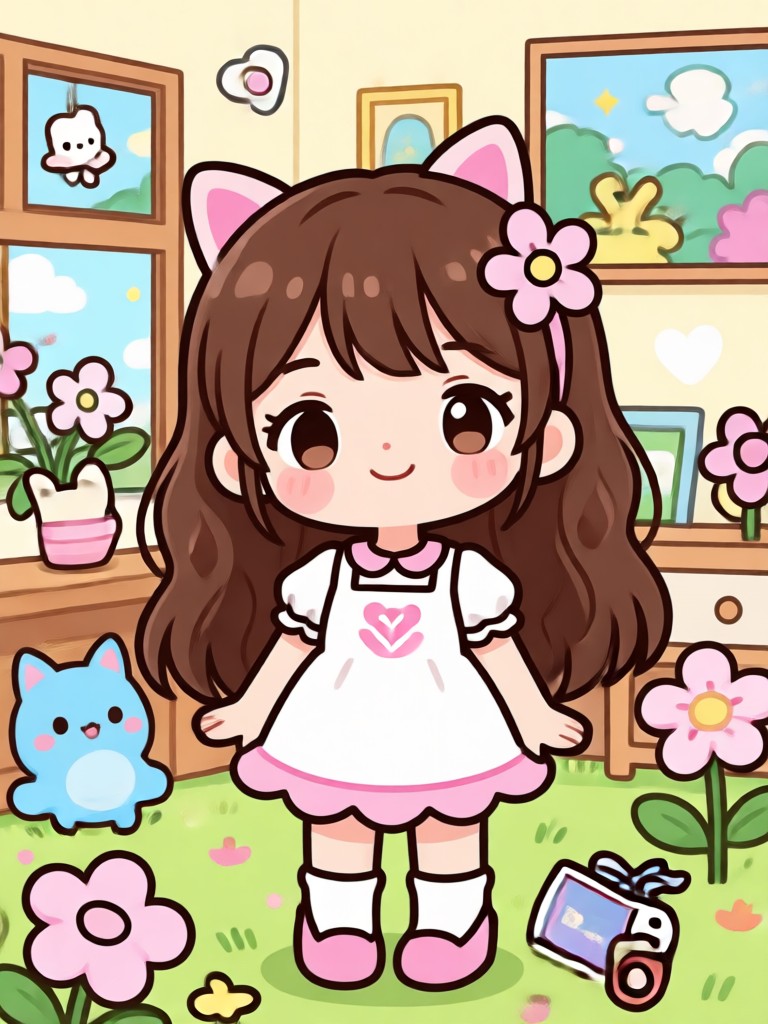
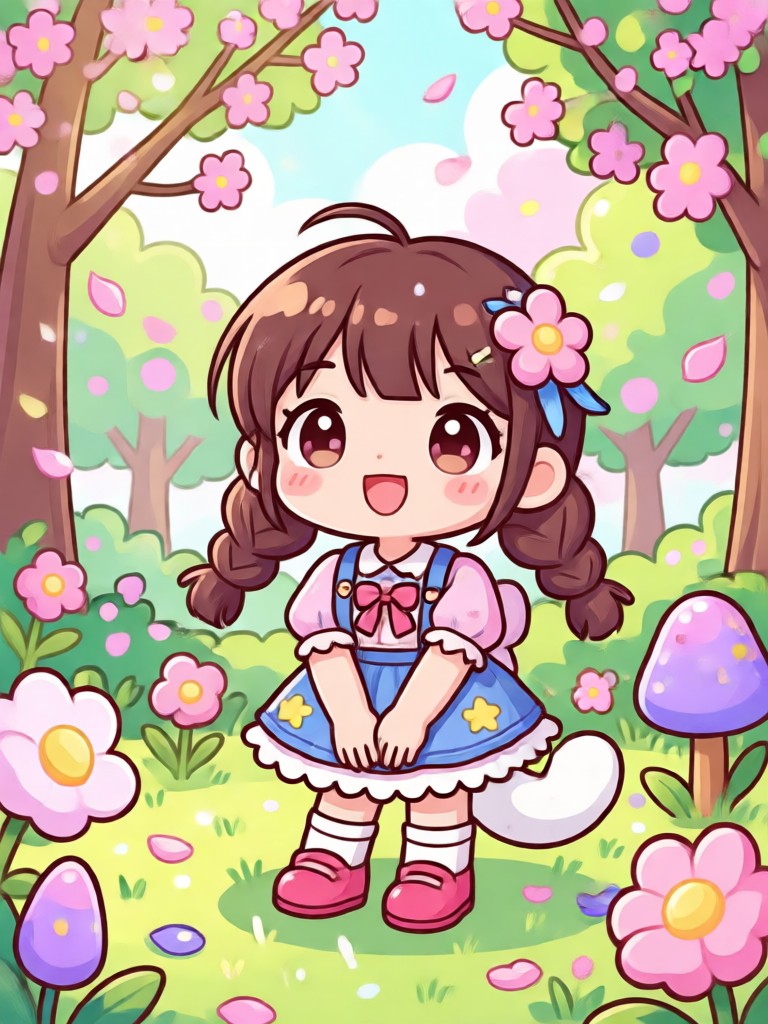
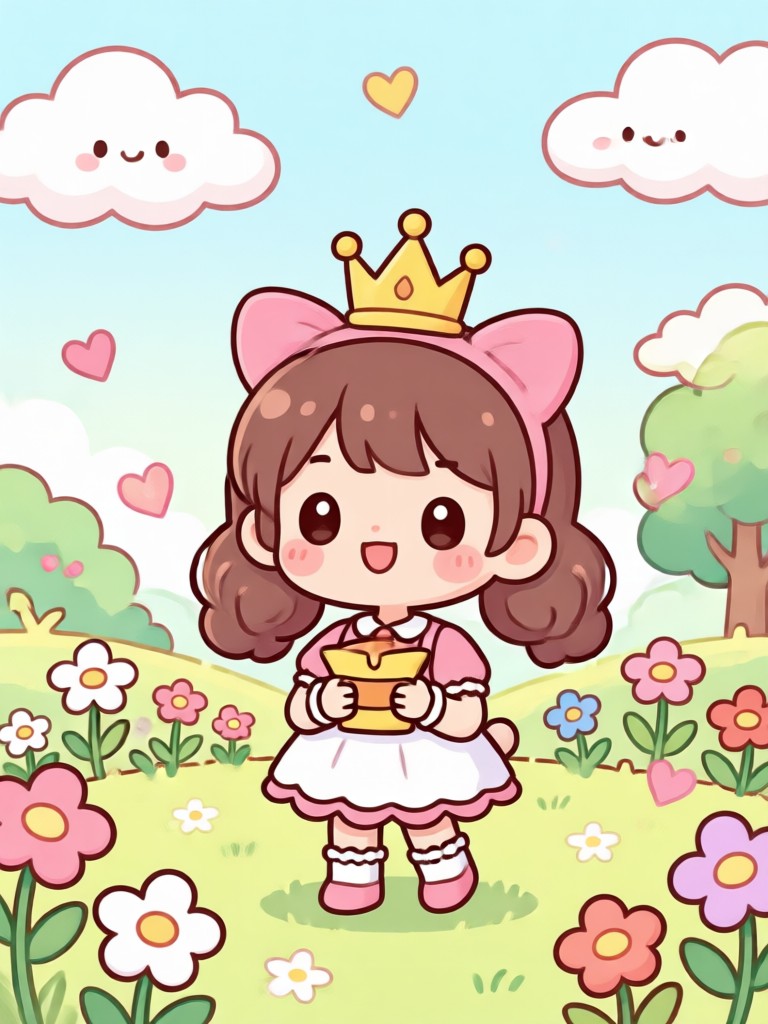
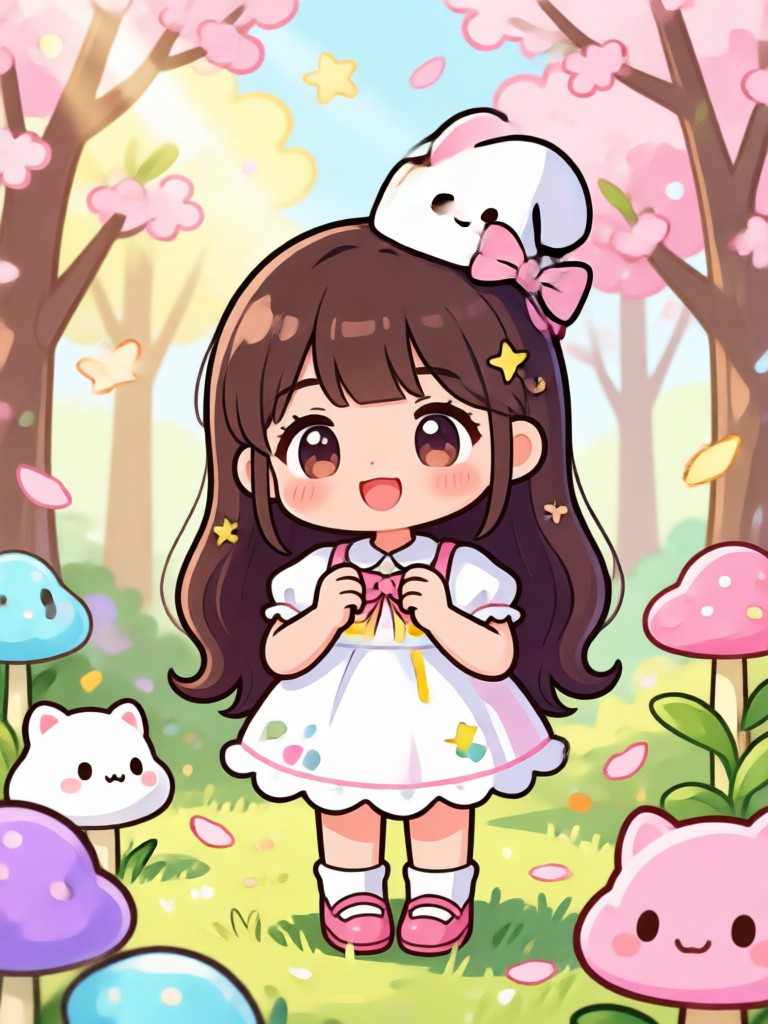
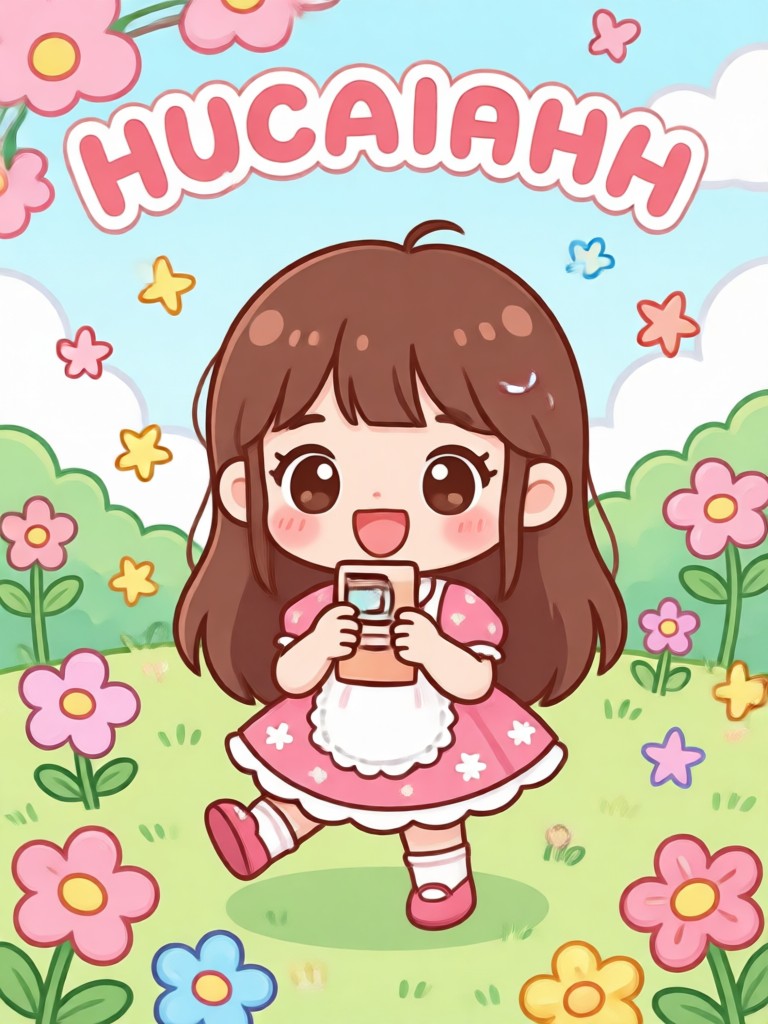
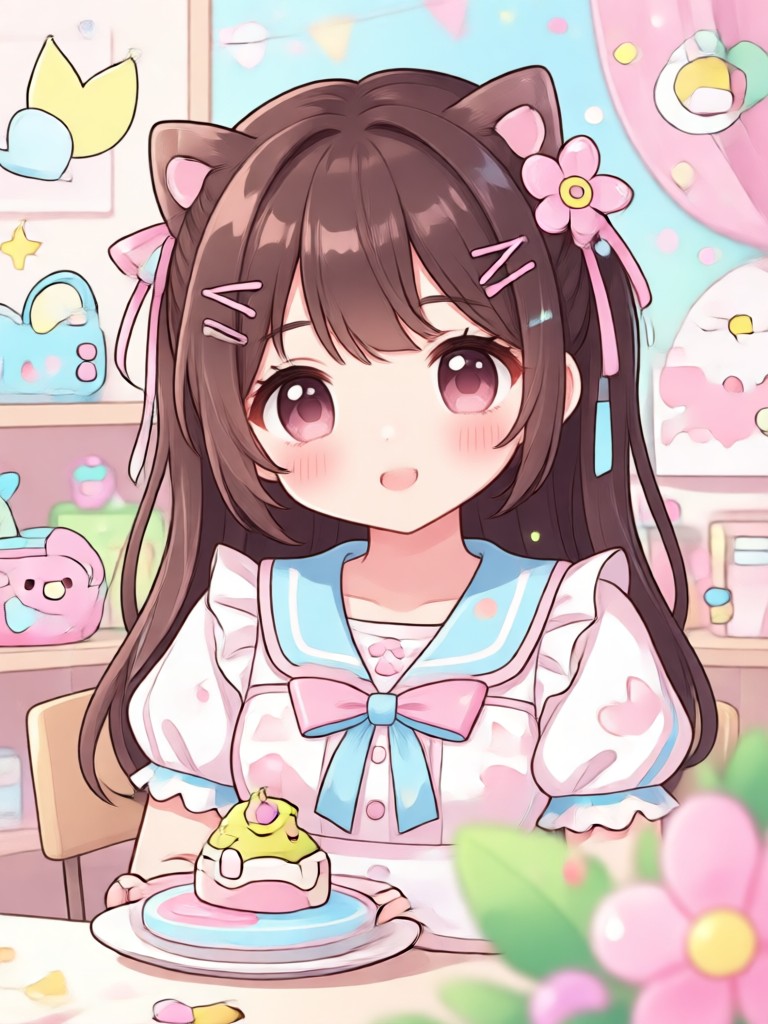
Kawaii Photo Transformations Made with veeo
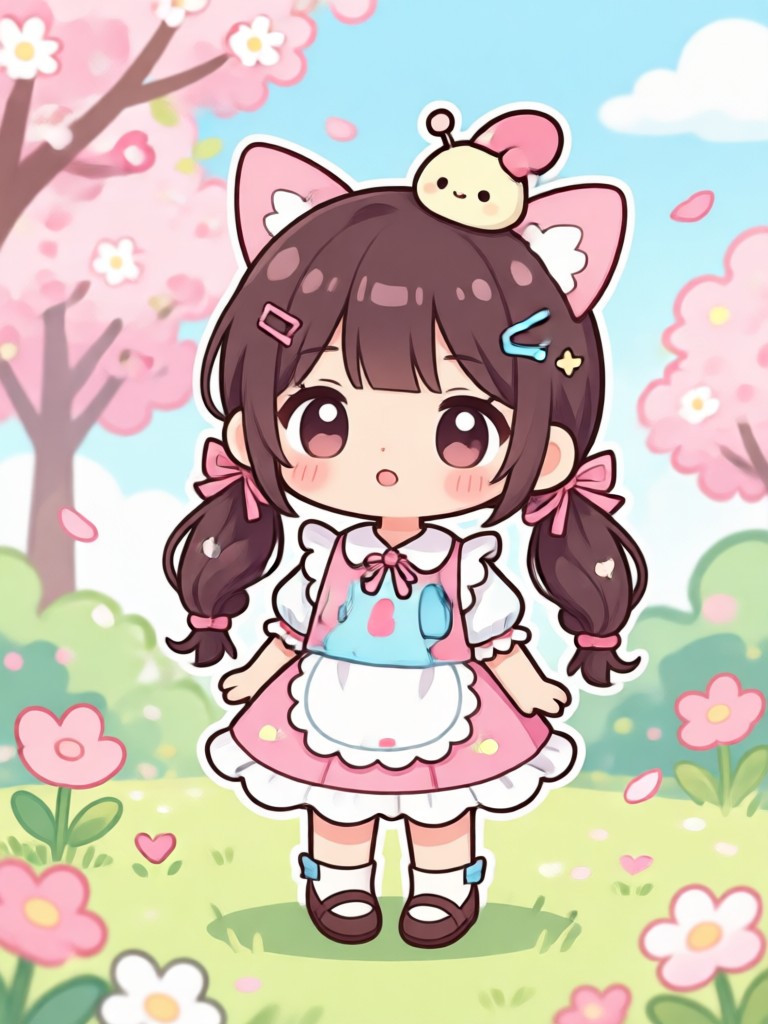
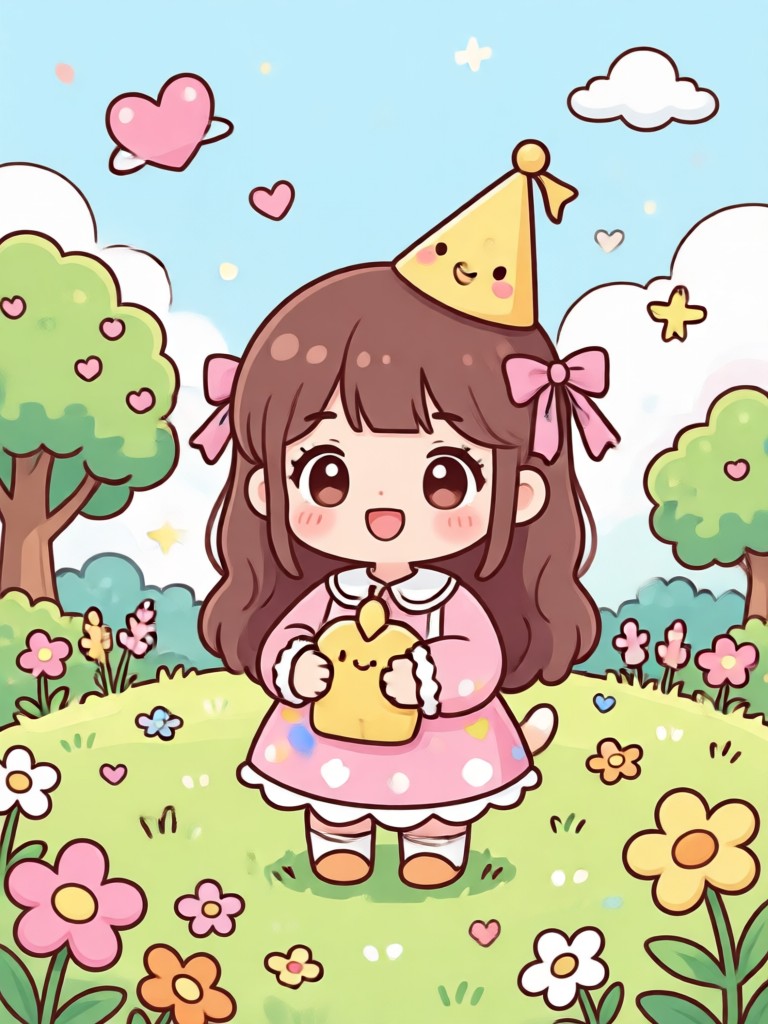
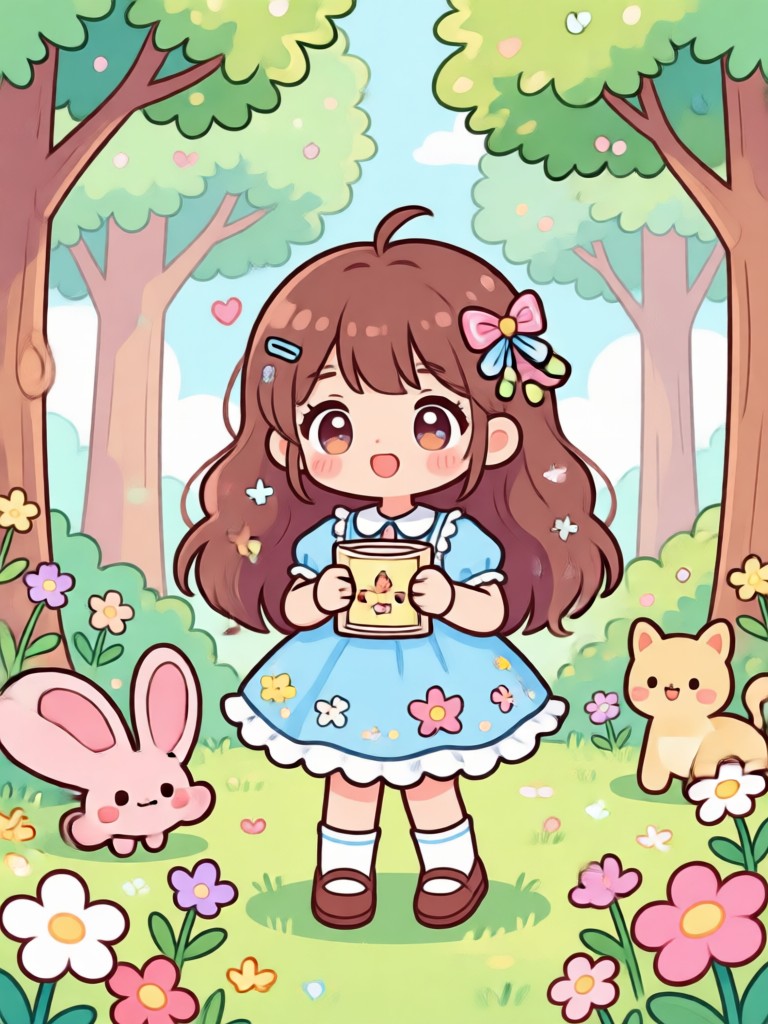
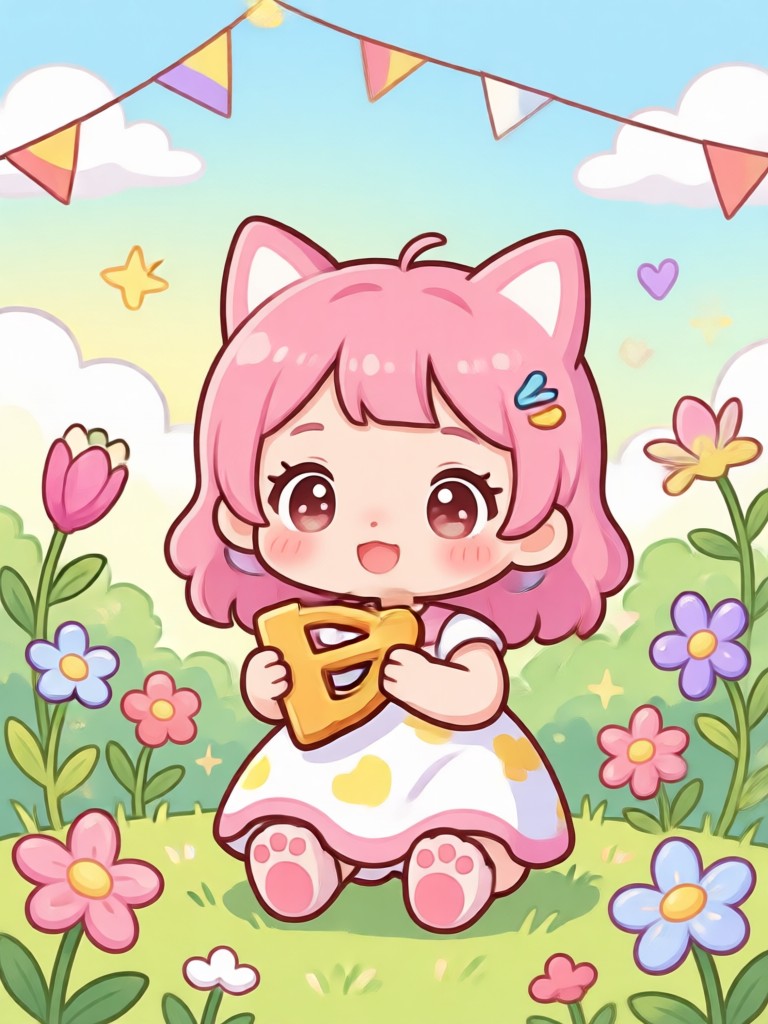
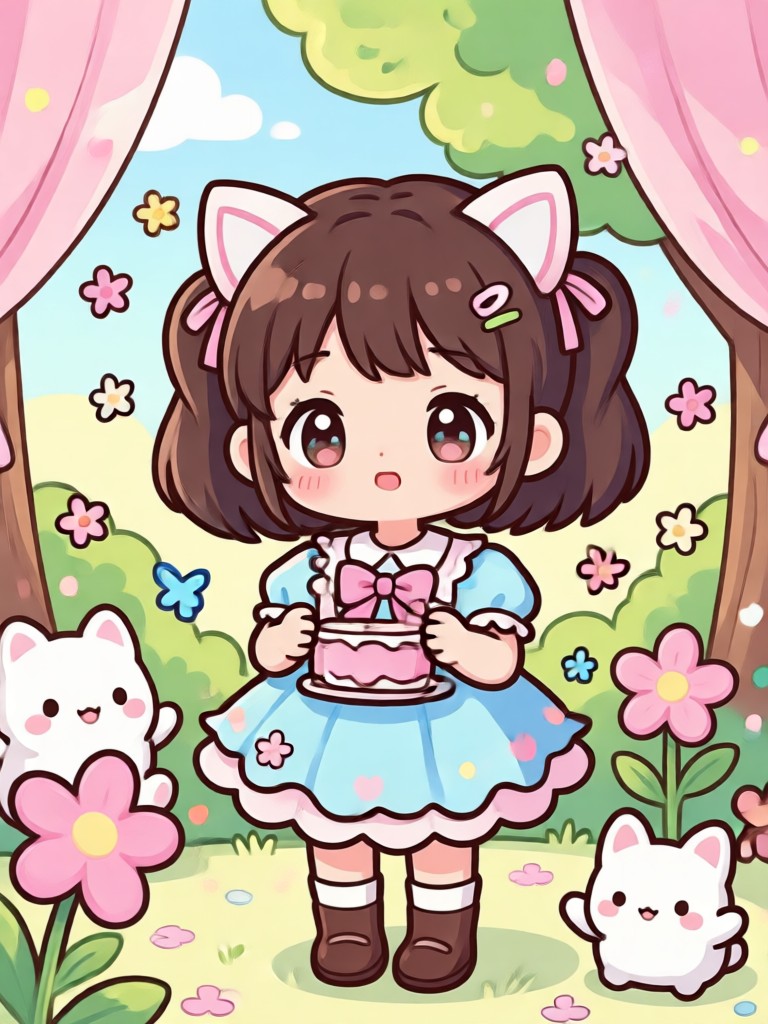
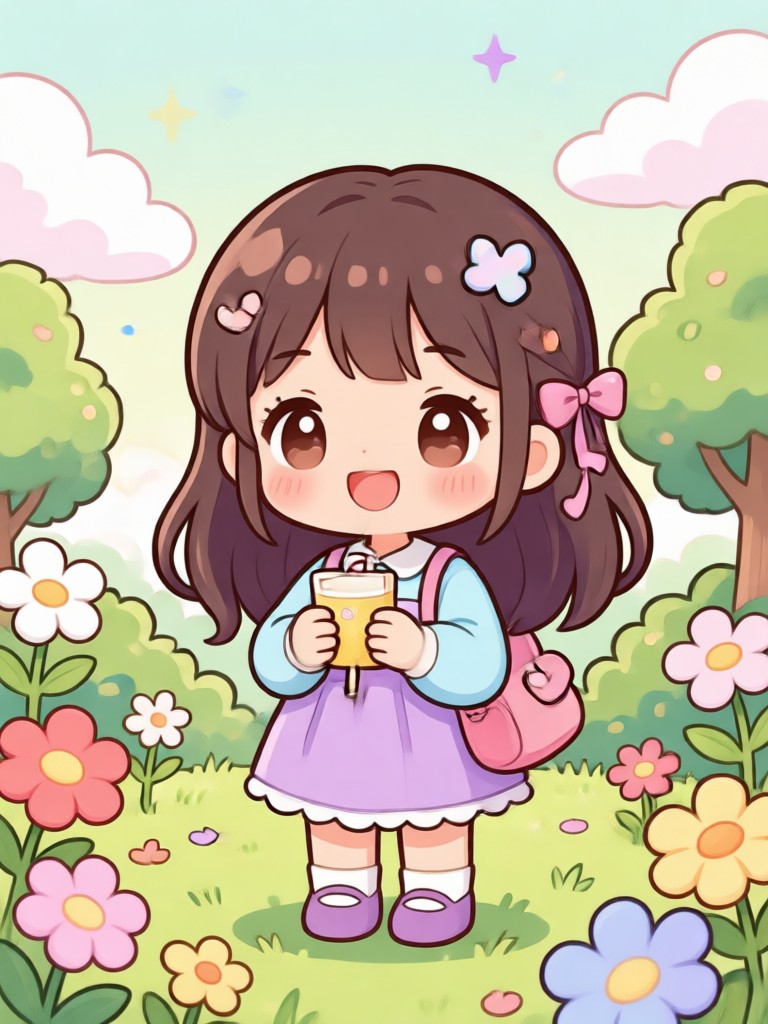
Browse real examples of kawaii filters applied to portraits, selfies, and group photos. See how quick and natural the transformation looks.
Why Use veeo for Kawaii Photo Filters
Unlike basic photo editors, veeo uses AI to understand your image and apply kawaii style filters that look natural and intentional.
AI Powered Kawaii Filters That Keep Your Photos Real
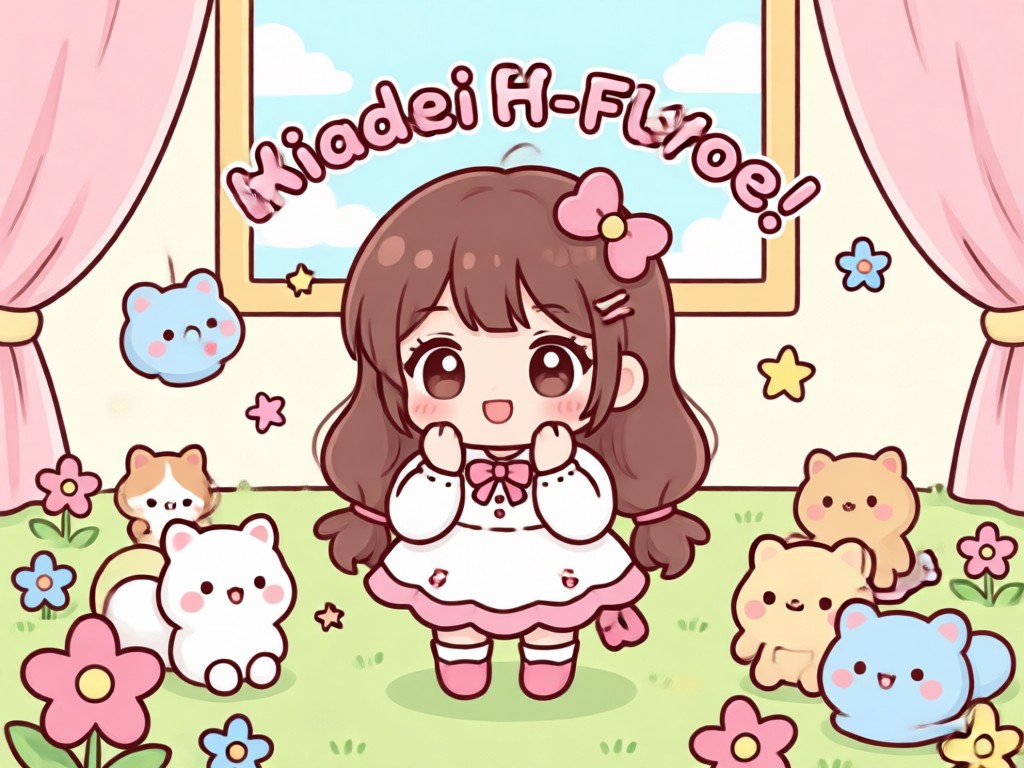
veeos AI analyzes your photo before applying any kawaii filter. That means your facial features stay sharp, your expression stays natural, and the background blends smoothly with pastel colors and soft light. You can adjust intensity, try different kawaii templates, and generate unlimited variations. The result looks like a custom illustration rather than a cheap overlay. Every photo keeps its personality while gaining an adorable kawaii charm.
AI Powered Kawaii Filters That Keep Your Photos Real
veeos AI analyzes your photo before applying any kawaii filter. That means your facial features stay sharp, your expression stays natural, and the background blends smoothly with pastel colors and soft light. You can adjust intensity, try different kawaii templates, and generate unlimited variations. The result looks like a custom illustration rather than a cheap overlay. Every photo keeps its personality while gaining an adorable kawaii charm.
Who Loves Adding Kawaii Filters to Photos

Mika Tanaka
I added a kawaii filter to my selfie and it instantly looked like an anime profile picture. My friends thought I hired an illustrator.

Chloe Bennett
I use veeo for my Instagram stories. The pastel kawaii filters make every photo look soft, bright, and super cute without any editing effort.

Yuki Sato
The kawaii filters keep my face looking natural while adding adorable sparkles and blush. I generate new versions every week for my avatar.

Emma Rodriguez
I applied a kawaii filter to my pet photos and the results are hilarious and adorable. veeo understands animal faces perfectly too.
Mika Tanaka
I added a kawaii filter to my selfie and it instantly looked like an anime profile picture. My friends thought I hired an illustrator.
Chloe Bennett
I use veeo for my Instagram stories. The pastel kawaii filters make every photo look soft, bright, and super cute without any editing effort.
Yuki Sato
The kawaii filters keep my face looking natural while adding adorable sparkles and blush. I generate new versions every week for my avatar.
Emma Rodriguez
I applied a kawaii filter to my pet photos and the results are hilarious and adorable. veeo understands animal faces perfectly too.
Mika Tanaka
I added a kawaii filter to my selfie and it instantly looked like an anime profile picture. My friends thought I hired an illustrator.
Chloe Bennett
I use veeo for my Instagram stories. The pastel kawaii filters make every photo look soft, bright, and super cute without any editing effort.
Yuki Sato
The kawaii filters keep my face looking natural while adding adorable sparkles and blush. I generate new versions every week for my avatar.
Emma Rodriguez
I applied a kawaii filter to my pet photos and the results are hilarious and adorable. veeo understands animal faces perfectly too.
Frequently Asked Questions About Kawaii Photo Filters
Get clear answers about adding kawaii filters to your photos, device compatibility, customization, and more.
More Topics You May Like
Explore more topics you may like and discover fresh ideas tailored to your interests.
Add Freckles to Photo Naturally with AI App
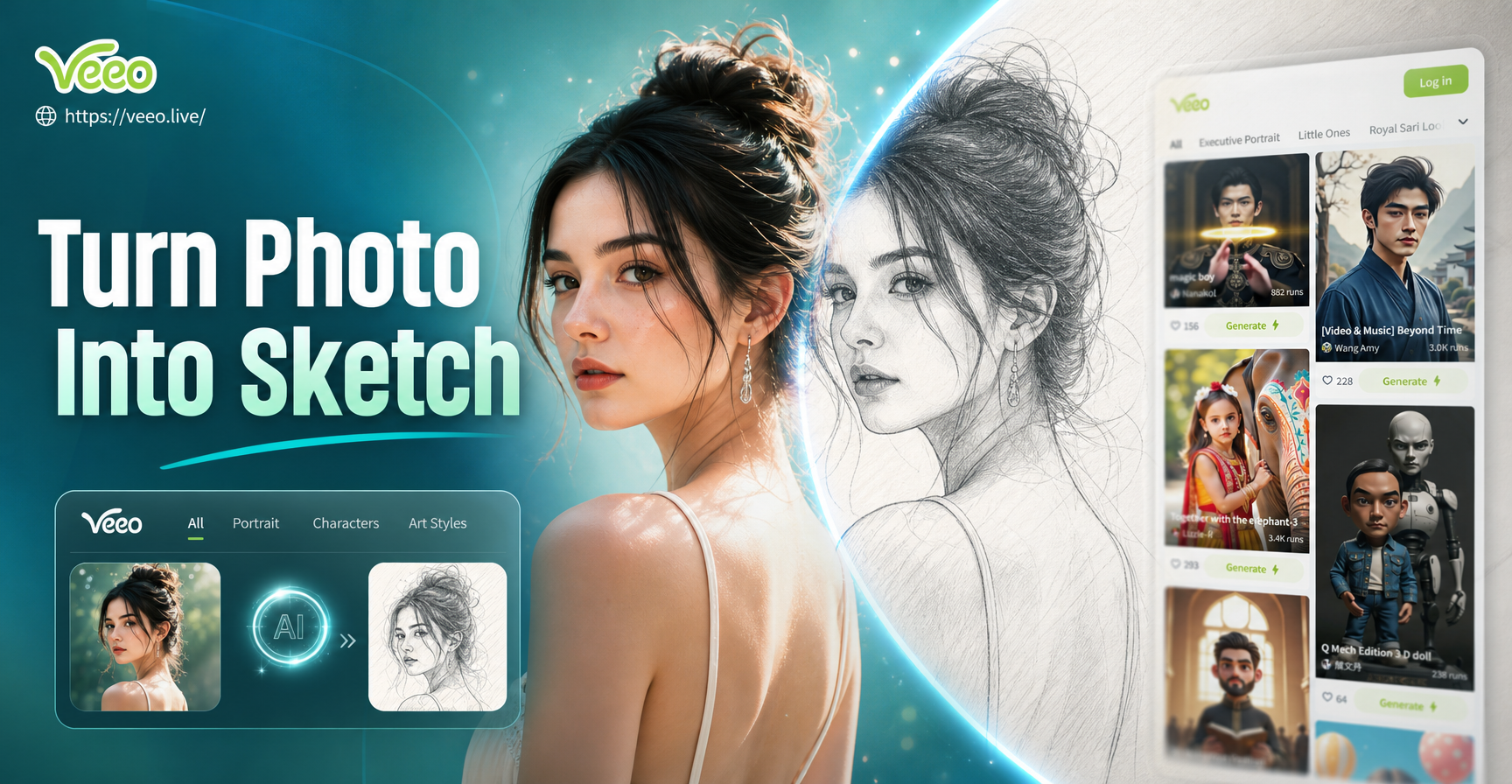
Turn Photo Into Sketch: Pencil & Line Art Effects
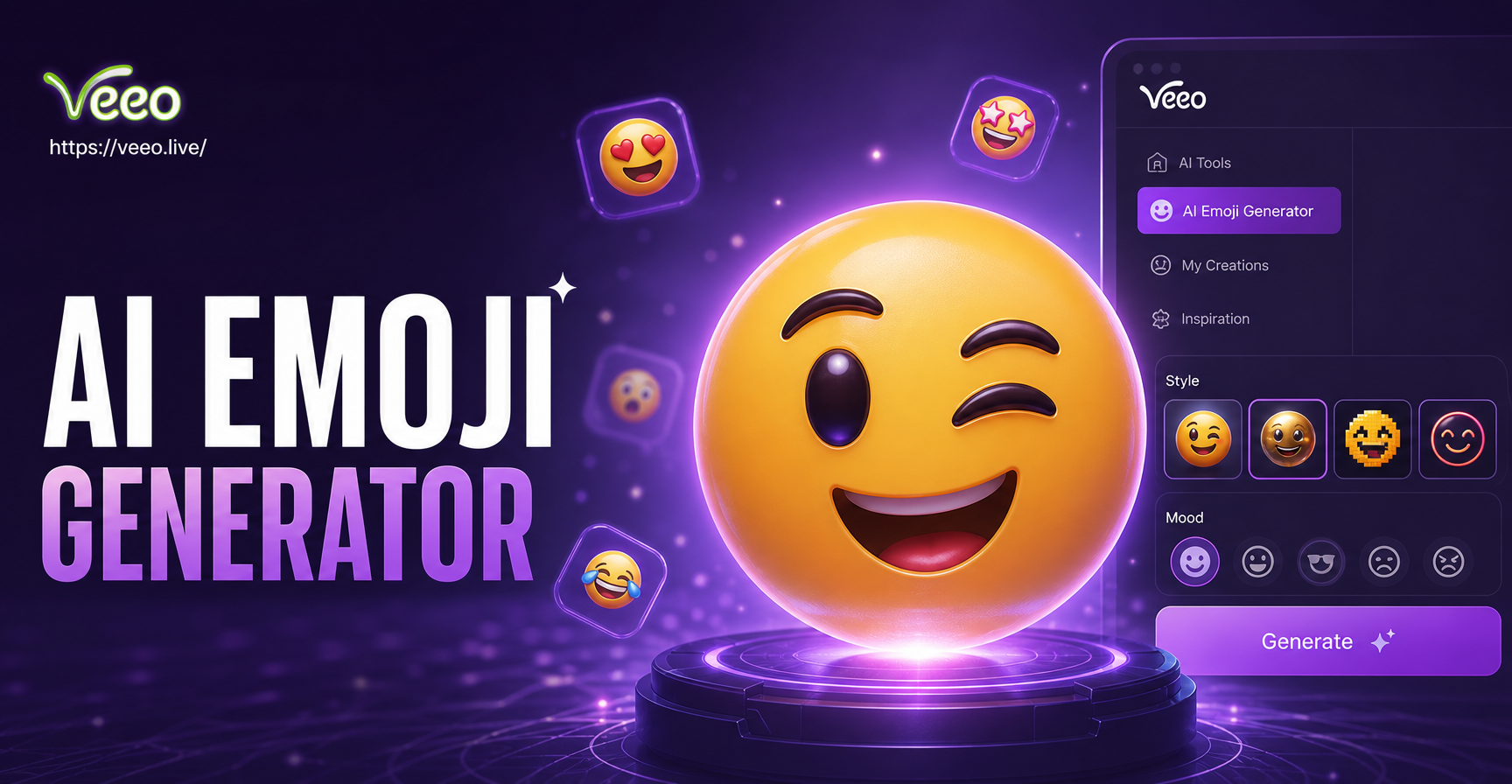
AI Emoji Generator: Create Custom Emojis in Seconds
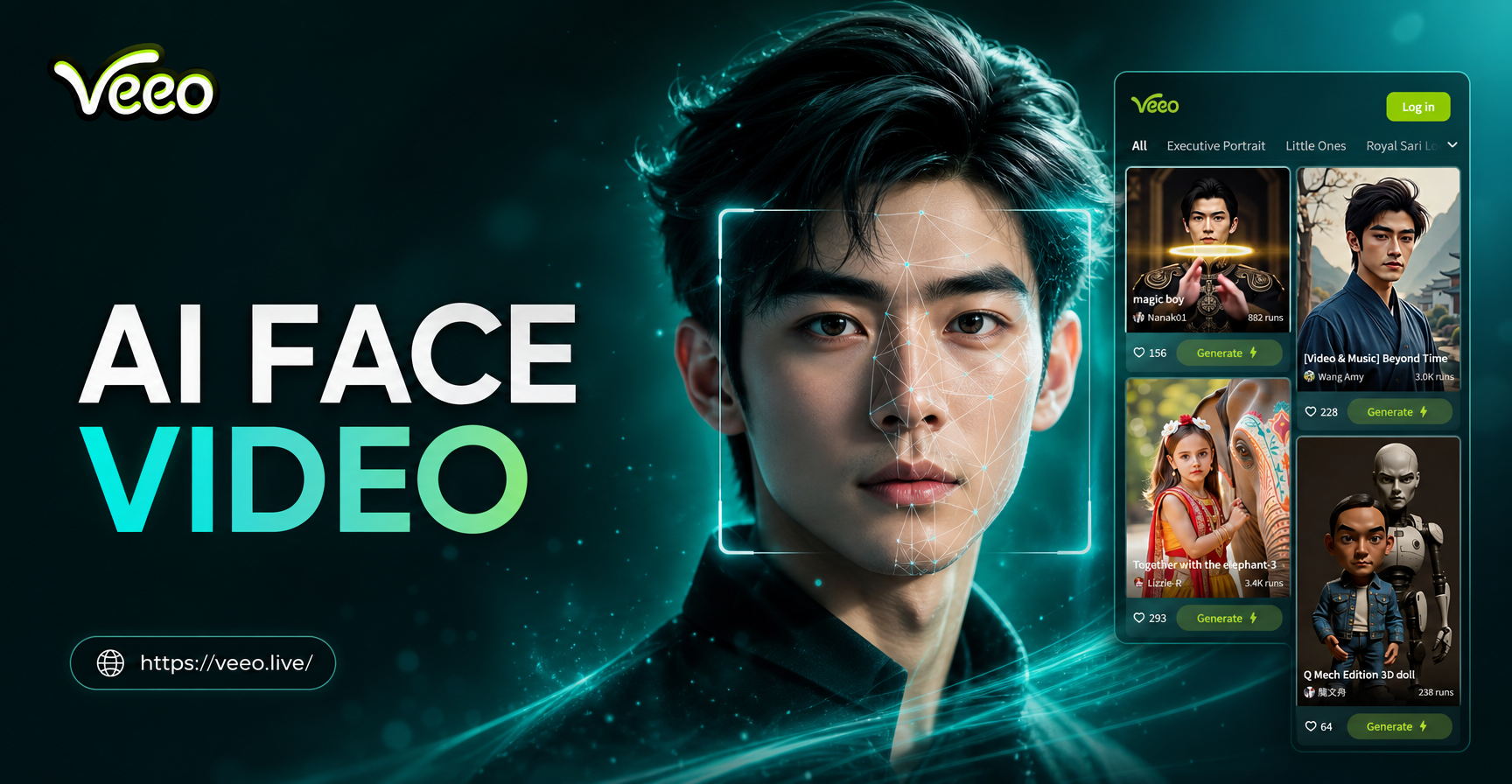
Make Any Face Move with AI Face Video Generator
Add Freckles to Photo Naturally with AI App
Turn Photo Into Sketch: Pencil & Line Art Effects
AI Emoji Generator: Create Custom Emojis in Seconds
Make Any Face Move with AI Face Video Generator
Add Kawaii Filter to Photo Now
Download veeo and start creating adorable kawaii style photos in seconds. No design skills needed, just choose a filter and generate.

Add Kawaii Filter to Photo Now
Download veeo and start creating adorable kawaii style photos in seconds. No design skills needed, just choose a filter and generate.