Add Freckles To Photo
Pick Your Perfect Freckle Filter
Explore freckle styles from subtle and scattered to bold and clustered. Each AI filter maps naturally to your facial structure.
Why Add Freckles With veeo AI
Our AI understands facial geometry, lighting, and skin texture. Instead of pasting dots on a flat image, it recreates how freckles naturally scatter across your face, adapting to your unique bone structure and skin tone.
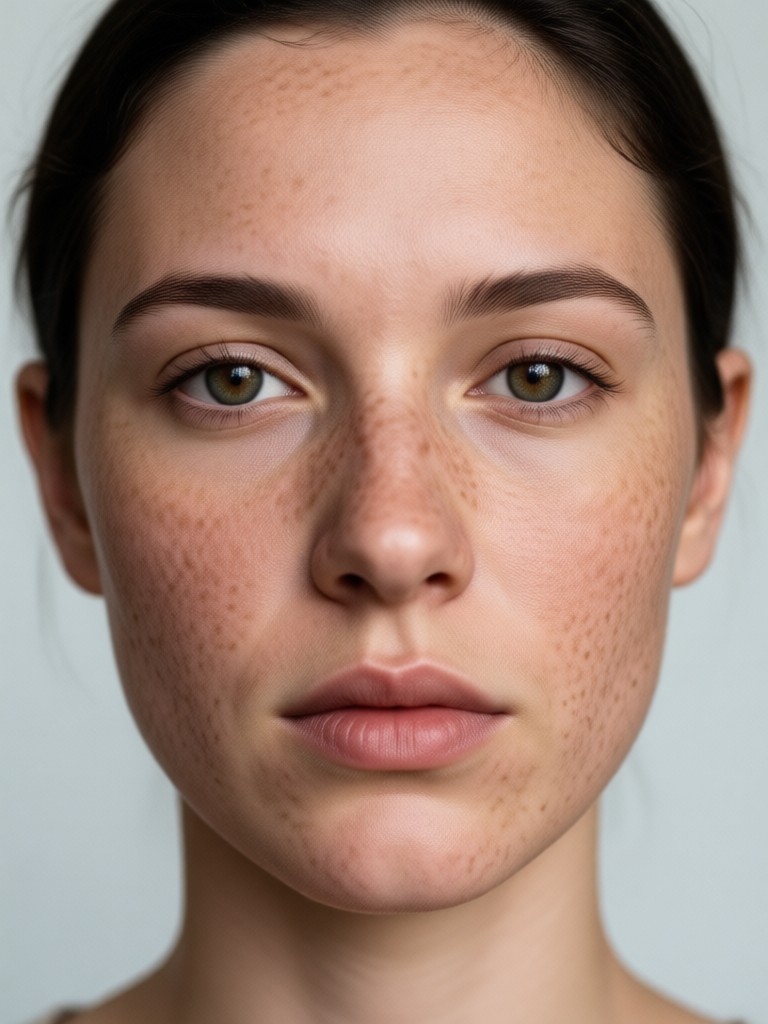
Natural Freckle Mapping
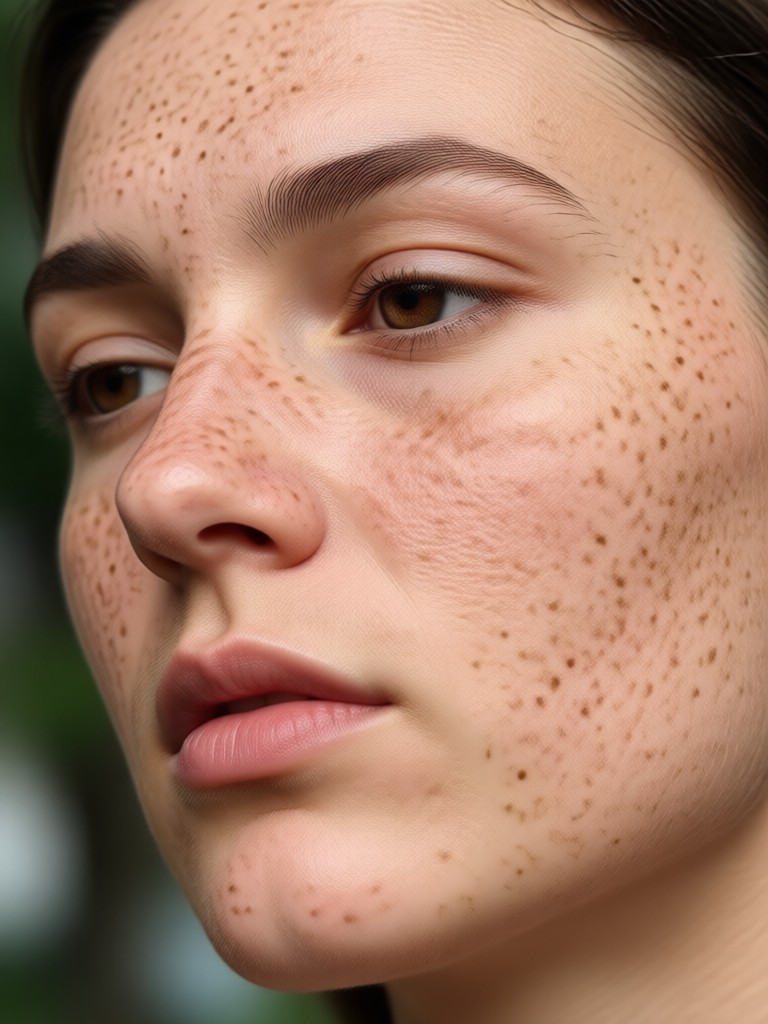
The AI detects your nose bridge, cheekbones, and forehead to place freckles exactly where the sun would naturally kiss your skin. You get an organic, believable result that never looks like a sticker or a filter mask. Adjust density and opacity to match your desired intensity.
Natural Freckle Mapping
The AI detects your nose bridge, cheekbones, and forehead to place freckles exactly where the sun would naturally kiss your skin. You get an organic, believable result that never looks like a sticker or a filter mask. Adjust density and opacity to match your desired intensity.
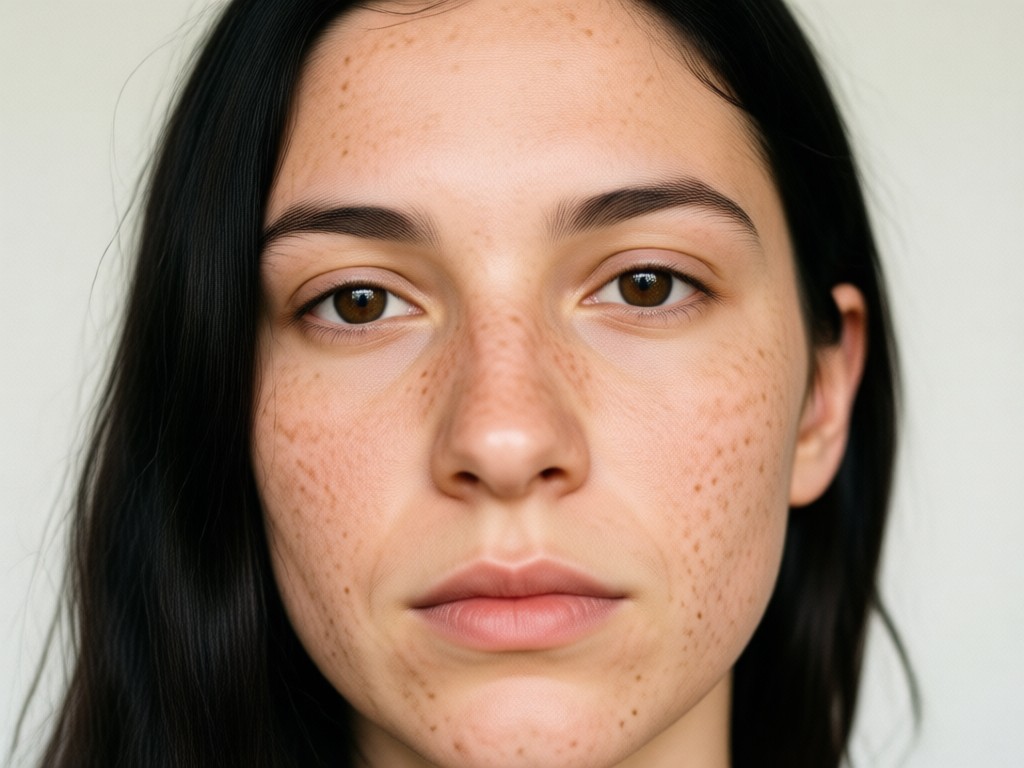
Custom Freckle Styles
Choose from light dusting, full sun-kissed coverage, or just a playful sprinkle across the nose. Mix different style templates to create a completely custom look. Whether you want barely-there elegance or bold editorial freckles, the library has a matching option for every mood and photo.
Custom Freckle Styles
Choose from light dusting, full sun-kissed coverage, or just a playful sprinkle across the nose. Mix different style templates to create a completely custom look. Whether you want barely-there elegance or bold editorial freckles, the library has a matching option for every mood and photo.
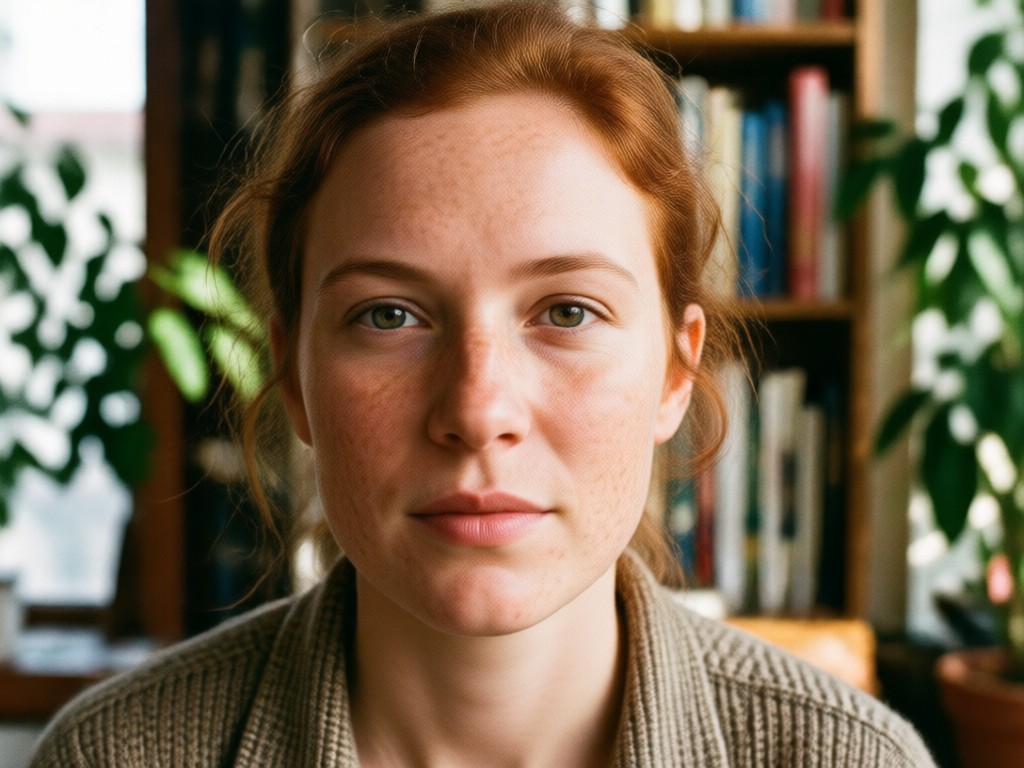
Keeps Skin Texture Real
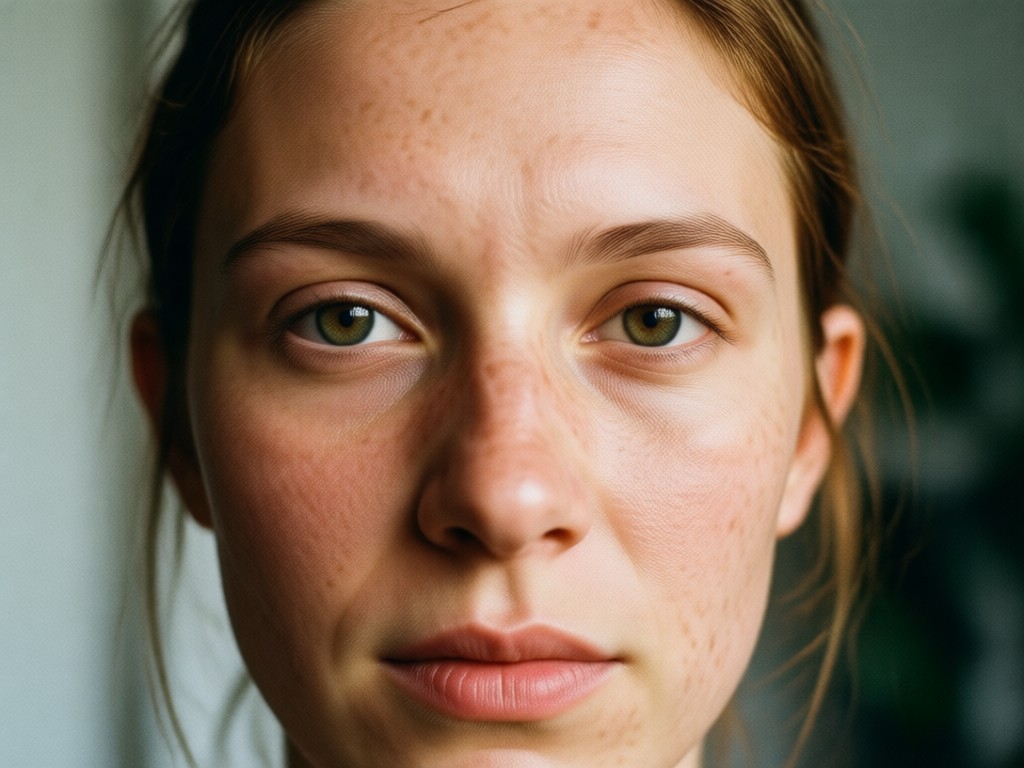
Unlike simple sticker apps, veeo preserves your pores, fine lines, and natural skin luminosity underneath the freckles. The result is a photo that still looks like you, just with a charming new detail. No plastic smoothing or blurry patches. Your authentic complexion stays intact.
Keeps Skin Texture Real
Unlike simple sticker apps, veeo preserves your pores, fine lines, and natural skin luminosity underneath the freckles. The result is a photo that still looks like you, just with a charming new detail. No plastic smoothing or blurry patches. Your authentic complexion stays intact.
Real Freckle Transformations
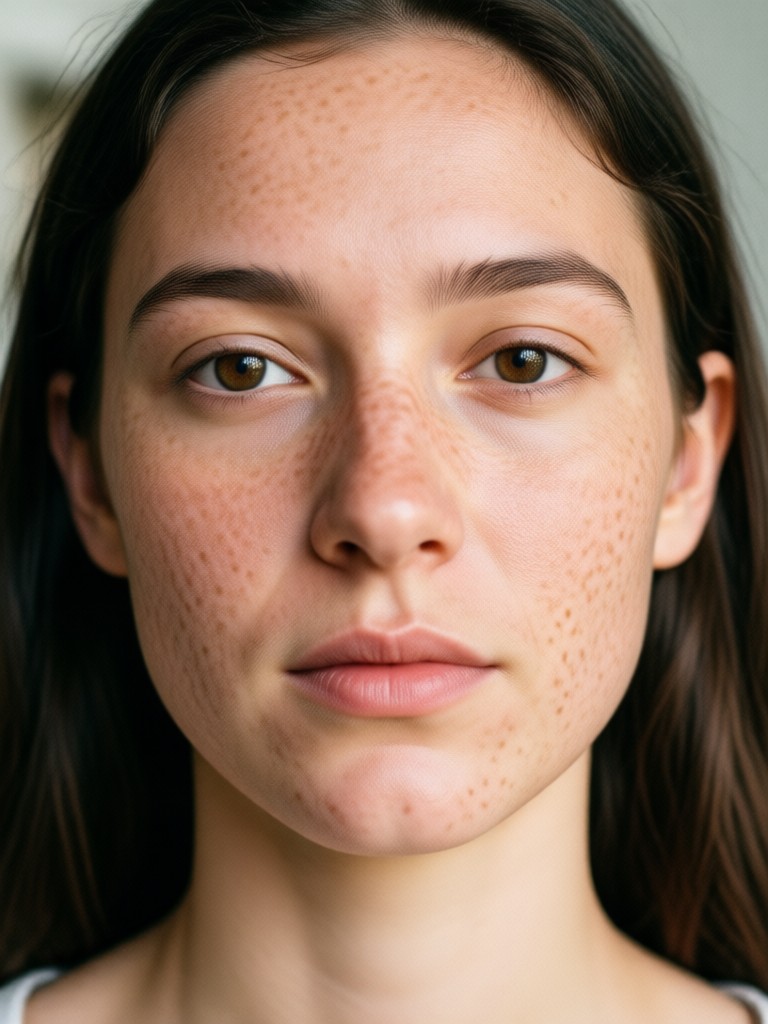
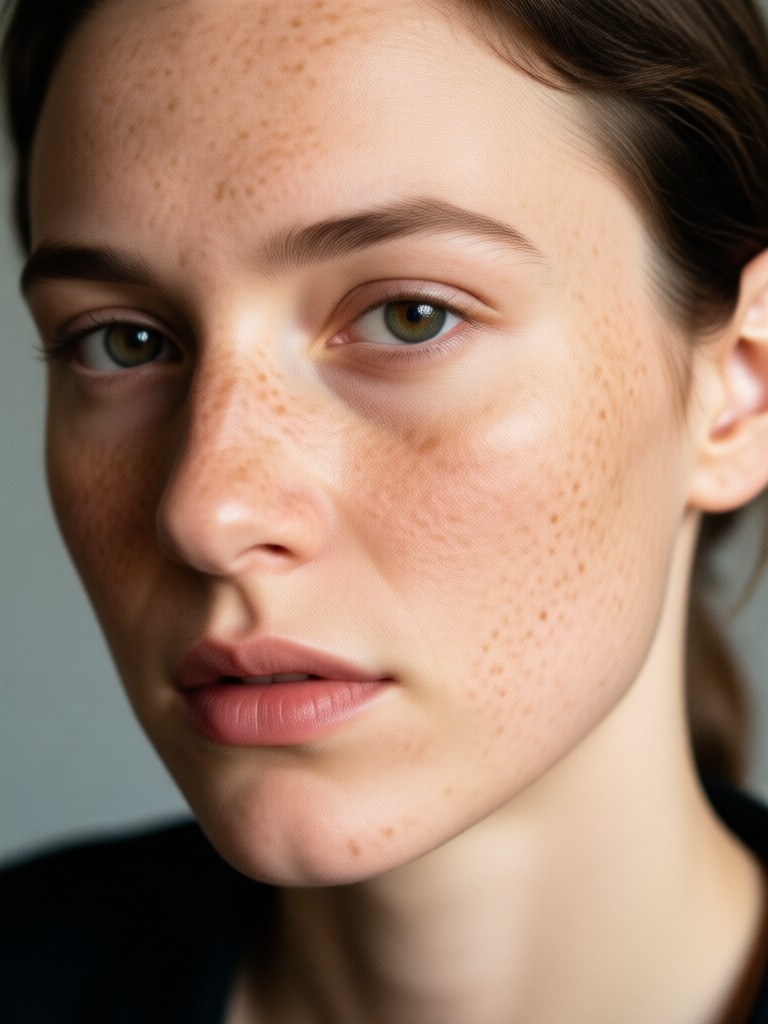
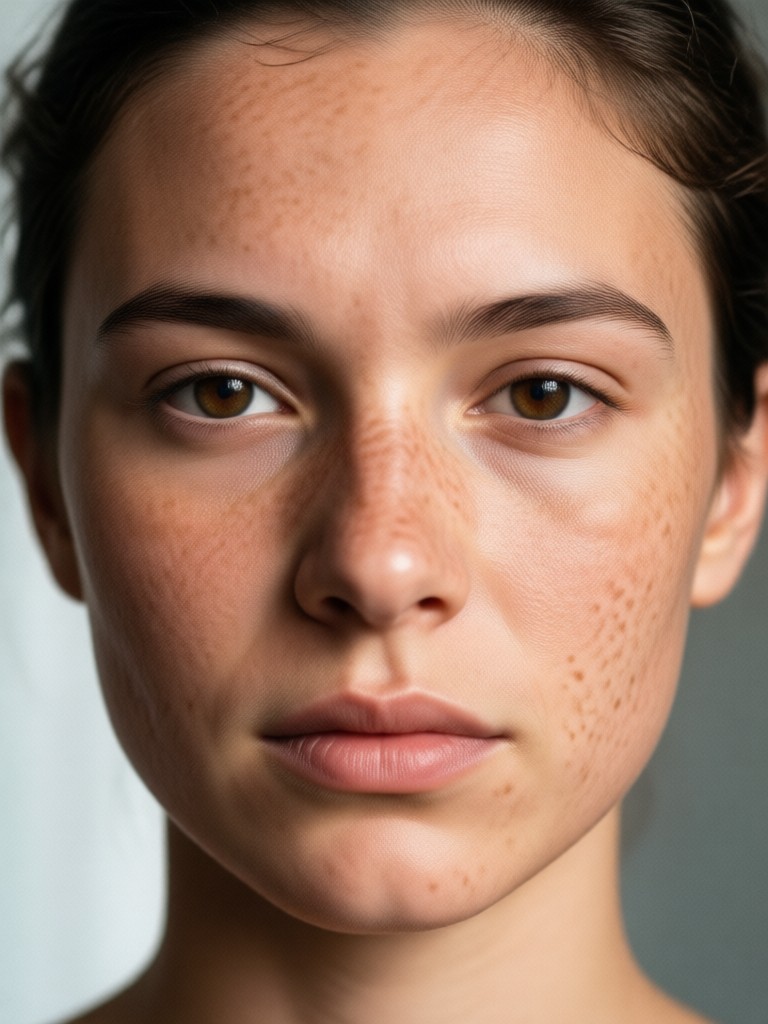
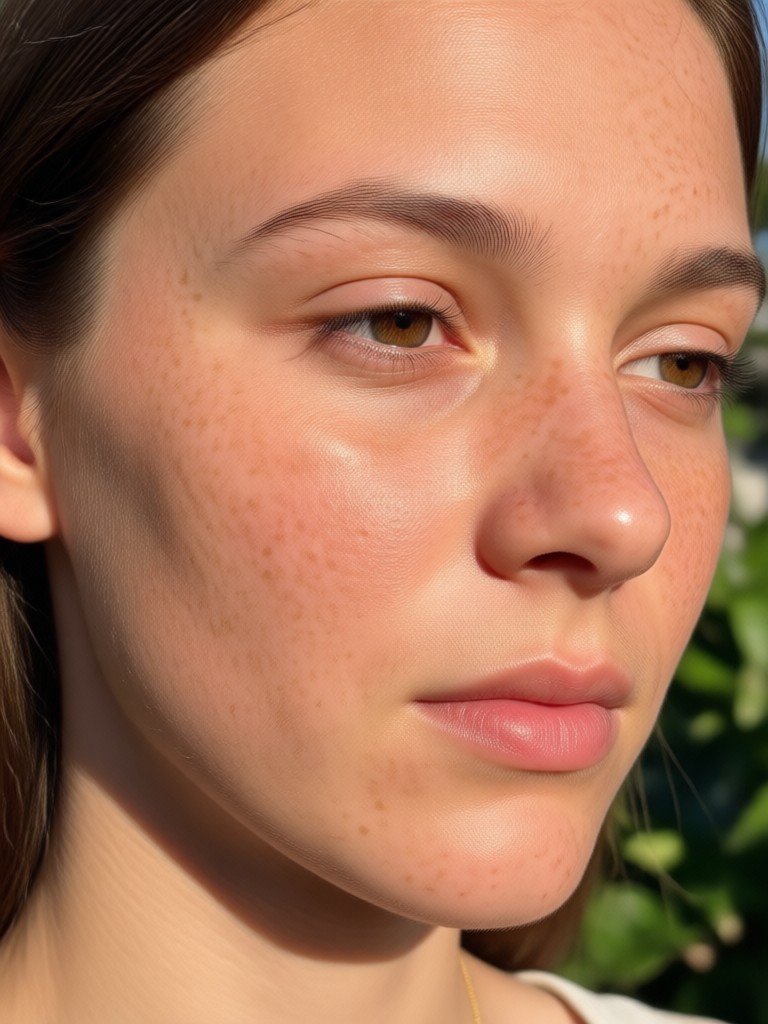
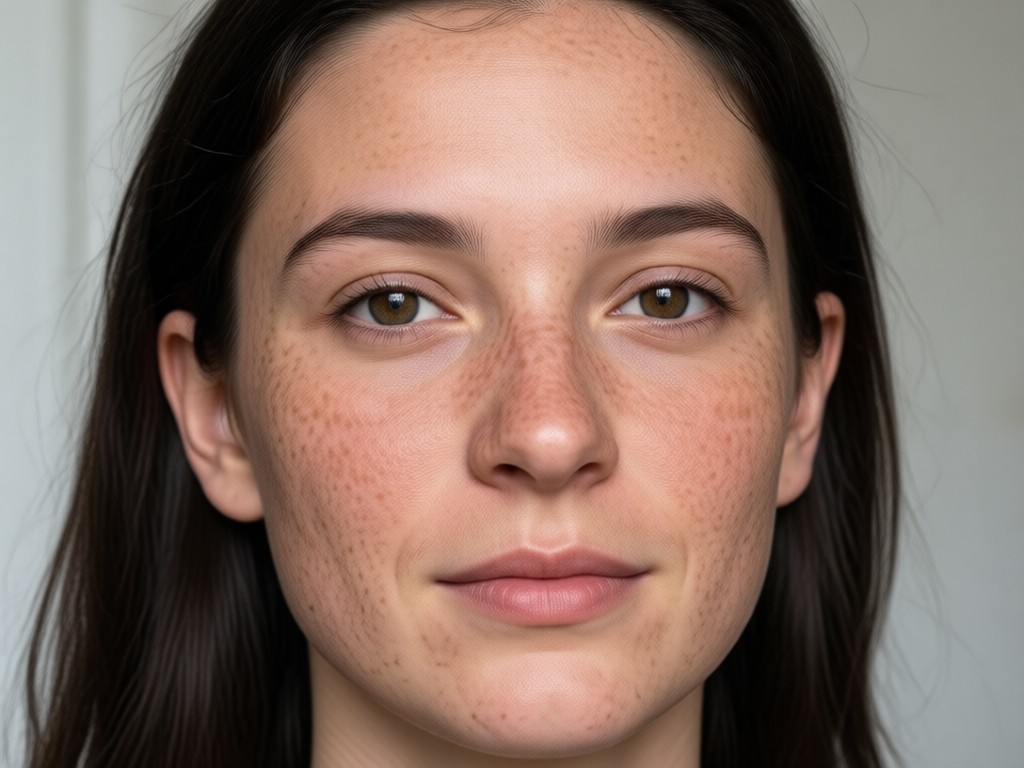
See how veeo adds freckles across different face shapes, skin tones, and lighting conditions. Every result below was generated in the mobile app using a single portrait photo. Notice how the AI adapts the freckle pattern to match each unique face, keeping the result natural and believable.
How to Add Freckles to Your Photo
Adding freckles to a photo takes less than a minute with veeo. Follow these three simple steps to get a natural, sun-kissed look on any portrait.

Why People Love the Freckle Filters
Freckles have become one of the most requested beauty edits in digital photography. Beauty creators use them to add warmth to winter selfies. Makeup enthusiasts preview how faux freckles would look before committing to real cosmetic application. Travel influencers add a sun-kissed glow to photos taken on overcast days.
Why People Love the Freckle Filters
Freckles have become one of the most requested beauty edits in digital photography. Beauty creators use them to add warmth to winter selfies. Makeup enthusiasts preview how faux freckles would look before committing to real cosmetic application. Travel influencers add a sun-kissed glow to photos taken on overcast days.
Frequently Asked Questions About Adding Freckles
Find clear answers to common questions about adding freckles to photos with veeo. Learn about file formats, natural results, and which photos work best.
Add Freckles To Your Photo Today
Download veeo now and give your selfies a natural, sun-kissed glow in seconds. No editing skills required.
Add Freckles To Your Photo Today
Download veeo now and give your selfies a natural, sun-kissed glow in seconds. No editing skills required.