Turn Photo Into Sketch
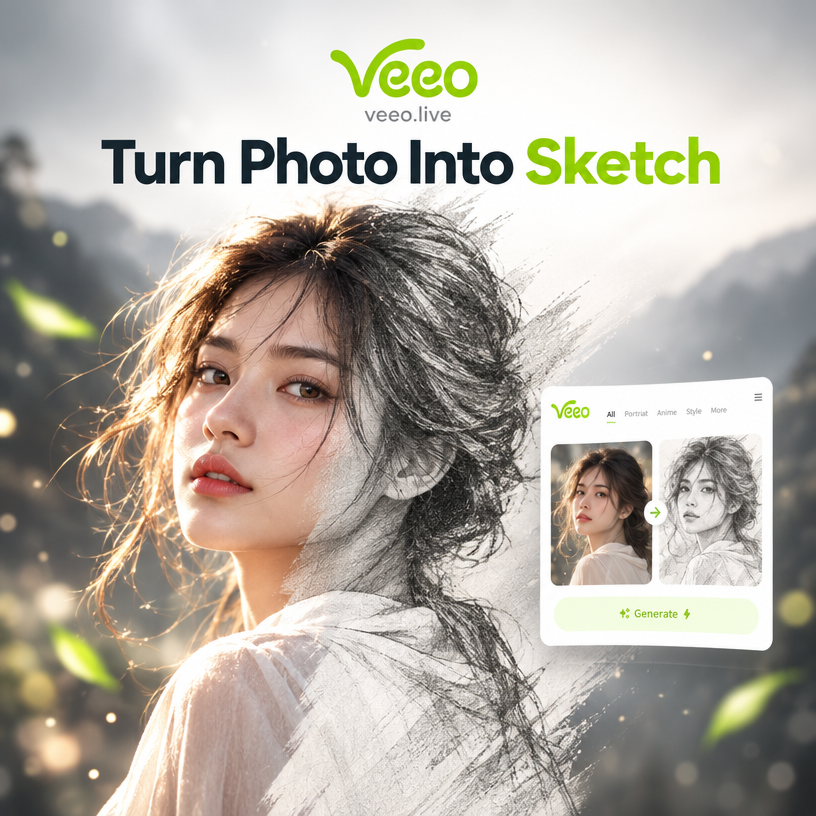
Choose the Sketch Style That Fits You
Discover pencil, charcoal, ink, and line art filters that turn your photo into a drawing in one tap.
Key Features of Photo to Sketch
Turn any picture into a detailed drawing with realistic textures and simple controls. No design skills required, just upload and generate.
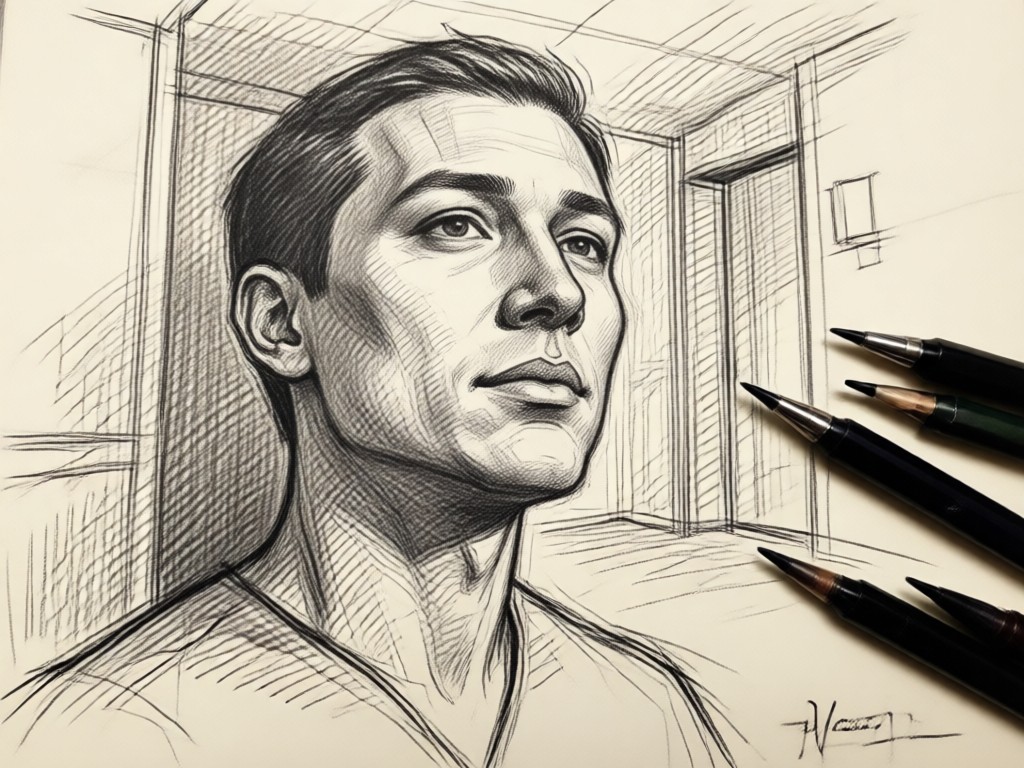
Realistic Pencil Effects
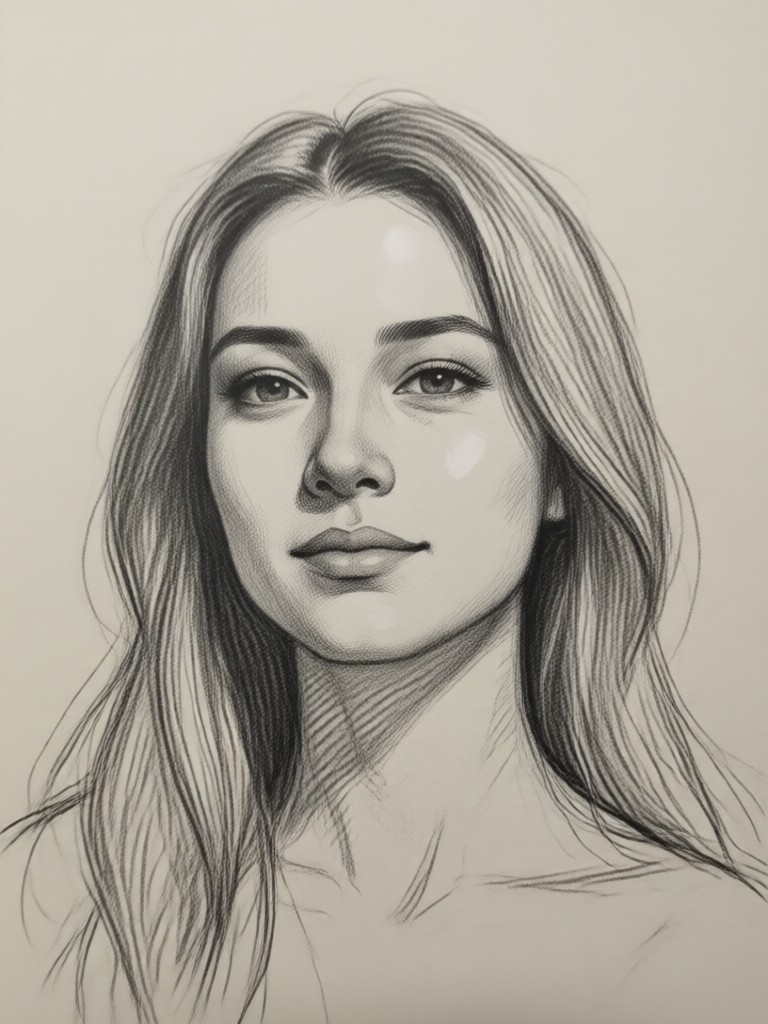
Convert your photo into a detailed pencil drawing with natural shading and texture. AI analyzes your image and adds realistic graphite strokes while keeping facial features clear.
Realistic Pencil Effects
Convert your photo into a detailed pencil drawing with natural shading and texture. AI analyzes your image and adds realistic graphite strokes while keeping facial features clear.
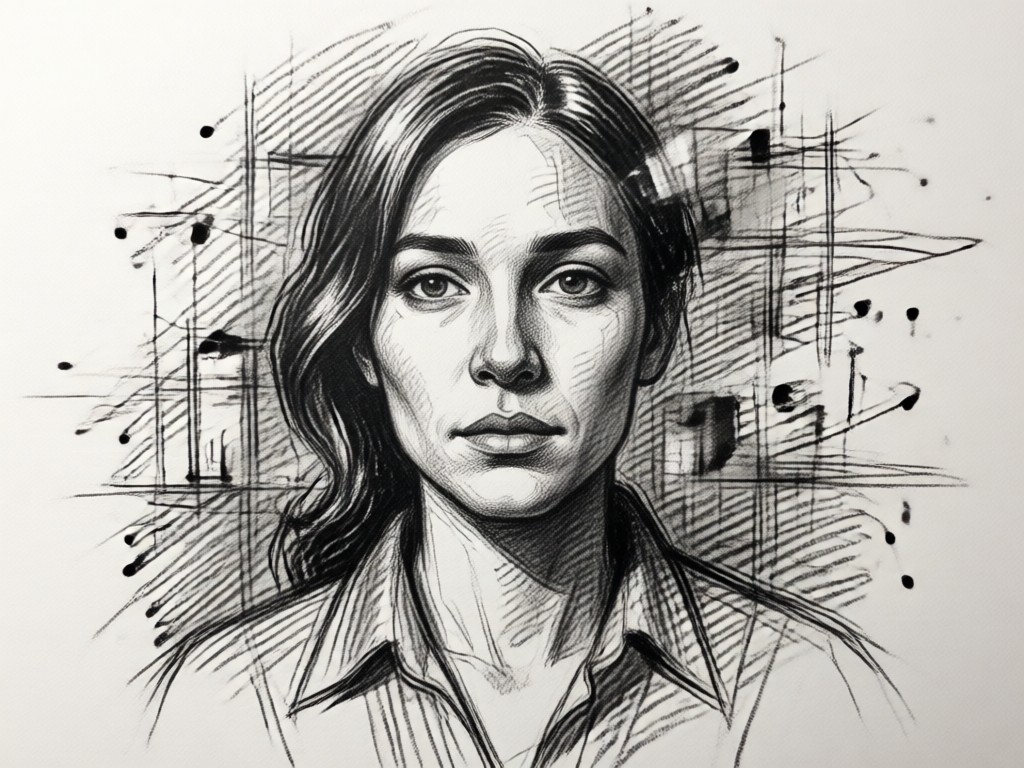
Multiple Drawing Styles
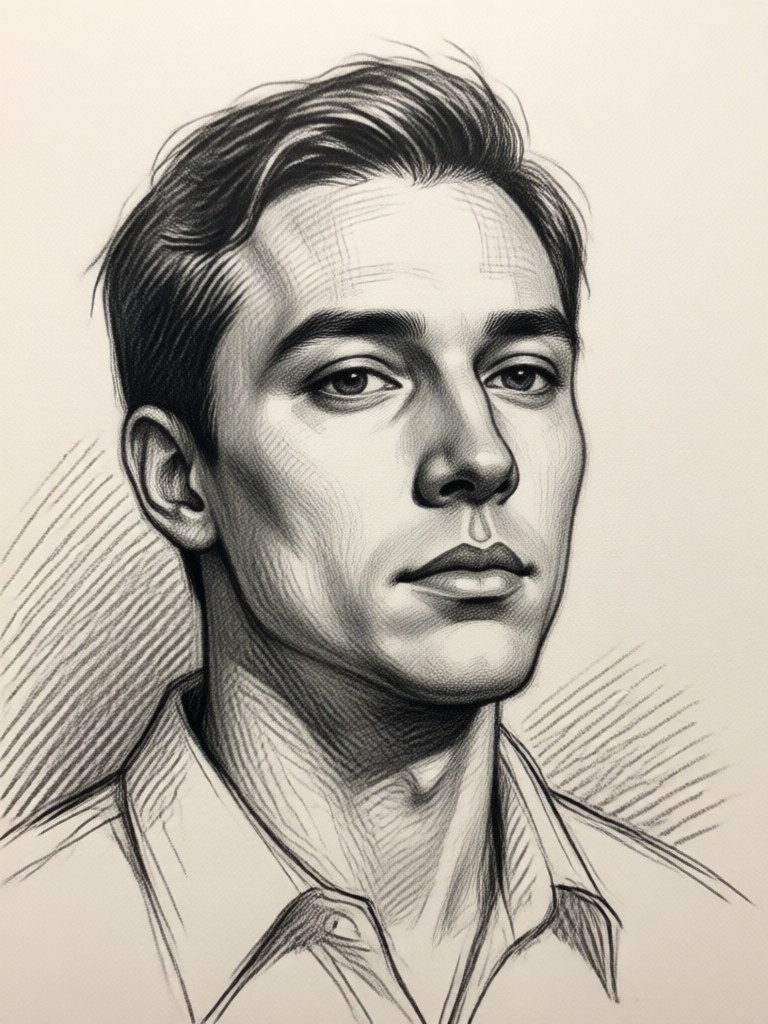
Choose from charcoal, ink, line art, or watercolor sketch. Each style offers a unique artistic look that works for portraits, pets, landscapes, and more.
Multiple Drawing Styles
Choose from charcoal, ink, line art, or watercolor sketch. Each style offers a unique artistic look that works for portraits, pets, landscapes, and more.
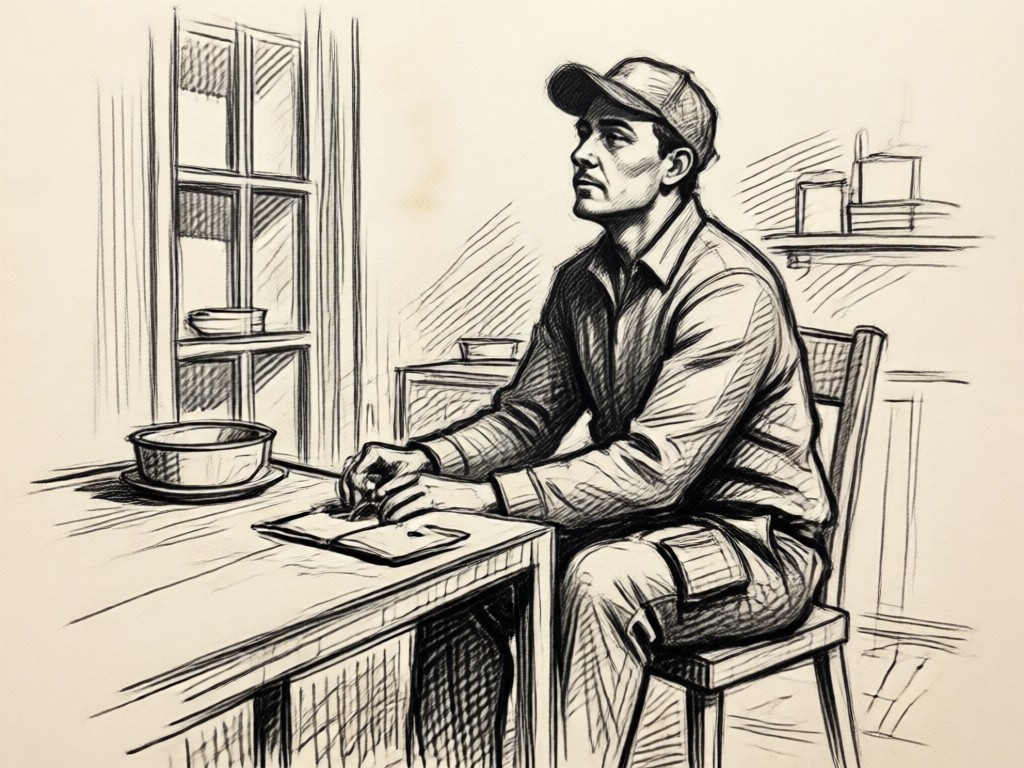
One Tap Conversion
No design skills required. Upload a photo, pick a filter, and get a high resolution sketch in seconds. Perfect for social media, gifts, or personal art projects.
One Tap Conversion
No design skills required. Upload a photo, pick a filter, and get a high resolution sketch in seconds. Perfect for social media, gifts, or personal art projects.
How to Turn a Photo Into a Sketch
Create a beautiful drawing from any picture in three simple steps using the veeo app.

Step 01.
Download the veeo app from Google Play and open it on your phone.
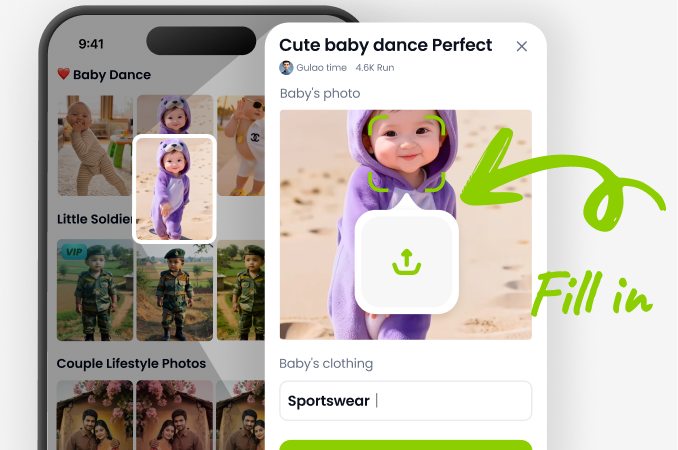
Step 02.
Upload your picture and select a sketch filter from pencil, charcoal, ink, or line art.
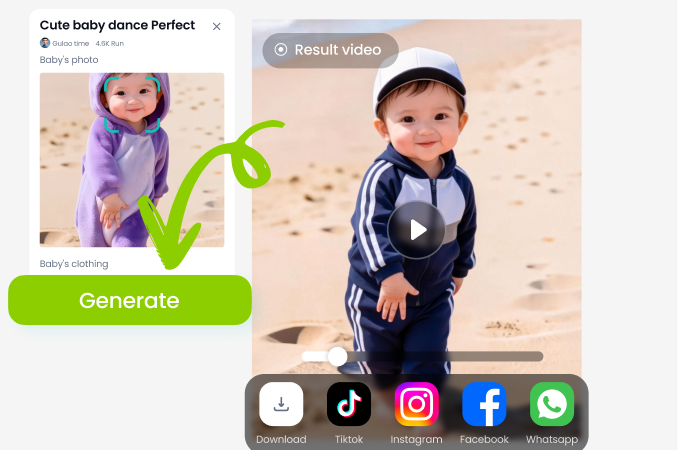
Step 03.
Tap generate, preview your drawing, then save or share your new sketch.
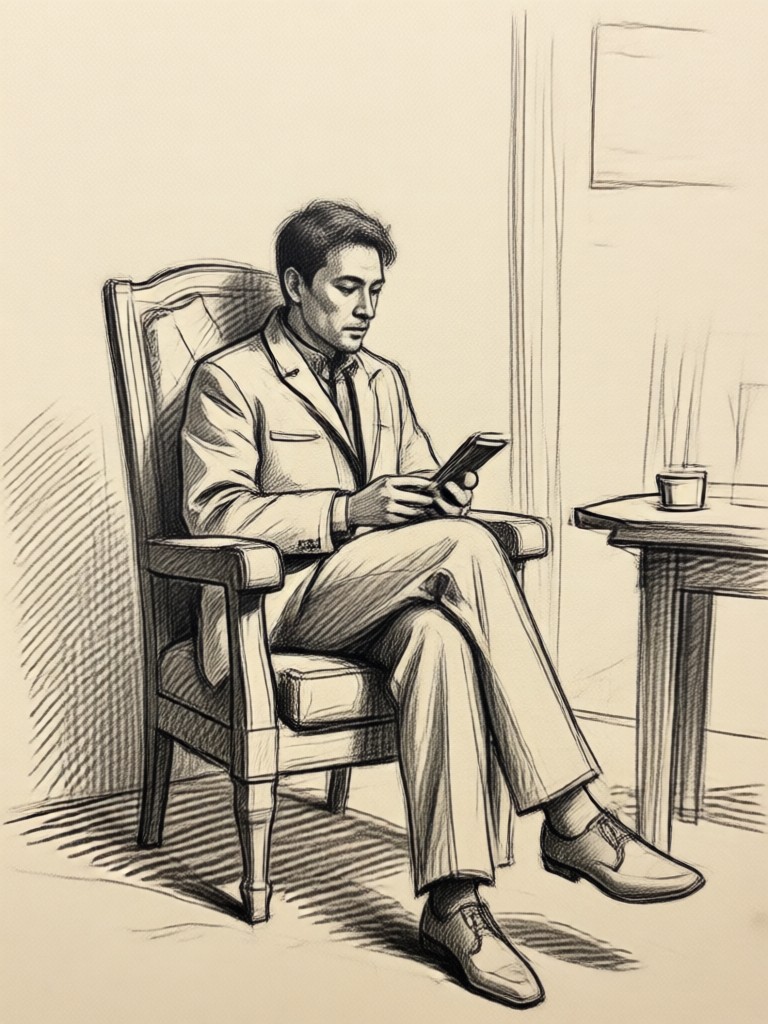
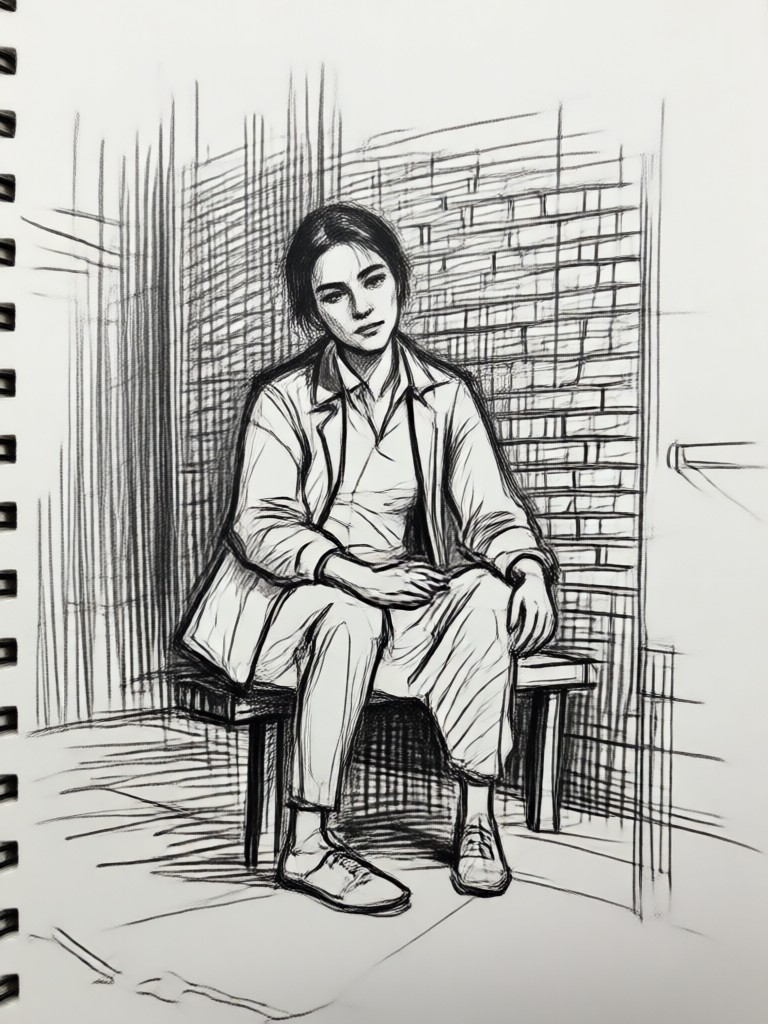
Sketch Conversion Gallery
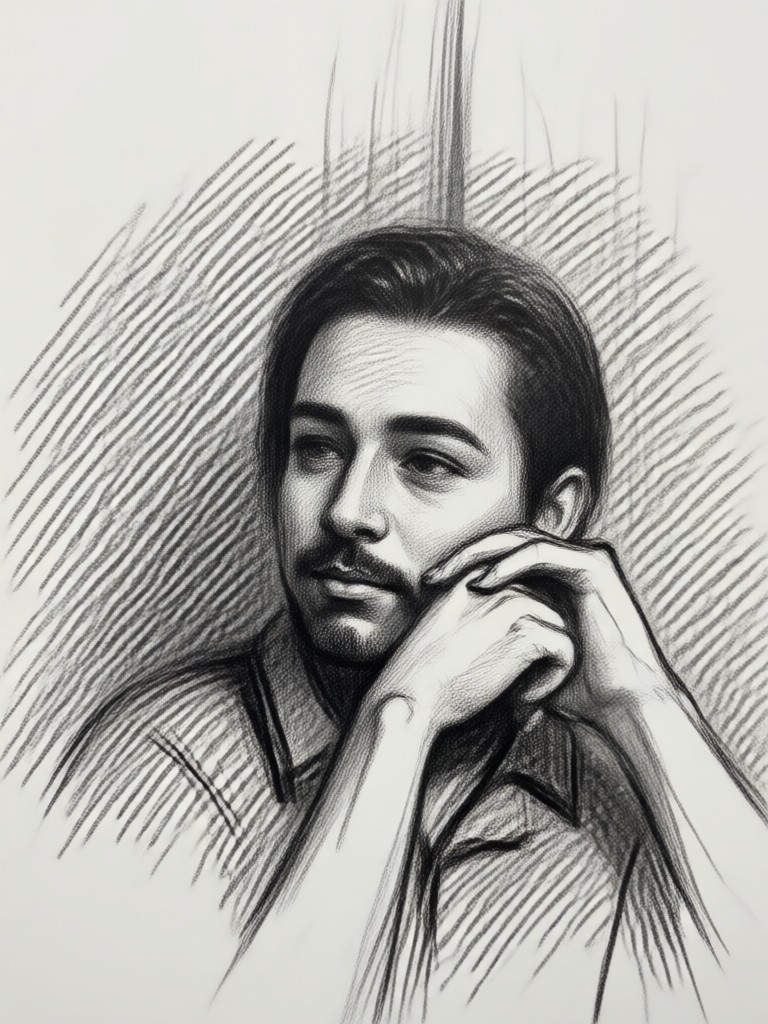
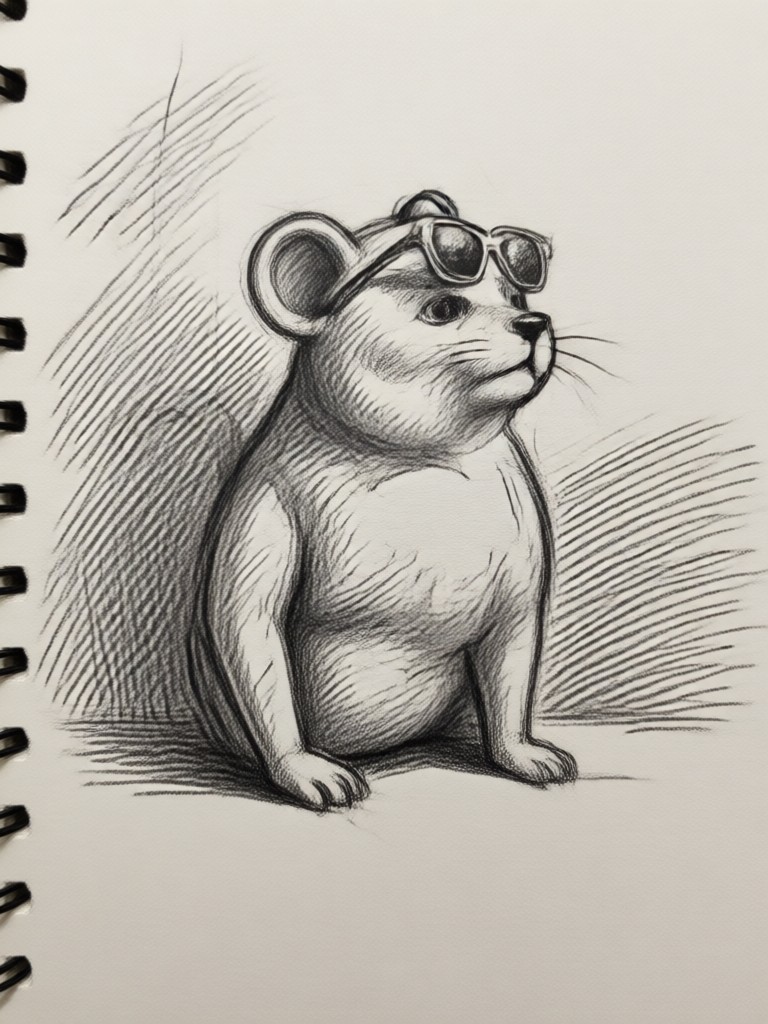
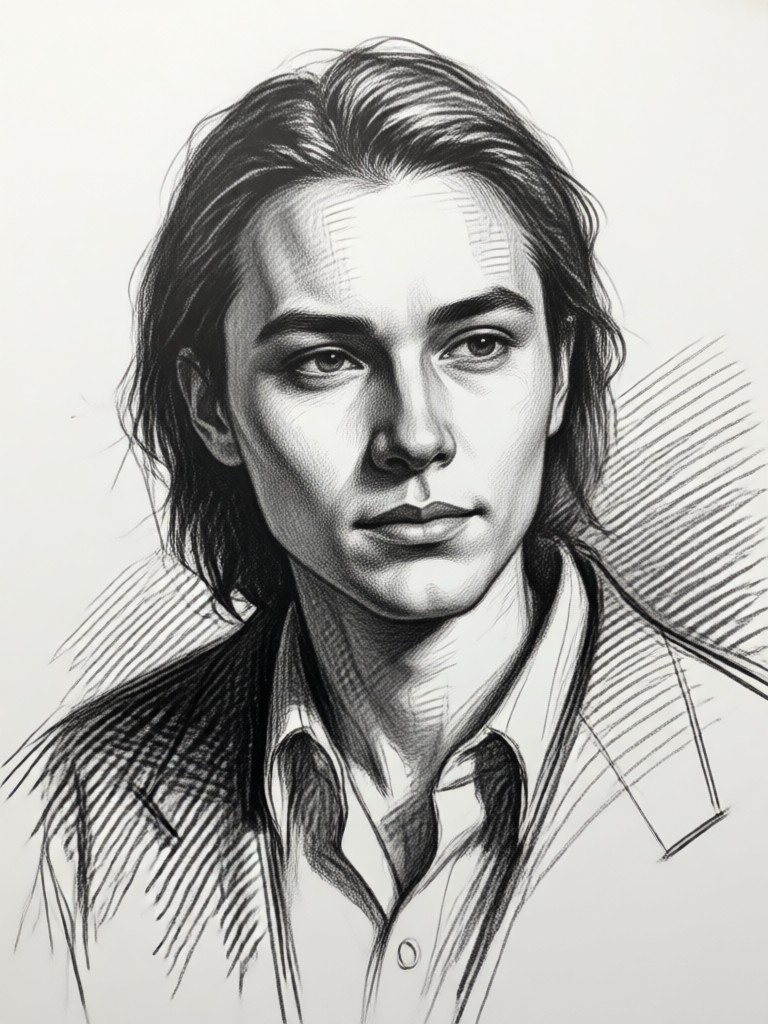
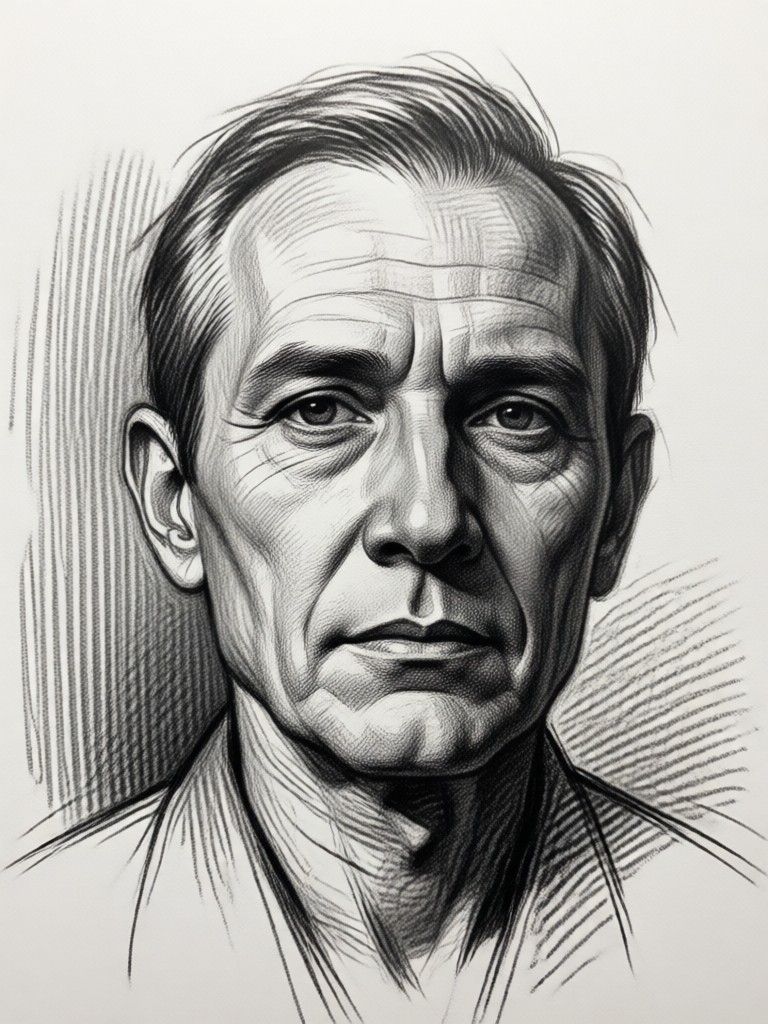
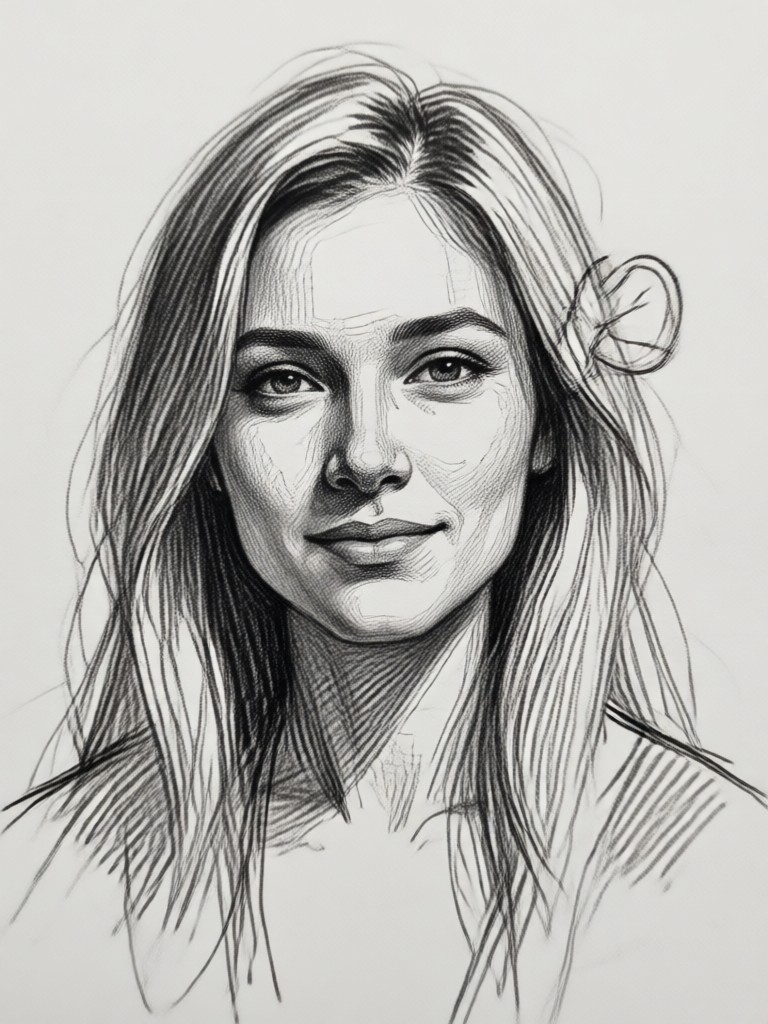
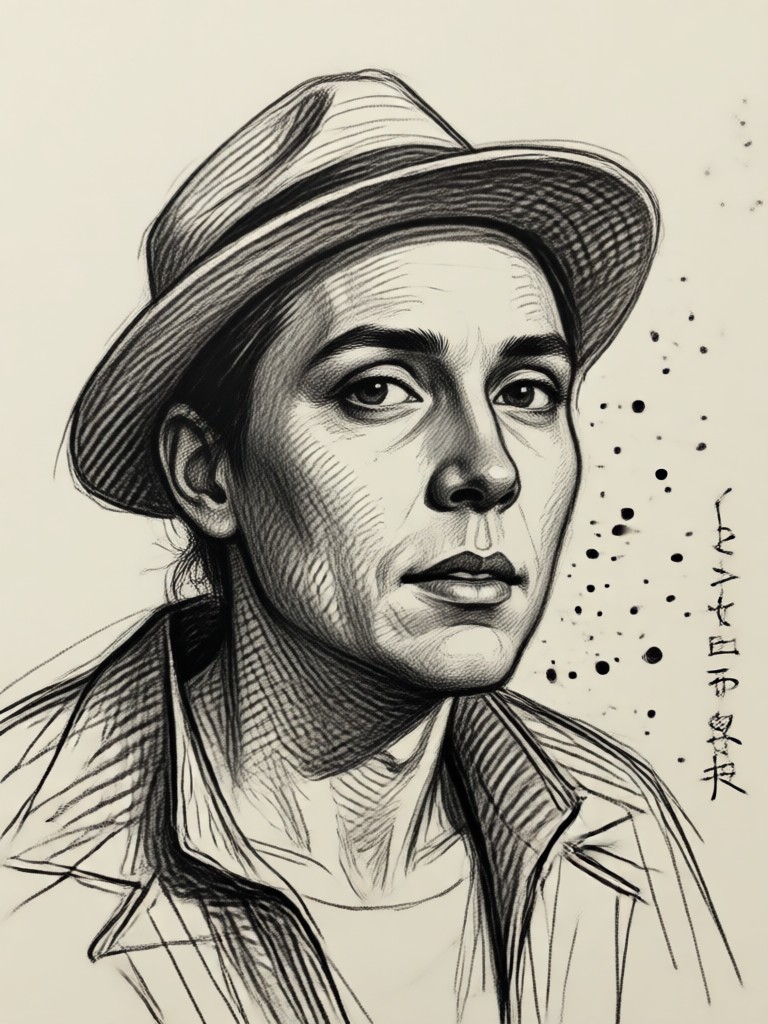
Browse examples of photos converted into pencil, charcoal, line art, and watercolor sketches using veeo.
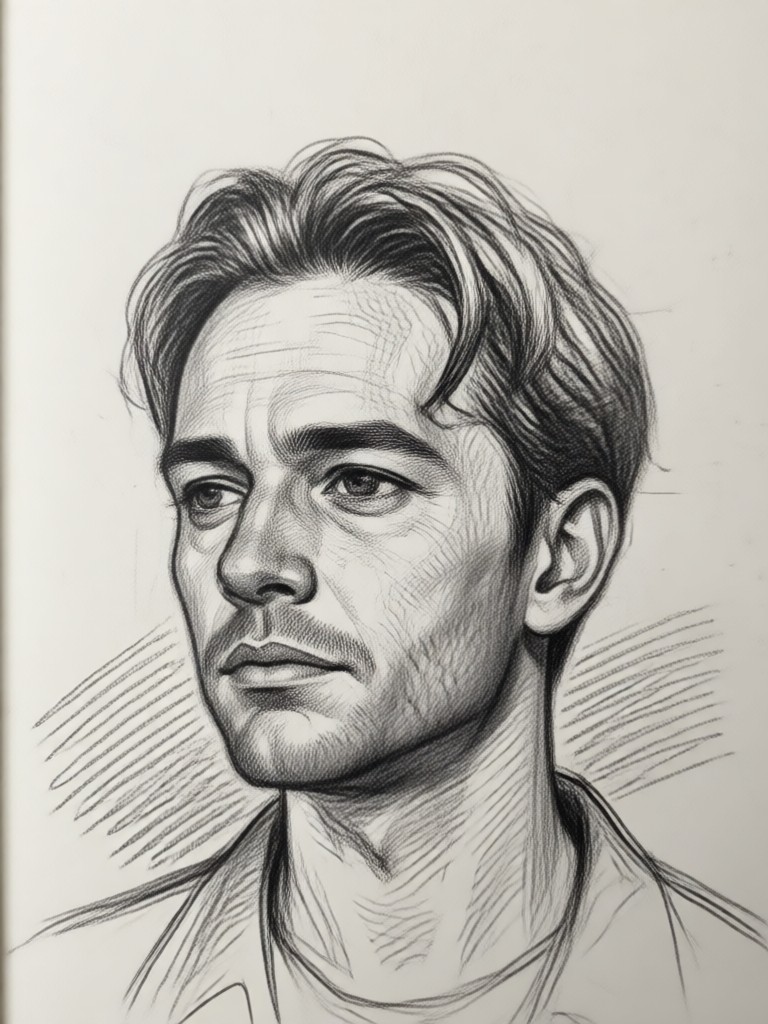
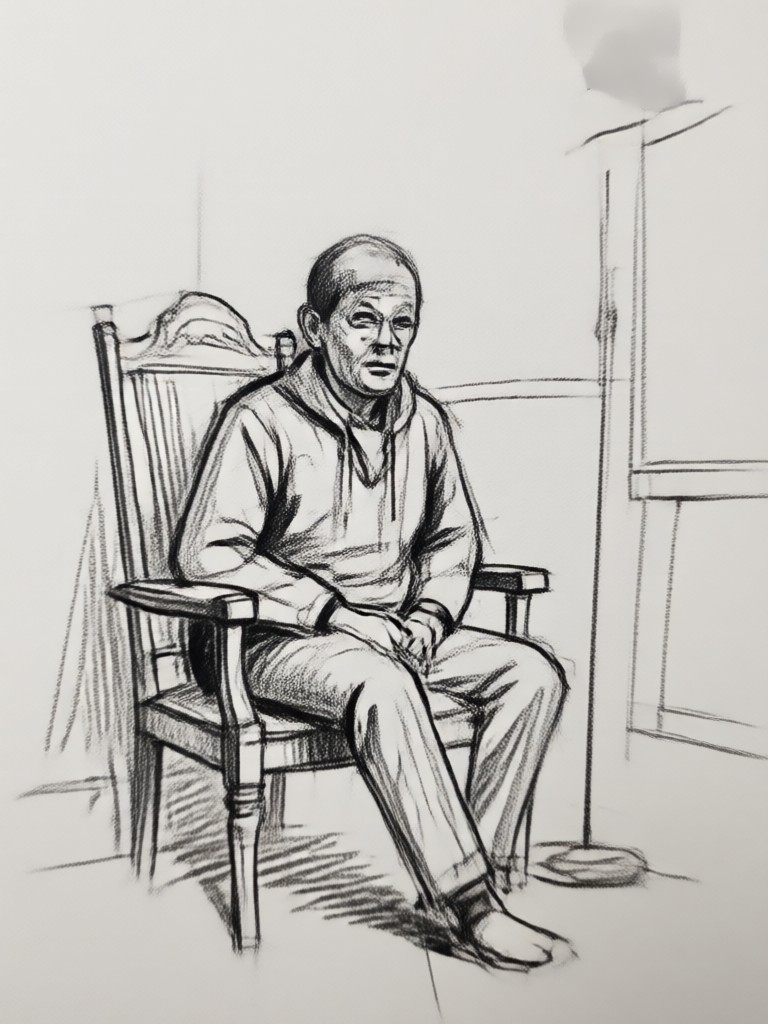
Why Use veeo for Photo to Sketch
veeo makes it easy to turn any picture into a hand drawn masterpiece with realistic textures and preserved details.
Turn Any Picture Into a Drawing
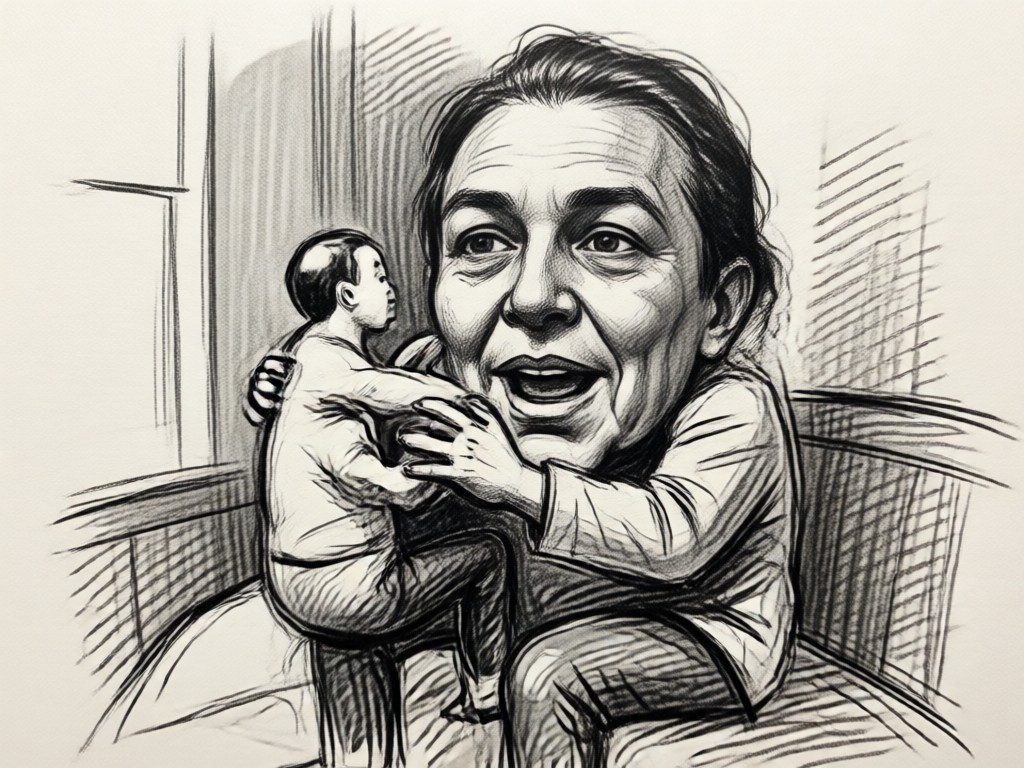
veeos AI preserves facial features and subject proportions while applying realistic drawing textures. Whether you want a soft pencil look, bold charcoal, or clean line art, the app makes it easy to create professional grade sketches from any photo. No photo editing experience needed, just upload and tap.
Turn Any Picture Into a Drawing
veeos AI preserves facial features and subject proportions while applying realistic drawing textures. Whether you want a soft pencil look, bold charcoal, or clean line art, the app makes it easy to create professional grade sketches from any photo. No photo editing experience needed, just upload and tap.
Who Uses Photo to Sketch Converter
Emily Carter
Turned my selfie into a pencil sketch for my profile picture. The details are amazing and it took five seconds.

Marcus Lee
I made a charcoal drawing of my grandparents wedding photo. They framed it. It looked like a real artist drew it.

Sarah Kim
Line art style from my pet photo is now on my tote bag. Everyone asks where I got it done.
David Chen
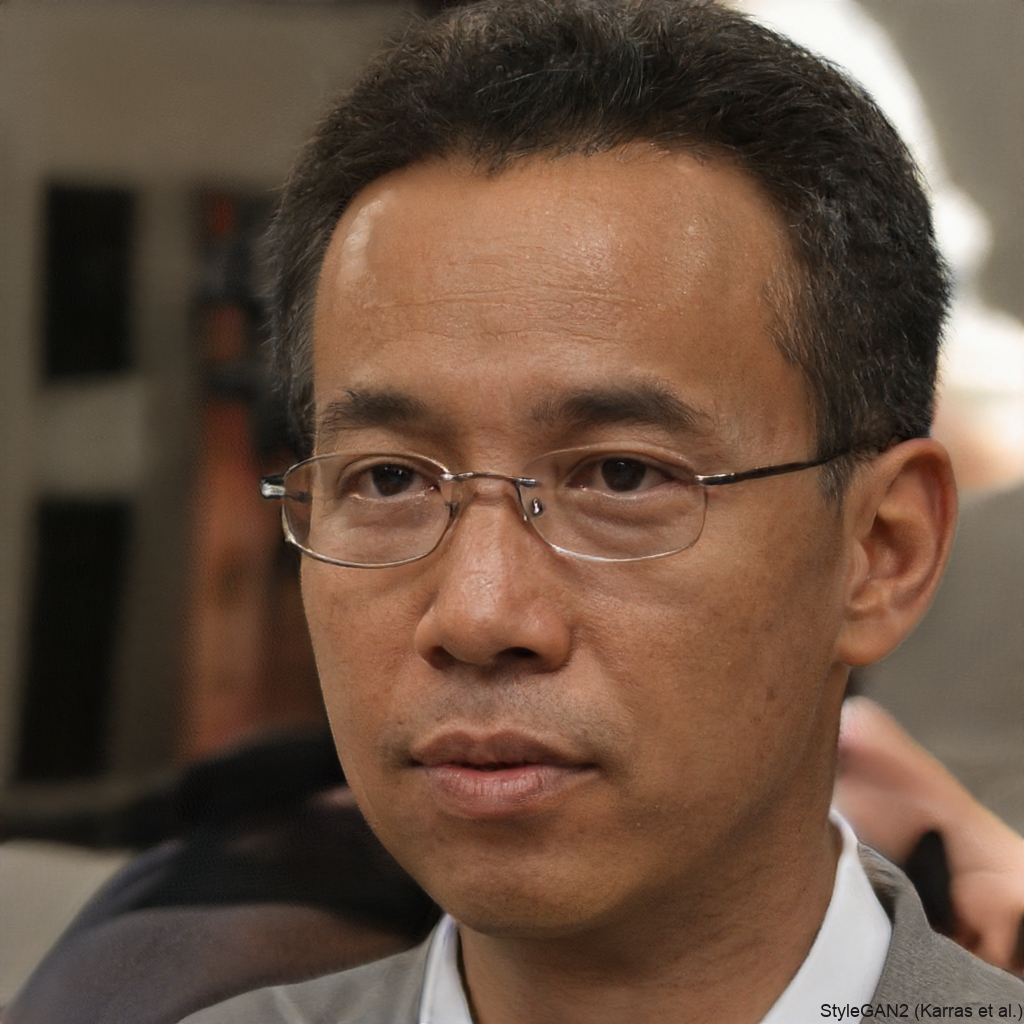
As a social media manager, I use this to create unique content. The sketch filters are consistent and high quality.
Emily Carter
Turned my selfie into a pencil sketch for my profile picture. The details are amazing and it took five seconds.
Marcus Lee
I made a charcoal drawing of my grandparents wedding photo. They framed it. It looked like a real artist drew it.
Sarah Kim
Line art style from my pet photo is now on my tote bag. Everyone asks where I got it done.
David Chen
As a social media manager, I use this to create unique content. The sketch filters are consistent and high quality.
Emily Carter
Turned my selfie into a pencil sketch for my profile picture. The details are amazing and it took five seconds.
Marcus Lee
I made a charcoal drawing of my grandparents wedding photo. They framed it. It looked like a real artist drew it.
Sarah Kim
Line art style from my pet photo is now on my tote bag. Everyone asks where I got it done.
David Chen
As a social media manager, I use this to create unique content. The sketch filters are consistent and high quality.
Photo to Sketch FAQ
Find clear answers to common questions about turning photos into sketches and using the picture to drawing converter.
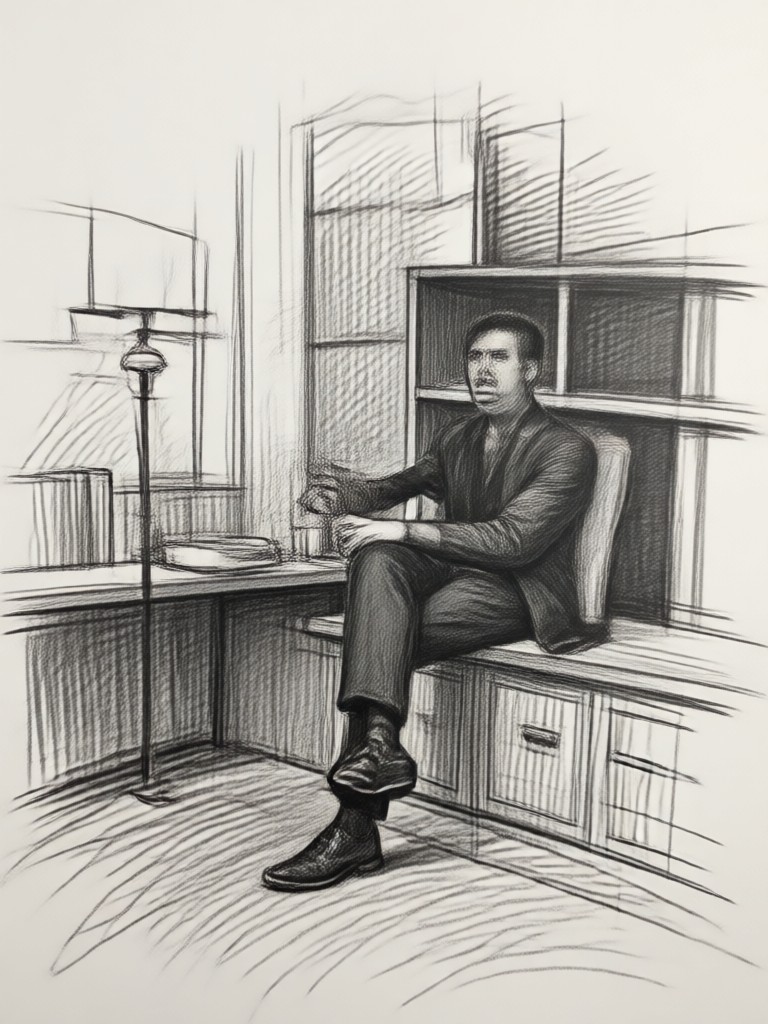
Photo to Sketch on Your Phone
Download veeo from Google Play and start converting pictures into drawings today. Free to try, no design skills needed.

More Topics You May Like
Explore more topics related to AI drawing and photo transformation.
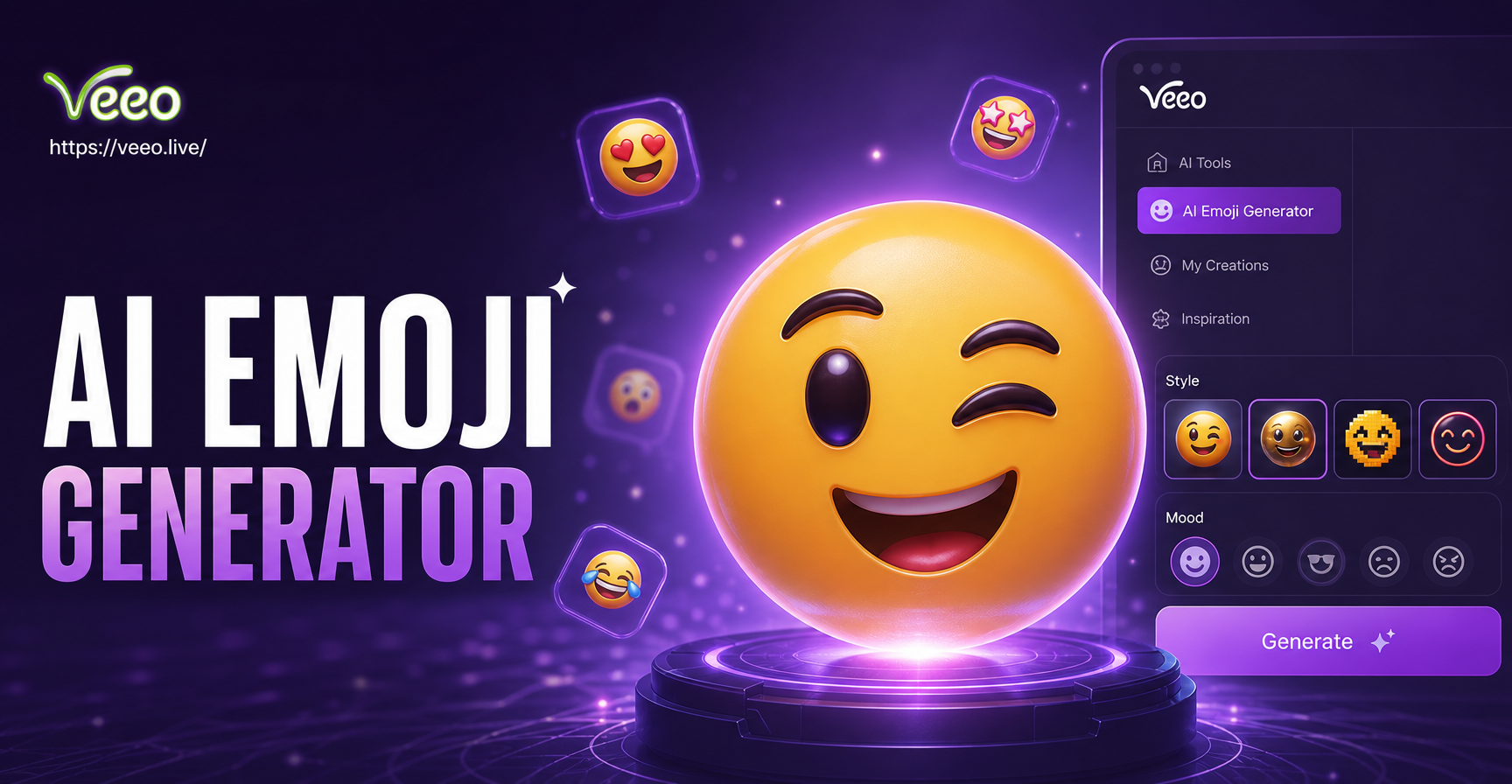
AI Emoji Generator: Create Custom Emojis in Seconds
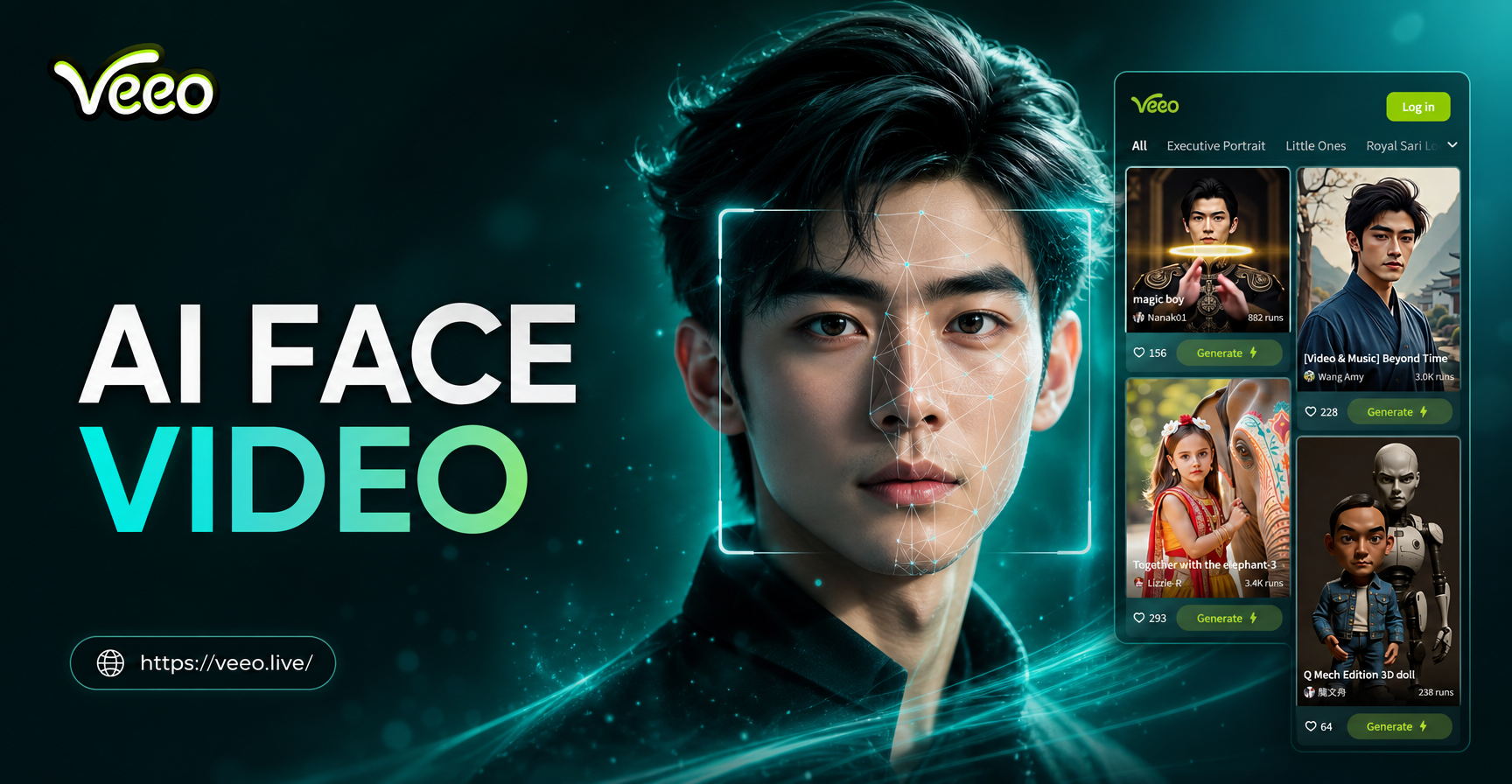
Make Any Face Move with AI Face Video Generator
AI Minecraft Circle Generator for Perfect Builds
Retro Photo Filter: Turn Modern Photos into Vintage Film
AI Emoji Generator: Create Custom Emojis in Seconds
Make Any Face Move with AI Face Video Generator
AI Minecraft Circle Generator for Perfect Builds
Retro Photo Filter: Turn Modern Photos into Vintage Film
Turn Any Photo Into a Sketch Now
Download veeo and start converting pictures into pencil, charcoal, and line art drawings in seconds. Free to try on Google Play.

Turn Any Photo Into a Sketch Now
Download veeo and start converting pictures into pencil, charcoal, and line art drawings in seconds. Free to try on Google Play.