AI Face Video Generator
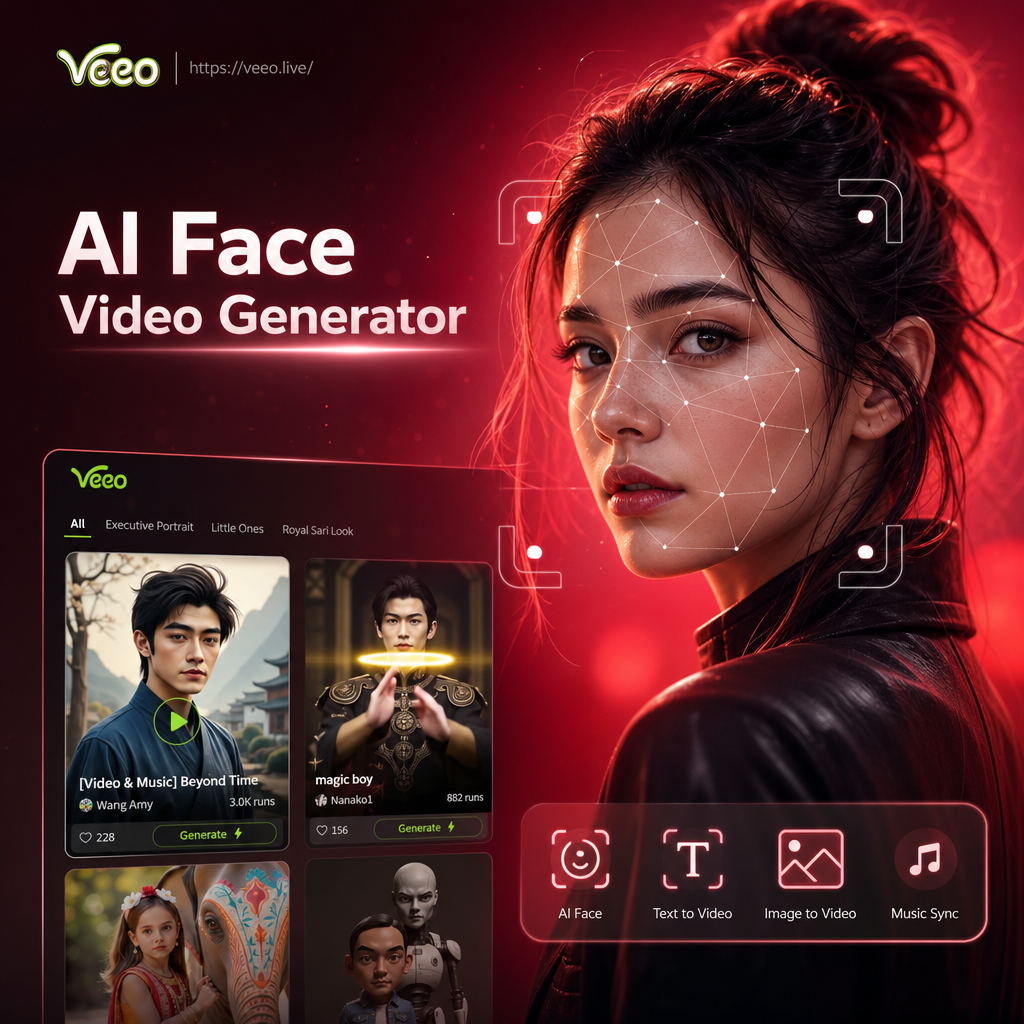
Choose an AI Face Video Style That Fits Your Vibe
Explore a growing library of face motion filters, from photorealistic talking avatars to cinematic smile effects and gentle blinks.
Core AI Face Video Generator Tools Inside veeo
Three powerful face video tools live inside veeo. Generate motion from a single photo, add speech to any portrait, and animate group shots while keeping every face clear.
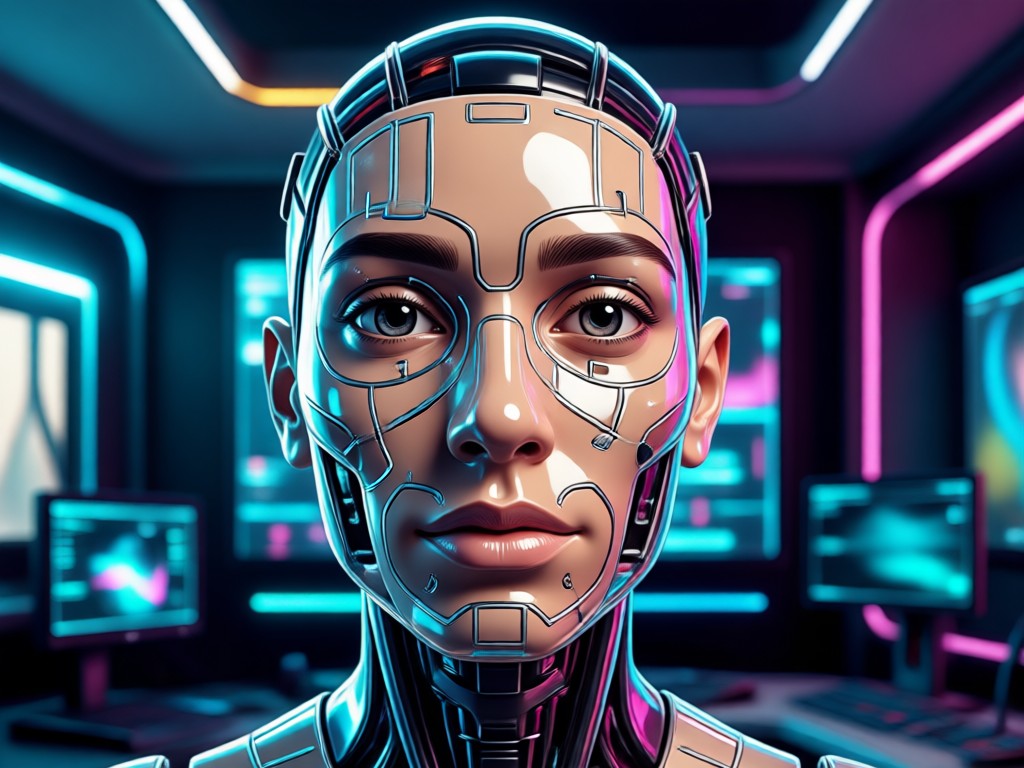
Photo to Face Motion
Upload one portrait and let AI add natural head turns, eye blinks, and subtle smiles. Perfect for bringing old stills back to life.
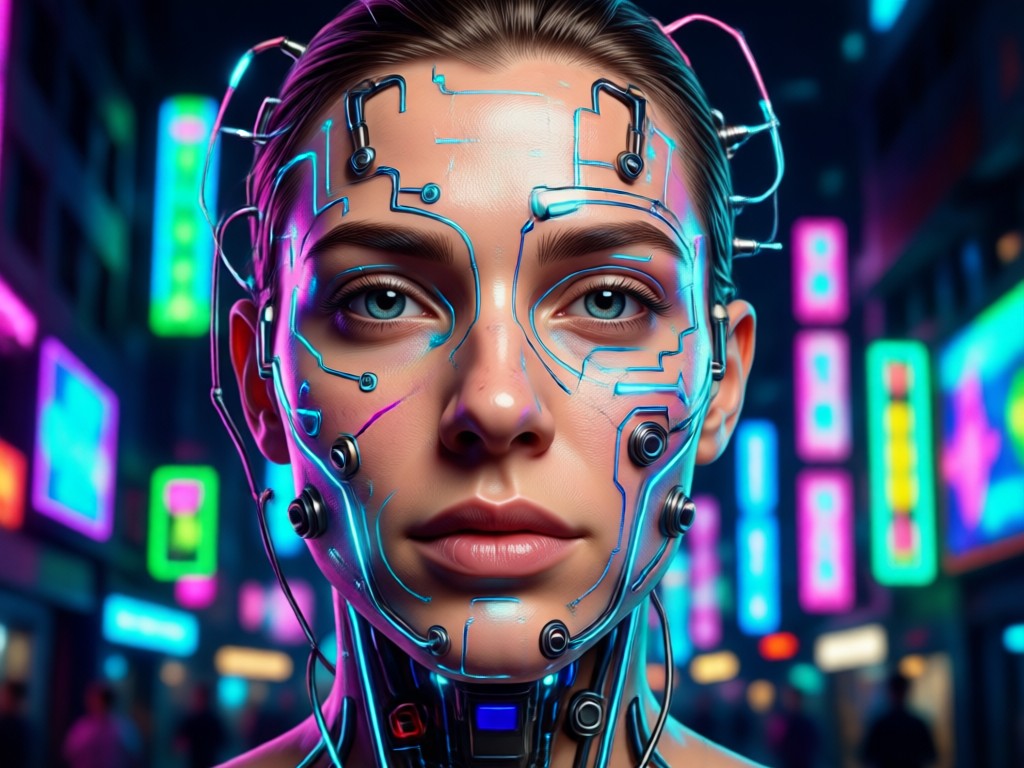
Talking Face Videos
Type a short script and generate a realistic speaking avatar that matches the face in your image. Ideal for greetings and explainers.
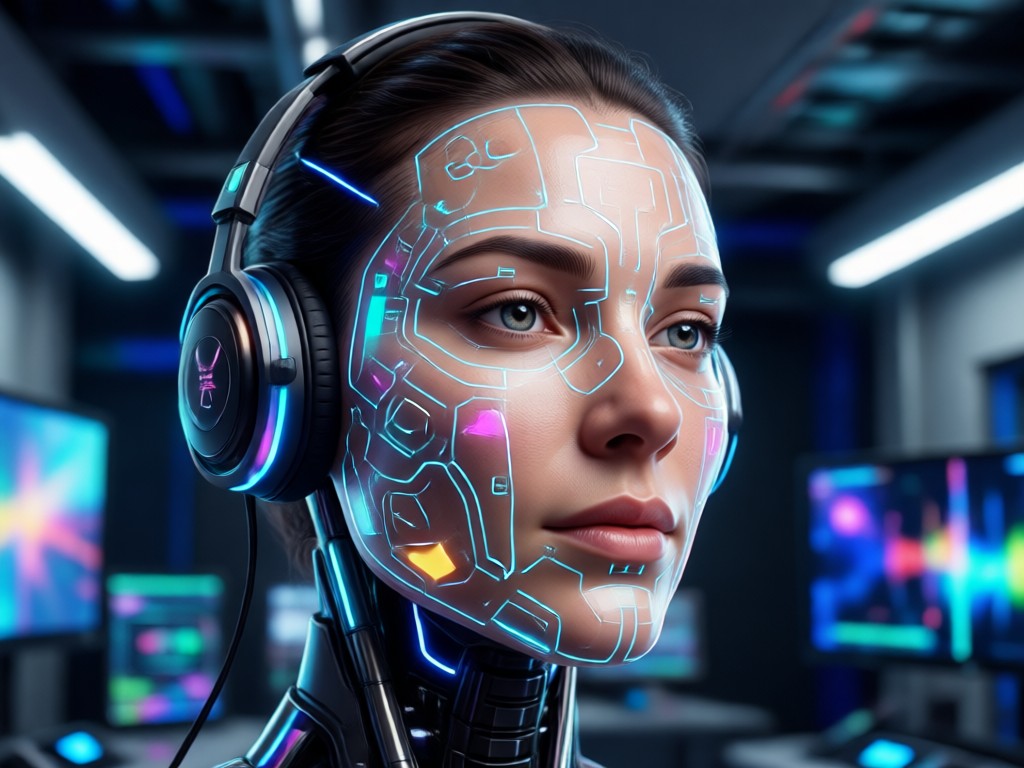
Multi Person Face Animation
Animate group photos without blending faces. veeo keeps each person distinct while adding synchronized natural motion.
AI Face Video Creations Made in veeo
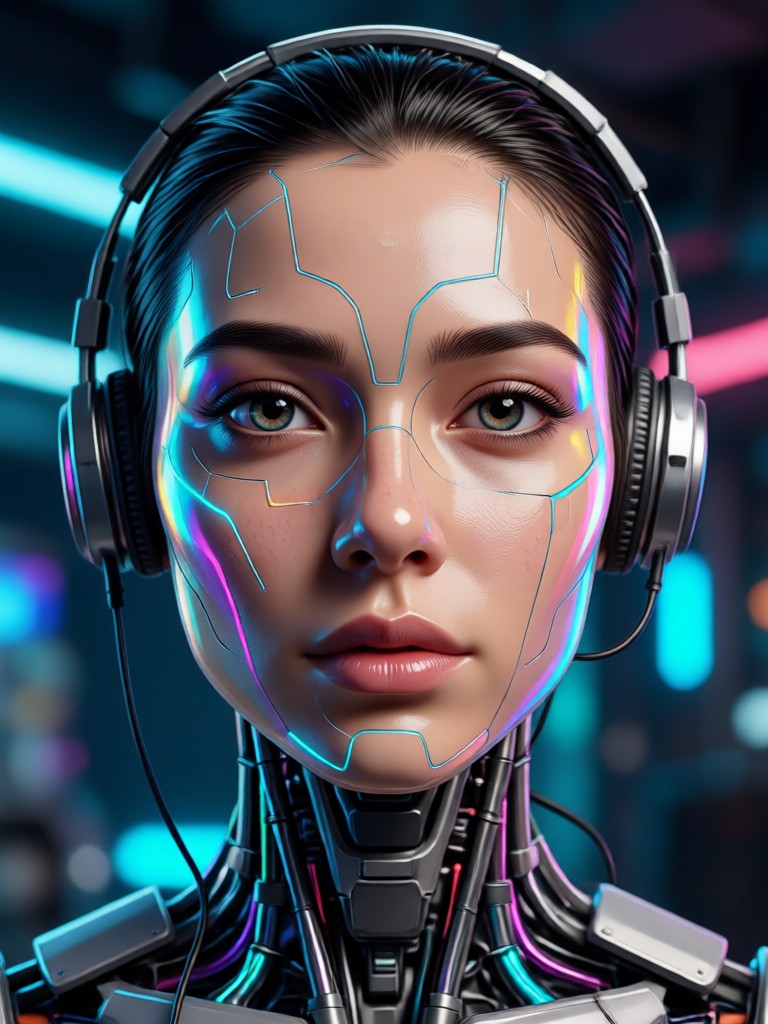
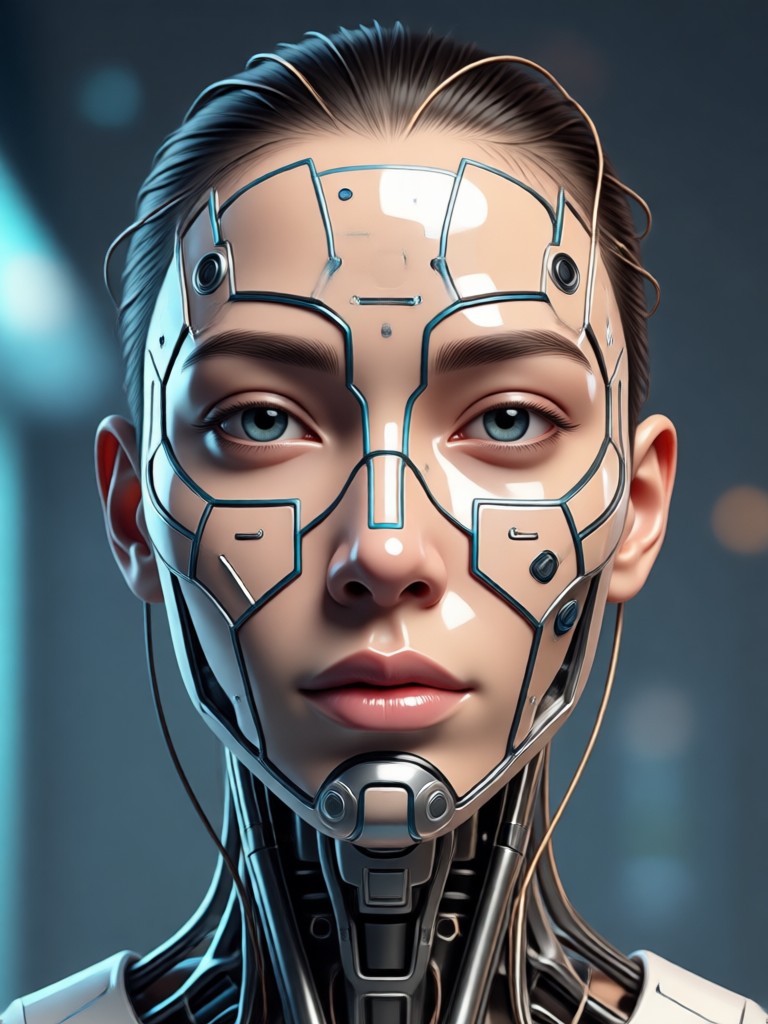
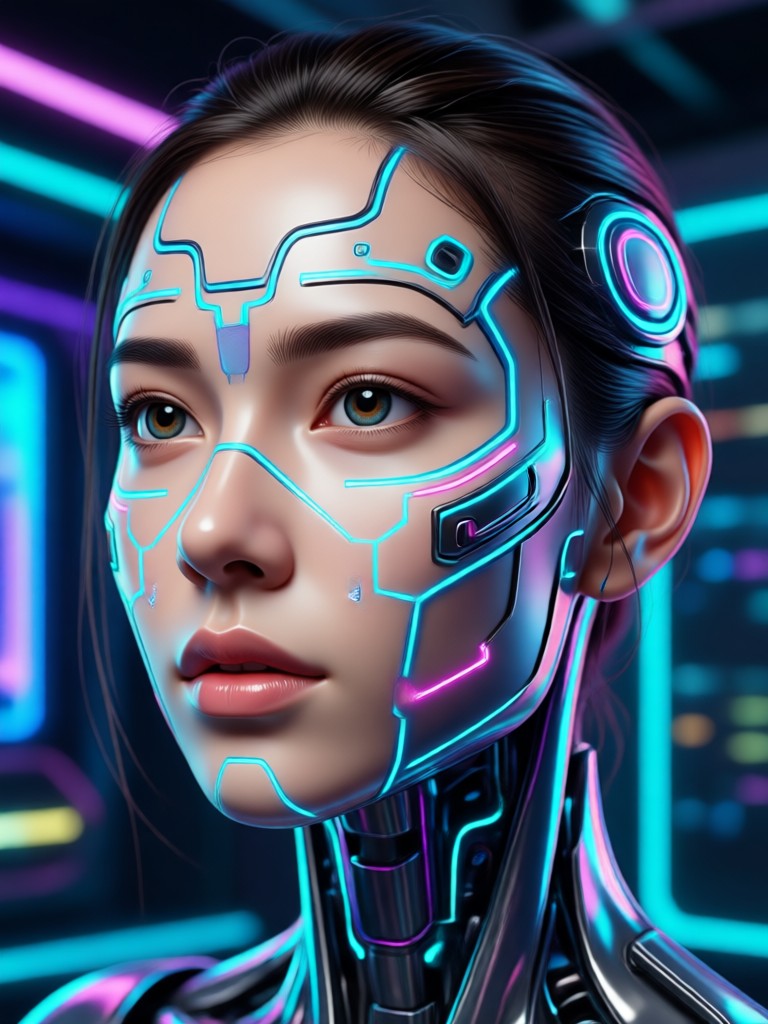
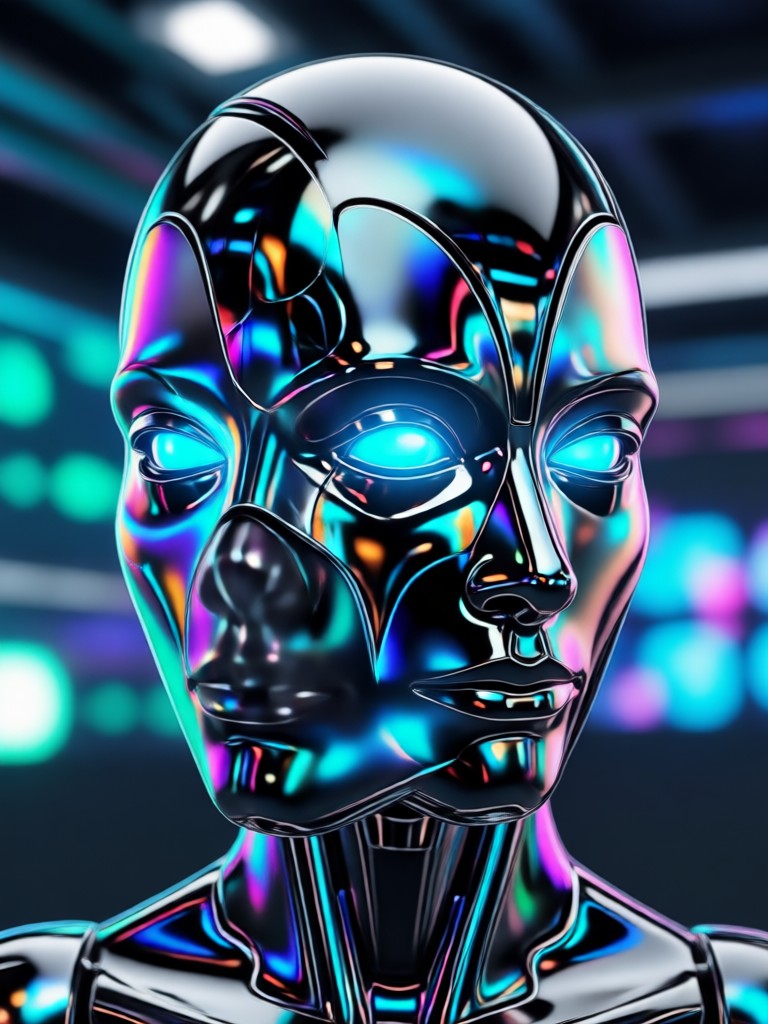
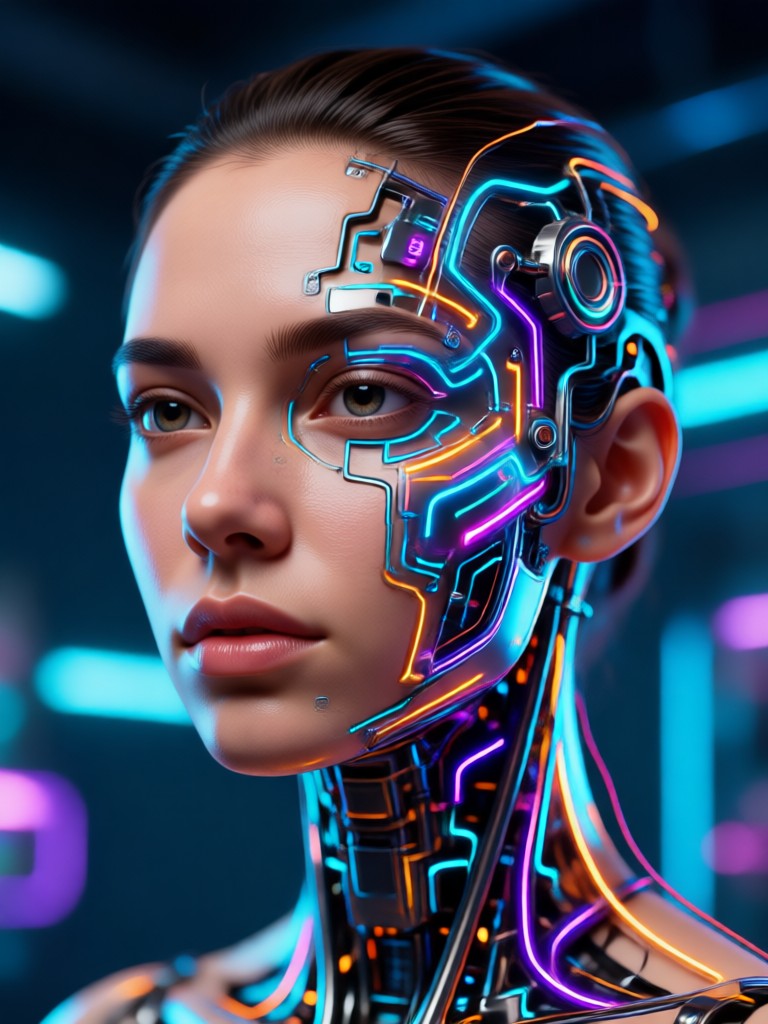
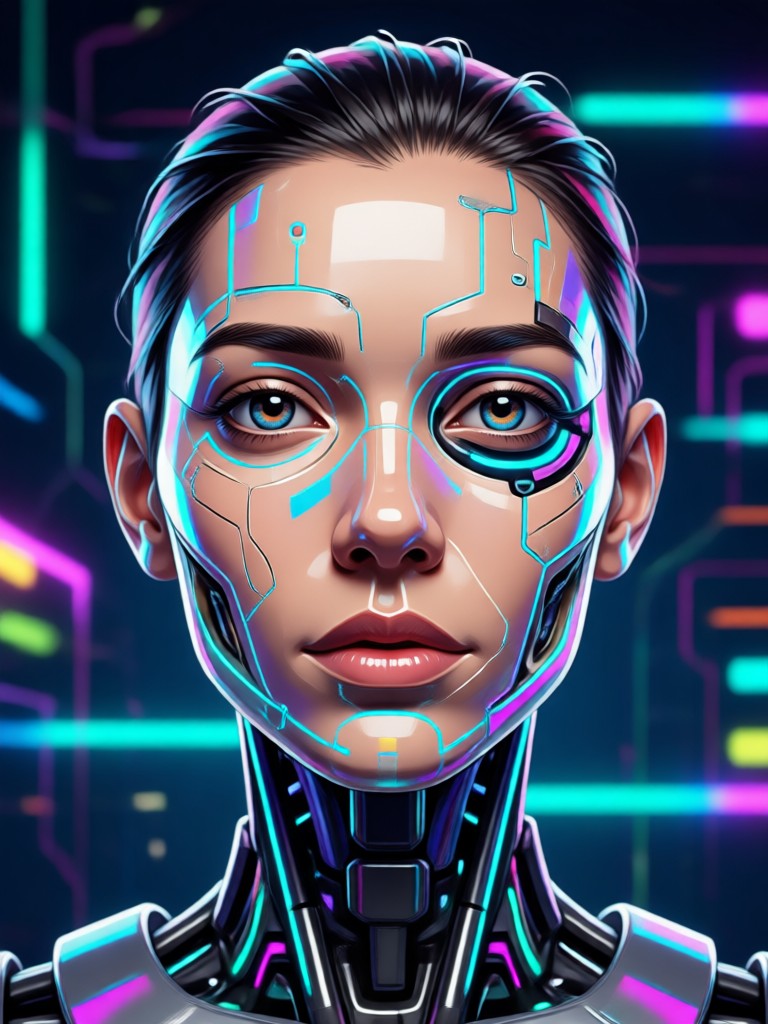
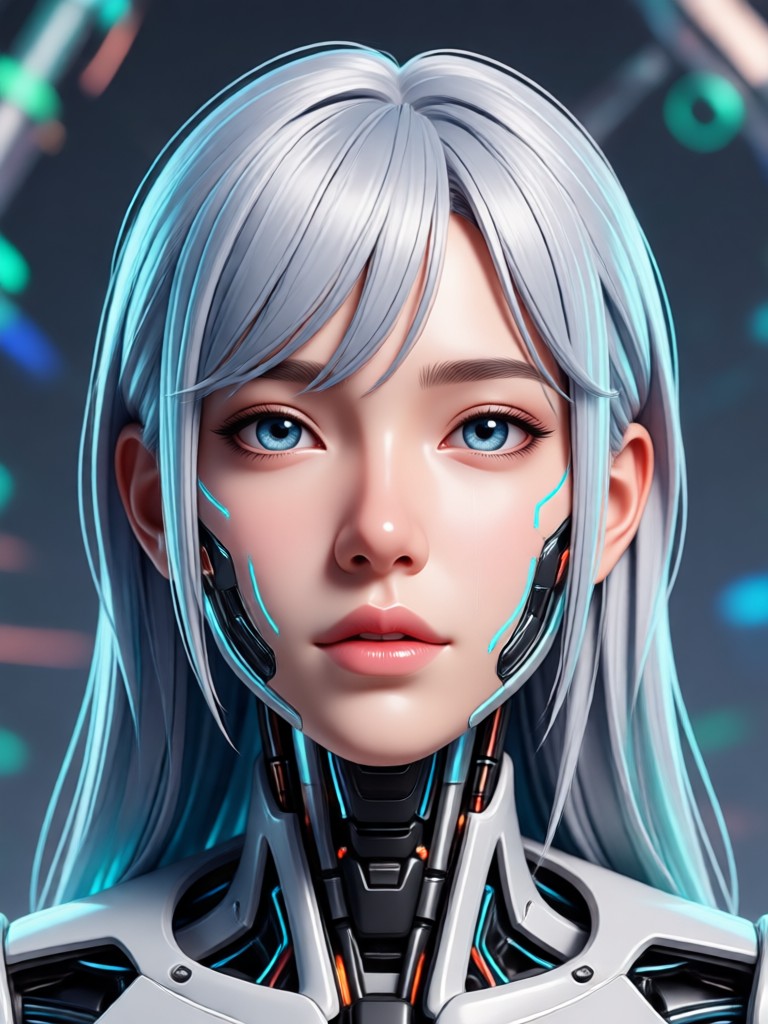
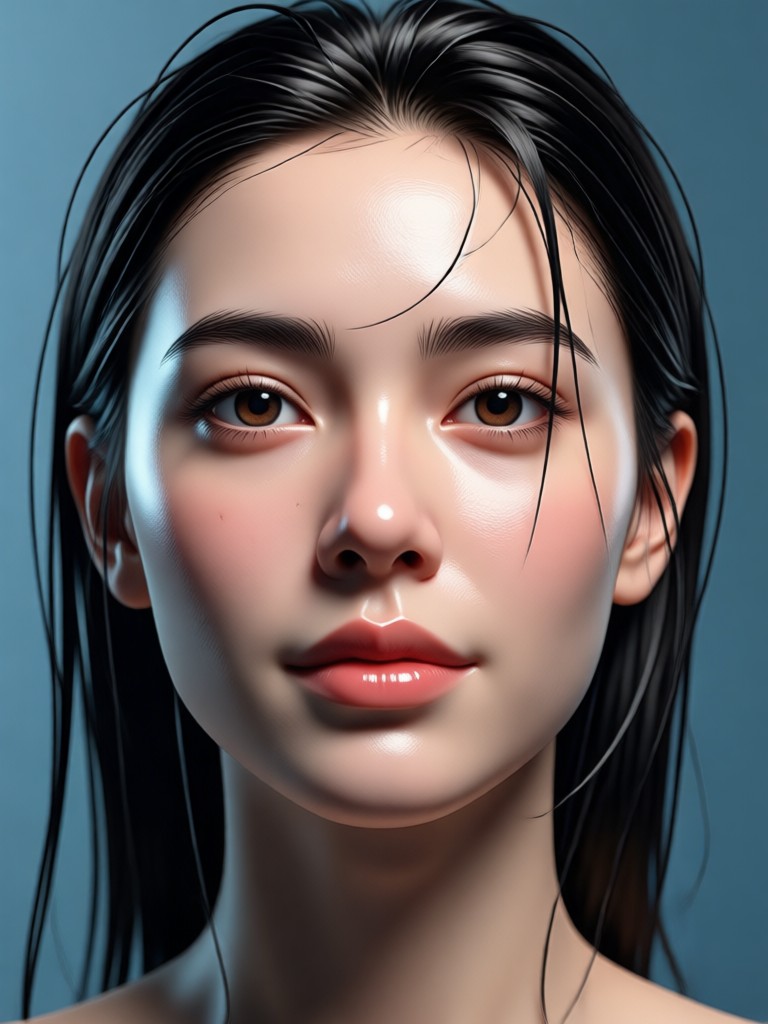
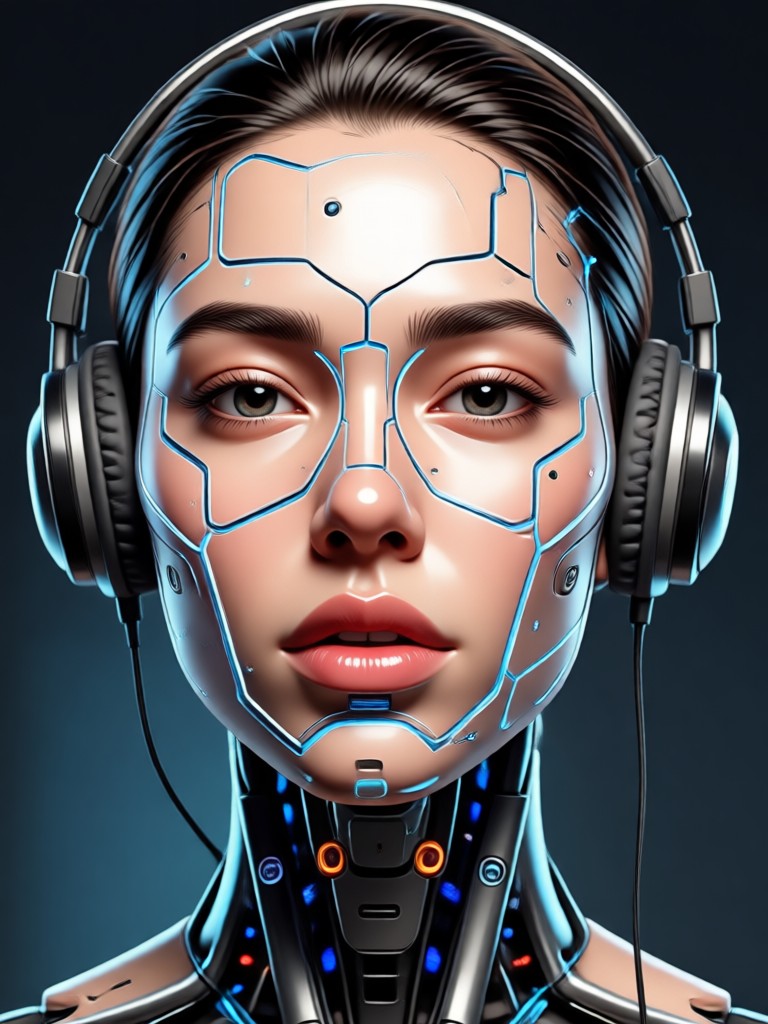
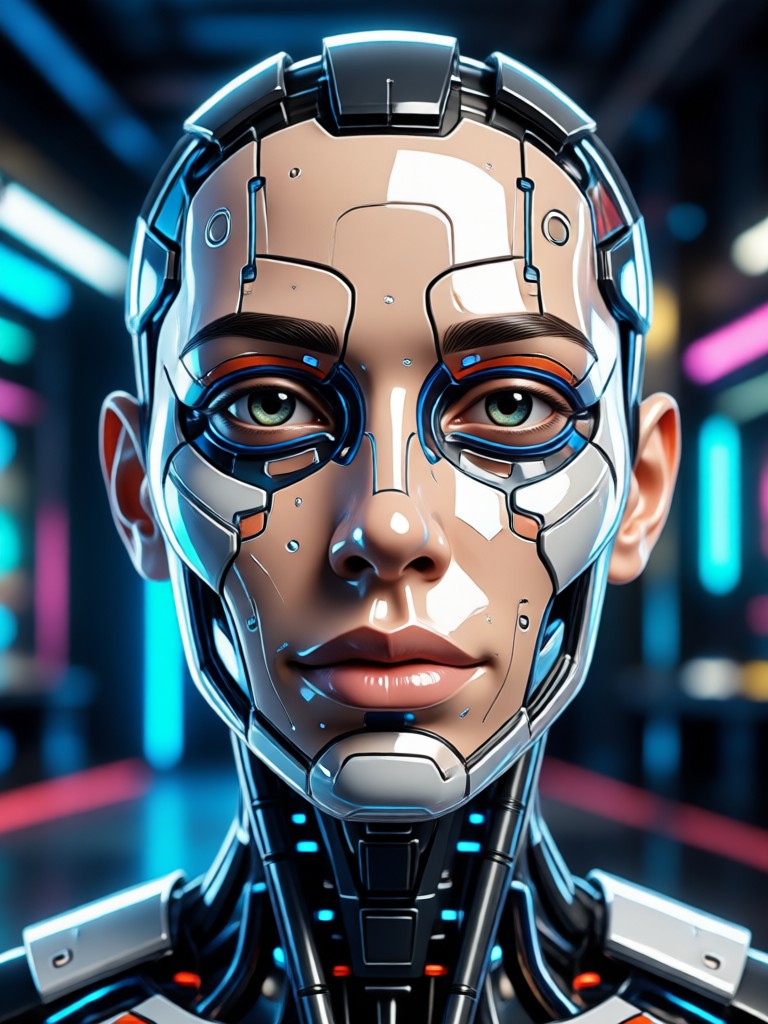
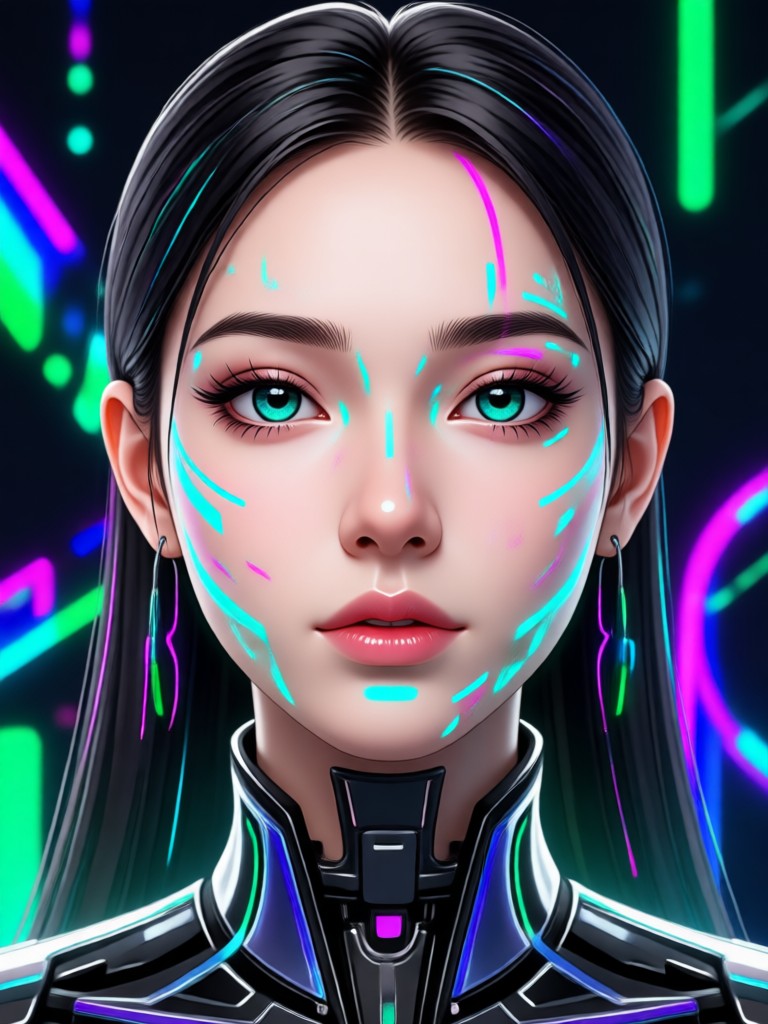
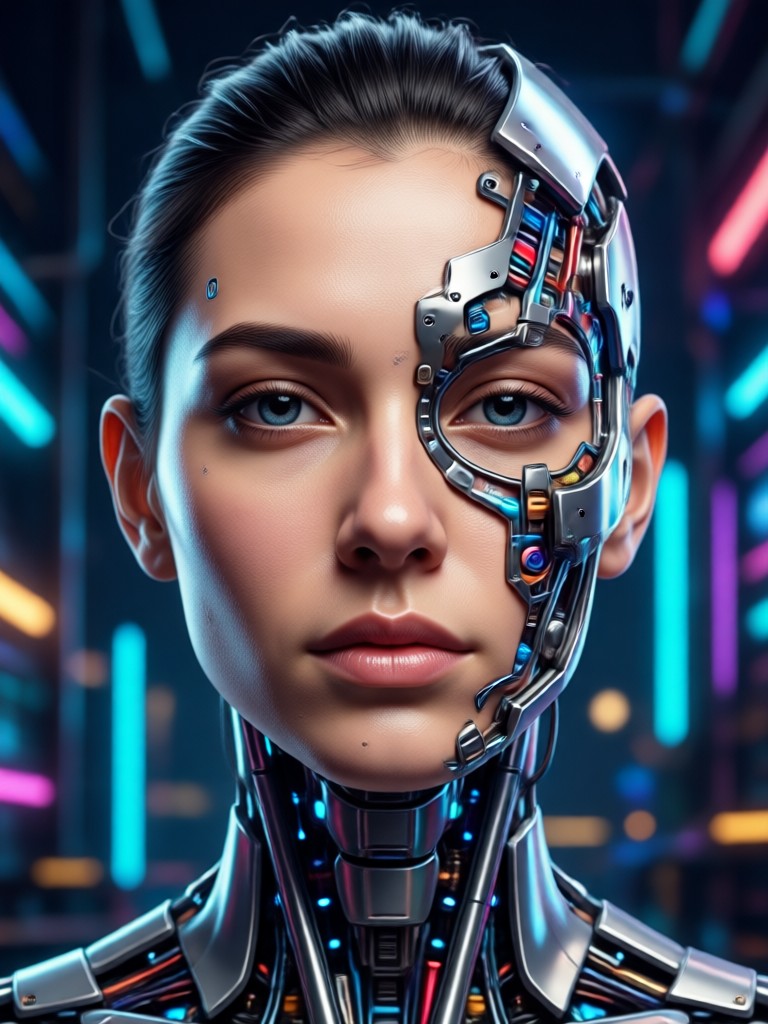
Browse stunning AI generated face videos created with the veeo app. See how still portraits transform into moving, expressive faces ready for social sharing.
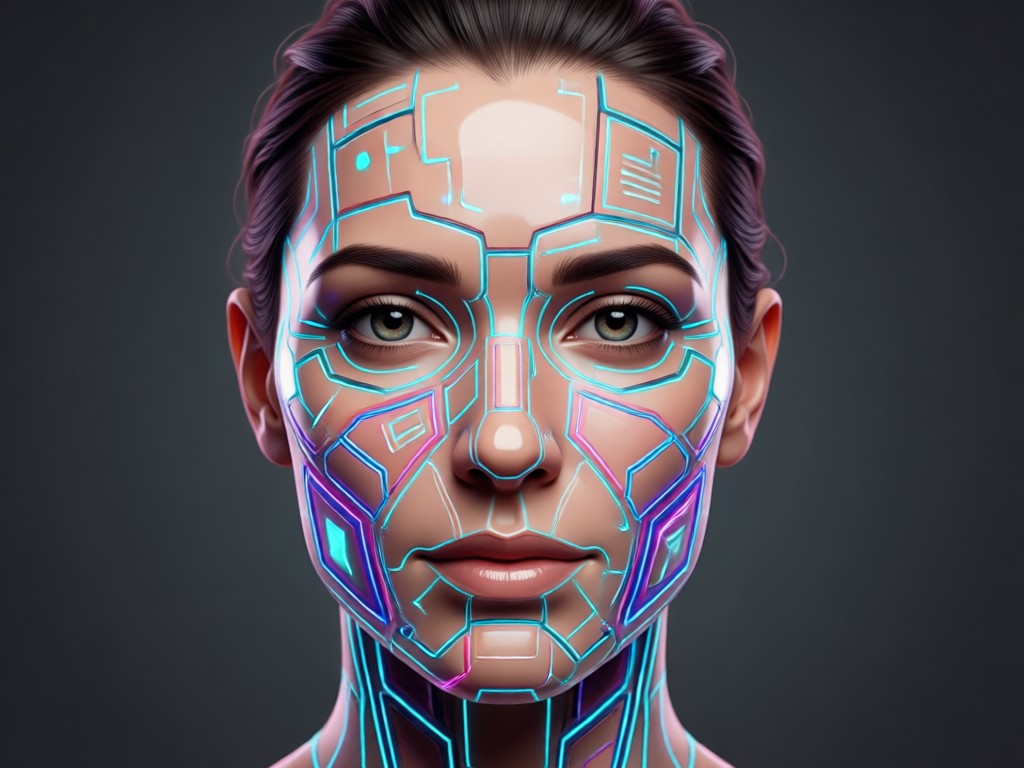
Why veeo Is the AI Face Video Generator Creators Trust
veeo removes the complexity from face animation. Upload a single photo, choose a style, and get a smooth, realistic face video in seconds. No complicated prompts, no desktop software, and no design experience needed. The app handles facial detail, motion flow, and lighting so your results look natural every time.
Why veeo Is the AI Face Video Generator Creators Trust
veeo removes the complexity from face animation. Upload a single photo, choose a style, and get a smooth, realistic face video in seconds. No complicated prompts, no desktop software, and no design experience needed. The app handles facial detail, motion flow, and lighting so your results look natural every time.
How to Use the AI Face Video Generator
Create lifelike face videos from any portrait in three simple steps using the veeo app.
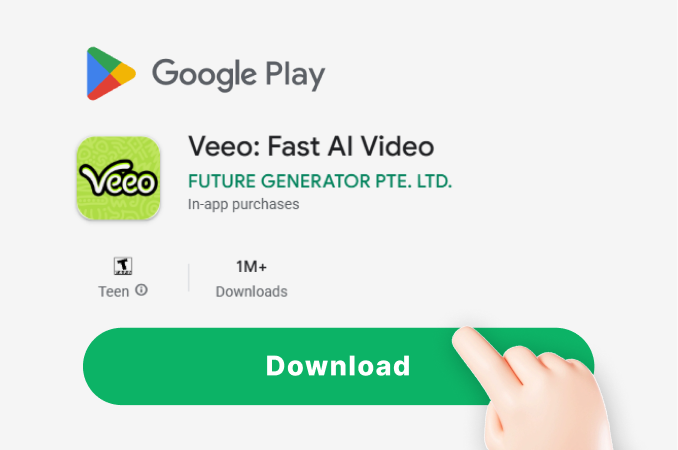
Step 01.
Download the veeo app from Google Play and open the AI Face Video Generator. No account fees or design experience needed to start your first project.
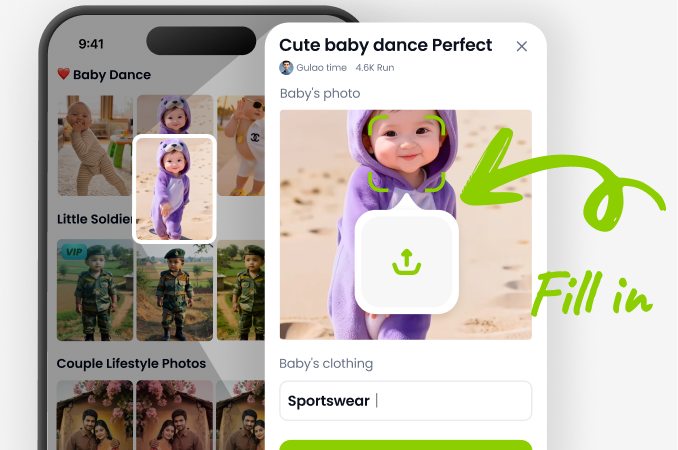
Step 02.
Upload a clear portrait or group photo. Browse the face motion library and pick a filter that matches your idea, from gentle smiles to full speech.
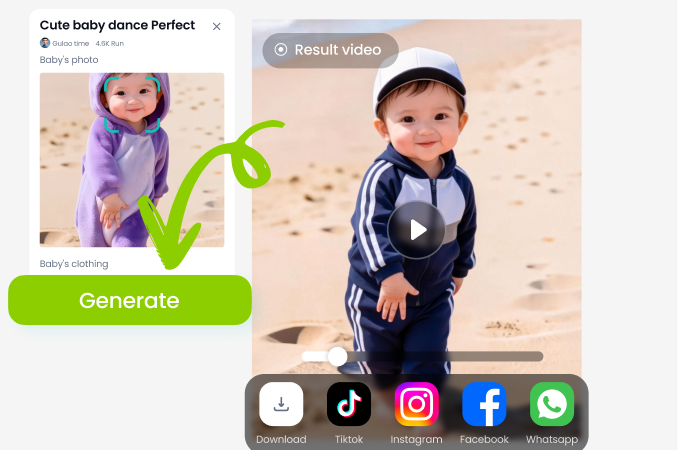
Step 03.
Tap generate and let the AI create your face video. Preview the result, download it to your gallery, and share it on social media in seconds.
Who Uses the AI Face Video Generator
Maya Chen
I turned my grandmother's old portrait into a smiling video. The face motion looked natural and my family cried happy tears.
Liam Foster
As a content creator, I use veeo to make talking avatar intros. It saves me hours of filming and the results always feel polished.
Priya Sharma
Group photos used to be impossible to animate. veeo keeps my whole family clear and moving together, no face swapping or distortion.

Daniel Reed
I had zero design skills. I downloaded veeo, uploaded a photo, and made a realistic face video for my profile in under a minute.
Maya Chen
I turned my grandmother's old portrait into a smiling video. The face motion looked natural and my family cried happy tears.
Liam Foster
As a content creator, I use veeo to make talking avatar intros. It saves me hours of filming and the results always feel polished.
Priya Sharma
Group photos used to be impossible to animate. veeo keeps my whole family clear and moving together, no face swapping or distortion.
Daniel Reed
I had zero design skills. I downloaded veeo, uploaded a photo, and made a realistic face video for my profile in under a minute.
Maya Chen
I turned my grandmother's old portrait into a smiling video. The face motion looked natural and my family cried happy tears.
Liam Foster
As a content creator, I use veeo to make talking avatar intros. It saves me hours of filming and the results always feel polished.
Priya Sharma
Group photos used to be impossible to animate. veeo keeps my whole family clear and moving together, no face swapping or distortion.
Daniel Reed
I had zero design skills. I downloaded veeo, uploaded a photo, and made a realistic face video for my profile in under a minute.
Frequently Asked Questions About AI Face Video Generator
Find clear answers to common questions about creating face videos with veeo.
More AI Face Video Ideas to Explore
Explore more topics you may like and discover fresh ideas tailored to your interests.
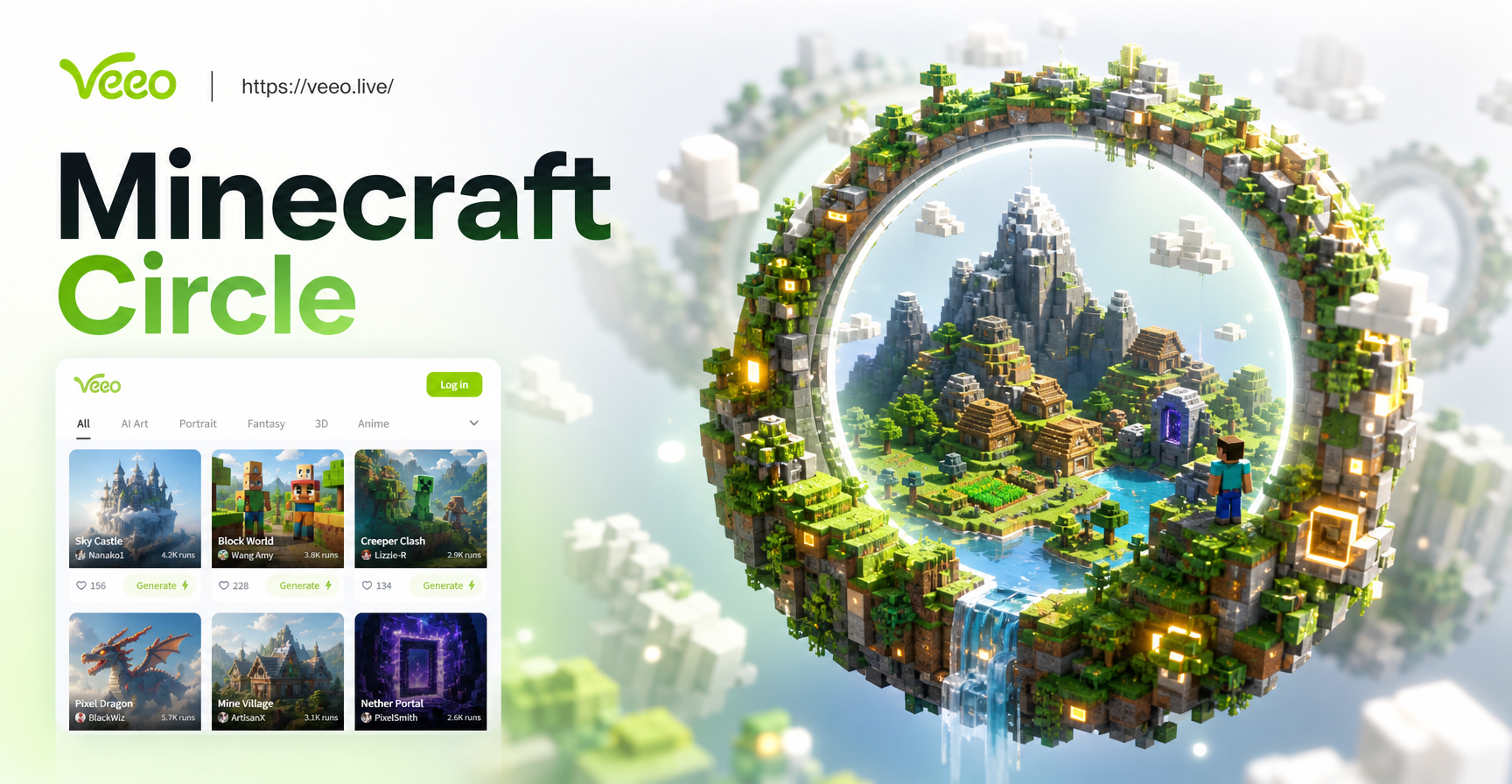
AI Minecraft Circle Generator for Perfect Builds
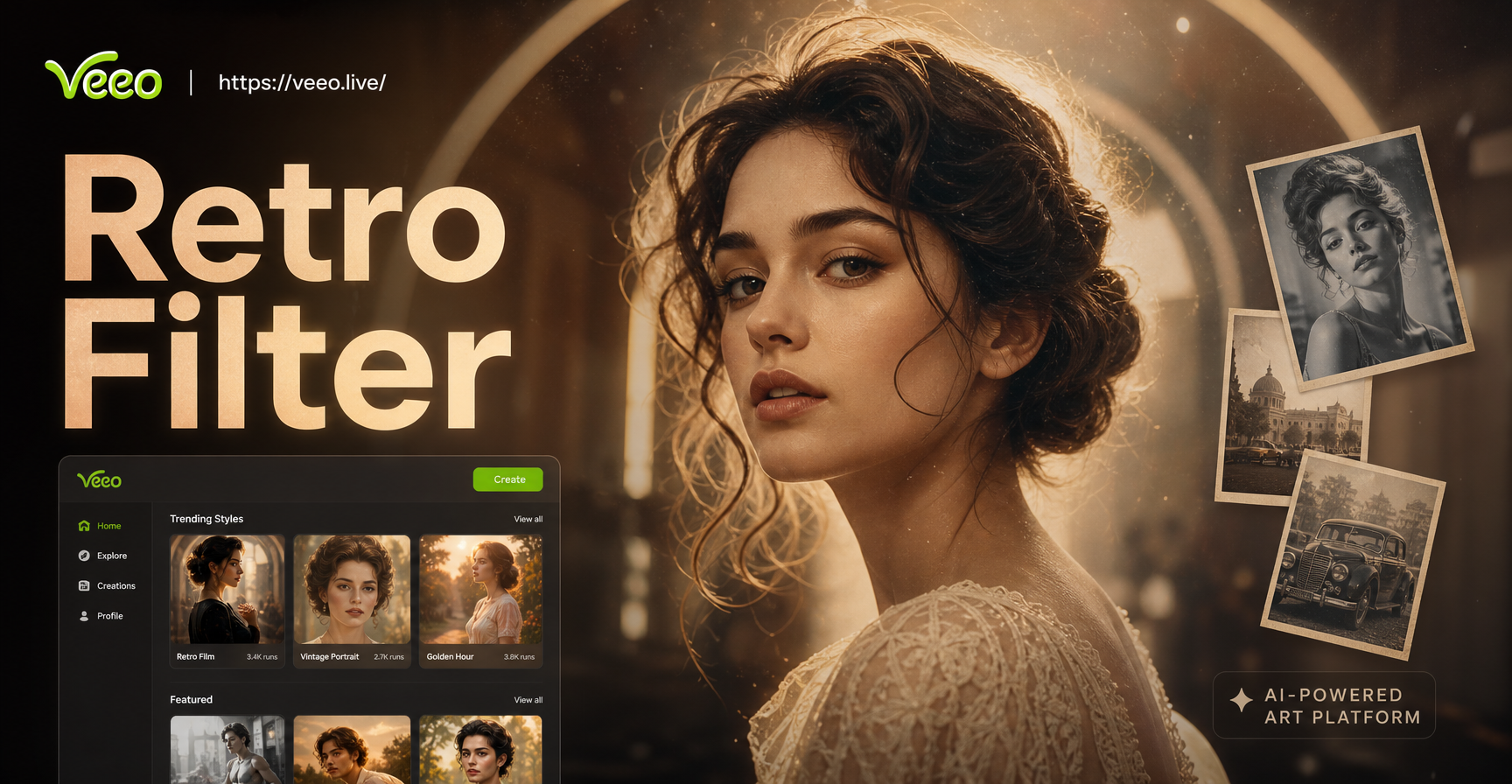
Retro Photo Filter: Turn Modern Photos into Vintage Film

Double Exposure Portrait Generator - AI Powered Creative Tool | veeo
Cinematic Double Exposure Portrait Maker - AI Powered Creative Tool | veeo
AI Minecraft Circle Generator for Perfect Builds
Retro Photo Filter: Turn Modern Photos into Vintage Film
Double Exposure Portrait Generator - AI Powered Creative Tool | veeo
Cinematic Double Exposure Portrait Maker - AI Powered Creative Tool | veeo
Make Every Face Move with veeo
Download veeo from Google Play and start creating shareable AI face videos today. No design skills needed, just a photo and a few seconds.

Make Every Face Move with veeo
Download veeo from Google Play and start creating shareable AI face videos today. No design skills needed, just a photo and a few seconds.