What Makes an Awarapan 2 Photo Edit Distinctive
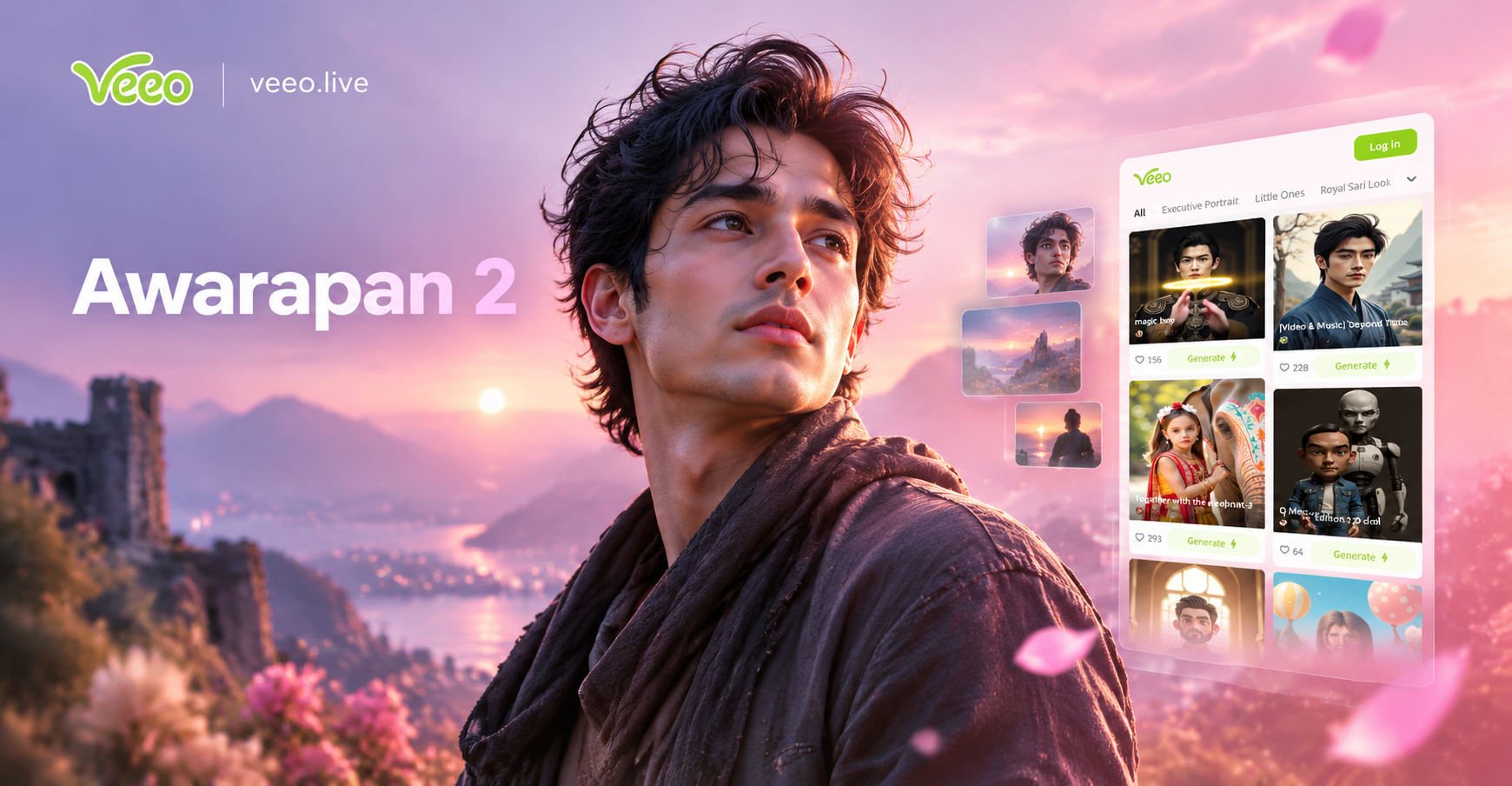
Awarapan 2 is not just another action drama. The visual identity of the film leans on dark interiors, wet streets, neon reflections, and faces caught between anger and regret. If you search for Awarapan 2 AI photo editing prompts, you likely want that same emotional weight in your own photos. The goal is to turn a normal portrait into a frame that feels like it was pulled from the sequel.
The most recognizable Awarapan 2 style edits combine three elements. First, deep shadows that hide part of the face. Second, a restrained color palette built around teal, orange, maroon, and deep blue. Third, atmospheric texture from rain, smoke, dust, or film grain. These details make an image feel like a story is still happening.
Light and Shadow
Awarapan 2 style portraits rarely use flat lighting. Instead, one side of the face often falls into darkness while the other side catches a hard key light. This contrast creates tension and mystery. In the veeo app, you can choose a low key cinematic filter or describe the shadow pattern directly in your prompt.
Color Palette
The color grade matters more than the location. Teal shadows with warm orange skin tones create a commercial Bollywood drama mood. Dark maroon and navy work well for poster style edits. If you want a more emotional scene, desaturate the whole image and leave only one warm accent such as a red dupatta or a burning car.
Character Mood
The subject should look thoughtful, distant, or quietly intense. Avoid big smiles. The Awarapan 2 look is about inner conflict. Even if the original photo is casual, the AI can transform the expression and posture when you describe the mood clearly.
How to Use These Awarapan 2 AI Photo Editing Prompts in veeo
Each prompt below is designed to be used inside the veeo mobile app. The app supports image to image editing, so you can upload a clear portrait of yourself or a friend and let the AI rebuild the scene with the described look. You can also use text to image if you want to generate an original Awarapan 2 style character from scratch.
For image to image editing, follow these steps. First, download veeo from Google Play. Second, open the app and choose the image to image feature. Third, upload a photo where the face is clearly visible. Fourth, select a moody cinematic filter or leave the style choice to the prompt. Finally, paste one of the prompts below and generate. If the first result is too soft, run it again with the prompt repeated twice or add the phrase sharp skin texture, high detail, 35mm film still.
You can also combine a prompt with a style filter. For example, choose a film grain filter in veeo and then use a rain soaked prompt. The filter handles the overall texture while the prompt controls the scene and emotion.
15 Awarapan 2 AI Photo Editing Prompts
These prompts are grouped by mood. Copy any prompt exactly, or change the small details such as the location, outfit, or subject gender to fit your photo. Keep the emotional keywords intact because they carry the Awarapan 2 atmosphere.
Moody Closeup Prompts
- Brooding portrait of a man in a narrow Mumbai lane at night, Awarapan 2 film still, hard side light, deep teal and orange grade, wet skin, intense eyes, 35mm anamorphic lens, visible film grain.
- Silhouette of a man holding a phone near a fogged window, dark room lit by a single tungsten lamp, Awarapan 2 poster style, deep shadows, maroon and black palette, cinematic composition.
- Rain soaked face closeup, wet hair, tears mixing with rain, street light bokeh in background, Awarapan 2 emotional climax scene, cinematic still, desaturated blue and cyan palette.
- Portrait of a man half in shadow with one eye lit by green neon, Awarapan 2 inner conflict theme, dark navy background, sharp skin texture, dramatic low key lighting.
Neon and Underworld Prompts
- Cinematic photo of an Indian woman in a red dupatta staring into the distance on a monsoon street, neon reflections on wet asphalt, Awarapan 2 sequel aesthetic, anamorphic lens flare, moody rain.
- Male character in a black shirt leaning against a vintage car at night, dim street lamp, Awarapan 2 gangster drama look, high contrast, shallow depth of field, 85mm portrait.
- Gritty Awarapan 2 frame of a character smoking near a dock at night, neon sign in Hindi blurred in background, cinematic color grade, atmospheric haze, film noir mood.
- Underworld character in a leather jacket walking through a crowded bazaar, motion blur, low angle, Awarapan 2 action drama, photorealistic film still, dusty air, warm practical lights.
Rain and Redemption Prompts
- Devotional pose with folded hands in front of a small Hindu temple, harsh sunlight cutting through darkness, Awarapan 2 redemption theme, warm amber highlights and cool blue shadows.
- Couple standing apart in an old corridor, faces partially hidden, emotional distance, Awarapan 2 love story motif, dusty golden light, soft haze, muted earth tones.
- Wide shot of a hero standing on a rooftop at dawn, city skyline behind him, white shirt moving in wind, Awarapan 2 freedom scene, cool morning tones, soft blue horizon.
Action and Climax Prompts
- Action frame of a muscular male torso in a wet white shirt, dark forest background, Awarapan 2 fight sequence, dramatic rim light, heavy rain, motion captured mid movement.
- Female character in a modern salwar kameez checking a rearview mirror in a vintage car, tense eyes, Awarapan 2 thriller mood, desaturated colors with muted gold accents.
- Final shot of a man walking away from a burning car, slow shutter, floating debris, Awarapan 2 climax, smoky air, orange fire against deep blue night, cinematic wide angle.
- Closeup of hands holding an old photograph, cigarette smoke curling upward, Awarapan 2 nostalgic flashback, sepia and teal split tone, intimate framing, film grain.
How to Adapt These Awarapan 2 Prompts to Your Own Photos
Not every photo will work with every prompt. For a closeup face, choose one of the moody closeup prompts and remove the scene description if the background of your original photo is too busy. You can replace Mumbai lane with your actual city, or replace leather jacket with a plain black kurta. The key is to keep the light and color words.
If you are editing a couple photo, use the couple standing apart prompt and add details about the actual background in your image, such as an old staircase, a courtyard, or a balcony. This helps the AI preserve the relationship between the two people while changing the emotional tone.
For a full body action shot, choose a wide angle prompt and include clothing details. Wet fabric, white shirt, and rim light are strong Awarapan 2 markers. If the AI misses the motion, add the phrase mid movement, slow shutter, or dynamic pose.
How to Fix Common Weak Results
If the Face Looks Too Soft
Add sharp skin texture, detailed eyes, 35mm lens, and high resolution to the end of your prompt. In veeo, avoid filters that smooth skin too much. Use a cinematic or film grain filter instead of a beauty filter.
If the Colors Look Flat
Repeat the color words. Write teal and orange color grade, deep shadows, high contrast at the end. You can also run the image through the same prompt twice in image to image mode to strengthen the grade.
If the Background Takes Over
Use the phrase shallow depth of field or background blur. This keeps attention on the subject. In your prompt, put the subject first and the background second. For example, start with brooding portrait of a man and then add the scene.
If the Awarapan 2 Mood Feels Off
Avoid words like bright, cheerful, or vibrant. They fight against the dark emotional tone. Stick to dark shadows, rain, neon, wet asphalt, dust, and film grain. One strong emotional phrase such as inner conflict or redemption theme also helps.
Choosing the Right veeo Filter for Awarapan 2 Edits
The veeo app includes a large library of style filters. For Awarapan 2 photo editing prompts, look for filters tagged cinematic, film noir, moody portrait, rain, or vintage film. A realistic photography filter works better than an anime or 3D filter when you want a live action film still. If you want a poster style edit, a dark graphic filter with high contrast can mimic the look of a teaser banner.
You can stack the filter effect with the prompt. First apply a rain or neon filter, then paste a prompt that describes the same environment. The AI will blend both directions and usually produce a stronger result than using only a prompt.
Final Checklist for an Awarapan 2 Style Edit
- Upload a photo with a clear face and enough space around the subject.
- Choose a low key, cinematic, or film grain filter in veeo.
- Paste one prompt from the list and keep the mood words intact.
- Add sharp skin texture and high contrast if the first result is too soft.
- Generate two or three versions and keep the one with the most dramatic side light.
- Share the final still with a short quote or song lyric to complete the Awarapan 2 vibe.
These Awarapan 2 AI photo editing prompts give you a complete starting point for creating emotional, cinematic portraits that feel like scenes from the movie. Download veeo, open the image to image editor, and test one prompt today. The right combination of shadow, rain, and restrained color can turn an ordinary photo into a frame with real story weight.