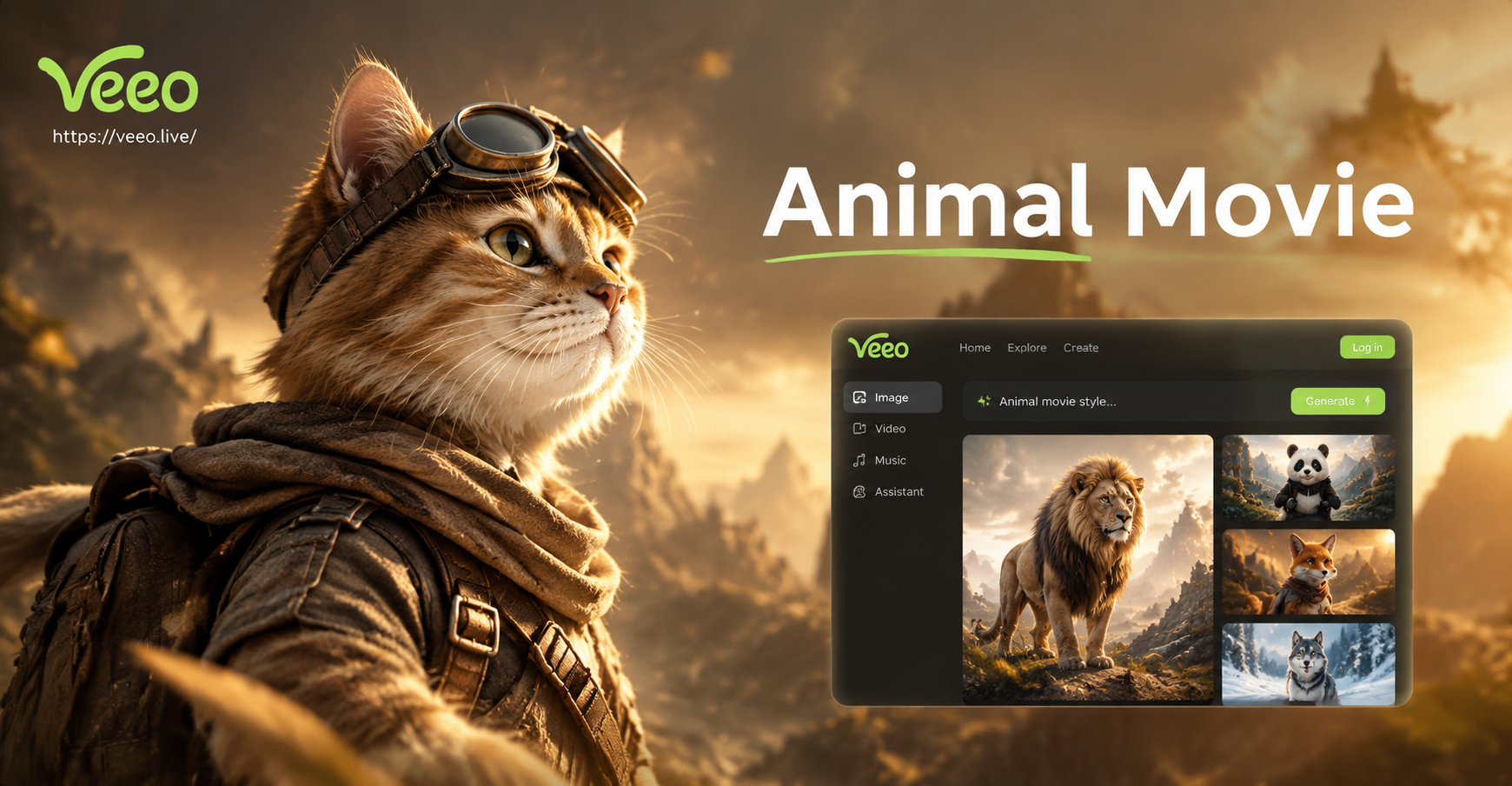
Animal movie AI photo editing prompts are specific text instructions you feed to an AI image editor to transform an existing photo into a frame that looks like it belongs in a wildlife documentary, a 3D animated animal film, or a dramatic animal adventure poster. Instead of painting each detail by hand, you describe the animal, the movie style, the lighting, and the camera angle. The AI then applies that cinematic language to your original photo. This guide collects more than 30 ready to use prompts, explains how to adapt them, and shows how to fix weak results when the animal or movie feel does not come through.
What Makes a Strong Animal Movie AI Photo Editing Prompt
A strong animal movie prompt includes four elements. First, tell the AI you are editing an existing photo. Phrases like 'turn this photo into' or 'use this image as a reference' activate image to image editing rather than generating from scratch. Second, name the target animal clearly. If you upload a pet photo and want a wolf, say 'keep the face shape but add thick gray fur and amber eyes'. Third, describe the movie genre or visual style. Words like wildlife documentary, Pixar style, film noir, or adventure poster push the AI toward a specific cinematic language. Fourth, add lighting and camera details. Cinematic rim light, golden hour, shallow depth of field, and film grain all tell the model that this is not a casual snapshot but a frame from a film.
You can use these prompts in the veeo app by uploading a photo and choosing an image to image style filter. The app accepts plain language, so you do not need complex prompt engineering syntax. Just describe the animal, the scene, and the movie mood.
36 Animal Movie AI Photo Editing Prompts
Copy and paste the prompts below into any AI photo editor. Each one works best when you first upload a clear photo of a pet or wildlife subject. You can also adjust the animal species, background, and style to match your original image.
Realistic Wildlife Documentary Prompts
- Turn this photo into a realistic wildlife documentary still. A snow leopard pauses on a rocky ledge in the Himalayas, cold blue morning light, fine fur detail, telephoto compression, muted earthy tones.
- Edit this image into a National Geographic style frame. A young elephant walks through tall golden grass at sunrise, dust particles in the air, warm rim light, shallow depth of field.
- Transform this pet photo into a realistic wolf scene. Keep the face shape but add thick gray fur, amber eyes, and a forest background at dusk, soft cinematic light.
- Make this photo look like a still from a nature film about arctic foxes. White fur, small ears, snowy tundra, overcast sky, gentle falling snow.
- Rework this photograph as a realistic lion pride resting under an acacia tree, late afternoon sun, long shadows, film grain, 35mm documentary style.
- Turn this image into a wildlife movie still of a humpback whale breaching near the surface, deep blue ocean, dramatic light rays from above, fine water droplets.
- Edit this cat photo into a realistic lynx on a snow covered branch, tufted ears, intense yellow eyes, winter forest bokeh.
- Convert this photo into a documentary frame of a cheetah sprinting across the savanna, motion blur on the legs, sharp focus on the eyes, golden hour.
- Make this image a realistic red fox in autumn woodland, orange fur against fallen leaves, soft mist, backlit fur glow.
- Turn this original into a cinematic wildlife close up, a grizzly bear emerging from a river, water splashes frozen mid air, dramatic side lighting.
Animated Animal Film Style Prompts
- Transform this photo into a Pixar style 3D animated animal film still. The subject becomes a brave golden retriever with expressive eyes and a small red scarf, standing on a cliff overlooking a vast green valley, warm cheerful lighting.
- Edit this image into a DreamWorks style animation scene. A mischievous raccoon holding a shiny object, city alley at night, neon signs, cartoonish proportions, soft shadows.
- Make this pet photo a Studio Ghibli style hand drawn animal movie frame. A small cat with large curious eyes sits beside a forest spirit, watercolor textures, gentle pastel background.
- Turn this picture into a 3D animated animal adventure movie shot. A young penguin waddles across a bright ice field, colorful aurora in the sky, stylized snow particles, vibrant blues and greens.
- Rework this photograph as a stop motion animal film still. A fox made of felt and button eyes, miniature forest set, warm practical lighting, whimsical mood.
- Convert this image into a charming animal animation frame. A rabbit in a tiny coat carries a lantern through a misty meadow at night, soft glow, storybook style.
- Edit this image into an animated animal musical scene. A group of forest animals gathered around a campfire, one owl conducting with a stick, firelight on their faces, gentle cartoon style.
- Make this pet portrait a high quality 3D render of a heroic husky in a snowy mountain, fluffy fur, determined expression, cinematic winter action movie look.
- Turn this photo into a cute animal movie promo still. A baby elephant with oversized ears and big eyes plays with a butterfly, lush jungle background, bright saturated colors.
- Transform this original into a claymation animal film style shot. A turtle with a tiny top hat walking on a beach at sunset, textured clay surface, playful character design.
Dramatic Animal Adventure Poster Prompts
- Turn this photo into a dramatic animal adventure movie poster. A lone wolf howls on a mountain peak, storm clouds gather, a full moon lights the scene, bold title space at the top, realistic fur.
- Edit this image as a fantasy animal epic poster. A stag with glowing antlers stands in a dark enchanted forest, fireflies around, deep shadows, cinematic color grade.
- Make this pet photo a superhero animal movie poster. A caped cat leaps over a city skyline at dusk, wind blowing through fur, dramatic low angle, comic book style lighting.
- Transform this photo into a survival movie poster. A polar bear stands on a small ice floe under a grey sky, lonely composition, muted blues and whites, film grain.
- Rework this image into a swashbuckling animal adventure poster. A fox pirate captain with an eyepatch and tricorn hat, ship deck behind, ocean spray, warm sunset tones.
- Convert this image into a mysterious animal noir poster. A black panther moves through a rainy neon lit street at night, reflections on wet pavement, high contrast shadows.
- Edit this photo into a sci fi animal movie one sheet. A space suited raccoon floats in orbit with Earth in the background, dramatic rim light, deep blacks and silvers.
- Create a dramatic animal war movie poster from this image. A bald eagle dives through smoke, sharp wings, battlefield below in soft focus, gritty texture.
Cute Pet Movie Character Prompts
- Turn this photo into a heartwarming family animal film still. A cavalier King Charles spaniel wearing a tiny sweater waits at a train station, soft morning light, shallow depth of field.
- Edit this image as a cute animal comedy scene. A chubby hamster in a mini chef hat cooks in a tiny kitchen, flour on its nose, bright cheerful lighting, animated style.
- Make this pet photo a coming of age animal movie shot. A young border collie looks out a rainy window, sad but hopeful expression, warm interior light, cinematic reflection.
- Transform this picture into a whimsical pet adventure film frame. A guinea pig with a tiny backpack walks along a forest path, mushrooms and ferns around, storybook quality.
- Rework this photo as a cozy animal film moment. A sleeping kitten curled in a sunbeam on a wooden floor, dust motes floating, golden afternoon light, macro detail.
- Convert this image into a funny animal movie trailer still. A pug wearing a detective hat peers over a newspaper, moody noir lighting, humorous expression.
- Edit this original into a tender animal drama close up. An old dog with grey muzzle rests its head on a lap, soft tears in the owner's eye, warm muted tones.
- Turn this photo into a playful animated pet movie scene. Two puppies chase a red ball through a field of daisies, motion and joy, bright pastel colors.
How to Adapt These Prompts for Your Own Photos
Every photo is different, so the best prompt is one that respects your original subject. Start by deciding what should stay from the source image. If you want the pet's face to remain recognizable, add a phrase like 'keep the original facial expression and eye color' before describing the new animal body or costume. If you are editing a landscape photo without a clear subject, say 'add a realistic red fox in the foreground' instead of 'turn the subject into a fox'. Next, swap the environment to match your photo. A prompt that says 'snowy tundra' will look wrong on a beach photo, so change it to 'sunny coastal cliff' or whatever fits. Finally, adjust the style words to match your desired movie genre. Replace 'wildlife documentary' with 'Pixar style' or 'film noir' to get a completely different result from the same photo.
You can also combine prompts. For example, if you like the lighting from the wolf prompt but want a different animal, write 'lone mountain lion howls on a mountain peak, golden hour rim light, cinematic wildlife poster'. The AI will follow the structure of the original prompt while applying your new subject.
Fixing Weak Results from Animal Movie Prompts
Sometimes the AI returns an image that looks more like a generic portrait than a movie still. Use these targeted fixes to strengthen the output.
- Problem: The animal does not look like the animal you asked for. Fix: Add the species name twice and describe specific features. Instead of 'fox', write 'red fox with white chest, pointed ears, bushy tail, orange fur'. Also add 'keep the original face shape' if you want a pet to remain recognizable.
- Problem: The lighting looks flat and ordinary. Fix: Add cinematic lighting words such as 'golden hour rim light', 'dramatic side lighting', 'soft window light', or 'neon noir shadows'. These phrases tell the AI to create contrast and depth.
- Problem: The animation style looks too generic or cartoonish. Fix: Specify a studio or technique. Use 'Pixar style 3D render', 'hand drawn watercolor animation', 'stop motion felt', or 'cell shaded animation'. The more specific the style, the more intentional the result.
- Problem: The background is empty or boring. Fix: Describe the environment like a film set. Add details such as 'mountain ridge at dawn', 'rainy city street with neon signs', 'enchanted forest with fireflies', or 'savanna with acacia trees'. A strong background anchors the movie feel.
Using veeo for Animal Movie Photo Editing
You can put these animal movie AI photo editing prompts to work in the veeo mobile app. Open the app, choose the image to image option, and upload your photo. Then select a style filter that matches your goal, such as realistic photography for wildlife stills or animation for Pixar style scenes. Paste one of the prompts above into the text field and generate. veeo applies the instruction while preserving the original photo as a reference, which helps keep your subject and composition consistent. You can run the same prompt multiple times and pick the best version, then refine the wording to shift the mood or details.
Final Tips for Consistent Animal Movie Results
Keep one animal as the main subject. Prompts that ask for several animals at once can confuse the AI and produce merged or unnatural faces. Describe the animal's expression and posture, not just its species. A 'brave golden retriever standing on a cliff' is more cinematic than 'dog on cliff'. Use movie vocabulary like 'close up', 'wide shot', 'low angle', and 'establishing shot' to control composition. Add texture words such as 'fur detail', 'feather texture', 'film grain', or 'watercolor paper' to increase realism or stylization. Finally, treat the first result as a draft. Small changes to the prompt often create a dramatically better frame, so iterate until the animal movie feel is unmistakable.