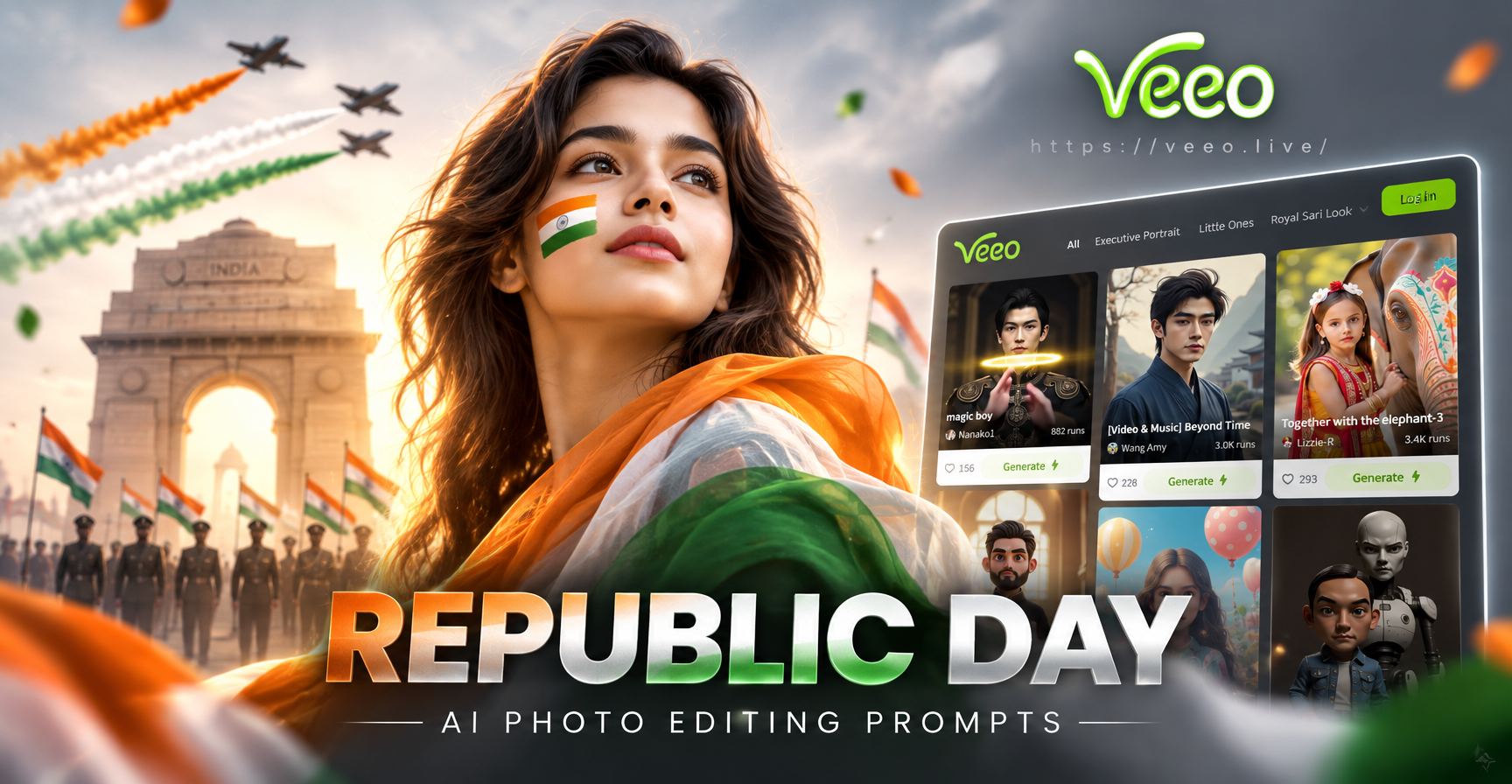
Republic Day AI photo editing prompts give you a quick way to transform a normal portrait into a patriotic image for January 26. Instead of spending hours in a complex editor, you can upload a photo to the veeo app, paste a ready-made prompt, and let the AI add tricolor elements, flags, or a historical look. This article collects practical prompts you can use right away. The prompts work best in veeo's image-to-image mode, where you keep your face and pose while the AI changes the background, outfit, and mood.
Why Use AI Prompts for Republic Day Photo Editing?
Republic Day photos often need a few consistent visual cues. The Indian tricolor, a confident pose, soft light, and a clean or festive background all tell the viewer this image belongs to the national celebration. A good AI prompt spells out those cues for the model. When you describe the flag, the lighting, the clothing, and the emotion, the AI does not have to guess. The result looks intentional instead of random.
How to Generate Republic Day Edits in veeo
- Download the veeo app from Google Play on your Android phone.
- Open image-to-image and upload a clear front-facing or half-body photo.
- Choose a style filter such as realistic photography, cinematic, or digital art.
- Copy one of the prompts below and paste it into the text field.
- Tap generate and save the result you like best.
What Makes a Good Republic Day AI Prompt?
A usable prompt names the subject, the clothing, the background, the lighting, and the final mood. For example, a basic prompt says make it look patriotic. A better prompt says transform this portrait into a Republic Day celebration photo, add a clean tricolor background, keep the face realistic, use soft morning light, and add a small flag pin on the chest. The extra details remove guesswork and give the AI a clear target.
Republic Day AI Photo Editing Prompts
1. Tricolor Portrait Prompts
- Transform this portrait into a Republic Day celebration photo. Add soft saffron, white, and green studio lighting across the background, keep the face realistic, and add a gentle proud smile.
- Edit this photo into a clean tricolor portrait. Use a white background with subtle saffron and green rim light on the shoulders, style the subject in a white kurta, and keep the expression calm and respectful.
- Turn this selfie into a Republic Day poster portrait. Place the Indian flag behind the subject as a soft focus backdrop, add a subtle orange and green glow on both sides, and enhance the face with natural studio lighting.
- Create a Republic Day profile picture from this photo. Add a blurred tricolor background, softly blend the flag colors around the edges, keep the person's face sharp, and use natural skin tones.
2. Patriotic Outfit and Styling Prompts
- Edit this photo so the person wears a neat white kurta with a small Indian flag pin on the chest. Keep the original face and pose, use soft daylight, and place a gentle tricolor gradient behind the subject.
- Change the outfit in this image to a saffron and green traditional Indian outfit suitable for Republic Day. Keep the person's identity unchanged, add a clean studio background, and apply a warm celebratory tone.
- Restyle this portrait with a dignified Republic Day look. Add a tri-color scarf or dupatta, keep the face realistic, use a neutral beige background, and add a soft warm highlight on one side of the face.
- Give this photo a patriotic school celebration look. Add a white shirt, a small tricolor badge, and a simple flag in the background. Keep the image natural and do not change the face.
3. Flag and Background Prompts
- Place the subject in front of the Indian national flag. Keep the face and body realistic, make the flag slightly blurred behind the person, and add even soft lighting so the flag colors stay visible but not overpowering.
- Replace the background of this photo with a Republic Day parade scene. Show a soft crowd and flags in the distance, keep the subject sharp in the foreground, and use early morning golden light.
- Create a clean flag themed background for this portrait. Use horizontal saffron, white, and green bands, keep the person in the center, and add a subtle Ashoka Chakra glow behind the head as a tasteful detail.
- Add a waving Indian flag to the background of this image. Keep the flag colors accurate, add gentle motion blur only to the flag, and preserve the subject's original pose and facial features.
4. Historical and Freedom Fighter Prompts
- Turn this portrait into a vintage Republic Day tribute. Use a sepia tone background, add a soft film grain, style the subject with a simple white cotton outfit, and keep the expression thoughtful and proud.
- Create a retro freedom fighter inspired edit from this photo. Add a 1940s style background with an old textured wall and a folded Indian flag, keep the face realistic, and apply warm faded colors.
- Edit this image into a classic black and white portrait with a tricolor accent. Keep the face and clothing black and white, but make a small flag or badge in the image appear in full saffron, white, and green.
- Give this photo an archival newspaper look for Republic Day. Add a cream paper background, soft shadows, and a subtle headline-inspired border. Keep the person's face realistic and the overall mood respectful.
5. Group and Family Prompts
- Edit this group photo into a Republic Day family portrait. Add a clean tricolor backdrop, keep every face realistic and separate, improve the lighting evenly across all people, and add a soft festive glow.
- Turn this family picture into a Republic Day greeting card. Place the group in front of a decorated stage with Indian flags, keep the original faces, and add warm golden light with a gentle blur around the edges.
- Restyle this group photo with matching white and tri-color outfits. Preserve each person's identity, use a simple flag themed background, and balance the skin tones with soft natural light.
6. Cinematic and Poster Prompts
- Create a cinematic Republic Day portrait from this photo. Use dramatic side lighting, a dark background with a softly lit Indian flag, and a serious proud expression. Keep the face sharp and realistic.
- Turn this image into a Republic Day movie poster. Add a large tricolor flag behind the subject, use a bold contrast look, place the subject on the lower third, and add subtle film grain.
- Make a patriotic social media post from this selfie. Use a bright tricolor collage background, add soft confetti in saffron and green, keep the face natural, and apply a clean modern filter.
7. Kids and Students Prompts
- Create a Republic Day school photo from this picture. Add a white uniform shirt, a tricolor badge, and a soft classroom flag decoration background. Keep the child's face realistic and cheerful.
- Turn this photo into a cute Republic Day greeting. Place the child in front of a pastel tricolor background, add small paper flags as props, and keep the face natural with a happy smile.
- Edit this image into a student Republic Day poster. Add a simple saffron, white, and green border, keep the face clear, and place a small Indian flag in the child's hand without changing the original pose too much.
Combining Prompts with veeo Style Filters
veeo offers many style filters, from realistic photography to cinematic and digital art. The same Republic Day prompt will produce different results depending on the filter. Use a realistic filter for profile pictures and family portraits. Use a cinematic filter for poster style or dramatic edits. Use a digital art filter if you want an illustrated greeting card. You can also generate the image first with a realistic filter and then apply a second image-to-image pass with a different style to refine the mood.
How to Adapt These Prompts for Your Own Photo
Not every prompt will suit every photo. If you have a close-up selfie, choose prompts that mention profile picture or poster style. If you have a full-body photo, choose prompts with outfit changes. For group photos, always add the instruction to keep every face realistic and separate. You can also change the lighting words. Replace soft daylight with evening lamp light, or replace warm golden light with cool natural light to match your original image. If you want a more dramatic result, use the word cinematic. If you want a cleaner social media look, use the words clean studio background or soft gradient.
Common Problems and How to Fix Them
- Flag colors look dull or blended. Add the words accurate Indian flag colors or vivid saffron white and green to the prompt.
- The face looks different after editing. Use the words keep the face realistic, preserve original face, and do not change facial features before generating.
- The background is too busy. Ask for a clean background, blurred backdrop, or simple tricolor gradient.
- The outfit change looks unnatural. Describe the outfit simply, for example white kurta, and avoid mixing too many clothing details in one prompt.
- The final image looks too cartoonish. Choose a realistic or cinematic style filter in the app and remove words like cartoon or anime from the prompt unless that is your goal.
Final Tips for Better Republic Day AI Edits
Use a well-lit original photo with a clear face. Generate two or three variations for each prompt and pick the best one. Small changes in wording, such as soft daylight instead of harsh light, can noticeably improve the result. If the first output is not right, adjust one element at a time. Start with the background, then the outfit, then the lighting. Keep the tone respectful for national images, and avoid mixing unrelated fashion or fantasy elements if you want an authentic Republic Day look.
Open the veeo app on your Android phone, paste one of these Republic Day AI photo editing prompts, and turn your favorite photo into a patriotic portrait today.