Logo Design Prompts
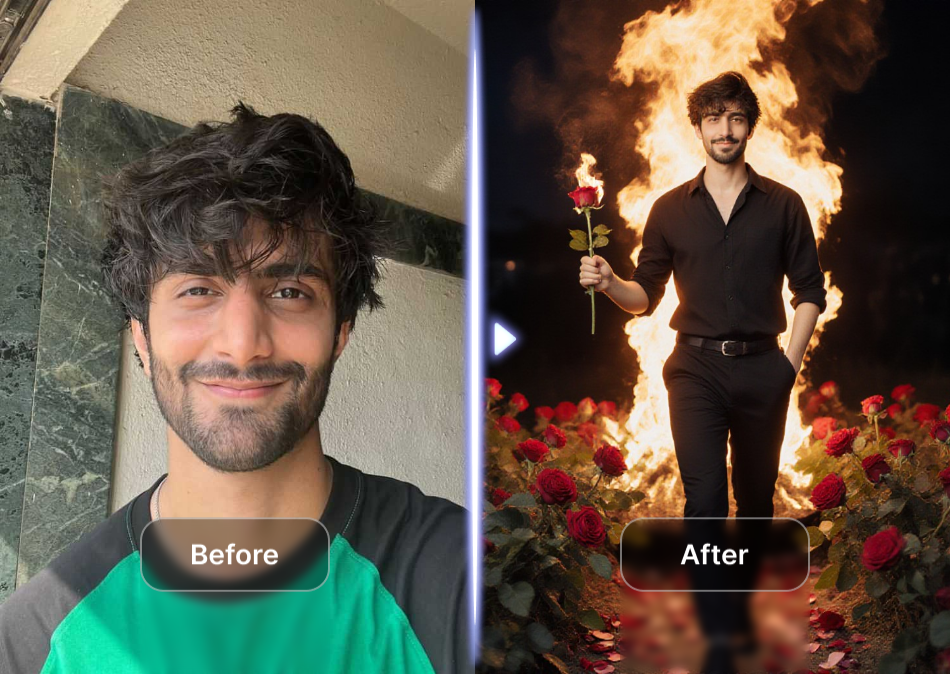
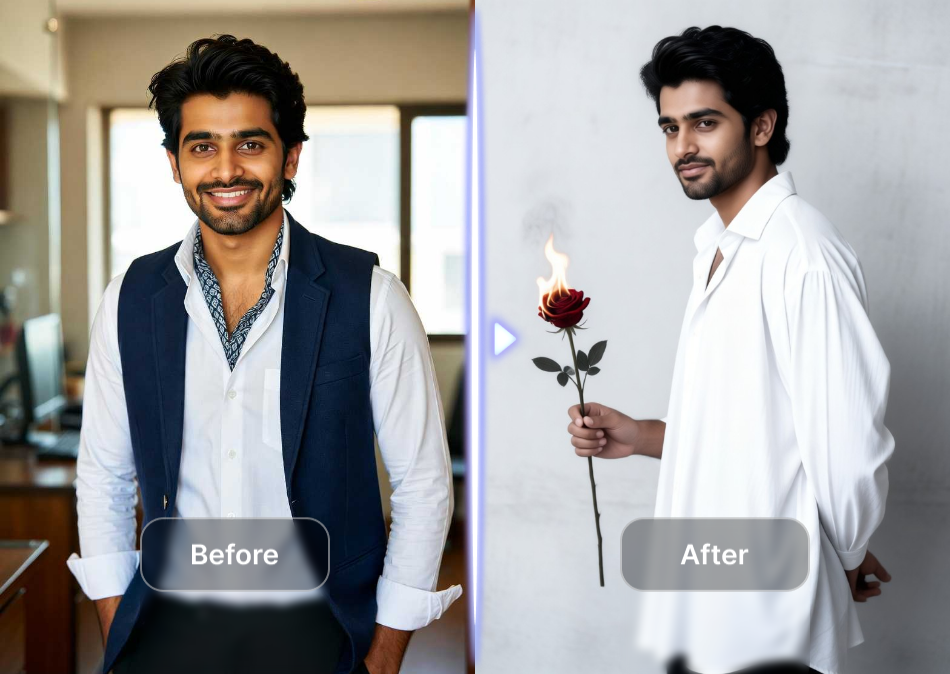
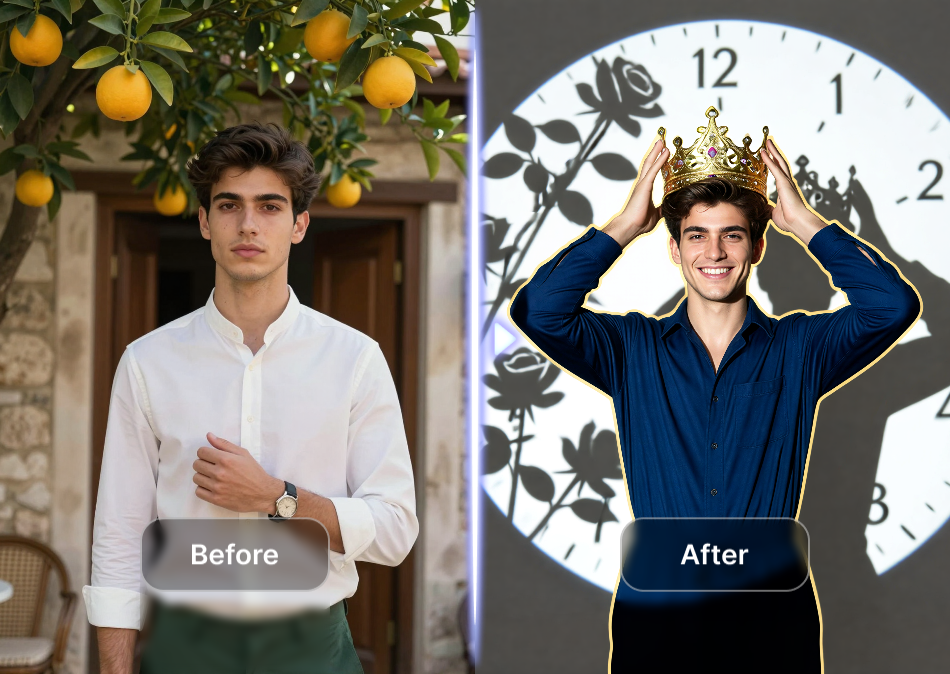
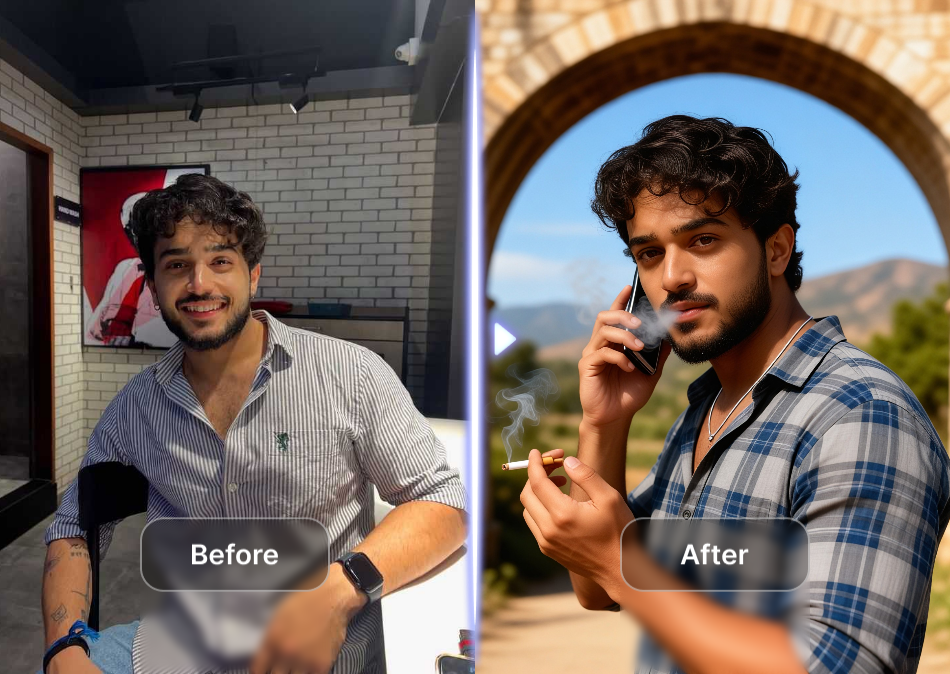
Choose the Logo Style That Fits Your Brand
Browse curated style filters for minimalist marks, luxury monograms, tech symbols, playful icons, vintage badges, and more. Pick a prompt, select a filter, and generate a custom logo in seconds.
Key Features of Logo Design Prompts
veeeo transforms text prompts into polished logo concepts without complicated tools. Use ready made templates and style filters to create professional brand marks in minutes.
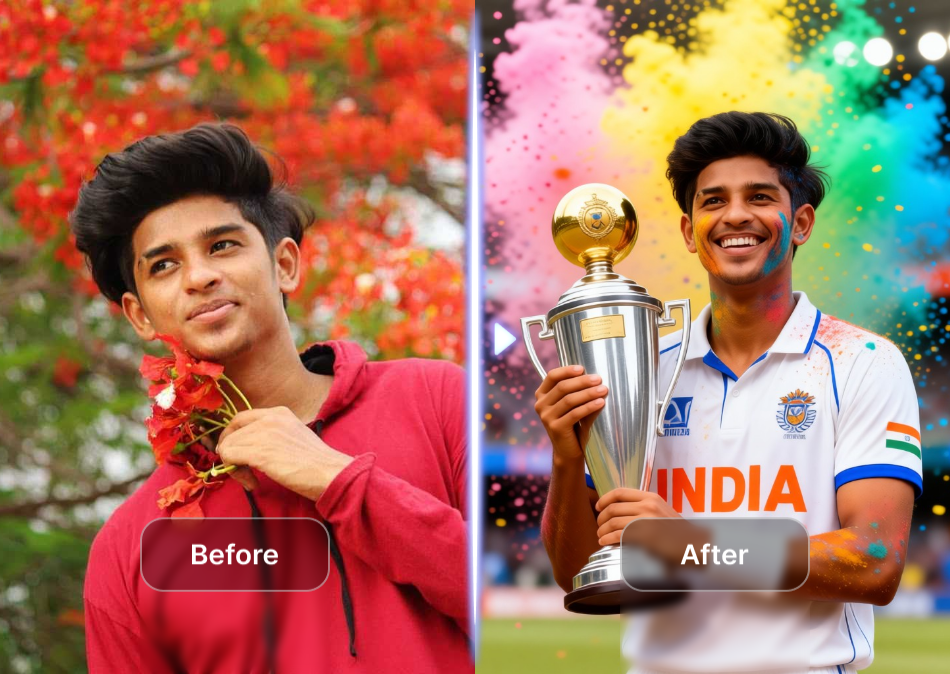
AI Text to Logo Generation
Type a simple logo prompt and watch veeo turn it into high resolution vector style artwork. No design software, color theory, or font pairing skills needed. Generate multiple concepts from one idea in seconds.
AI Text to Logo Generation
Type a simple logo prompt and watch veeo turn it into high resolution vector style artwork. No design software, color theory, or font pairing skills needed. Generate multiple concepts from one idea in seconds.
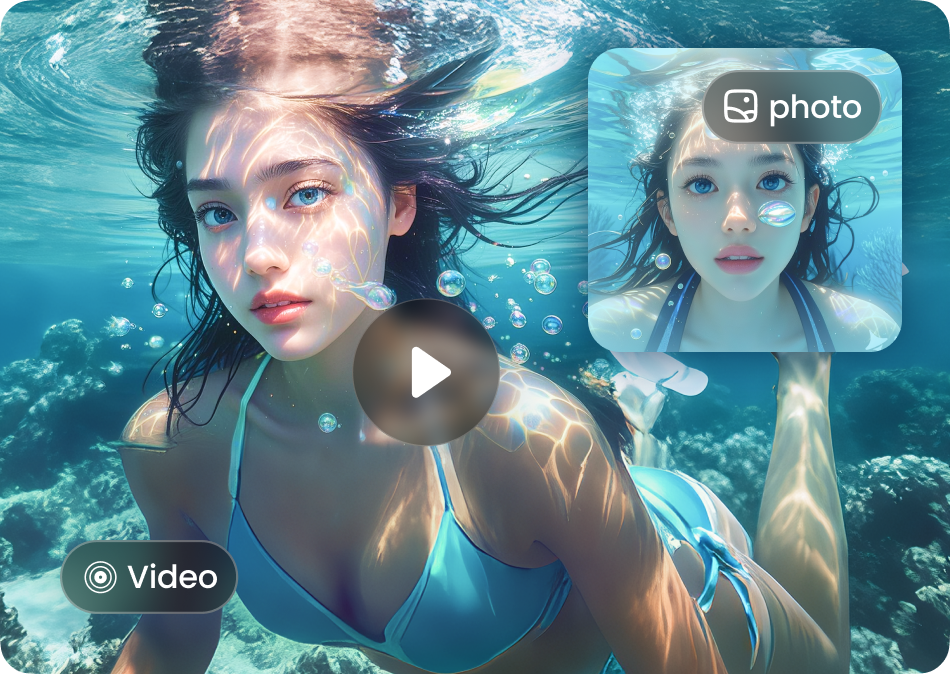
Massive Style Filter Library
Apply minimalist, luxury, playful, vintage, tech, or hand drawn filters to your logo prompt. With over a million style templates, you can match any brand personality and audience preference instantly.
Massive Style Filter Library
Apply minimalist, luxury, playful, vintage, tech, or hand drawn filters to your logo prompt. With over a million style templates, you can match any brand personality and audience preference instantly.
One Tap Brand Asset Export
Download your generated logo designs in high resolution directly from the mobile app. Use them for social profiles, business cards, packaging, websites, or pitch decks without extra editing.
One Tap Brand Asset Export
Download your generated logo designs in high resolution directly from the mobile app. Use them for social profiles, business cards, packaging, websites, or pitch decks without extra editing.
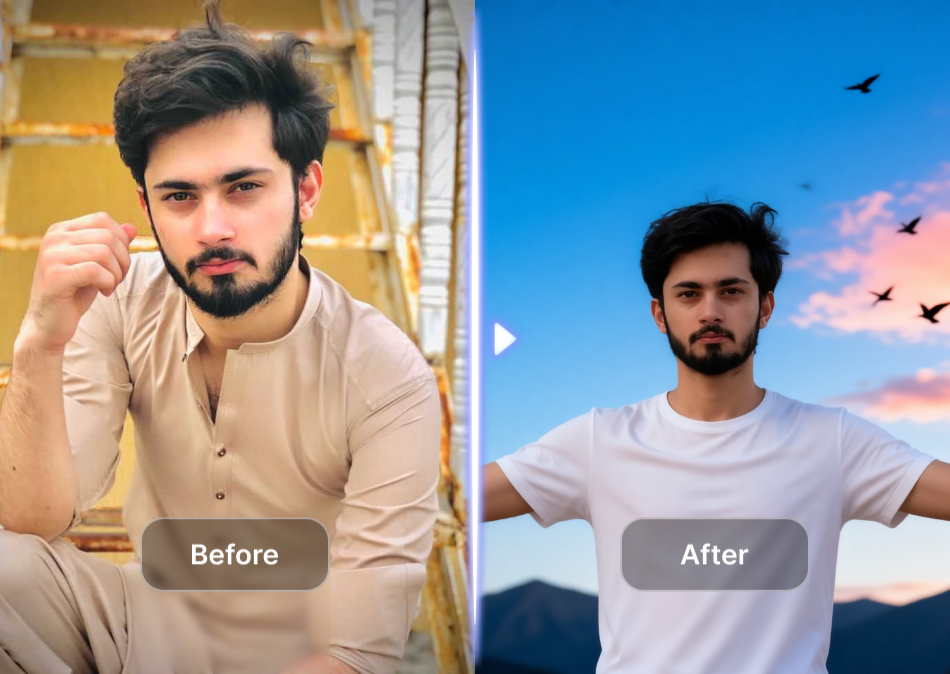
Why Use Prompts for Logo Design
Logo design prompts remove guesswork from branding. veeo gives you a clear starting point for professional marks, so you can produce polished concepts faster than a traditional designer. Perfect for startups, creators, and small businesses that need a unique identity without a big budget.
Why Use Prompts for Logo Design
Logo design prompts remove guesswork from branding. veeo gives you a clear starting point for professional marks, so you can produce polished concepts faster than a traditional designer. Perfect for startups, creators, and small businesses that need a unique identity without a big budget.
How to Create a Logo with AI Prompts
Turn your brand idea into a custom logo in three simple steps using the veeo mobile app.
Step 01.
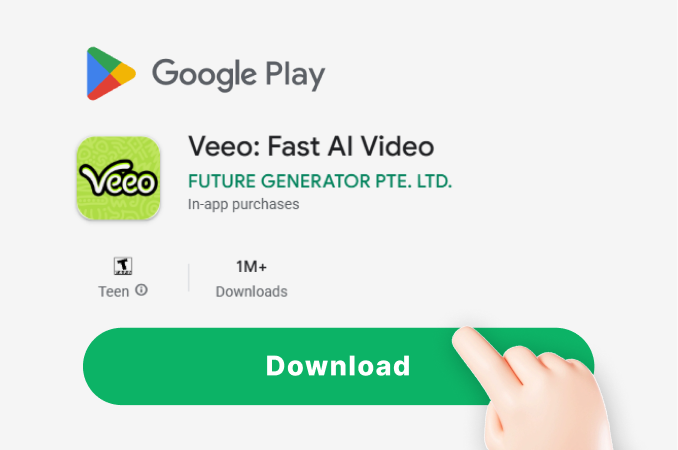
Download the veeo app from Google Play and open the AI image generator.
Step 02.
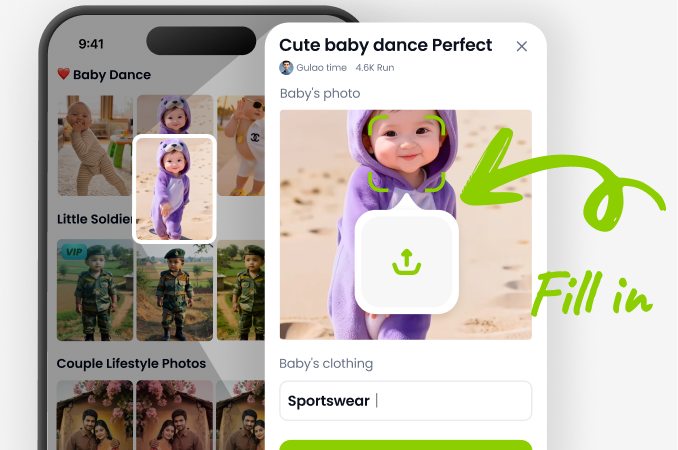
Choose a logo style filter or paste one of the logo design prompts above into the text field.
Step 03.
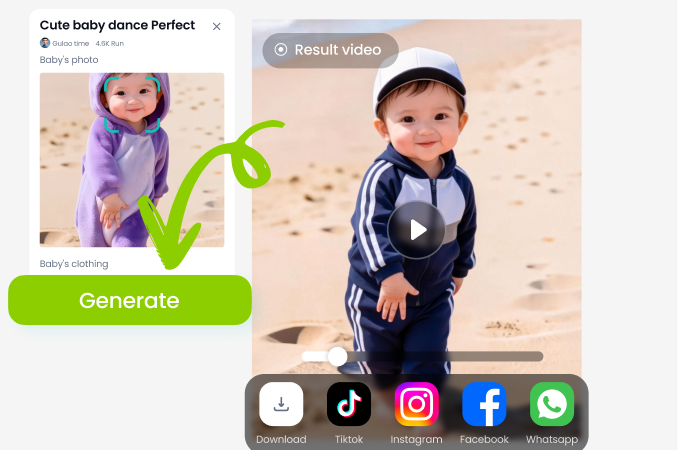
Generate your logo concepts and download the high resolution files to share or use anywhere.
Logo Design Prompt Inspiration Gallery
Explore logo concepts generated with veeo using different style prompts. From minimal marks to playful badges, see how varied text descriptions produce unique brand identities.









What Creators Say About Logo Design Prompts
My startup got a polished logo in minutes
I used a minimalist tech logo prompt from veeo and generated five options before lunch. The style filters made it easy to match my app's color palette. I downloaded the final mark and used it on my pitch deck the same day.
Better than hiring a designer for simple brands
As a freelance marketer, I create quick logo concepts for client proposals. The prompts save me hours of sketching. veeo's vintage badge filter is perfect for local businesses. My clients always think I spent days on the designs.
Playful logo prompts actually deliver
I wanted a cute bakery logo without paying for custom illustration. The hand drawn prompt plus pastel style filter nailed it. I posted the result on Instagram and got order inquiries the same week. So easy.
Frequently Asked Questions About Logo Design Prompts
Find clear answers about using AI prompts to design custom logos with the veeo mobile app.

Turn Logo Design Prompts Into Brand Marks
Download the veeo app on Google Play and start creating custom logos with AI today. No design skills required. Pick a prompt, choose a style, and generate high quality brand marks in seconds.

More Topics You May Like
Explore more topics you may like and discover fresh ideas tailored to your interests.
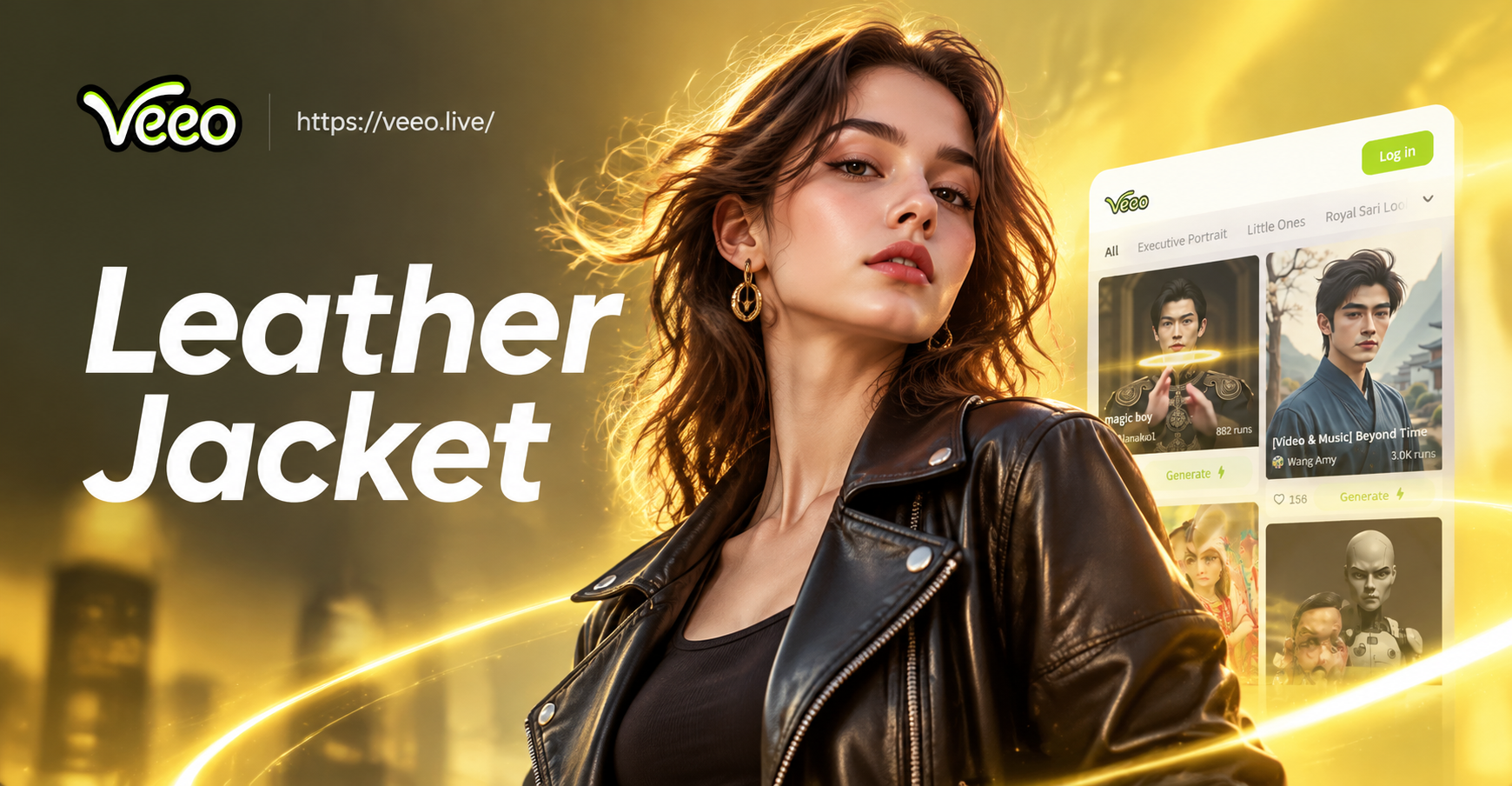
Leather Jacket Prompt For Women: AI Style Ideas
Create leather jacket looks with AI prompts for women. Upload a photo or enter a style prompt for biker, vintage, tailored, and streetwear outfits. No design skills needed.
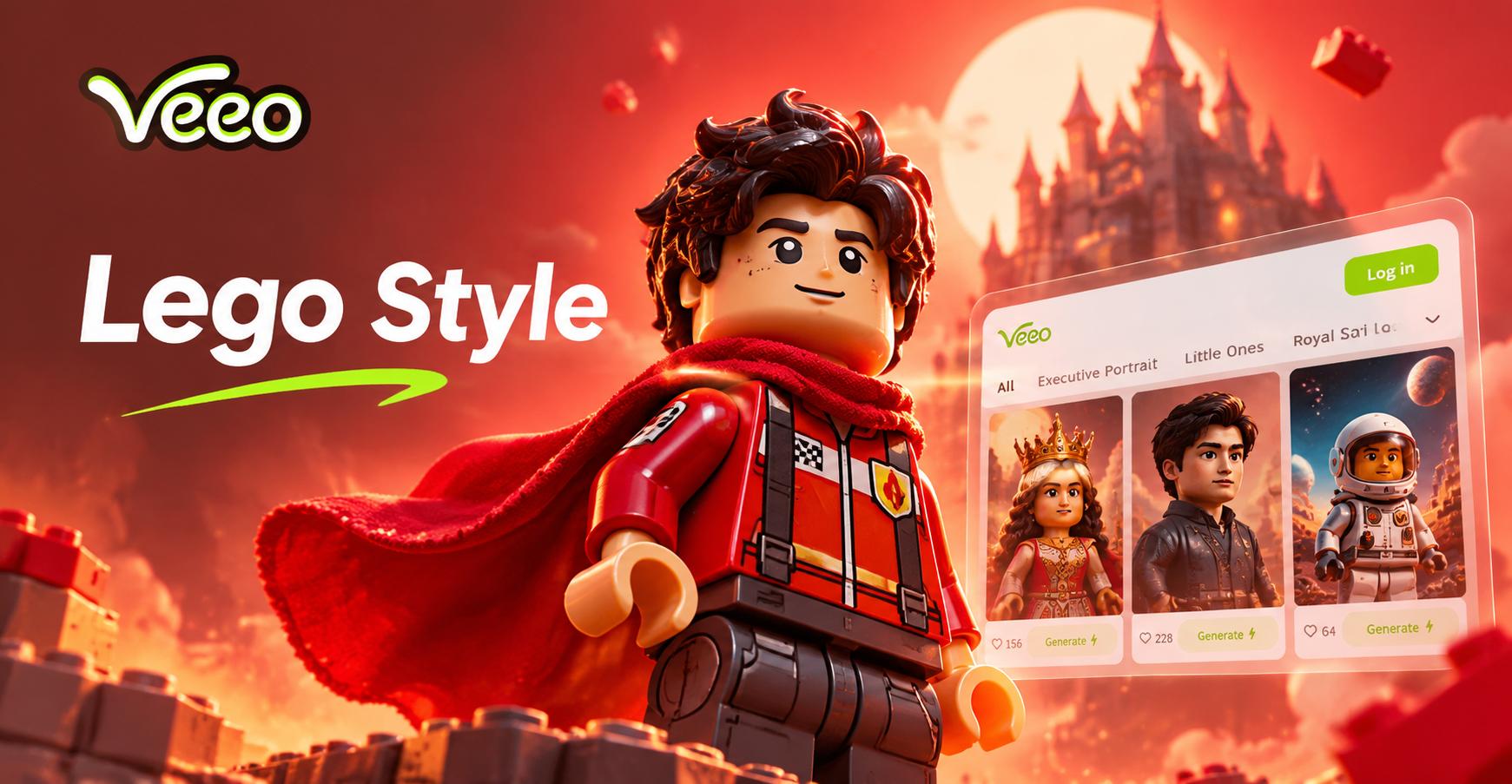
Lego Style Photo Prompts for Fun AI Art
Discover Lego style photo prompts to turn photos into brick art. Use veeo's AI for minifigures, blocky scenes, and toy-like images. Download now and start creating.
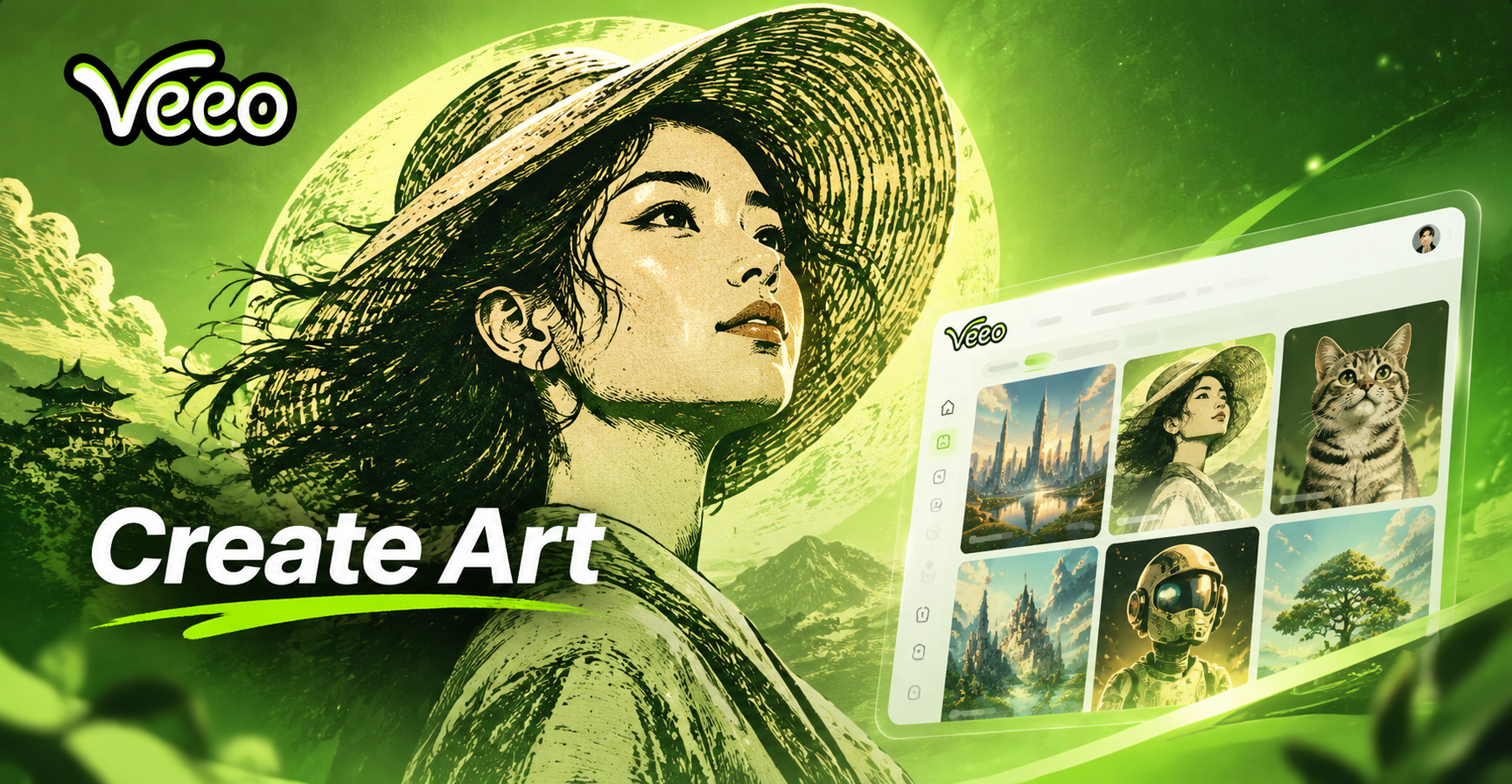
Linocut Print Style Prompts for Bold, Handcrafted AI Art
Transform any photo into bold linocut artwork with veeo. Use ready-made linocut print style prompts, pick a filter, and generate carved prints in seconds.
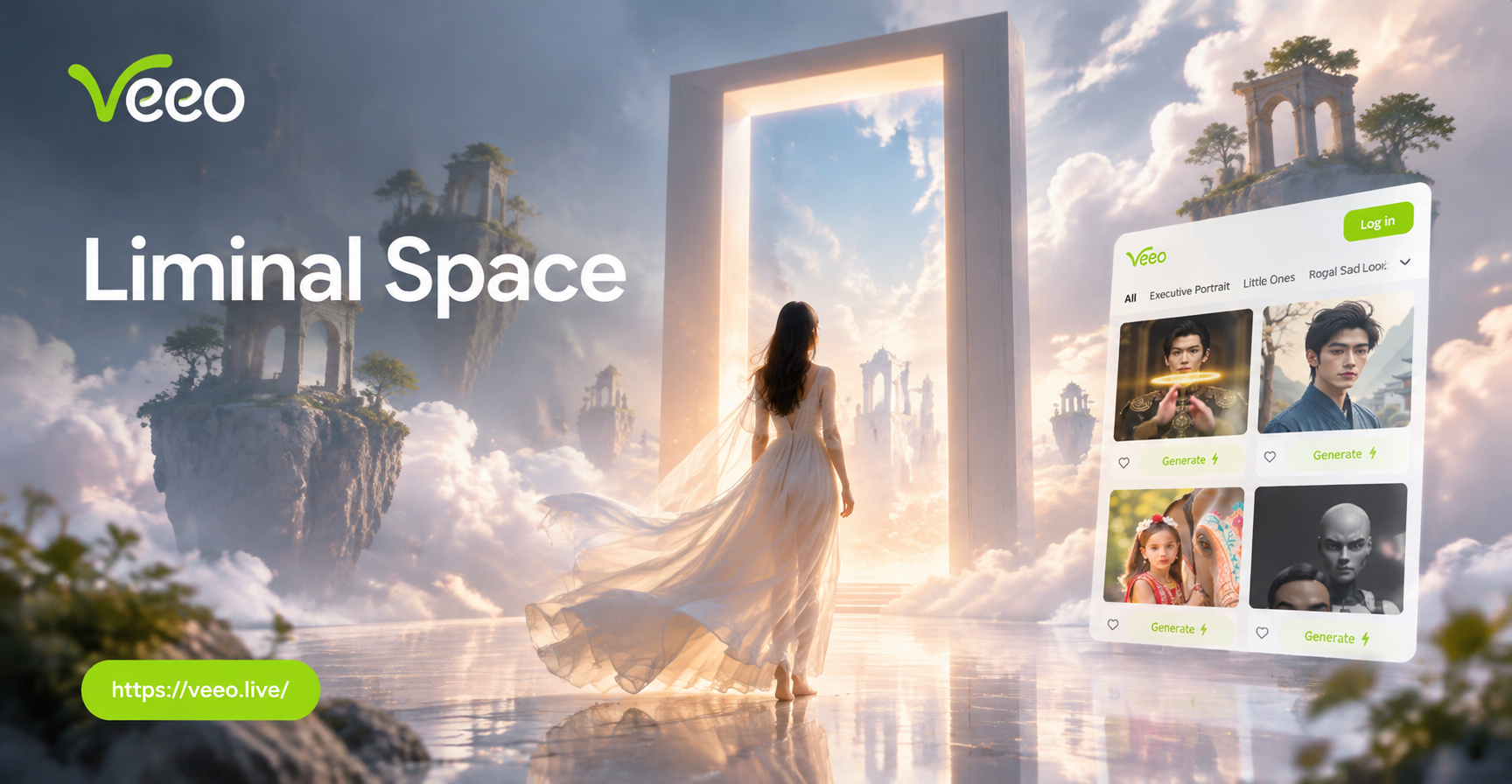
Liminal Space Photo Prompts: Create Eerie AI Images
Use liminal space photo prompts to generate haunting, nostalgic images. Explore empty pools, hallways, and malls with veeo's AI generator. Get the app now.
Ready to Design Your Logo with AI Prompts?
Download veeo from Google Play and turn simple text prompts into polished logo designs. Explore over a million style filters and create a brand mark you love in minutes.

Ready to Design Your Logo with AI Prompts?
Download veeo from Google Play and turn simple text prompts into polished logo designs. Explore over a million style filters and create a brand mark you love in minutes.