Lego Style Photo Prompt
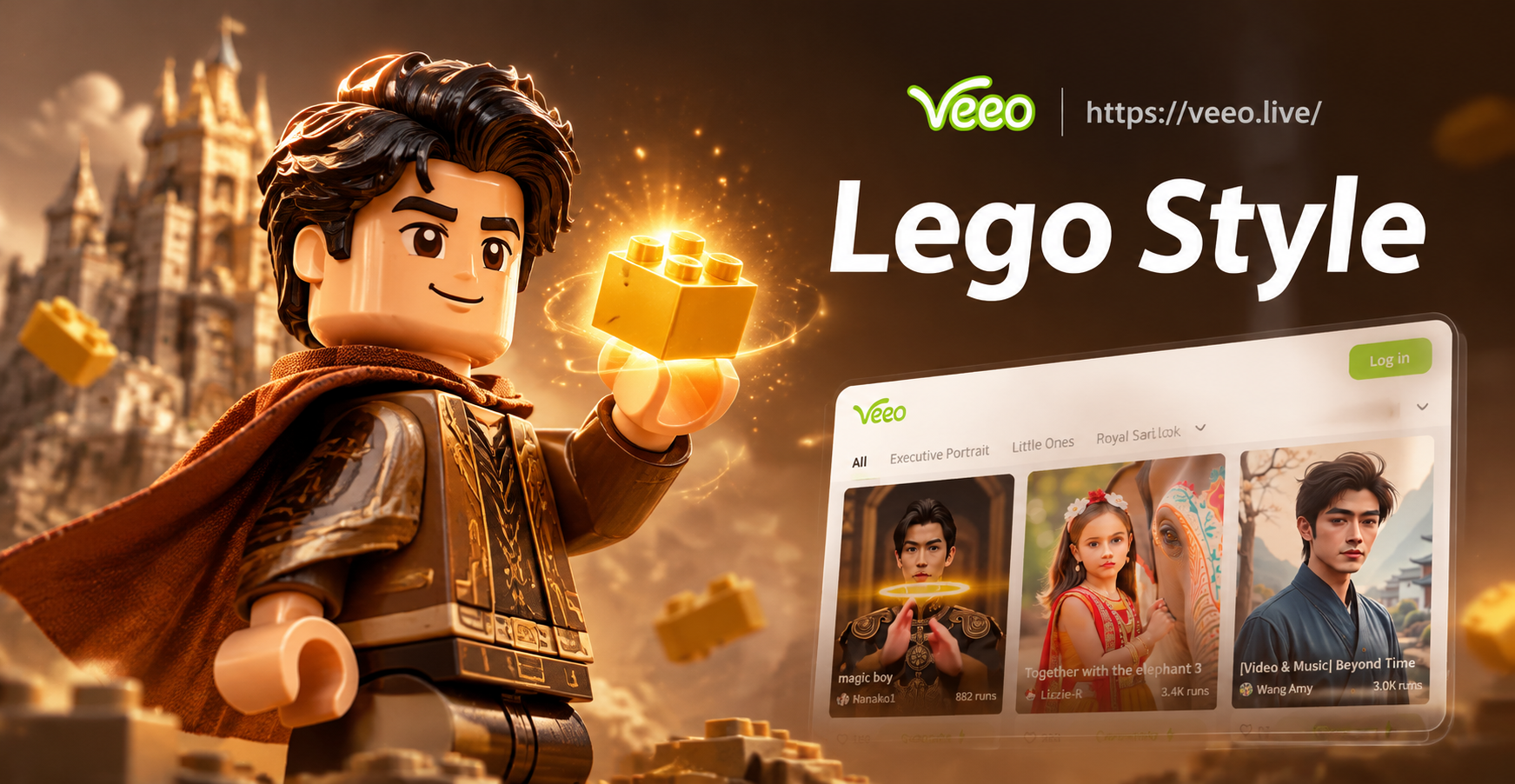
Explore Lego Style Filters in veeo
Discover multiple brick and toy inspired filters that bring your Lego style photos to life. Choose from minifigure, blocky cartoon, 3D plastic, and more.
Top Features for Lego Style Photo Generation
Everything you need to create stunning Lego brick art from photos or text prompts, all in one mobile app.
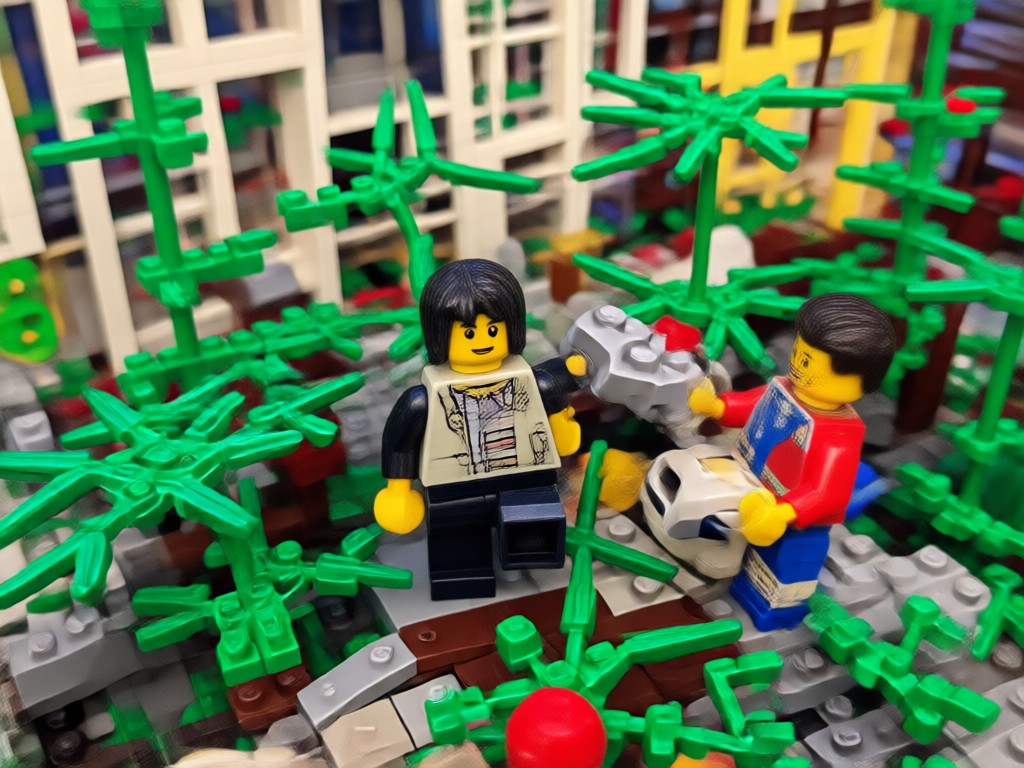
Photo to Lego Transformation
Upload any photo and watch it become a Lego style image while preserving faces and key details. The AI maps brick textures onto your subject seamlessly.
Photo to Lego Transformation
Upload any photo and watch it become a Lego style image while preserving faces and key details. The AI maps brick textures onto your subject seamlessly.
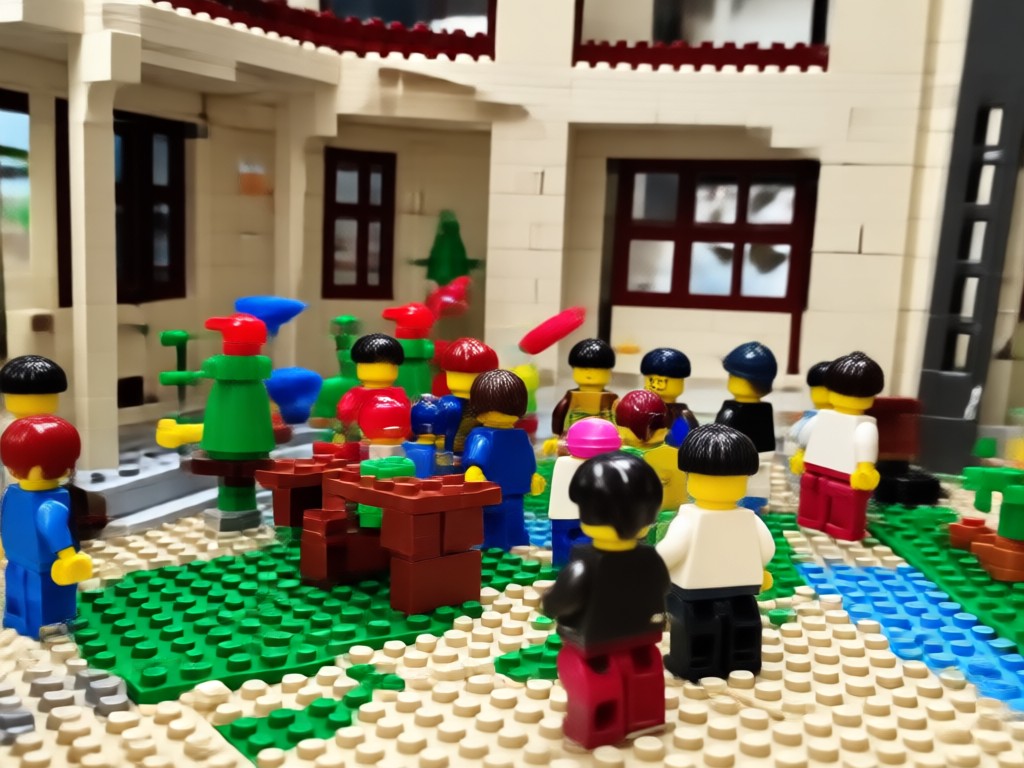
Text to Lego Art
Describe your idea in words and generate original Lego scenes, characters, and objects. No drawing skills required, just a vivid imagination and a prompt.
Text to Lego Art
Describe your idea in words and generate original Lego scenes, characters, and objects. No drawing skills required, just a vivid imagination and a prompt.
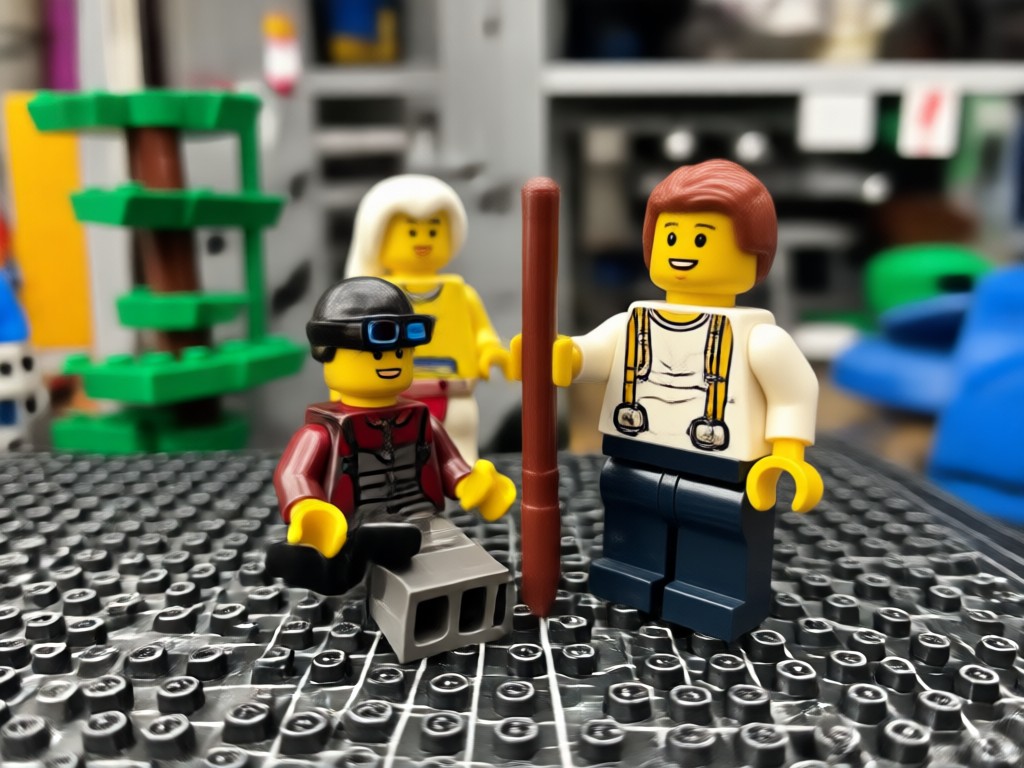
Massive Style Library
Access thousands of Lego inspired filters and templates, from minifigures to brick built landscapes. Switch styles instantly and find your perfect look.
Massive Style Library
Access thousands of Lego inspired filters and templates, from minifigures to brick built landscapes. Switch styles instantly and find your perfect look.
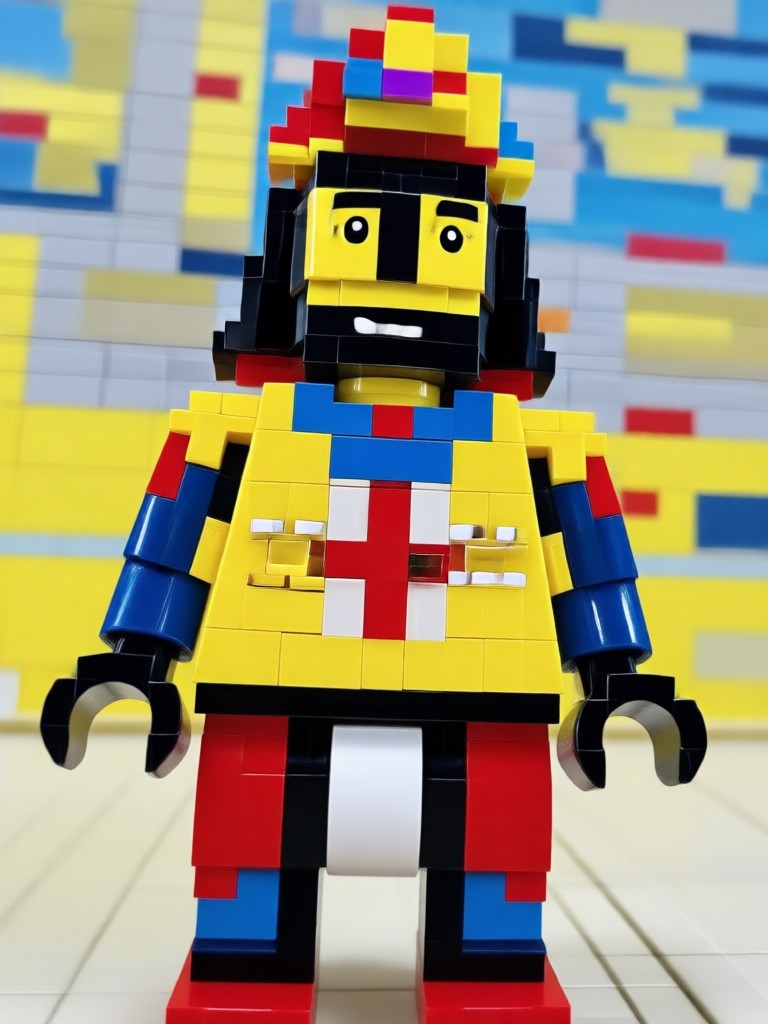
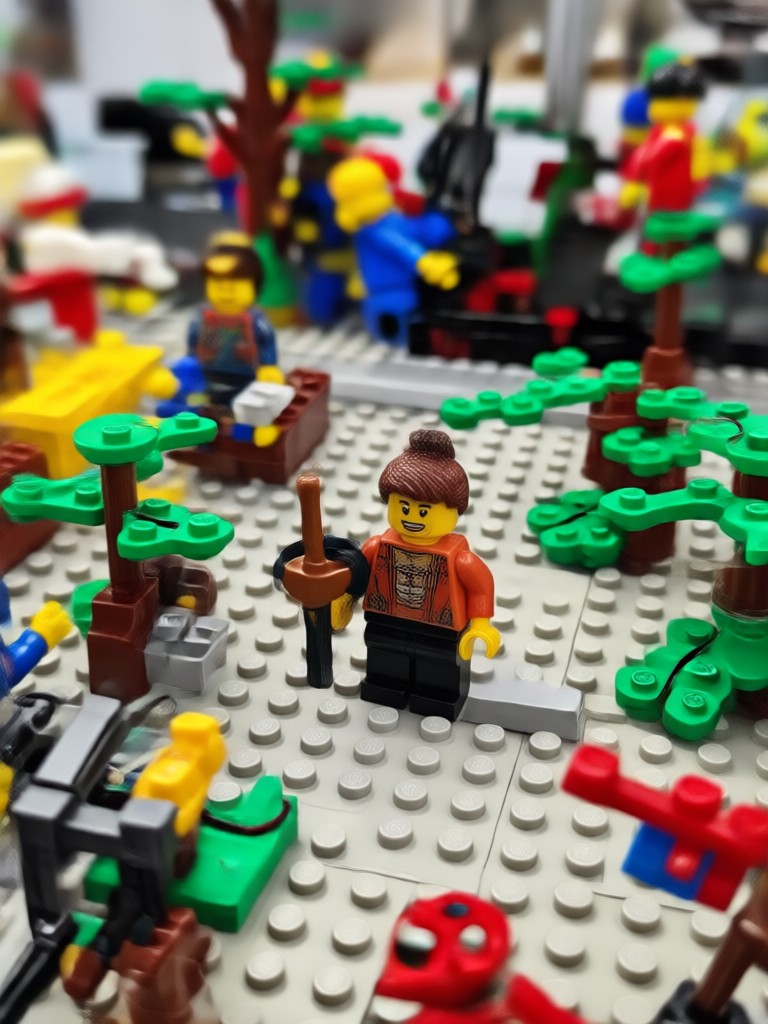
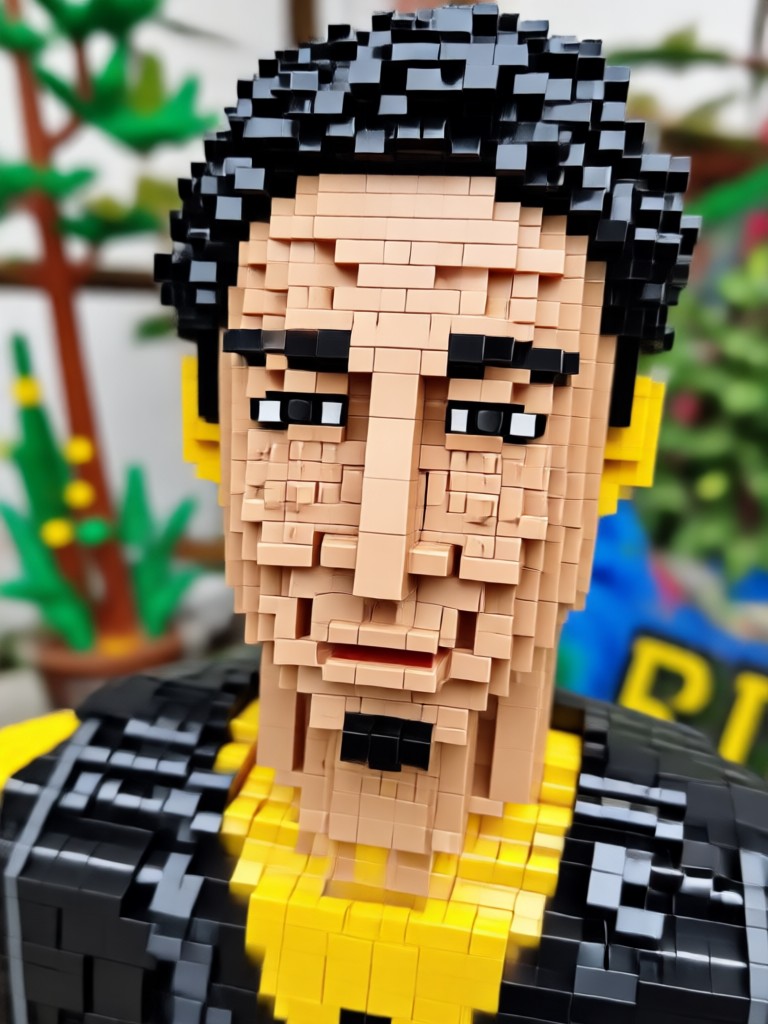
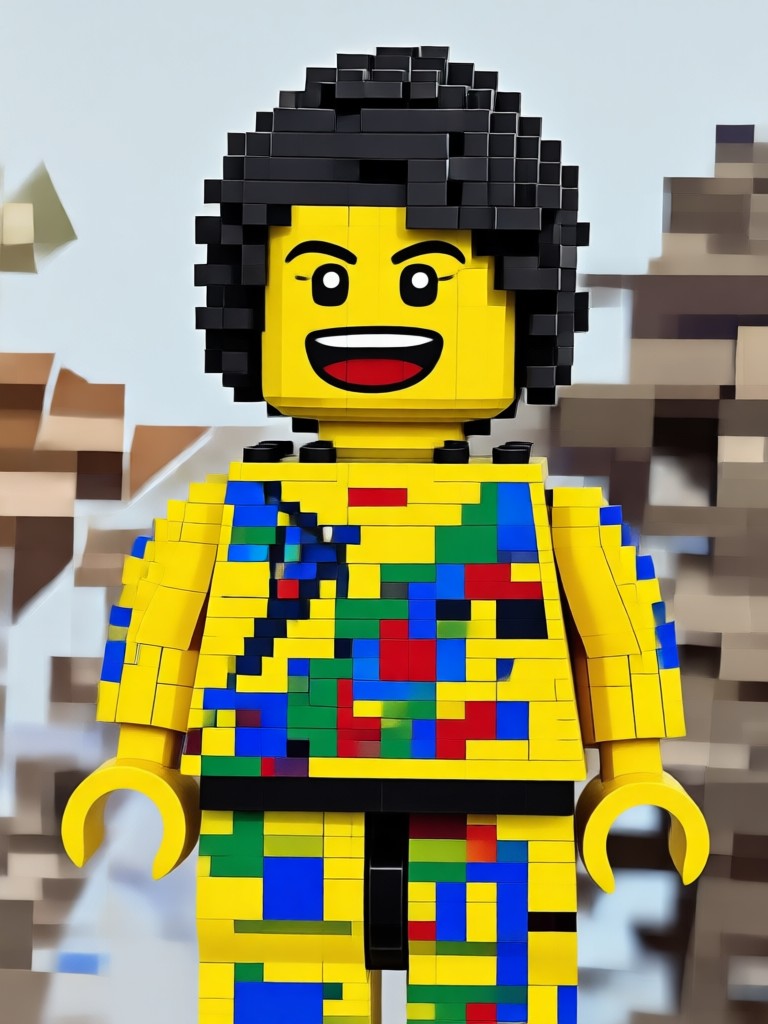
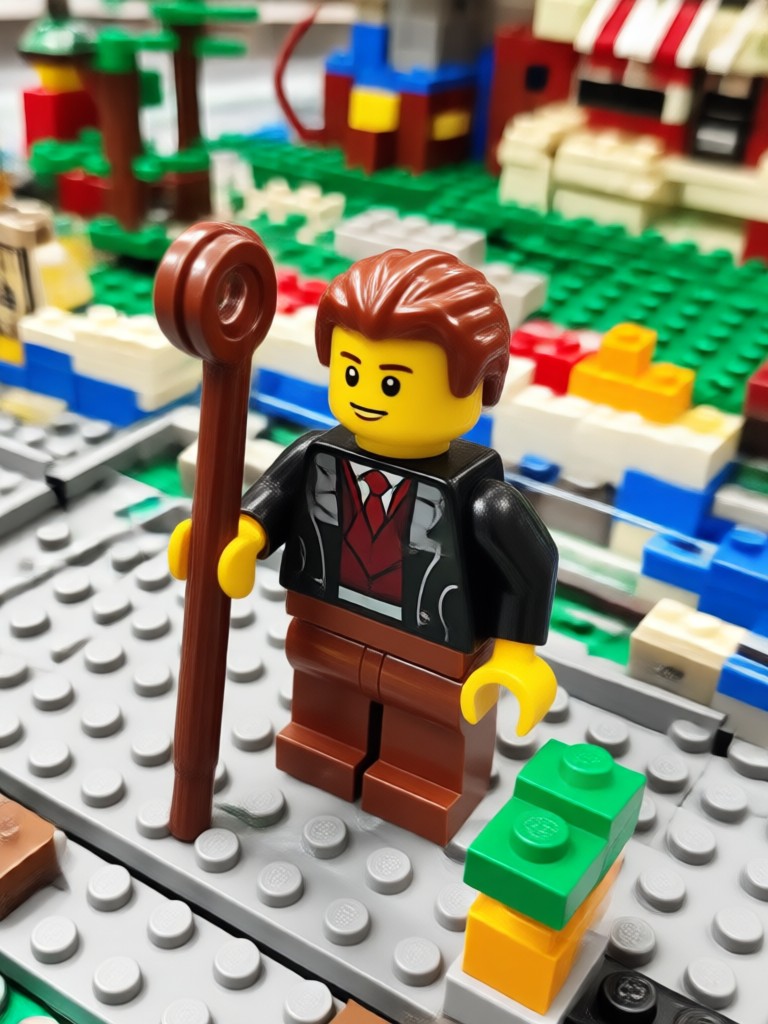
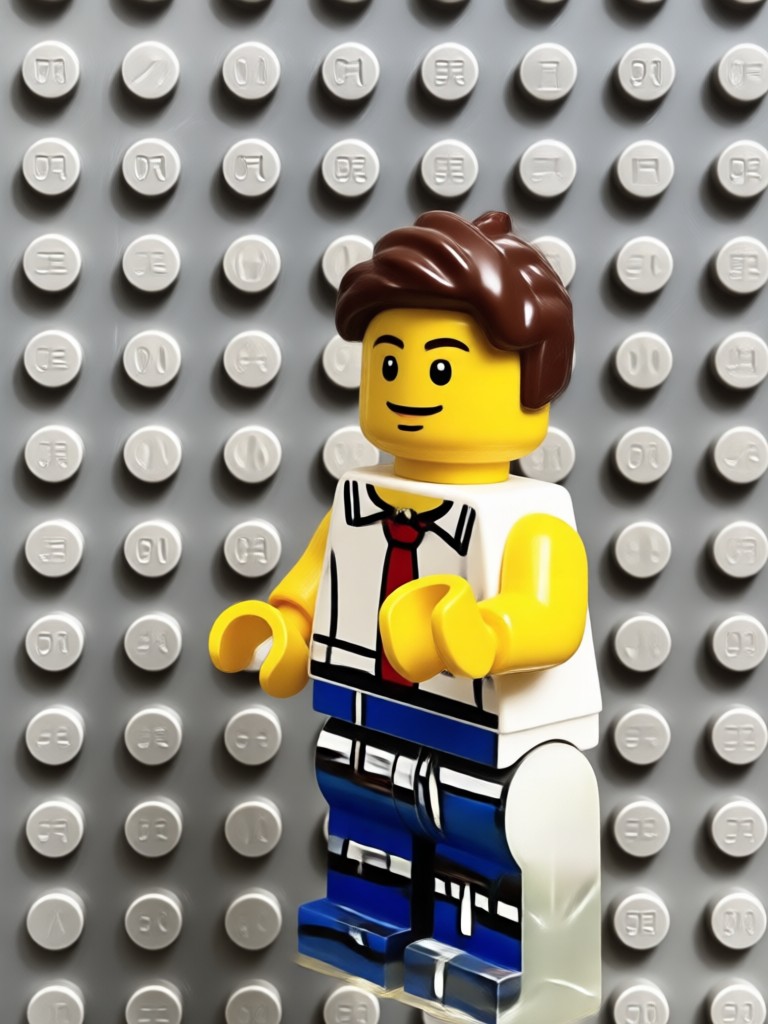
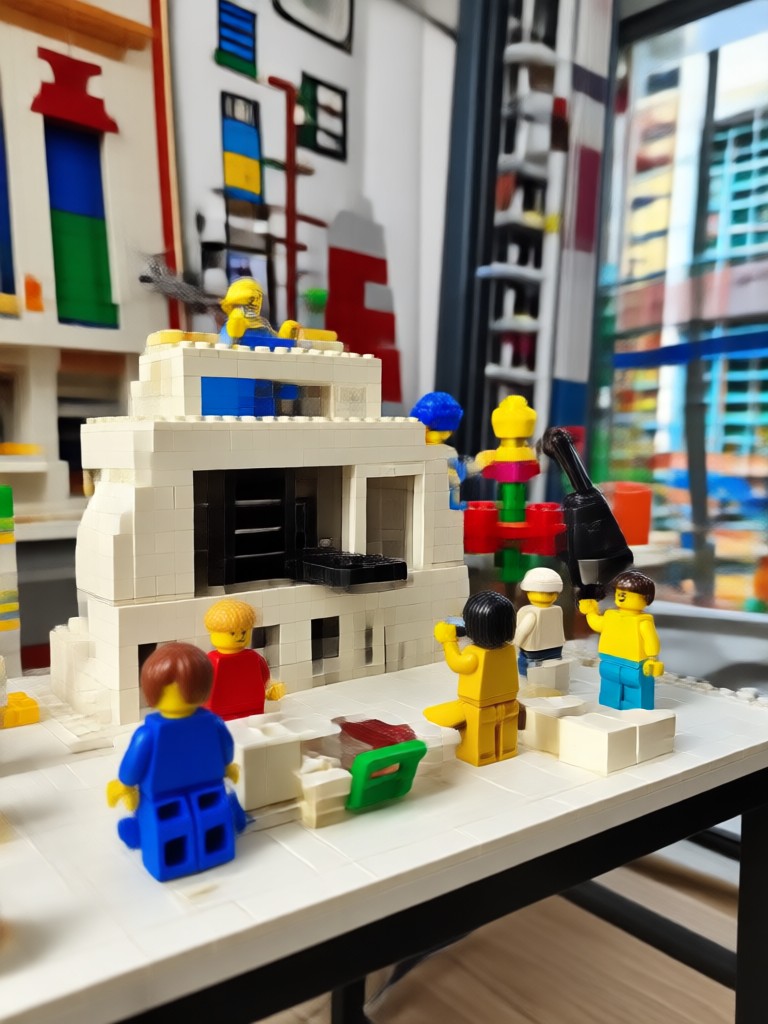
Inspiring Lego Style Creations
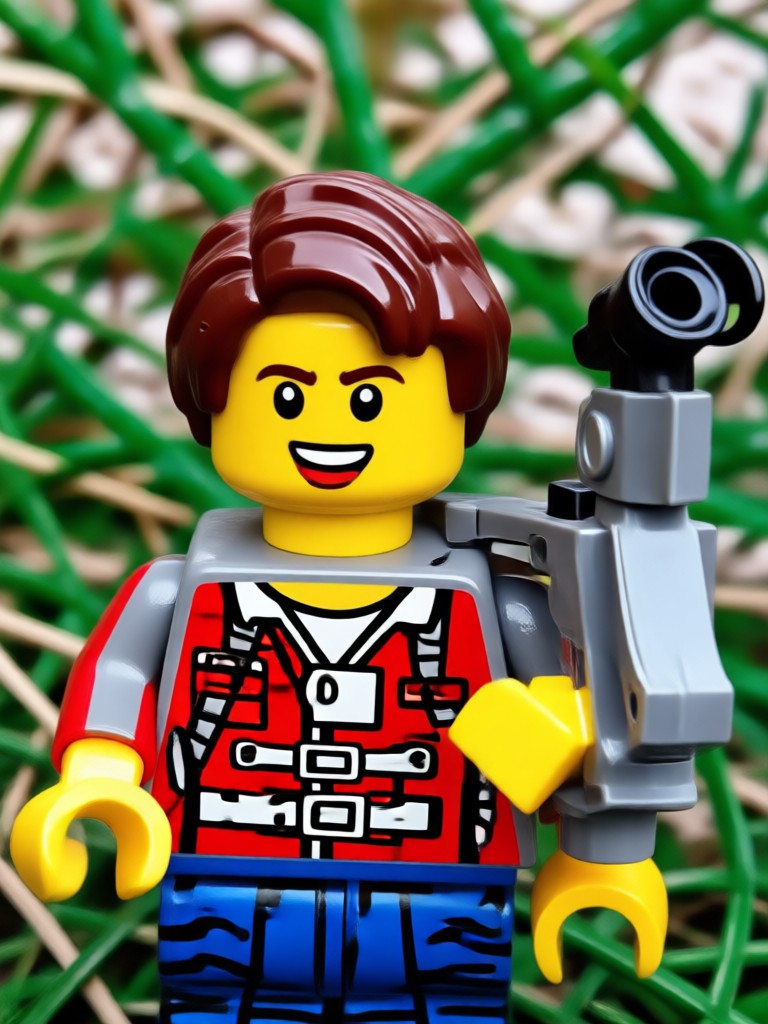
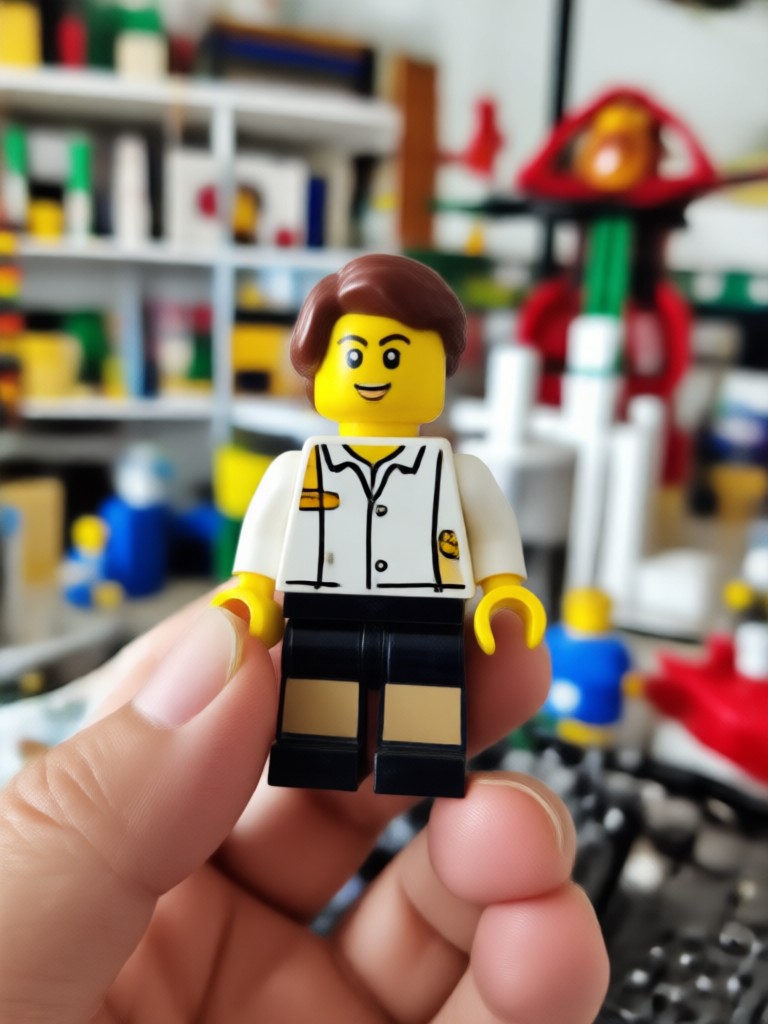
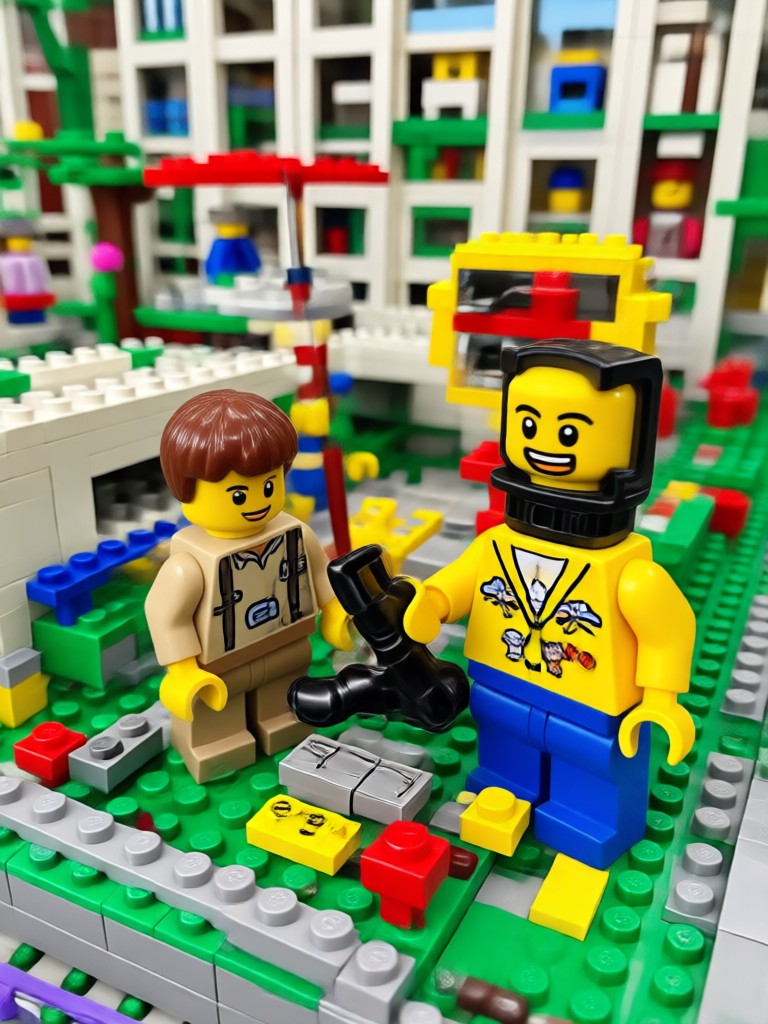
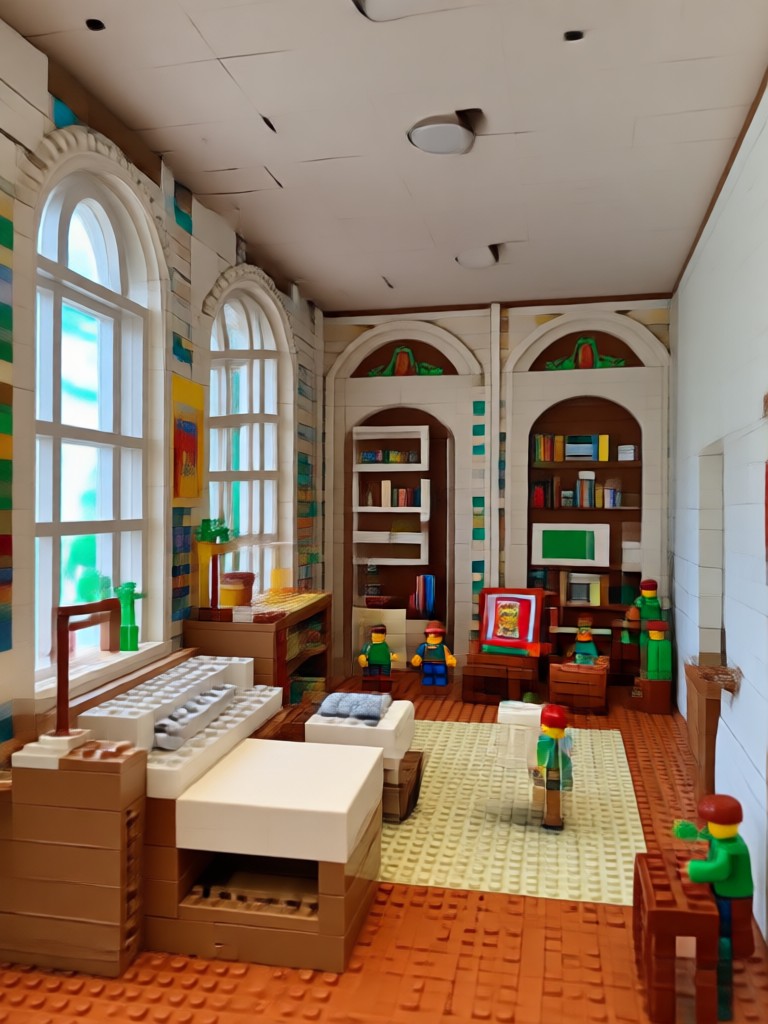
See what users have created with veeo's Lego style photo prompts. From playful portraits to epic brick scenes, get inspired for your next project.
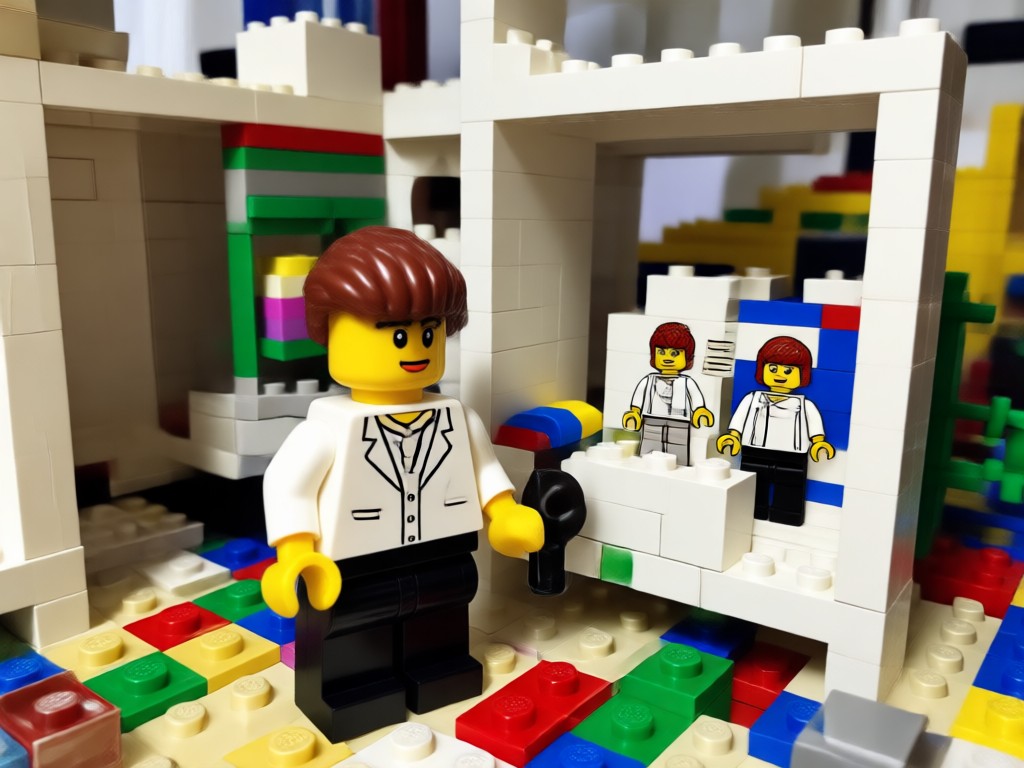
Why Use veeo for Lego Style Photos?
vee makes creating Lego style photos effortless. With advanced AI, a huge library of brick filters, and an intuitive interface, you can transform any image into playful brick art in seconds. No complicated software or design experience needed, just download the app and start building your imagination.
Why Use veeo for Lego Style Photos?
vee makes creating Lego style photos effortless. With advanced AI, a huge library of brick filters, and an intuitive interface, you can transform any image into playful brick art in seconds. No complicated software or design experience needed, just download the app and start building your imagination.
How to Create Lego Style Photos with AI Prompts
Follow these three simple steps to turn your photos into playful Lego brick art using veeo.

Step 01.
Download the veeo app from Google Play and create your free account.
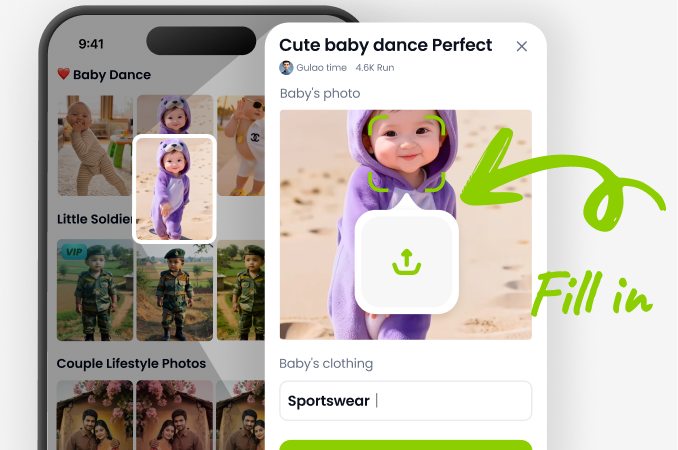
Step 02.
Enter a Lego style photo prompt or upload your photo and select a Lego filter.
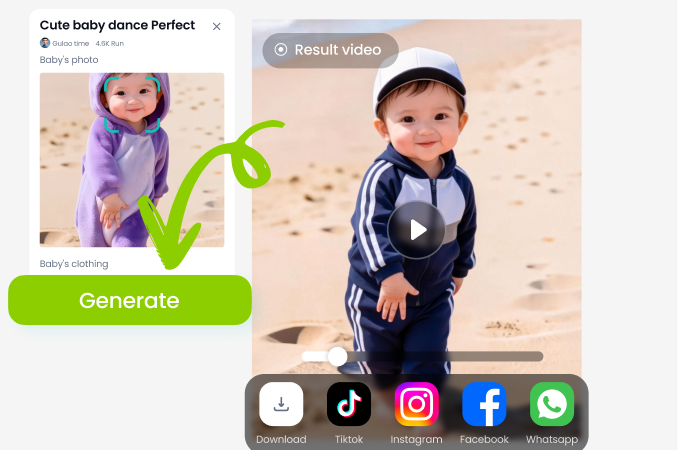
Step 03.
Generate your Lego style image and share it with friends or on social media.
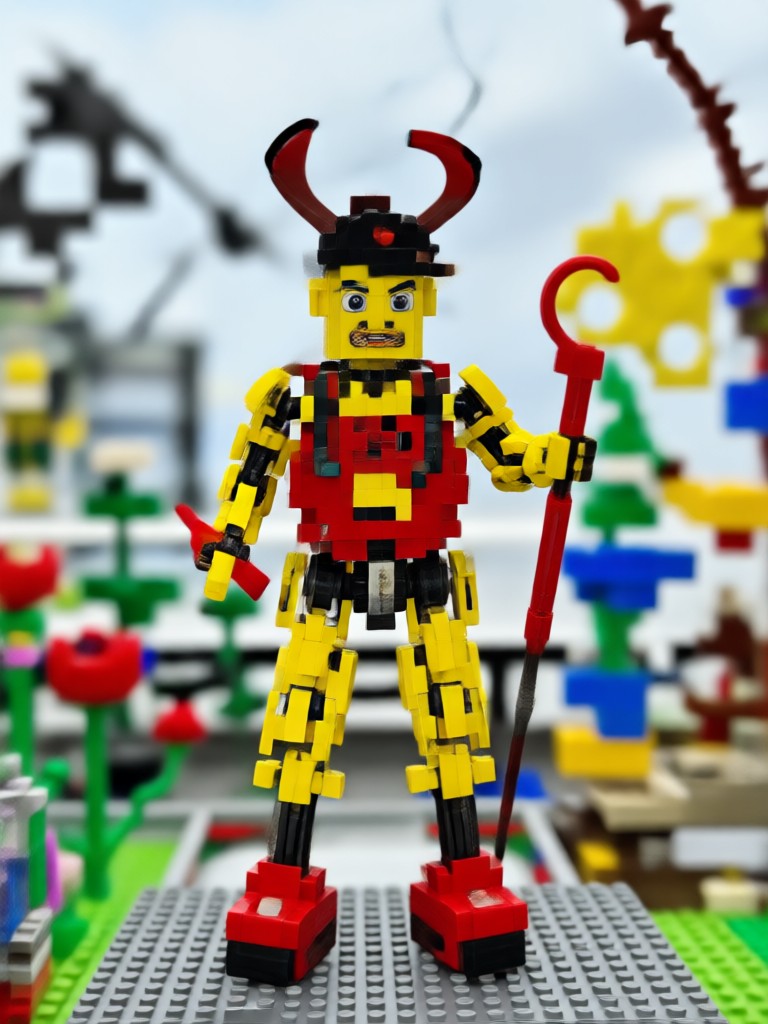
Ready to Build Your Lego Style Photos?
Download veeo now and start creating amazing Lego brick art with simple prompts. Available on Google Play.

What Creators Say About veeo
My kids love the Lego pictures
I turned our family photo into Lego minifigures and the kids went crazy. veeo is super easy to use and the results are incredibly realistic brick textures. Highly recommend!
Perfect for toy photography enthusiasts
As a Lego collector, I love using veeo to generate custom scenes and characters from my prompts. The style filters are spot on and save me hours of setup.
The best AI brick art app
I've tried many AI image apps, but veeo's Lego style filters are unmatched. The photo to Lego transformation keeps faces recognizable, which is a huge plus.
Frequently Asked Questions About Lego Style Photo Prompts
Find clear answers to common questions about creating Lego style photos with veeo.
More Topics You May Like
Explore more creative AI styles and effects to try with veeo.
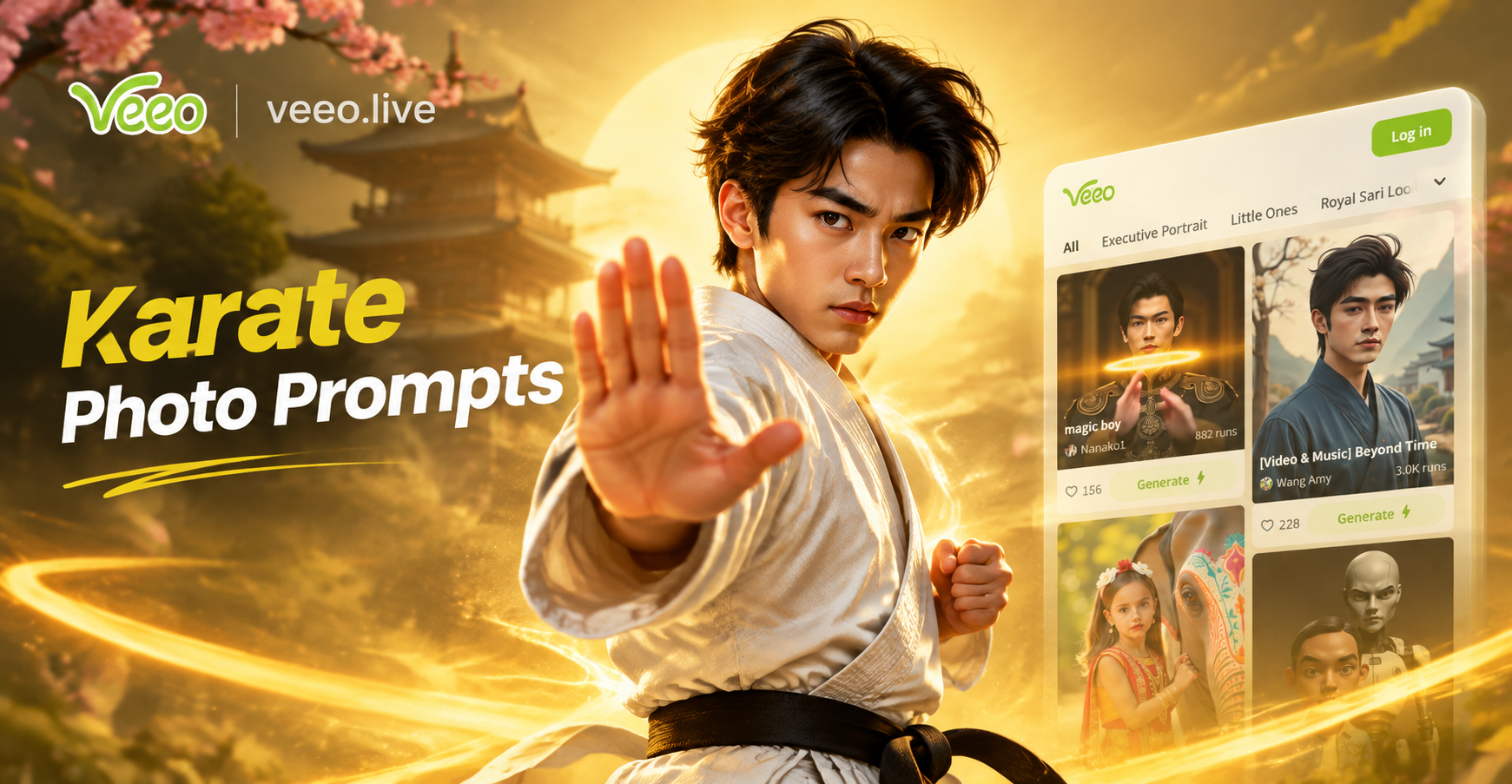
Karate Photo Prompts: Create Dynamic Martial Arts Images

Kindergarten Graduation Prompt: Create AI Memories

Kawaii Chibi Prompts: Create Cute Chibi Art Instantly

Kpop Idol Photo Prompt: Create Stunning Idol Style Images
Karate Photo Prompts: Create Dynamic Martial Arts Images
Kindergarten Graduation Prompt: Create AI Memories
Kawaii Chibi Prompts: Create Cute Chibi Art Instantly
Kpop Idol Photo Prompt: Create Stunning Idol Style Images
Build Your Lego Style Photos Today
Download veeo now and start creating amazing brick art with simple prompts. Stay ahead of trends and create content everyone will love.

Build Your Lego Style Photos Today
Download veeo now and start creating amazing brick art with simple prompts. Stay ahead of trends and create content everyone will love.