Linocut Print Style Prompt


Pick a Linocut Inspired Art Filter
Browse hand-picked filters that recreate the carved, stamped, and inked look of traditional linocut printing.
Why Use Linocut Print Style Prompts in veeo
From bold portraits to rustic landscapes, veeo helps you turn reference images into convincing linocut artwork without carving a single block.
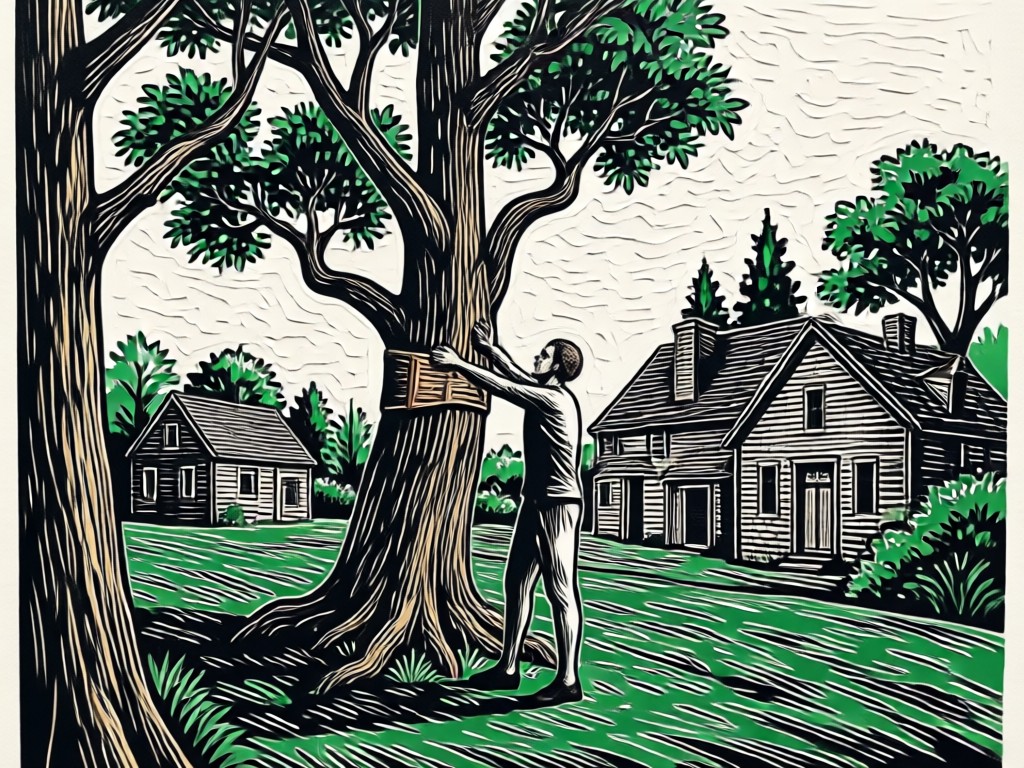
Instant Carved Texture
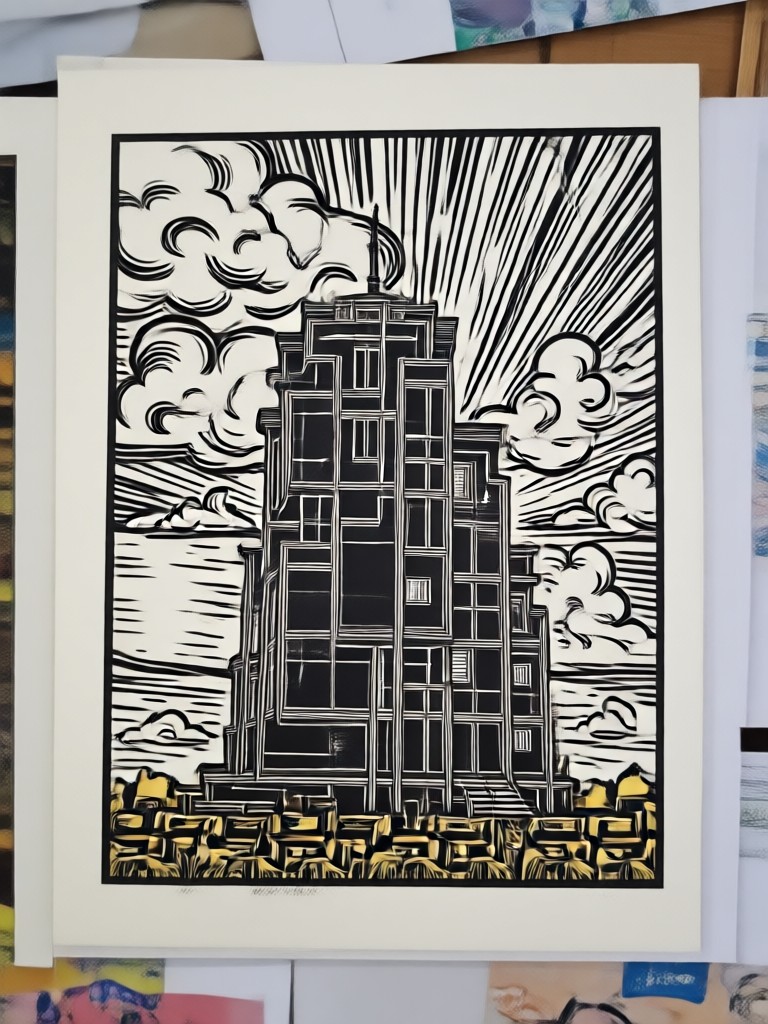
Generate the look of hand-gouged lines and deeply carved negative space without touching a chisel. The AI understands how light and ink behave on textured paper.
Instant Carved Texture
Generate the look of hand-gouged lines and deeply carved negative space without touching a chisel. The AI understands how light and ink behave on textured paper.
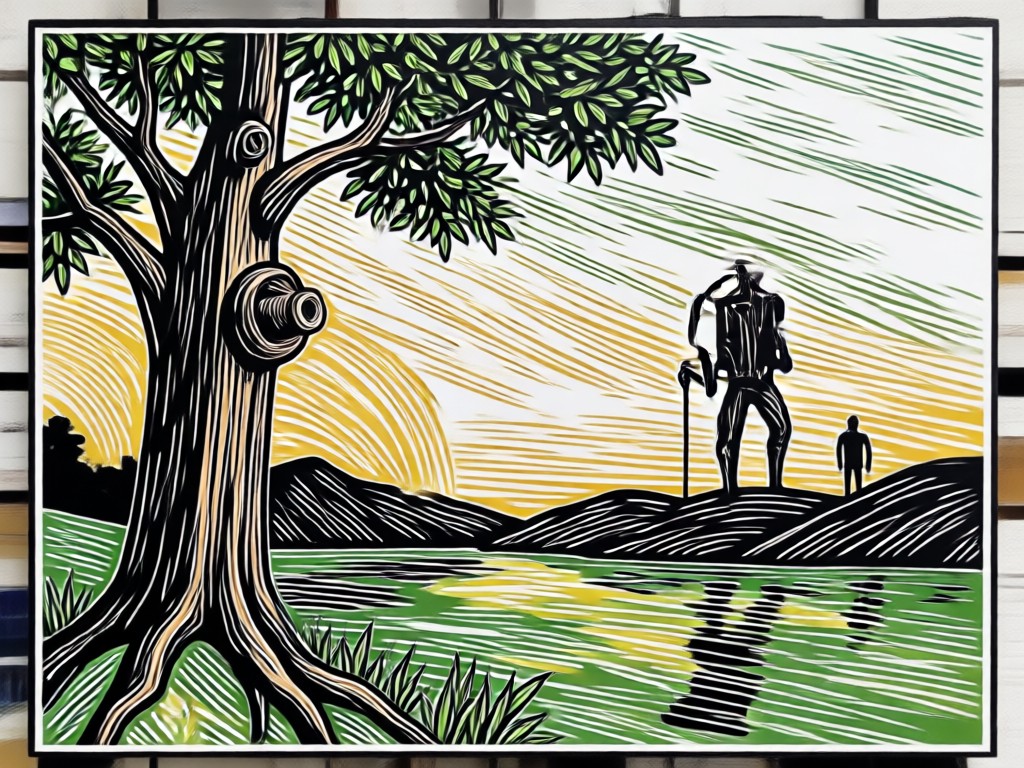
Vintage Ink Tones
Match warm cream, deep black, ochre, and subtle color misregistration effects that make your output look like it came off a real press.
Vintage Ink Tones
Match warm cream, deep black, ochre, and subtle color misregistration effects that make your output look like it came off a real press.
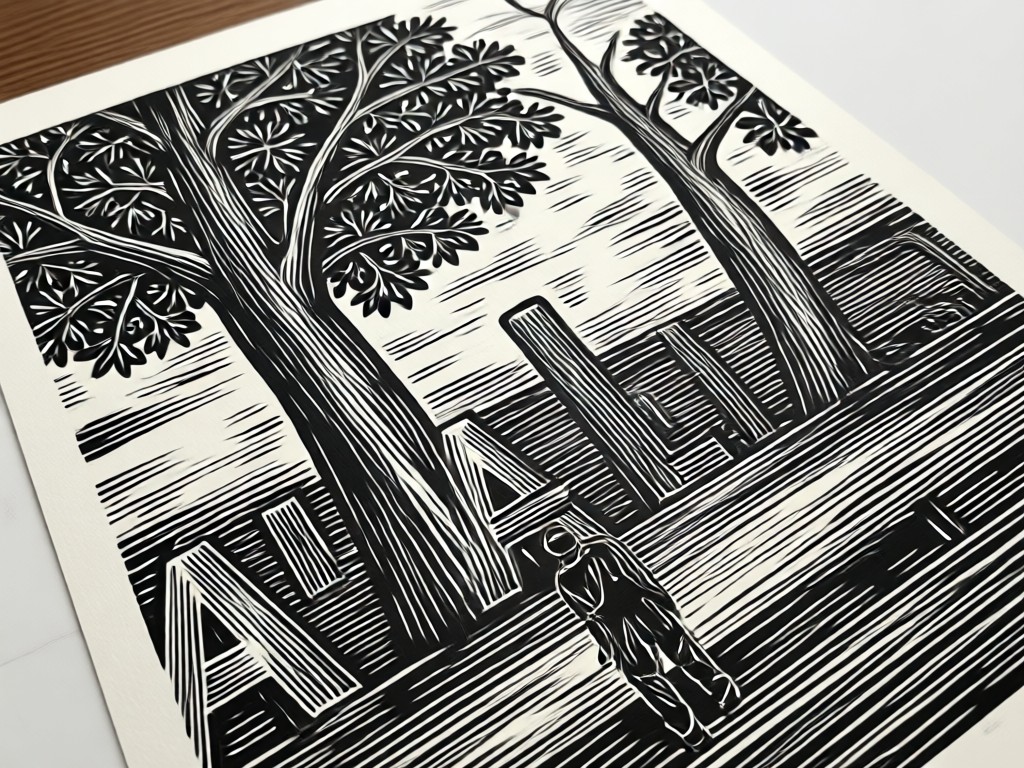
No Art Training Needed
Simply type a linocut print style prompt, upload a photo, and apply a filter. The app handles composition, line weight, and texture automatically.
No Art Training Needed
Simply type a linocut print style prompt, upload a photo, and apply a filter. The app handles composition, line weight, and texture automatically.
Linocut Print Style Gallery
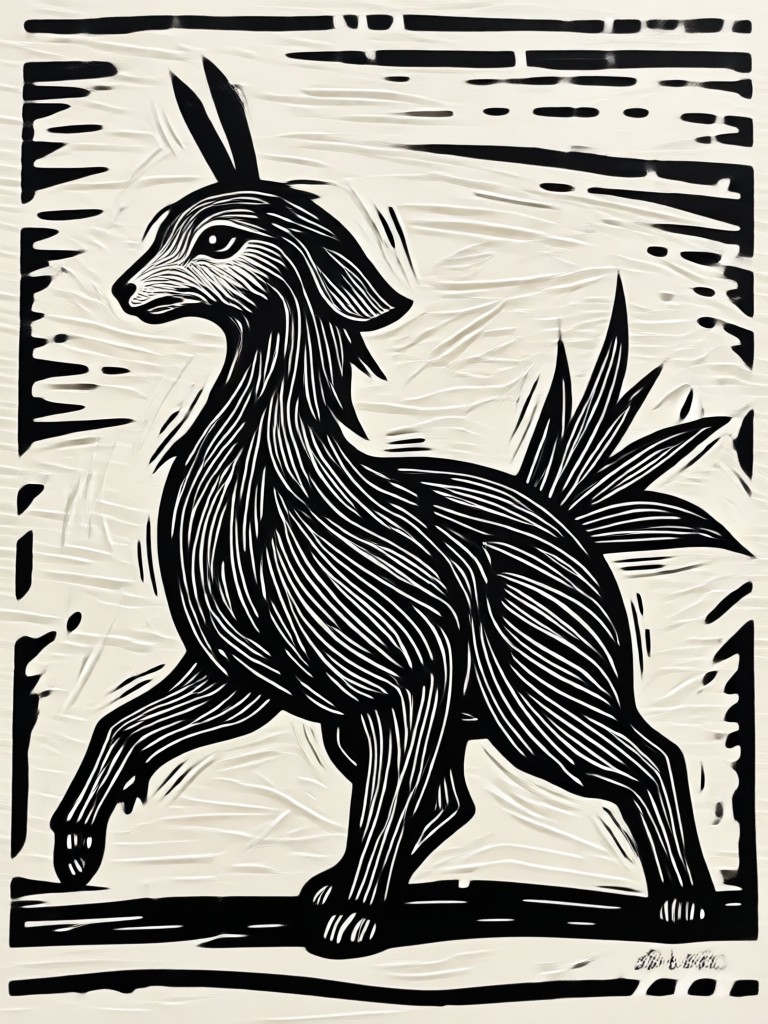
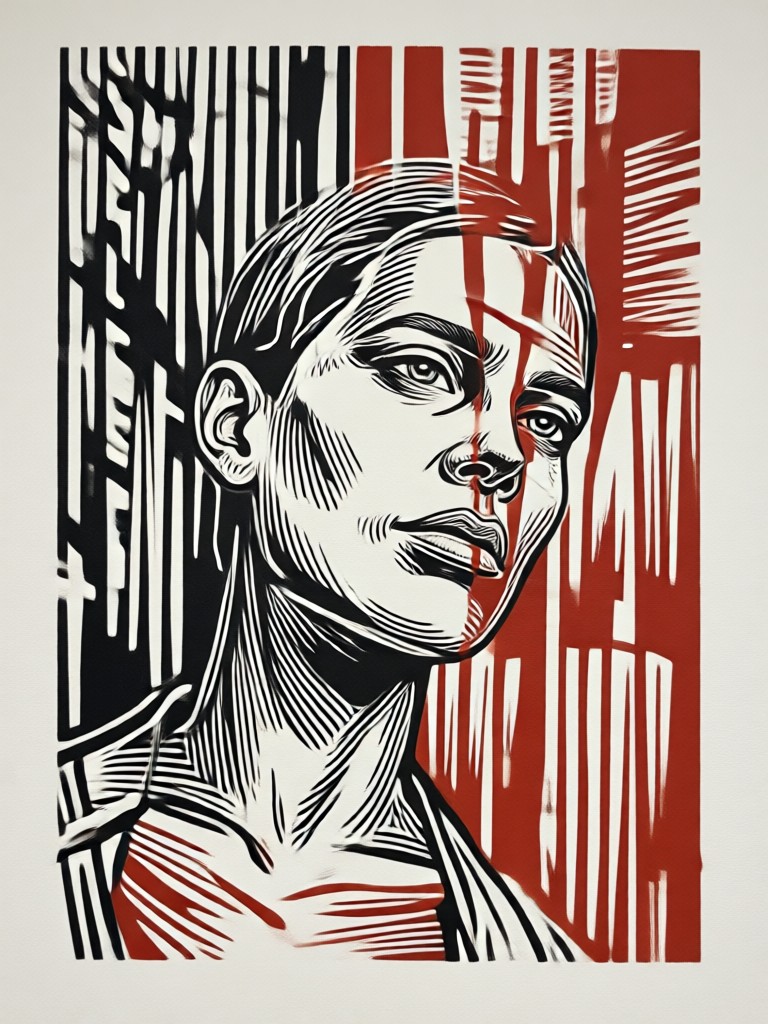
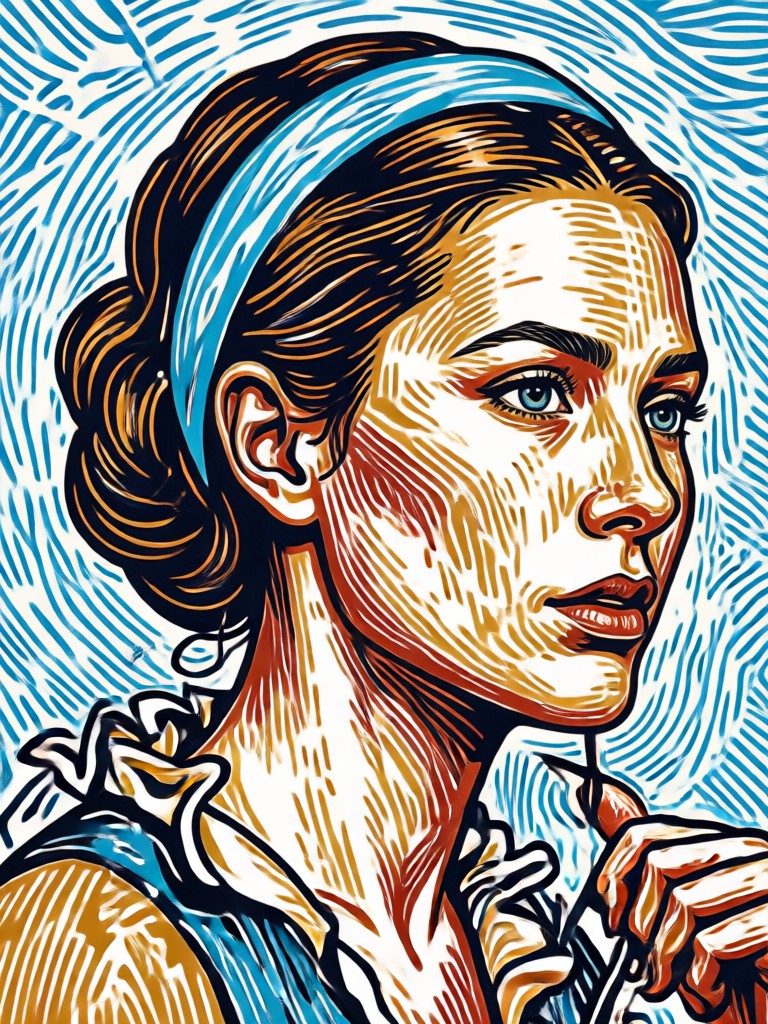
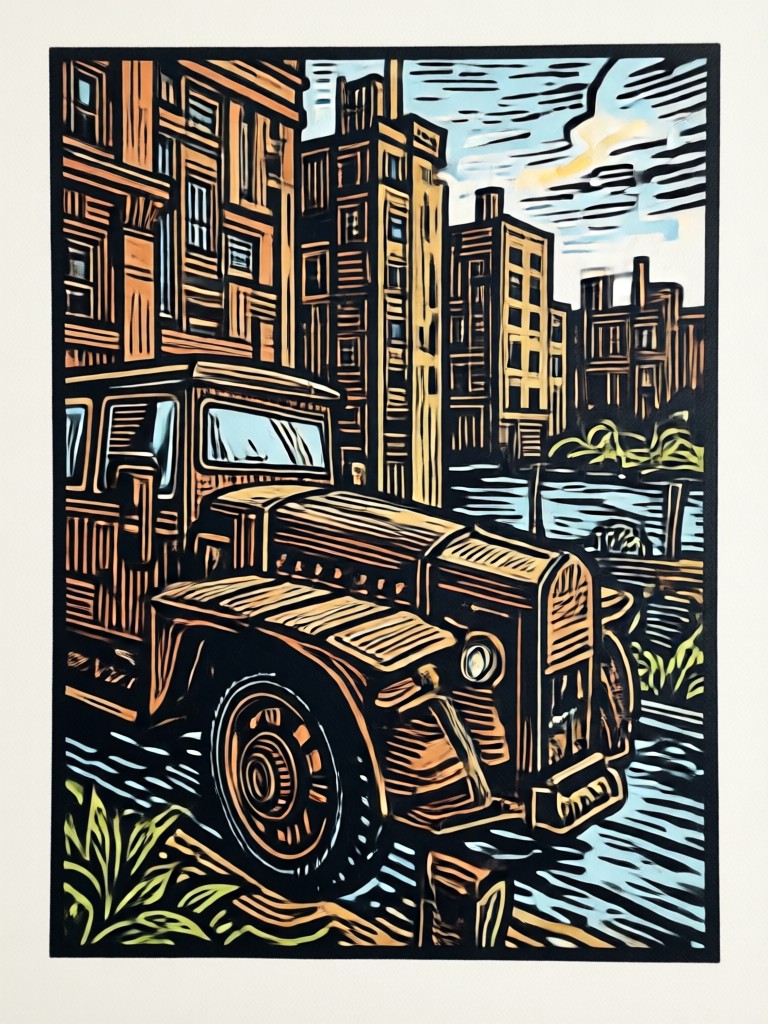
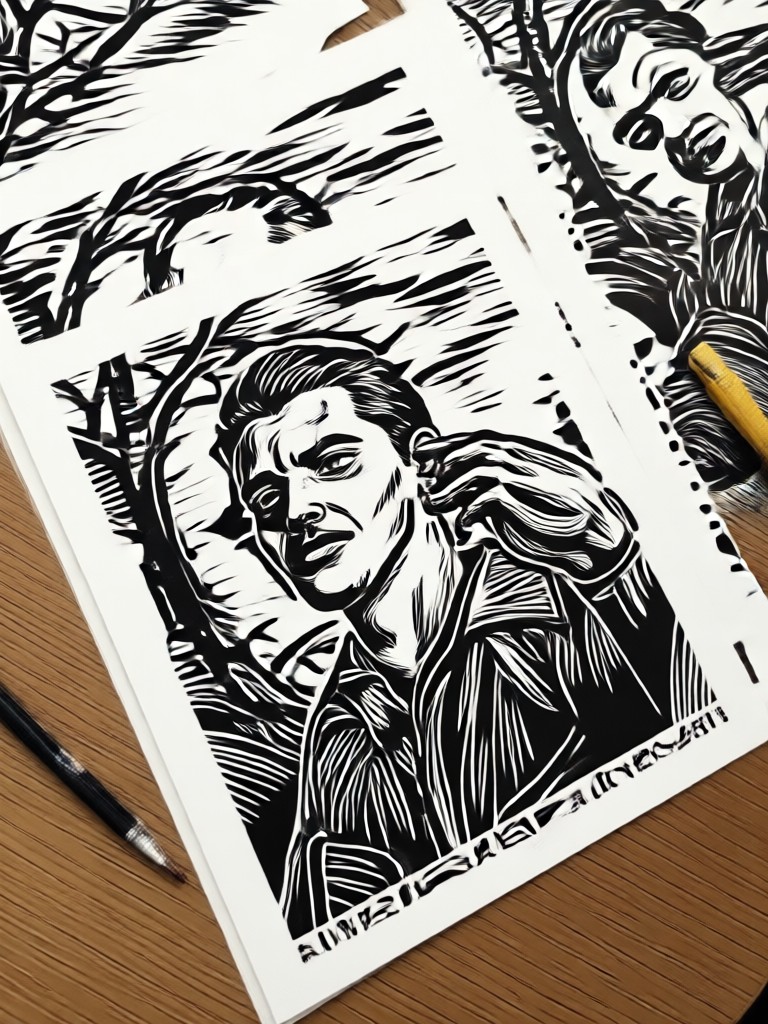
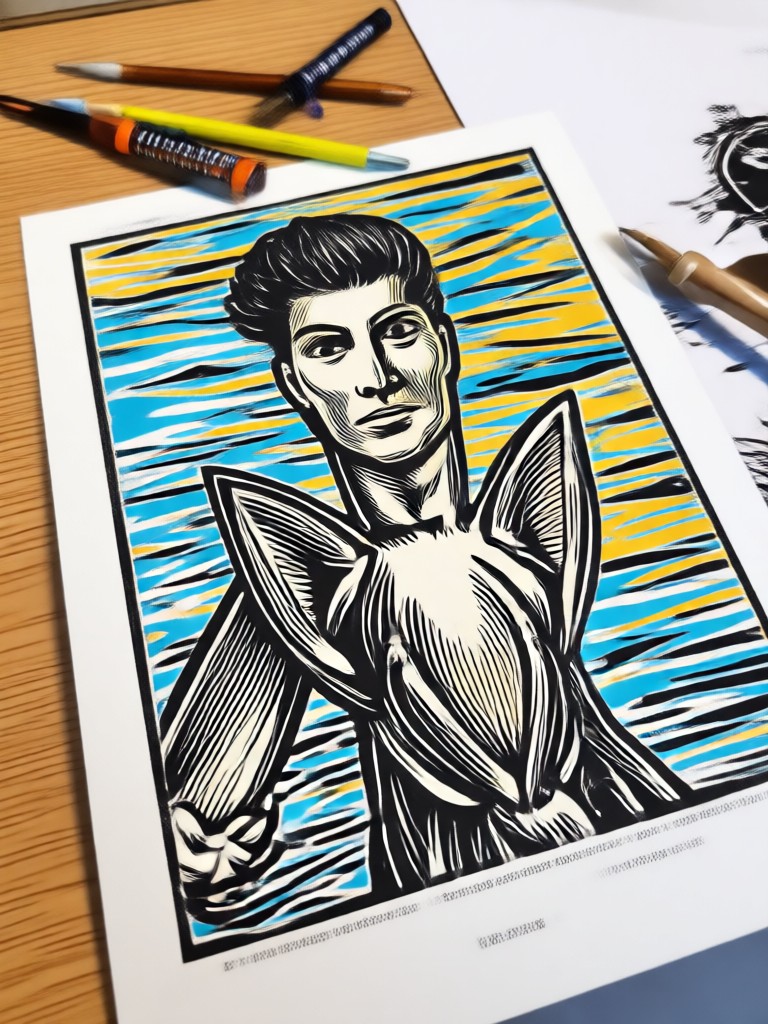
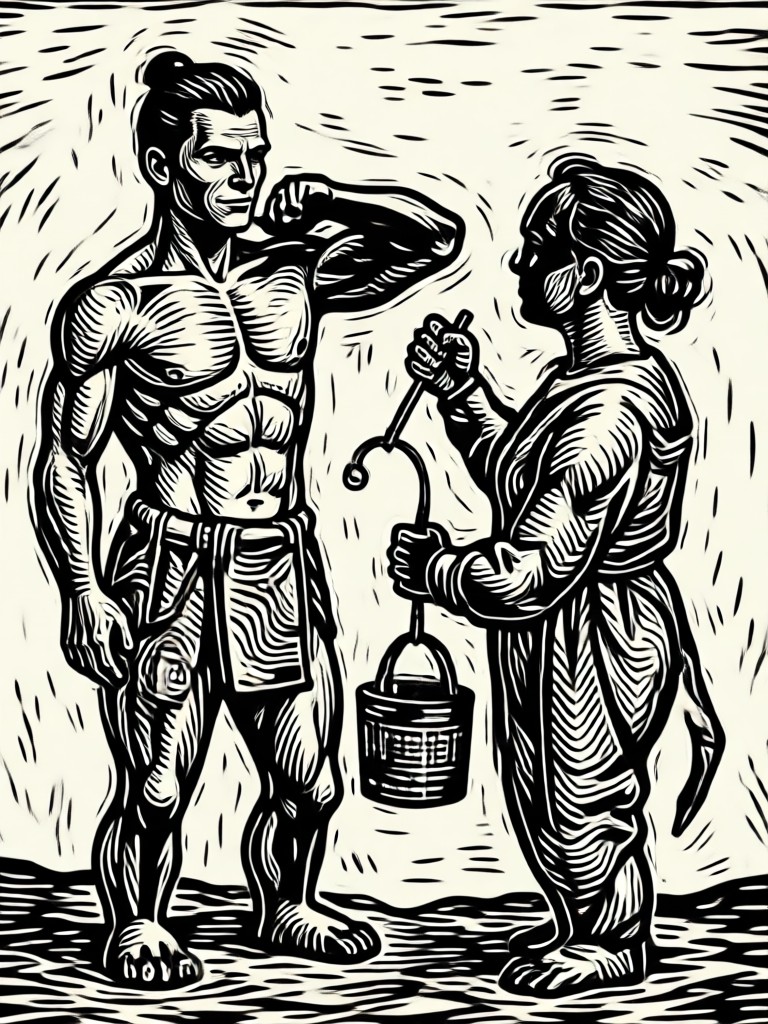
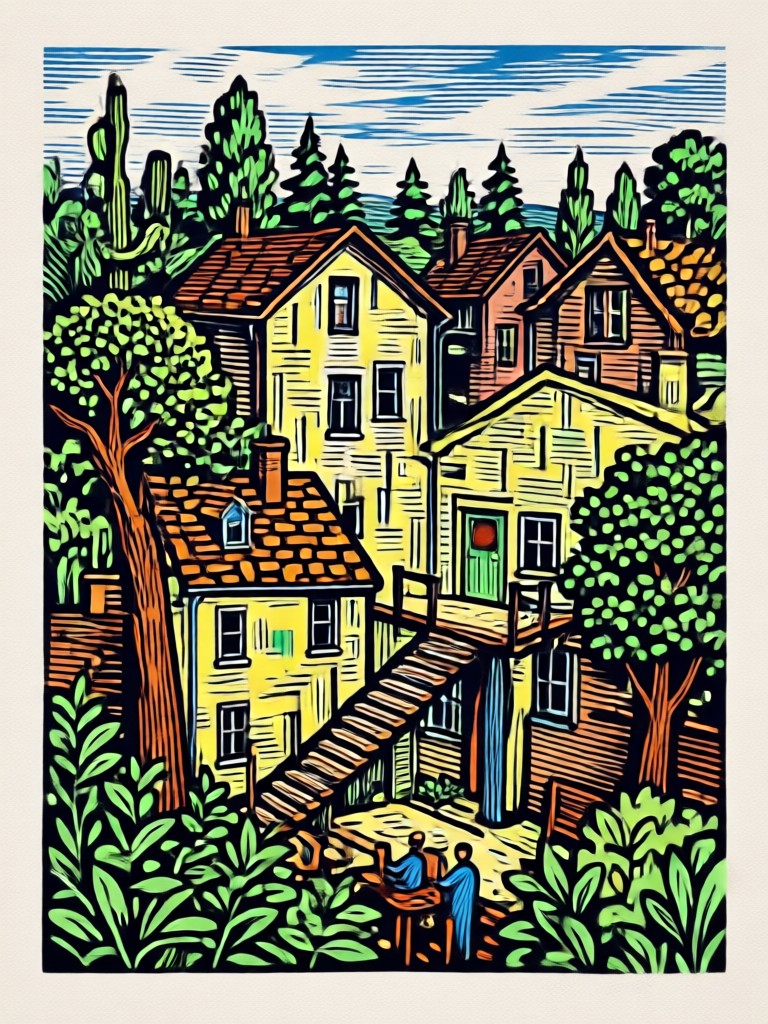
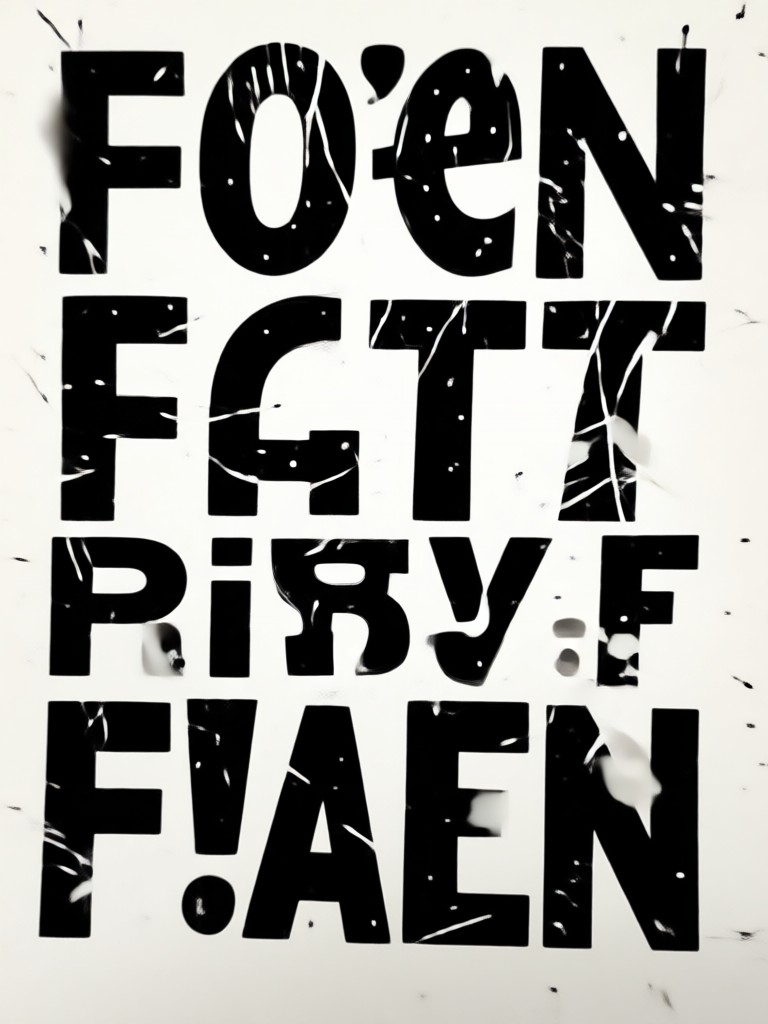
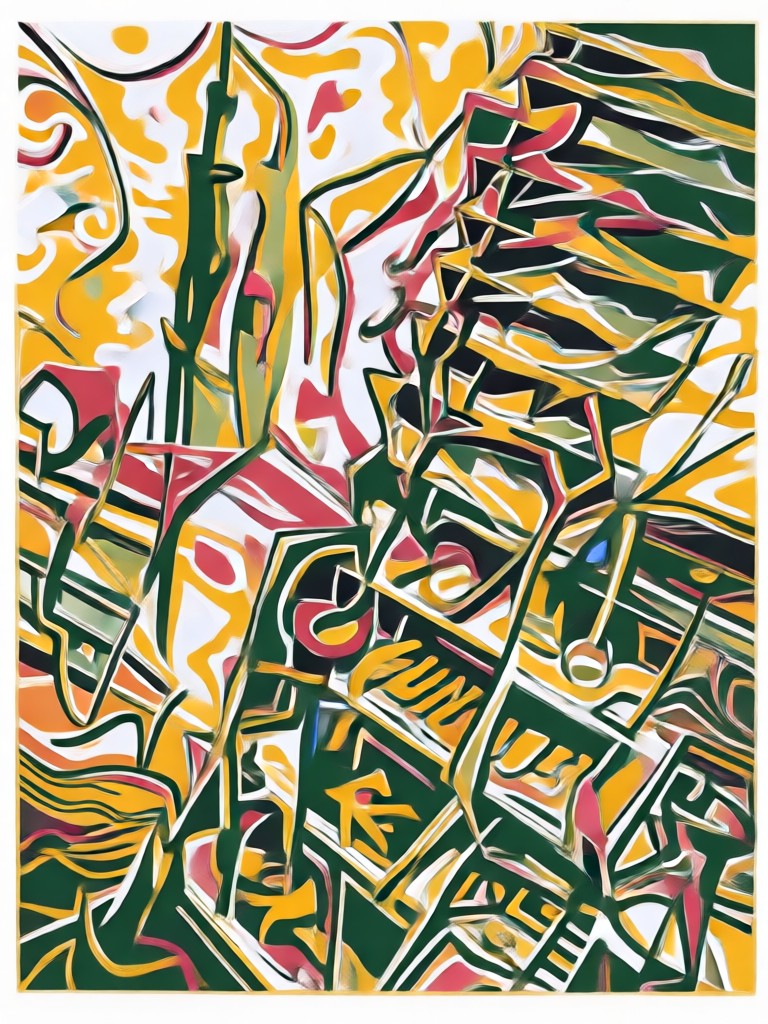
See how veeo turns reference photos and text prompts into bold linocut inspired images with carved lines, rich ink, and paper grain.
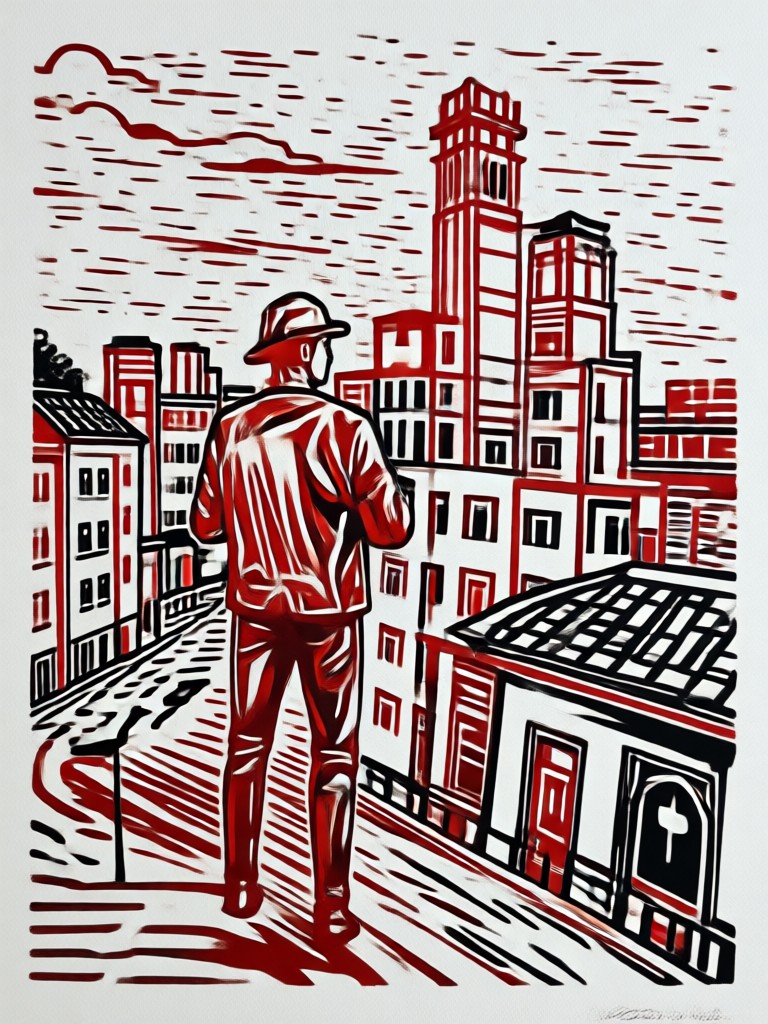
How to Create Linocut Print Style Art
Turn your photos into bold carved prints in just three simple steps with veeo.

Step 01.
Download veeo from Google Play and open the AI image generator to get started.
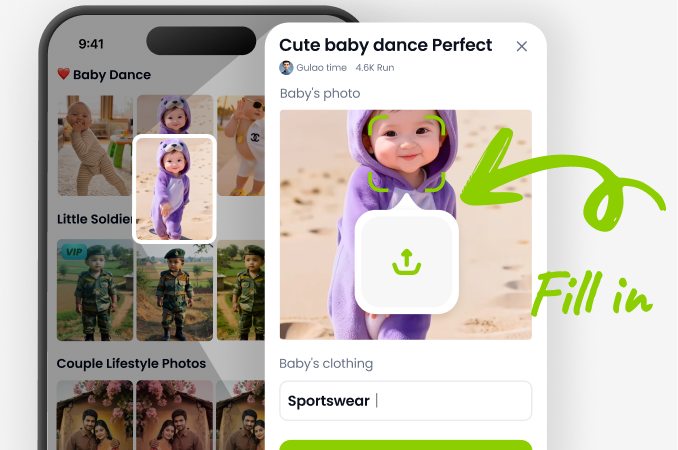
Step 02.
Upload a photo or type a linocut print style prompt, then choose a carved texture filter.
Step 03.
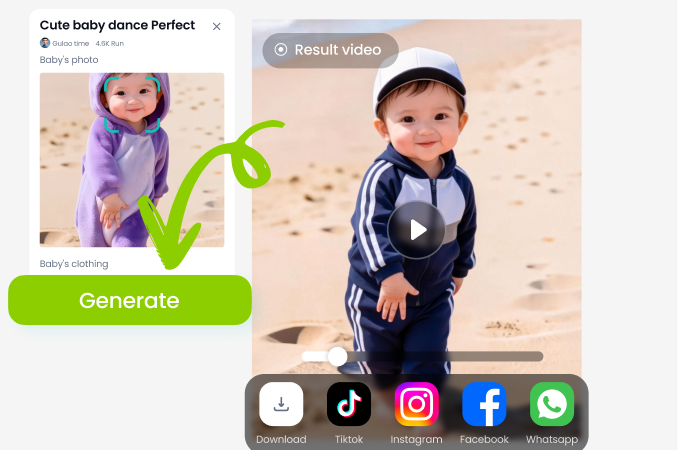
Generate your linocut artwork, adjust the intensity if needed, and share your bold print with friends or on social media.
Bring Handcrafted Printing Into the Digital Age
veeo makes it easy to produce linocut style artwork for posters, profile pictures, print projects, and social content without buying carving tools or ink.
What Makes veeo the Best Linocut Prompt Generator
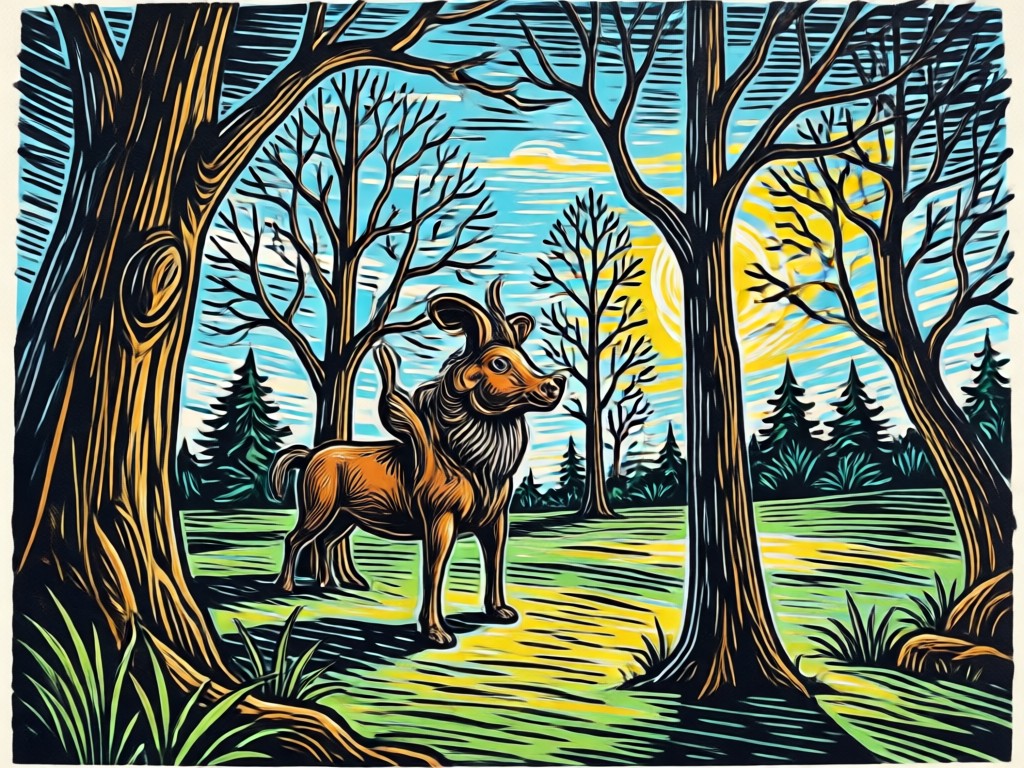
Traditional linocut requires carving blocks, rolling ink, and pressing paper by hand. veeo recreates that tactile charm digitally. Upload a photo or type a linocut print style prompt, choose a filter, and the app simulates carved strokes, ink coverage, and paper grain. You can create bold portraits, botanical posters, abstract prints, and vintage landscapes, then download high resolution results ready for printing or social sharing. Every template is refined from real artist feedback, so your output looks authentic rather than like a simple photo filter. No carving tools, no cleanup, just pure printed charm.
What Makes veeo the Best Linocut Prompt Generator
Traditional linocut requires carving blocks, rolling ink, and pressing paper by hand. veeo recreates that tactile charm digitally. Upload a photo or type a linocut print style prompt, choose a filter, and the app simulates carved strokes, ink coverage, and paper grain. You can create bold portraits, botanical posters, abstract prints, and vintage landscapes, then download high resolution results ready for printing or social sharing. Every template is refined from real artist feedback, so your output looks authentic rather than like a simple photo filter. No carving tools, no cleanup, just pure printed charm.
Who Uses Linocut Print Style Prompts
Mina Patel
I used the linocut prompt to make a series of travel posters for my guestroom. The carved texture and warm ink tones look like real handmade prints.

Daniel Okafor
I run a small illustration brand and needed quick linocut style assets for packaging. veeo saved me hours compared to sketching and scanning.
Elena Rossi
The botanical linocut prompts are amazing. I created framed floral prints for my studio without spending a week carving lino blocks.
James Whitfield
I wanted vintage album art with that bold block print feel. The prompts nailed the off-registration ink look perfectly.
Mina Patel
I used the linocut prompt to make a series of travel posters for my guestroom. The carved texture and warm ink tones look like real handmade prints.
Daniel Okafor
I run a small illustration brand and needed quick linocut style assets for packaging. veeo saved me hours compared to sketching and scanning.
Elena Rossi
The botanical linocut prompts are amazing. I created framed floral prints for my studio without spending a week carving lino blocks.
James Whitfield
I wanted vintage album art with that bold block print feel. The prompts nailed the off-registration ink look perfectly.
Mina Patel
I used the linocut prompt to make a series of travel posters for my guestroom. The carved texture and warm ink tones look like real handmade prints.
Daniel Okafor
I run a small illustration brand and needed quick linocut style assets for packaging. veeo saved me hours compared to sketching and scanning.
Elena Rossi
The botanical linocut prompts are amazing. I created framed floral prints for my studio without spending a week carving lino blocks.
James Whitfield
I wanted vintage album art with that bold block print feel. The prompts nailed the off-registration ink look perfectly.
Linocut Print Style Prompt FAQs
Find answers to common questions about creating linocut inspired art with veeo.
More Topics You May Like
Explore more topics you may like and discover fresh ideas tailored to your interests.

Liminal Space Photo Prompts: Create Eerie AI Images
Use liminal space photo prompts to generate haunting, nostalgic images. Explore empty pools, hallways, and malls with veeo's AI generator. Get the app now.
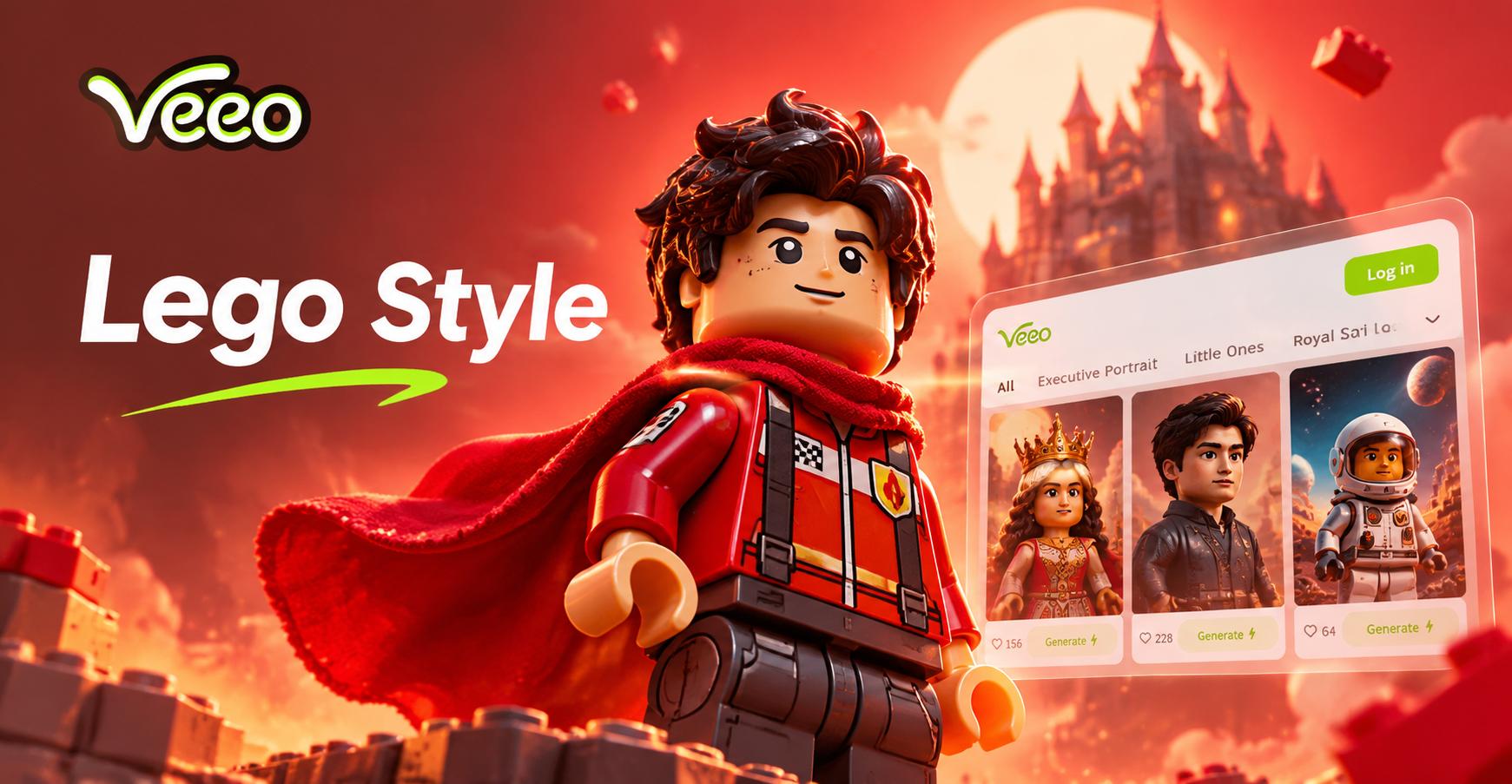
Lego Style Photo Prompts for Fun AI Art
Discover Lego style photo prompts to turn photos into brick art. Use veeo's AI for minifigures, blocky scenes, and toy-like images. Download now and start creating.
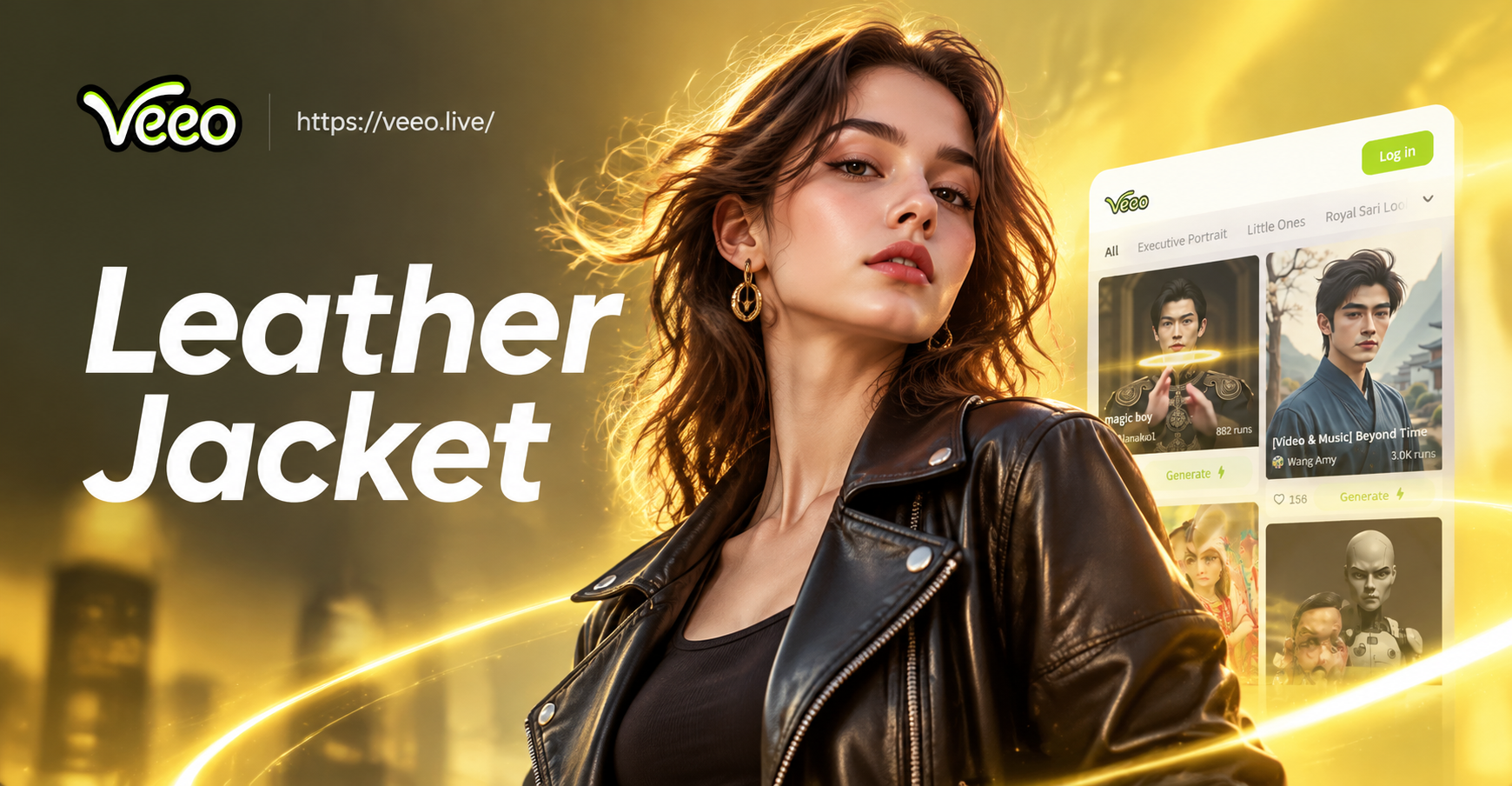
Leather Jacket Prompt For Women: AI Style Ideas
Create leather jacket looks with AI prompts for women. Upload a photo or enter a style prompt for biker, vintage, tailored, and streetwear outfits. No design skills needed.
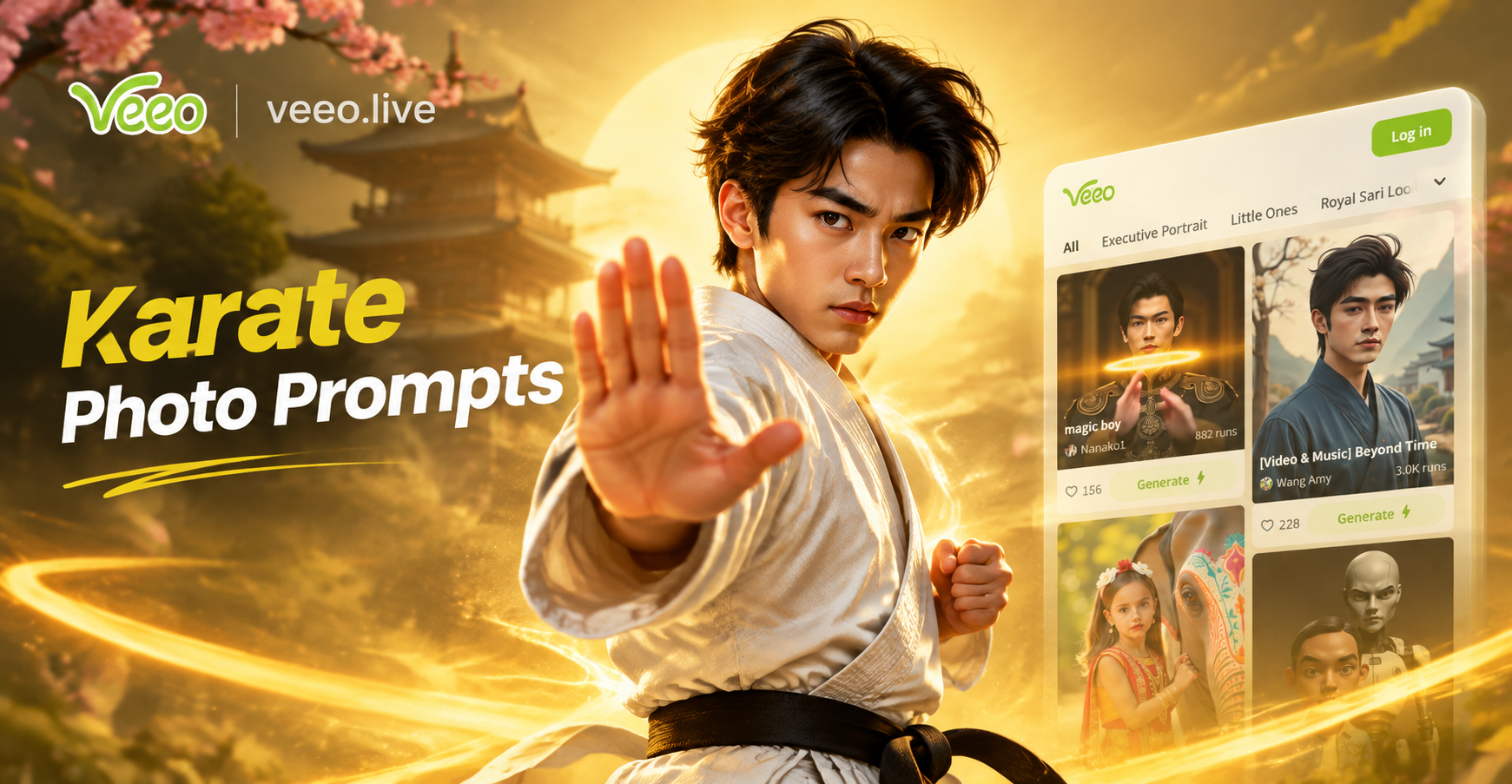
Karate Photo Prompts: Create Dynamic Martial Arts Images
Use karate photo prompts to generate realistic martial arts images. Upload a photo or enter a text prompt, choose a style filter, and create dynamic karate poses in seconds.
Ready to Create Bold Linocut Art?
Download veeo, pick a linocut print style prompt, and turn any photo into handcrafted carved artwork in seconds.
Ready to Create Bold Linocut Art?
Download veeo, pick a linocut print style prompt, and turn any photo into handcrafted carved artwork in seconds.