Retro Photo Filter
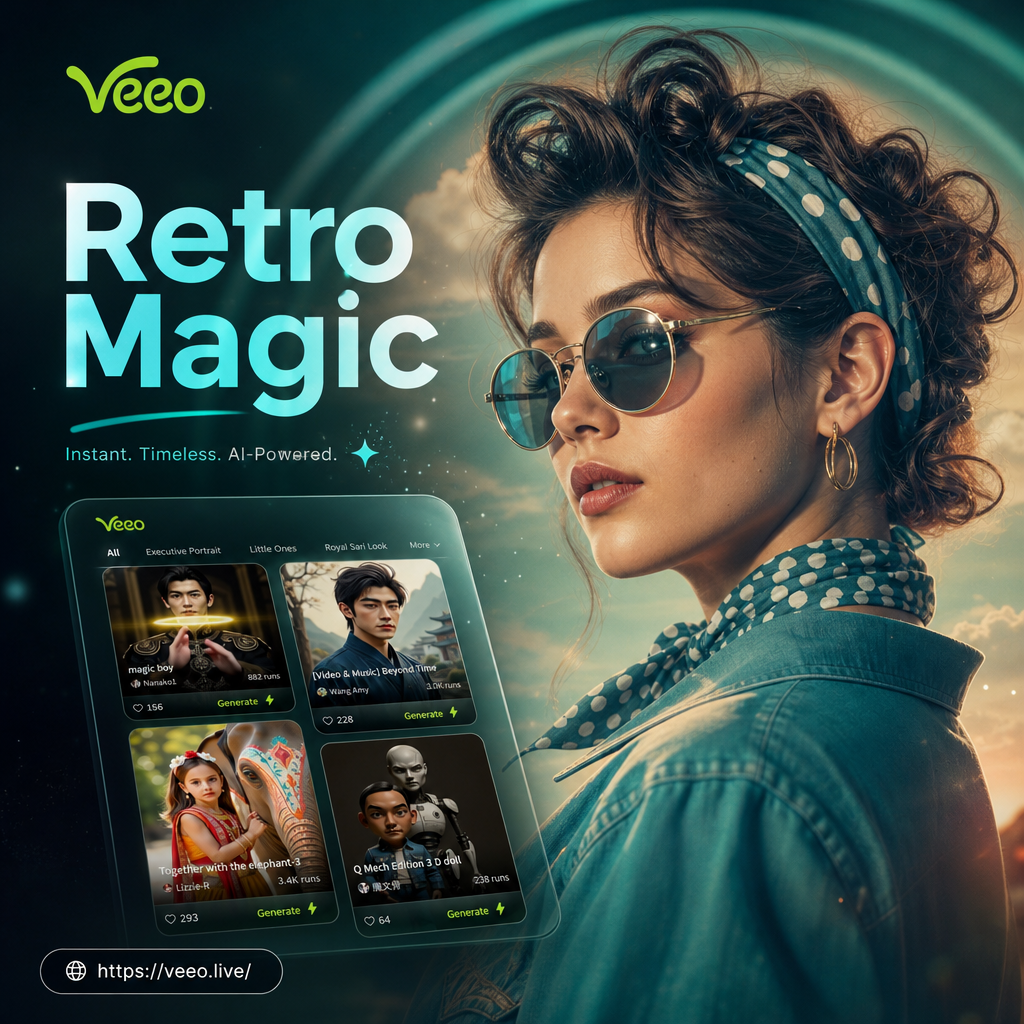
Choose the Retro Filter That Matches Your Vibe
Browse a huge collection of vintage photo styles, from faded film grain to warm 90s tones.
Key Features of the Retro Photo Filter
veeo makes vintage photo editing simple, fast, and realistic. Use these tools to create nostalgic images that feel like they were shot on film.
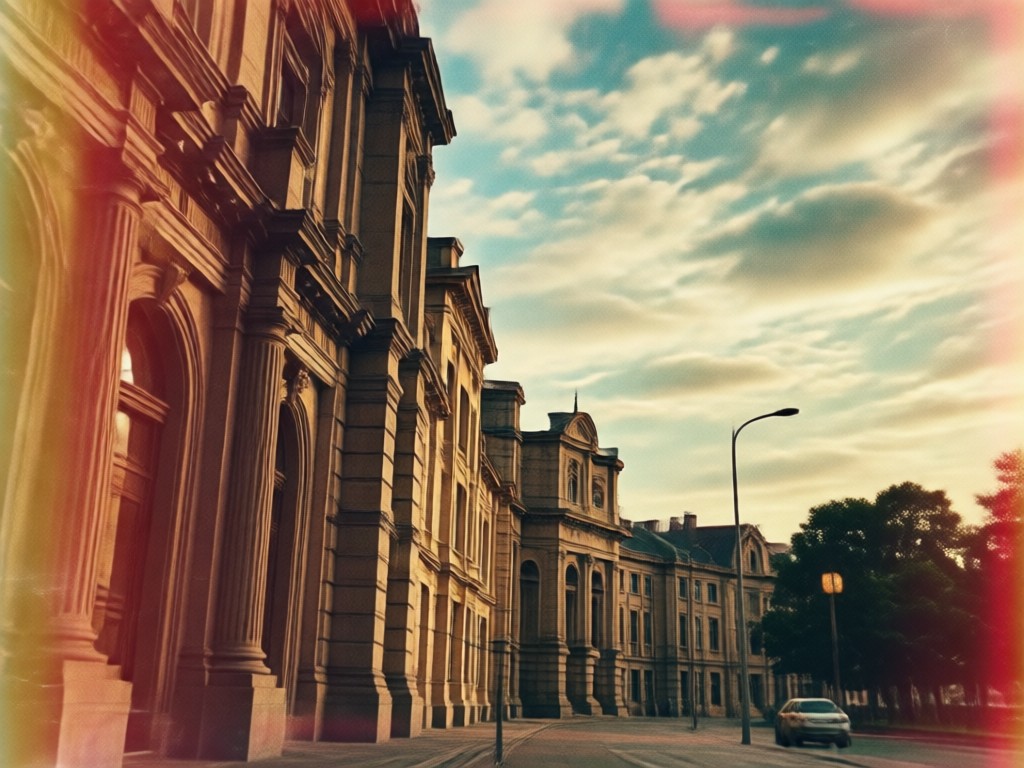
Film Grain and Textures
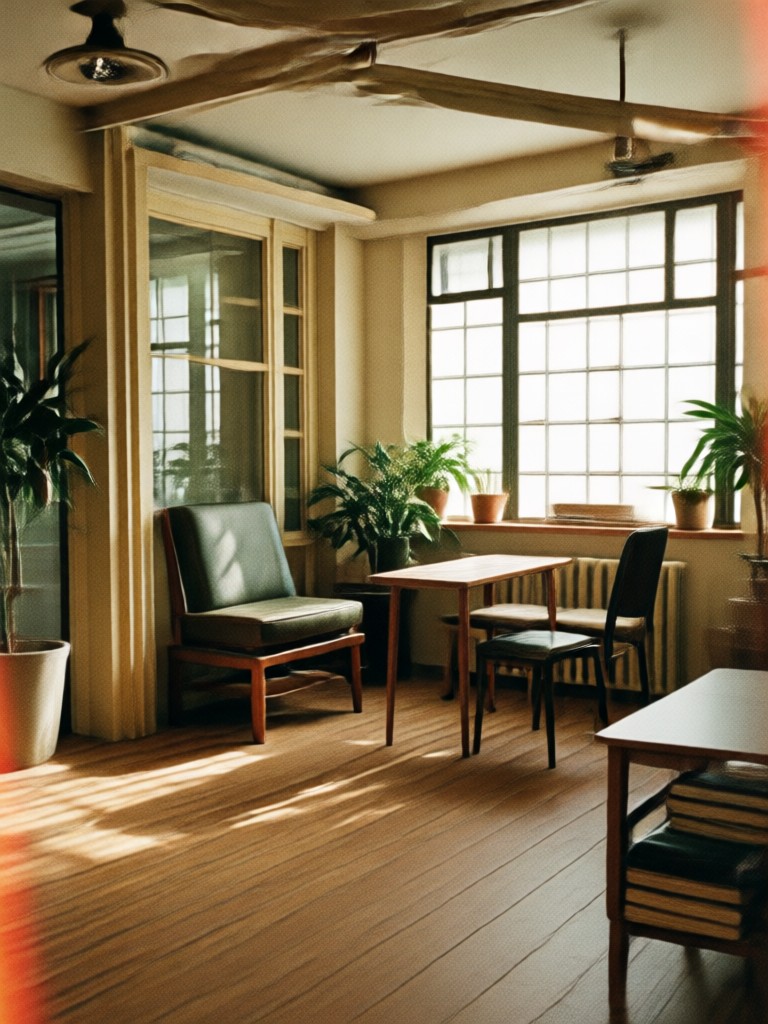
Add realistic 35mm film grain, dust, and soft blur to recreate the analog look. Adjust intensity so your photos feel authentically vintage without losing detail.
Film Grain and Textures
Add realistic 35mm film grain, dust, and soft blur to recreate the analog look. Adjust intensity so your photos feel authentically vintage without losing detail.
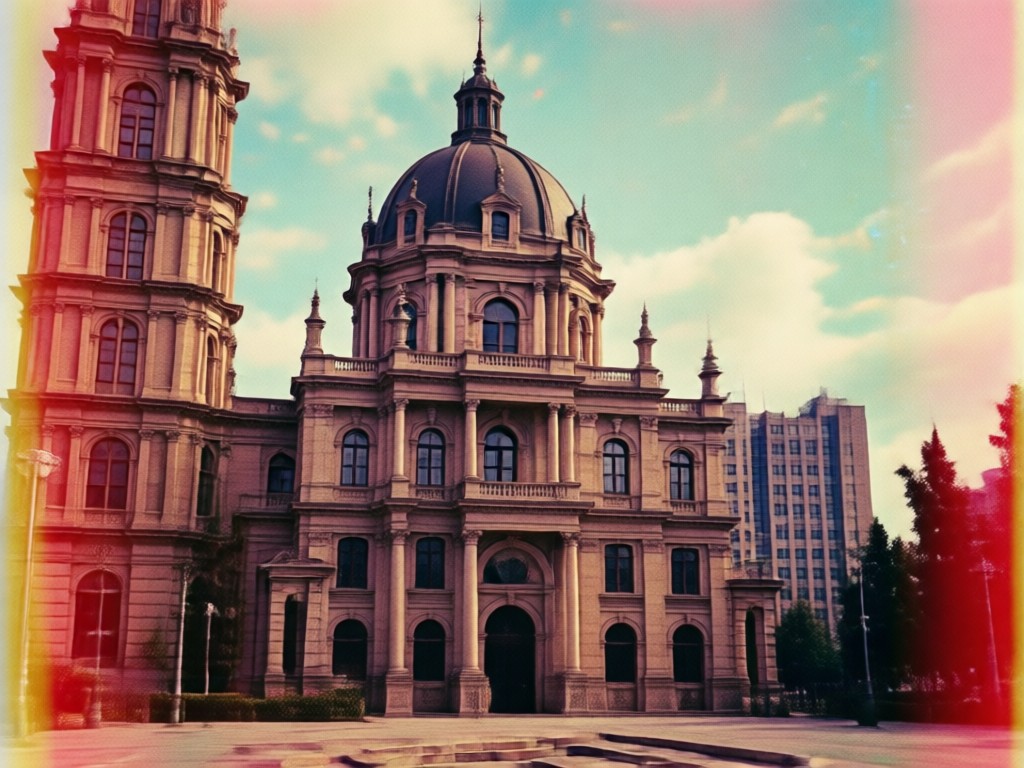
Light Leaks and Faded Colors
Apply red and orange light leaks with washed out tones that mimic old camera imperfections. Perfect for sunkissed retro snapshots and nostalgic social posts.
Light Leaks and Faded Colors
Apply red and orange light leaks with washed out tones that mimic old camera imperfections. Perfect for sunkissed retro snapshots and nostalgic social posts.
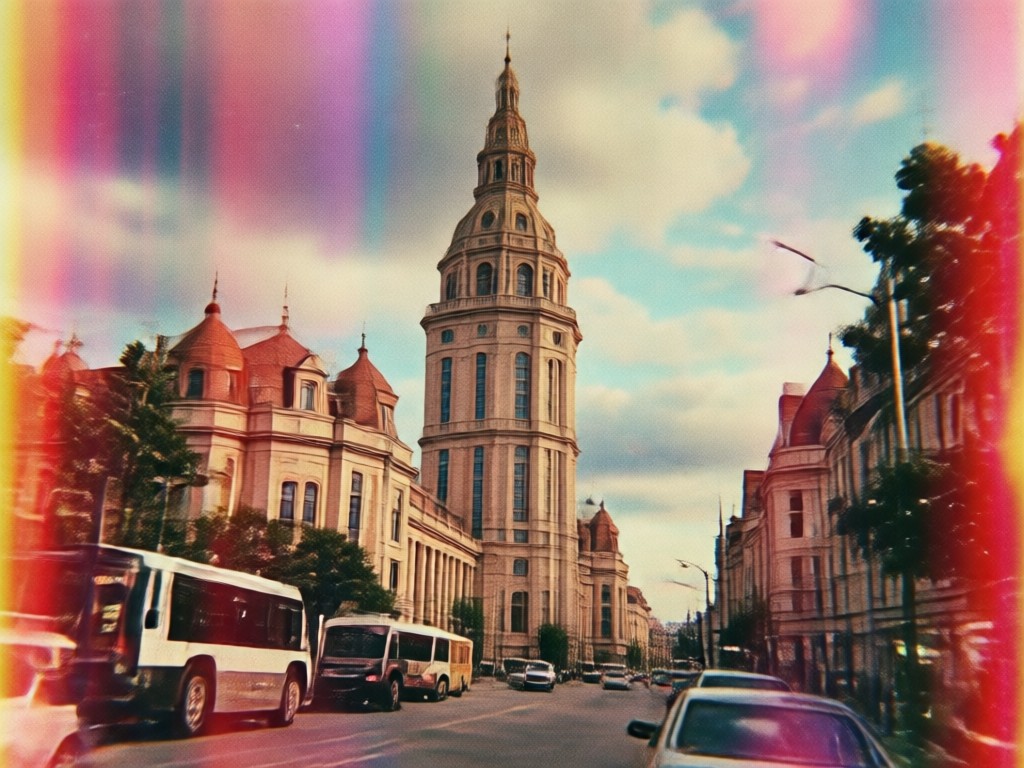
Instant Preset Styles
Pick from Polaroid, 90s point and shoot, or 70s Kodachrome presets. One tap transforms your photo, no manual editing or design skills needed.
Instant Preset Styles
Pick from Polaroid, 90s point and shoot, or 70s Kodachrome presets. One tap transforms your photo, no manual editing or design skills needed.
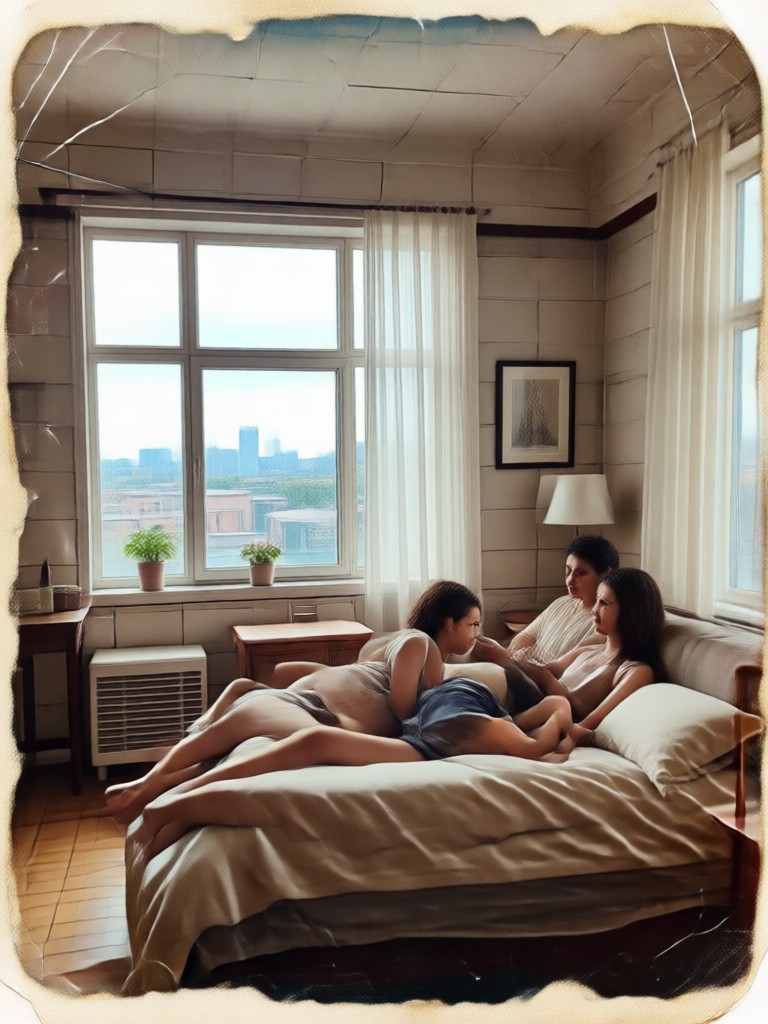
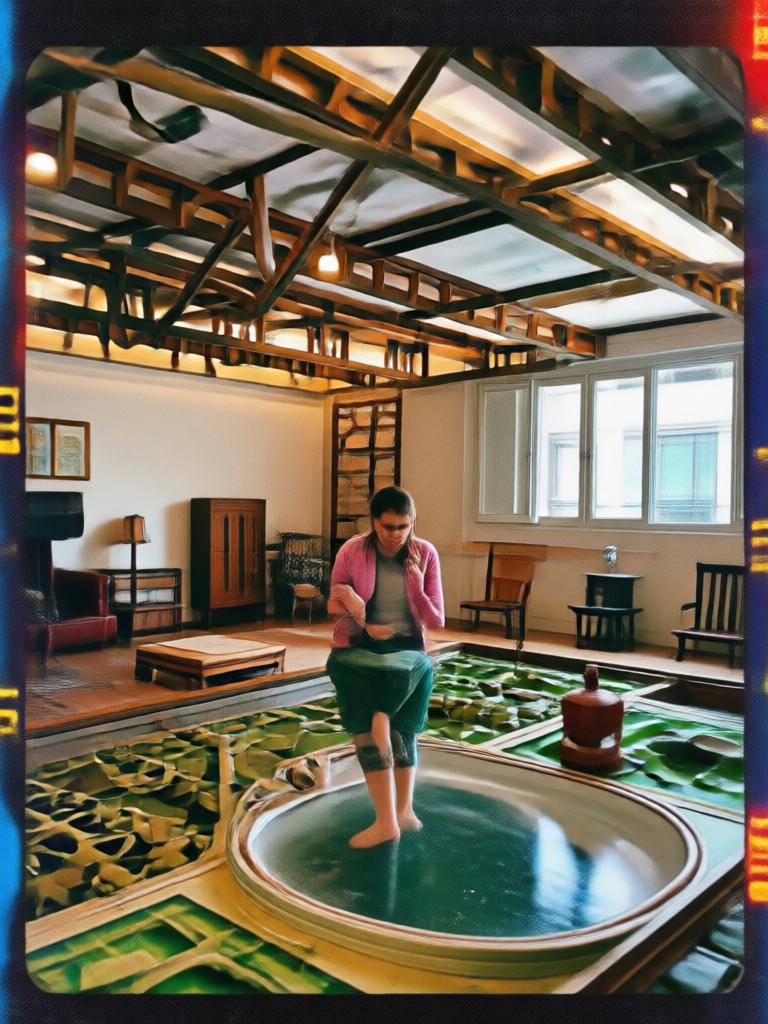
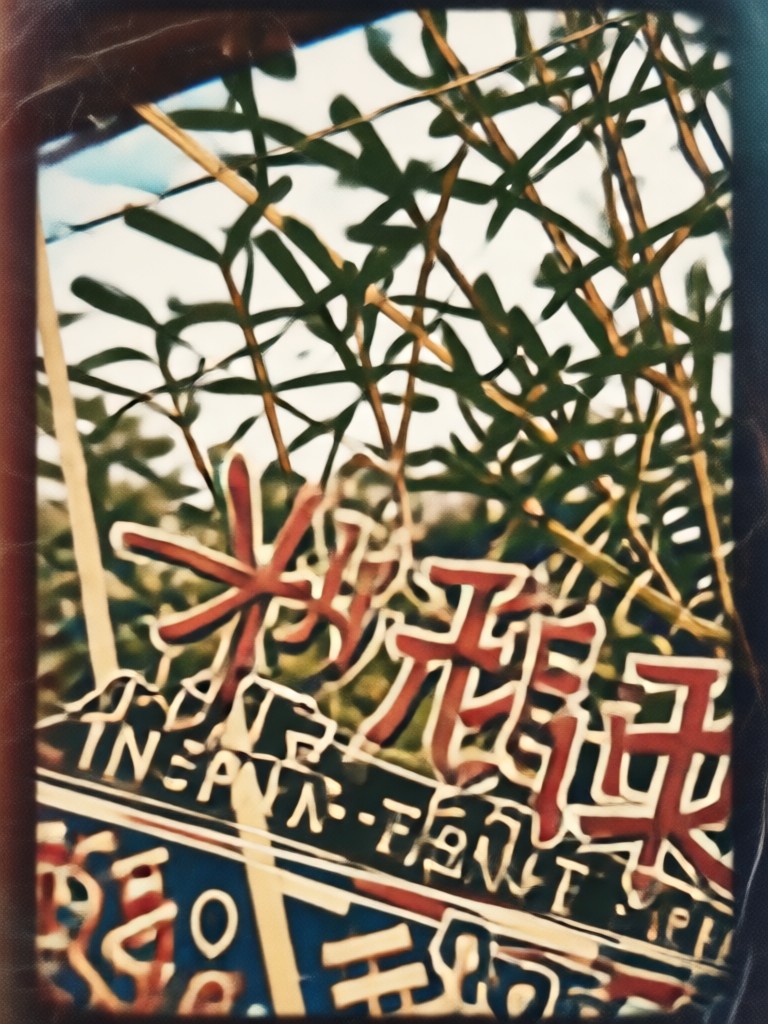
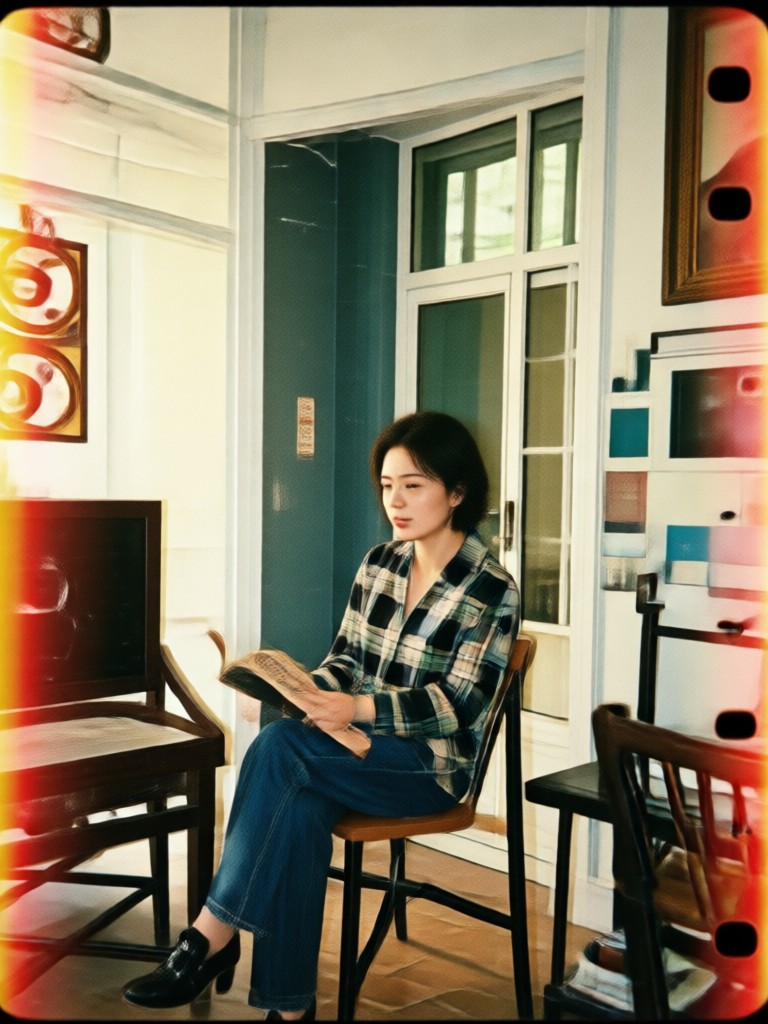
Retro Photo Filter Creations
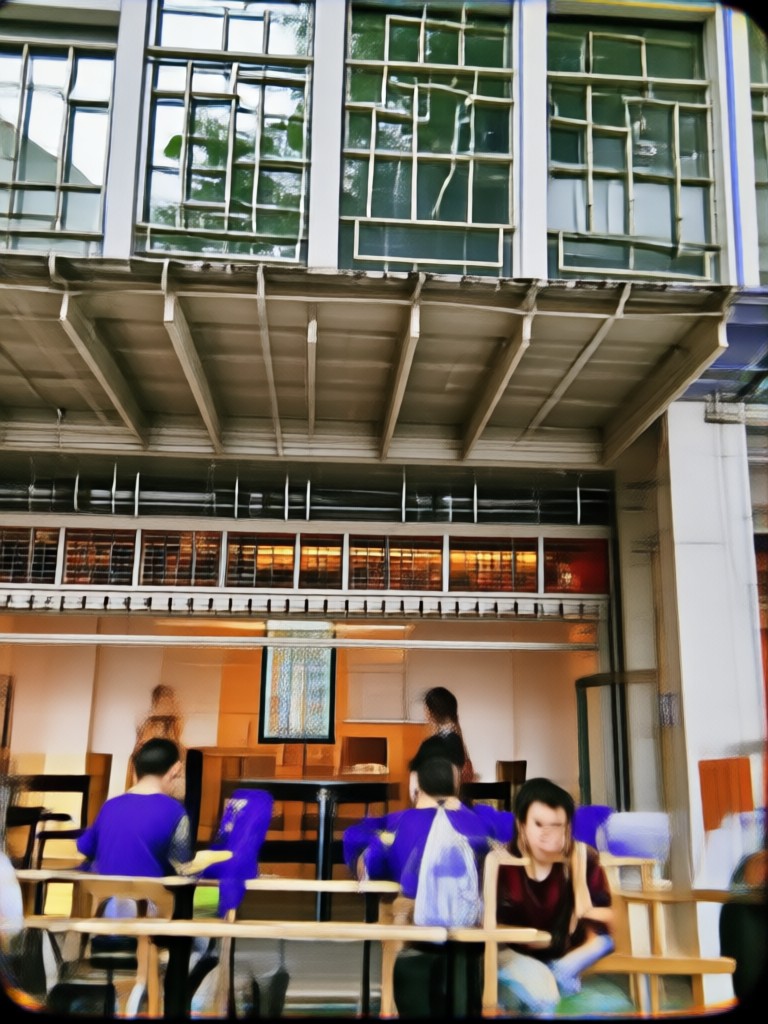
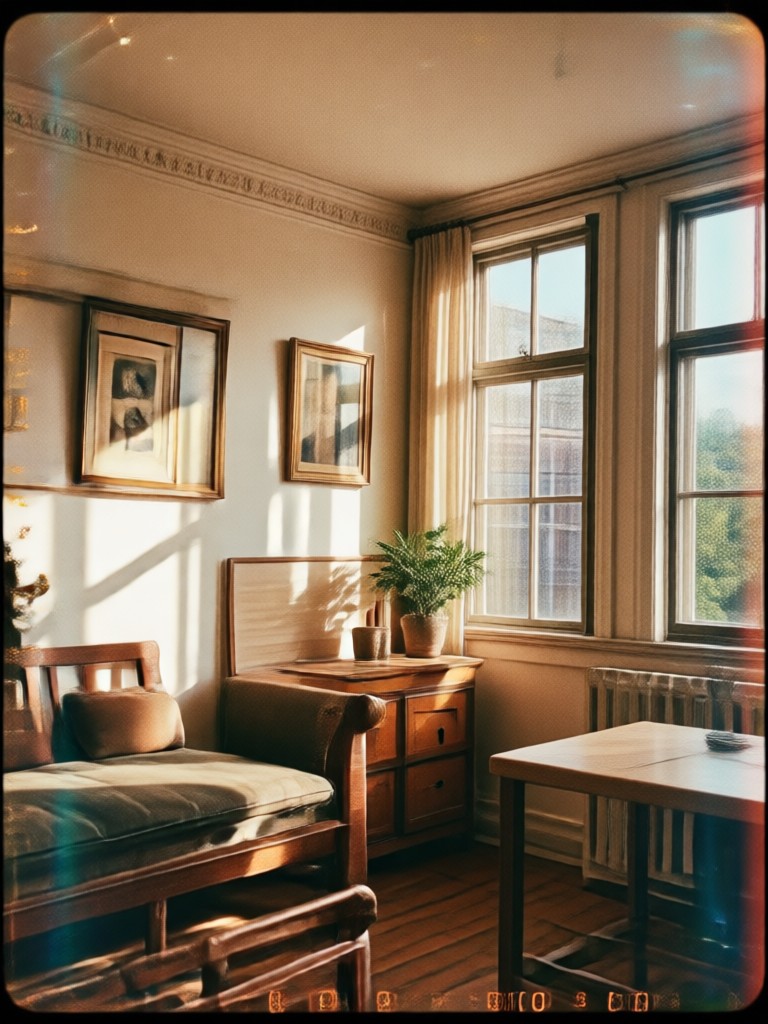
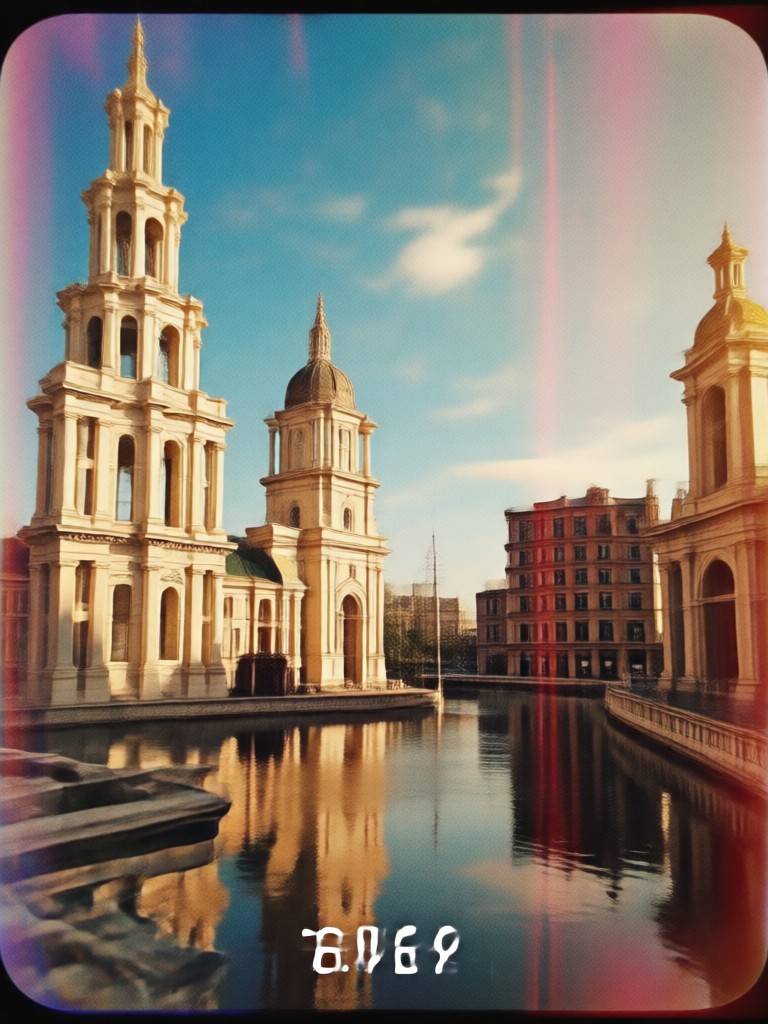
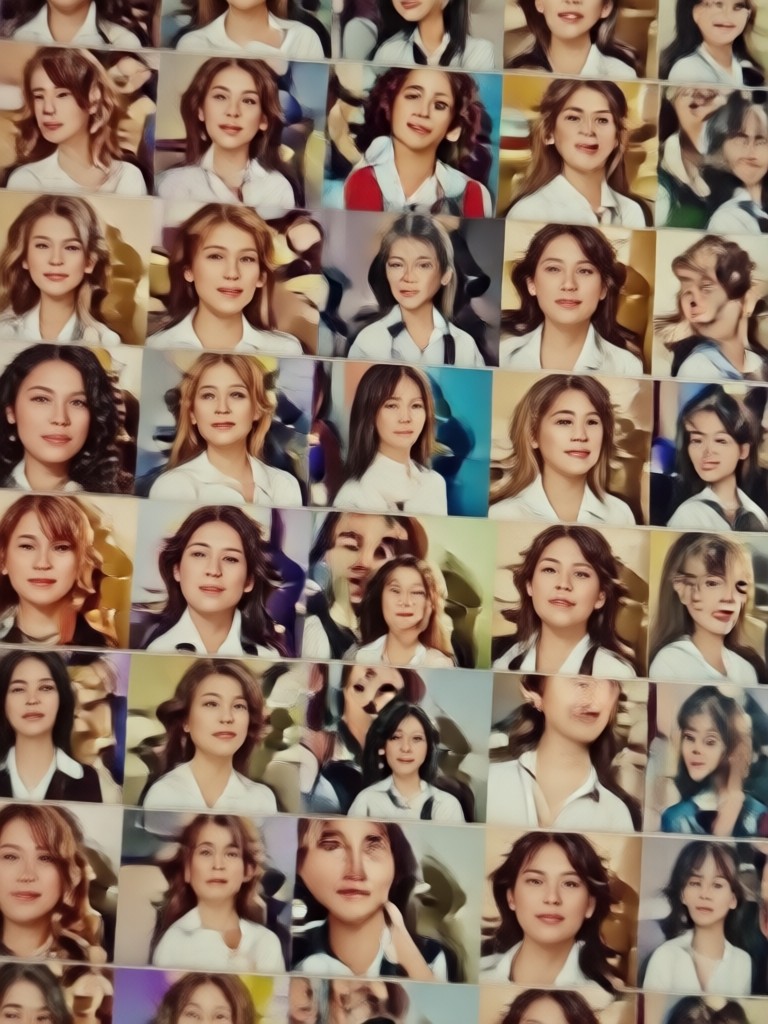
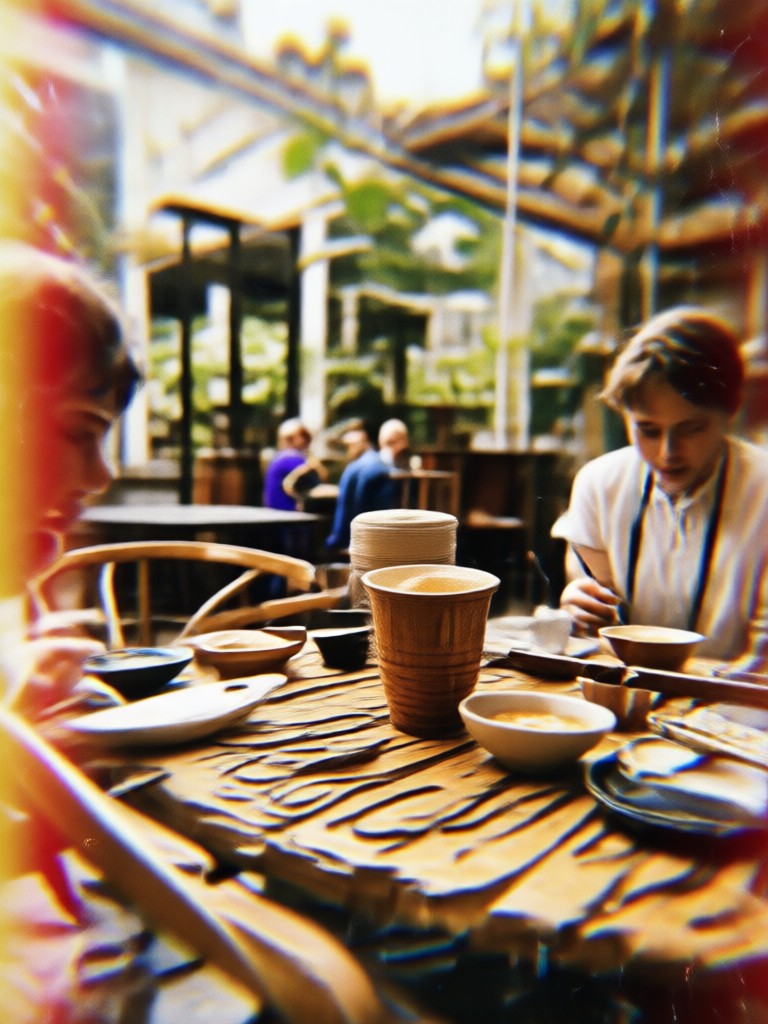
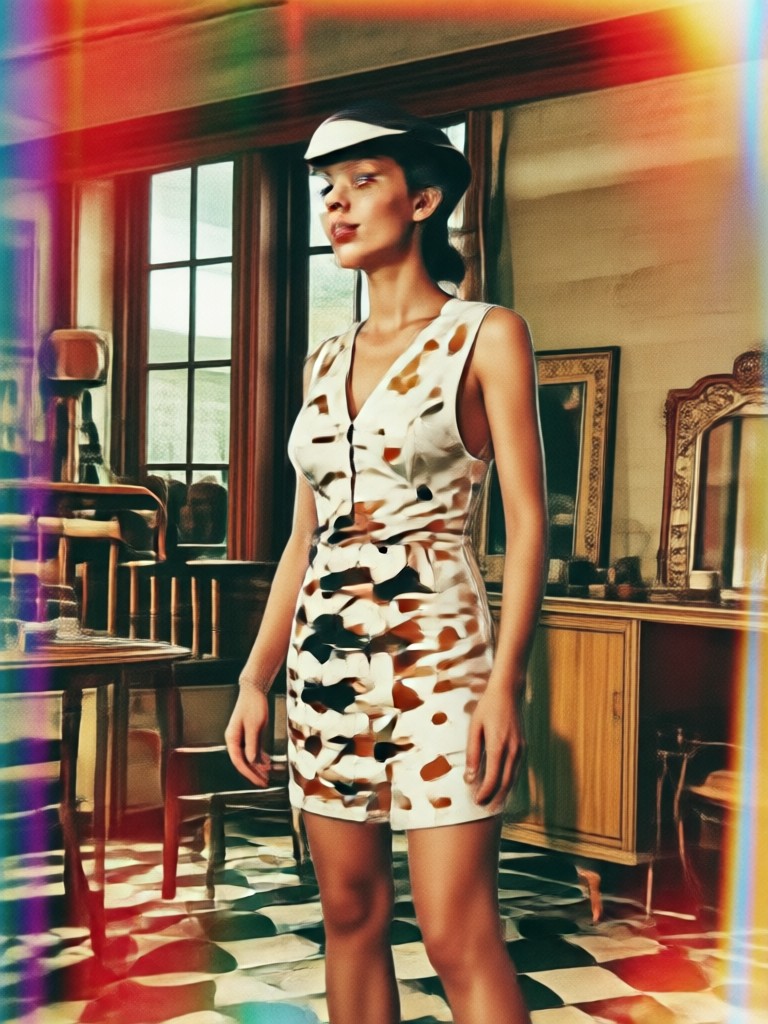
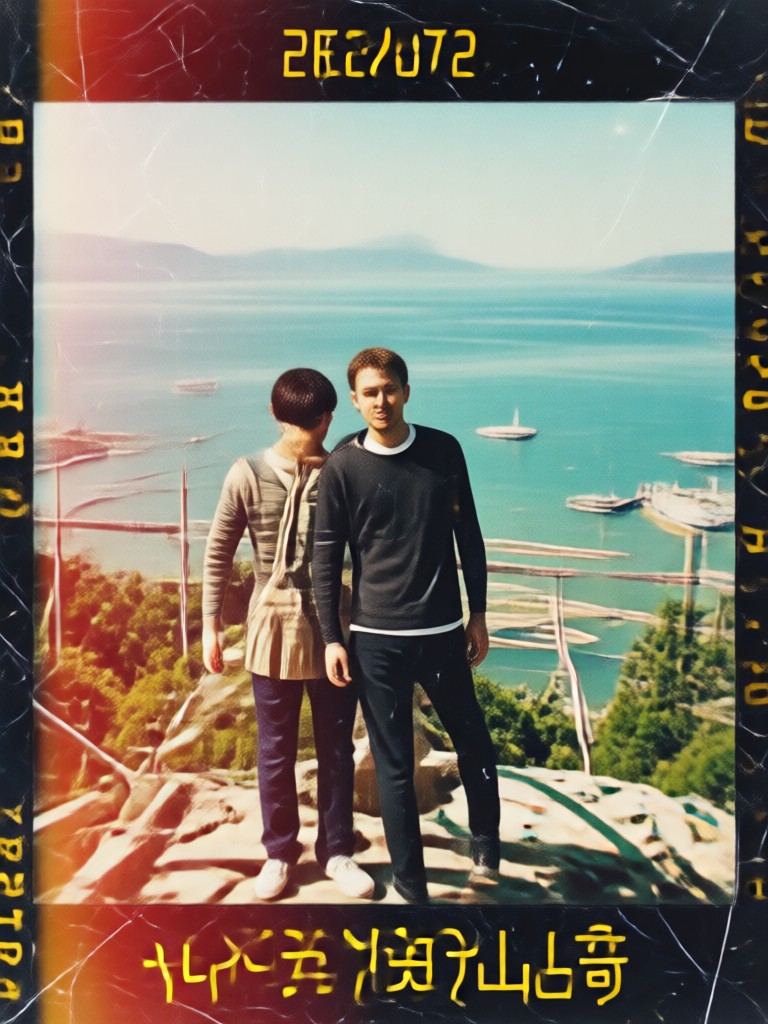
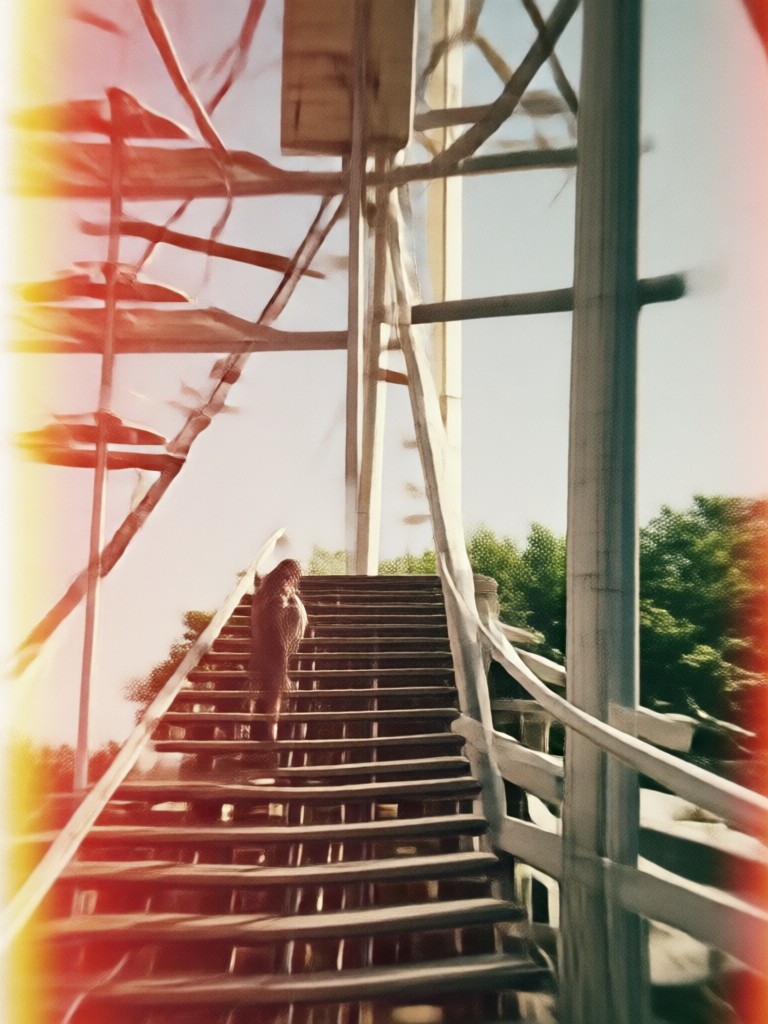
Explore retro style edits made with veeo. Each image shows how modern photos become vintage film, faded Polaroid, and grainy snapshots.
How to Add a Retro Photo Filter in 3 Steps
Create authentic vintage style photos in just a few simple steps using the veeo app.

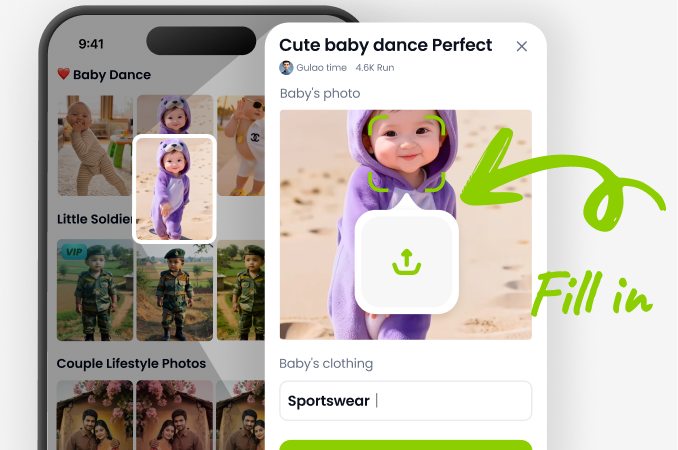
Step 01.
Download veeo from Google Play and open the app on your phone. No desktop editor or web browser needed.
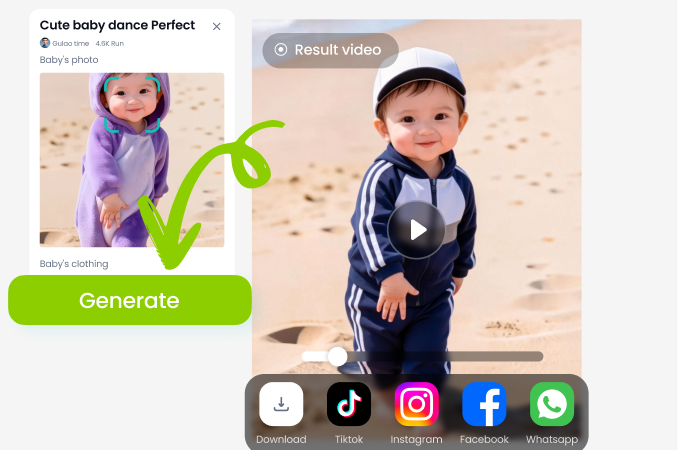
Step 02.
Upload your photo and choose a retro filter style such as film grain, Polaroid, or 90s fade.
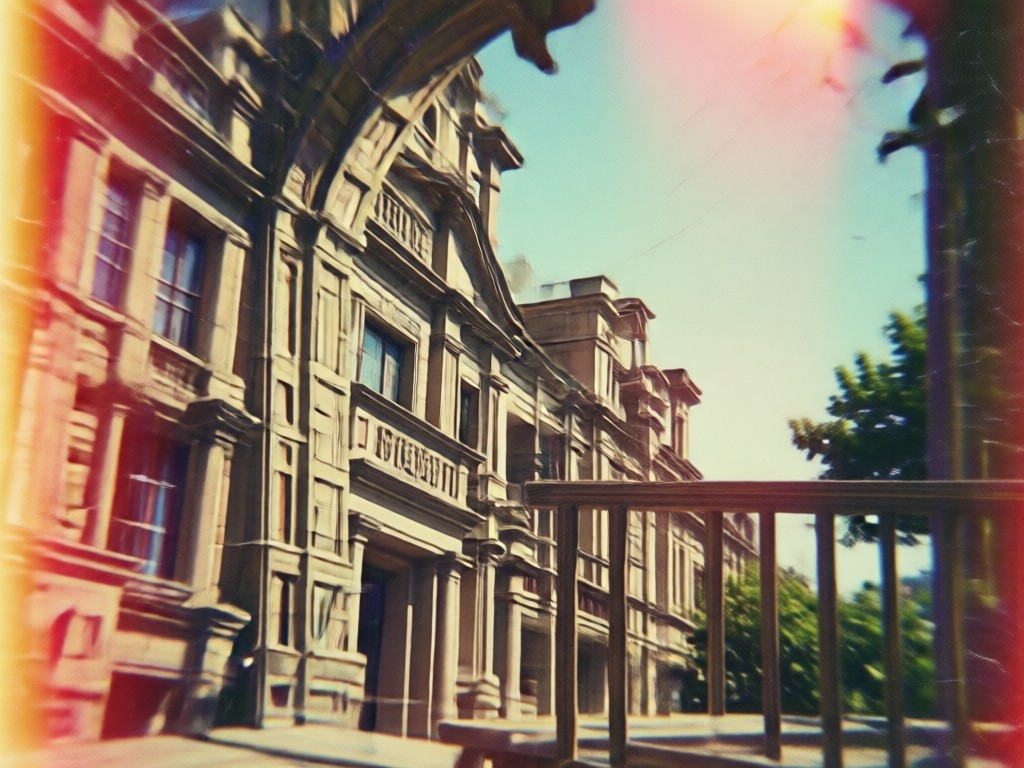
Step 03.
Generate and save your vintage photo, then share it directly to social media or with friends.
Why Use veeo for Retro Photo Filters
veeo puts a full retro photo lab in your pocket. No expensive cameras, film, or editing software required. You get over a million style filters, fast one tap processing, and HD exports that keep every detail crisp. Whether you want a subtle vintage touch or full 80s mood, veeo makes it effortless.
Why Use veeo for Retro Photo Filters
veeo puts a full retro photo lab in your pocket. No expensive cameras, film, or editing software required. You get over a million style filters, fast one tap processing, and HD exports that keep every detail crisp. Whether you want a subtle vintage touch or full 80s mood, veeo makes it effortless.
Retro Photo Filter App for Android
Download veeo on Google Play and start turning modern photos into vintage film, faded Polaroid, and 90s style edits in seconds.

What Creators Say About veeo Retro Filters
My feed went full vintage overnight
I used the 90s grain and light leak presets on my travel photos. The results look like scanned film prints, and it takes less than a minute per photo.
Finally an app that nails film colors
Most retro filters look fake, but veeo gets faded greens and warm highlights right. My portraits finally have that old Kodak mood I wanted for my portfolio.
So easy for social content
I create vintage style reels and thumbnails every week. veeo saves me hours and the results keep my brand consistent.
Retro Photo Filter FAQ
Find clear answers to common questions about applying retro photo filters with veeo.
More Topics You May Like
Explore more topics you may like and discover fresh ideas tailored to your interests.

Double Exposure Portrait Generator - AI Powered Creative Tool | veeo
Create stunning Double Exposure Portrait Generator with veeo AI. Generate images, videos, and art instantly with one tap. Download the app and start creating today.
Cinematic Double Exposure Portrait Maker - AI Powered Creative Tool | veeo
Create stunning Cinematic Double Exposure Portrait Maker with veeo AI. Generate images, videos, and art instantly with one tap. Download the app and start creating today.

Party Couple Dance Video Generator - AI Powered Creative Tool | veeo
Create stunning Party Couple Dance Video Generator with veeo AI. Generate images, videos, and art instantly with one tap. Download the app and start creating today.
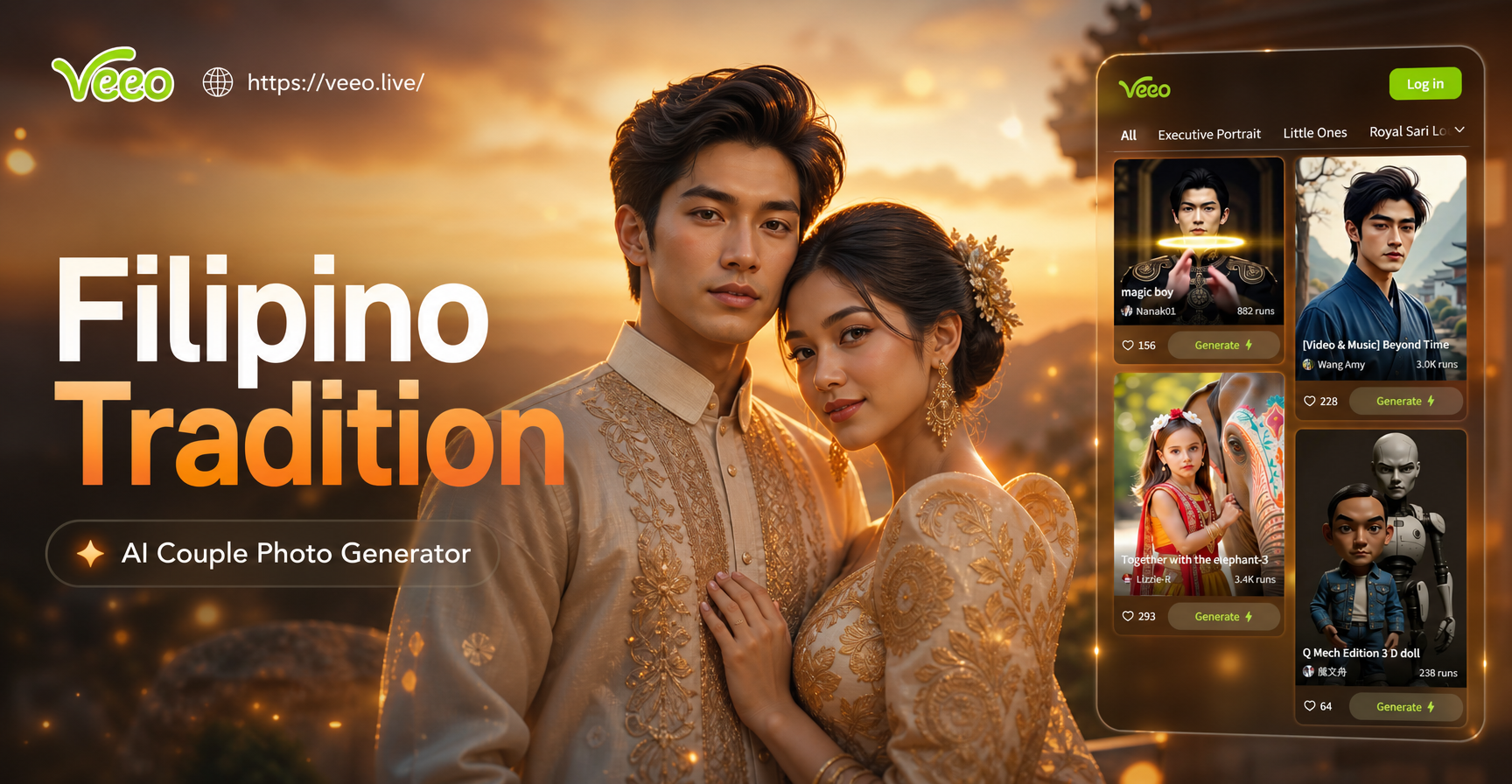
Filipino Traditional Couple Photo Generator - AI Powered Creative Tool | veeo
Create stunning Filipino Traditional Couple Photo Generator with veeo AI. Generate images, videos, and art instantly with one tap. Download the app and start creating today.
Ready to Try the Retro Photo Filter?
Download veeo from Google Play and turn your modern photos into vintage film, faded Polaroid, and 90s style edits in seconds.

Ready to Try the Retro Photo Filter?
Download veeo from Google Play and turn your modern photos into vintage film, faded Polaroid, and 90s style edits in seconds.