AI Hourglass Body
Choose the Body Shape Filter That Fits You
Discover a range of body reshaping filters made for waist slimming, hip enhancement, and natural curve adjustment. Pick the look that matches your style.
Key Features of the AI Hourglass Body Filter
veeo makes it simple to create a balanced hourglass silhouette. The app uses advanced AI to reshape your waist and hips naturally while keeping your clothes and background intact.
Smart Waist Slimming
The AI detects your natural waistline and slims it proportionally. You get a flattering curve without losing realistic details in your photo.
Smart Waist Slimming
The AI detects your natural waistline and slims it proportionally. You get a flattering curve without losing realistic details in your photo.
Natural Hip Enhancement
Add gentle volume to your hips and thighs for a balanced hourglass shape. The effect blends smoothly with your original body lines and clothing.
Natural Hip Enhancement
Add gentle volume to your hips and thighs for a balanced hourglass shape. The effect blends smoothly with your original body lines and clothing.

One Tap Photo Export
Download your edited photo in high resolution and share directly to Instagram, TikTok, or anywhere else. No complicated editing layers or desktop software required.
One Tap Photo Export
Download your edited photo in high resolution and share directly to Instagram, TikTok, or anywhere else. No complicated editing layers or desktop software required.
AI Hourglass Body Transformation Gallery
Browse stunning examples of adult romance videos and romantic adult movies made with our AI tools.


How to Create an AI Hourglass Body Image
Follow three simple steps to reshape your photo and get the hourglass figure you want with veeo.

Step 01.
Download the veeo app from Google Play and open it on your phone.
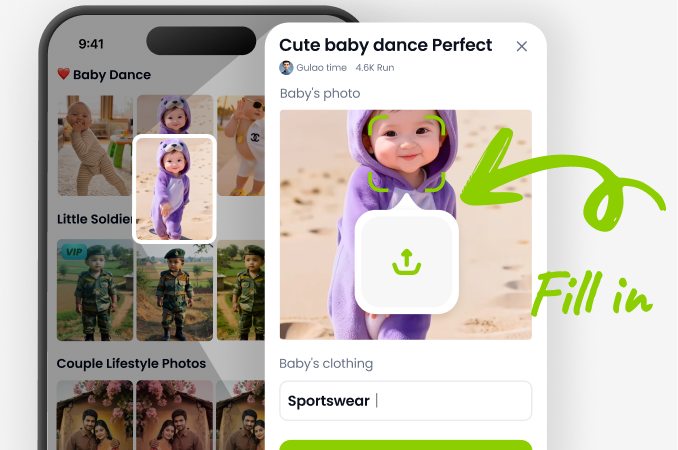
Step 02.
Select the Hourglass Body filter from the style gallery.
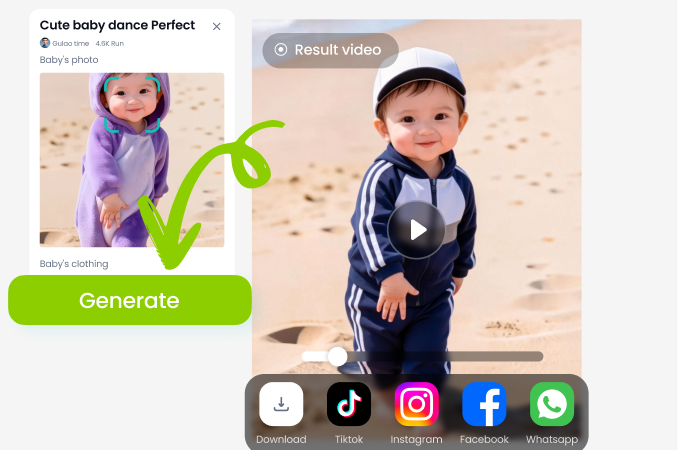
Step 03.
Upload your photo, adjust the effect intensity, and generate a natural hourglass silhouette.
Get the AI Hourglass Body Filter on Your Phone
Download veeo from Google Play and start creating stunning hourglass body edits in minutes. No desktop software or design experience needed.

What Users Say About the AI Hourglass Body Filter
Finally a natural looking body filter
I used this for my Instagram photos and my waist looks smaller without any weird warping. It is super easy and the result looks like me, just a bit more balanced.
So simple to get a curvy silhouette
I am not good at editing but this app did everything for me. The hip enhancement looks real and my clothes still fit naturally in the photo.
My go to for outfit posts
I use the hourglass filter every time I publish a full body shot. It hides my midsection just enough and the results are consistent.
Frequently Asked Questions About AI Hourglass Body
Find answers to common questions about using the hourglass body filter and creating natural AI body edits.
More Body Editing Topics You May Like
Explore more AI photo editing guides and discover fresh ideas for body reshaping.
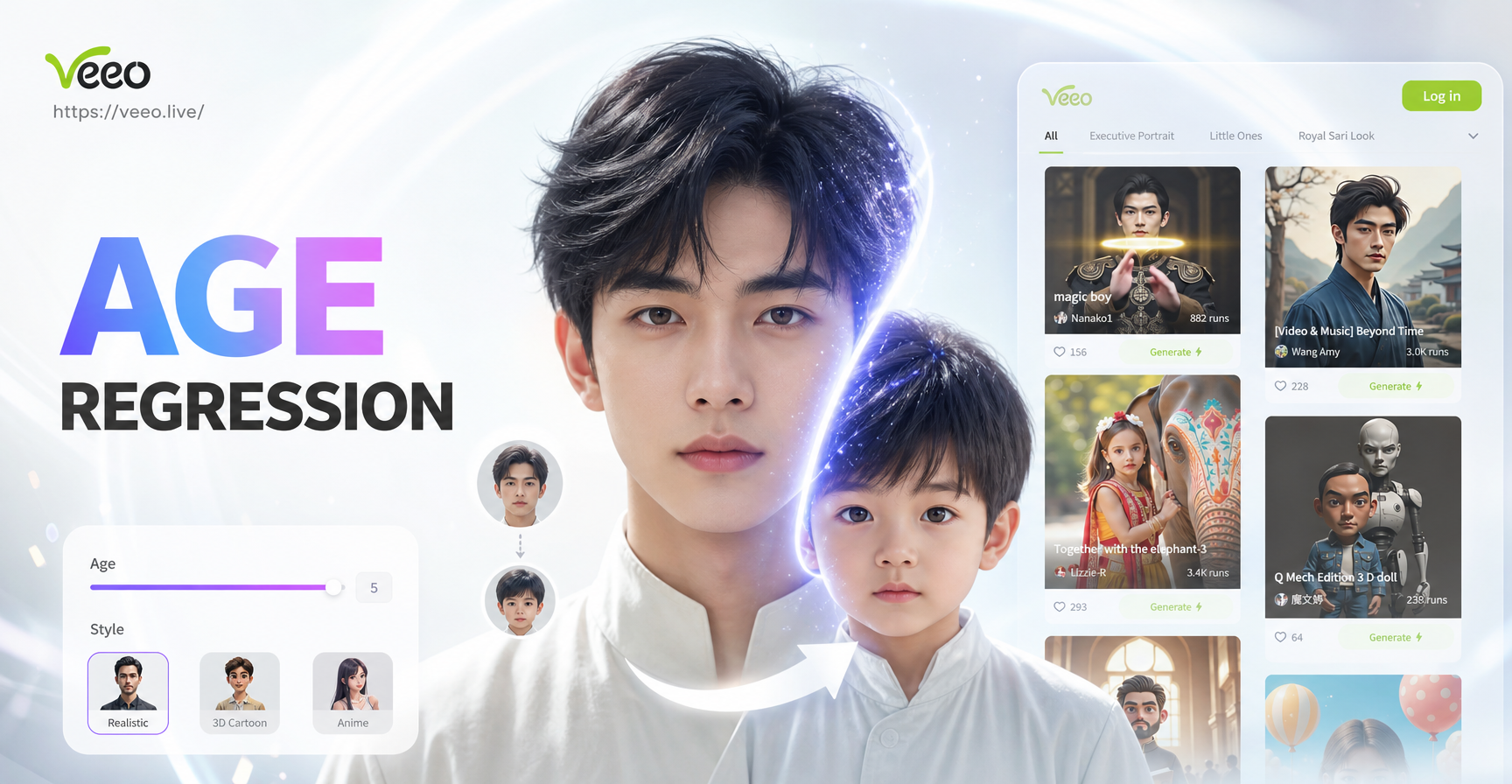
Age Regression AI: See Your Younger Self in Photos
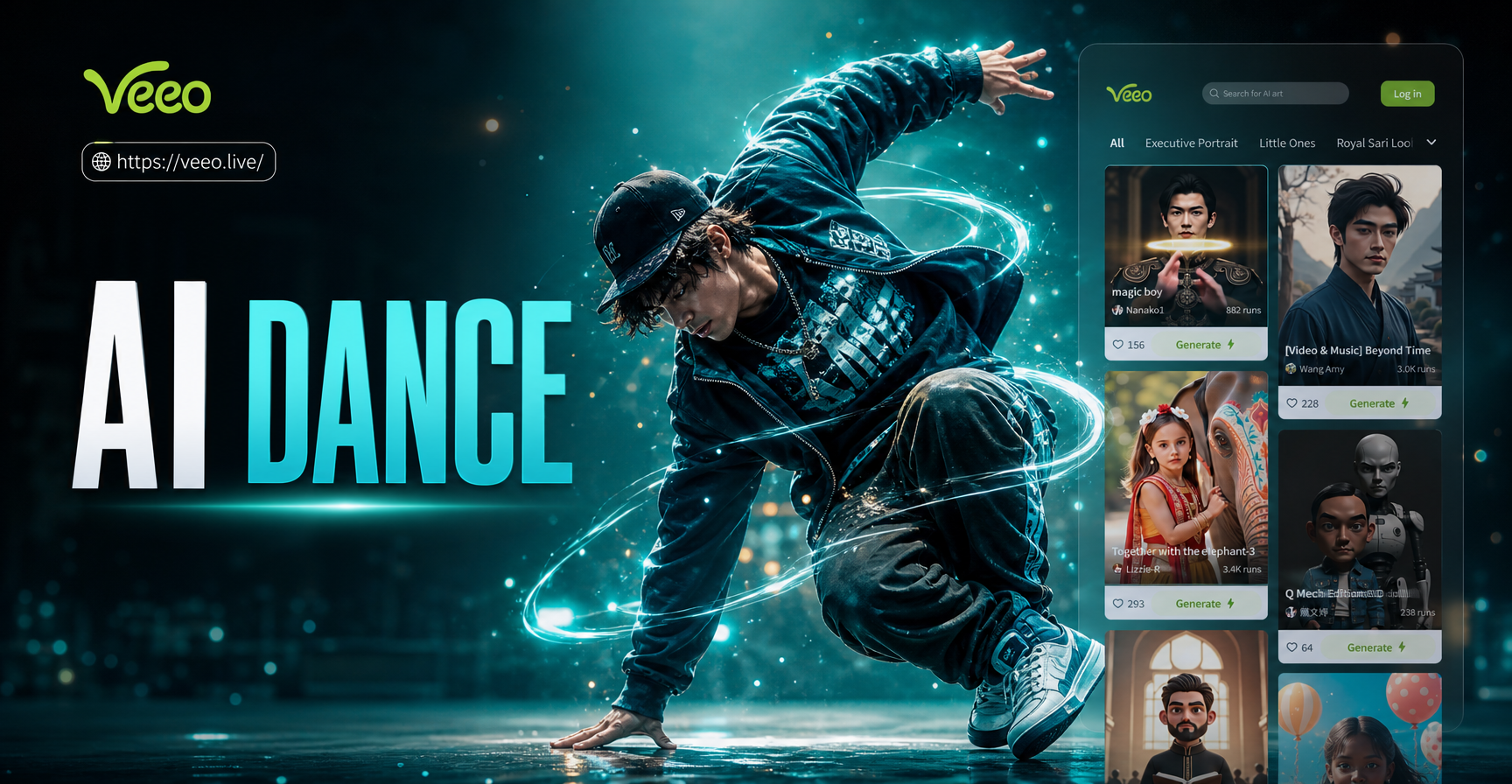
Create Viral AI Hip Hop Dance Moves From Photos
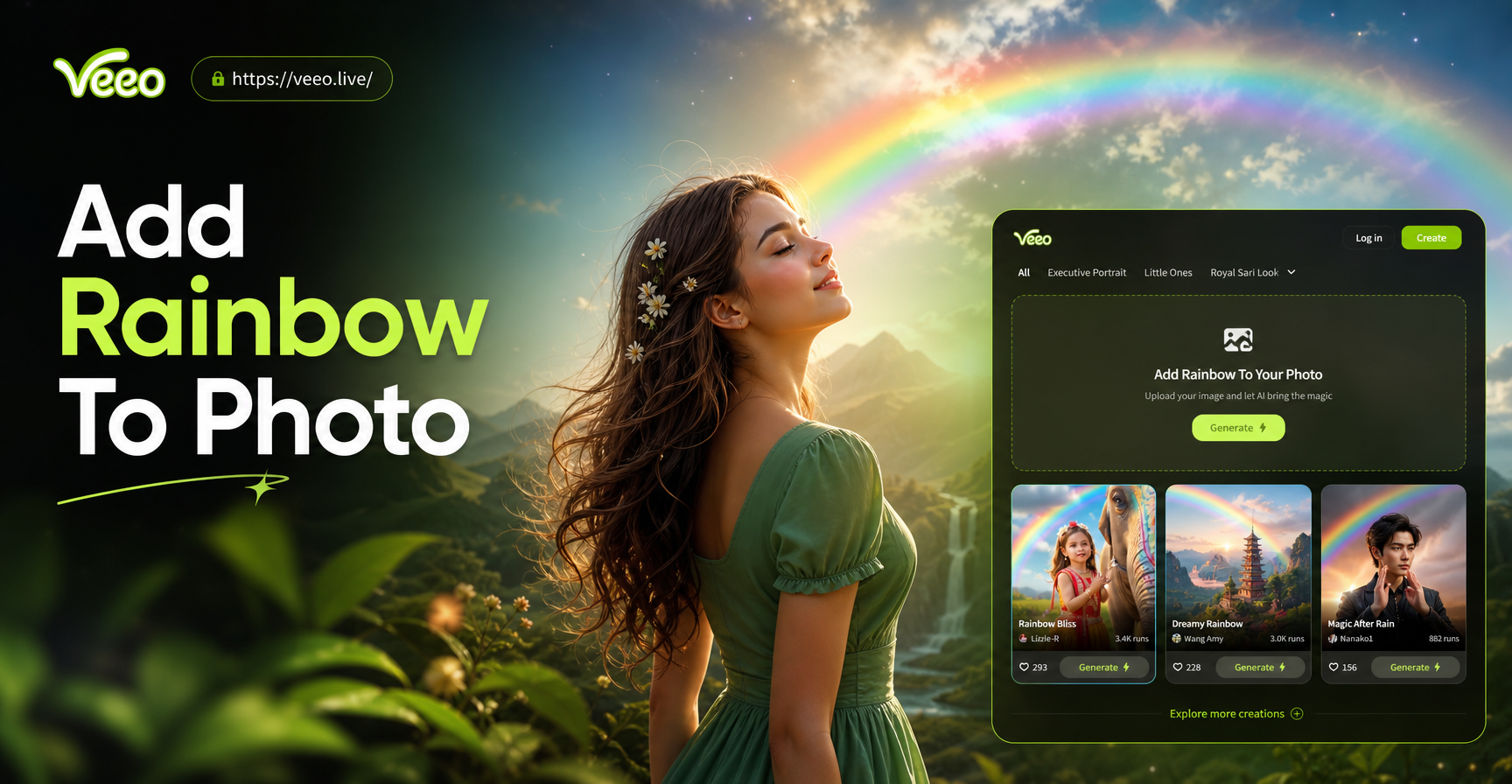
Add Rainbow To Photo: Instant AI Rainbow Effects

Turn Pet Photos Into Stunning AI Art for Free
Age Regression AI: See Your Younger Self in Photos
Create Viral AI Hip Hop Dance Moves From Photos
Add Rainbow To Photo: Instant AI Rainbow Effects
Turn Pet Photos Into Stunning AI Art for Free
Get the AI Hourglass Body Look Today
Download veeo and start creating natural, flattering hourglass body edits in a few taps. Perfect for social media, fashion posts, and personal photos.
Get the AI Hourglass Body Look Today
Download veeo and start creating natural, flattering hourglass body edits in a few taps. Perfect for social media, fashion posts, and personal photos.