Age Regression AI
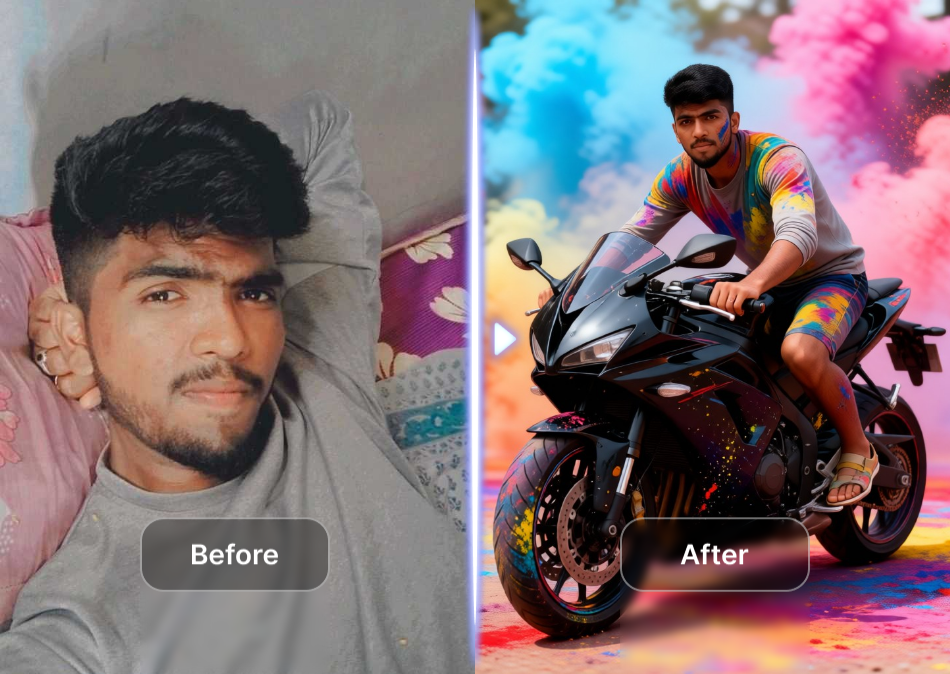
Choose Your Age Regression Filter
Discover playful, nostalgic, and realistic age regression styles that match your mood. Pick a filter and let veeo handle the rest.
Key Features of Age Regression AI
Explore the core capabilities that make veeo the easiest way to see a younger you, from realistic de aging to creative childhood transformations.

Realistic De Aging
Preserve your facial structure, skin tone, and unique features while the AI reduces years naturally. Perfect for social media posts or simply satisfying your curiosity about how you might have looked a decade ago.
Realistic De Aging
Preserve your facial structure, skin tone, and unique features while the AI reduces years naturally. Perfect for social media posts or simply satisfying your curiosity about how you might have looked a decade ago.
Playful Childhood Filters
Transform into a toddler, a school age kid, or a teenager with one tap. Every filter keeps your identity recognizable while remixing outfits, backgrounds, and expressions to match the chosen era.
Playful Childhood Filters
Transform into a toddler, a school age kid, or a teenager with one tap. Every filter keeps your identity recognizable while remixing outfits, backgrounds, and expressions to match the chosen era.
HD Quality Output
Generate crisp, share ready images in high resolution. Whether you are creating a nostalgic throwback or a creative content piece, veeo ensures your age regression photos look clean, detailed, and lifelike.
HD Quality Output
Generate crisp, share ready images in high resolution. Whether you are creating a nostalgic throwback or a creative content piece, veeo ensures your age regression photos look clean, detailed, and lifelike.
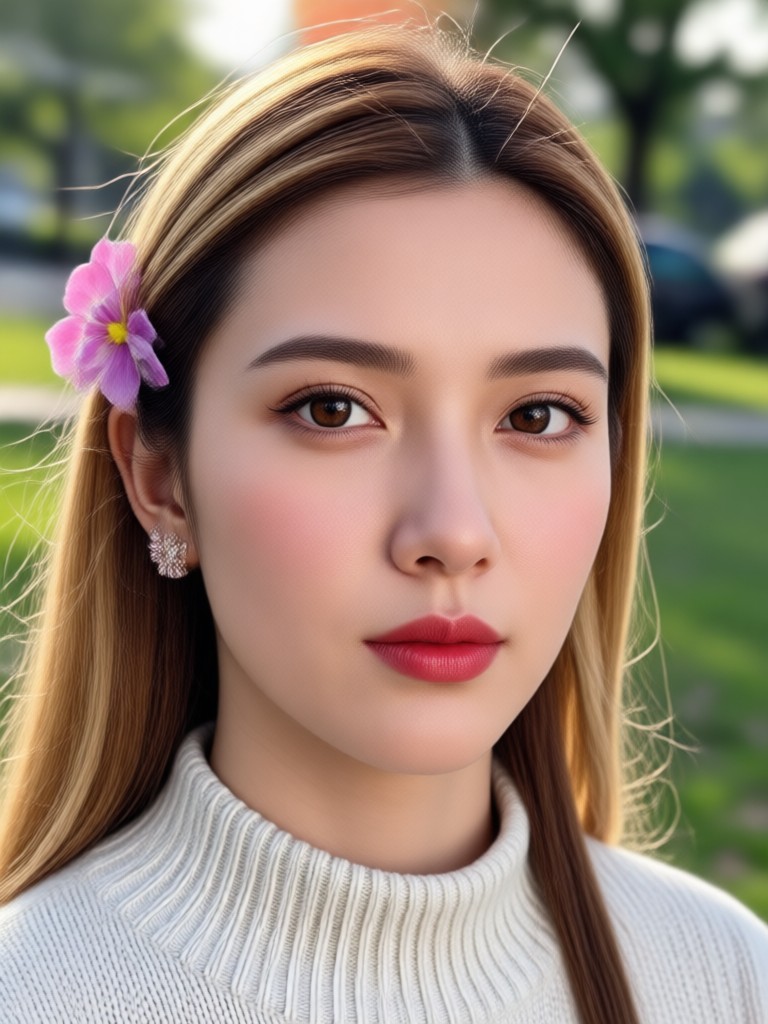
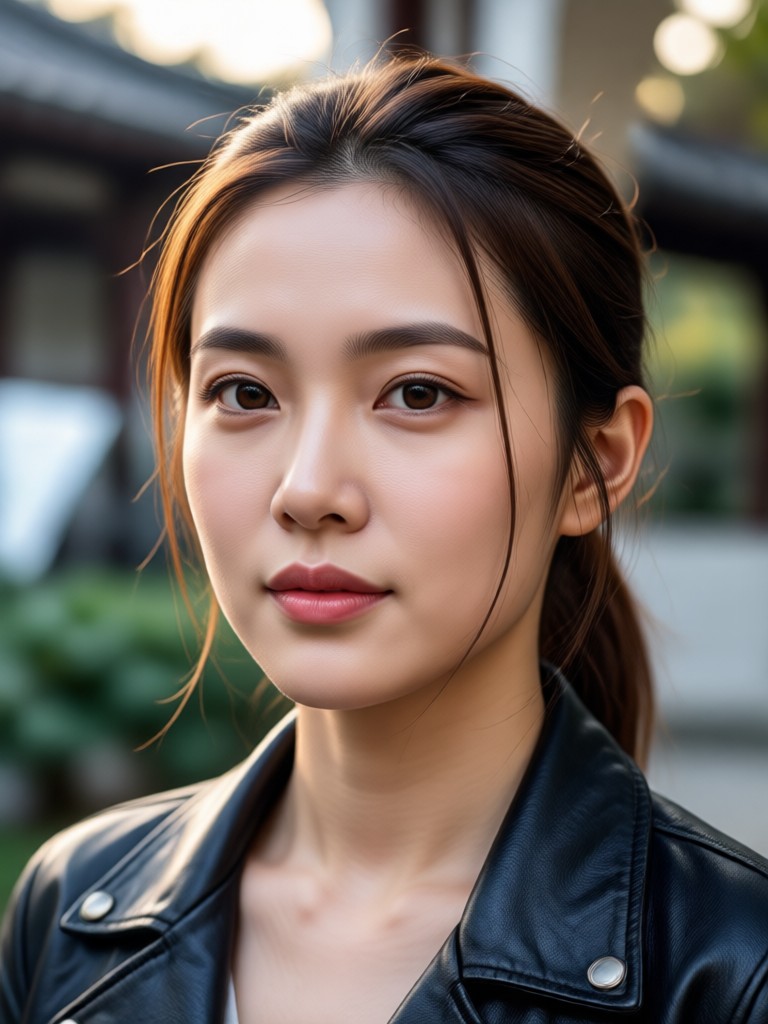
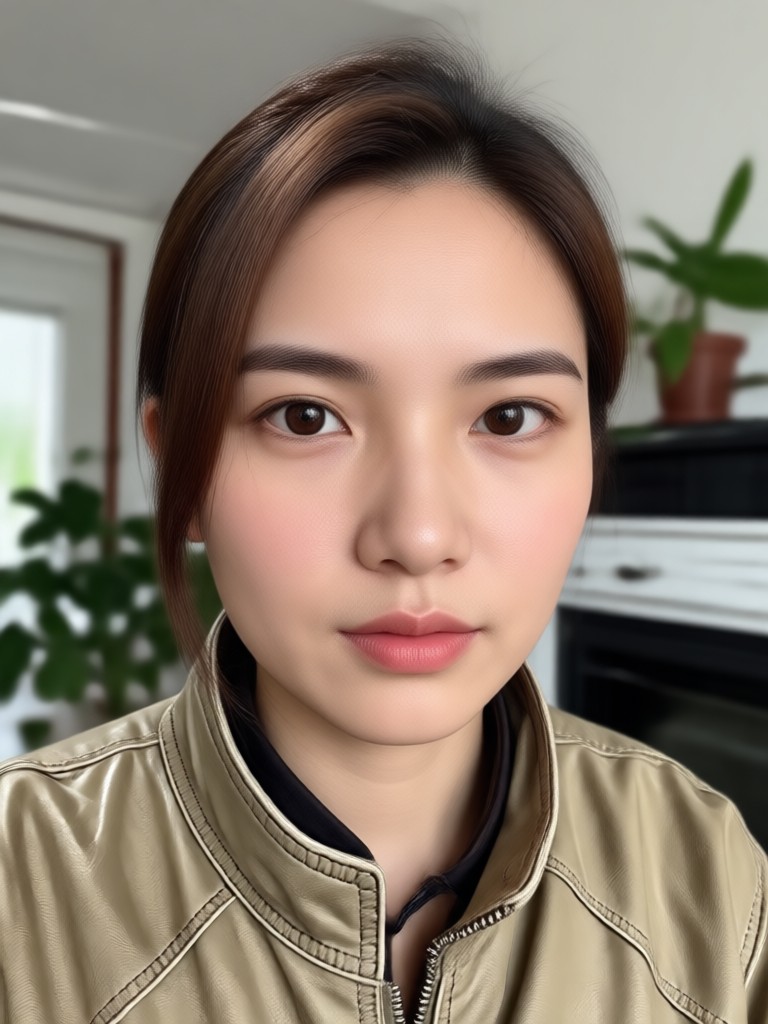
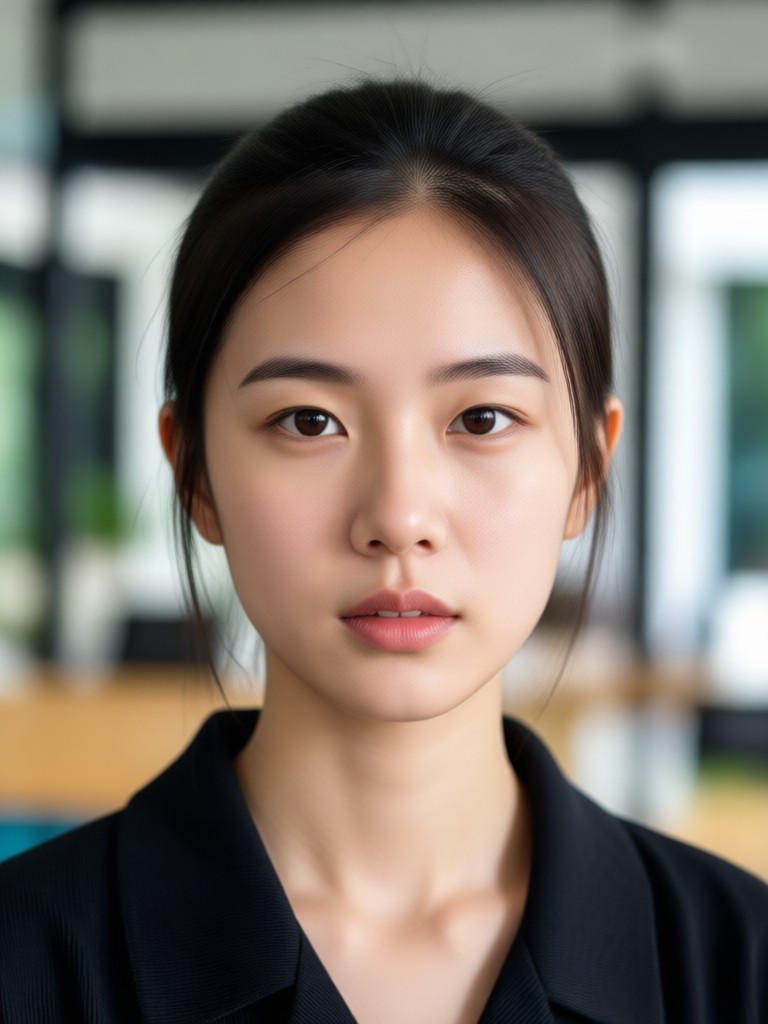
Age Regression AI Transformations Gallery
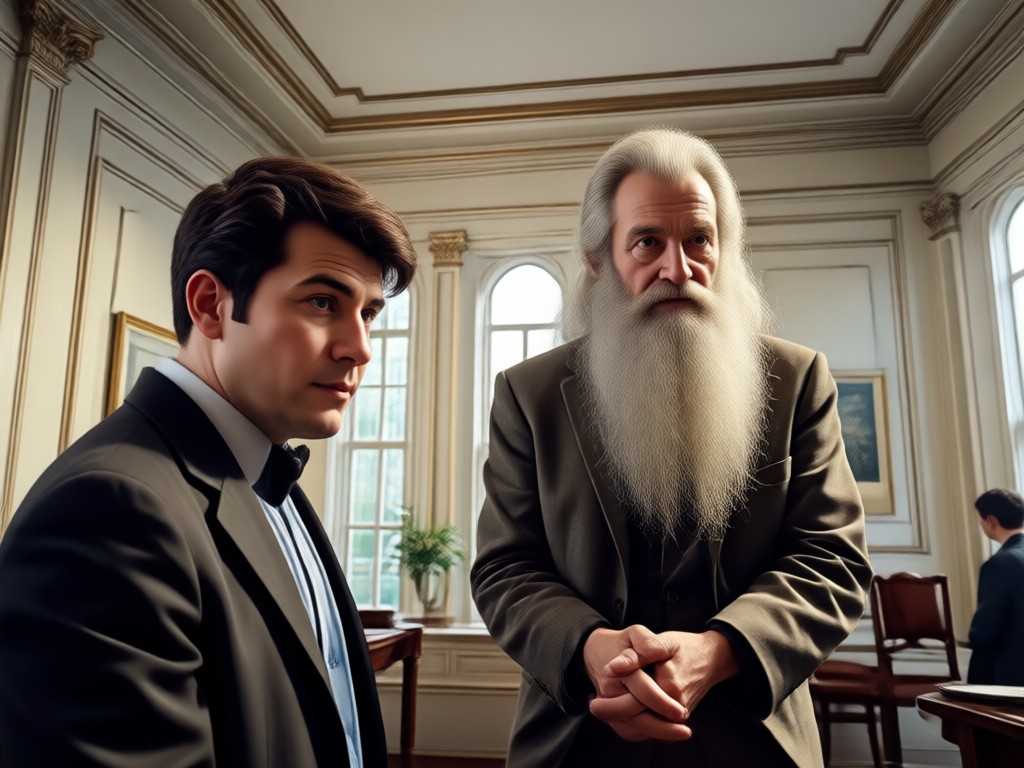
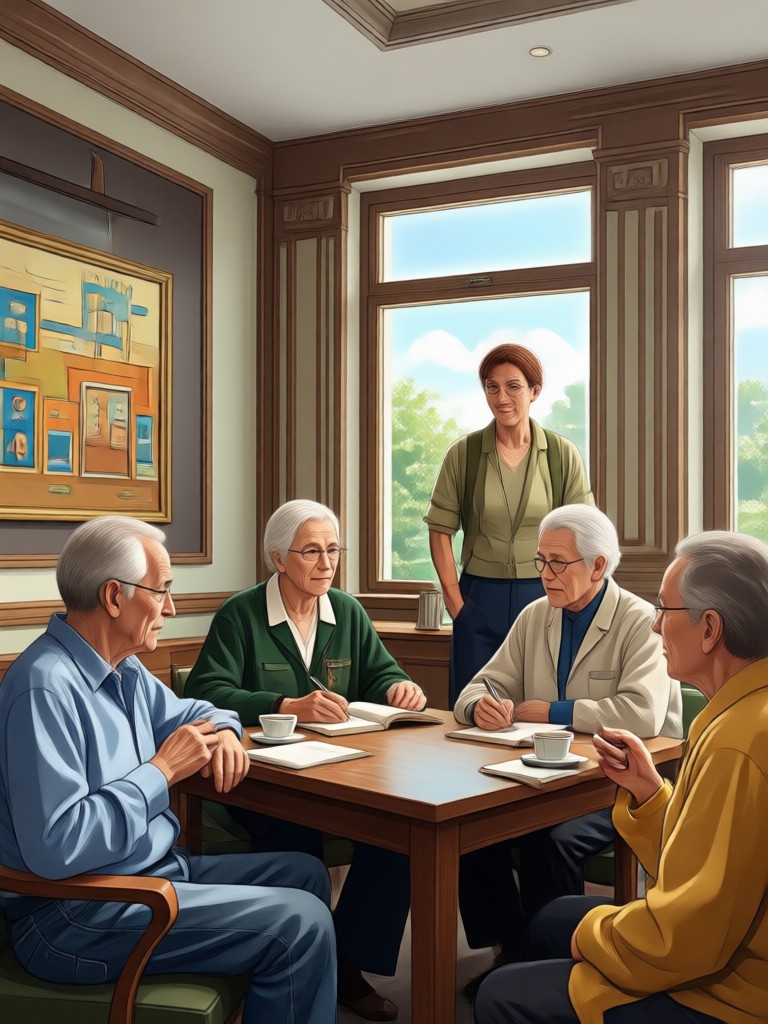
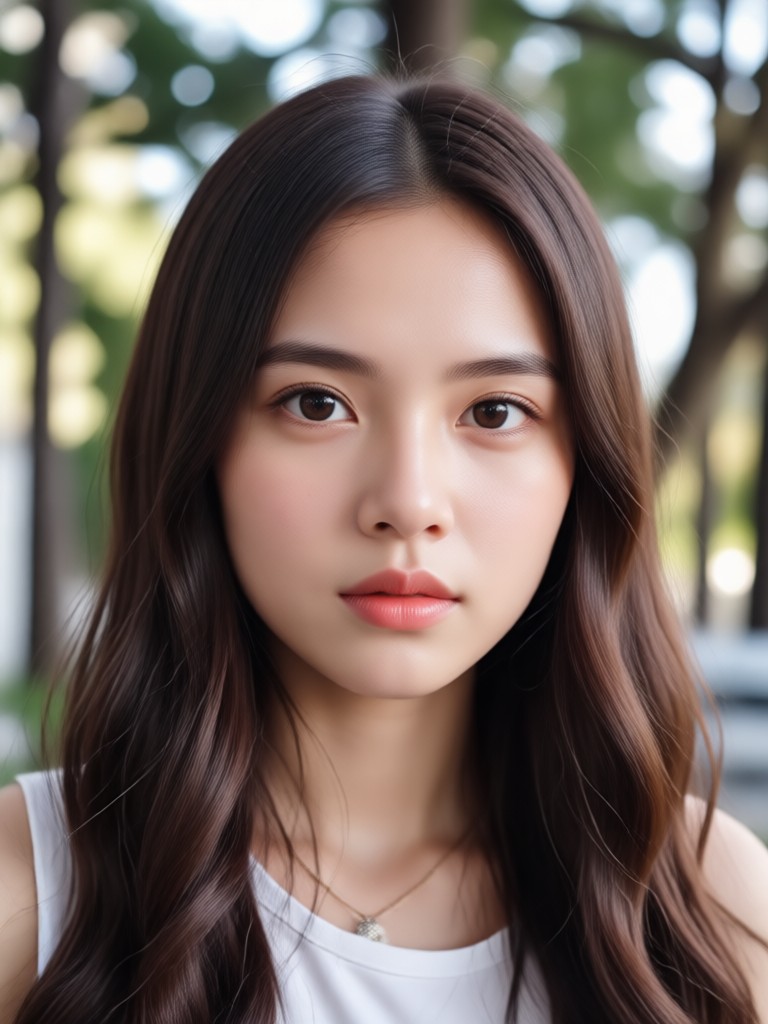
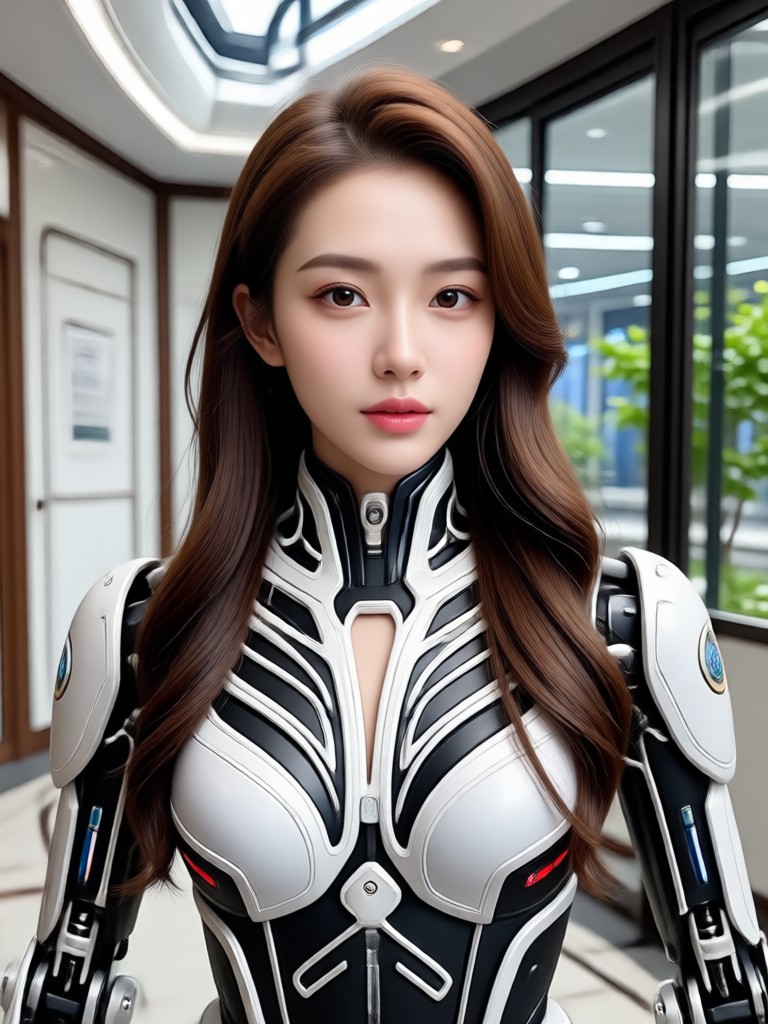
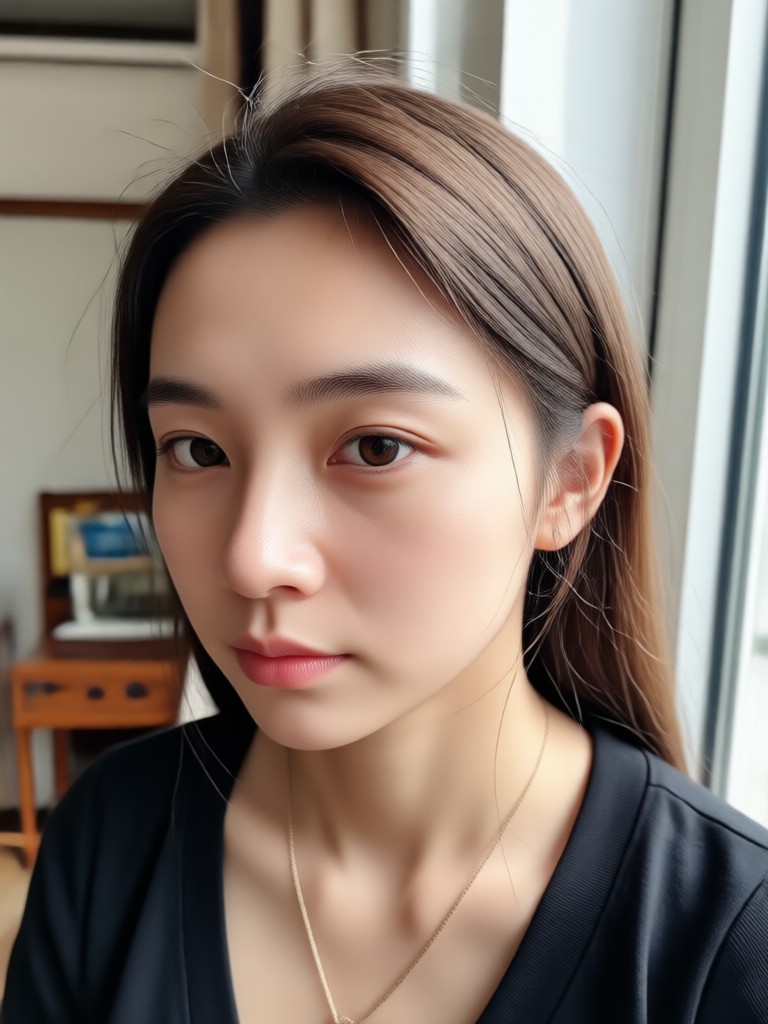
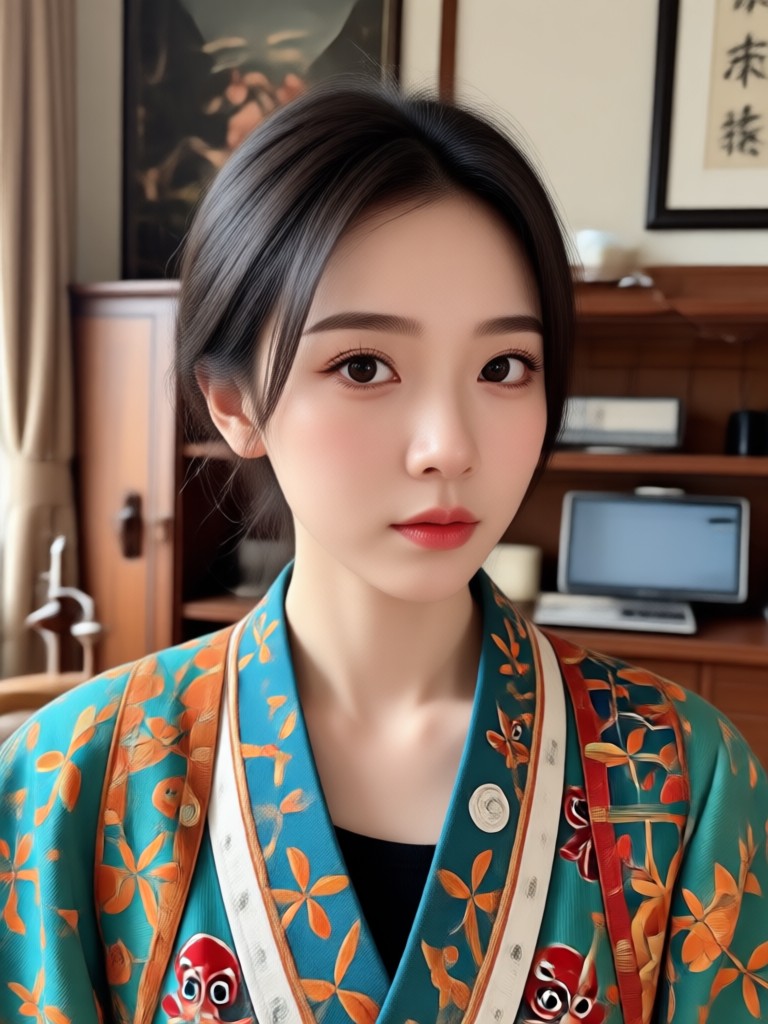
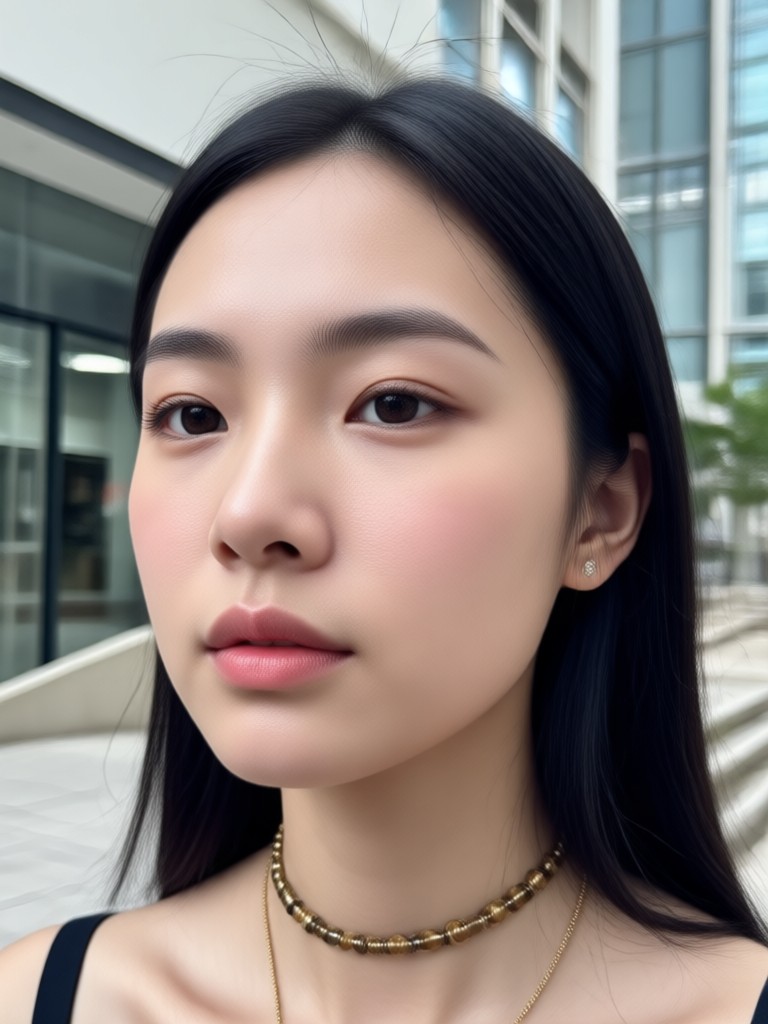
Browse a collection of age regression results created with veeo. See how different filters produce playful, realistic, and cinematic transformations from a single portrait.


How to Create Age Regression Photos
Turn your portrait into a younger version in three simple steps using veeo on your mobile device.

Step 01.
Download the veeo app from Google Play and open it on your Android phone. Sign up or continue as a guest to access all age regression filters instantly.
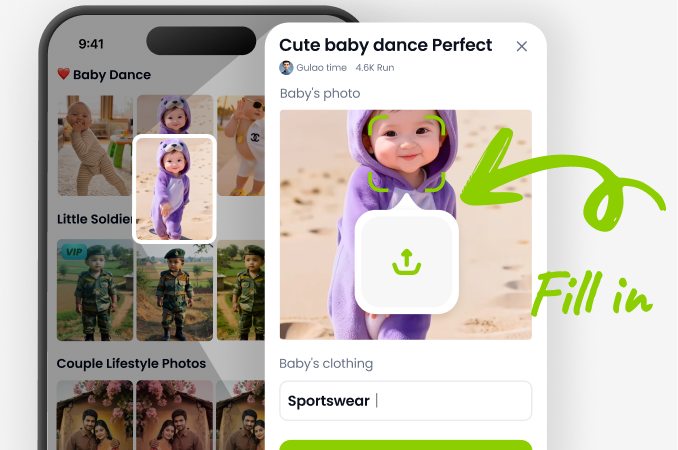
Step 02.
Upload a clear front facing photo. Browse the age regression filter library and pick a style, from realistic de aging to playful childhood looks. Adjust intensity if needed.
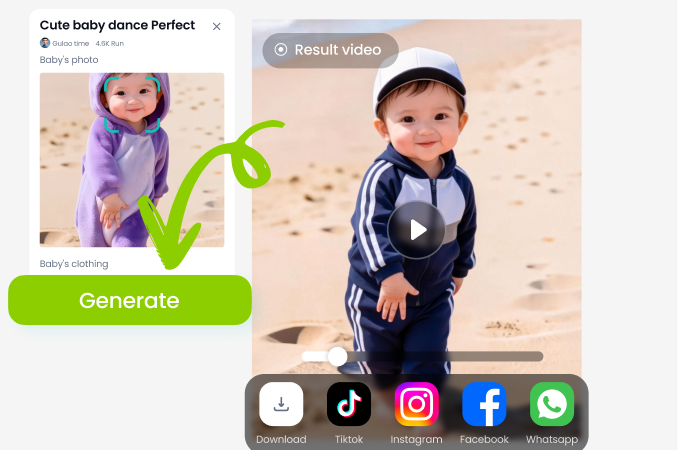
Step 03.
Tap generate and let the AI work. Preview your younger self, download the high resolution image, and share it with friends or on social media right away.
Why Use Age Regression AI
See how veeo helps you explore your past self with safe, private, and incredibly simple tools designed for everyone.
Rediscover Your Younger Self Without Losing Identity
Age regression AI from veeo goes beyond simple face smoothing. The model studies your facial landmarks, expressions, and proportions before reducing years, so the result still looks unmistakably like you. Whether you want a nostalgic profile picture or a creative social media concept, you get a natural transformation that preserves your identity. No complicated editing software, no tutorial rabbit holes, just upload a photo, pick a filter, and watch the years fall away in seconds.
Rediscover Your Younger Self Without Losing Identity
Age regression AI from veeo goes beyond simple face smoothing. The model studies your facial landmarks, expressions, and proportions before reducing years, so the result still looks unmistakably like you. Whether you want a nostalgic profile picture or a creative social media concept, you get a natural transformation that preserves your identity. No complicated editing software, no tutorial rabbit holes, just upload a photo, pick a filter, and watch the years fall away in seconds.
Who Uses Age Regression AI

Maya Chen
Used the teenage filter for a throwback post and everyone thought it was an old yearbook photo. The resemblance was scary good and the quality was super sharp.
Jordan Lee
I wanted to see how I would look without the stress lines. The realistic de age mode gave me a natural younger look without making me look like a different person.

Priya Nair
The childhood filter turned my portrait into a cute kid version of me. My mom cried when she saw it. Honestly the easiest gift idea I have ever made.

Alex Rivera
I create nostalgic content for my page and this app saves me hours. One tap age regression images that look like they were taken on film. Absolutely my new favorite tool.
Maya Chen
Used the teenage filter for a throwback post and everyone thought it was an old yearbook photo. The resemblance was scary good and the quality was super sharp.
Jordan Lee
I wanted to see how I would look without the stress lines. The realistic de age mode gave me a natural younger look without making me look like a different person.
Priya Nair
The childhood filter turned my portrait into a cute kid version of me. My mom cried when she saw it. Honestly the easiest gift idea I have ever made.
Alex Rivera
I create nostalgic content for my page and this app saves me hours. One tap age regression images that look like they were taken on film. Absolutely my new favorite tool.
Maya Chen
Used the teenage filter for a throwback post and everyone thought it was an old yearbook photo. The resemblance was scary good and the quality was super sharp.
Jordan Lee
I wanted to see how I would look without the stress lines. The realistic de age mode gave me a natural younger look without making me look like a different person.
Priya Nair
The childhood filter turned my portrait into a cute kid version of me. My mom cried when she saw it. Honestly the easiest gift idea I have ever made.
Alex Rivera
I create nostalgic content for my page and this app saves me hours. One tap age regression images that look like they were taken on film. Absolutely my new favorite tool.
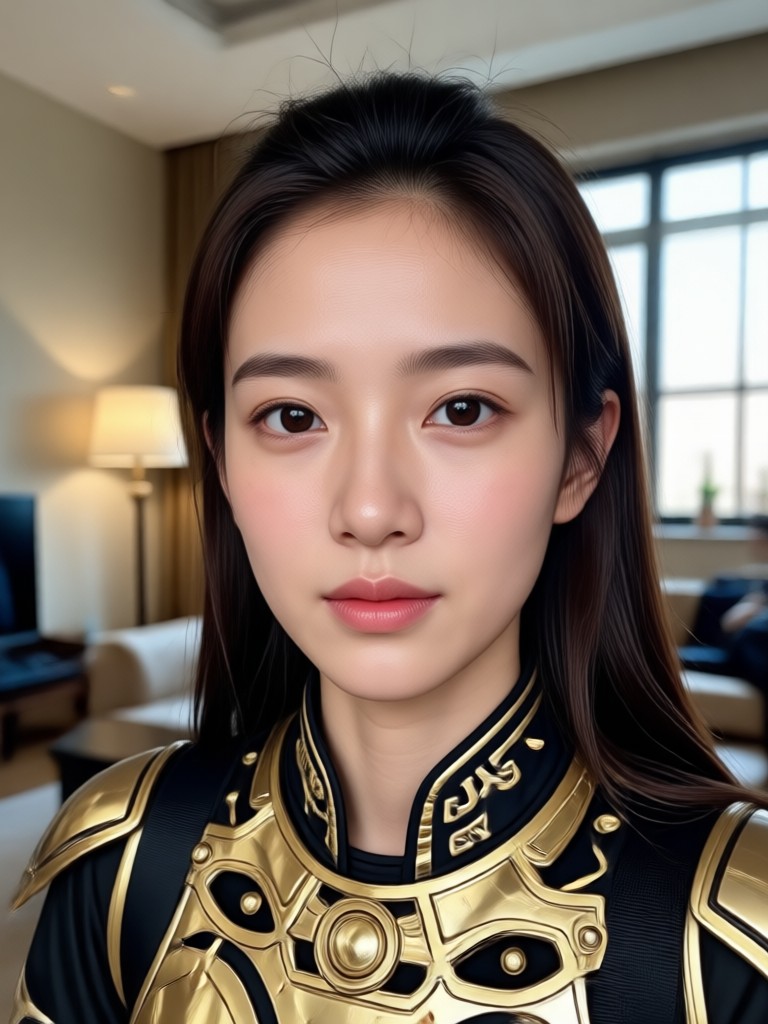
Age Regression AI on Your Phone
Download the veeo app and access hundreds of age regression filters, all optimized for fast mobile performance and high resolution exports.

Frequently Asked Questions About Age Regression AI
Get clear answers to common questions about using age regression filters in veeo, from privacy to realism.
More Topics You May Like
Explore more topics you may like and discover fresh ideas tailored to your interests.

Create Viral AI Hip Hop Dance Moves From Photos
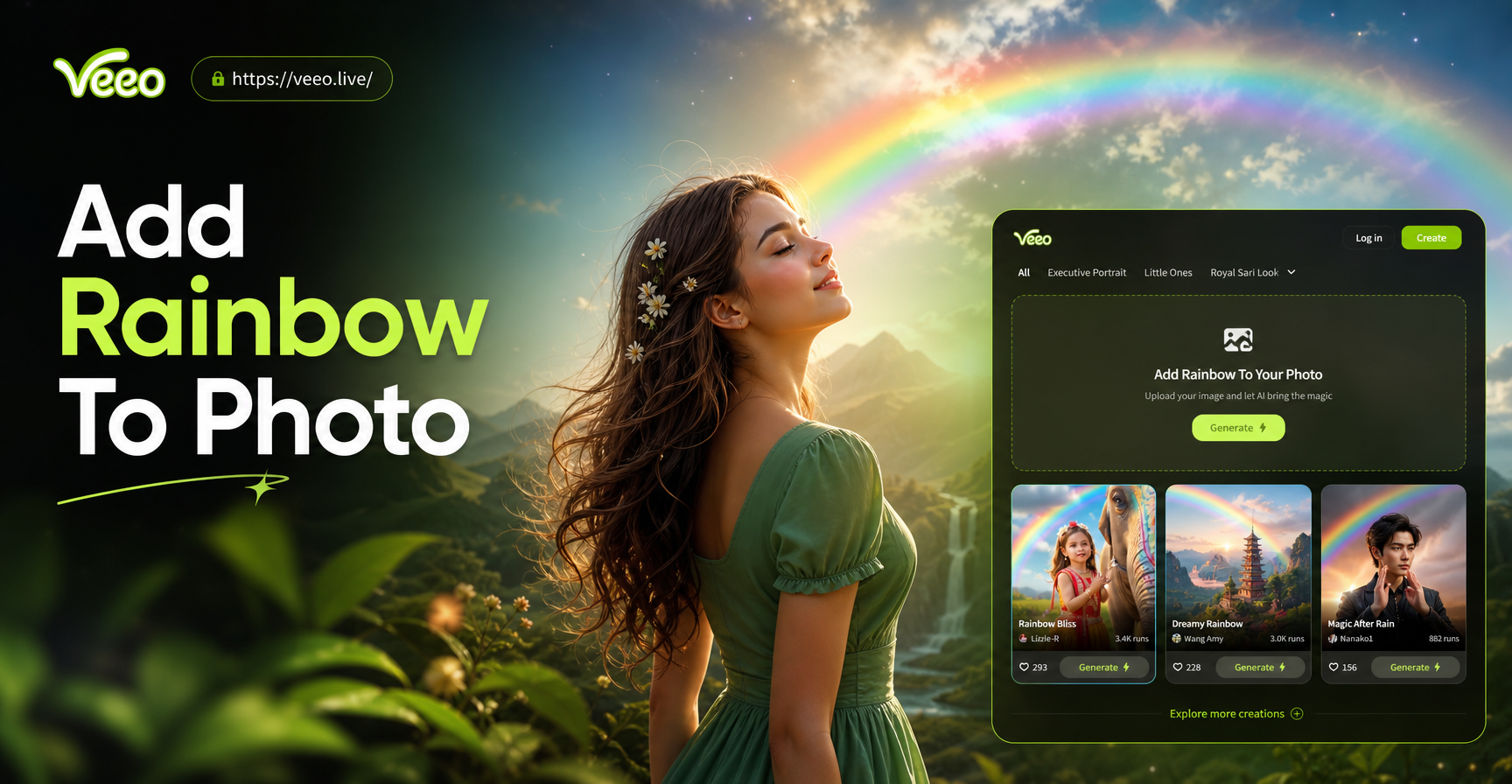
Add Rainbow To Photo: Instant AI Rainbow Effects

Turn Pet Photos Into Stunning AI Art for Free
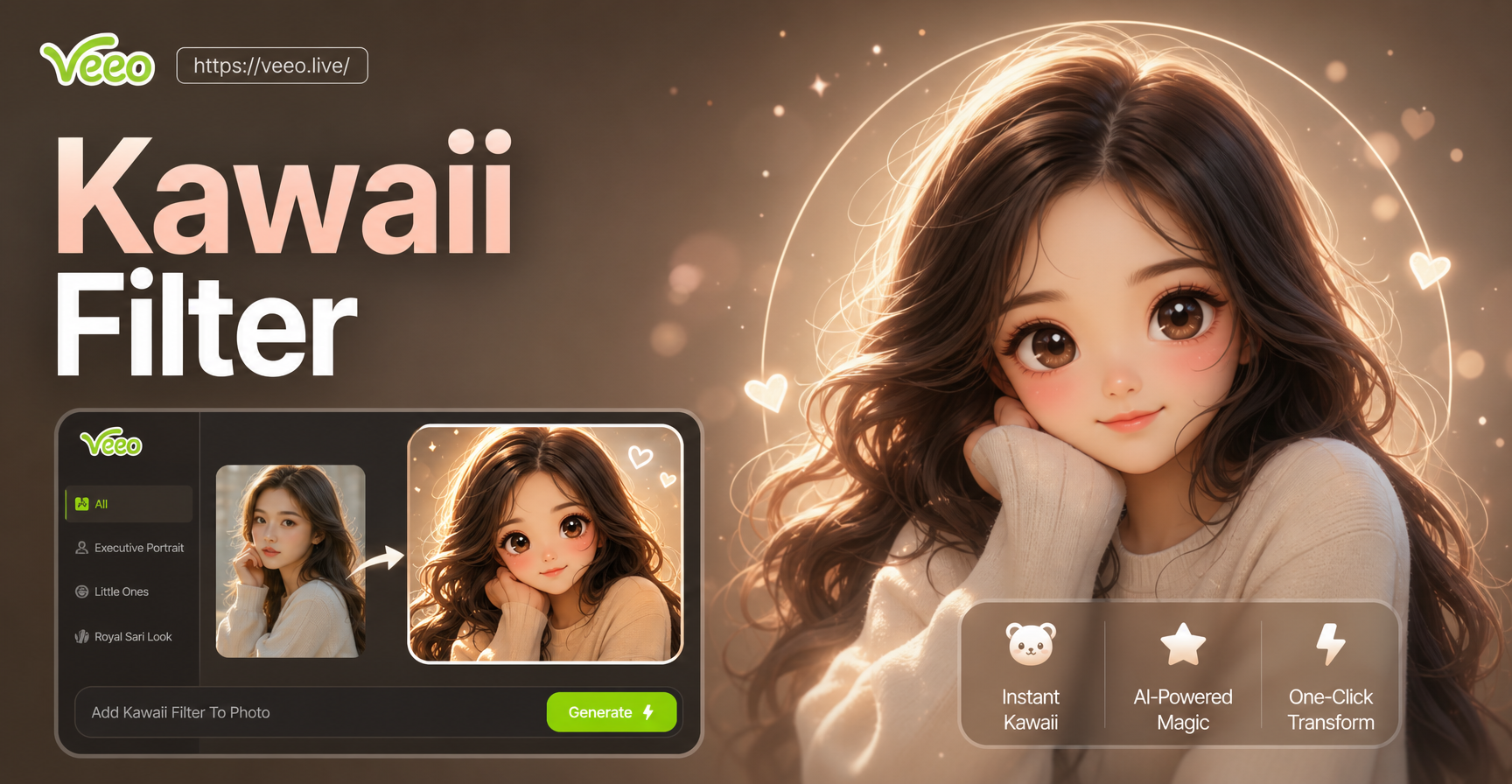
Make Any Photo Cute With Kawaii Filters
Create Viral AI Hip Hop Dance Moves From Photos
Add Rainbow To Photo: Instant AI Rainbow Effects
Turn Pet Photos Into Stunning AI Art for Free
Make Any Photo Cute With Kawaii Filters
Transform Your Age with AI Today
Download veeo and turn any portrait into a younger, playful, or nostalgic version in seconds. Join millions of creators who use veeo for stunning AI transformations.
Transform Your Age with AI Today
Download veeo and turn any portrait into a younger, playful, or nostalgic version in seconds. Join millions of creators who use veeo for stunning AI transformations.