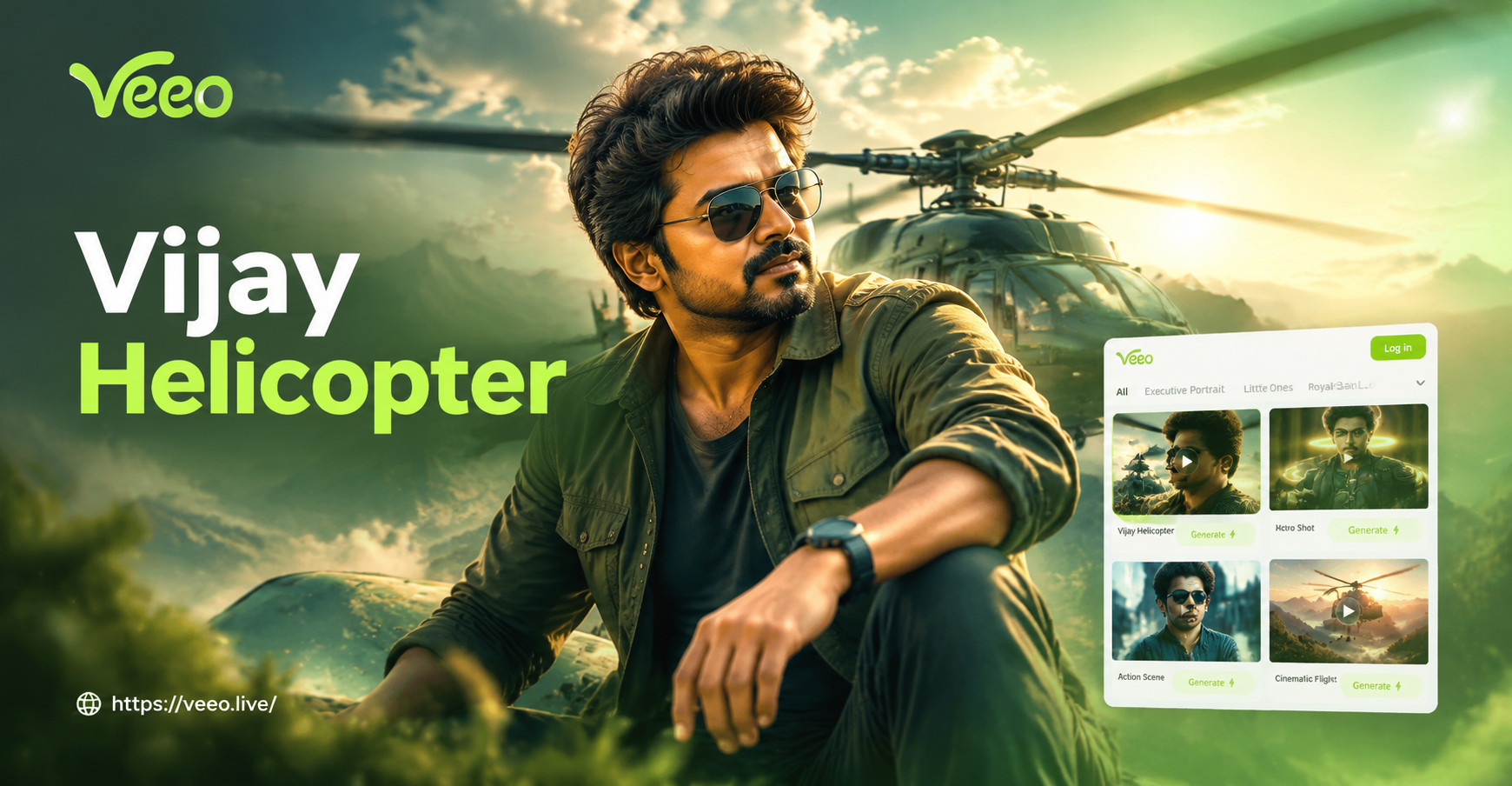
If you are looking for a Vijay helicopter AI video prompt, you likely want to create cinematic action clips where a hero inspired by Tamil star Vijay walks beside, flies in, or jumps from a helicopter. This guide gives you ready to use prompts for both text to video and image to video generation. Each prompt is specific enough to produce a different shot type, mood, or camera movement. You can copy these prompts into the veeo app, adjust the details, and generate short video clips for fan edits, reels, or concept tests. The app supports text to video and image to video, so you can start from a written scene or a reference photo of a Vijay style character.
What Makes a Good Vijay Helicopter AI Video Prompt?
A useful prompt is more than just the words Vijay and helicopter. The best prompts combine a clear subject description, a specific helicopter action, a location, the time of day, a camera movement, and a lighting or style direction. This tells the AI what to show and how to move the frame. For example, instead of writing helicopter scene, write a Tamil action hero steps out of a black military helicopter at sunset, low angle tracking shot, teal and orange lighting. That level of detail gives the video model enough control to produce a coherent clip. In veeo you can also choose a style template like cinematic, film grain, or action to further shape the final output.
Text to Video Prompts for Vijay Helicopter Action
These prompts work well when you paste them into veeo as a text script and pick a cinematic or action style filter. Each prompt describes one shot. Use them as they are or mix and match the location, weather, and camera details.
Prompt 1. A Tamil action hero with a confident expression stands on a helipad at dusk, a black military helicopter behind him, rotor blades spinning, slow motion, cinematic teal and orange lighting.
Prompt 2. The hero in a white shirt and dark sunglasses walks away from a helicopter as it explodes, debris and smoke, rain soaked runway, dramatic backlight, anamorphic lens flare, film grain.
Prompt 3. High energy dance hook step on a helipad with a helicopter searchlight sweeping across the actor, colorful smoke bombs, dynamic push in camera, festival mood, South Indian movie style.
Prompt 4. Aerial tracking shot of a black helicopter flying low over a coastal highway, the hero leaning out of the open door, wind blowing his hair, sunrise, light haze, IMAX quality.
Prompt 5. Close up of the hero looking down from a helicopter cockpit, clouds below, goggles pushed up, sharp jawline, soft blue light, shallow depth of field, 24 frames per second.
Prompt 6. The hero jumps from a hovering helicopter onto the roof of a moving train, camera follows from above, city skyline at night, neon signs, high contrast, action film trailer.
Prompt 7. A fearless Tamil cinema hero climbs up a rope ladder into a helicopter, his shirt flapping in the rotor wash, dusty airfield at golden hour, low angle shot, lens flare.
Prompt 8. Villains in a helicopter search for the hero in a crowded marketplace, the hero hides behind a fruit cart, warm midday light, rapid whip pan, thriller tone.
Prompt 9. The hero and a woman ride in a luxury helicopter, she looks at him, soft emotional mood, sunset over a mountain range, slow orbit camera, romantic film grade.
Prompt 10. A lone helicopter flies over a burning forest at night, the hero looks out with a determined face, sparks and smoke, dark green and amber palette, moody cinematic look.
Image to Video Prompts Using a Vijay Reference Photo
For a closer likeness to Vijay, start with a clear front facing photo of the actor or a Vijay look alike character. Upload it to veeo and choose image to video. Then paste one of these prompts to animate the photo. This workflow keeps the face consistent and gives you more control over the action.
Prompt 11. Make the person in the photo walk toward the helicopter, the rotor wash blowing his hair and jacket, military airstrip, golden hour, slow tracking shot.
Prompt 12. The subject from the reference image climbs into the helicopter cockpit, sunset behind him, camera follows from the side, 24 frames per second.
Prompt 13. Turn the photo into a vertical reel where the hero looks back as the helicopter takes off, dust swirling, emotional farewell, soft light.
Prompt 14. Animate the man in the image stepping out of a black helicopter wearing aviator sunglasses, fog and rim light, action movie intro.
Prompt 15. Use the reference face to show the hero standing on a helipad at night, helicopter searchlight behind him, rain drops on the lens, cinematic close up.
Prompt 16. Make the character in the reference photo jump from a helicopter with a parachute, sky on fire, slow motion, wide shot.
More Vijay Helicopter Prompt Variations by Mood
If you need a specific scene type, try these mood based prompts. They work as text to video prompts or as image to video directions when you include a reference image.
Prompt 17. Romantic farewell. The hero holds the hand of a woman beside a white helicopter, flower petals blow across the tarmac, soft sunset, slow orbit, warm film tone.
Prompt 18. Comic entrance. The hero slides out of a colorful helicopter wearing a bright jacket and sunglasses, cartoonish smoke burst, playful camera zoom, action comedy style.
Prompt 19. Night thriller. A police helicopter spotlight scans a dark warehouse district, the hero runs between shipping containers, rain, high contrast, shaky handheld camera.
Prompt 20. Mountain rescue. The hero leaps from a rescue helicopter onto a snowy cliff, ropes and gear, cold blue light, wide aerial shot, documentary realism.
Prompt 21. Song sequence. The hero performs a synchronized dance move with backup dancers on a helipad, a helicopter hovers behind them, colorful floodlights, rapid cuts, music video energy.
Camera, Lighting, and Style Keywords to Strengthen Your Prompt
Adding a few technical keywords makes a big difference. Below are categories you can pull from when editing any Vijay helicopter AI video prompt.
Camera and Movement
- Aerial orbit
- Drone shot
- Slow tracking shot
- FPV drone
- Low angle
- Over the shoulder
- Whip pan
- Slow motion
- 24 frames per second
Lighting and Color
- Golden hour
- Teal and orange
- Film grain
- Anamorphic lens flare
- Backlit explosion
- Rain reflections
- Haze
- Searchlight
- Neon night
Costume and Setting
- White shirt
- Black sunglasses
- Leather jacket
- Military uniform
- Aviator goggles
- Helipad
- Coastal highway
- Mountain cliff
- City rooftop
- Burning forest
How to Sequence These Prompts into a Short Action Scene
Instead of generating isolated clips, you can build a mini action sequence. Start with a wide aerial shot of the helicopter approaching a helipad or city. Follow with a medium shot of the hero stepping out. Add a close up of his face for emotion, then a dramatic action moment such as an explosion or a leap. End with a slow motion walk away or a helicopter flying off into the distance. In veeo you can keep the same style filter across all clips so the sequence feels consistent. Use a short, stable shot for each prompt to reduce distortion and make the final edit easier.
How to Adapt These Vijay Helicopter Prompts for Your Own Clip
You can treat each prompt as a starting point. Change the hero description to match the exact look you want, such as adding a beard, changing the shirt color, or using a different age. Switch the location from a helipad to a beach, a desert airfield, or a city rooftop. Adjust the weather, the time of day, and the camera angle to produce a new shot. For a vertical reel, mention vertical frame or 9:16 aspect ratio in the prompt. For a wider film look, mention widescreen or 21:9. In veeo you can also select a style filter before generating, which helps lock in a consistent tone across multiple clips.
Common Weak Results and How to Fix Them
AI video prompts sometimes produce blurry faces, warped helicopters, or chaotic scenes. Here are the most common issues and quick fixes.
Face looks generic. Use image to video with a clear front facing reference photo. Add the phrase same face as the reference image to the prompt.
Helicopter looks distorted. Use simple wording like black military helicopter or white chopper. Avoid very detailed rotor descriptions. Pick a cinematic style filter inside veeo.
Motion looks blurry. Add stable shot, slow motion, or 24 frames per second to your prompt.
Scene is too chaotic. Limit the prompt to one main action. Mention single subject and clean background when needed.
Colors look flat. Add teal and orange, high contrast, film grain, or golden hour to the lighting description.
Quick Formula for Any Vijay Helicopter AI Video Prompt
Use this simple structure when you write your own prompt: hero description plus helicopter action plus location and time plus camera movement plus lighting and style. For example, a Vijay style action hero in a black shirt descends from a rope ladder under a helicopter, night city, neon rain, low angle tracking shot, cinematic teal and orange. This formula gives every prompt enough direction to avoid a generic result.
A Note on Celebrity Likeness and Fan Edits
For fan edits and creative practice, use reference photos you have permission to use or create an original Vijay inspired character. Avoid using AI generated clips to mislead viewers or imply real endorsements. Responsible use keeps your fan projects fun and safe, and it allows the tools to shine without crossing ethical lines.
Start Creating with These Prompts in the veeo App
Copy any prompt from this page, download veeo, and open the text to video or image to video tool. Paste the prompt, choose a style filter, and generate. You can preview the clip, adjust one or two details, and generate again until the action feels right. Save your favorite helicopter chase shots, entrance moments, or emotional farewell scenes and share them as reels or short films.