What Does the Saiyaara Aesthetic Look Like?
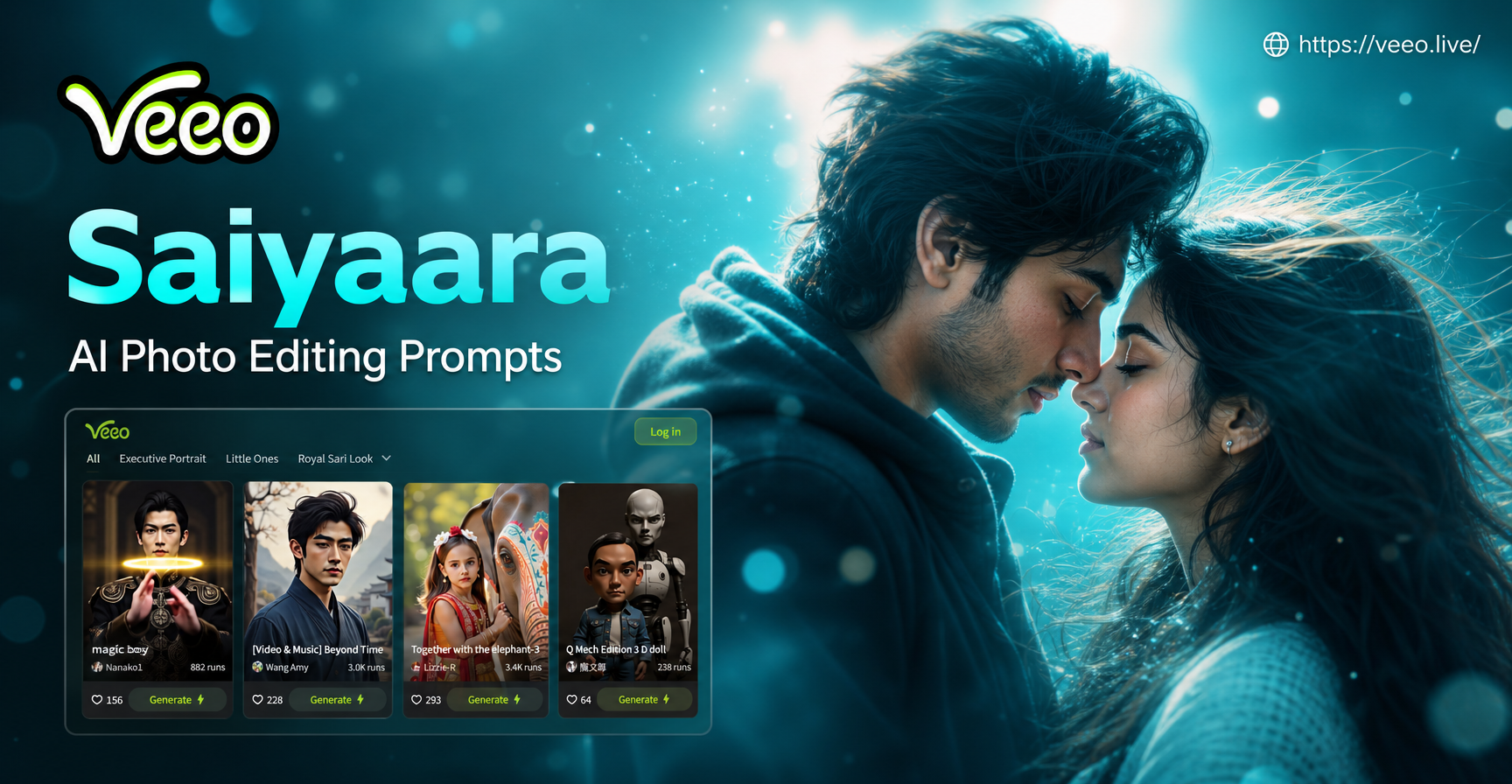
Before you start editing, it helps to name the visual ingredients. The Saiyaara mood usually combines a deep blue or indigo evening sky with warm gold light from lanterns, windows, or the last glow of sunset. There is often a sense of distance between two people, shown by a rooftop, a road, a train window, or a wide landscape. The overall treatment feels cinematic and slightly soft, with film grain, muted highlights, and gentle haze rather than a clean digital look. Clothes can be traditional or modern, but flowing fabric, dupattas, long coats, and subtle jewelry tend to match the atmosphere. You do not need a perfect location. A good prompt can turn a simple balcony, street, or home photo into this mood.
The prompts below are written for image to image AI editing. Upload a clear photo, paste the prompt, and let the tool apply the look. You can also use them as references for text to image generation if you are creating a scene from scratch.
The Basic Saiyaara Prompt Formula
A reliable Saiyaara prompt combines five elements: the time of day, the light source, the color palette, the subject spacing, and the texture. For example, twilight, warm lantern glow, deep indigo and gold, two figures apart, film grain. You can rearrange these elements and insert your own location. This formula prevents vague results because the AI receives a complete visual brief instead of a mood word alone.
When you edit a photo rather than generating one from nothing, you should also name the parts of the photo that must stay intact. Add phrases like preserve the original face, keep the same clothing, or maintain the existing background. This turns a generic romantic prompt into a Saiyaara style edit that still looks like your photo.
15 Saiyaara AI Photo Editing Prompts
Couple and Romantic Pair Prompts
Prompt 1. Moonlit Rooftop Longing
Edit the photo as a moonlit rooftop scene with two people standing apart, soft indigo shadows, warm amber lantern light on the edges, gentle haze, cinematic romantic tension, subtle film grain, 35mm still.
Prompt 2. Rain Washed Street Meeting
Transform the image into a rain washed street at night, two figures under a distant streetlight, reflections on wet asphalt, deep blue tones with soft gold highlights, emotional distance, film still mood.
Prompt 3. Desert Night Road
Edit this photo as a desert road at twilight, a couple walking in the distance, warm sand fading into cool indigo sky, the moon low on the horizon, soft windblown fabric, cinematic wide shot.
Prompt 4. Train Window Farewell
Turn the photo into a train window farewell scene, one person inside looking out, another on the platform, motion blur on the edges, warm interior light against cool blue dusk, nostalgic film color.
Prompt 5. Festival Lights and Longing
Edit the image as an evening festival scene with strings of warm golden lights, two people lost in a crowd, shallow depth of field, bokeh highlights, deep teal shadows, soft Bollywood romantic mood.
Prompt 6. Mountain Road Goodbye
Transform the photo into a misty mountain road at dusk, two figures leaning against an old jeep or standing near a cliff edge, cool fog, warm headlights, cinematic longing, muted earthy tones.
Solo Portrait Prompts
Prompt 7. Woman at the Window
Edit the portrait as a woman standing by an old window at blue hour, one warm lamp inside the room, deep blue outside, soft reflection on the glass, pensive expression, gentle film grain, close up.
Prompt 8. Man on a Balcony
Transform the photo into a lone man on a city balcony at night, city lights blurred behind him, indigo atmosphere, a faint warm glow from a nearby sign, wind moving his shirt, cinematic portrait.
Prompt 9. Beach Twilight Solitude
Edit this image as a beach at twilight, a single person walking near the waterline, deep blue waves, warm horizon glow, wet sand reflections, long shadows, nostalgic romantic film look.
Prompt 10. Courtyard by Moonlight
Turn the photo into a traditional courtyard under moonlight, a woman in flowing fabric standing near carved pillars, cool white moonlight, faint warm diya light, soft shadows, ethereal and graceful.
Prompt 11. Bridge at Night
Edit the portrait as a figure standing on an old bridge at night, river reflections below, deep blue and gold split tones, light fog, quiet mood, film still with soft grain.
Landscape and Empty Scene Prompts
Prompt 12. Empty Railway Platform
Edit the photo as an empty railway platform at dusk, a single bench under a warm lamp, indigo sky, slight haze, tracks reflecting the light, cinematic loneliness, no people.
Prompt 13. Moon Over the Lake
Transform the image into a wide lake at night with a bright moon overhead, silver light on the water, dark mountains in the background, thin clouds, quiet romantic atmosphere.
Prompt 14. Old Fortress at Blue Hour
Edit this photo as an old fortress or haveli at blue hour, warm lanterns in the archways, deep blue sky, light fog around the base, ancient stone texture, cinematic travel still.
Prompt 15. Monsoon Clouds and Distant Light
Turn the image into a monsoon evening scene, heavy clouds parting to reveal a band of golden light, rain in the distance, wet earth, a lone tree or road leading toward the light, dramatic romantic mood.
How to Adapt These Saiyaara Prompts to Your Photo
Start with a photo that has a visible subject and enough background for the AI to work with. A portrait with the person clearly separated from the background works best. Then add one or two details from your own image to the prompt. For example, if the person is wearing a red dupatta, write flowing red dupatta into Prompt 7. If your photo was taken on a terrace, write terracotta tiles into Prompt 1. These small changes keep the result tied to your original photo instead of replacing it with a generic scene.
Lighting matters more than location. If the original photo is too bright or too yellow, the AI may struggle to produce the cool blue Saiyaara mood. In that case, start the prompt with the line shift the color palette to deep indigo and warm gold, reduce harsh highlights, add soft evening haze. You can paste this line before any prompt in this guide.
If you are using an app that supports style templates, try a cinematic or film filter first, then paste your prompt. The filter sets the base color and texture, and the prompt controls the scene details. This two step method usually gives more consistent results than typing a long prompt alone.
How to Fix Common Saiyaara Style Results
Problem: The face looks altered or unrecognizable.
Add this line to your prompt: preserve the original facial features, keep the face sharp and natural, do not change identity. If the app allows it, lower the transformation strength or choose a reference mode that keeps the person consistent.
Problem: The image looks too dark or muddy.
Add: lift the shadows slightly, keep the subject visible, use cool moonlight as the main light source, add a soft warm fill on one side. Darkness is part of the mood, but the subject should still read clearly.
Problem: The color is too orange or too teal.
Add: use a balanced split tone with deep blue shadows and restrained golden highlights, avoid extreme teal and orange, keep skin tones natural.
Problem: The edit looks like a random new painting instead of your photo.
Use an image to image tool with a reference strength between 40 and 70 percent if available. Paste the prompt after the base photo is loaded. Choose a cinematic style template rather than an illustration or anime template.
Problem: The background changes into something impossible.
Be specific about the original setting. Write keep the original room layout or keep the same balcony railing and floor texture. The more anchors you give, the better the result.
Using These Prompts Inside the veeo App
These Saiyaara AI photo editing prompts work well with veeo, an AI design app that combines image to image editing with a large library of style filters. Open the app, choose an image to image mode, upload your photo, and paste one of the prompts above. You can then adjust the result or move to a video effect if you want the still image to feel like a moving film moment. Because veeo runs entirely on mobile, the workflow stays simple. You do not need complex prompt engineering or design software.
For best results, use a well lit source photo. Avoid heavily compressed or extremely dark images. If the first output is close but not right, keep the same photo and add one of the fix lines from the section above. Small edits usually work better than rewriting the entire prompt.
Final Thoughts on Saiyaara AI Photo Editing
Saiyaara is not just a song reference. It is a visual tone you can use for engagement photos, pre wedding concepts, cinematic portraits, travel memories, and social media content. The prompts in this guide give you a starting point, but the real power comes from combining them with your own details. Experiment with one prompt, save the version that feels closest, and then reuse the phrasing that worked. Over time you will build a personal library of romantic, moonlit photo edits that are consistent and shareable.