What Are Free Fire AI Photo Editing Prompts?
Free Fire AI photo editing prompts are text instructions you give to an AI image generator to produce or edit photos in the visual style of Garena Free Fire. Instead of learning complex editing software, you describe the look you want, such as a battle worn soldier with a red bandana and neon lighting, and the AI creates that image from your photo or from scratch. These prompts work well for profile pictures, YouTube thumbnails, character fan art, and squad posters. The key is to include specific details about clothing, facial expression, background, and lighting so the result matches the game's energetic style.
Why Free Fire Fans Use AI Prompts for Photo Editing
Traditional photo editing takes time and skill. With AI prompts, you can turn an ordinary selfie into a Free Fire character portrait in under a minute. The prompts let you control the final look without needing to master layers, masks, or color grading. You can also experiment with many versions quickly, such as a dark sniper look or a vibrant street style outfit. For content creators, AI generated Free Fire thumbnails and banners help videos stand out. For players, a custom avatar based on the game style makes a strong impression in gaming groups and social media.
How to Use These Free Fire Prompts in the veeo App
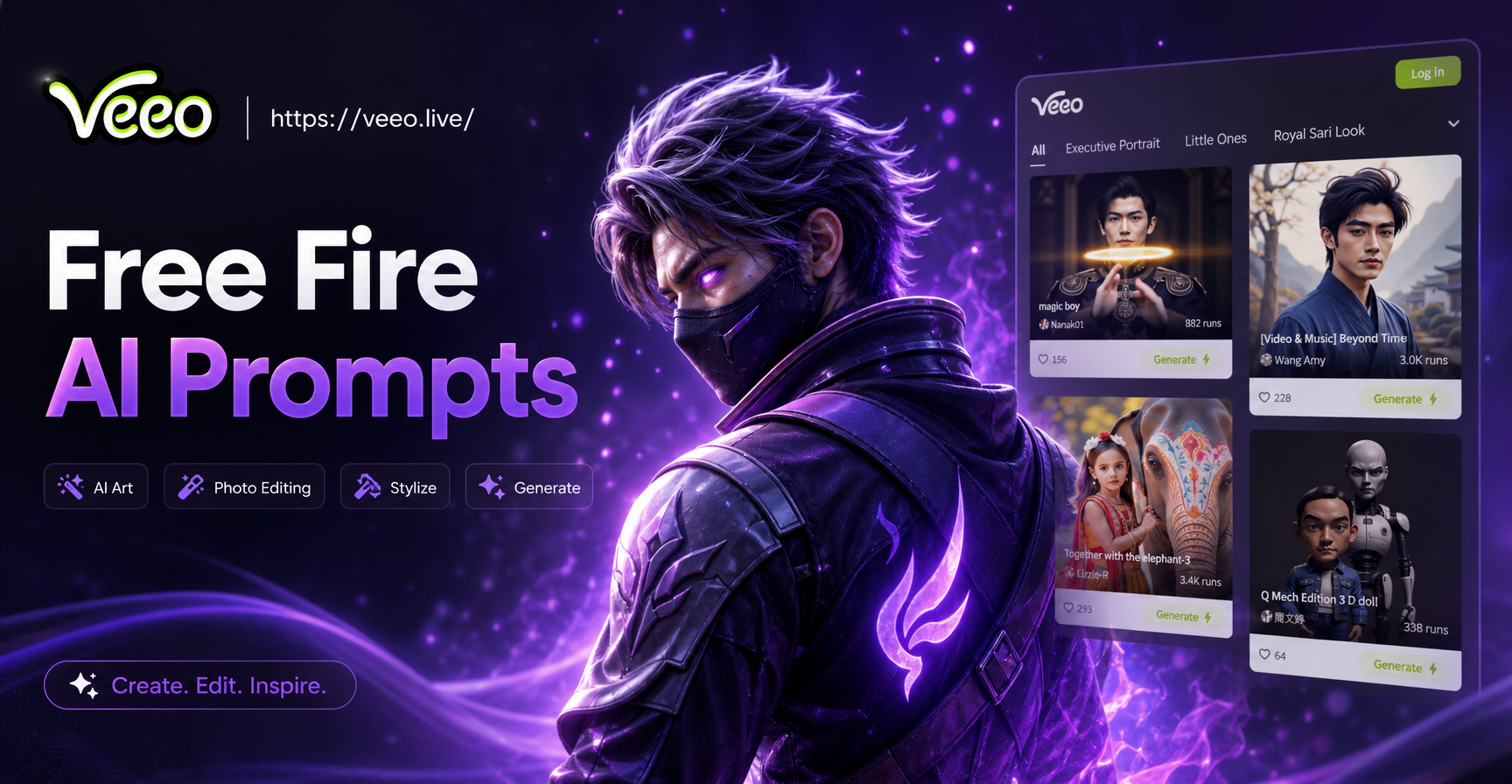
To get started, download veeo from Google Play. Open the app and select the AI image generation feature. You can either upload a photo to edit or start from a text prompt. Paste any of the prompts below into the text field. Then choose a style filter that matches your goal, such as realistic photography, anime, or cinematic. Tap generate and wait a few seconds. veeo will create a high resolution image based on your prompt. You can repeat the process with small changes to the prompt until you get the exact Free Fire look you want. The app also supports image to image editing, so you can upload a real photo of yourself and ask the AI to transform it into a Free Fire style character.
Free Fire AI Photo Editing Prompts You Can Copy Right Now
Below is a large collection of prompts organized by theme. Each prompt is written to be pasted directly into an AI image tool. You can mix and match details from different prompts to create your own unique edit.
Close Up Character Portraits
- Ultra realistic close up portrait of a Free Fire style male character, short black hair, red headband, small scar on right eyebrow, intense brown eyes, worn brown leather jacket, blurred battlefield background, dramatic side lighting, detailed skin texture, 8k
- Close up of a female Free Fire character with silver white bob hair, blue cyber goggles on forehead, futuristic combat suit, glowing purple tattoos on cheek, neon city background at night, cinematic lighting, sharp focus, high detail
- Free Fire inspired portrait of a young soldier with a green military cap, face paint stripes on cheeks, determined expression, jungle background with smoke, golden hour light, photorealistic, 4k
- Anime style close up of a Free Fire hero with spiky orange hair, yellow jacket, confident smirk, orange energy aura around body, dark blue background, detailed eyes, vibrant colors
Full Body Character Edits
- Full body shot of a Free Fire style character standing on a rooftop, wearing a black tactical vest and cargo pants, holding a rifle, urban warzone background with helicopters, cinematic action pose, dramatic clouds, photorealistic
- Full body edit of a female character in a stylish Free Fire elite pass outfit, white and gold jacket, black leggings, knee high boots, holding a glowing sword, elegant battle stance, marble palace background, soft light, high fashion game art
- Free Fire character wearing a hooded assassin outfit, dark red cloak, dual pistols in hands, standing in rain, neon signs reflecting on wet ground, cyberpunk street background, moody atmosphere, detailed clothing
- Cartoon style full body Free Fire character with oversized head, mini body, bright blue hoodie, red sneakers, holding a shotgun, colorful background with explosion effects, playful energy, 3D render
Battle Royale Action Scenes
- Free Fire style battle royale scene, a squad of four characters running through an open field while bullets fly past, one character firing an assault rifle, another throwing a grenade, explosions in the background, dust and smoke, fast action, cinematic still
- Action shot of a Free Fire character jumping from a cargo plane, parachute opening behind, holding a weapon, view of Bermuda island map below, blue sky with clouds, dynamic angle, game art style
- Free Fire fight scene inside a warehouse, a character taking cover behind crates, muzzle flash from a shotgun, sparks and debris, dark interior with light beams from windows, intense expression, realistic
- Epic last circle battle, a Free Fire character with a ghillie suit crawling through tall grass, sniper rifle scope glint, orange sunset sky, tension, cinematic composition
Stylish Outfit and Skin Ideas
- Free Fire character in a royal golden armor set, ornate chest plate with lion emblem, flowing red cape, jeweled crown helmet, holding a glowing spear, palace throne room background, rich colors, detailed metal texture, game splash art
- Hip hop street style Free Fire female character, oversized graphic hoodie, ripped jeans, chain necklace, beanie, holding a boombox, graffiti wall background, vibrant neon colors, urban culture, highly detailed
- Cyberpunk Free Fire skin, male character with half shaved purple hair, mechanical arm, glowing circuit tattoos, black and neon green jacket, futuristic city with flying cars, rain, reflective surfaces, sleek design
- Desert nomad Free Fire outfit, tan scarf around head, brown leather vest, bandolier of bullets, long rifle on back, sandy dunes background, heat haze, warm tones, realistic character design
Weapon and Loot Showcase
- Free Fire style weapon showcase, a glowing golden AK rifle floating in the air, surrounded by rotating ammo crates and med kits, dark background with blue energy effects, product shot style, game asset art, highly detailed
- Close up of a Free Fire character hands holding a legendary sniper rifle with dragon engravings, smoke coming from barrel, dark blurred background, spotlight from above, cinematic realism
- Free Fire loot box opening scene, a wooden crate bursting with bright light, glowing gun skins and character outfits flying out, confetti, dark room, magical atmosphere, game UI inspired art
Duo and Squad Edits
- Free Fire duo edit, two characters back to back, one male with shotgun, one female with SMG, both wearing matching red and black outfits, city rooftop at dusk, helicopter searchlight in background, dramatic stance, cinematic
- Squad photo style Free Fire art, four characters posing together, different classes represented, sniper, medic, assault, support, each with unique outfit and weapon, victory screen background with golden trophy, celebratory mood, game splash art
- Free Fire couple edit, male and female characters holding hands while running through a battlefield, explosions behind them, warm sunset light, emotional moment, detailed character expressions
Thumbnail and Banner Prompts
- YouTube thumbnail style Free Fire image, shocked character face close up on left side, explosion and flying gold coins on right side, bold red arrow pointing to a mystery box, clean composition, high contrast, vibrant colors
- Free Fire banner design, wide shot of a character squad silhouetted against a massive fireball explosion, game logo space at top center, dark gradient background, particles, embers, dramatic lighting
- Free Fire live stream overlay art, character portrait in circular frame, health bar and kill counter UI elements around, futuristic blue and orange theme, transparent background feel, sharp details
Vehicle and Map Inspired Edits
- Free Fire style monster truck driving through a burning village, character leaning out window shooting, dust cloud behind wheels, helicopter chasing above, intense action, photo realistic
- Free Fire character riding a motorcycle down a highway at sunset, cape flowing, weapon on back, city skyline in distance, motion blur on road, cinematic wide shot
- Aerial view of a Free Fire map location, tropical island with military base, loot crates scattered, small characters running, blue ocean surrounding, stylized game map, vibrant colors
How to Adapt These Prompts for Your Own Photo
If you want to edit your own photo into a Free Fire character, do not just paste the prompt and expect the AI to understand your face. Instead, describe the change clearly. For example, write, "Turn this photo into a Free Fire style portrait, keep the face recognizable, add a red headband, a black tactical vest, a battle scar on the left cheek, background of a burning battlefield, cinematic lighting." The more details you add about the outfit and setting, the more the result will match the game. You can also adjust the style keyword at the end, such as realistic, anime, 3D clay, or Ghibli, to change the overall look while keeping the Free Fire theme.
Common Mistakes and How to Improve Weak Results
One common mistake is using prompts that are too short, such as "Free Fire character." The AI then produces a generic soldier with no connection to the game. Always include at least three specific details: clothing or skin, weapon or accessory, and background or lighting. Another mistake is ignoring the style filter. A realistic prompt combined with an anime filter may look off. Try matching the filter to the prompt description. If the face comes out distorted, switch to image to image editing and upload a clear, well lit photo. Reduce the number of characters in the prompt to one or two, because AI often struggles with multiple faces. Finally, if the result looks too generic, change the background or add a signature Free Fire element like a red bandana, a gold gun skin, or the Bermuda map setting.
Turn Your Free Fire Photo Idea Into Reality
These Free Fire AI photo editing prompts give you a fast way to create unique gaming images without any design experience. Start with one prompt that matches your mood, paste it into veeo, and generate several variations. Save your favorite version and share it with your squad or on social media. The more you experiment with small changes, the better your results will become. Download veeo from Google Play and start creating your Free Fire style avatar, thumbnail, or battle scene today.