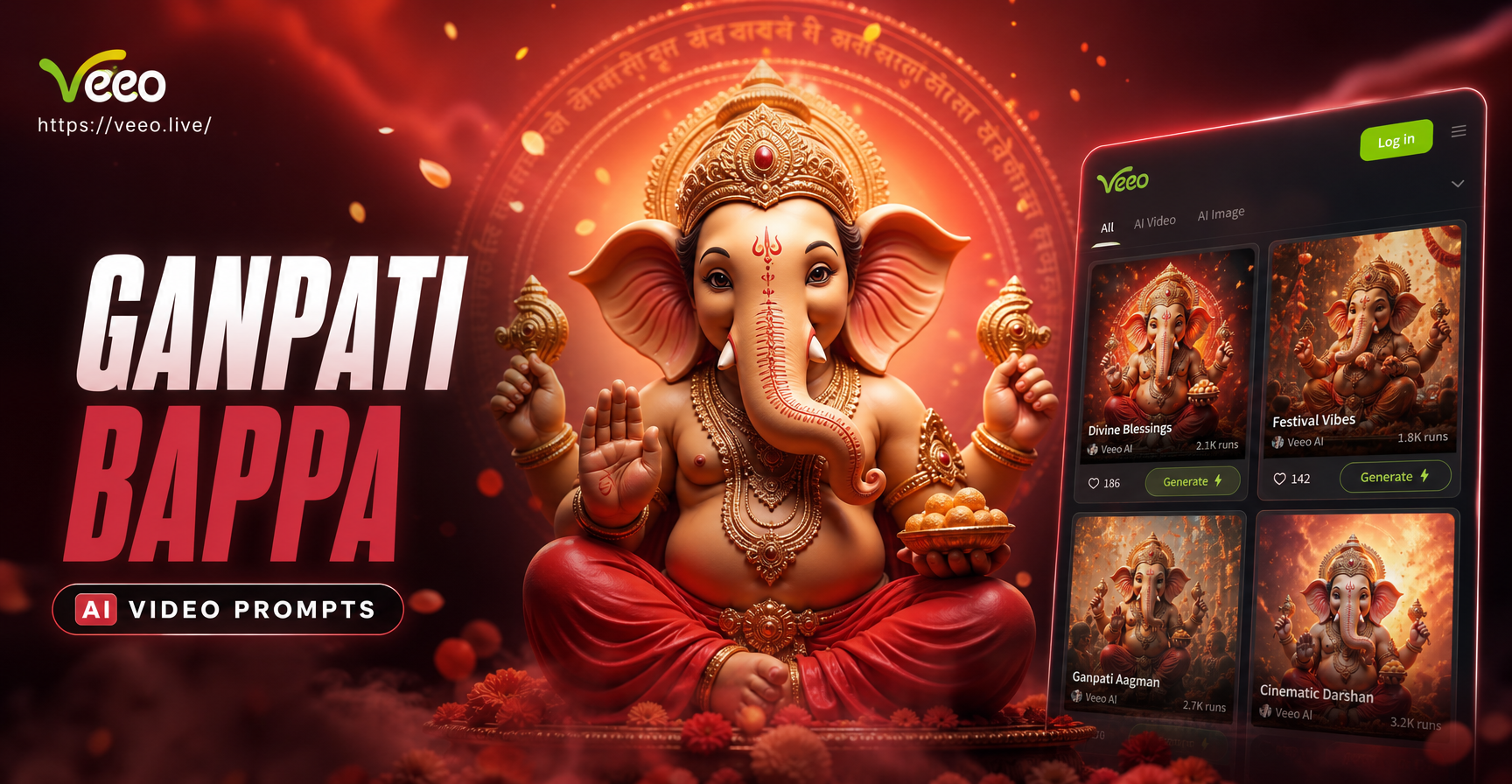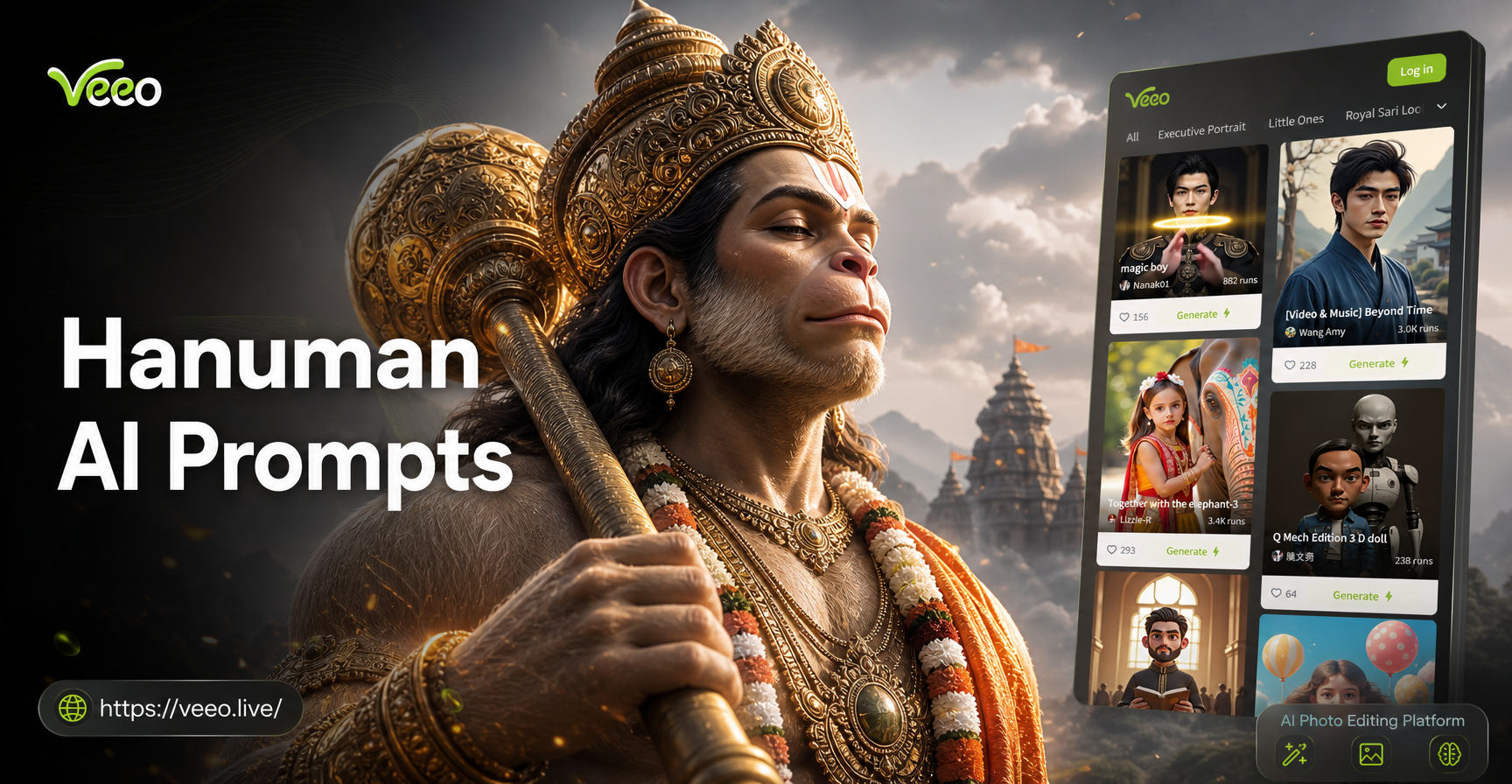
Hanuman AI photo editing prompts are detailed instructions you give to an AI image tool to create or edit images of Lord Hanuman with a specific look, mood, or style. These prompts work best when they describe the face, ornaments, background, lighting, and artistic style in clear language. Whether you want a realistic portrait, a cinematic mythological scene, or a traditional Pattachitra painting, the right prompt helps the AI understand exactly what you need.
In this guide, you will find ready-to-use Hanuman AI photo editing prompts, plus practical tips for adapting them to different photo editing workflows. You can use these prompts in the veeo app, which supports text-to-image generation and image-to-image editing on your mobile device.
Why Specific Prompts Matter for Hanuman Images
Generic prompts like "Hanuman photo" usually produce inconsistent results. The AI may ignore important details such as the orange complexion, the gold crown, the mace, or the sacred thread. Specific prompts fix these problems by naming the visual elements that define Lord Hanuman. Good prompts also describe the medium, camera angle, lighting, and background. This reduces the chance of getting a random warrior figure instead of a devotional image.
When editing an existing photo, you can use the same prompts as guidance for the AI. For example, if you have a photo of a person or a statue, you can ask the AI to apply a Hanuman-inspired style while preserving the original pose or face. The veeo app allows image-to-image editing, so you can upload a photo and add a prompt like "transform this portrait into a realistic Hanuman with orange skin and gold ornaments."
How to Use These Prompts in veeo
To get started, download the veeo app from Google Play. Open the app and choose either Text to Image or Image to Image. If you choose Text to Image, paste one of the prompts below into the text field. Then select a style template that matches the mood, such as realistic photography, cinematic, oil painting, or Indian miniature art. Tap generate and wait a few seconds. If you choose Image to Image, upload a photo first, then add a prompt that tells the AI what to change or add. The app will keep the main subject while applying the new style and details.
Hanuman AI Photo Editing Prompts
Realistic Devotional Portraits
Use these prompts for lifelike close ups and portrait photography.
- A hyper realistic close up portrait of Lord Hanuman with warm orange skin, intense golden eyes, a gentle smile, a gold crown with a small red tilak, pearl necklace, and a sacred thread across the chest, soft temple light from the left, blurred background of ancient stone pillars, 85mm lens, shallow depth of field.
- Realistic photograph of Hanuman in a peaceful meditation pose, orange complexion, hands folded in prayer, wearing a saffron dhoti and gold ornaments, sitting on a rock near a river at sunrise, mist in the background, devotional atmosphere, high detail skin texture.
- Studio portrait of Lord Hanuman as a young warrior, strong shoulders, orange skin with subtle glow, gold armlets and bracelets, holding a golden mace over one shoulder, dark maroon background, dramatic rim light, professional photography.
Cinematic Mythological Scenes
These prompts create dramatic, movie-like images.
- Cinematic wide shot of Hanuman flying across the ocean at sunset, carrying a glowing mountain in one hand, orange skin contrasting with deep blue sky, dynamic wind blowing his orange dhoti, epic scale, volumetric light, film still from a mythological epic.
- Dark cinematic scene of Hanuman kneeling before Lord Rama and Sita, orange and gold tones, temple interior with oil lamps, strong side light, emotional expression of devotion, 35mm film grain, dramatic shadows.
- Action shot of Hanuman leaping from a cliff, holding a golden mace, orange body mid-air, dust and rocks falling, motion blur on background, cinematic color grading, high contrast, shot on Arri Alexa.
Traditional Indian Art Styles
Use these prompts for classic painting and miniature art looks.
- Pattachitra style painting of Hanuman holding the Sanjeevani mountain, flat bright colors, orange and yellow body, intricate black outlines, decorative floral border, traditional Odisha art, detailed hand painted texture.
- Madhubani style illustration of Hanuman with a calm face, geometric patterns on the body, orange and red with white outlines, surrounded by lotus flowers and fish motifs, folk art from Bihar, natural pigment colors.
- Tanjore painting of Lord Hanuman in gold leaf style, rich orange and green colors, ornate gold jewelry, embossed details, dark red background, South Indian classical art, highly decorative.
Minimalist and Symbolic Compositions
For clean, modern, and symbolic images.
- Minimalist silhouette of Hanuman in a leaping pose against a giant orange full moon, black silhouette, thin gold outline, flat background, sparse composition, modern poster style.
- Symbolic image of a single golden mace standing upright on a stone pedestal, soft orange sunlight from a small window, dust particles in the air, dark temple background, minimalist, high contrast.
- Close up of Hanuman's folded hands holding a small red flag with a white image of Lord Rama, orange skin, gold bangles, shallow depth of field, dark background, symbolic devotional photography.
Action and Strength Focused Images
For powerful and dynamic depictions.
- Full body shot of Hanuman in a powerful warrior stance, muscles tensed, orange skin with sweat, holding a massive golden mace with both hands, cracked ground beneath his feet, fiery background, dramatic low angle, hyper detailed anatomy.
- Hanuman lifting a mountain with one hand, extreme perspective from below, orange body against stormy sky, lightning in the background, strong wind, epic fantasy painting style, high detail.
- Close up of Hanuman's intense eyes and furrowed brow, orange skin, gold forehead ornament, glowing red tilak, dark smoky background, dramatic lighting, cinematic close up.
Divine Aura and Lighting Effects
These prompts add a spiritual glow.
- Hanuman standing in a dark temple, soft golden aura radiating from his body, orange skin with subtle inner light, eyes closed in devotion, oil lamps floating in the air, ethereal atmosphere, spiritual photography.
- Portrait of Hanuman with a bright halo behind his head, orange and gold color palette, light rays falling from above, sacred geometry patterns faintly visible in the background, divine glow, high resolution.
- Hanuman meditating on a mountain peak at night, silver moonlight on one side, warm golden aura on the other, orange skin, peaceful expression, stars and a crescent moon, surreal yet devotional.
How to Adapt Prompts for Photo Editing vs Generation
If you are editing an existing photo, you should add the words "transform this image" or "edit this photo to" at the beginning of the prompt. For example, if you have a photo of a friend and you want to turn them into a Hanuman-inspired character, use a prompt like "edit this photo to make the person look like Hanuman with orange skin, gold crown, and a gentle smile, keeping the same face shape and pose." The AI will then try to preserve the original subject while applying the new style. You can also add words like "preserve the original background" or "keep the same lighting" to control the result.
Common Mistakes and How to Fix Them
One common mistake is writing prompts that are too short. "Hanuman photo" gives the AI almost nothing to work with. Always include at least three details: the subject's appearance, the background, and the style or lighting. Another mistake is mixing too many contradictory styles. If you ask for both "photorealistic" and "cartoon" in the same prompt, the AI may produce a confusing image. Choose one style and stick to it. A third mistake is ignoring the image-to-image option. Many people only use text-to-image and miss the chance to edit an existing photo of a person, a statue, or a painting. In veeo, you can upload any photo and ask the AI to apply Hanuman-inspired elements while keeping the original composition.
If the result shows the wrong skin color or missing ornaments, add more specific words. For example, write "deep orange skin with a red tilak and gold crown" instead of just "Hanuman." If the background looks empty, describe the setting in detail, such as "ancient stone temple with oil lamps and carved pillars." Negative prompts also help. In veeo, you can sometimes add words like "no extra fingers, no distorted face, no random weapons" to avoid common AI errors.
Final Thoughts and Download veeo
Hanuman AI photo editing prompts give you a practical way to create devotional, cinematic, and artistic images with full control over the details. By using the specific prompts in this guide, you can avoid generic results and produce images that respect the visual traditions and emotional depth of Lord Hanuman. Download the veeo app today to start generating and editing Hanuman images on your phone. Experiment with different style templates, combine prompts with your own photos, and refine the output until it matches your vision.