Understanding the Visual Identity of Chhatrapati Shivaji Maharaj
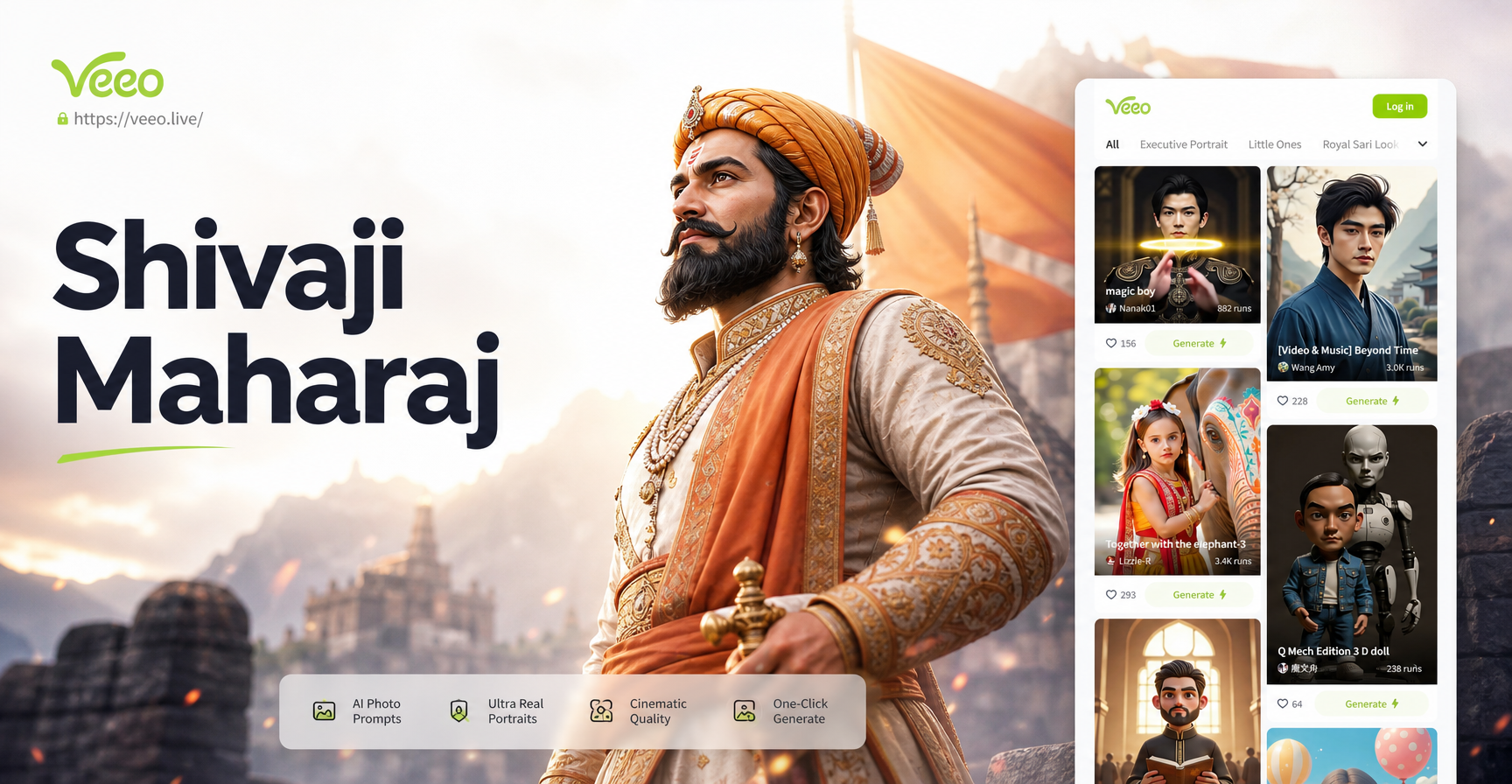
To create convincing AI images, it helps to know the key visual details. Chhatrapati Shivaji Maharaj is often depicted wearing a saffron or deep red royal robe, an ornate turban with a jeweled brooch, a curved sword called a firangi or talwar, a shield, and sometimes a dagger in his waistband. His expression is calm but determined, often looking toward a distant fort or battlefield. Backgrounds frequently include Raigad Fort, Pratapgad, Sindhudurg, or the Sahyadri mountain ranges. Including these elements in your prompt helps the AI produce an image that feels historically grounded.
20 Ready to Use Chhatrapati Shivaji Maharaj AI Photo Prompts
Regal Portrait Prompts
- A hyper realistic portrait of Chhatrapati Shivaji Maharaj wearing a saffron silk royal robe and an ornate turban with a jeweled brooch, holding a curved sword in one hand, standing against a blurred background of Raigad Fort at sunrise, soft golden light, 8k detail.
- Close up portrait of Chhatrapati Shivaji Maharaj with a calm powerful expression, detailed facial features, wearing traditional Maratha royal dress, a turban with a pearl ornament, dark background with warm rim lighting, cinematic quality.
- Chhatrapati Shivaji Maharaj seated on a royal wooden throne with carved details, wearing regal Maratha attire, one hand resting on a sword, deep red and gold color palette, oil painting style, majestic atmosphere.
- A dignified three quarter portrait of Chhatrapati Shivaji Maharaj in ceremonial armor, holding a shield with intricate engravings, turban tied in Maratha style, background of a stone palace interior with soft window light.
- Chhatrapati Shivaji Maharaj looking over his kingdom from the ramparts of Raigad Fort, wearing a saffron turban and a flowing robe, a sword at his side, the wind gently moving his garments, late afternoon light, photorealistic.
Battle and Warrior Prompts
- Chhatrapati Shivaji Maharaj on horseback leading his cavalry, wearing battle armor and a saffron turban, sword raised, dynamic pose, dust and motion blur background, dramatic sky, cinematic action scene.
- A powerful image of Chhatrapati Shivaji Maharaj fighting in the Battle of Pratapgad, sword clashing against an opponent, wearing traditional Maratha warrior attire, a shield in his left hand, intense facial expression, low angle shot, hyper detailed.
- Chhatrapati Shivaji Maharaj standing on a rocky hill with his sword planted in the ground, looking at a distant enemy camp, the Sahyadri mountains behind him, golden hour light, epic composition.
- Chhatrapati Shivaji Maharaj in guerrilla warfare style, moving stealthily through a forest with a small group of Maratha soldiers, night scene with moonlight, wearing dark clothing, red turban, cinematic mood.
- A close up action shot of Chhatrapati Shivaji Maharaj drawing his sword from its scabbard, the blade catching the sunlight, intense eyes, sweat on his brow, motion in the background, highly realistic.
Fort and Landscape Prompts
- Chhatrapati Shivaji Maharaj standing at the edge of Raigad Fort with the Sahyadri mountains stretching behind him, wearing royal attire, a gentle breeze, dramatic clouds, wide angle landscape, photorealistic.
- A panoramic view of Sindhudurg Fort with Chhatrapati Shivaji Maharaj inspecting the construction from a boat, wearing traditional Maratha dress, workers in the background, bright daylight, detailed architecture.
- Chhatrapati Shivaji Maharaj at the coronation ceremony inside Raigad Fort, surrounded by courtiers and priests, wearing ornate royal robes and a jeweled crown, golden light streaming through pillars, grand historical scene.
- Chhatrapati Shivaji Maharaj walking along a stone pathway inside Pratapgad Fort, a dog walking beside him, old stone walls covered with moss, early morning mist, realistic style.
- Aerial view of Raigad Fort with Chhatrapati Shivaji Maharaj standing on the highest bastion, looking at the horizon, his figure small against the vast landscape, moody sky, epic scale, cinematic composition.
Cinematic and Artistic Style Prompts
- Chhatrapati Shivaji Maharaj portrait in the style of a classic Indian miniature painting, flat colors, gold leaf border, detailed ornaments, traditional composition, rich red and blue palette.
- A dramatic black and white film still of Chhatrapati Shivaji Maharaj, high contrast, deep shadows, one side of his face lit by a single window, intense gaze, cinematic noir style.
- Chhatrapati Shivaji Maharaj as a digital painting with a painterly brush stroke texture, warm earthy tones, a glowing saffron background, his figure emerging from the shadows, artistic style.
- Chhatrapati Shivaji Maharaj in an anime style illustration, clean lines, vibrant colors, a heroic pose with his sword, a sunset sky with dramatic clouds, suitable for a poster.
- Chhatrapati Shivaji Maharaj in a 3D clay art style, soft rounded shapes, handmade feel, warm studio lighting, pastel background, respectful and charming look.
How to Adapt These Prompts for Different Outputs
You can easily change the mood or composition of any prompt by modifying a few words. Replace golden hour with midnight storm to create a darker, more intense image. Change close up portrait to full body shot to include the entire outfit and sword. Add a specific camera angle such as low angle, aerial view, or over the shoulder. You can also specify the art style at the end of the prompt, for example, hyper realistic, oil painting, watercolor, anime, or 3D clay. If you want a vertical image for social media, add the phrase vertical 9 by 16 composition. For a more cinematic feel, include keywords like film grain, shallow depth of field, or dramatic lighting.
Common Weak Results and How to Fix Them
AI image generators sometimes produce inaccurate faces, modern clothing, or extra limbs. If the face looks wrong, try adding the phrase accurate historical depiction of Chhatrapati Shivaji Maharaj and reduce the prompt length. If the costume has modern elements, explicitly write no modern clothing, no zippers, no buttons. If the background includes anachronistic objects like cars or electric poles, add only period accurate details. For blurry images, increase the detail keywords like sharp focus, high resolution, 8k, detailed texture. If the image looks too generic, add a specific fort name or battle reference. You can also use the image to image feature in veeo to refine an existing result by uploading it and adding a new prompt.
Using veeo to Generate Shivaji Maharaj AI Photos
The veeo app is a straightforward tool for generating these images on your phone. Download the app from Google Play, open it, and choose a style filter that matches your goal. Then type or paste any prompt from this article into the text field. You can also upload a reference image if you want the AI to follow a specific pose or composition. veeo includes a large library of style filters, so you can test the same prompt with different filters to see which look you prefer. The app works entirely on mobile, so you can create anywhere.
Tips for Respectful and Accurate AI Art
When creating images of Chhatrapati Shivaji Maharaj, keep the tone dignified and respectful. Avoid humorous or exaggerated poses that misrepresent his legacy. Use accurate historical clothing and symbols. The prompts in this article focus on honoring his courage, leadership, and vision. Feel free to combine different elements from the lists to create your own unique prompt. The more specific you are about the expression, background, and lighting, the better the result. With practice, you can generate a personal collection of AI art that truly reflects the spirit of this great king.