AI Pennywise Generator: Create Horror Clown Art Instantly
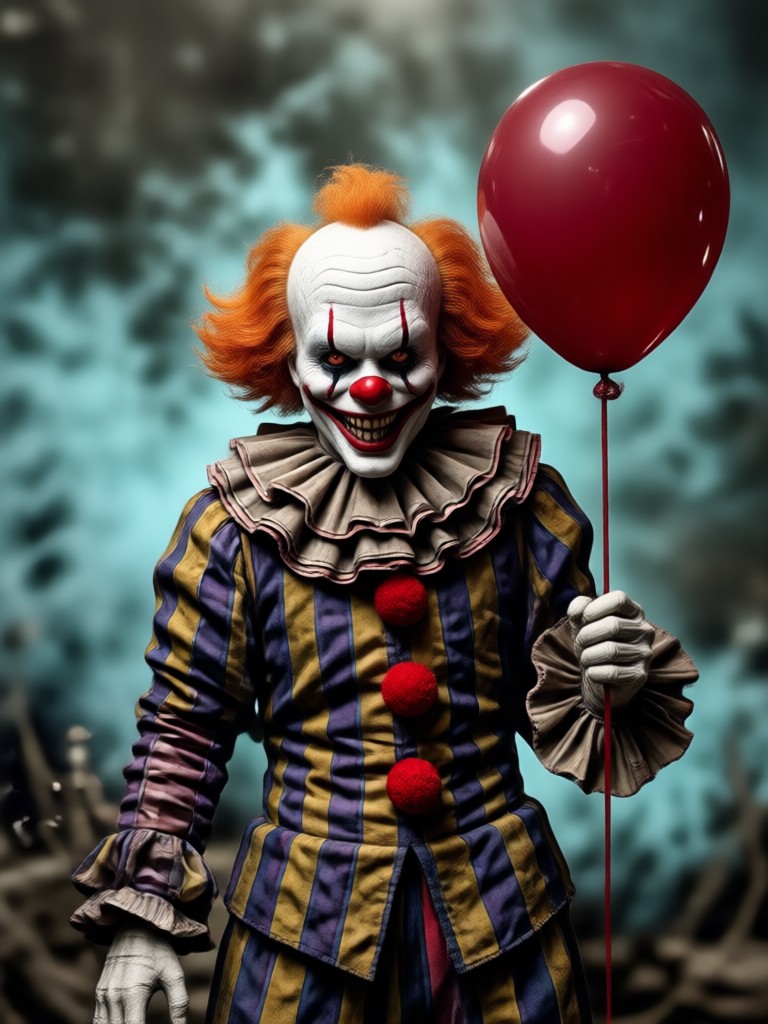
Choose the AI Pennywise Style That Fits Your Nightmare
Discover filters for realistic horror, cartoonish clowns, vintage circus looks, and dark cinematic portraits. Pick a template and let veeo do the rest.
Key Features of AI Pennywise Generator
veeo combines powerful AI image and video tools with a massive library of styles to bring your AI Pennywise ideas to life. Generate from text, transform existing photos, or animate your favorite clown portraits in just a few taps.
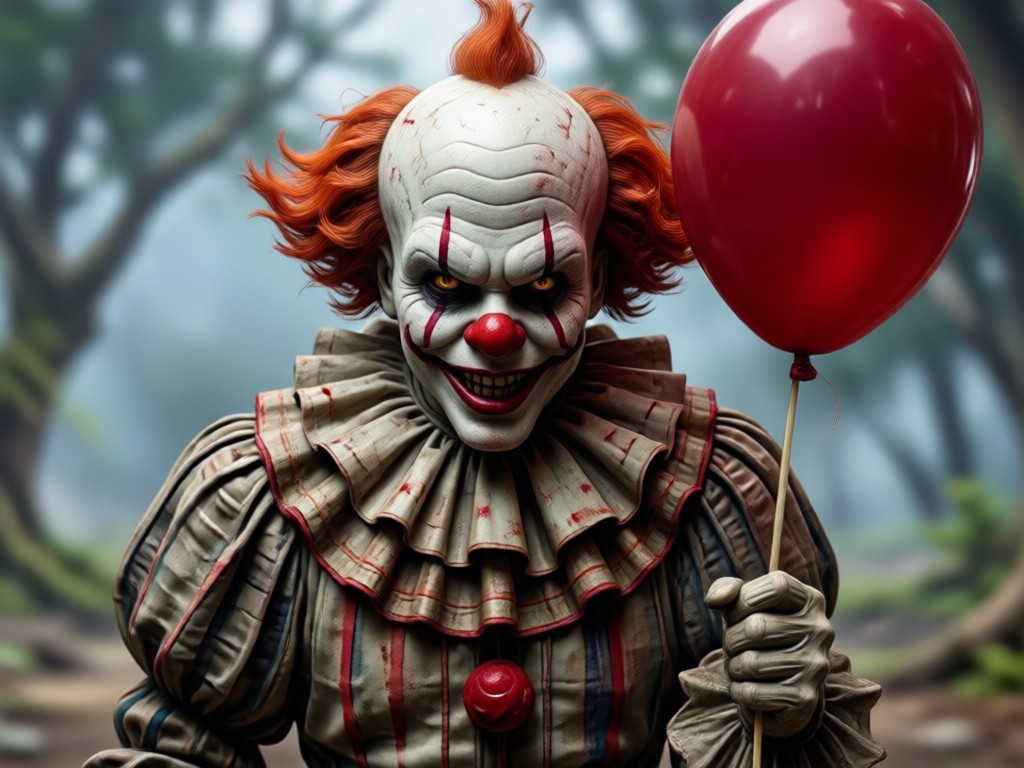
Text to Image Generation
Describe your AI Pennywise scene in plain words. Choose a horror or cinematic filter and get a high resolution clown image in seconds. No prompt engineering needed.
Text to Image Generation
Describe your AI Pennywise scene in plain words. Choose a horror or cinematic filter and get a high resolution clown image in seconds. No prompt engineering needed.
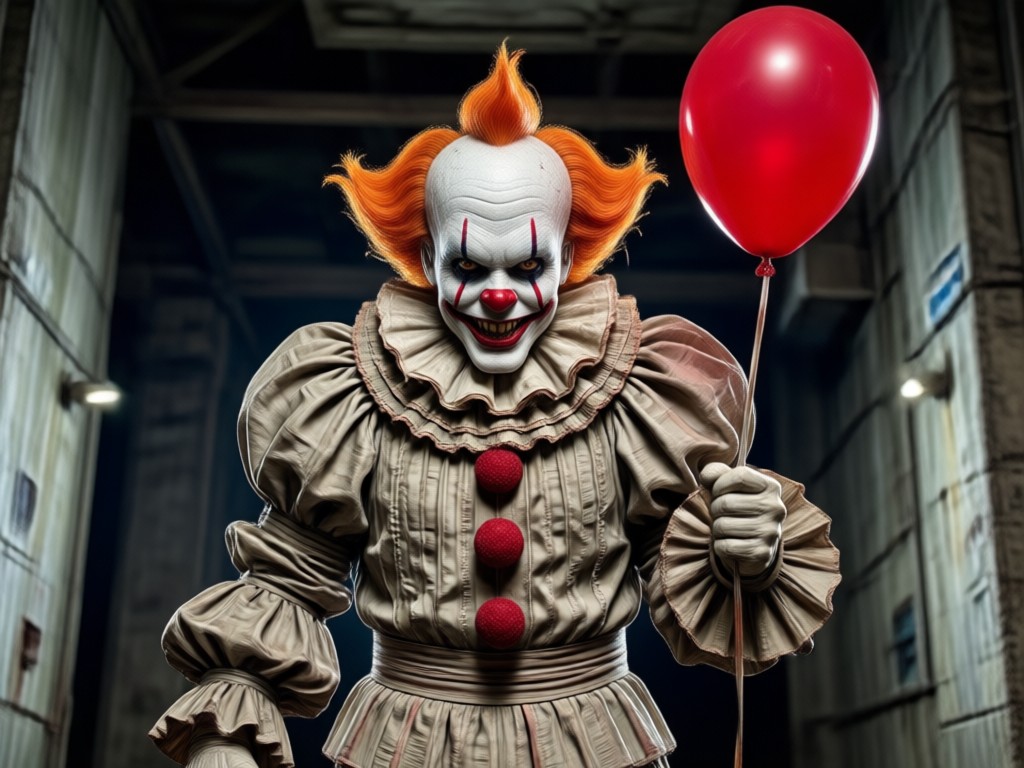
Image to Image Style Transfer
Upload a photo of yourself, a friend, or an existing clown picture. veeo applies the AI Pennywise look while keeping the original pose and facial structure intact.
Image to Image Style Transfer
Upload a photo of yourself, a friend, or an existing clown picture. veeo applies the AI Pennywise look while keeping the original pose and facial structure intact.
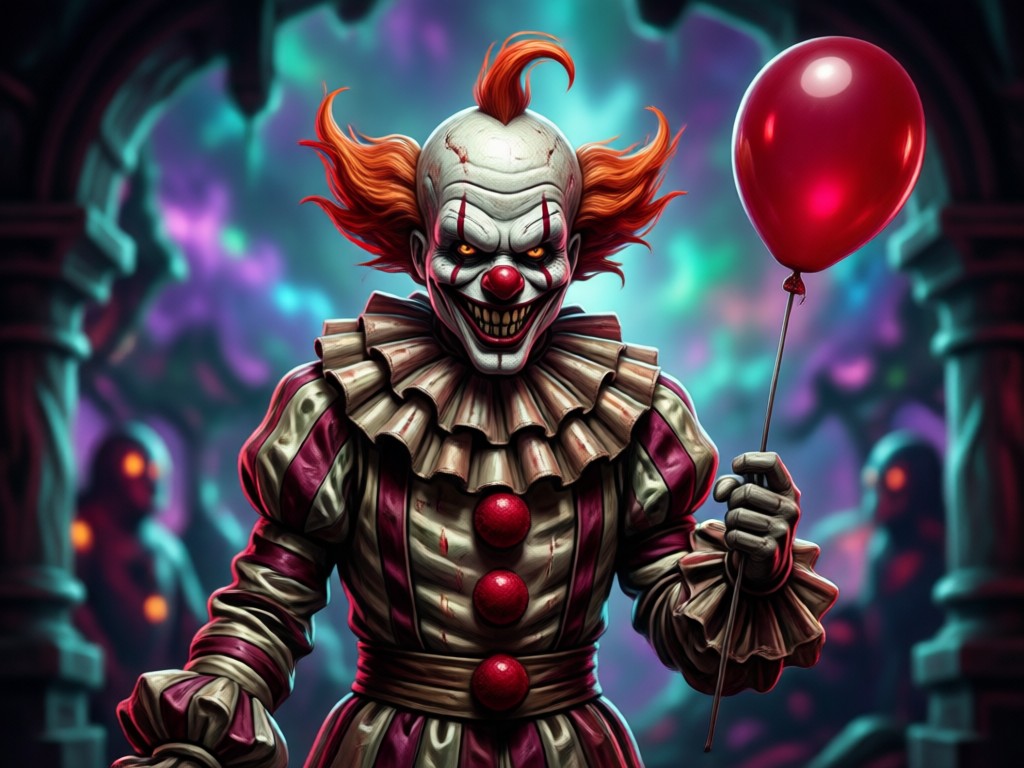
Image to Video Animation
Turn static AI Pennywise portraits into short animated clips. Add blinks, head turns, or a slow creepy smile to make your horror character move.
Image to Video Animation
Turn static AI Pennywise portraits into short animated clips. Add blinks, head turns, or a slow creepy smile to make your horror character move.
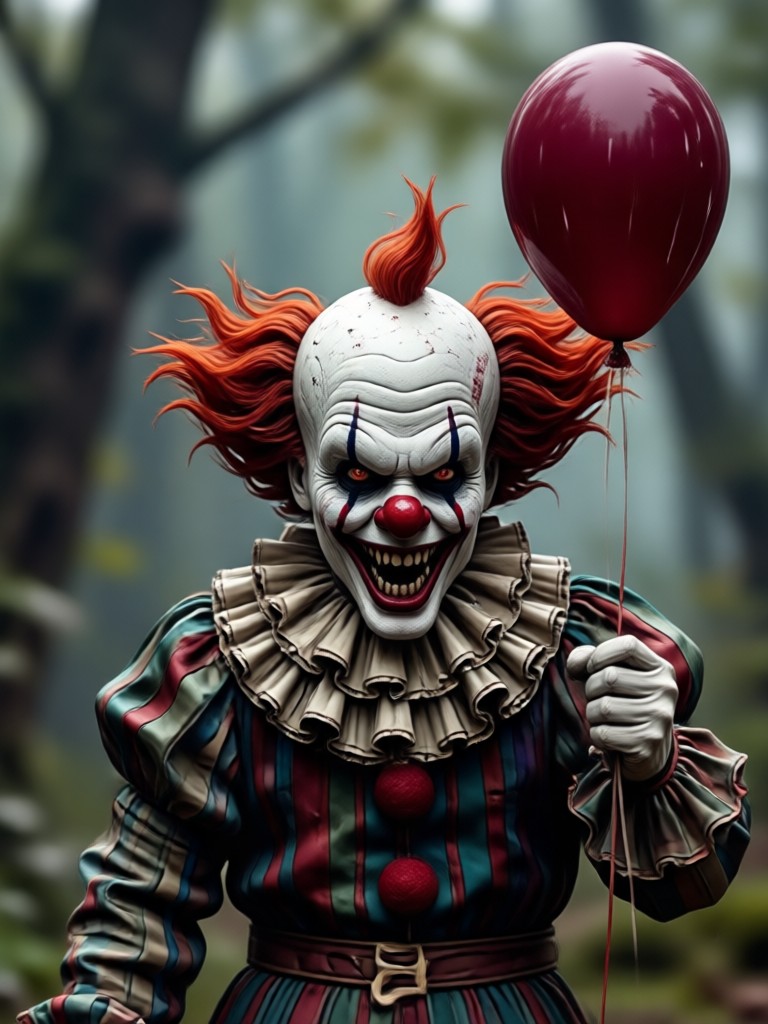
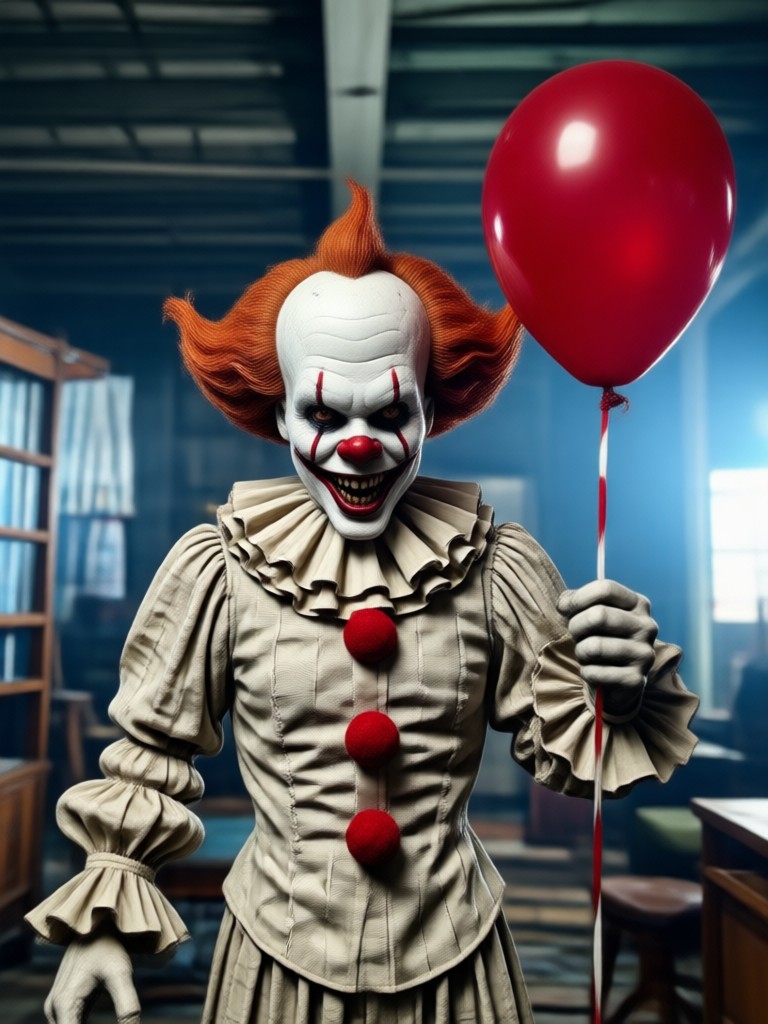
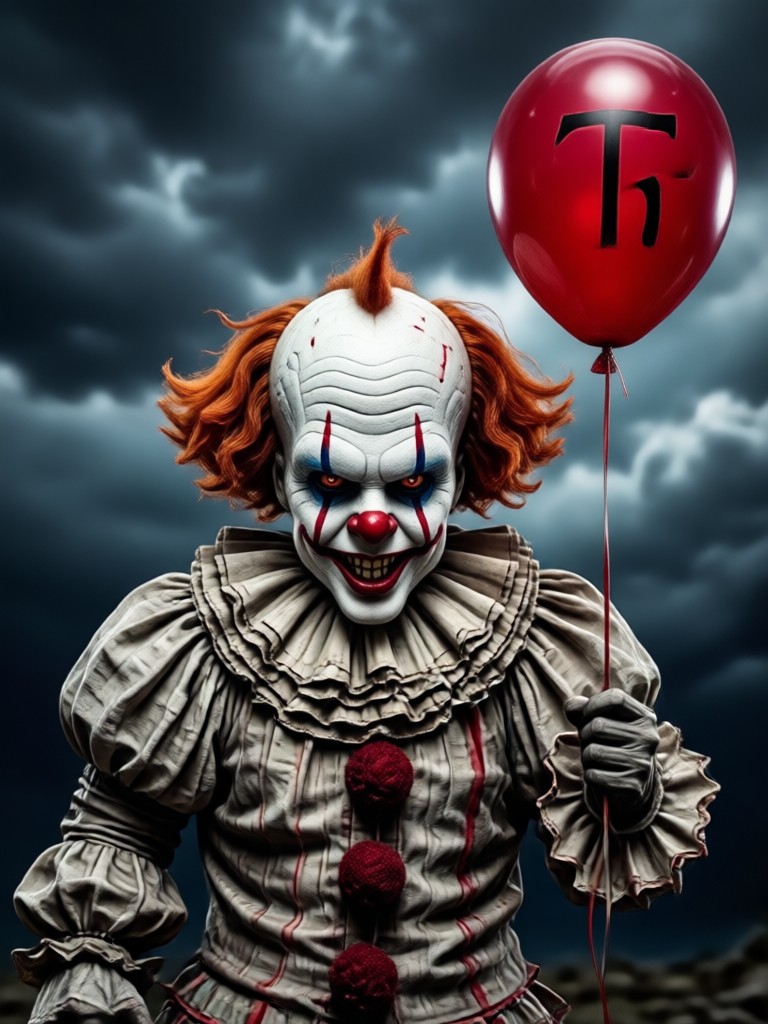
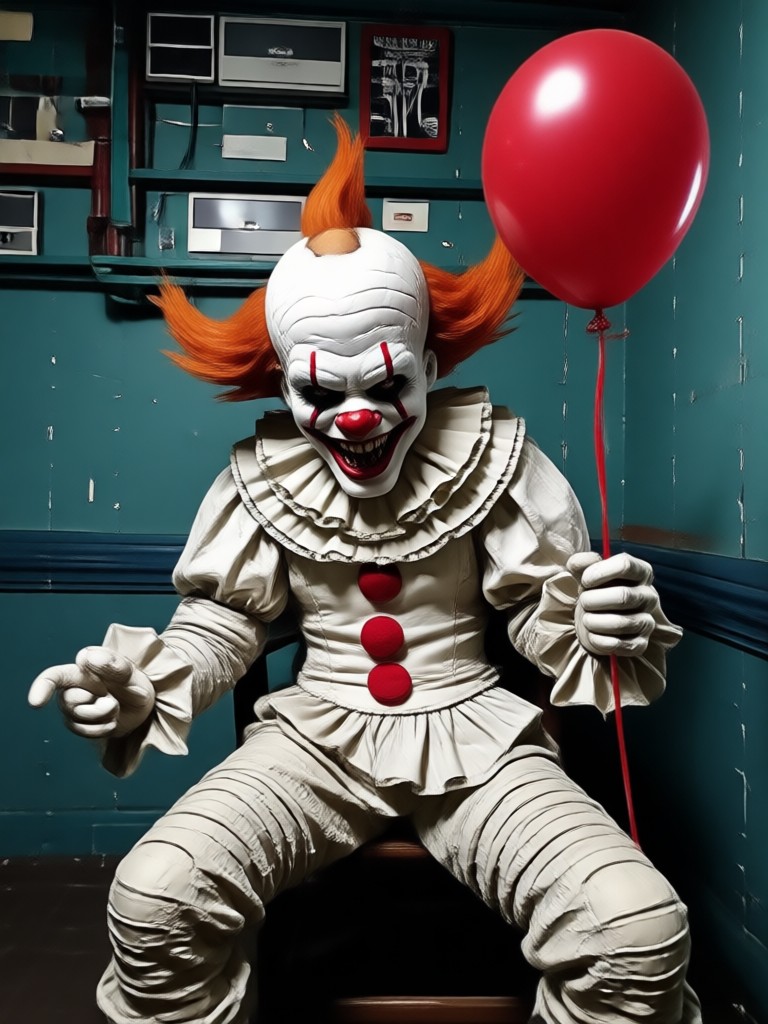
Explore AI Pennywise Creations Gallery
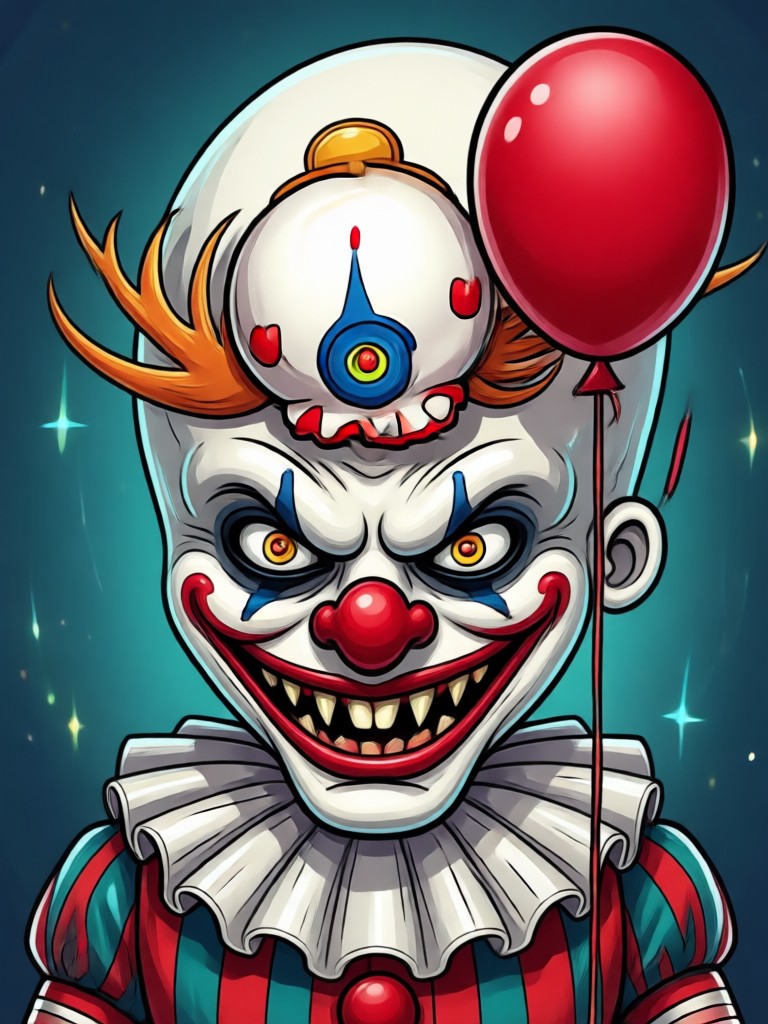
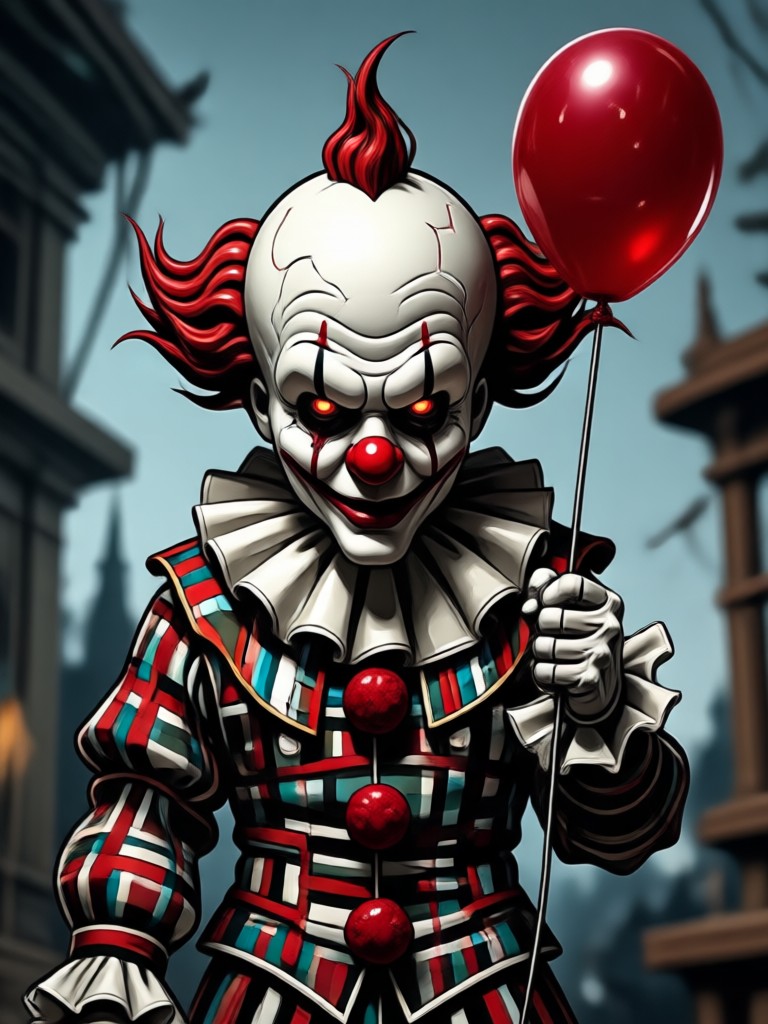
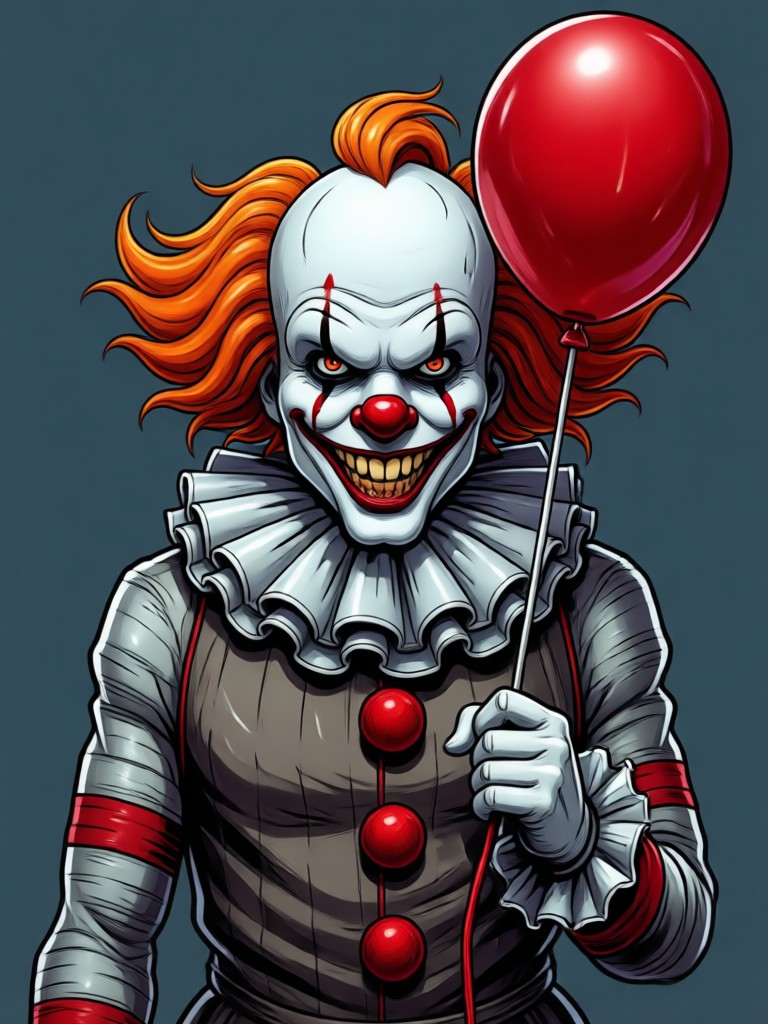
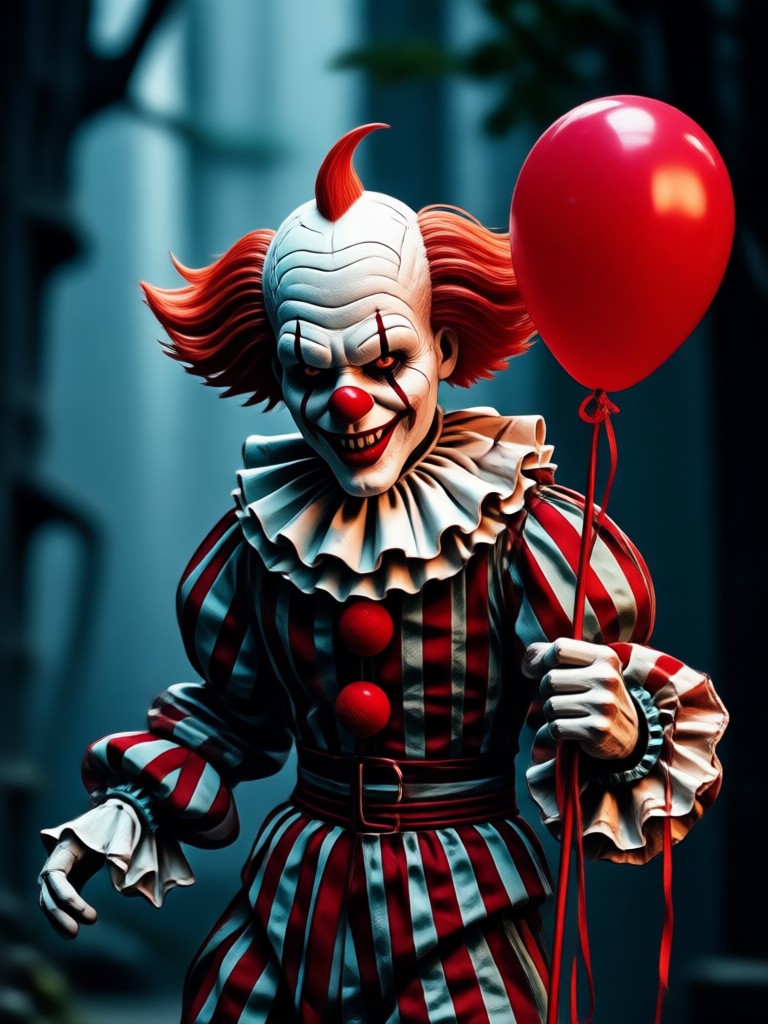
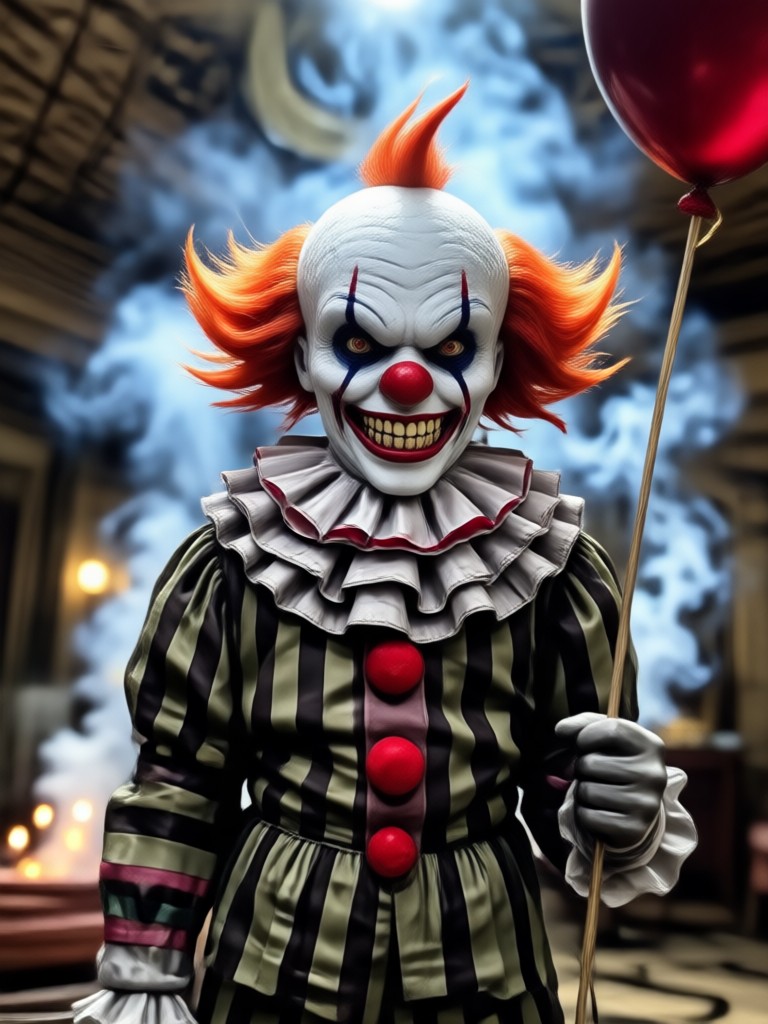
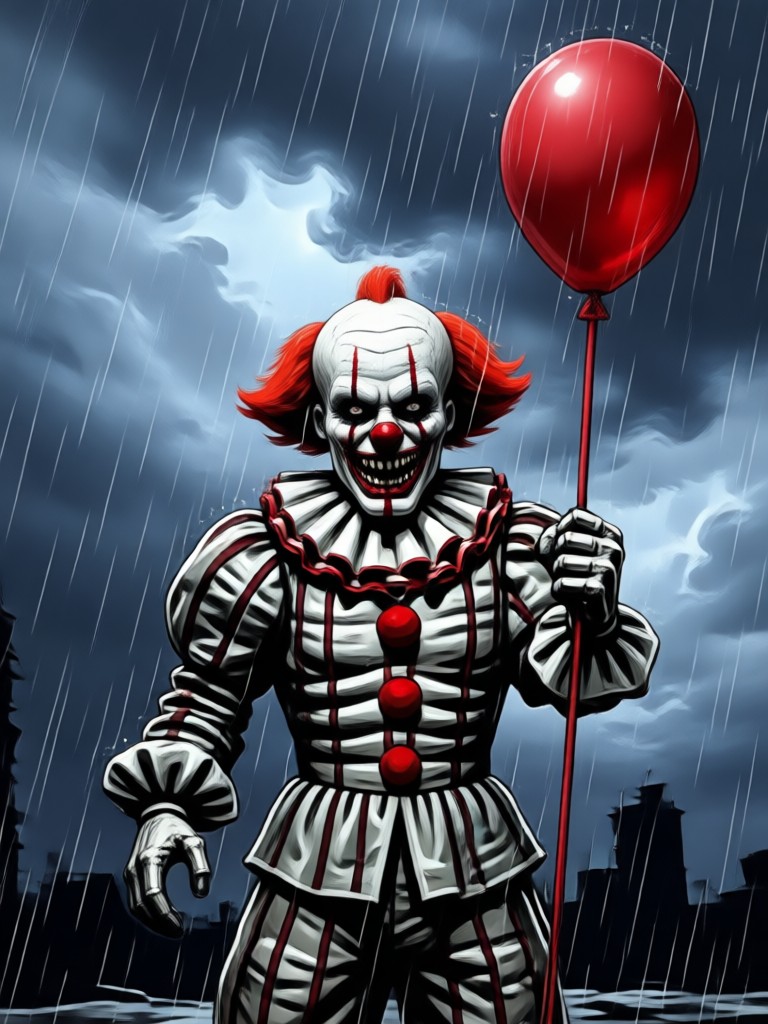
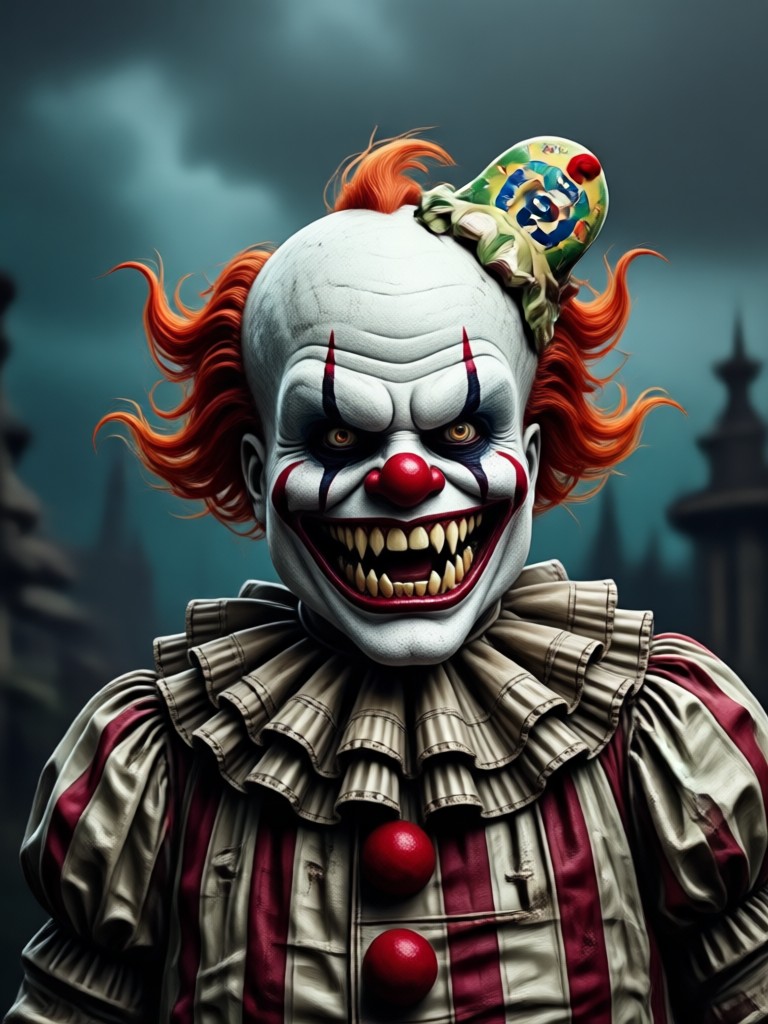
Browse terrifying and creative AI Pennywise images made with veeo. From classic clown horror to dark fantasy portraits, get inspired and start generating your own.

How to Make AI Pennywise Images?
Create terrifying AI Pennywise art in three simple steps using the veeo mobile app.
Step 01.
Download the veeo app from Google Play. It is free to install and works entirely on your phone.
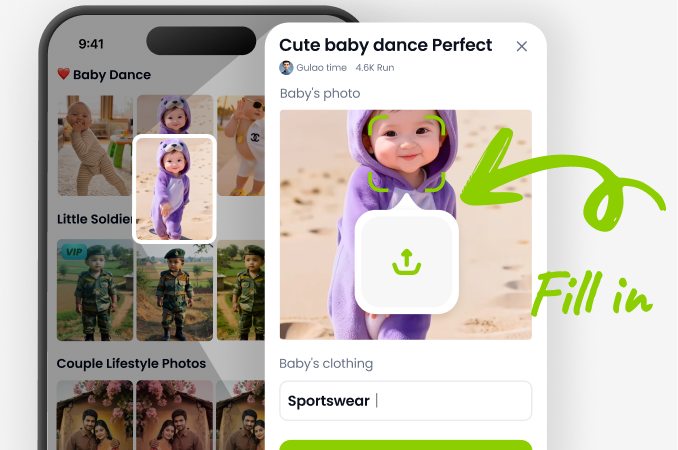
Step 02.
Choose a horror clown filter or type a description like creepy AI Pennywise in a sewer. Pick from hundreds of style templates.
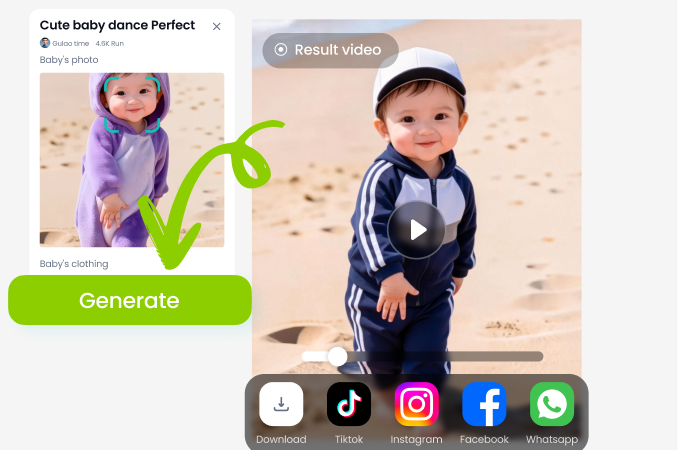
Step 03.
Generate your image or video, then save it to your device and share it on social media or with friends.
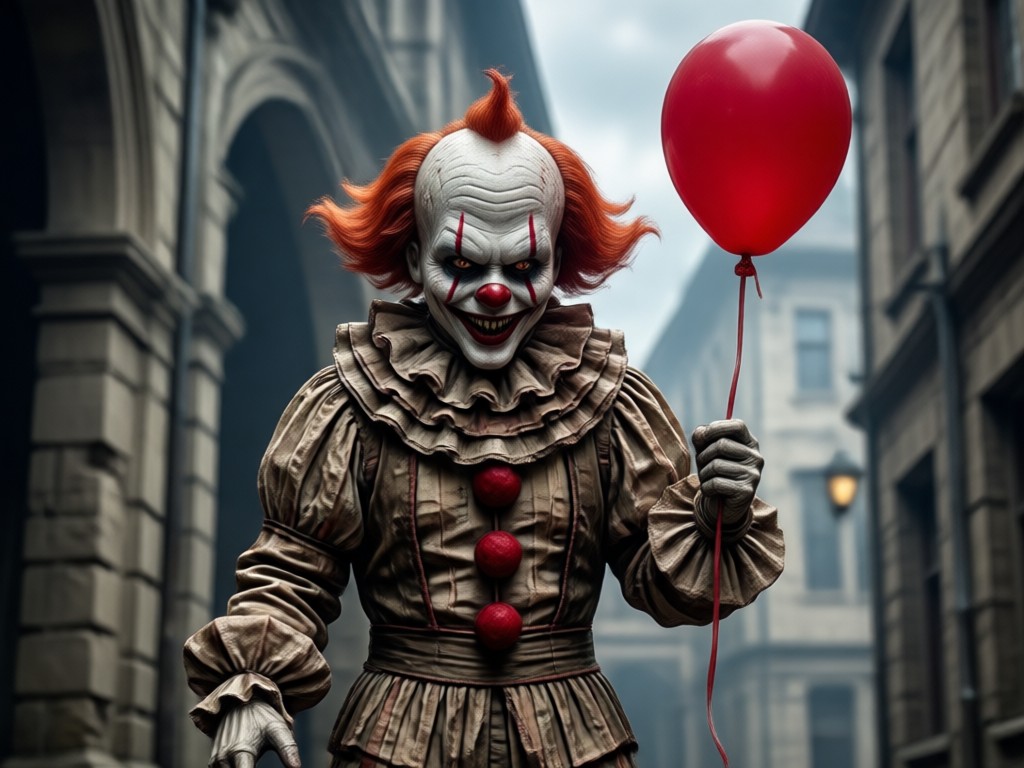
Why Use veeo for AI Pennywise Art?
veeo puts a complete AI design studio in your pocket. You get fast generation, realistic character details, and a huge library of horror and fantasy filters. Whether you want a quick social post or a full cosplay concept, veeo makes AI Pennywise creation simple and fun.
Why Use veeo for AI Pennywise Art?
veeo puts a complete AI design studio in your pocket. You get fast generation, realistic character details, and a huge library of horror and fantasy filters. Whether you want a quick social post or a full cosplay concept, veeo makes AI Pennywise creation simple and fun.
Here is What People Think About veeo AI Pennywise
Perfect for horror concepts and cosplay
I used veeo to create AI Pennywise versions of my friends for Halloween. The results were creepy and realistic. The app is super easy to use even for beginners.
Fast and surprisingly detailed
I typed a simple prompt and got a high quality clown portrait in seconds. The style filters save so much time compared to editing manually. Highly recommend for creators.
Made my short video go viral
I animated a still AI Pennywise image with a blinking effect and posted it on TikTok. It got thousands of views. veeo is now my go to app for character art.
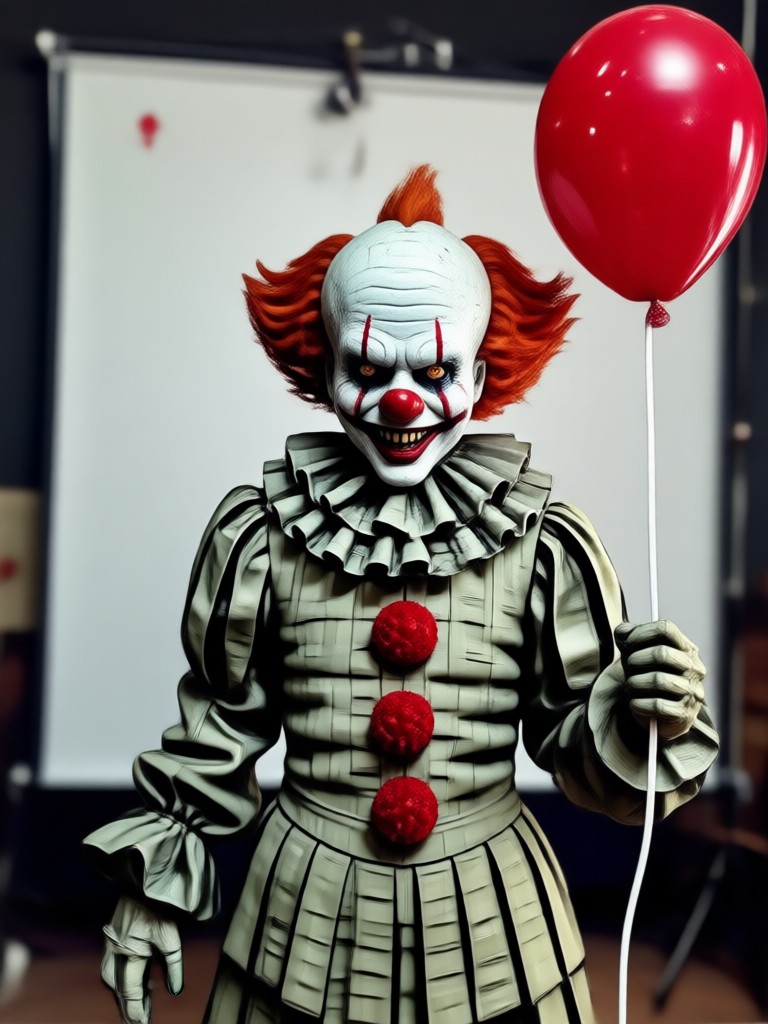
Download veeo for AI Pennywise Creation
Get the free app on Google Play and start generating horror clown images and videos on your phone. No desktop software required.

Frequently Asked Questions About AI Pennywise
Find clear answers about creating AI Pennywise images and videos with veeo.
More Topics You May Like
Explore more creepy and creative AI topics to try with veeo.
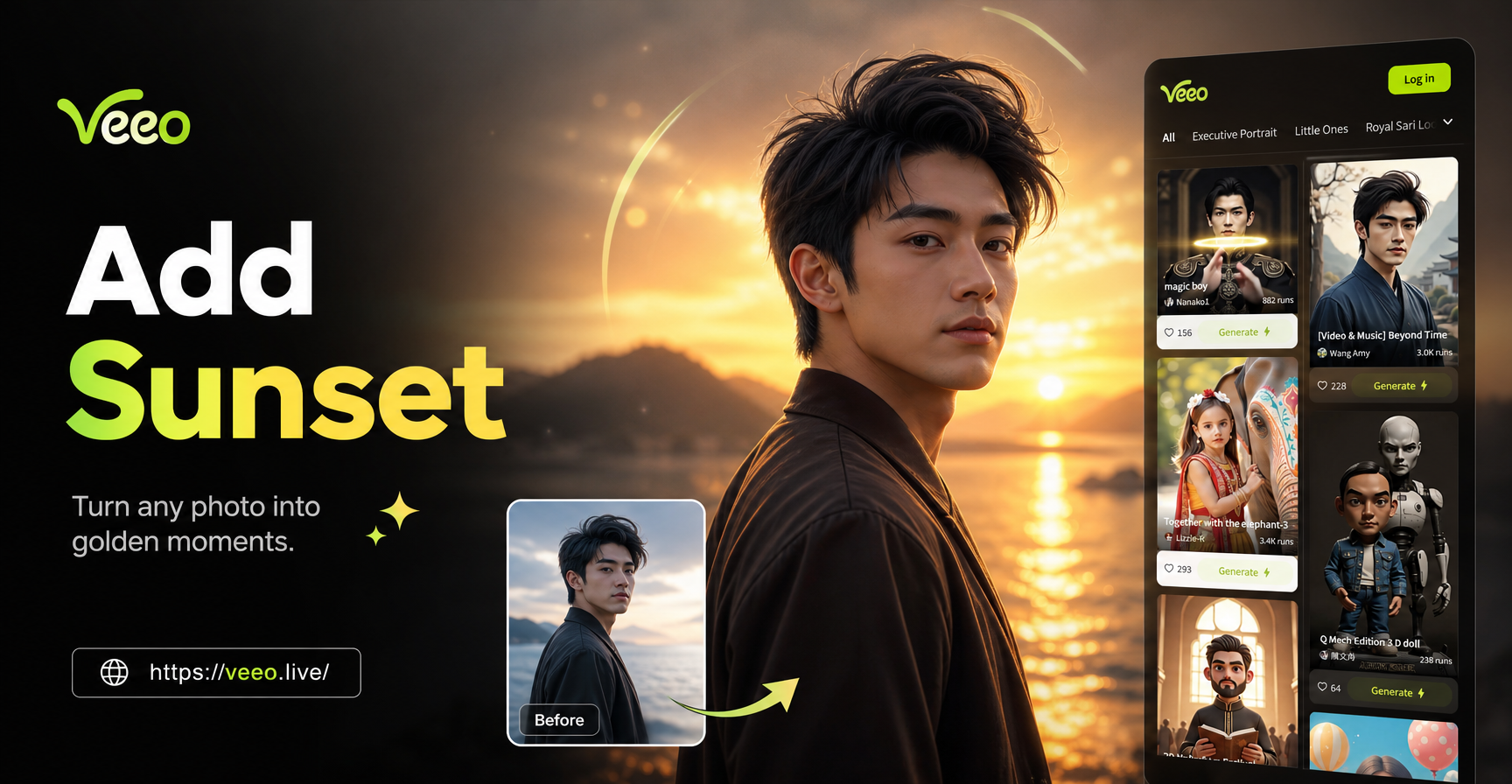
Add Sunset To Photo - AI Powered Creative Tool | Veeo
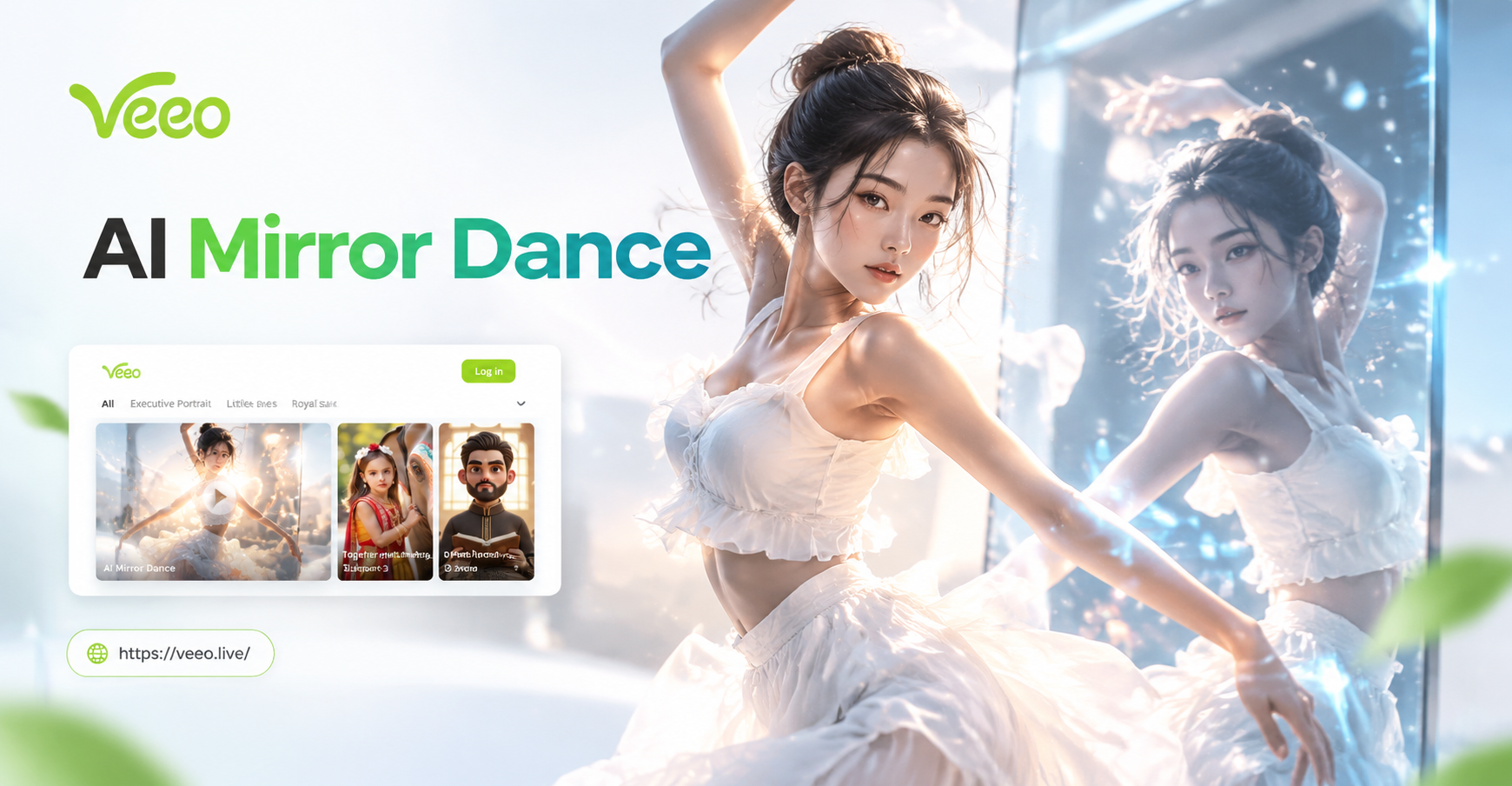
Create Stunning AI Mirror Dance Videos in Seconds
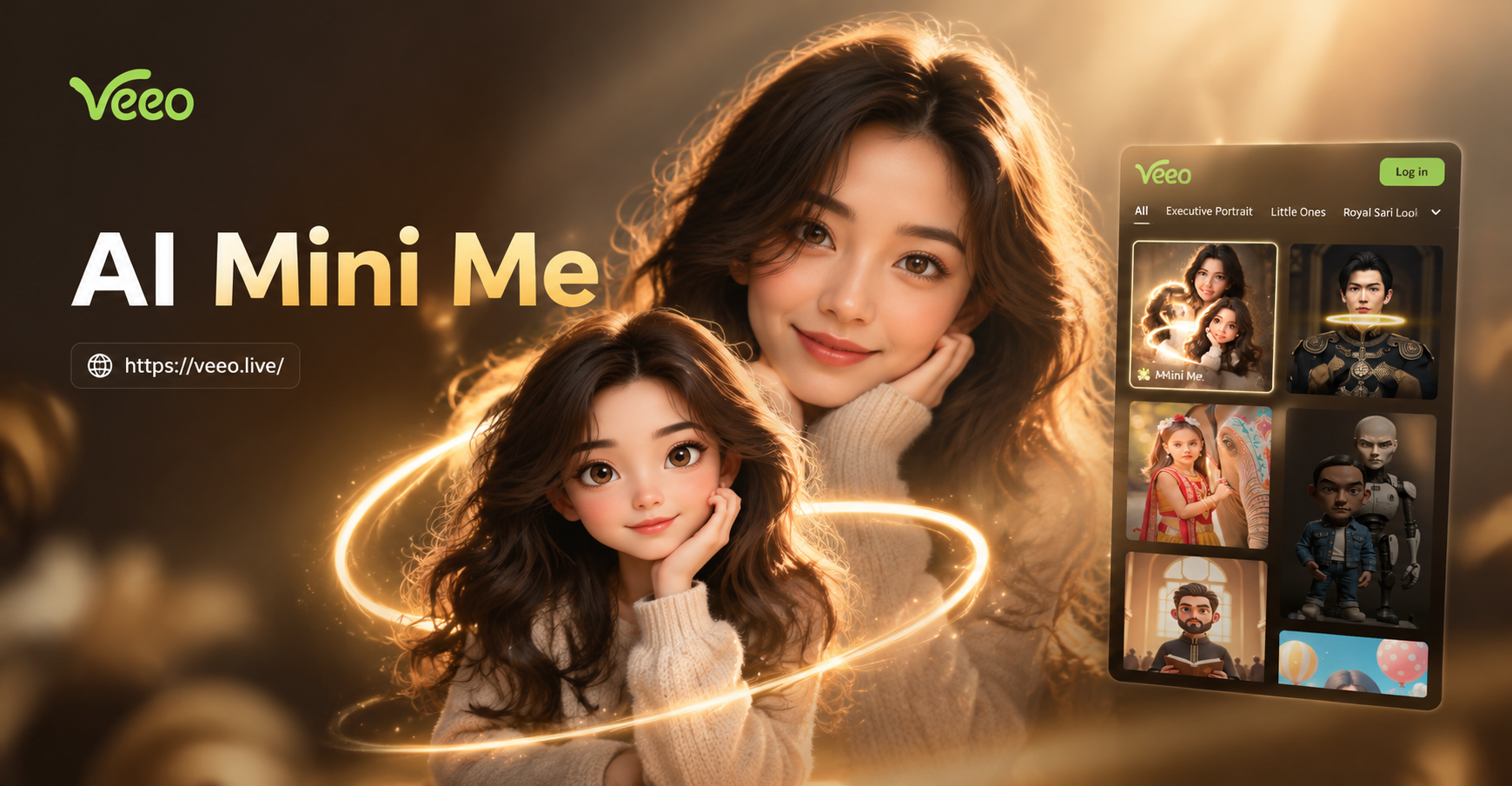
AI Mini Me Filter: Create a Tiny Version of You
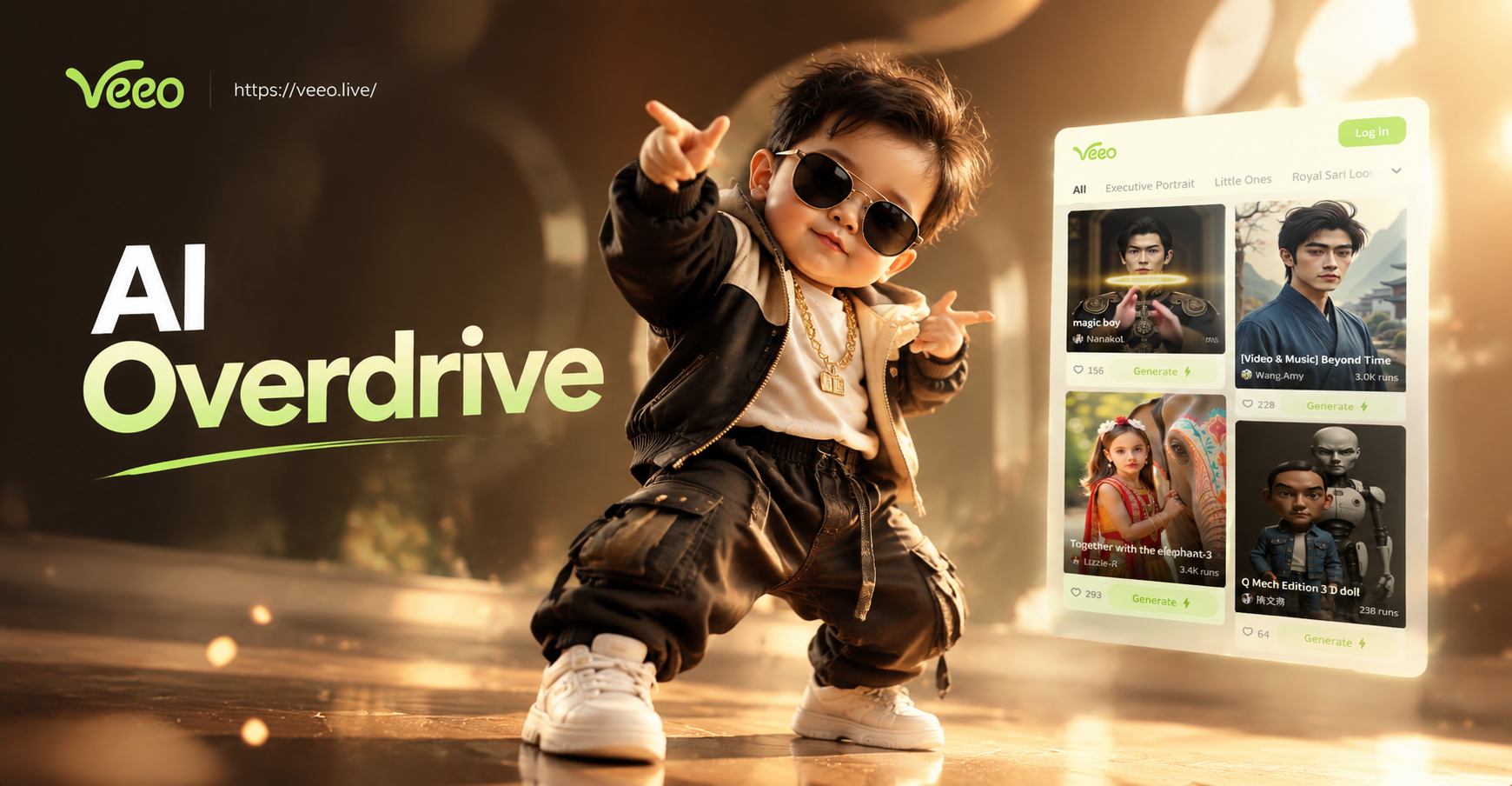
Make Your Baby Dance With AI Overdrive Tws Baby Dance
Add Sunset To Photo - AI Powered Creative Tool | Veeo
Create Stunning AI Mirror Dance Videos in Seconds
AI Mini Me Filter: Create a Tiny Version of You
Make Your Baby Dance With AI Overdrive Tws Baby Dance
Create Your AI Pennywise Now
Download veeo and start generating creepy clown art in minutes. Pick a style, upload a photo, or type a prompt, and watch your horror vision come to life.
Create Your AI Pennywise Now
Download veeo and start generating creepy clown art in minutes. Pick a style, upload a photo, or type a prompt, and watch your horror vision come to life.