AI Overdrive Tws Baby Dance
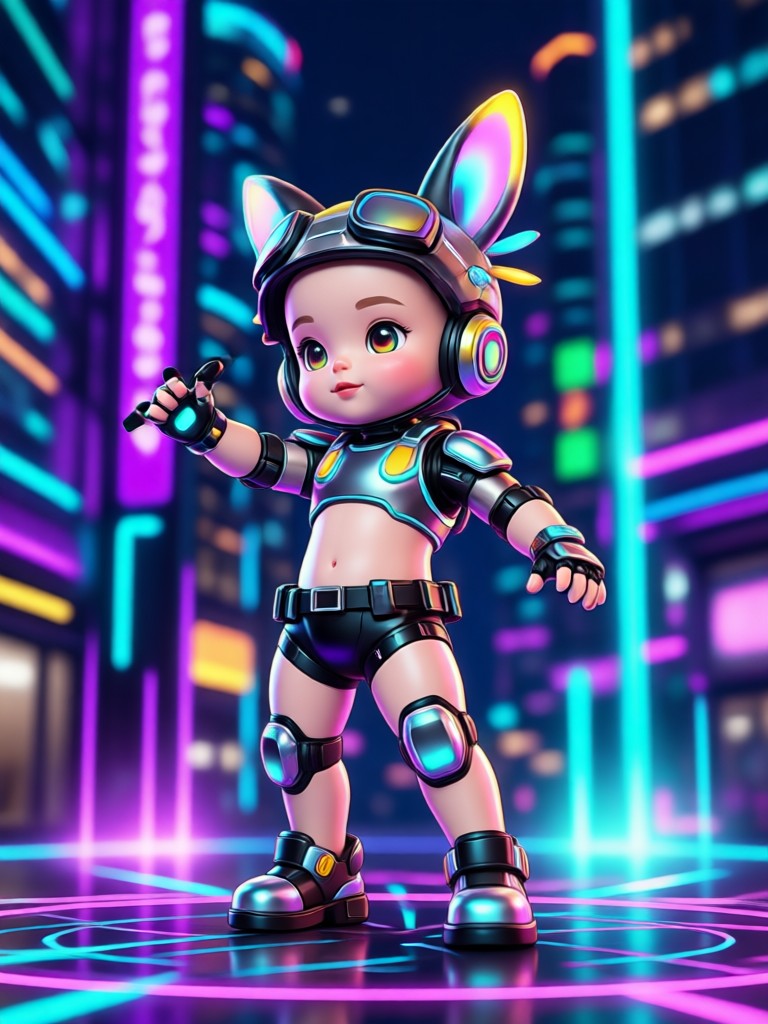
Choose Your Baby Dance Style
Explore playful overdrive dance filters, TWS style baby animations, and more. Find the perfect effect to turn a still baby photo into an unforgettable moving clip.
Why Creators Love AI Overdrive Tws Baby Dance
Turn still baby photos into smooth, funny, and shareable dance videos using powerful mobile AI tools.
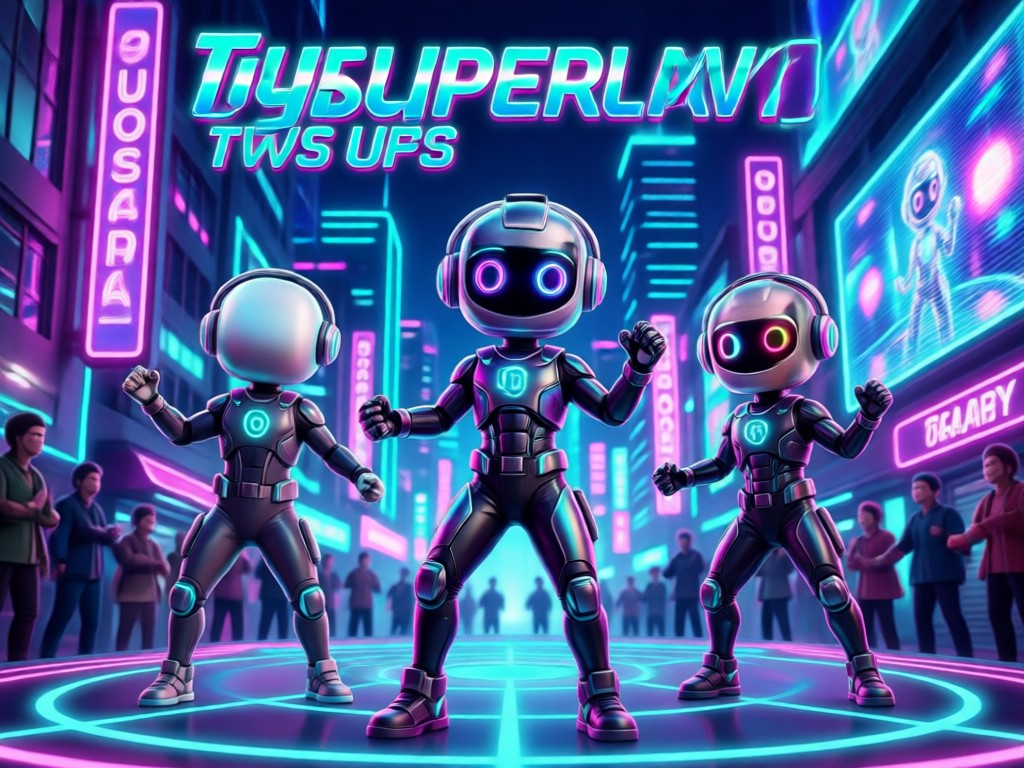
Overdrive Baby Dance Motion
Add expressive overdrive dance moves to any baby photo while keeping the original face, outfit, and background detail consistent. The motion looks smooth and natural without any manual editing.
Overdrive Baby Dance Motion
Add expressive overdrive dance moves to any baby photo while keeping the original face, outfit, and background detail consistent. The motion looks smooth and natural without any manual editing.
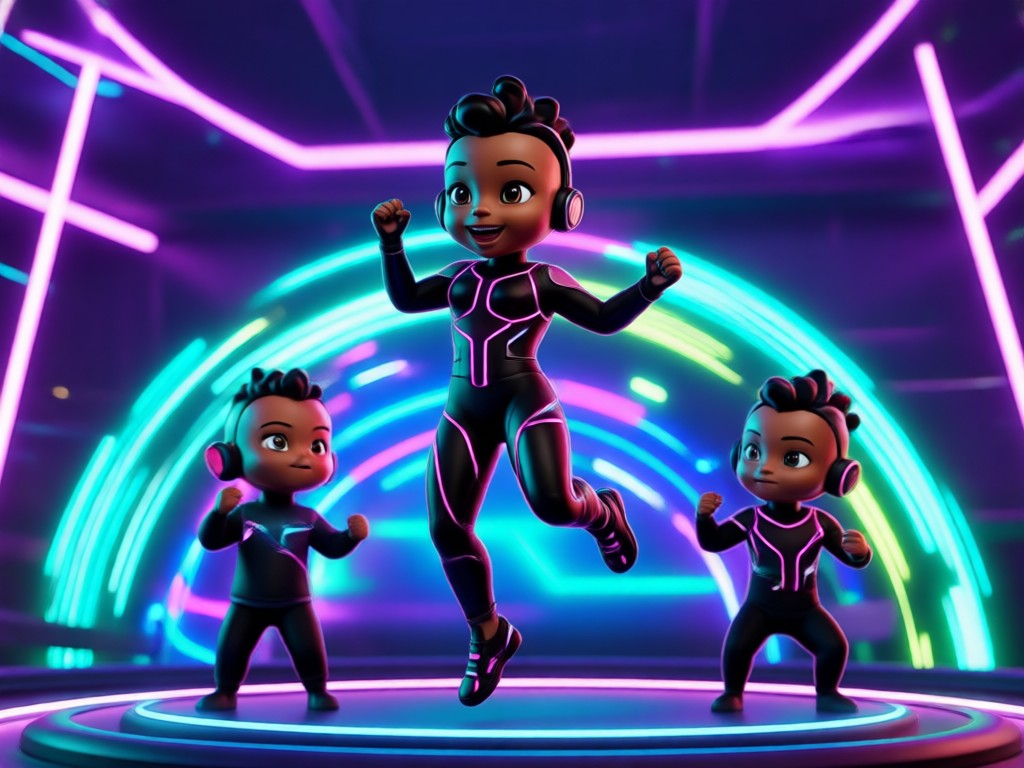
TWS Style Dance Templates
Choose from viral TWS dance templates with tempo-matched movement and playful overdrive energy. These presets are designed for short-form video, so your clip feels ready for Reels, Shorts, and TikTok.
TWS Style Dance Templates
Choose from viral TWS dance templates with tempo-matched movement and playful overdrive energy. These presets are designed for short-form video, so your clip feels ready for Reels, Shorts, and TikTok.
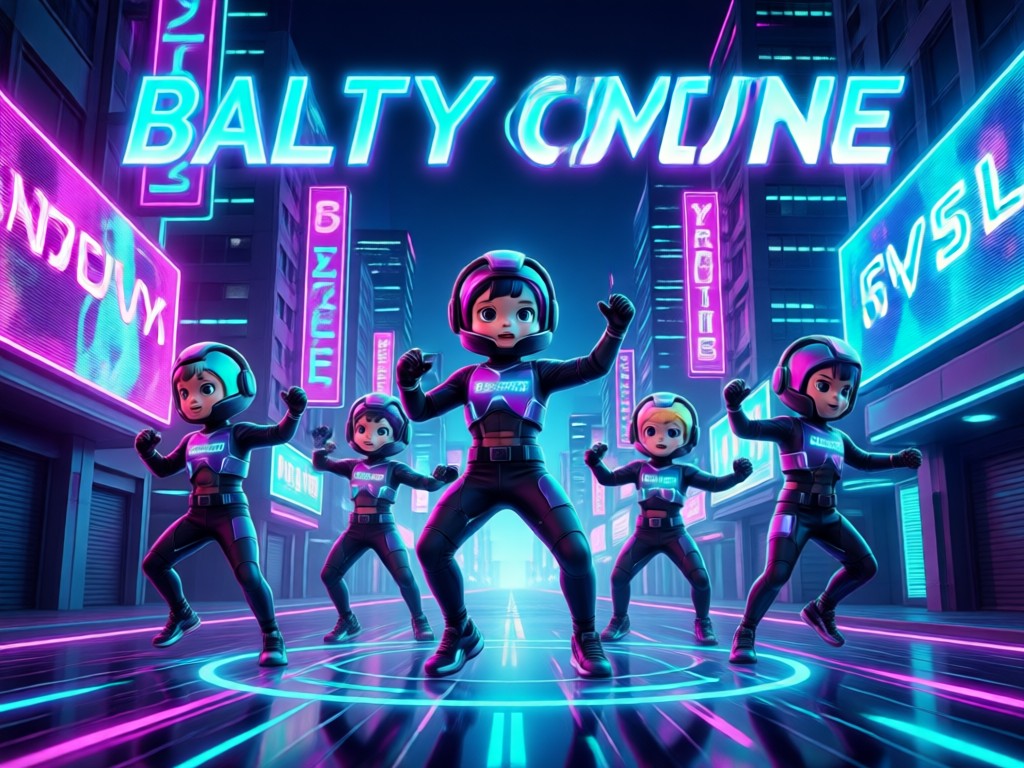
Multi-Photo Dance Scenes
Combine multiple baby photos or a group shot into one dance sequence. veeo keeps each face clear and every movement distinct, so the final video stays realistic and full of personality.
Multi-Photo Dance Scenes
Combine multiple baby photos or a group shot into one dance sequence. veeo keeps each face clear and every movement distinct, so the final video stays realistic and full of personality.
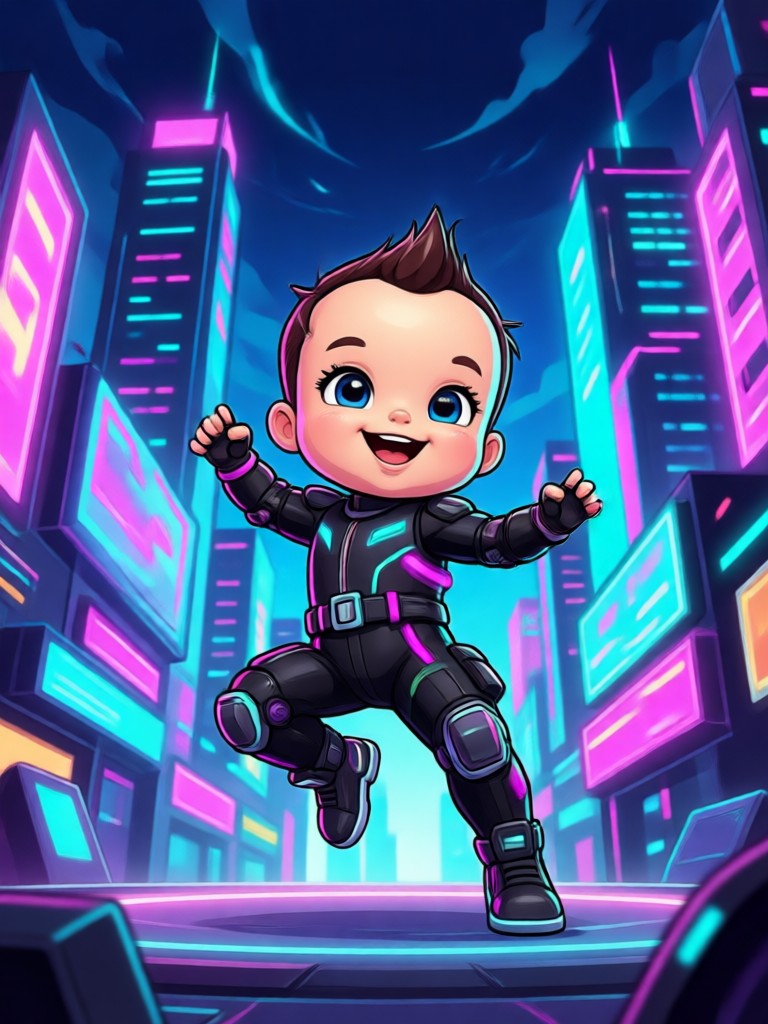
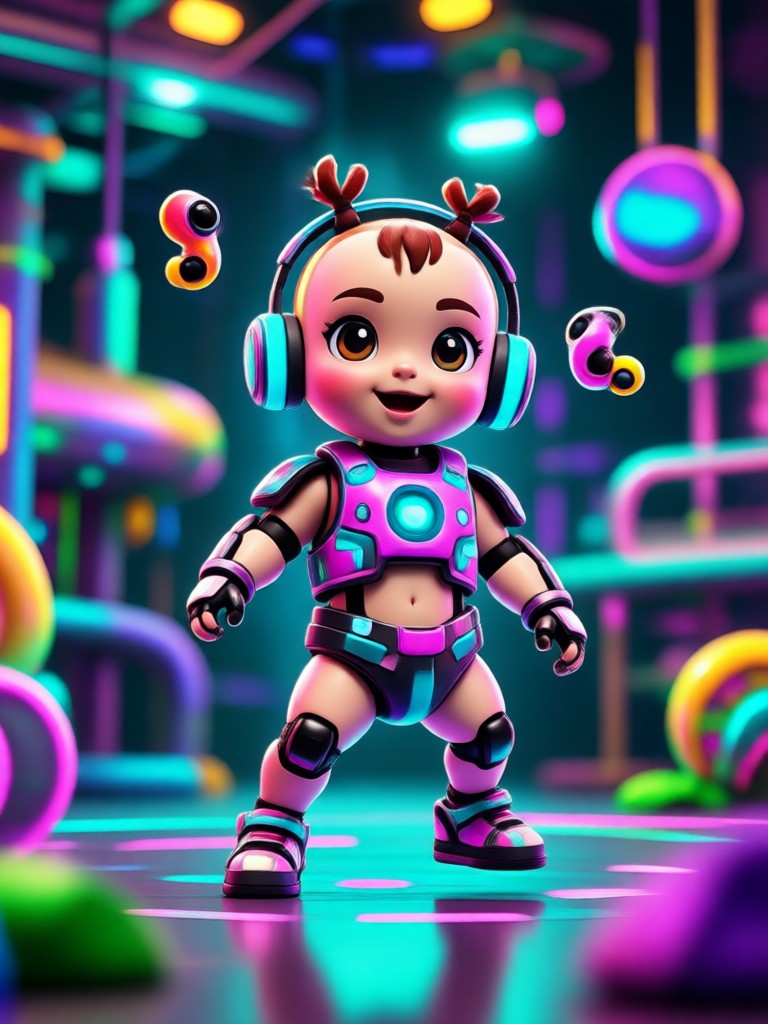
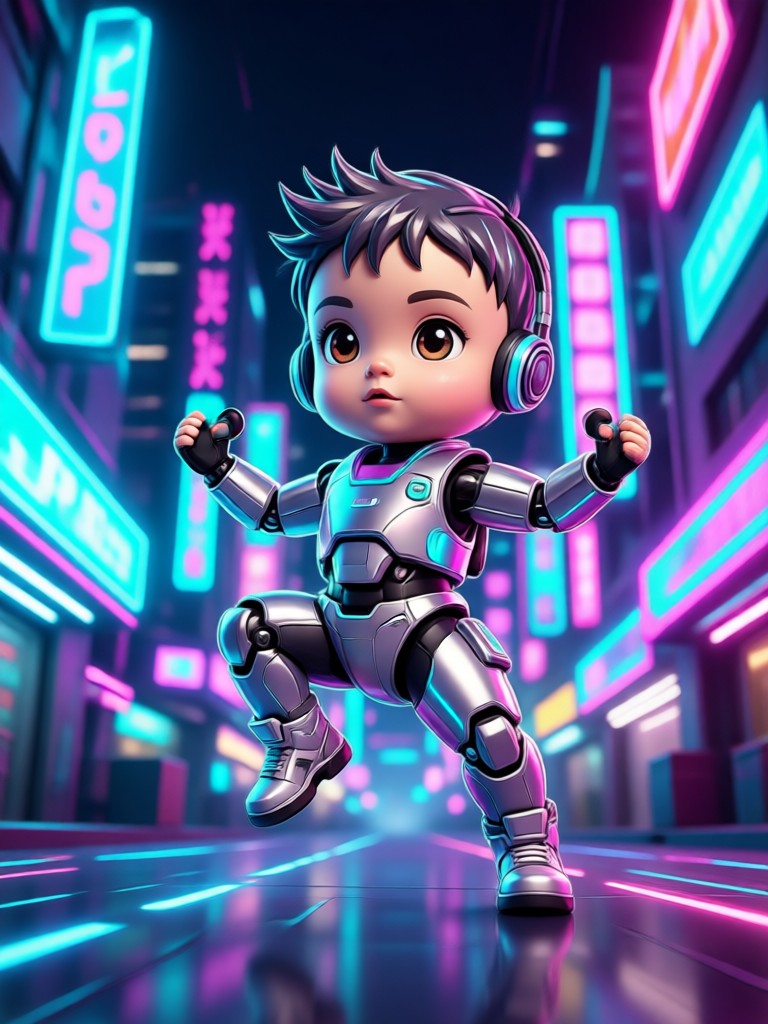
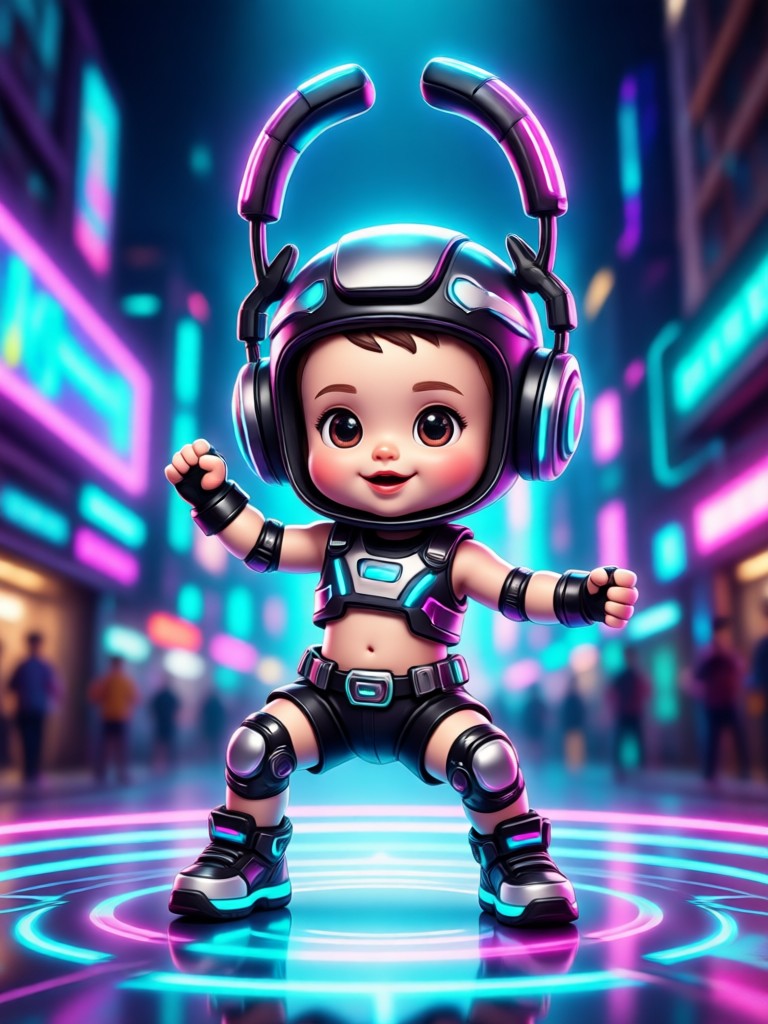
AI Overdrive Tws Baby Dance Creations
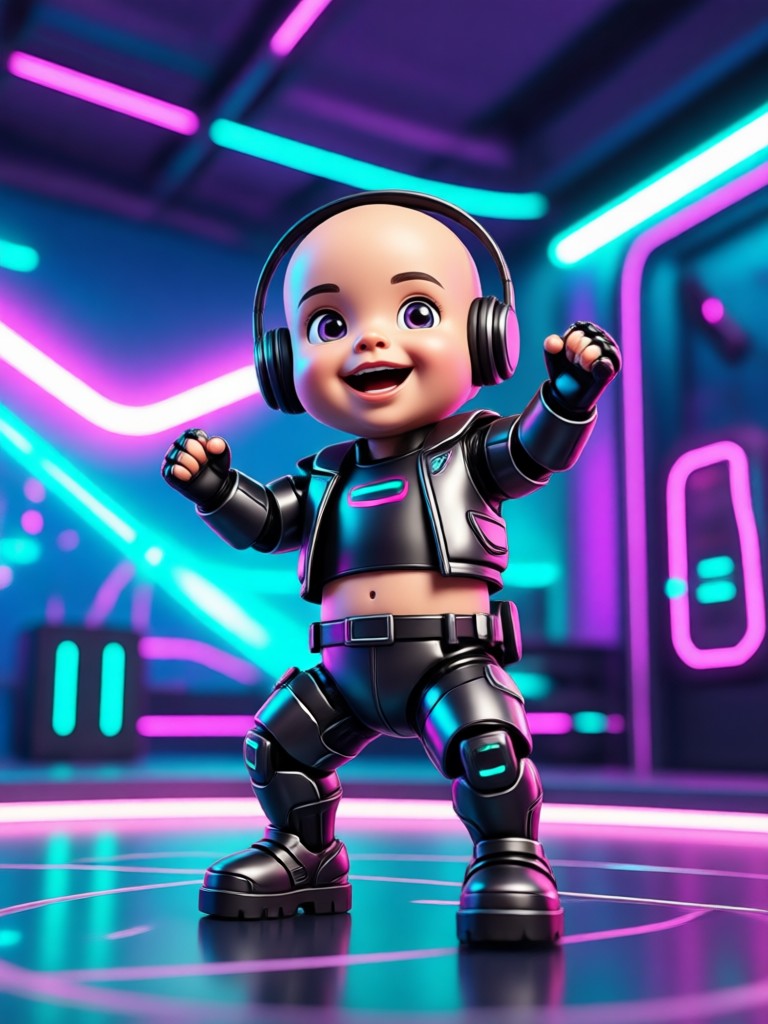
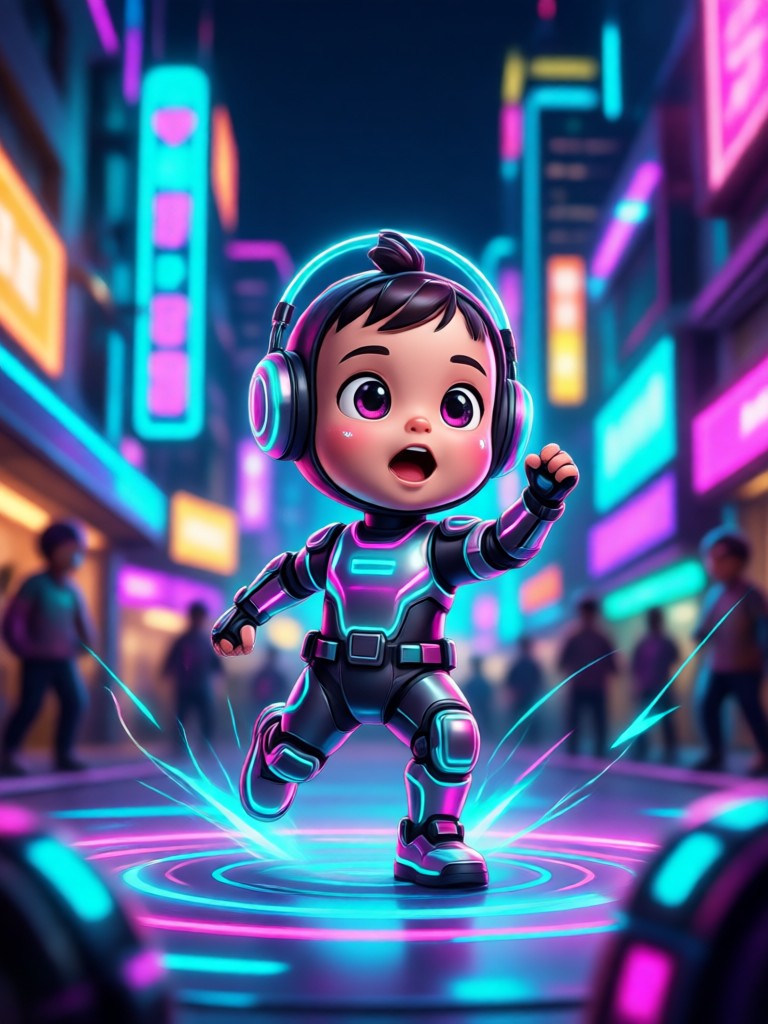
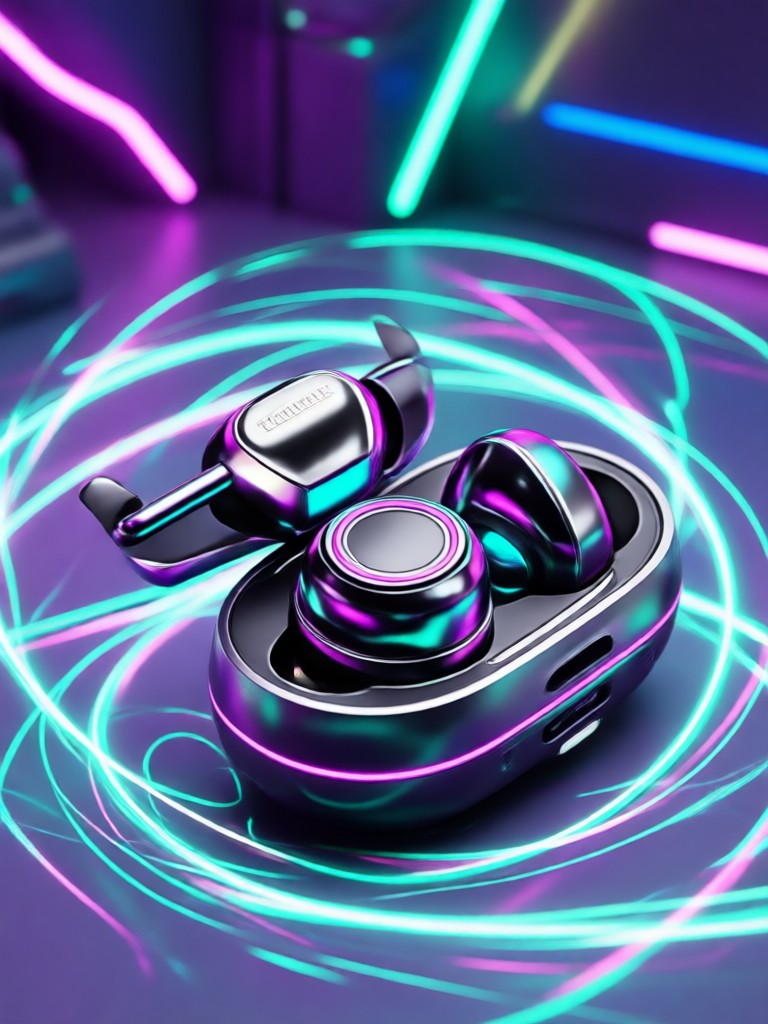
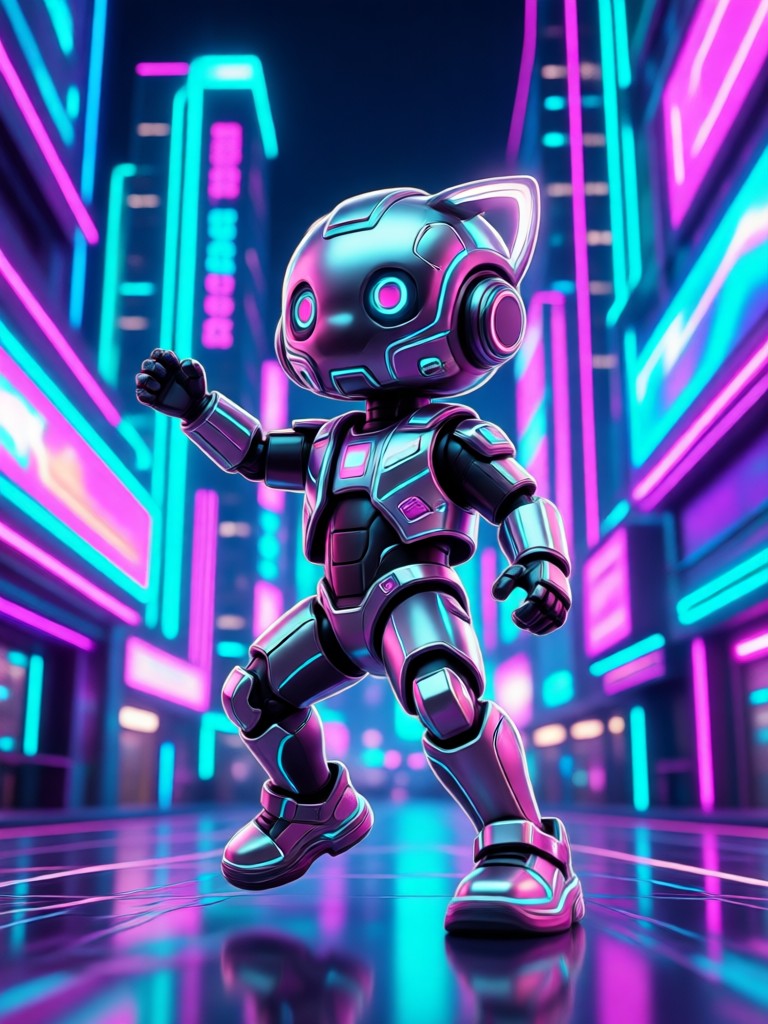
See the kind of adorable, high-energy baby dance videos creators are making with veeo. Each clip starts from a single photo and a chosen dance template.
How to Make an AI Overdrive Tws Baby Dance Video
Create a cute dancing baby clip in three simple steps with the veeo app.

Step 01.
Download the veeo app from Google Play and open the AI video generator.
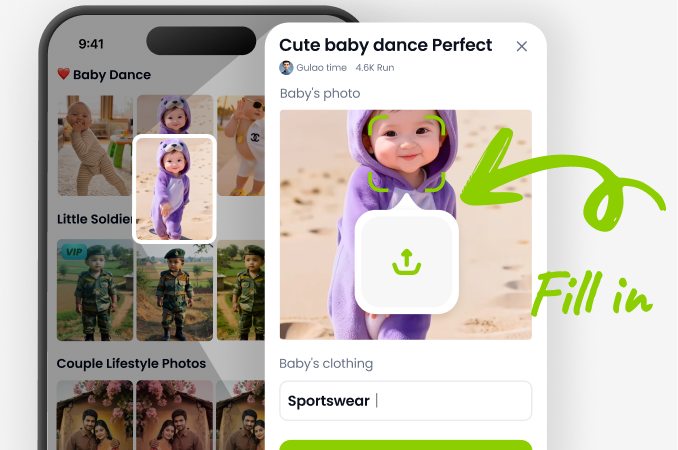
Step 02.
Upload a clear baby photo and select the AI Overdrive Tws Baby Dance template from the effects library.
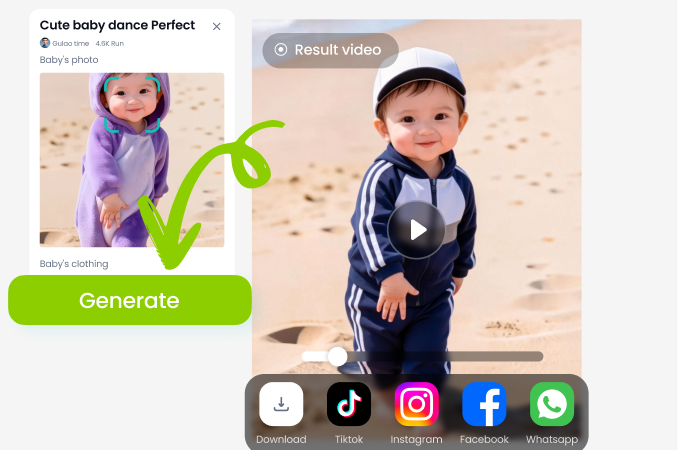
Step 03.
Generate your dance video, save it to your device, and share it on TikTok, Instagram, or WhatsApp.
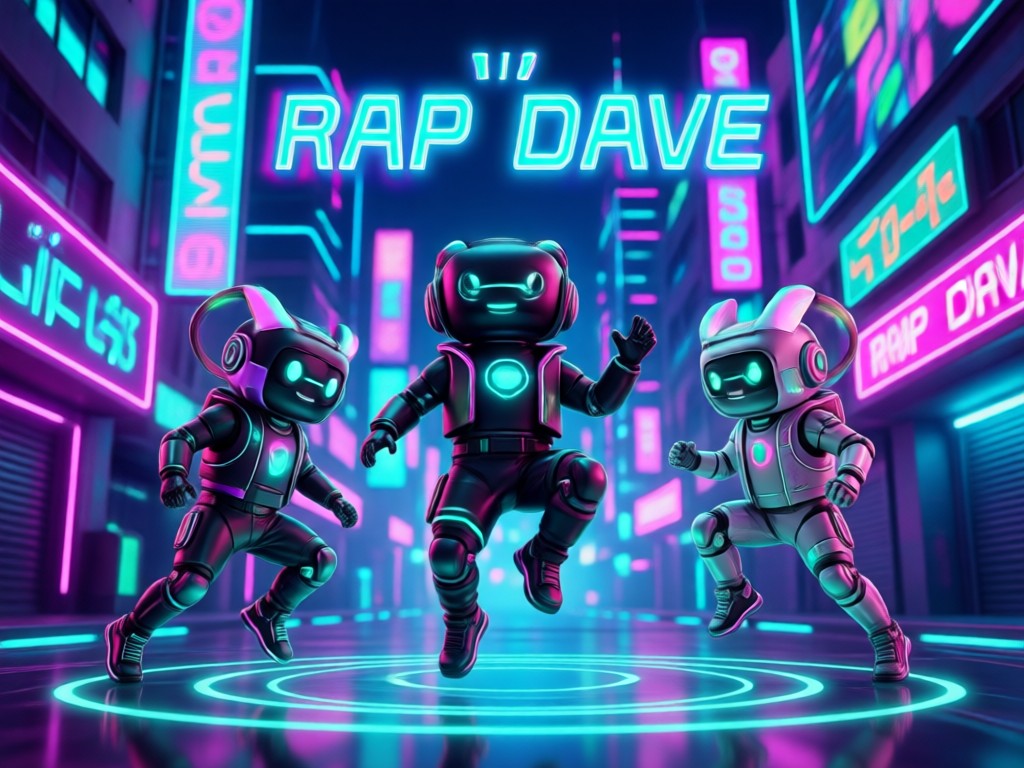
Why Use AI Overdrive Tws Baby Dance
Most baby video tools require editing skills or expensive software. veeo keeps it simple. Upload a photo, pick a dance style, and let the AI handle motion, expressions, and timing. The result looks natural because the model preserves the baby's face, clothing, and background details while adding only the dance movement.
Why Use AI Overdrive Tws Baby Dance
Most baby video tools require editing skills or expensive software. veeo keeps it simple. Upload a photo, pick a dance style, and let the AI handle motion, expressions, and timing. The result looks natural because the model preserves the baby's face, clothing, and background details while adding only the dance movement.
What Creators Say About AI Baby Dance Videos
The easiest viral baby video I have made
I uploaded my niece's photo, picked the Overdrive Tws effect, and got a smooth dance clip in under a minute. It looked like real motion, not a stiff animation.
Perfect for short-form content
The TWS dance templates are already synced to a beat. I use them for Instagram Reels and the comments are always asking how I made it.
No editing skills needed
I am not technical at all. The app guided me from upload to download. The baby dance videos came out cute and clear every time.
Frequently Asked Questions About AI Overdrive Tws Baby Dance
Find clear answers about making baby dance videos with veeo, including photo tips, templates, and sharing options.
More Topics You May Like
Explore more AI effects and creative tools that pair well with baby dance videos.
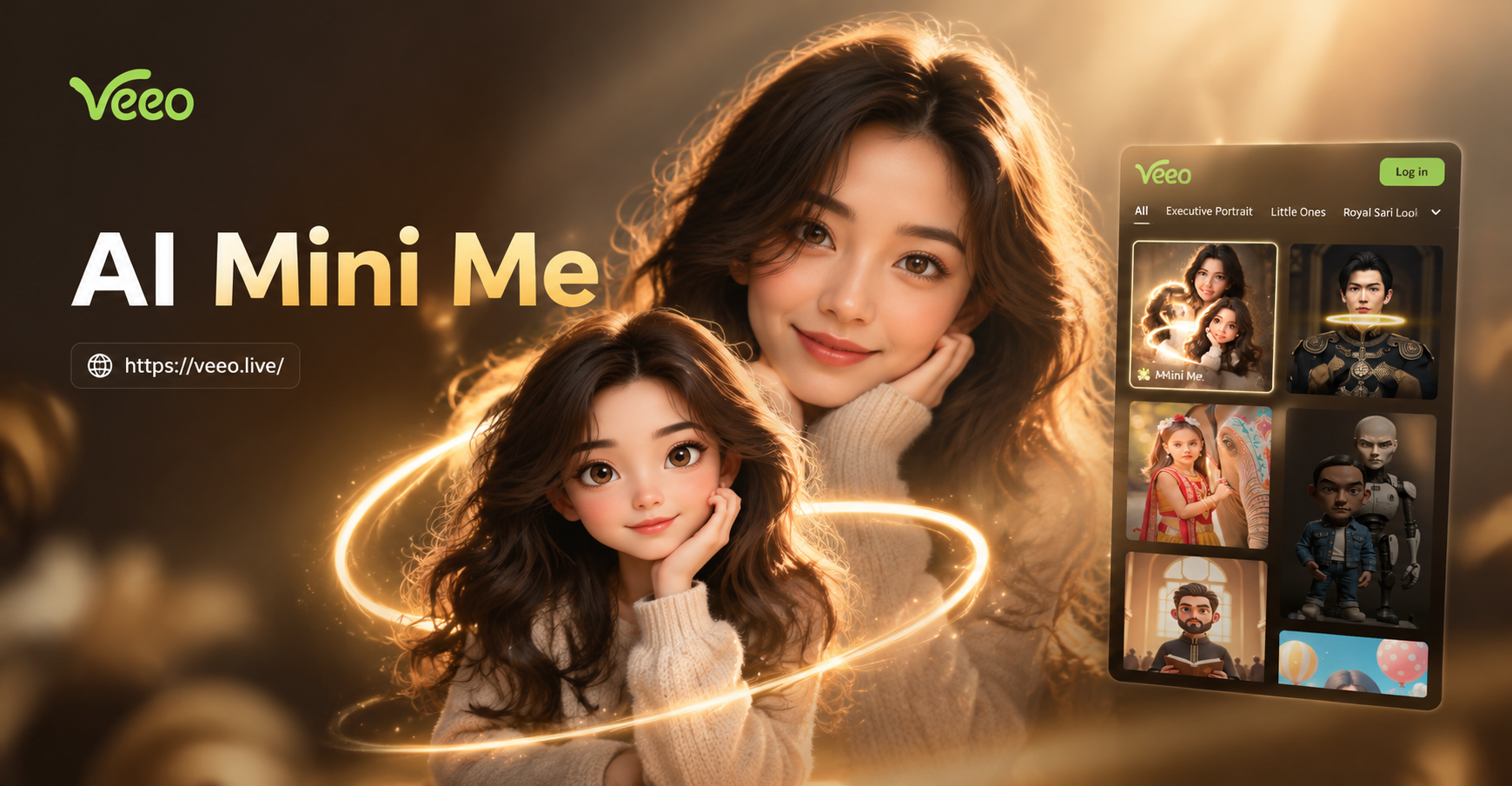
AI Mini Me Filter: Create a Tiny Version of You
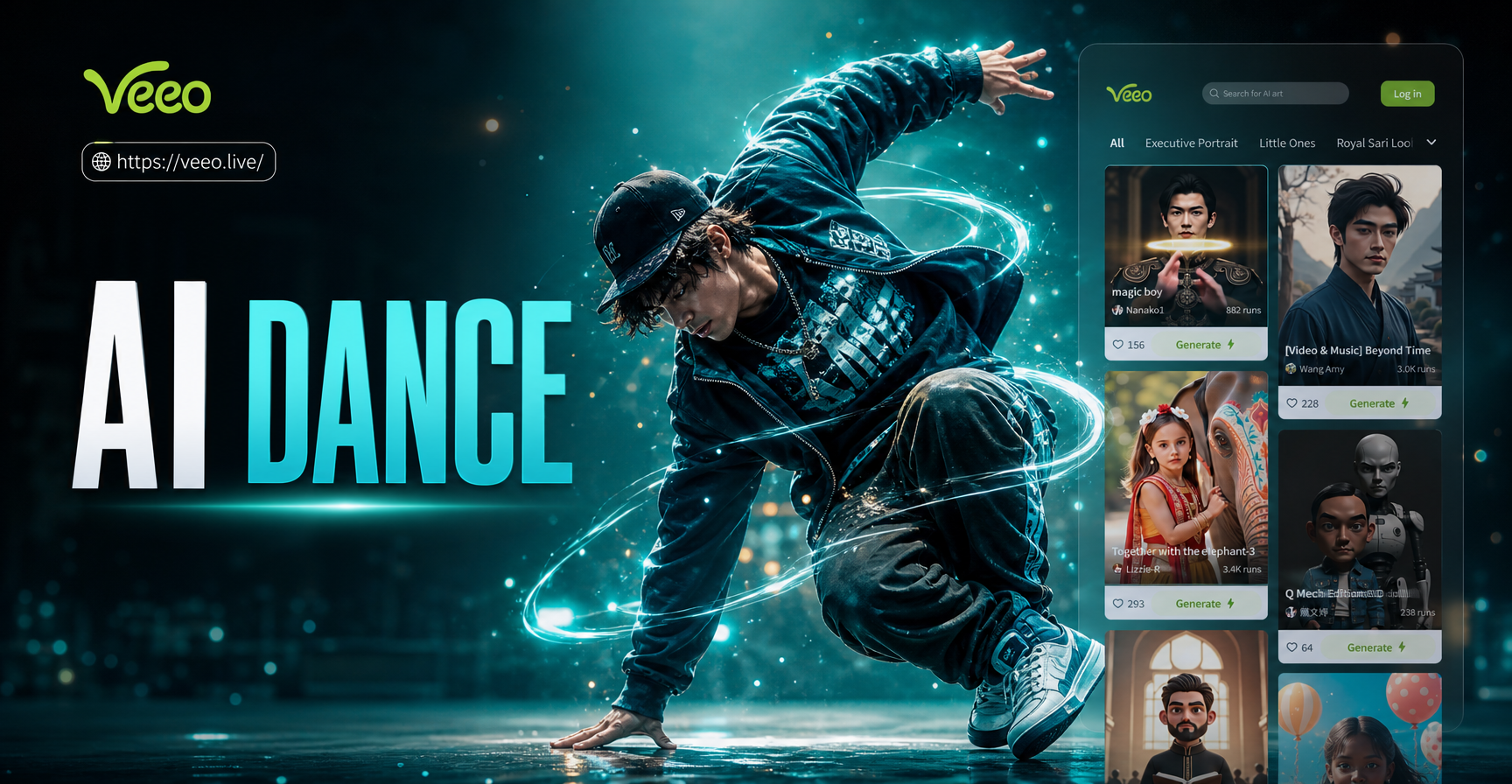
Create Viral AI Hip Hop Dance Moves From Photos
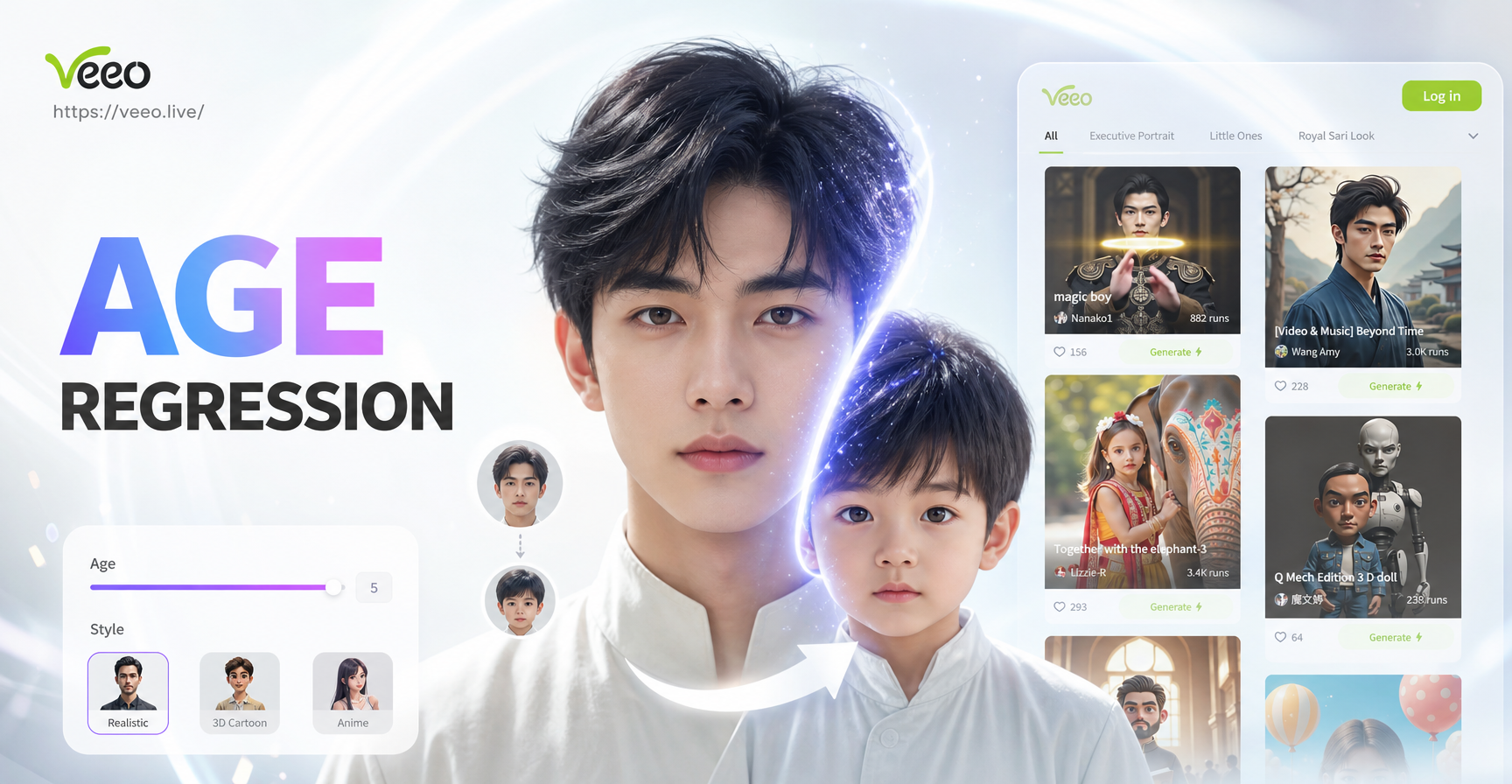
Age Regression AI: See Your Younger Self in Photos

AI Jojo Filter - AI Powered Creative Tool | veeo
AI Mini Me Filter: Create a Tiny Version of You
Create Viral AI Hip Hop Dance Moves From Photos
Age Regression AI: See Your Younger Self in Photos
AI Jojo Filter - AI Powered Creative Tool | veeo
Create Viral Baby Dance Videos Today
Download veeo and start making AI Overdrive Tws Baby Dance clips in minutes. No editing experience needed.

Create Viral Baby Dance Videos Today
Download veeo and start making AI Overdrive Tws Baby Dance clips in minutes. No editing experience needed.