AI Mimic Motion
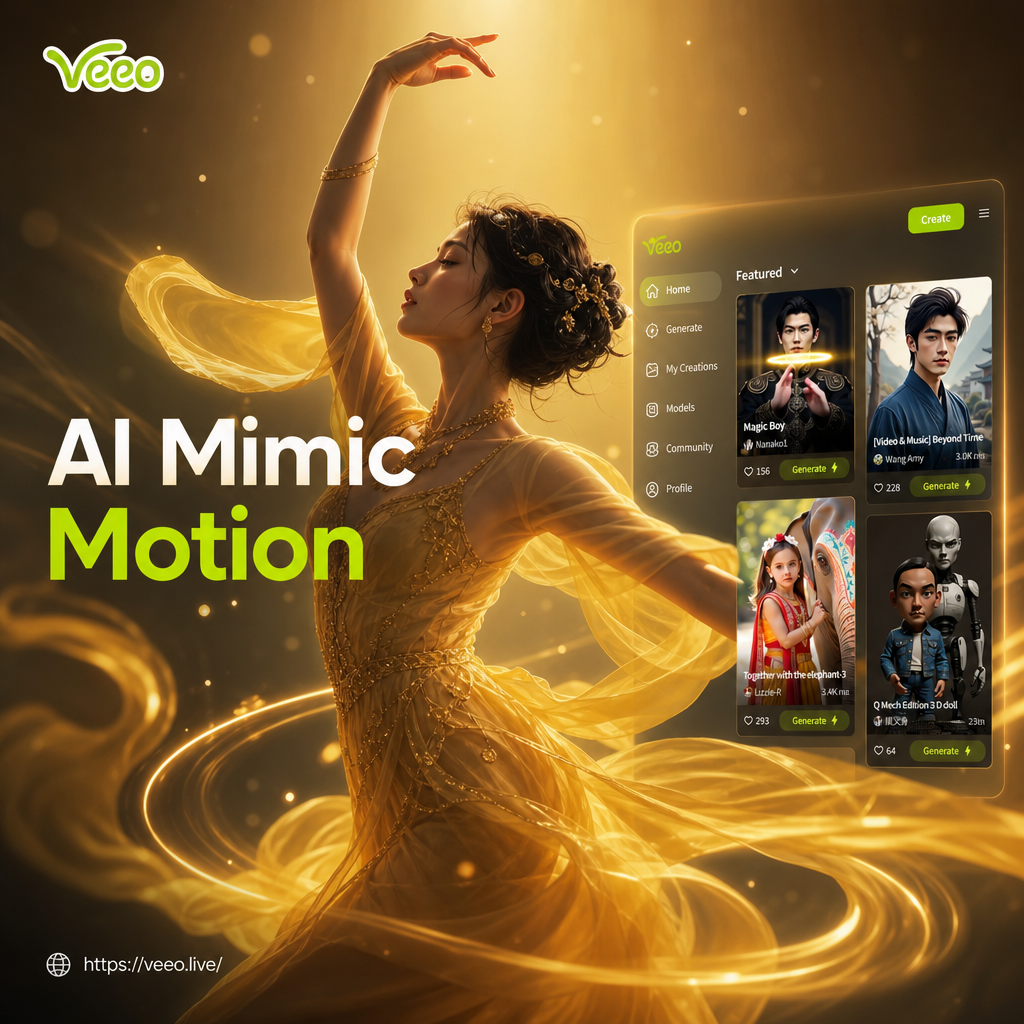
Choose the Filter That Suits You Best
Discover the filter that perfectly matches your style and mood.
Key Features of AI Mimic Motion
Create natural, realistic motion from a single image. No keyframes, no complex editing, just upload and animate.
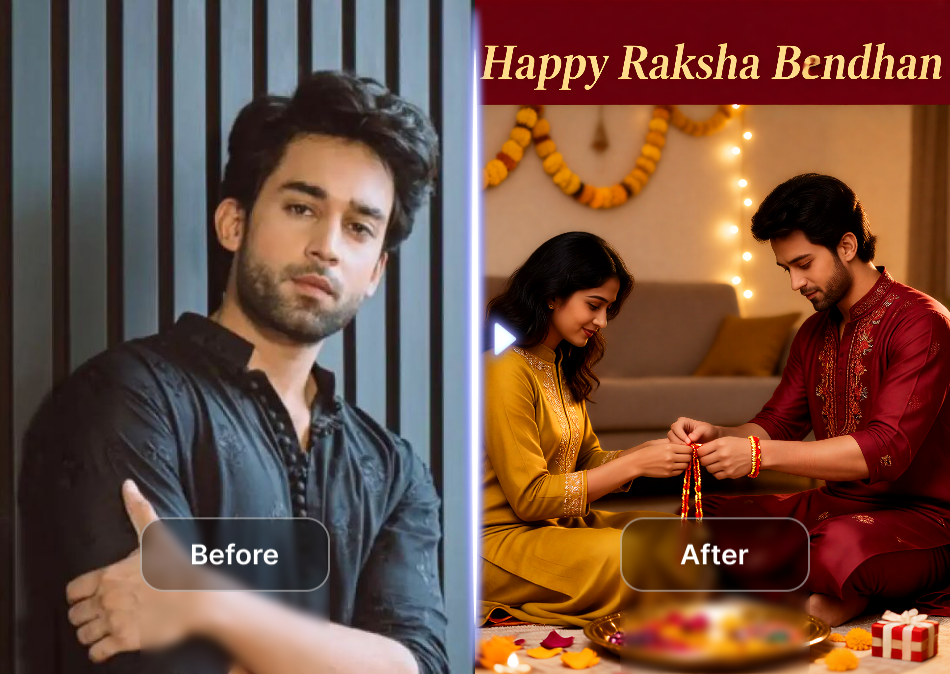
Realistic Motion Transfer
Upload a single photo and veeo animates it with natural head turns, blinks, smiles, and full body movements. The AI preserves facial identity and lighting for lifelike results.
Realistic Motion Transfer
Upload a single photo and veeo animates it with natural head turns, blinks, smiles, and full body movements. The AI preserves facial identity and lighting for lifelike results.
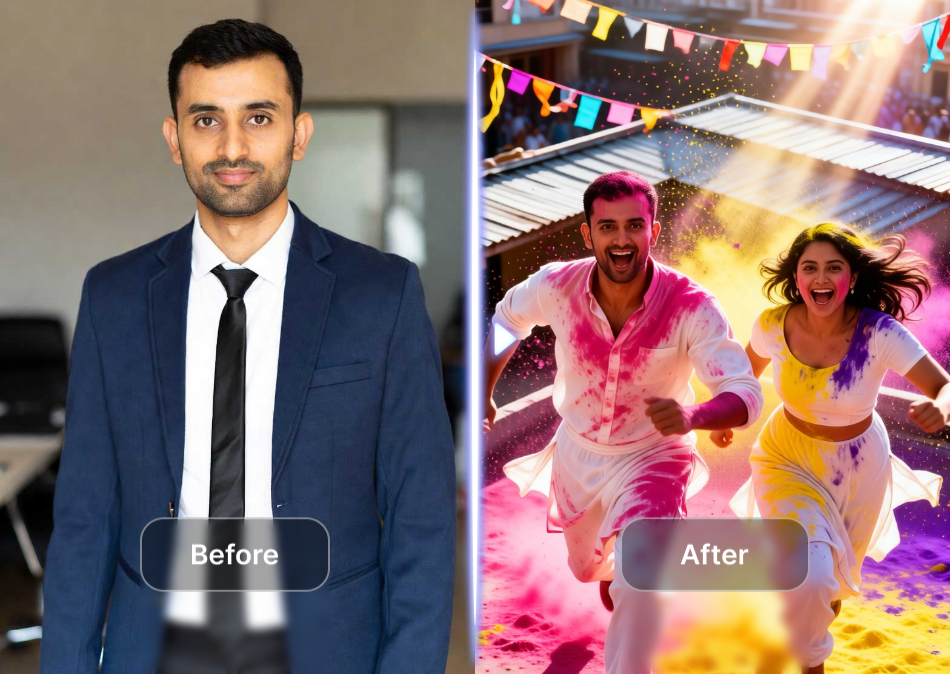
Ready-Made Motion Templates
Choose from a huge library of pre-built motion templates including dance moves, hugs, kisses, and talking expressions. No manual keyframes or complex editing required.
Ready-Made Motion Templates
Choose from a huge library of pre-built motion templates including dance moves, hugs, kisses, and talking expressions. No manual keyframes or complex editing required.
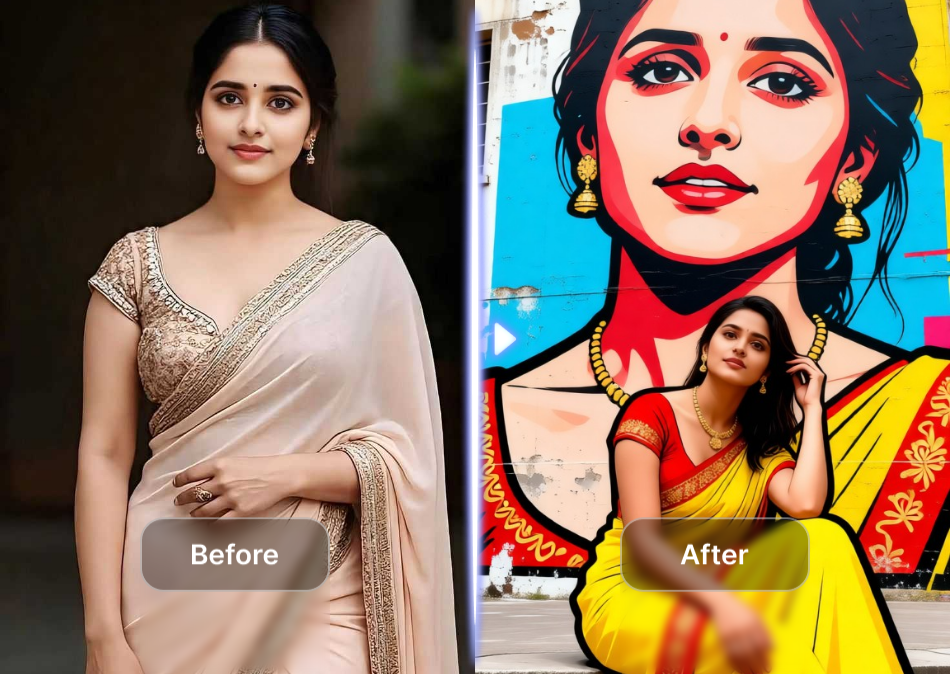
Multi-Person Group Motion
Animate multiple people in one photo at the same time. The AI identifies each face separately, keeping every subject sharp and moving naturally without blending.
Multi-Person Group Motion
Animate multiple people in one photo at the same time. The AI identifies each face separately, keeping every subject sharp and moving naturally without blending.
How to Use AI Mimic Motion
Create lifelike motion videos from still photos in three simple steps using the veeo mobile app.

Step 01.
Download the veeo app from Google Play and open the AI Mimic Motion tool on your phone.
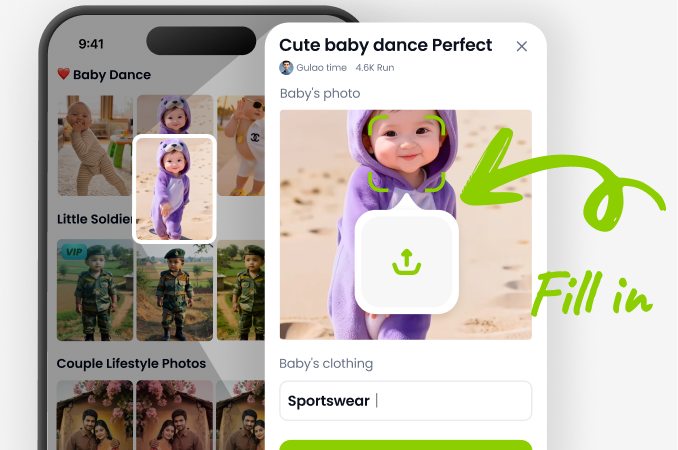
Step 02.
Upload a clear photo or choose a group picture, then select a motion template from the library.
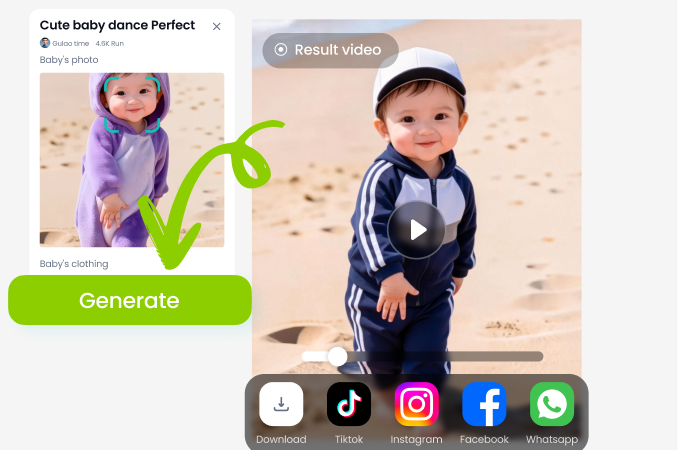
Step 03.
Generate your animated video, preview the motion, and save or share it directly to social media.
Unlimited Ready-to-Use Motion Transfer Templates
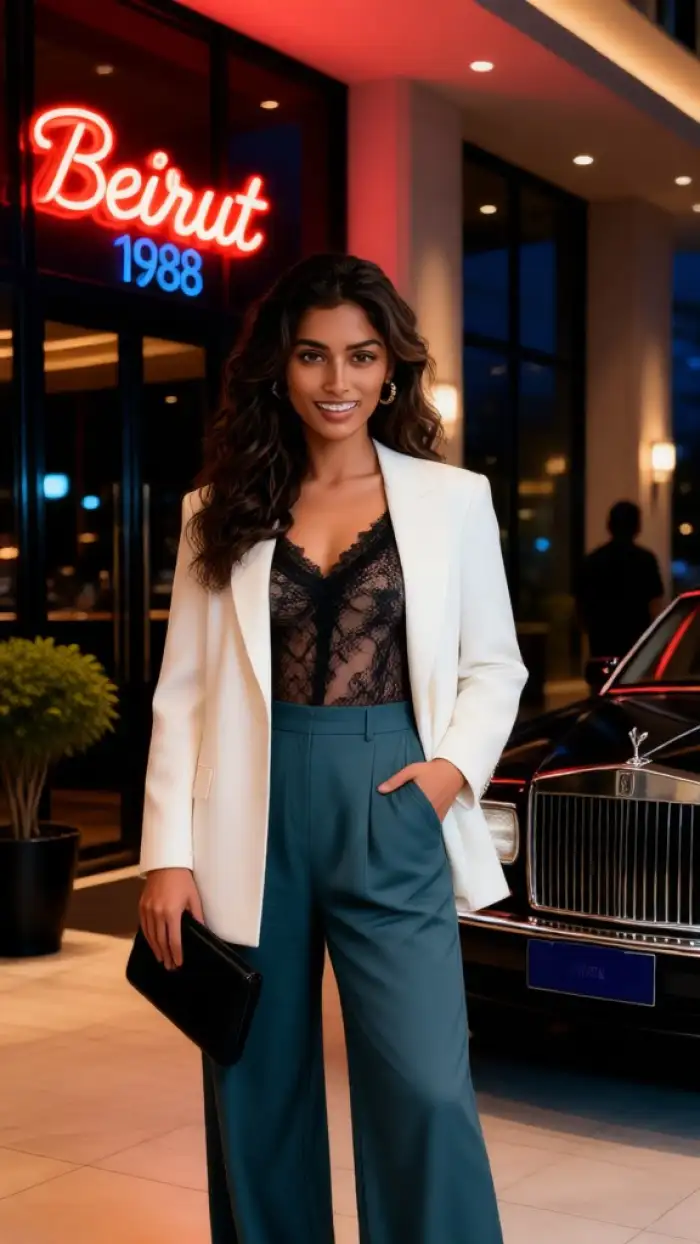
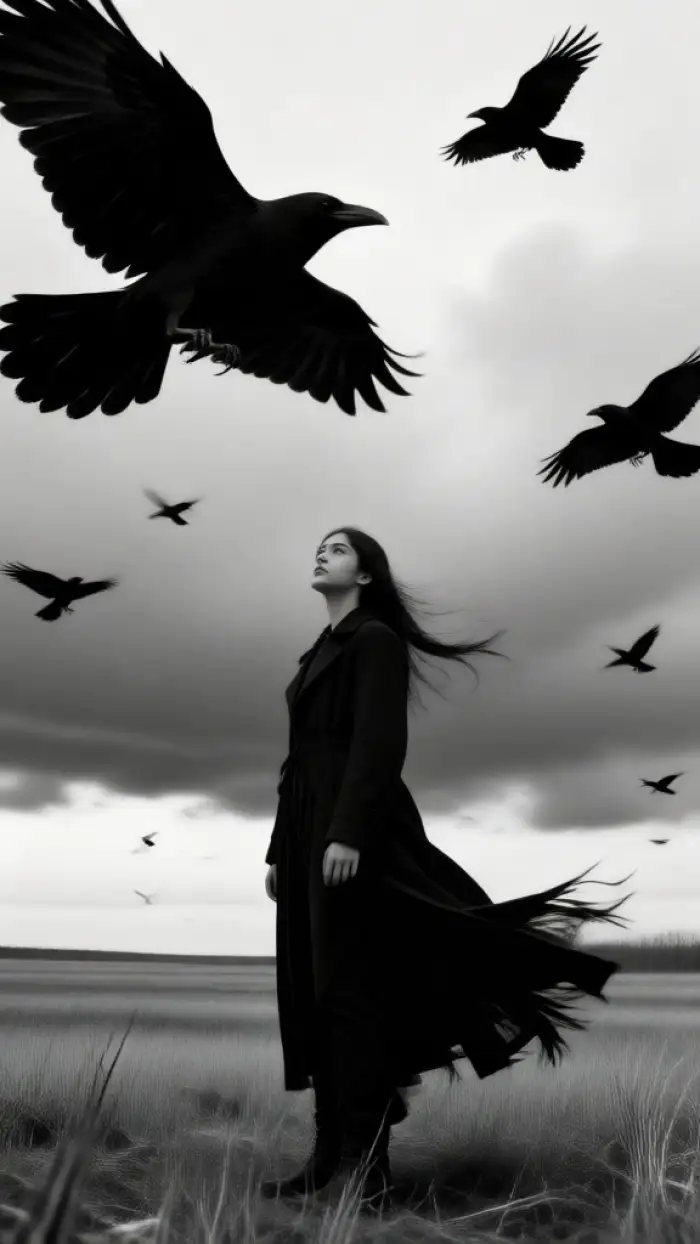
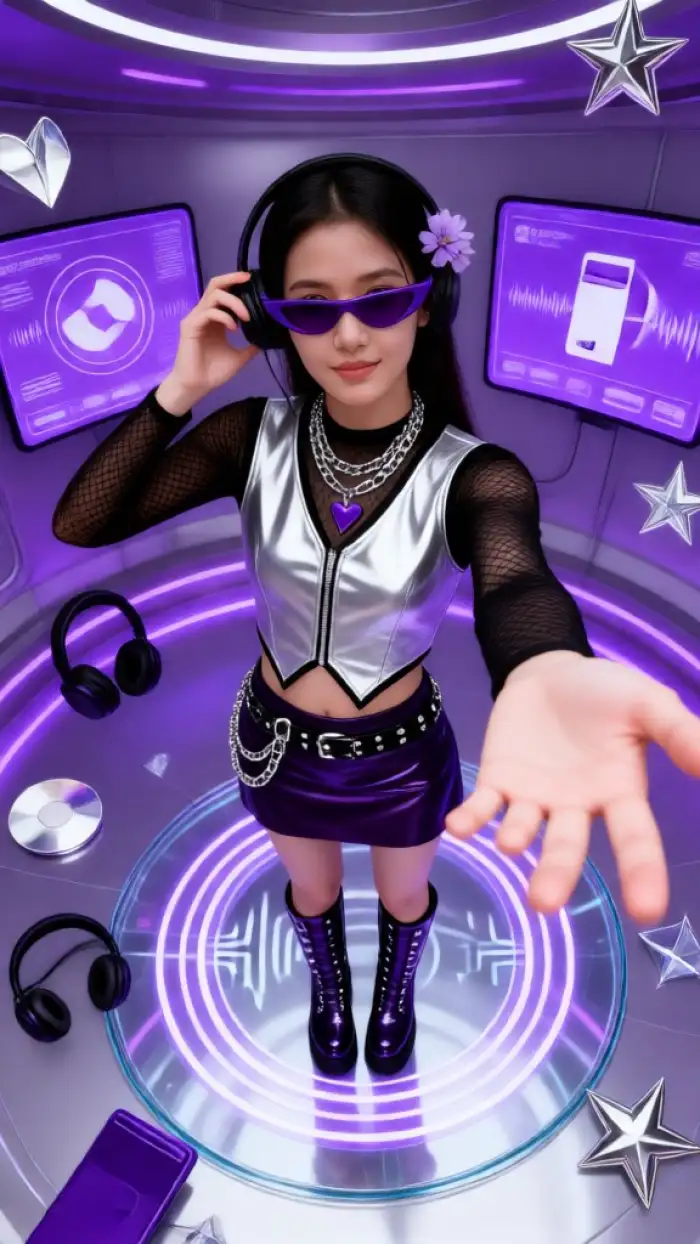
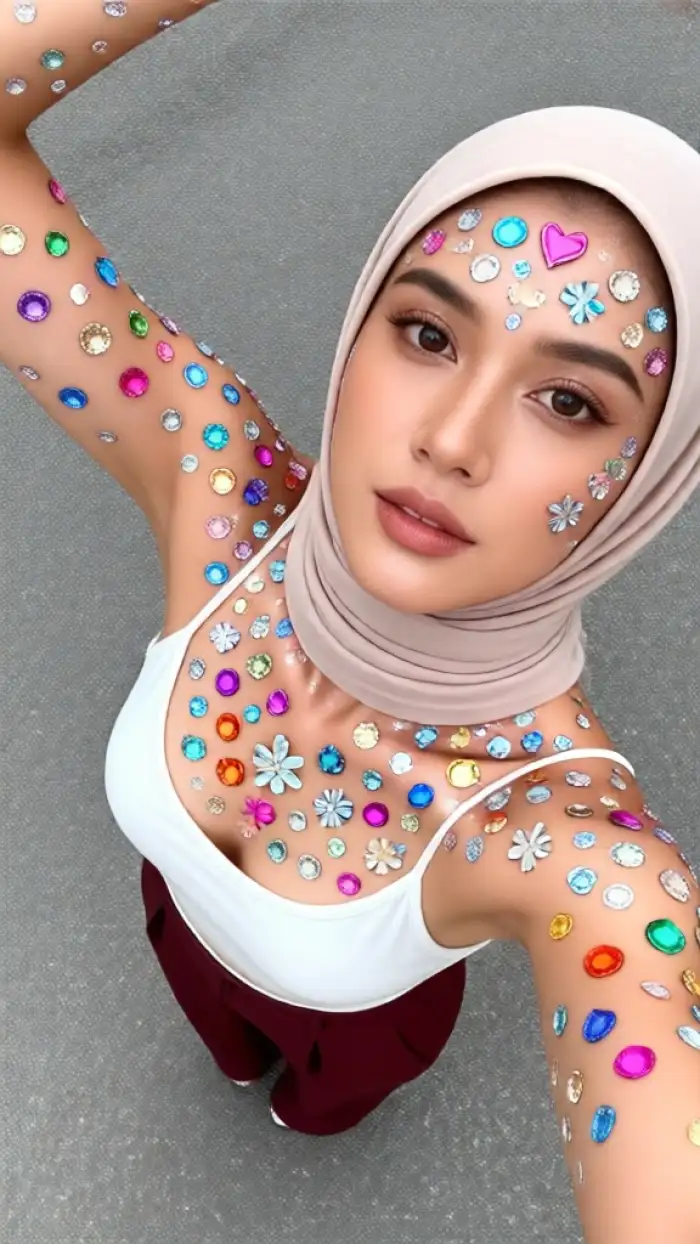
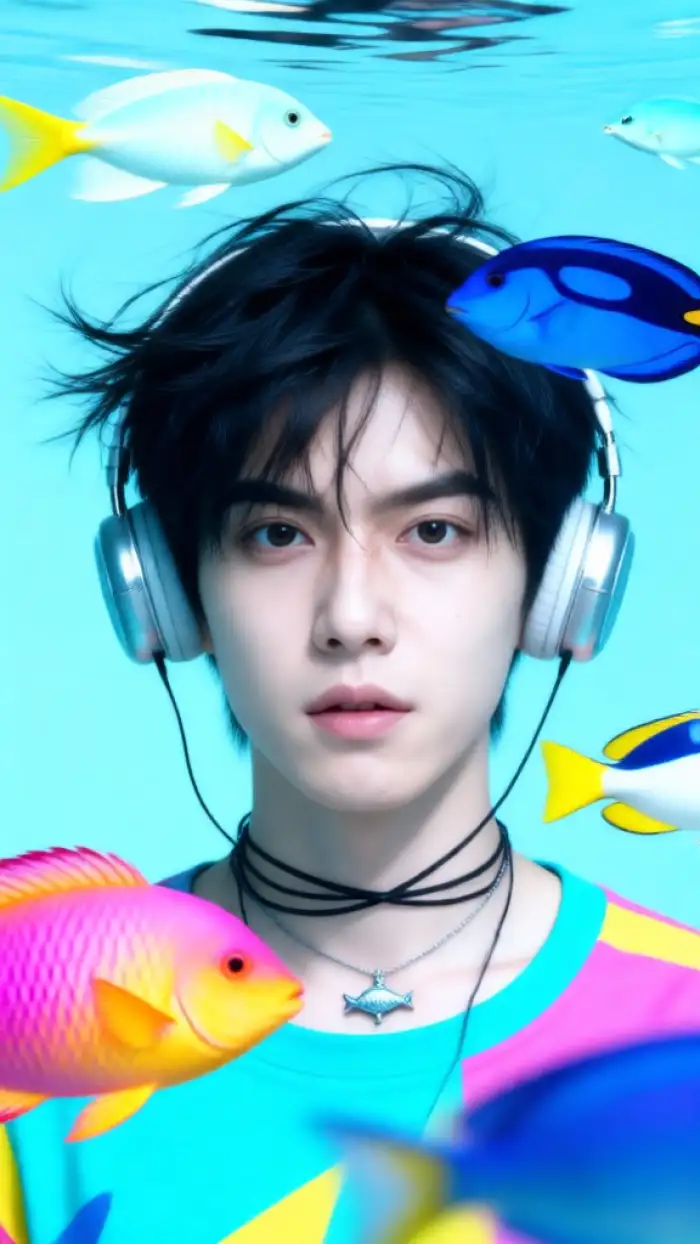
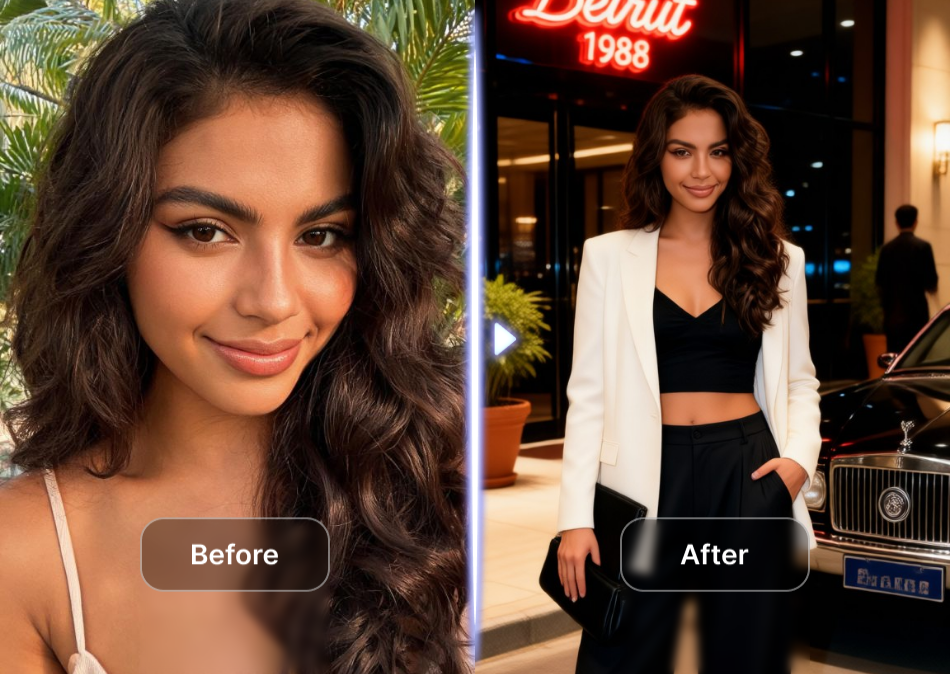
Access our growing library of AI mimic motion templates or upload your own reference video. Choose from curated dance moves, hugs, kisses, talking expressions, and subtle head turns. Our AI mimics motion flawlessly while preserving your photo's identity and original style.
Why Choose veeo for AI Mimic Motion
veeo combines a massive template library with ultra simple controls. You do not need to write prompts, set keyframes, or edit timelines. Upload a photo, tap a template, and get a polished motion video in seconds. The AI preserves faces, body proportions, and lighting for realistic results every time. Perfect for social creators, marketers, and families.
Why Choose veeo for AI Mimic Motion
veeo combines a massive template library with ultra simple controls. You do not need to write prompts, set keyframes, or edit timelines. Upload a photo, tap a template, and get a polished motion video in seconds. The AI preserves faces, body proportions, and lighting for realistic results every time. Perfect for social creators, marketers, and families.
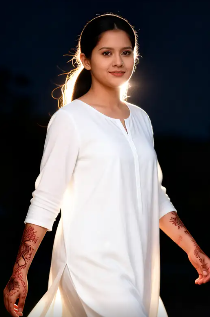
AI Mimic Motion on Android
Turn any photo into a moving video with natural expressions and dance moves. No design skills or complex software required.

Who Uses AI Mimic Motion
Louis Yule
Social media creators use veeo to turn static selfies into eye-catching dancing clips for TikTok and Instagram Reels.
Mandy Sander
Small business owners animate product photos into short promotional videos without hiring a video editor.

Orville Garcia
Families bring old group photos back to life by making everyone smile, blink, and move together again.
Sam Green
Content marketers repurpose brand photos into dynamic video ads that stop the scroll and boost engagement.
Louis Yule
Social media creators use veeo to turn static selfies into eye-catching dancing clips for TikTok and Instagram Reels.
Mandy Sander
Small business owners animate product photos into short promotional videos without hiring a video editor.
Orville Garcia
Families bring old group photos back to life by making everyone smile, blink, and move together again.
Sam Green
Content marketers repurpose brand photos into dynamic video ads that stop the scroll and boost engagement.
Louis Yule
Social media creators use veeo to turn static selfies into eye-catching dancing clips for TikTok and Instagram Reels.
Mandy Sander
Small business owners animate product photos into short promotional videos without hiring a video editor.
Orville Garcia
Families bring old group photos back to life by making everyone smile, blink, and move together again.
Sam Green
Content marketers repurpose brand photos into dynamic video ads that stop the scroll and boost engagement.
Frequently Asked Questions
Find clear answers to common questions about AI Mimic Motion and get the guidance you need to create lifelike videos faster.
AI Mimic Motion Video Tutorials
Explore in-depth YouTube tutorials and demos that showcase how to create realistic motion videos with the veeo AI Mimic Motion feature.
More Topics You May Like
Explore more topics related to AI motion transfer and photo animation to discover fresh creative ideas.

Turn Any Photo Into a Heartwarming AI Hug in Seconds
AI Make Them Hug lets you turn any photo into a heartwarming embrace. Upload a picture, choose a style, and generate realistic hug results in seconds. No editing skills needed.
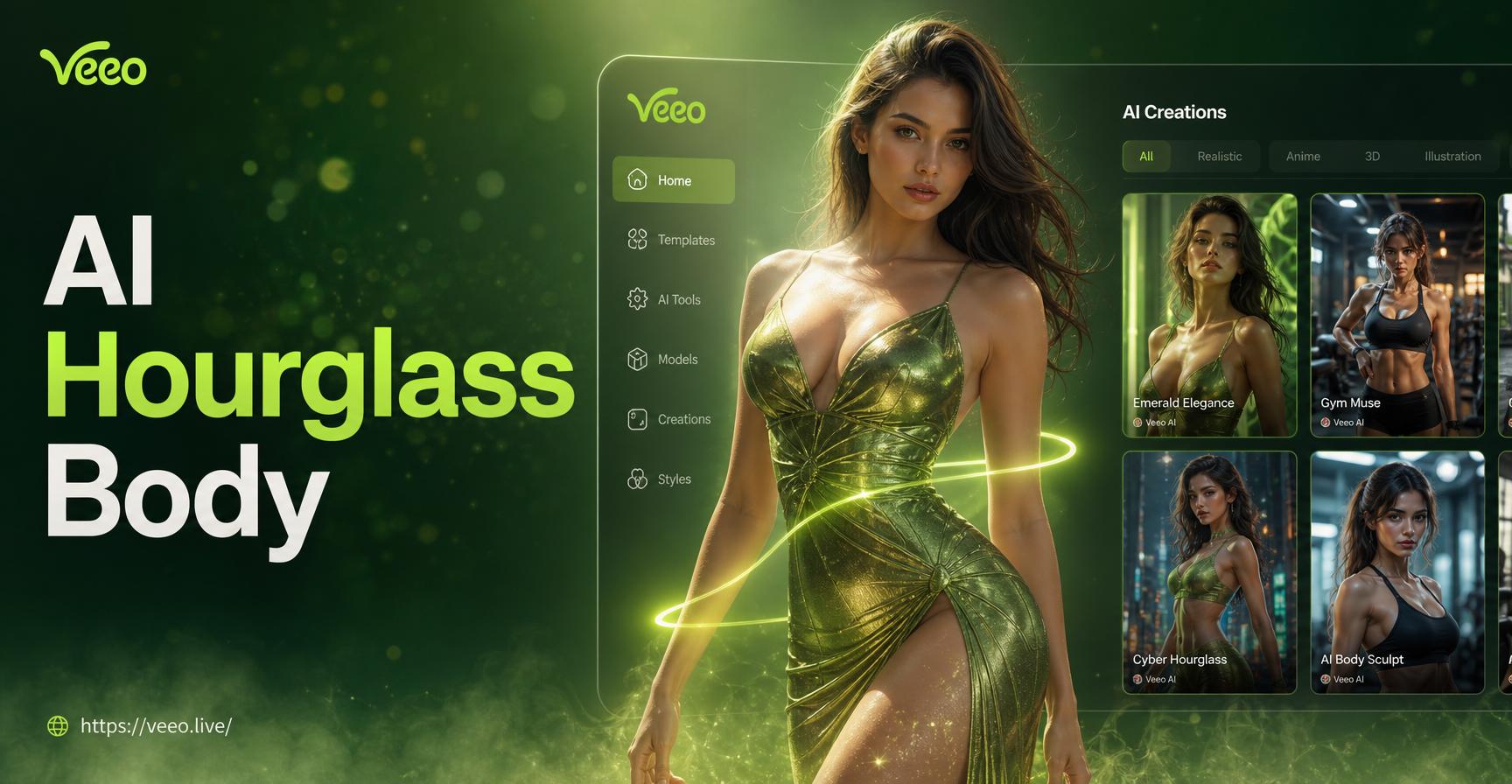
Transform Your Photos with an AI Hourglass Body Filter
Get a natural hourglass silhouette in seconds. Upload a photo and apply AI waist slimming and hip enhancement effects. No editing skills required. Download veeo now.
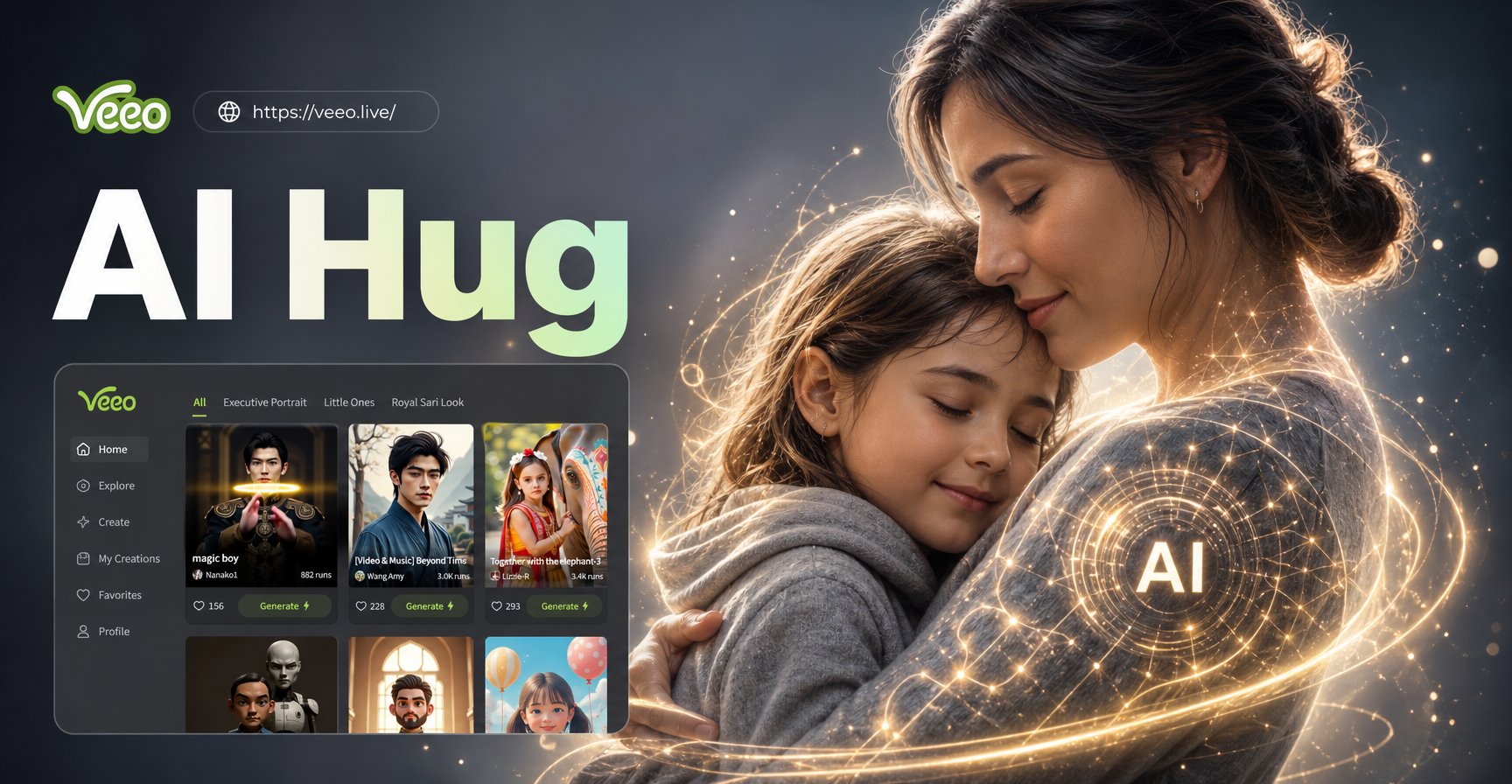
AI Hugging With Mom: Create Heartwarming Photos
Create realistic AI hugging with mom photos instantly. Upload a picture, choose a style, and generate an emotional embrace with your mother. Easy to use.
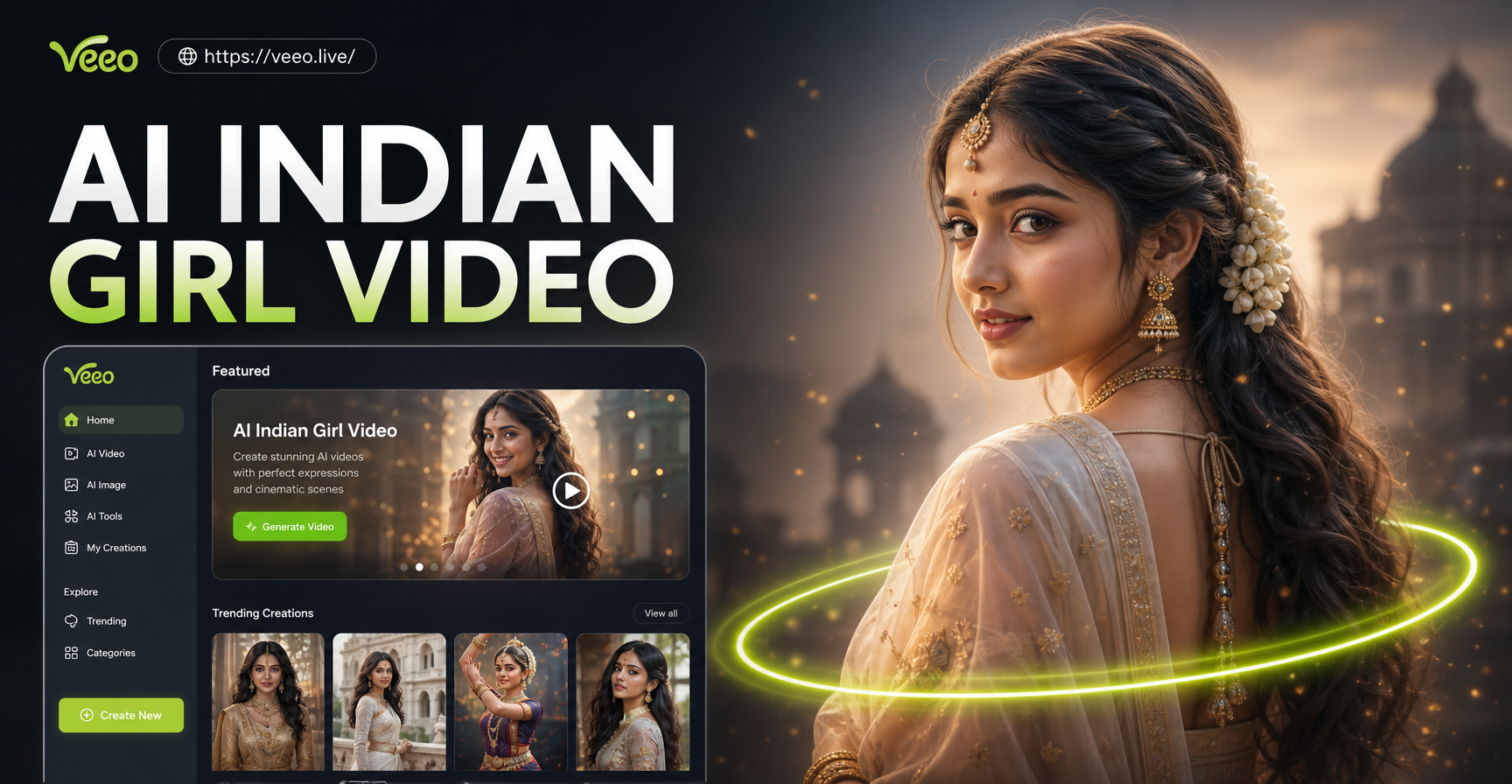
Create Stunning AI Indian Girl Videos in Seconds
Turn your ideas into AI Indian girl videos with veeo. Upload a photo or type a prompt, choose a style, and generate dance reels, fashion clips, and cinematic portraits.
Your Perfect AI Motion, Instantly
Apply lifelike motion effects to your photos and videos effortlessly. Stay ahead of trends and create content everyone will notice.
Your Perfect AI Motion, Instantly
Apply lifelike motion effects to your photos and videos effortlessly. Stay ahead of trends and create content everyone will notice.