AI Jellycat
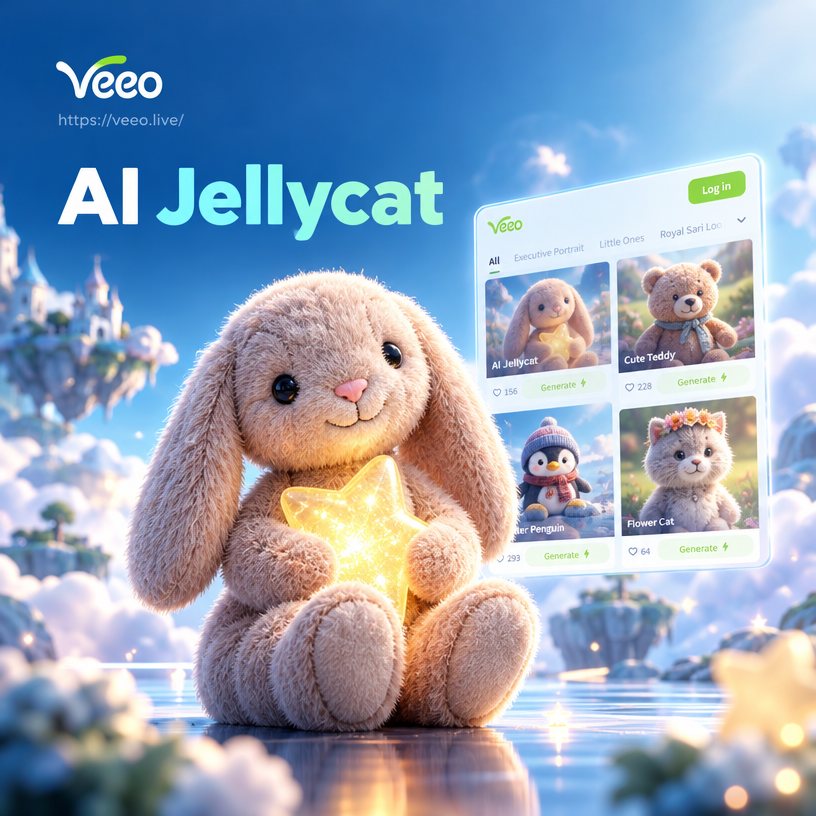
Choose Your Soft Plush Style
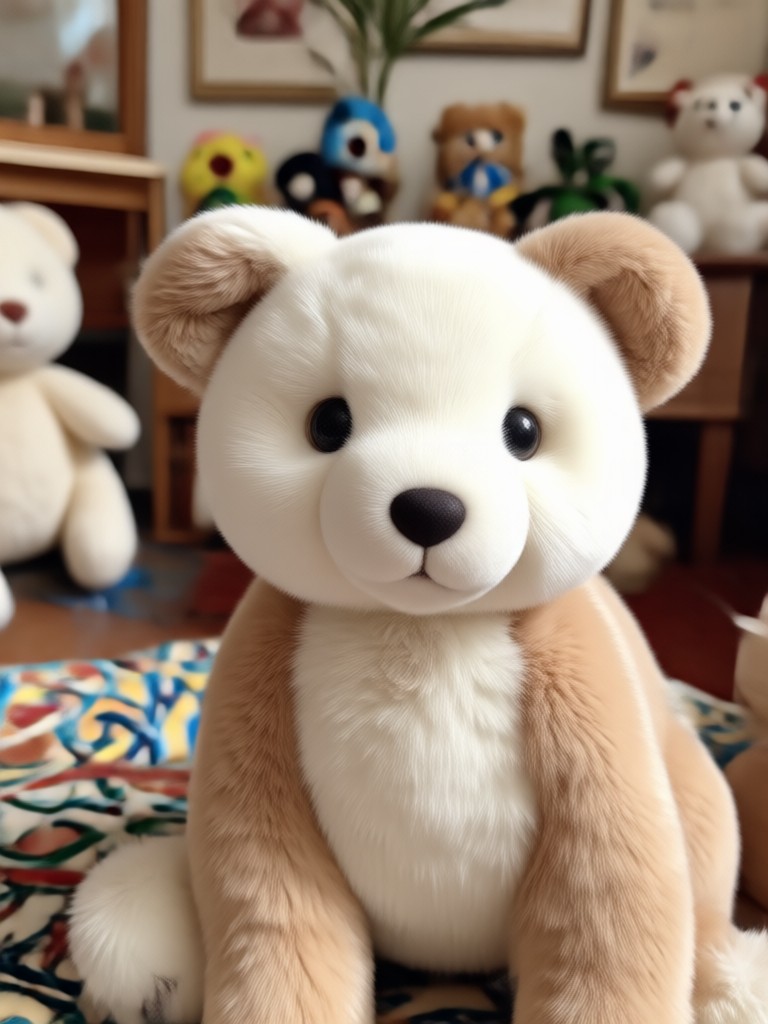
Explore cozy, pastel, and toy inspired filters that bring the AI Jellycat look to life for photos and videos.
Create Adorable AI Jellycat Images in Seconds
Turn portraits, pets, and product photos into cuddly plush toy versions with soft fabric textures, rounded shapes, and dreamy pastel scenes. Choose a filter, upload a photo, and let veeo handle the rest.
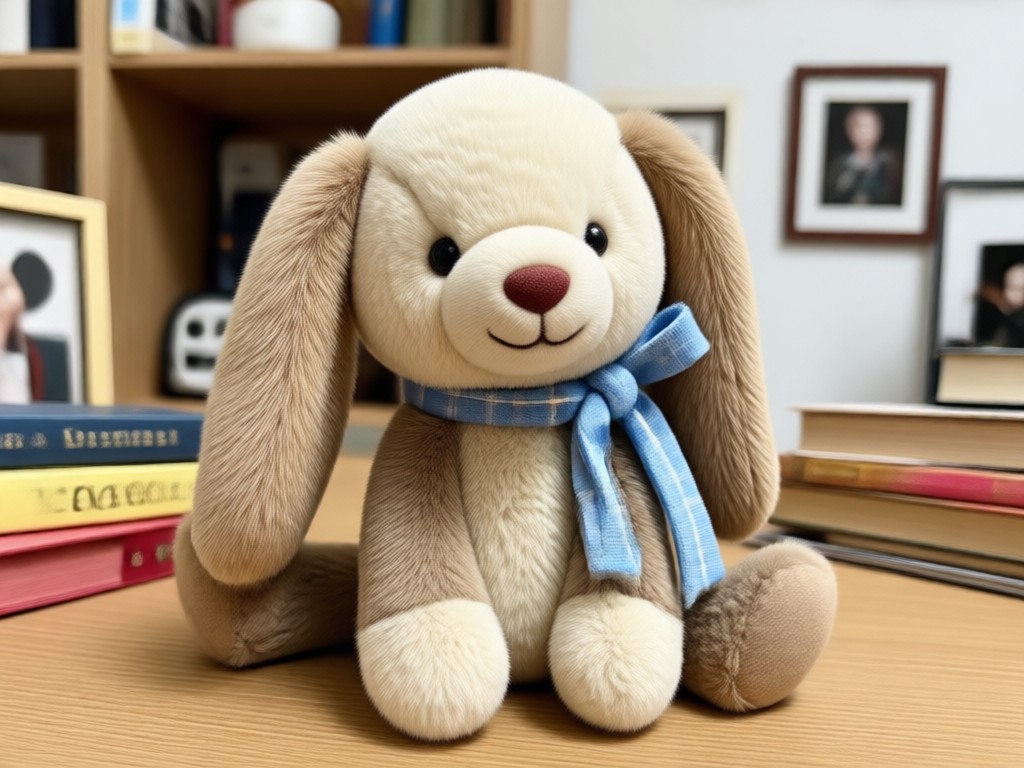
Soft Plush Look
Turn ordinary portraits into cuddly plush toy versions with fluffy textures, rounded edges, and warm pastel tones. Adjust colors and details for a cozy, storybook feel.
Soft Plush Look
Turn ordinary portraits into cuddly plush toy versions with fluffy textures, rounded edges, and warm pastel tones. Adjust colors and details for a cozy, storybook feel.
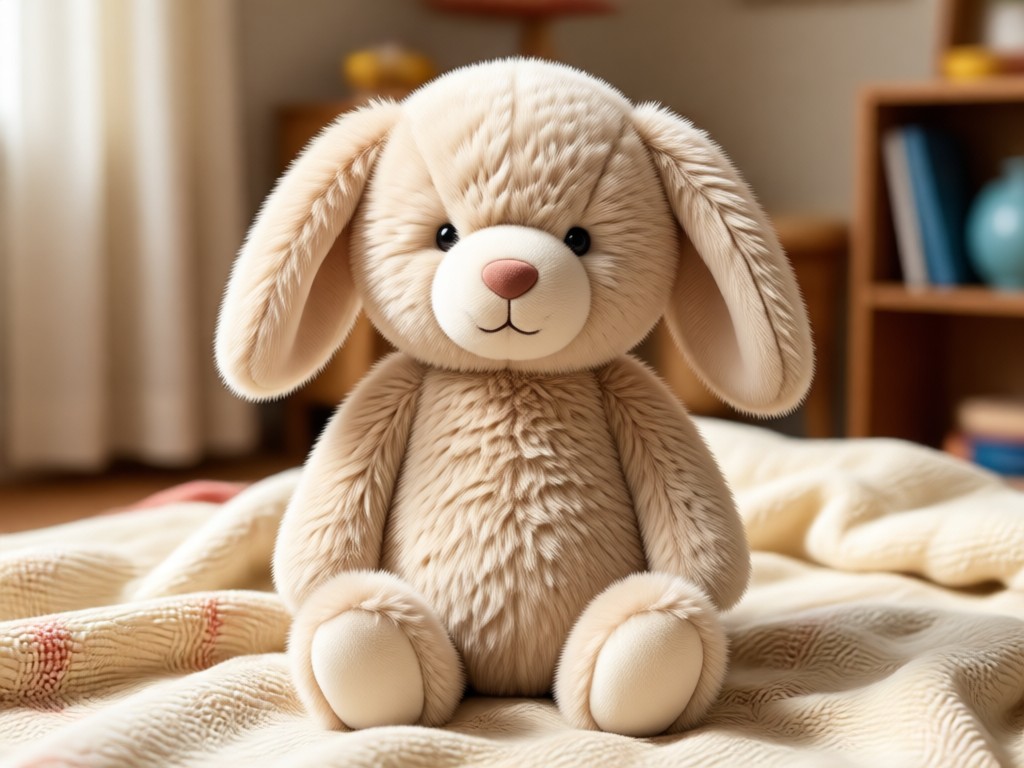
Photo to Plush
Upload a selfie, family photo, or pet picture and the AI keeps recognizable features while adding stitched details, soft fabric, and a gentle huggable finish.
Photo to Plush
Upload a selfie, family photo, or pet picture and the AI keeps recognizable features while adding stitched details, soft fabric, and a gentle huggable finish.
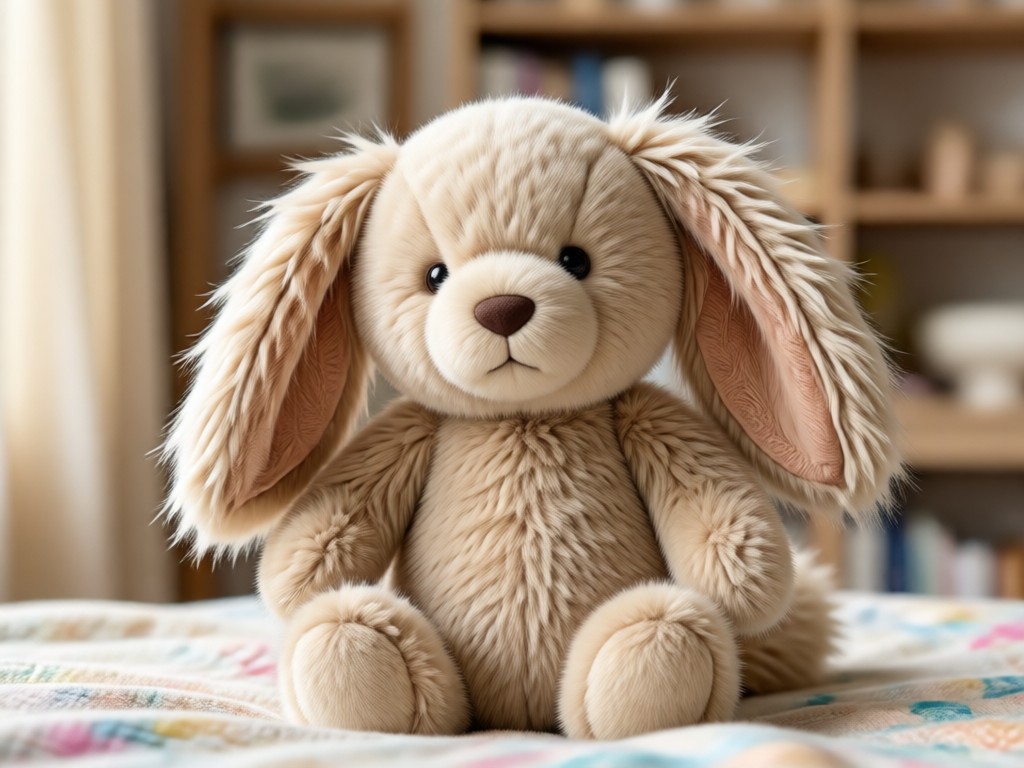
Pastel Scene Maker
Place your AI Jellycat style character in dreamy nurseries, tea parties, or forest picnics using simple text prompts. Create a full story scene in one tap.
Pastel Scene Maker
Place your AI Jellycat style character in dreamy nurseries, tea parties, or forest picnics using simple text prompts. Create a full story scene in one tap.
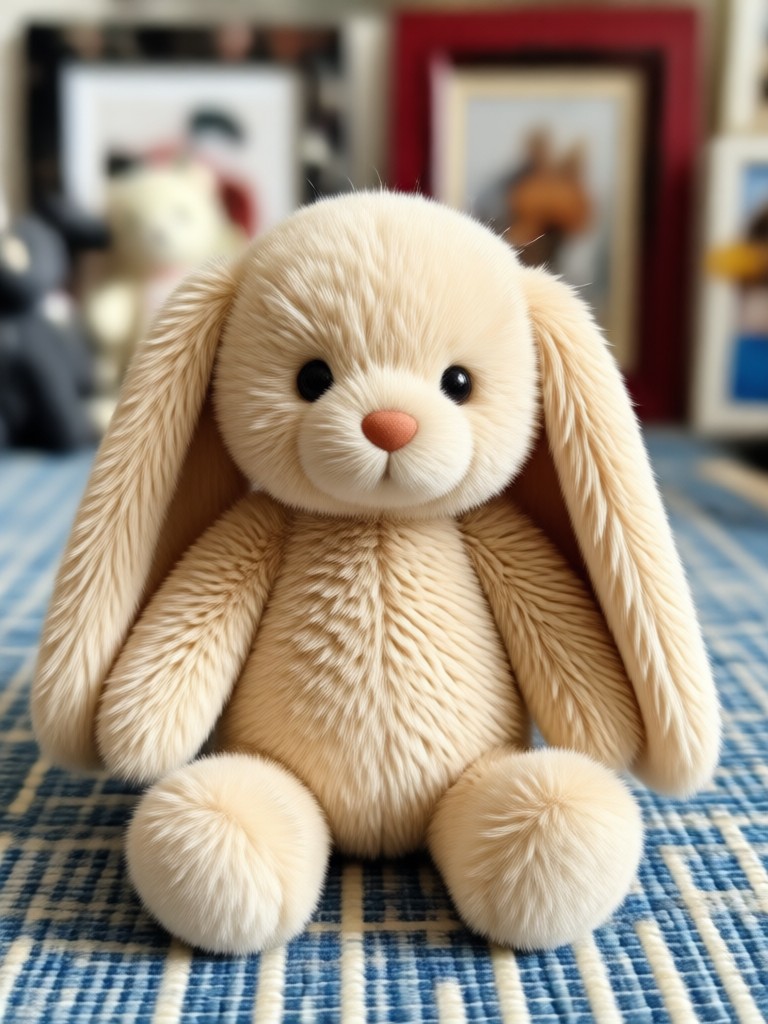
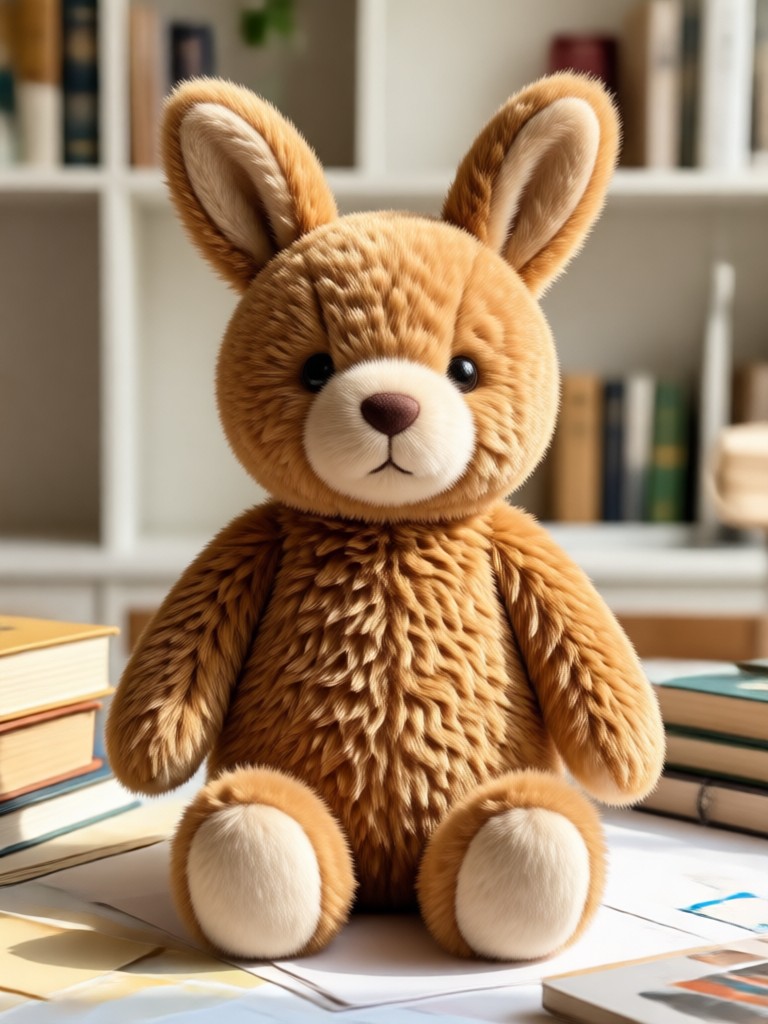
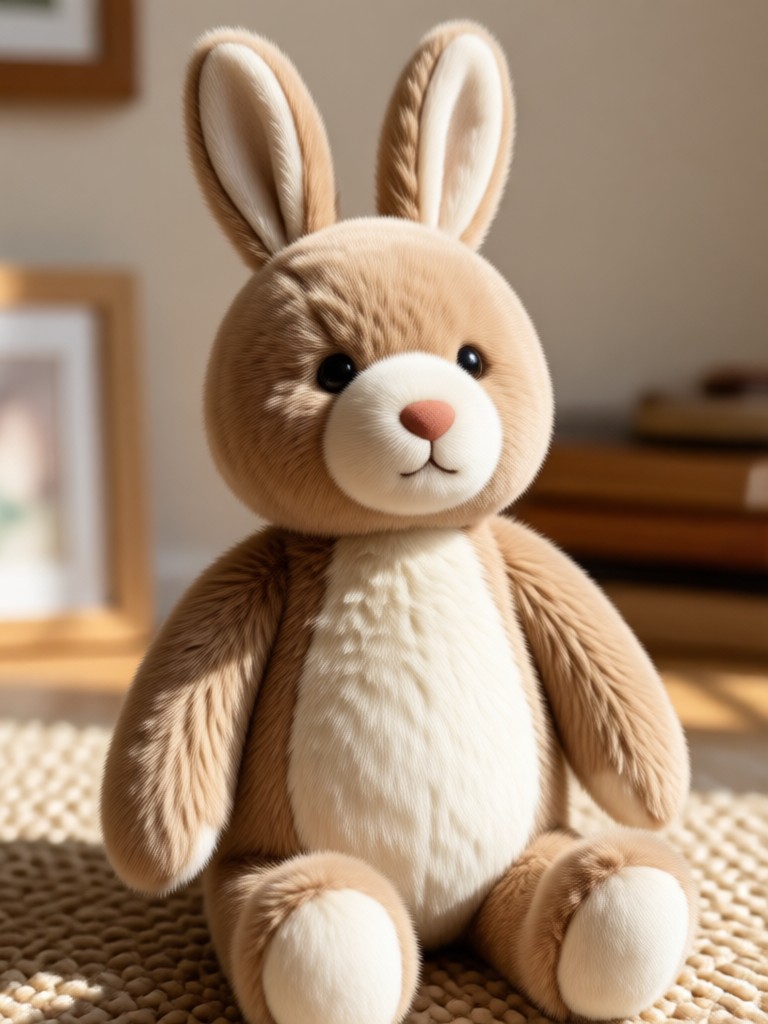
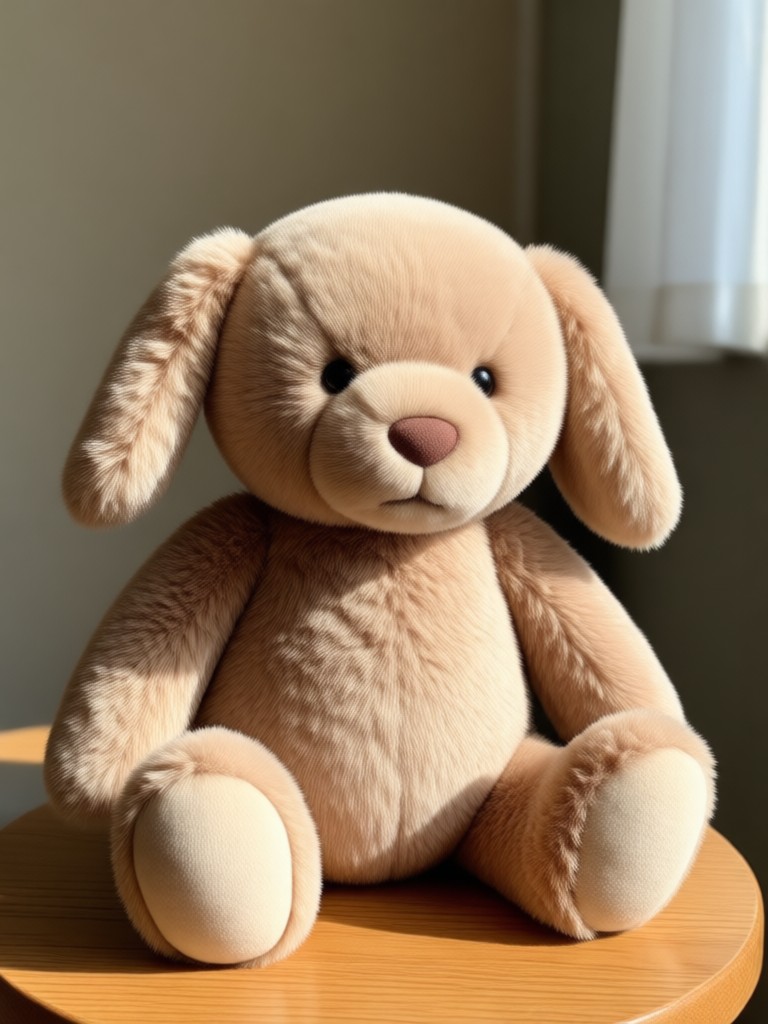
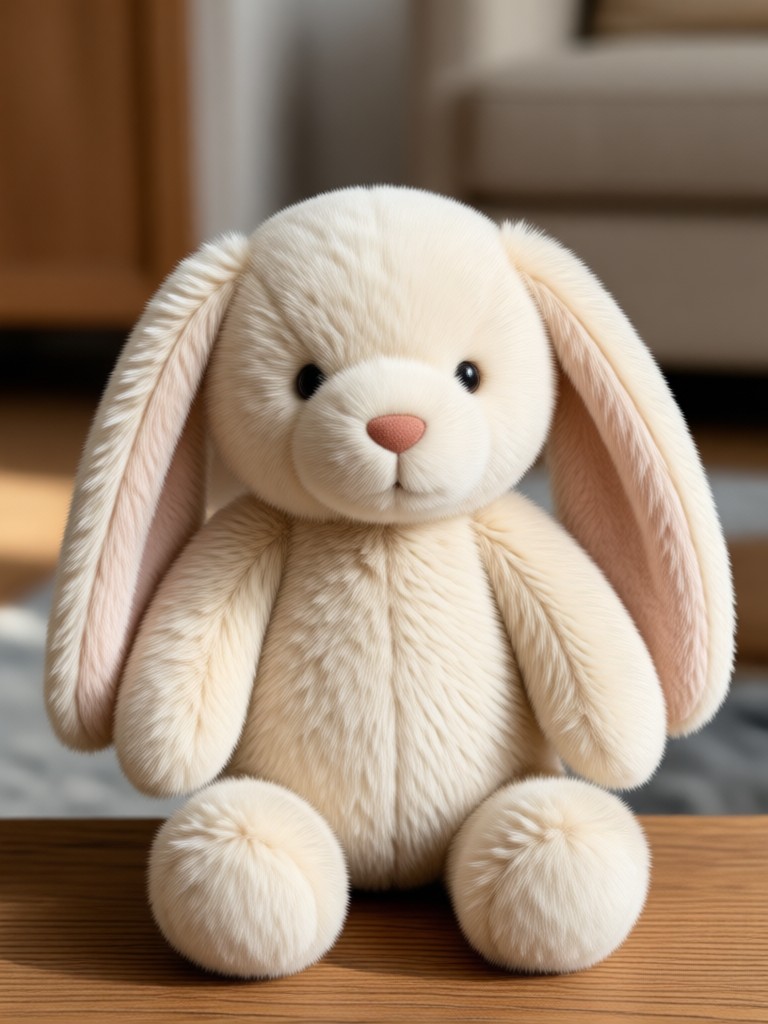
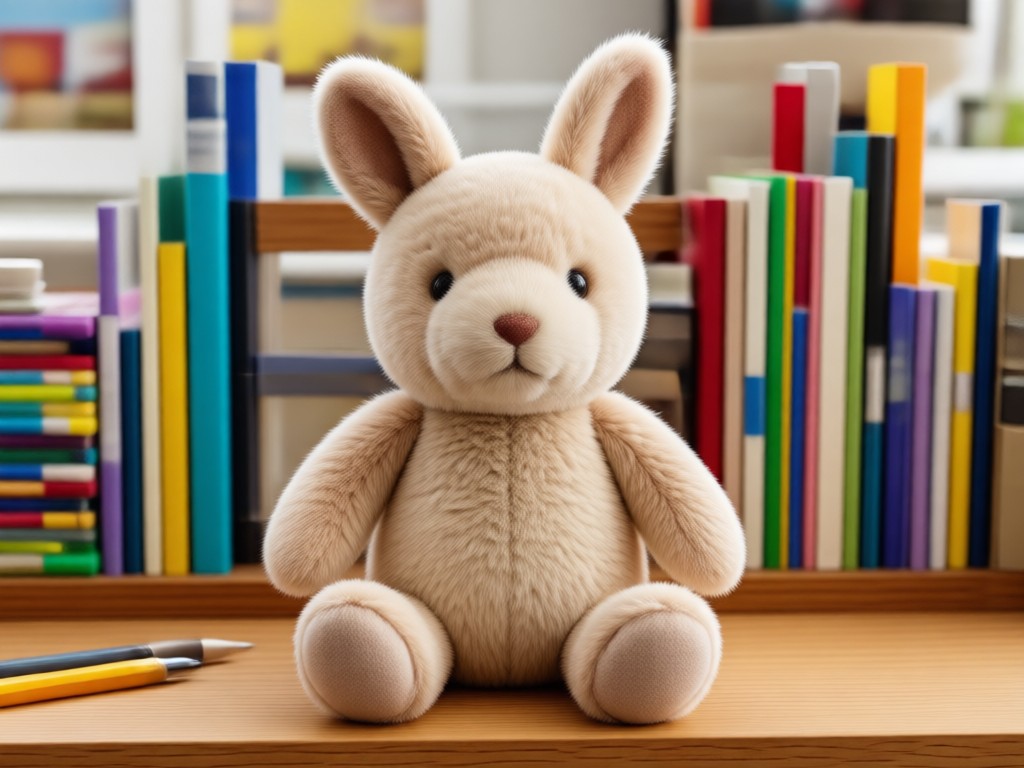
Popular AI Jellycat Style Scenes
Explore dreamy pastel scenes and cuddly character ideas created with veeo. Use these as inspiration for your next plush toy photo or video.
Why Use an AI Jellycat Style Generator?
Making plush toy style photos used to require expensive props, photo editing, and hours of work. veeo removes all the friction. Upload any photo, pick a cuddly filter, and download a soft plush version in seconds. It is perfect for gifts, cards, social posts, and product mockups.
Why Use an AI Jellycat Style Generator?
Making plush toy style photos used to require expensive props, photo editing, and hours of work. veeo removes all the friction. Upload any photo, pick a cuddly filter, and download a soft plush version in seconds. It is perfect for gifts, cards, social posts, and product mockups.
How to Make AI Jellycat Images?
Create adorable AI Jellycat style plush toy images in three simple steps using the veeo mobile app.

Step 01.
Download the veeo app from Google Play and open it on your phone. The AI image generator works entirely on mobile for quick, on the go creativity.
Step 02.
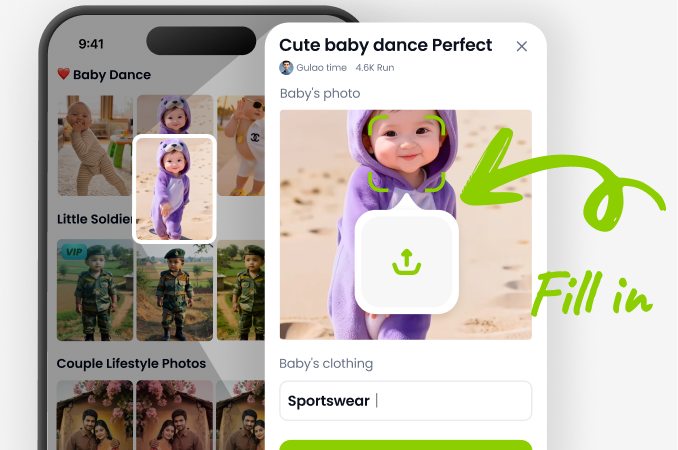
Choose a soft plush filter or search for the AI Jellycat style in the template library. Pick the pastel color palette and scene that matches your idea.
Step 03.
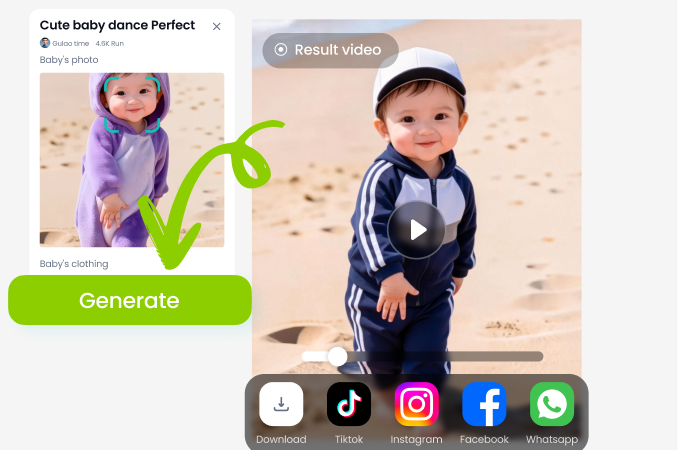
Generate your plush toy image or short video, then save it to your camera roll and share it on social media or with friends.
AI Jellycat Filter on Your Phone
Download veeo for free and turn any portrait, pet, or product photo into a soft plush toy image in seconds. Works entirely on Android, no desktop required.

What Creators Say About veeo
My plush edits finally look real
I used to spend hours trying to make my photos look soft and cuddly. veeo turns my kids into adorable plush characters in one tap and every image looks like a real toy photo.
Perfect for my sticker shop
I create custom plush style stickers for my Etsy shop. The AI Jellycat look is exactly what my customers want and the app keeps faces consistent across different scenes.
So easy my whole family uses it
We made plush versions of our pets and turned them into a birthday card. The filters are simple, fast, and the results are always cute enough to share.
Frequently Asked Questions
Find clear answers about creating AI Jellycat style images and videos with veeo.
More Topics You May Like
Explore more AI creative effects and style tools to continue your creative journey.
AI Jazz Dance: Turn Static Photos Into Fluid Moves

Create Stunning AI Indian Girl Videos in Seconds
AI Hugging With Mom: Create Heartwarming Photos
Transform Your Photos with an AI Hourglass Body Filter
AI Jazz Dance: Turn Static Photos Into Fluid Moves
Create Stunning AI Indian Girl Videos in Seconds
AI Hugging With Mom: Create Heartwarming Photos
Transform Your Photos with an AI Hourglass Body Filter
Create Your Own AI Jellycat Plush Today
Download veeo, choose a cuddly filter, and turn any photo into an adorable plush toy image in seconds. Free to start, no design skills needed.

Create Your Own AI Jellycat Plush Today
Download veeo, choose a cuddly filter, and turn any photo into an adorable plush toy image in seconds. Free to start, no design skills needed.