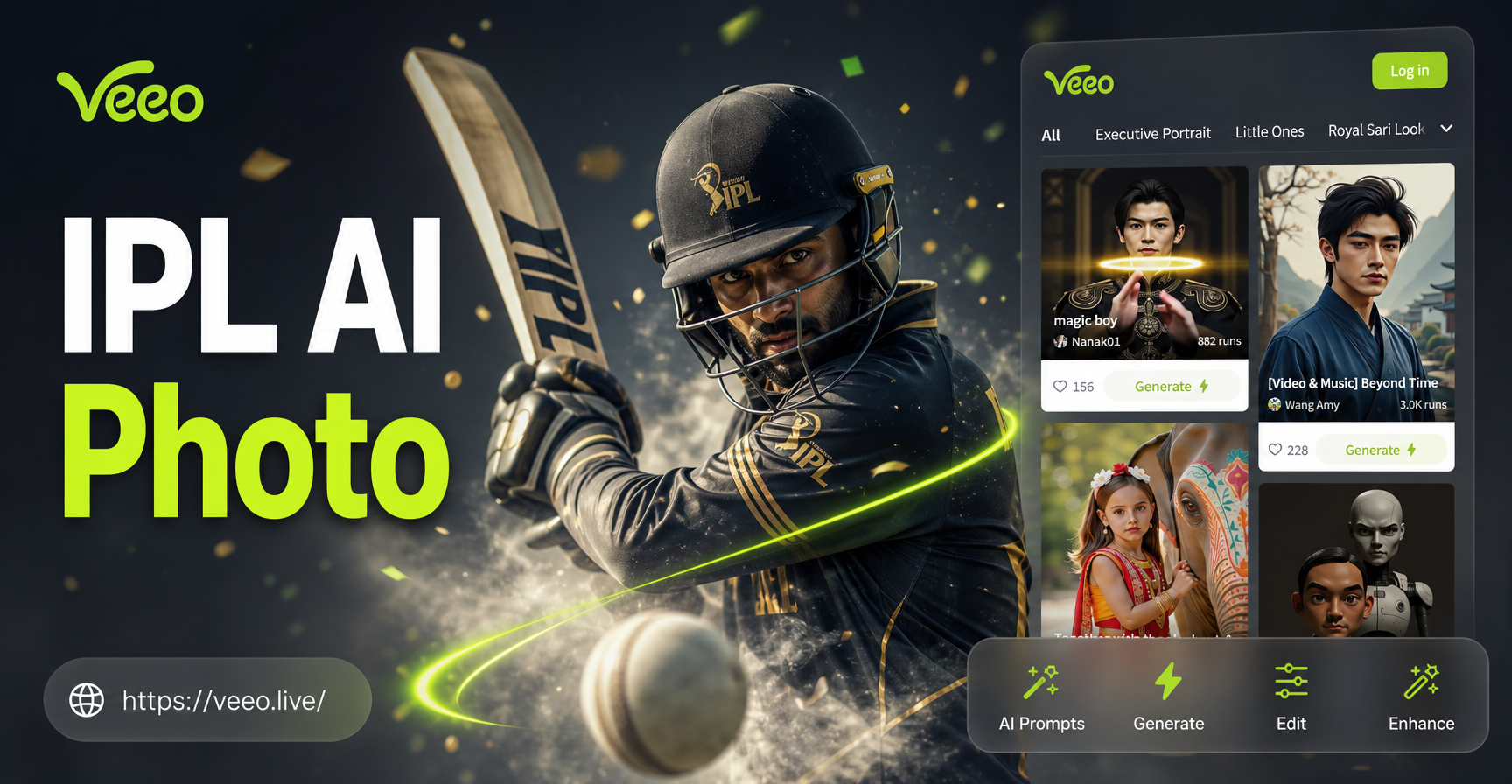
IPL season turns every photo into a chance to create something loud, colorful, and full of cricket energy. The right IPL AI photo editing prompts can place you or your subject inside a packed stadium, swap everyday clothes for a team jersey, and add cinematic match lighting. This guide gives you specific, ready-to-paste prompts and shows how to adapt them in veeo, a mobile AI design app on Google Play.
What Are IPL AI Photo Editing Prompts?
IPL AI photo editing prompts are short instruction sets that tell an AI image editor how to restyle or regenerate a photo around Indian Premier League themes. Instead of a fuzzy request like make it cricket, a strong prompt names the subject, background, jersey colors, lighting, camera style, and mood. This works especially well in image-to-image workflows, where you upload a reference photo and the AI keeps the person recognizable while changing the scene.
In veeo, you open the app, upload a clear photo, choose a style filter, and enter one of the prompts below. Filters can range from photorealistic sports photography to 3D clay, cinematic film, anime, or watercolor. The prompt provides the cricket direction, and the filter shapes the visual finish.
How to Use These Prompts
Copy any prompt and replace placeholder words with your actual subject. For example, the subject can become my brother, the batter can become a young woman with curly hair, and team jersey can become a blue and gold cricket jersey. Keep the sentence order logical, mention lighting, and avoid too many competing ideas in one prompt.
Why Specific Prompts Beat Generic Cricket Edits
A generic prompt like IPL background often returns a flat stadium image with weak lighting and an awkward subject. A specific prompt like packed IPL stadium at night, bright floodlights, green outfield, excited crowd bokeh behind the batter gives the AI enough visual cues to build depth, color contrast, and a clear focal point. The same rule applies to jersey changes. Mentioning fabric texture, team colors, and chest crest helps the AI avoid plastic-looking clothing. The more the prompt reads like a short visual scene description, the more control you have over the final photo.
26 IPL AI Photo Editing Prompts for Real Results
Stadium Atmosphere
- Place the subject in a packed IPL stadium at night, bright white floodlights, green outfield, excited crowd bokeh behind the batter, realistic sports photography.
- Transform this portrait into a cricket fan standing in front of a giant IPL scoreboard, blue and orange stadium lights, shallow depth of field, sharp face.
- Add a dramatic IPL boundary rope and lush green pitch behind the subject, late afternoon sunlight, cricket stadium atmosphere, photorealistic.
- Edit this photo as if the person is walking out of the player's tunnel into a roaring IPL arena, cinematic fog, bright floodlights, green grass.
Jersey and Team Colors
- Swap the outfit to a modern IPL cricket jersey with navy blue and gold accents, moisture-wicking fabric texture, realistic sports portrait, clean background.
- Recolor the shirt to a bold IPL team jersey in purple and gold, add a subtle team crest on the chest, clean studio lighting, natural skin tones.
- Turn this casual photo into a cricket fan wearing an orange and blue IPL team jersey, stadium background, sunlight from the left, crisp details.
- Add a professional cricket training jacket with IPL-style team patches, bright daylight on the practice ground, realistic fabric folds.
Celebration and Action
- Create a realistic action shot of the subject celebrating a cricket wicket, arms raised, dust particles in the air, sunset stadium, IPL match energy.
- Turn the photo into a cricket batter playing a lofted drive, dynamic motion blur on the bat, packed stands, golden hour IPL light.
- Add a joyful team celebration after winning an IPL match, confetti falling, colorful team jerseys, night floodlights, photorealistic sports photo.
- Transform this portrait into a wicketkeeper diving catch, dramatic side lighting, green pitch, realistic motion freeze, focused expression.
Fan Poster and Promo Edits
- Design a bold IPL fan poster with the subject in the center, team colors blending from left to right, halftone dots, energetic sports typography.
- Create a cinematic IPL ticket-style portrait, gold foil accents, dark navy background, thin light streaks, premium sports promotion look.
- Turn this photo into a sports magazine cover with the title IPL SEASON in bold modern letters, clean lighting, high contrast, sharp details.
- Add a dramatic neon team color rim light around the subject, dark background, floating particles, IPL after-match celebration vibe.
Cinematic Match Moments
- Edit this photo as a cinematic still from an IPL night match, teal and orange color grading, lens flare from floodlights, anamorphic bokeh.
- Transform the scene into a rainy IPL evening after the match, wet outfield reflections, soft blue tones, subject in a team jersey.
- Apply a film grain sports documentary style, black and white with team color accent on the jersey, gritty IPL street cricket mood.
- Create a slow-motion cricket action feel, motion blur on arms and bat, sharp face, warm stadium lights, detailed skin texture.
Retro and Artistic Styles
- Turn this photo into a retro 90s cricket poster, grainy film texture, faded orange and teal tones, bold vintage sports typography.
- Create a watercolor painting of the subject in an IPL stadium, loose brushstrokes, bright team colors, white paper texture.
- Apply a 3D clay style to the subject as a cricket player, soft rounded shapes, cheerful IPL stadium backdrop, bright colors.
- Transform the photo into a comic book cricket cover, dynamic halftone shading, thick ink outlines, action speed lines.
- Make a Ghibli-style cricket scene with the subject holding a bat, soft painterly light, green stadium and blue sky, gentle textures.
- Use a cyberpunk cricket look, neon team color accents, futuristic stadium, glowing bails and stumps, smooth polished skin.
How to Adapt These IPL Prompts
Each prompt can be made more personal by adding specific details about the person, place, and team. If you want a particular IPL team color palette, replace generic colors with the exact shades you remember from the jersey. You can also describe the person's expression, age, hairstyle, and camera angle. For example, the subject becomes my sister in a ponytail, smiling after a win. When using veeo, upload a clear front-facing or upper-body photo for portrait edits. For action shots, choose a photo with open space around the body so the AI has room to add a bat, arms, and motion.
Common Mistakes and How to Fix Weak Results
One common mistake is stacking too many effects in a single prompt. If you ask for rain, confetti, neon lights, and a comic style at the same time, the AI may blend them into a messy image. Choose one main environment and one style filter, then let the prompt handle the remaining details.
Another problem is low-quality source photos. Blurry selfies, heavy shadows, or cropped heads can confuse image-to-image editing. Use a well-lit photo where the face is visible. If the face changes too much, lower the style strength or switch to a photorealistic filter.
Jersey textures can look painted or fake when the prompt is too vague. Add words like moisture-wicking fabric, stitched team crest, and natural fabric folds to improve realism. If the background still looks empty, add a crowd, boundary rope, or scoreboard for depth.
Example Prompt Rewrites
Weak: Add IPL vibe to my photo.
Strong: Place the subject in an IPL night match, teal and orange cinematic color grading, lens flare from floodlights, green outfield, shallow depth of field on the face.
Weak: Change clothes to cricket jersey.
Strong: Swap the shirt to a modern IPL cricket jersey with royal blue and gold accents, stitched team crest on the chest, moisture-wicking fabric texture, clean stadium background.
If a prompt returns a result that looks too digital, add words like photorealistic, natural skin texture, or 35mm sports photography. If the result loses the original person, reduce the style filter strength and re-upload a clearer photo.
Quick Checklist for Better IPL Photo Edits
- Use a sharp, well-lit source photo with a visible face.
- Mention one main background or environment.
- Specify jersey colors if you are changing clothing.
- Add lighting mood such as floodlights, golden hour, or neon rim light.
- Choose one style filter instead of mixing many art styles.
- Keep the prompt under 60 words for most tools.
How to Use IPL Prompts in veeo
veeo is a mobile AI design app available on Google Play. It combines text-to-image and image-to-image tools with a large collection of style filters. To create an IPL edit, download veeo, open the image-to-image feature, and upload your photo. Pick a style that fits your goal. For realistic cricket photography, choose a photorealistic or cinematic filter. For playful social posts, try 3D clay, anime, or Ghibli. Paste one of the prompts above, adjust the subject wording, and generate. You can then refine the result by changing the filter strength or rewriting the prompt with fewer or more specific details.
Final Thoughts on IPL AI Photo Editing Prompts
IPL AI photo editing prompts work best when they are specific enough to guide the image without becoming a wall of conflicting instructions. Start with the subject, add the cricket environment, choose a style, and mention lighting or camera mood. The prompts in this guide cover realistic stadium shots, jersey edits, celebratory action, fan art, and artistic transformations. Use them as a base, adapt the details, and keep testing until the result looks like the IPL moment you imagined.