Lawyer Photo Prompts
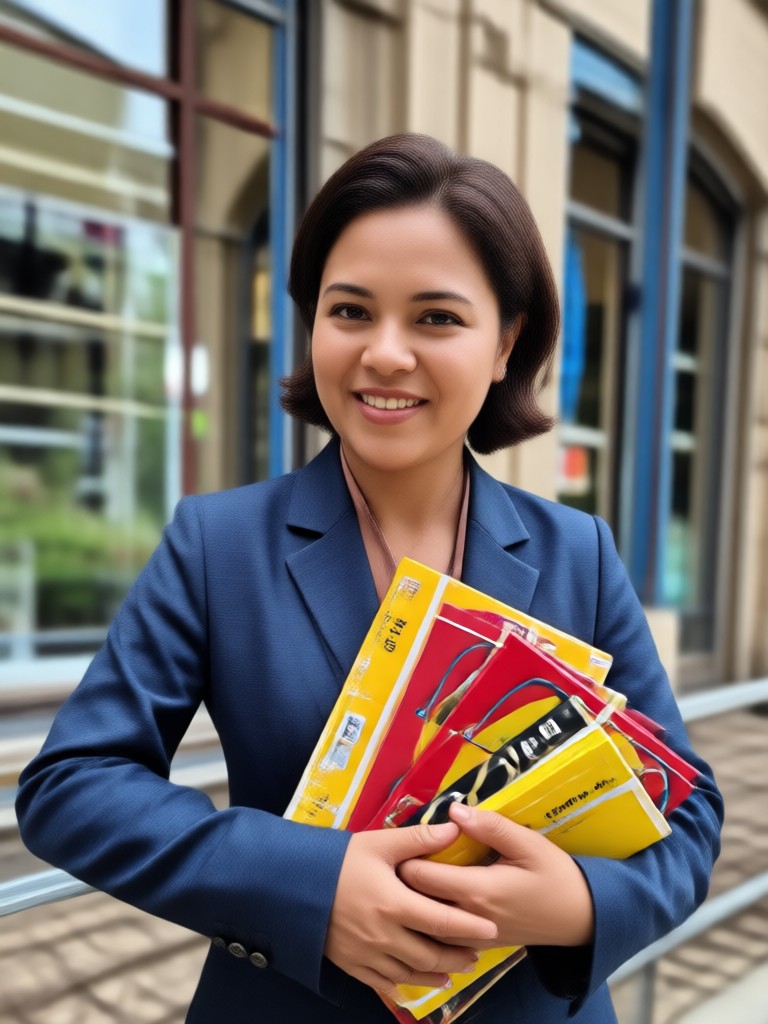
Choose the Best Style for Lawyer Photo Prompts
Discover realistic photography filters, corporate headshot templates, and professional lighting styles to create the perfect attorney portrait.
Key Features for Lawyer Photo Prompts
Turn written prompts into polished attorney headshots and law firm visuals with veeo's mobile AI studio.
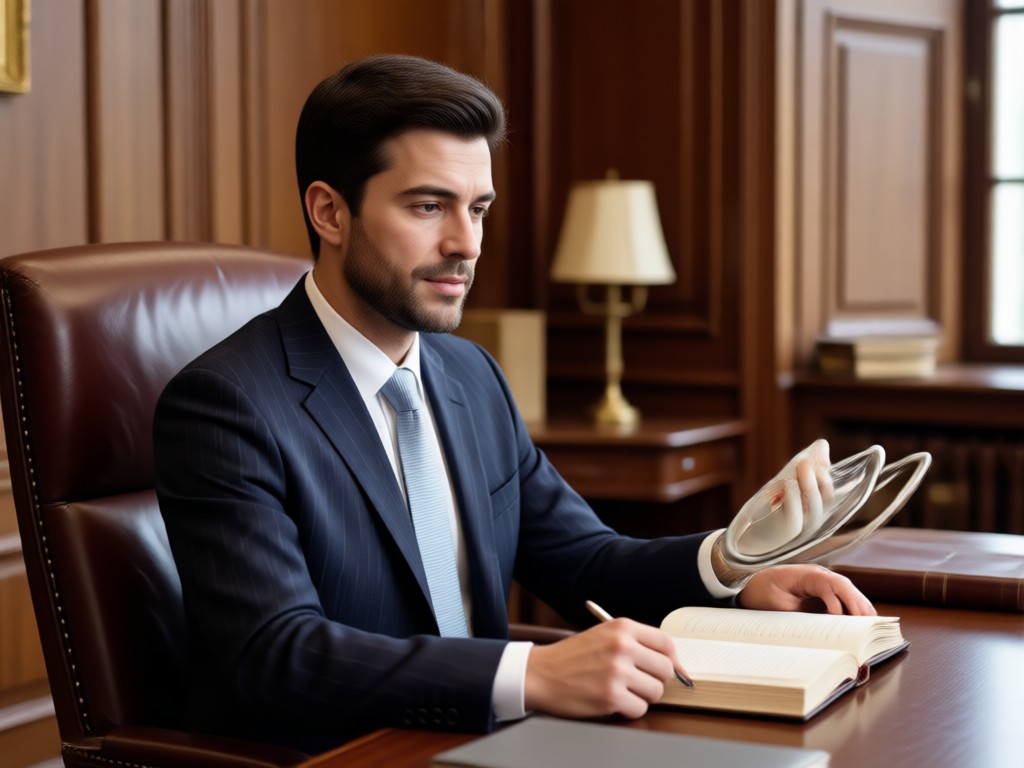
Realistic Corporate Headshots
Generate lifelike attorney portraits with true skin texture, professional lighting, and tailored business attire. Choose from modern office, law library, or neutral studio backgrounds that reinforce credibility and trust.
Realistic Corporate Headshots
Generate lifelike attorney portraits with true skin texture, professional lighting, and tailored business attire. Choose from modern office, law library, or neutral studio backgrounds that reinforce credibility and trust.
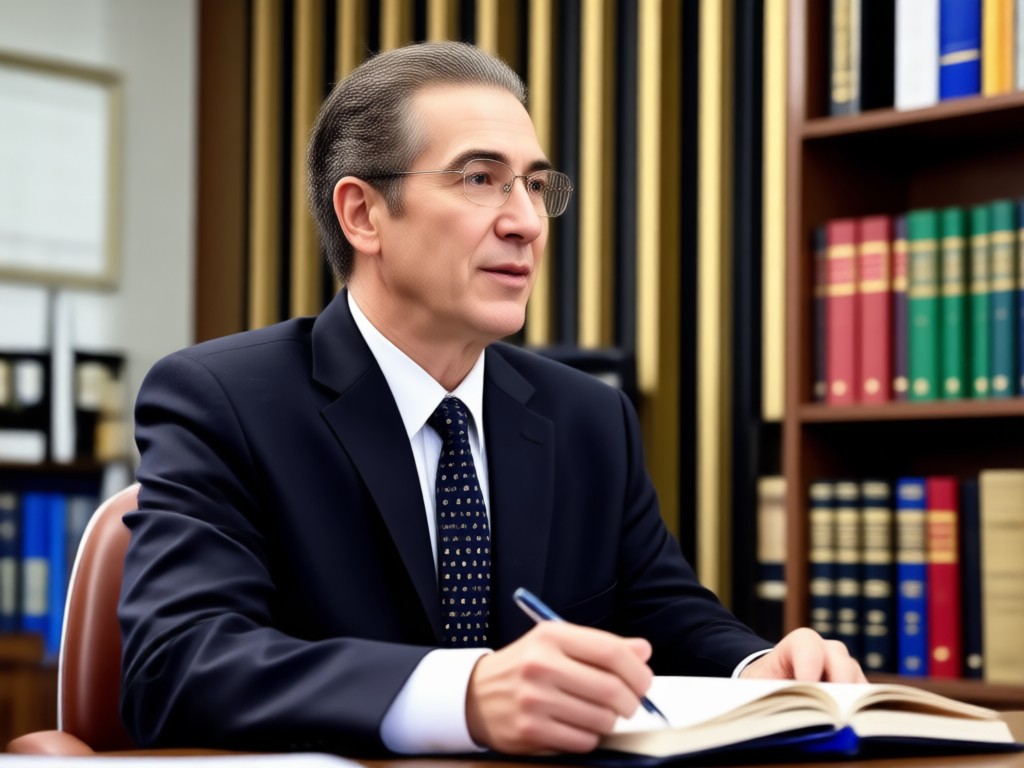
Style and Lighting Control
Apply over one million style filters to adjust mood, color grading, and background detail. From warm courtroom tones to clean corporate minimalism, match your law firm brand with consistent visual identity.
Style and Lighting Control
Apply over one million style filters to adjust mood, color grading, and background detail. From warm courtroom tones to clean corporate minimalism, match your law firm brand with consistent visual identity.
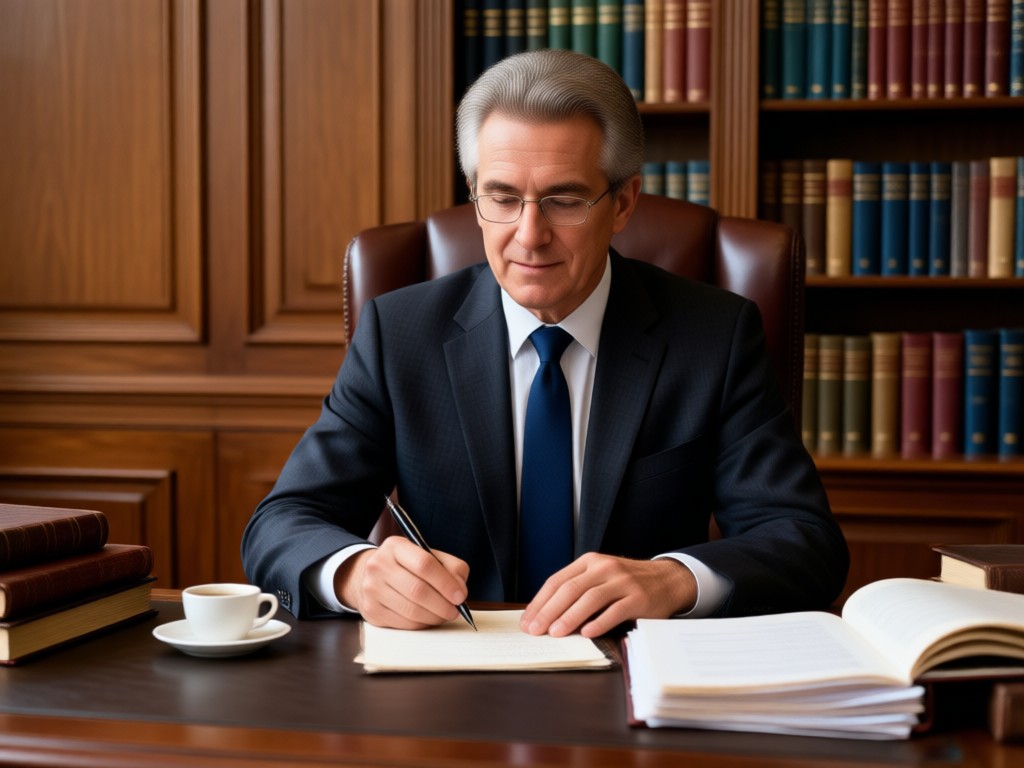
Multi Person Legal Team Photos
Upload a group photo and let AI recognize each face separately. Create coherent law firm team portraits without face blending or lost details across multiple attorneys, partners, and staff members.
Multi Person Legal Team Photos
Upload a group photo and let AI recognize each face separately. Create coherent law firm team portraits without face blending or lost details across multiple attorneys, partners, and staff members.
Lawyer Photo Prompt Results You Can Achieve
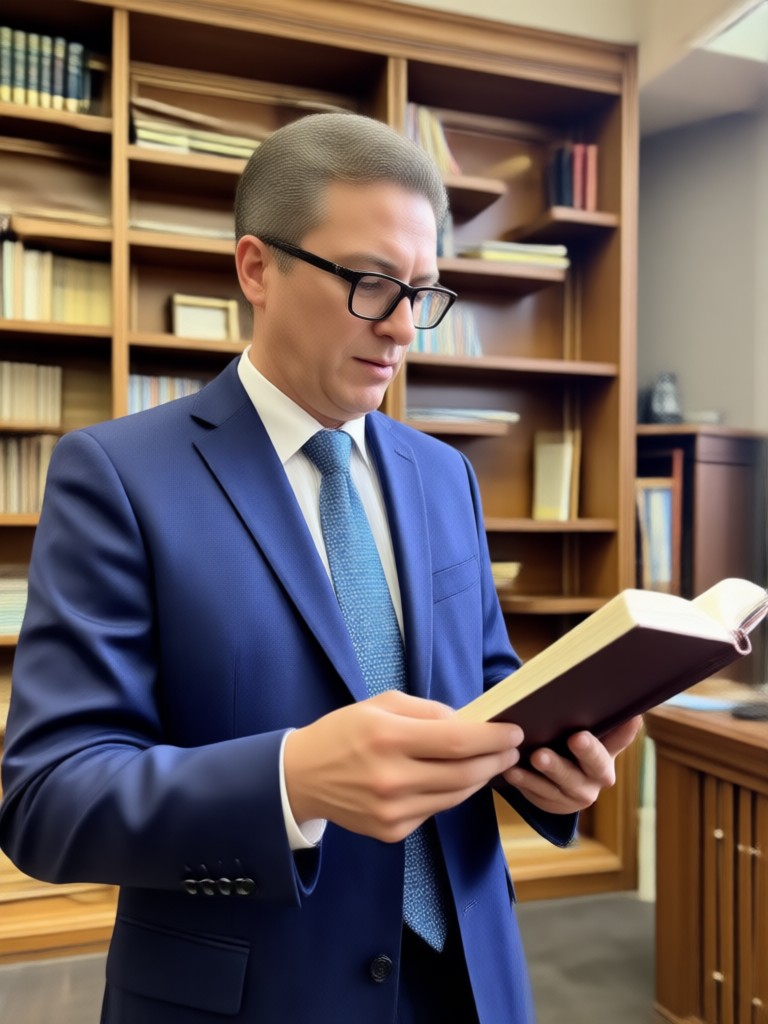
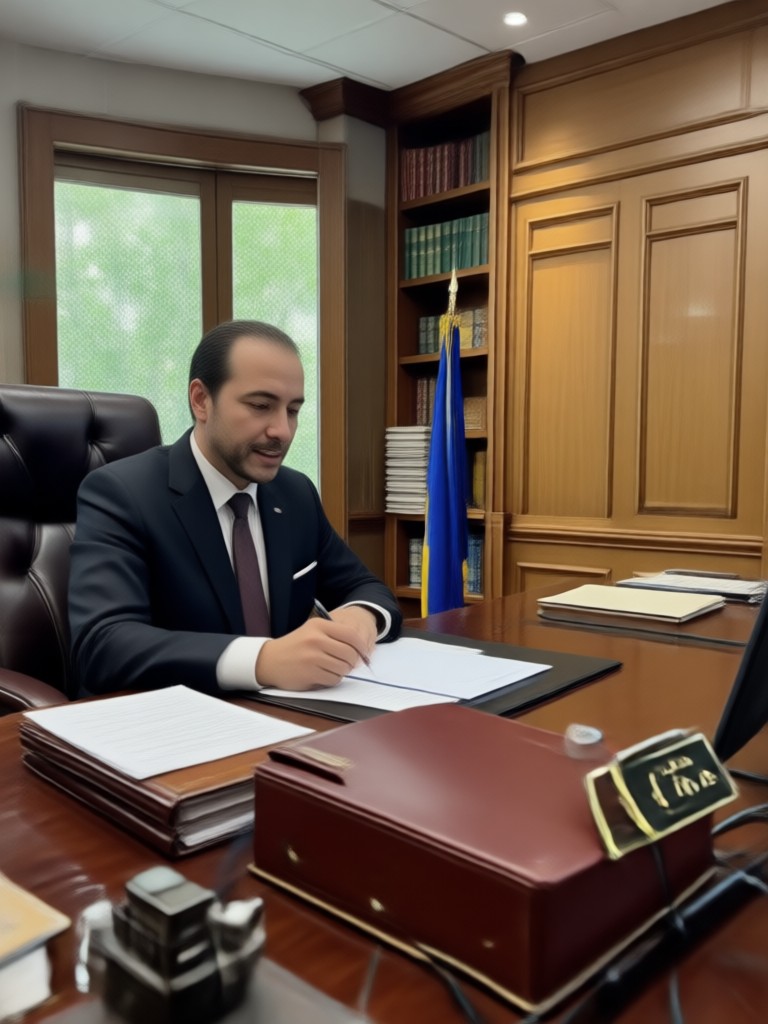
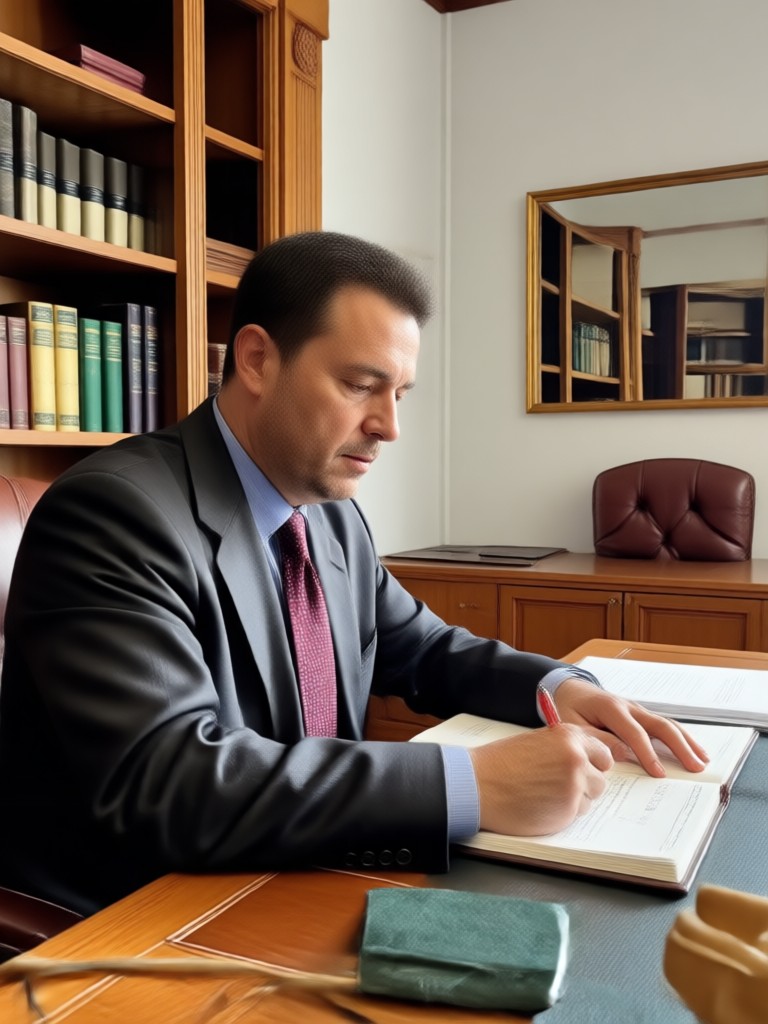
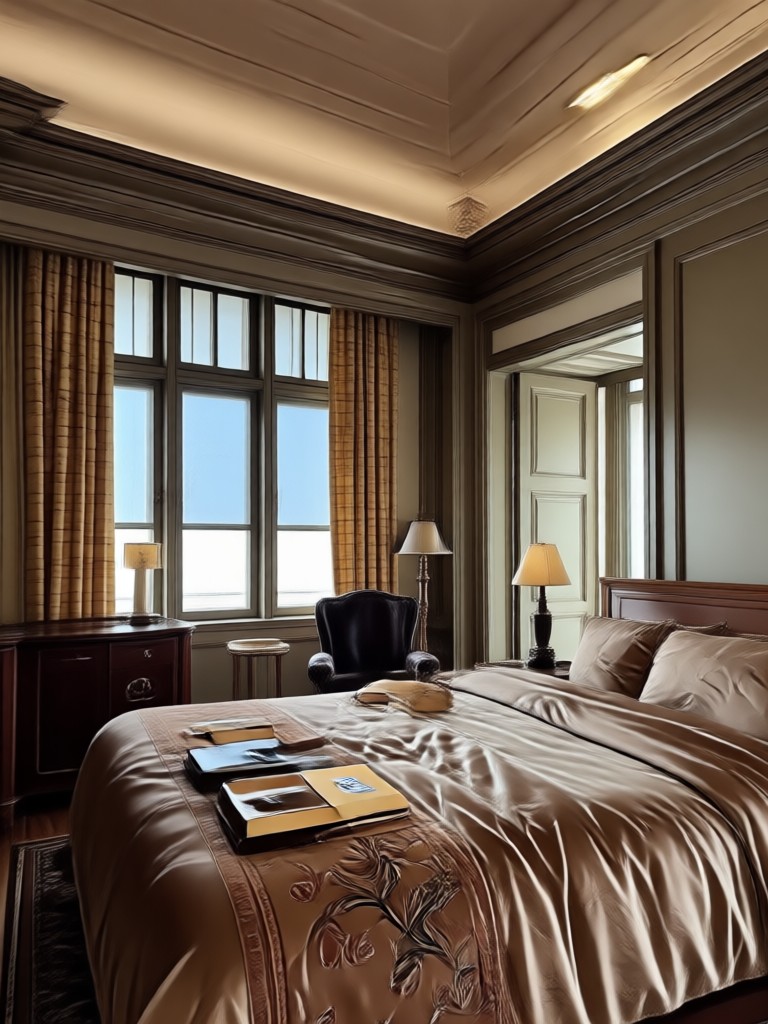
Browse sample AI generated attorney portraits, courtroom scenes, and law office headshots created from text prompts inside the veeo app. Use these as inspiration or customize your own prompt.
How to Use Lawyer Photo Prompts
Create professional attorney images in three simple steps using the veeo mobile app.

Step 01.
Download the veeo app from Google Play and open the AI image generator on your phone.
Step 02.
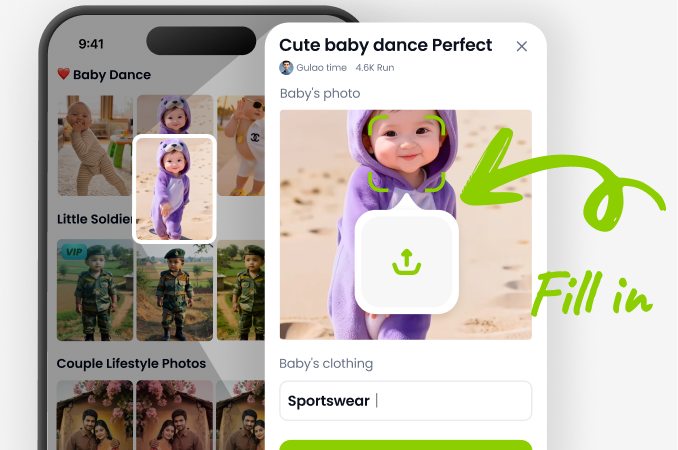
Enter one of the lawyer photo prompts above or write your own. Pick a realistic photography style filter that matches legal branding.
Step 03.
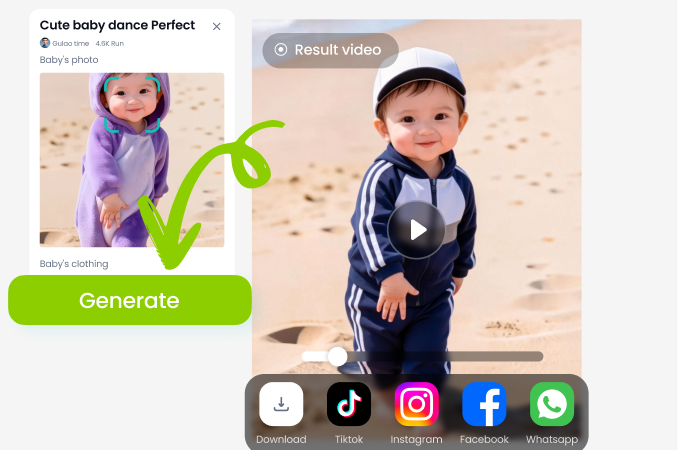
Generate your attorney headshot or team portrait, then download and share it on LinkedIn, your law firm website, or social media.
Why veeo Is the Right Tool for Lawyer Photos
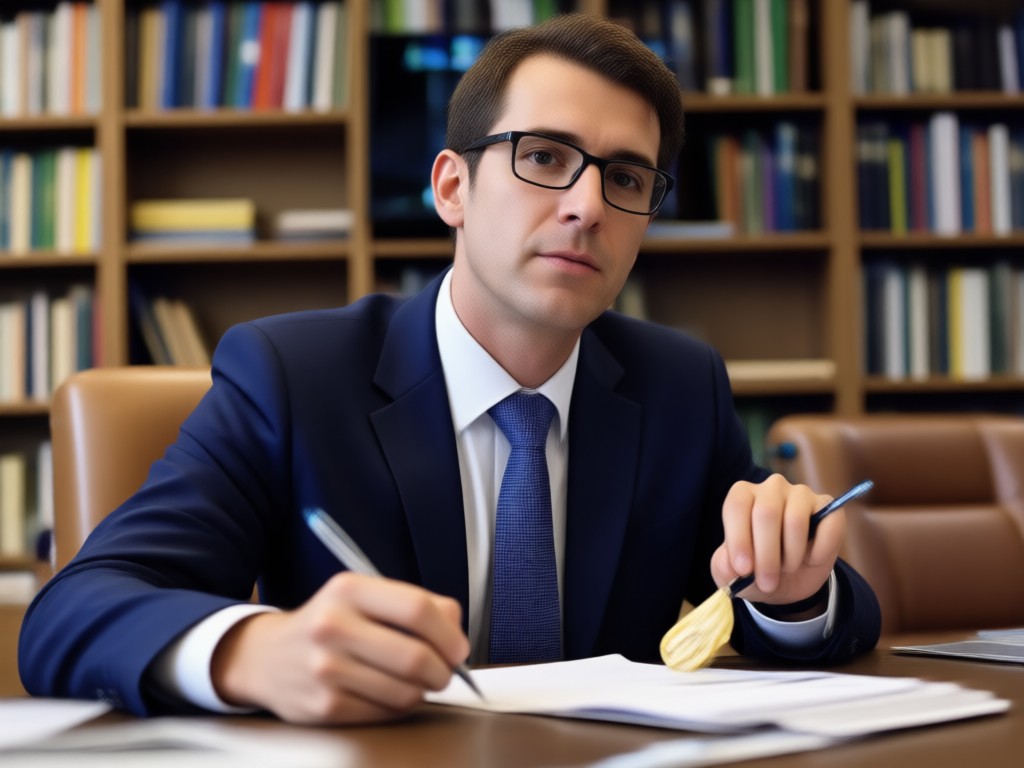
Unlike generic photo editors, veeo understands professional context. It keeps faces realistic, preserves suit details, and applies lighting that conveys credibility. Generate attorney headshots in seconds from a simple prompt, then fine tune with style filters.
Why veeo Is the Right Tool for Lawyer Photos
Unlike generic photo editors, veeo understands professional context. It keeps faces realistic, preserves suit details, and applies lighting that conveys credibility. Generate attorney headshots in seconds from a simple prompt, then fine tune with style filters.
Who Uses Lawyer Photo Prompts with veeo
Daniel Roth
I needed a polished LinkedIn headshot but had no time for a studio. A few prompts in veeo gave me a realistic attorney portrait with a law office background in minutes.
Priya Nair
Our small law firm used the multi person feature to create a unified team portrait. Every partner looked sharp and consistent with no weird blending.
Marcus Bennett
The style filters helped me match our firm brand with clean corporate lighting. I generated headshots for all associates for the website in one afternoon.
Elena Vasquez
I tried the courtroom scene prompt and got a dramatic but professional image for a presentation. Very easy to use on my phone with no editing skills.
Daniel Roth
I needed a polished LinkedIn headshot but had no time for a studio. A few prompts in veeo gave me a realistic attorney portrait with a law office background in minutes.
Priya Nair
Our small law firm used the multi person feature to create a unified team portrait. Every partner looked sharp and consistent with no weird blending.
Marcus Bennett
The style filters helped me match our firm brand with clean corporate lighting. I generated headshots for all associates for the website in one afternoon.
Elena Vasquez
I tried the courtroom scene prompt and got a dramatic but professional image for a presentation. Very easy to use on my phone with no editing skills.
Daniel Roth
I needed a polished LinkedIn headshot but had no time for a studio. A few prompts in veeo gave me a realistic attorney portrait with a law office background in minutes.
Priya Nair
Our small law firm used the multi person feature to create a unified team portrait. Every partner looked sharp and consistent with no weird blending.
Marcus Bennett
The style filters helped me match our firm brand with clean corporate lighting. I generated headshots for all associates for the website in one afternoon.
Elena Vasquez
I tried the courtroom scene prompt and got a dramatic but professional image for a presentation. Very easy to use on my phone with no editing skills.
Frequently Asked Questions About Lawyer Photo Prompts
Find clear answers to common questions about creating attorney headshots, law firm portraits, and professional legal team photos with veeo.
More Topics You May Like
Explore more topics you may like and discover fresh ideas tailored to professional photo prompts.
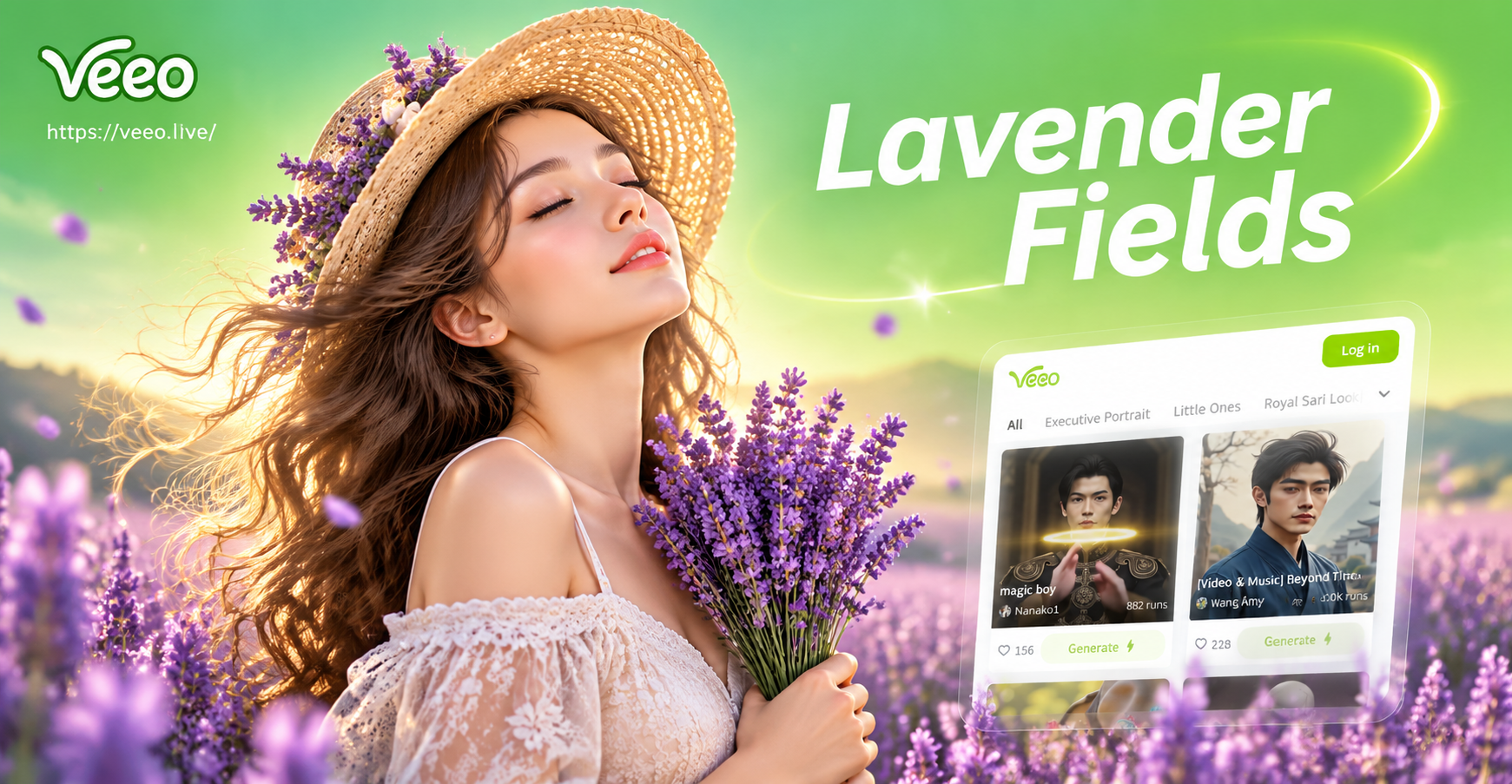
Lavender Field Photo Prompts: Create Dreamy AI Images
Discover curated lavender field photo prompts for veeo. Turn text into dreamy purple flower scenes with AI. Perfect for portraits, landscapes, and dreamy aesthetics.
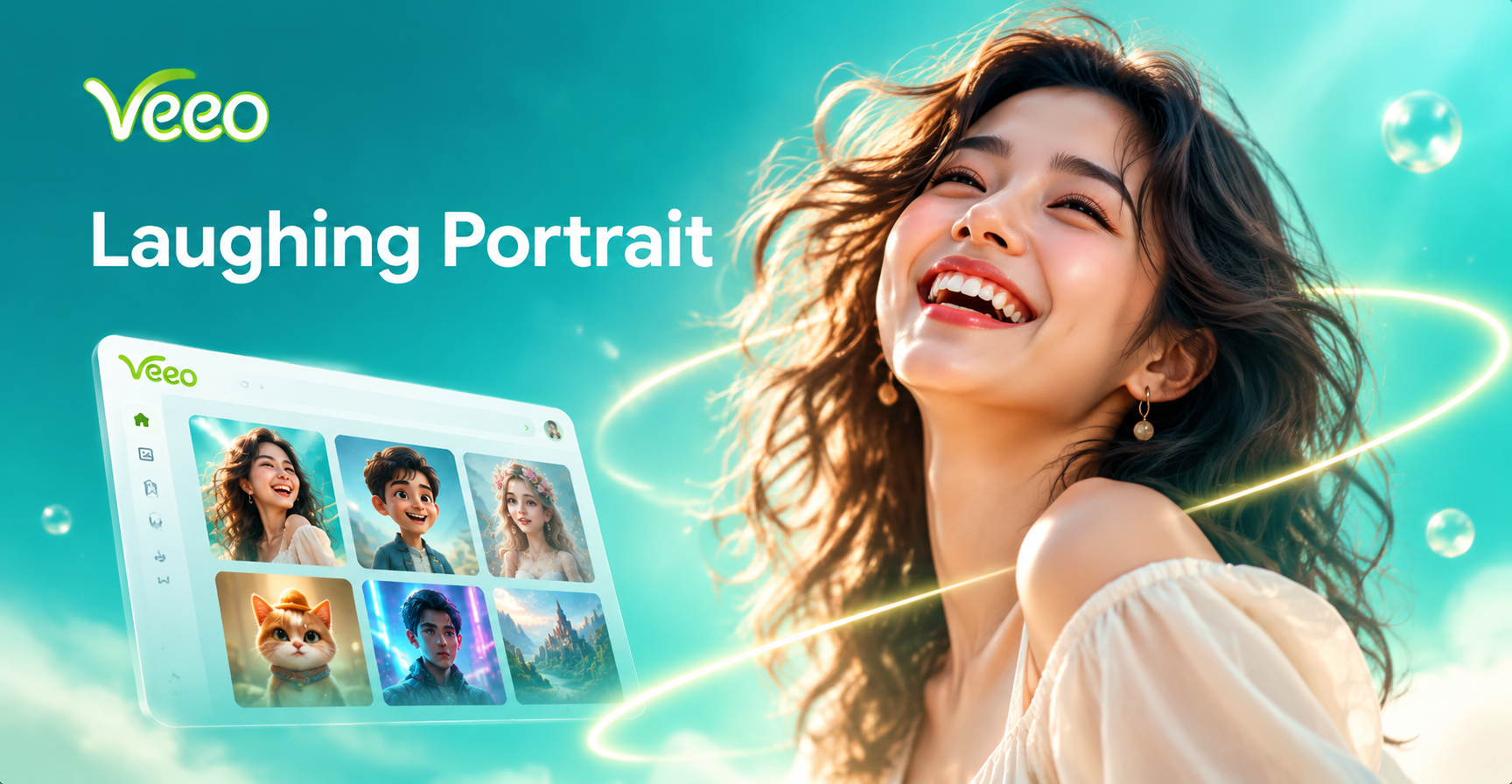
Laughing Portrait Prompt: Create Joyful AI Headshots
Use the laughing portrait prompt to transform photos into joyful, candid AI headshots. Upload an image, pick a laughter template, and get realistic smiling portraits in seconds. No editing skills needed.
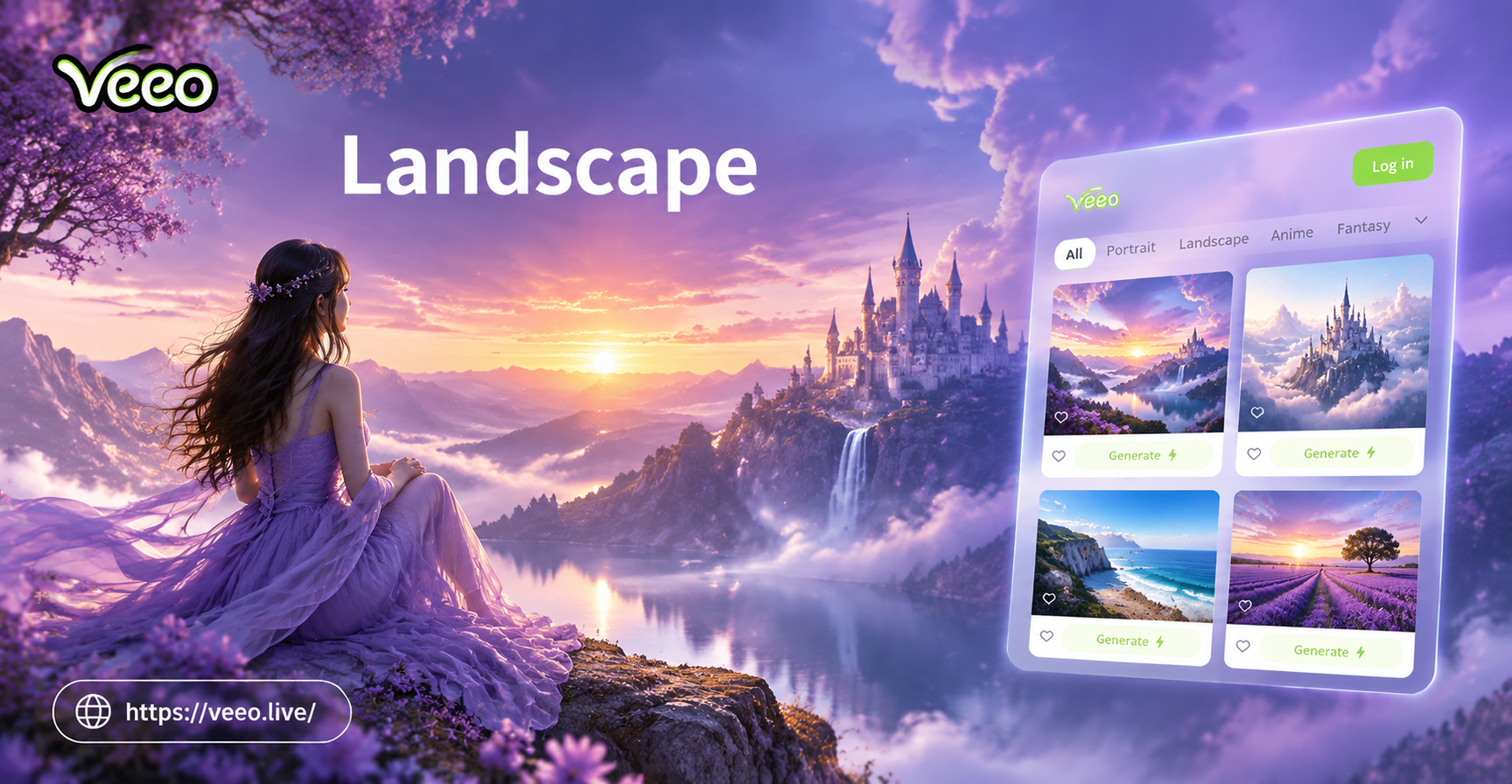
Craft Scenic Art with AI Landscape Painting Prompts
Turn simple text into stunning landscape paintings with veeo. Use ready-made landscape painting prompts, pick an art style, and generate scenic art in seconds.
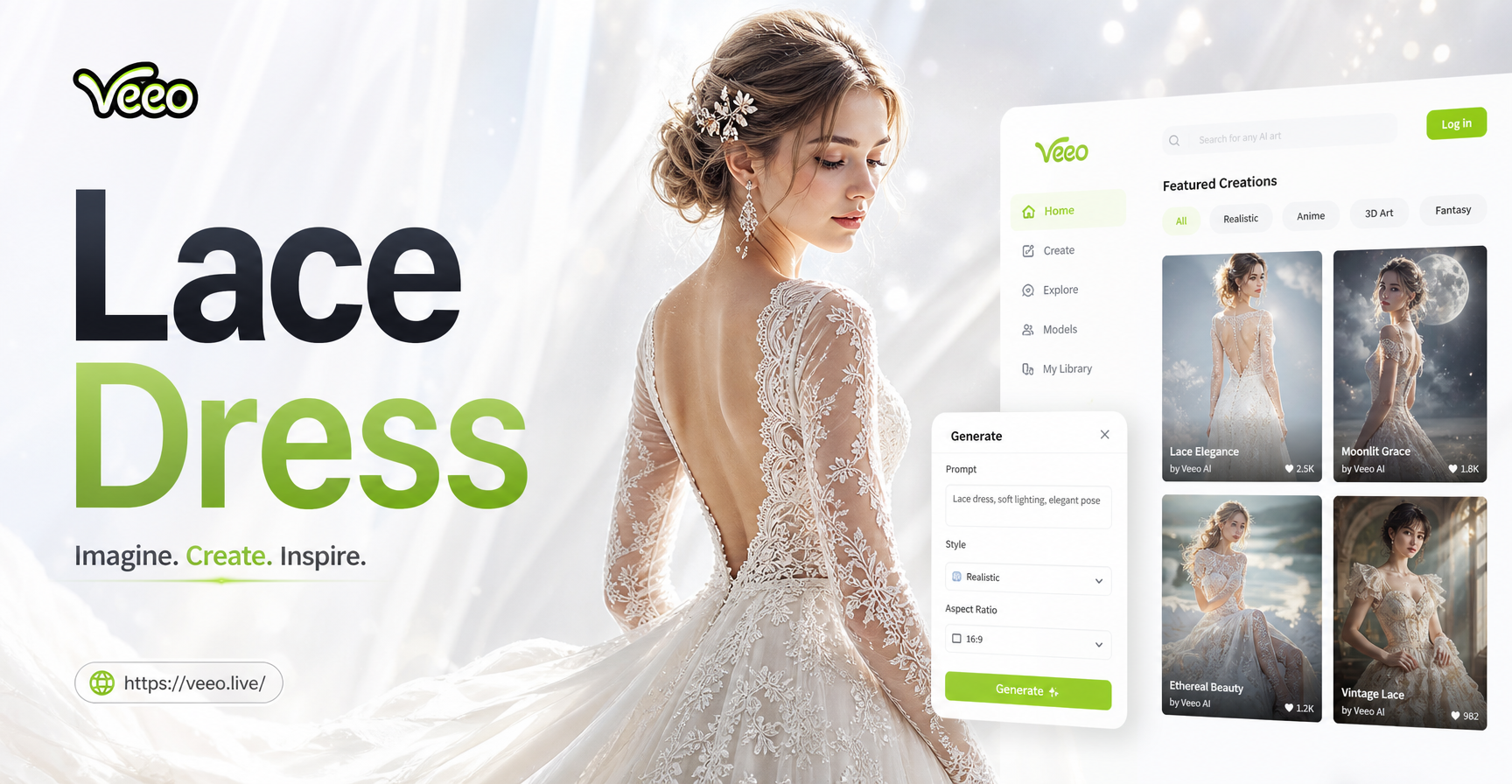
Lace Dress Prompt Ideas for Stunning AI Fashion
Turn words into beautiful lace dress photos. Find lace dress prompts for vintage, boho, and elegant styles. Generate realistic AI outfits in seconds with veeo.
Download veeo for Lawyer Photo Prompts
Get the free mobile app and start creating professional attorney headshots, courtroom scenes, and law firm team photos in minutes. No studio required.

Download veeo for Lawyer Photo Prompts
Get the free mobile app and start creating professional attorney headshots, courtroom scenes, and law firm team photos in minutes. No studio required.