Double Color Smoke Portrait Generator
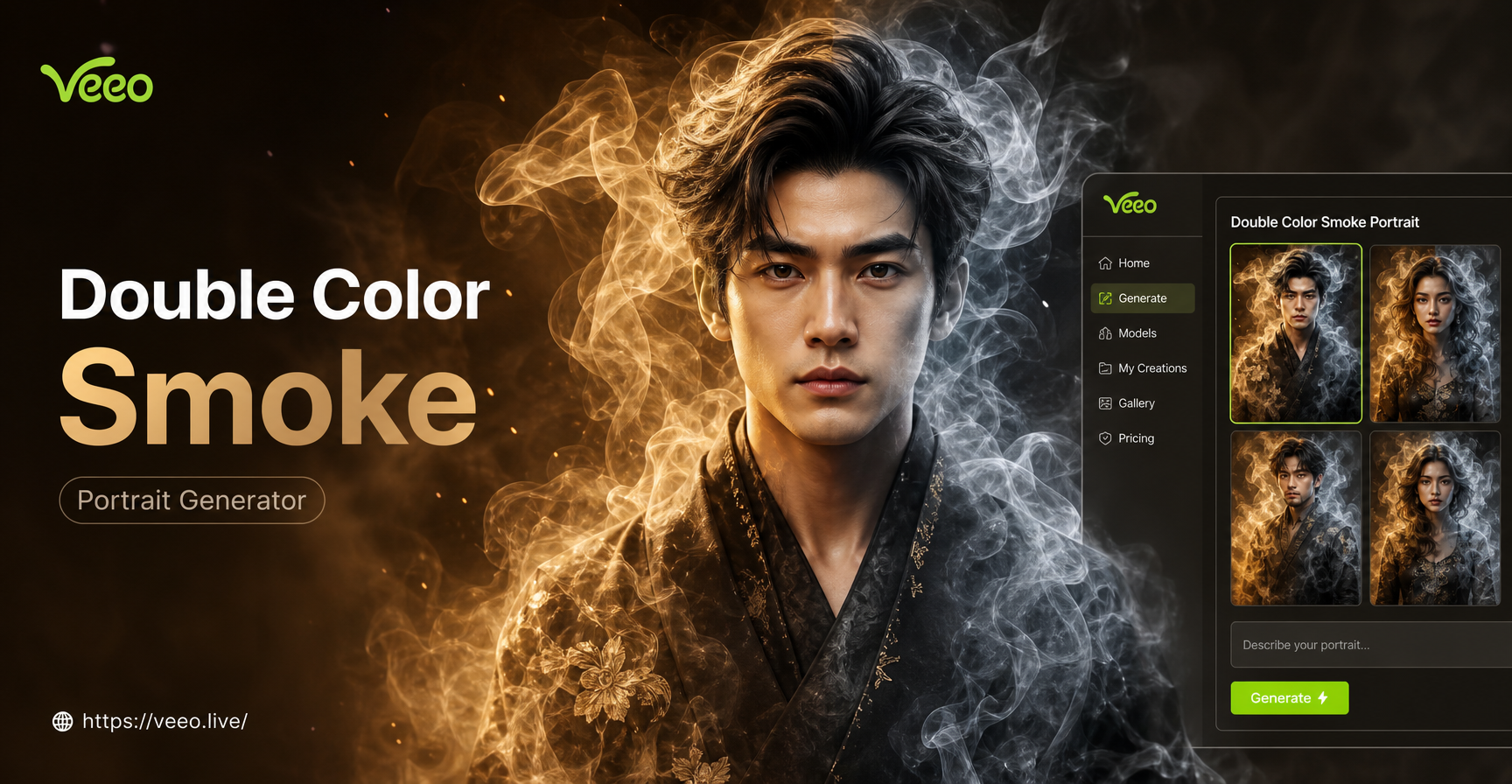
Choose Your Smoke Effect
From ethereal wisps to bold, swirling plumes, select the perfect dual-color smoke style to match your vision. Explore our curated collection of AI filters.
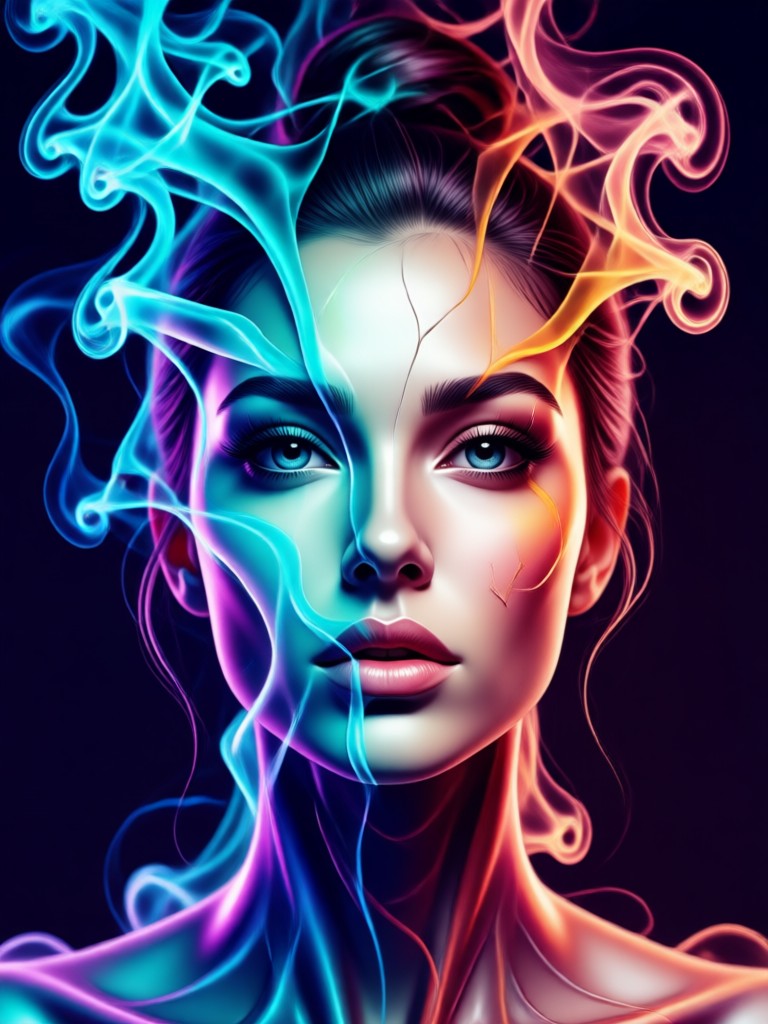
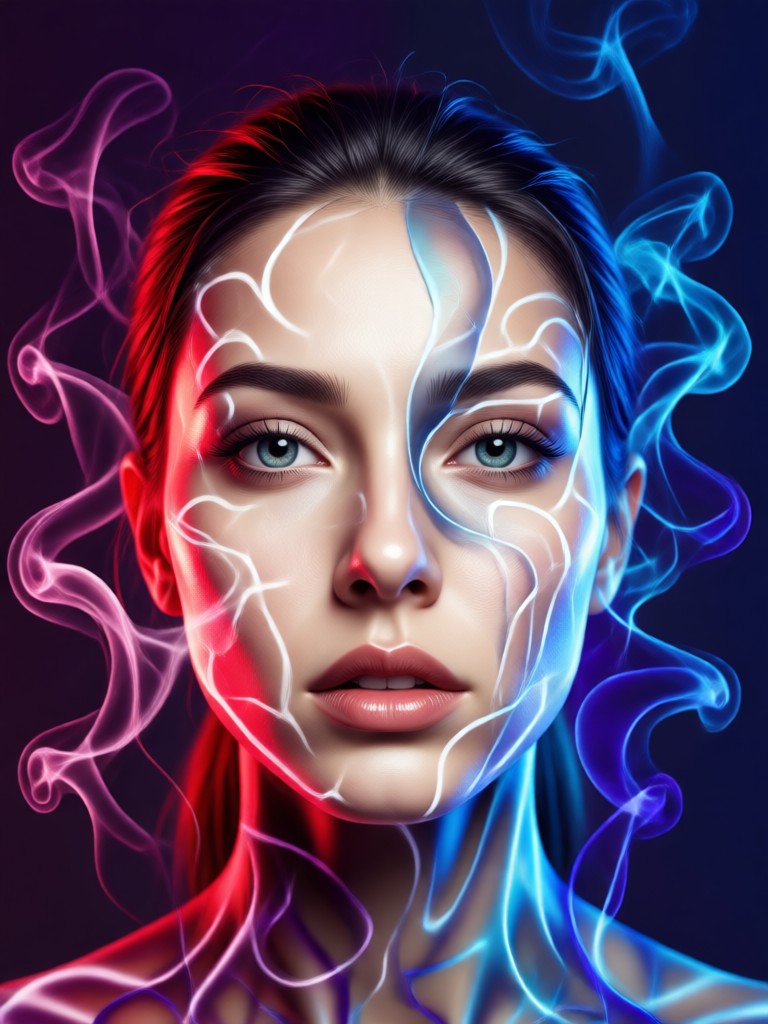
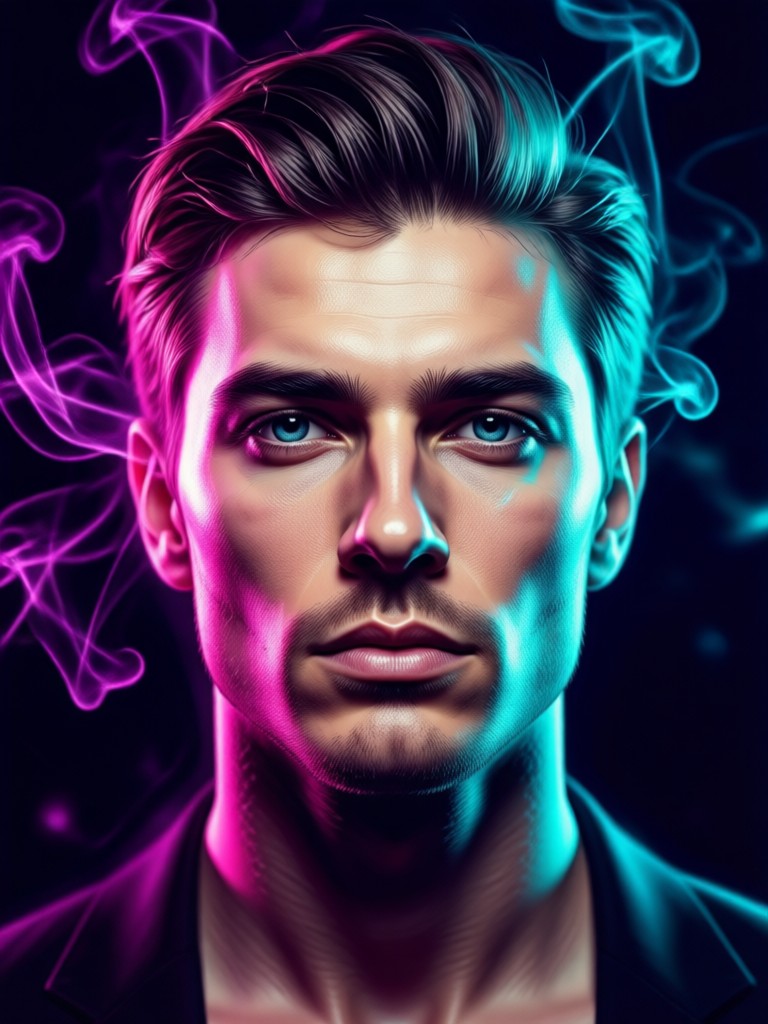
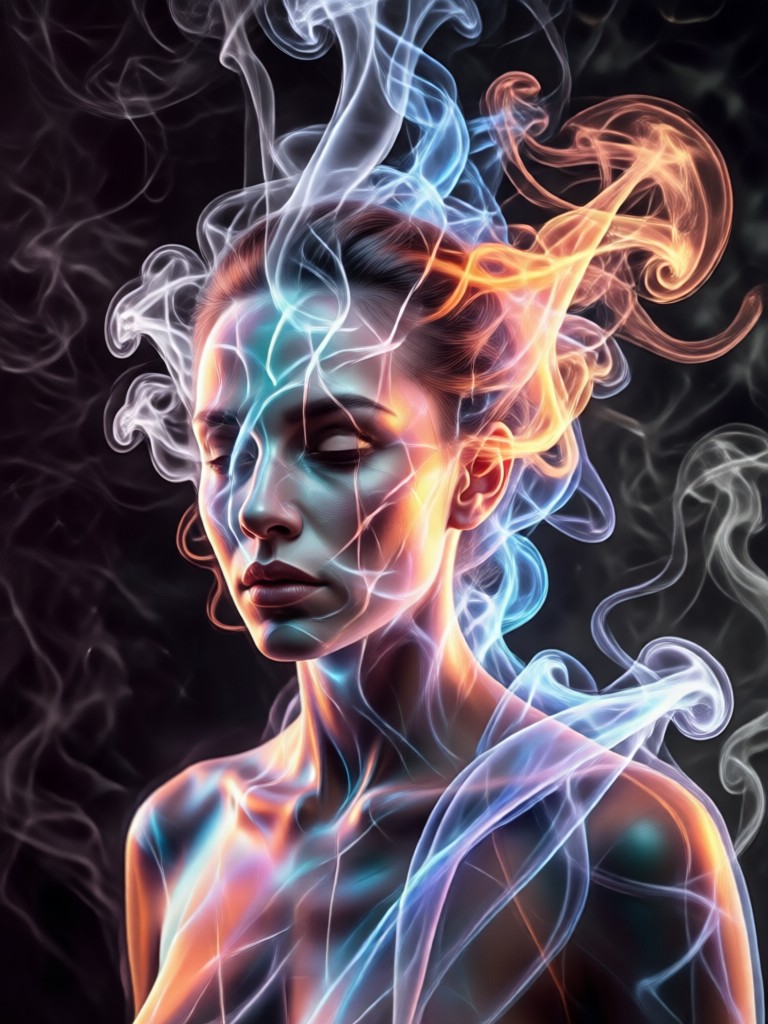
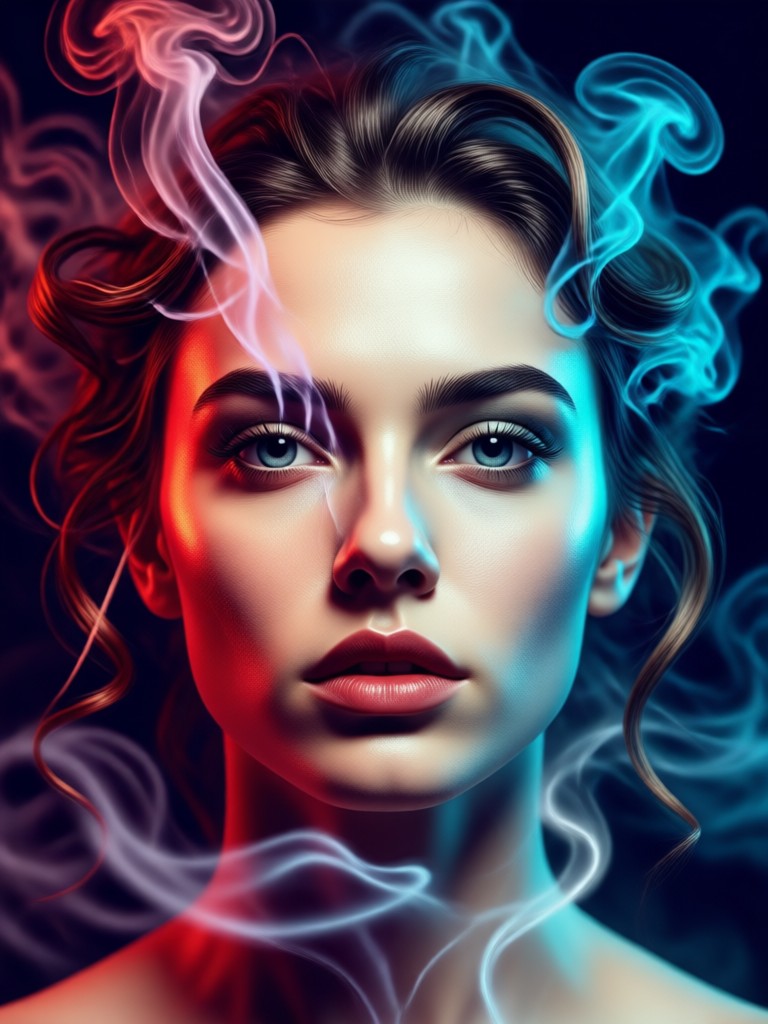
Popular Double Color Smoke Style Samples
Browse stunning examples of AI generated smoke portraits. See the artistic range from cool blue and purple to warm red and gold combinations.
Why Use Our Double Color Smoke Portrait Generator
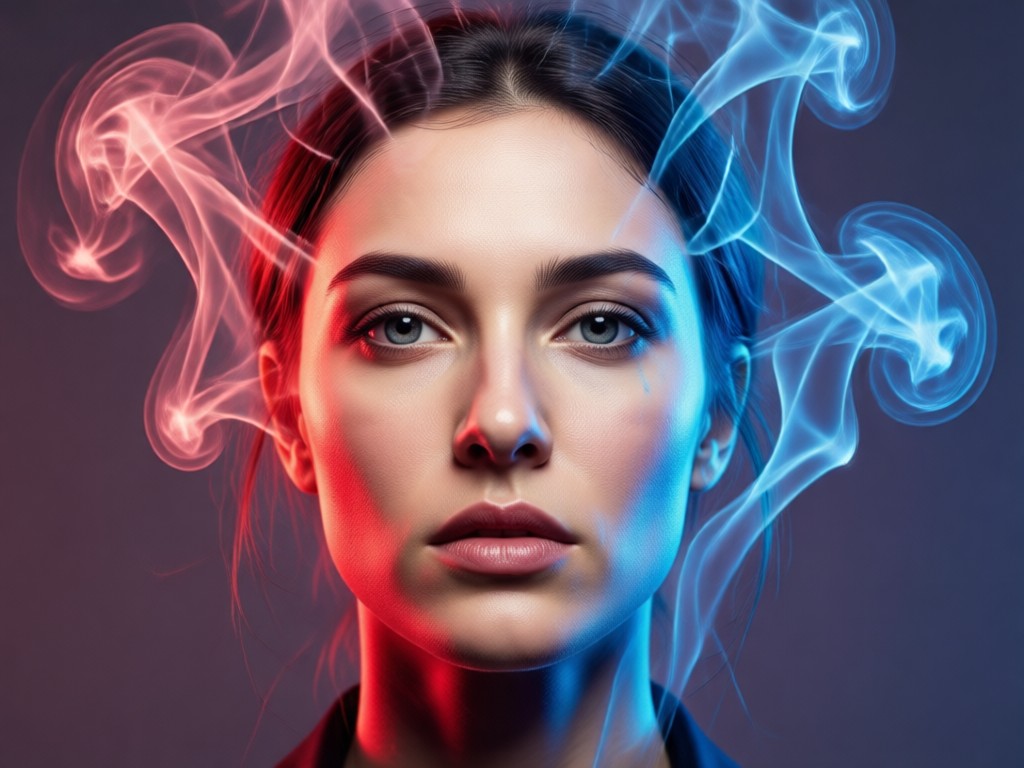
Go beyond basic filters. Our AI understands light, form, and depth to create smoke that interacts realistically with your portrait, not just sits on top.
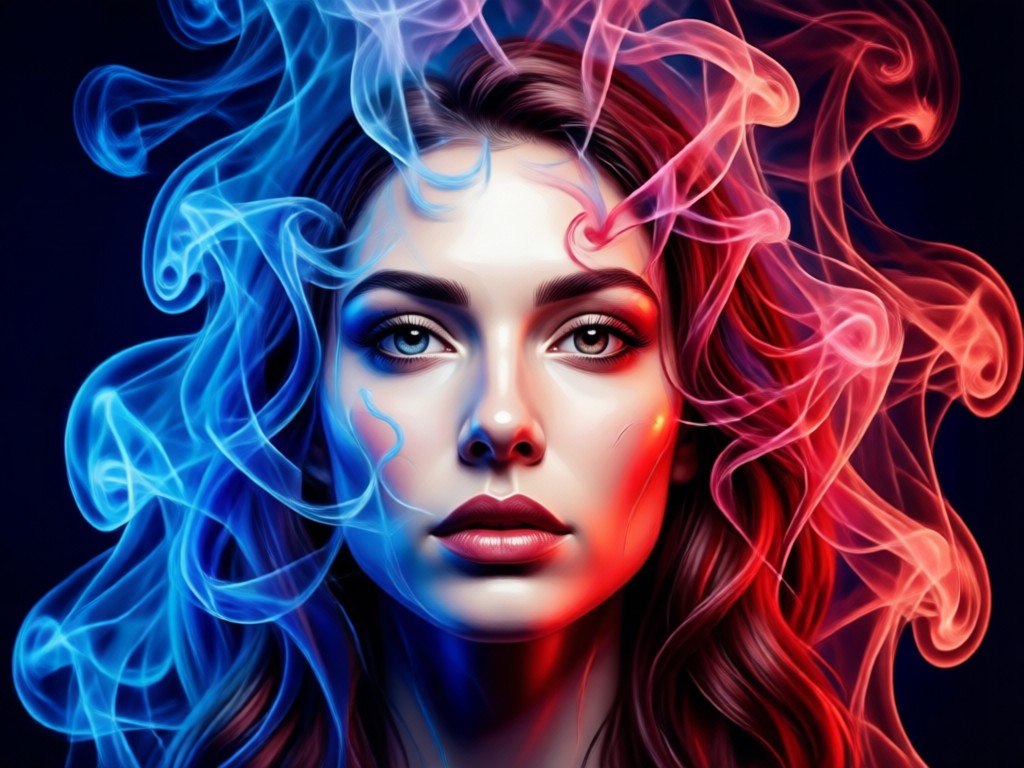
True Photo Integration
The AI analyzes your portrait's lighting and composition, weaving the smoke around your subject's features for a natural, immersive effect.
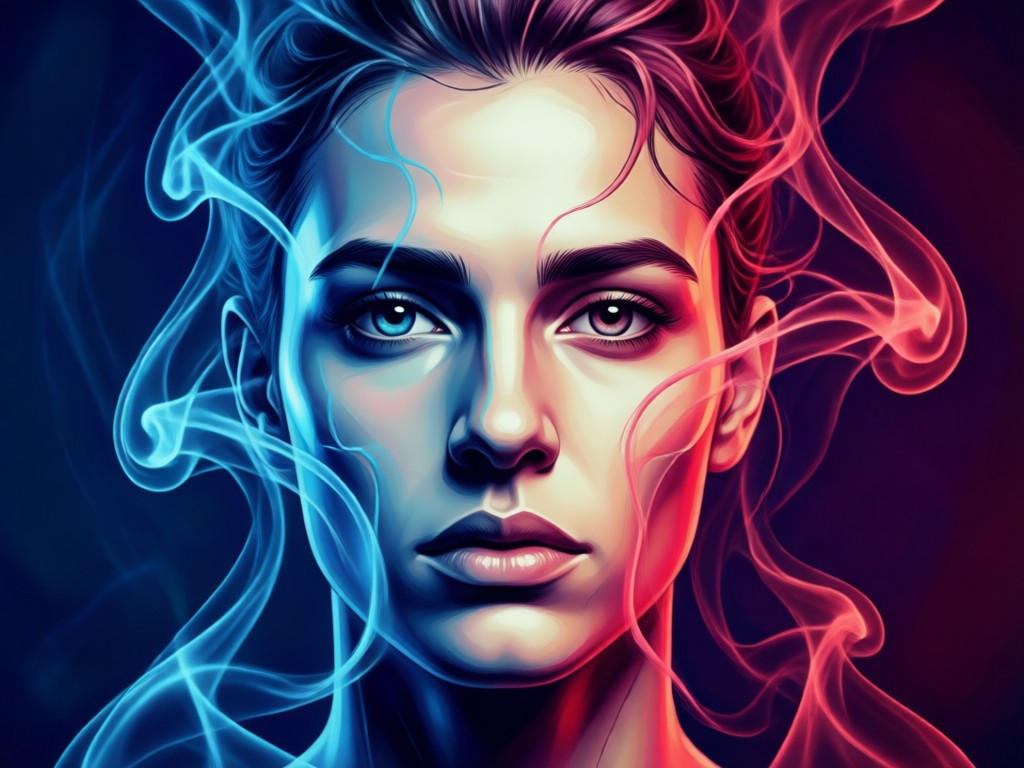
Unlimited Color Combinations
Choose any two colors for your smoke effect. Create classic contrasts or subtle, harmonious blends to perfectly match the mood of your photo.
Dynamic Smoke Textures
Generate everything from soft, wispy smoke clouds to dense, swirling vortexes. Control the intensity and flow pattern for a completely custom look.
How to Create a Double Color Smoke Portrait
Transform your photo into an AI smoke masterpiece in three simple steps. No technical knowledge required.

Step 01.
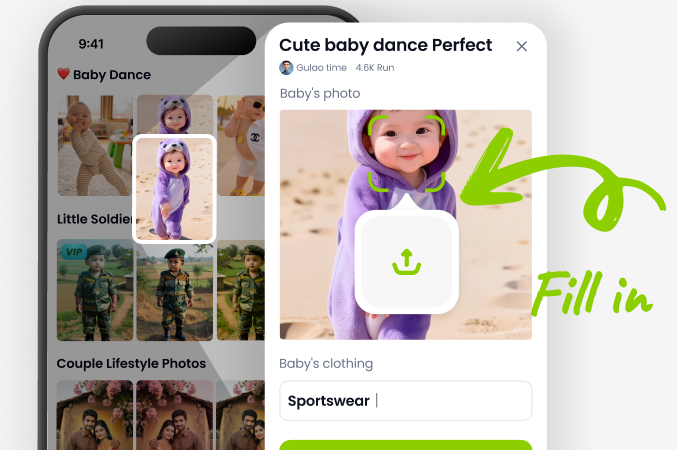
Download the free veeo app from Google Play. Open the app and tap the 'Upload Photo' button to select your portrait.
Step 02.
Browse the 'Artistic Effects' category and select a Double Color Smoke filter. Customize your two primary colors and adjust the smoke density.
Step 03.
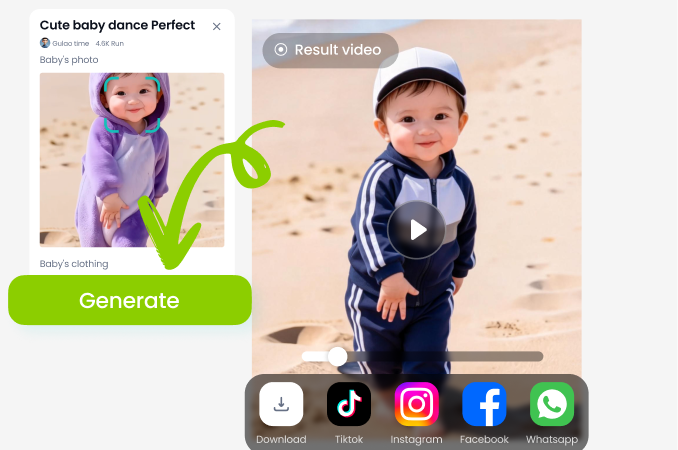
Tap 'Generate'. In seconds, your AI smoke portrait is ready. Download it in high resolution or share it directly to social media.
How Creators Use Double Color Smoke Portraits
Kai, Digital Artist
This is my go to tool for creating compelling character art for my visual novels. The smoke adds so much atmosphere and emotion. It saves me hours of manual painting in Photoshop.
Maya, Portrait Photographer
I use it to create unique promotional content for my clients. It turns a standard headshot into a piece of art they can use for album covers or author bios. The realism of the smoke blend is unmatched.
Leo, Social Media Manager
Our brand's Instagram engagement skyrocketed after we started using these AI smoke portraits for our team highlights. They're eye catching, on trend, and incredibly easy to produce in bulk.
Zara, Music Producer
Perfect for creating cover art and visualizers on a budget. I can take a simple photo of an artist and give it a dark, moody, or ethereal vibe that fits the music perfectly.
Kai, Digital Artist
This is my go to tool for creating compelling character art for my visual novels. The smoke adds so much atmosphere and emotion. It saves me hours of manual painting in Photoshop.
Maya, Portrait Photographer
I use it to create unique promotional content for my clients. It turns a standard headshot into a piece of art they can use for album covers or author bios. The realism of the smoke blend is unmatched.
Leo, Social Media Manager
Our brand's Instagram engagement skyrocketed after we started using these AI smoke portraits for our team highlights. They're eye catching, on trend, and incredibly easy to produce in bulk.
Zara, Music Producer
Perfect for creating cover art and visualizers on a budget. I can take a simple photo of an artist and give it a dark, moody, or ethereal vibe that fits the music perfectly.
Kai, Digital Artist
This is my go to tool for creating compelling character art for my visual novels. The smoke adds so much atmosphere and emotion. It saves me hours of manual painting in Photoshop.
Maya, Portrait Photographer
I use it to create unique promotional content for my clients. It turns a standard headshot into a piece of art they can use for album covers or author bios. The realism of the smoke blend is unmatched.
Leo, Social Media Manager
Our brand's Instagram engagement skyrocketed after we started using these AI smoke portraits for our team highlights. They're eye catching, on trend, and incredibly easy to produce in bulk.
Zara, Music Producer
Perfect for creating cover art and visualizers on a budget. I can take a simple photo of an artist and give it a dark, moody, or ethereal vibe that fits the music perfectly.
From Ordinary Photo to Ethereal Art
See how a standard portrait is transformed. The veeo AI doesn't just overlay smoke. It intelligently generates wisps that flow with the hair, curl around the shoulders, and react to the light source in your original photo for a believable, magical result.
Double Color Smoke Portrait FAQs
Get answers to common questions about creating stunning AI smoke portraits with the veeo app.
More AI Art Styles You May Like
Explore more topics you may like and discover fresh ideas tailored to your interests.
Create Heartfelt Birthday Videos for Mom | AI Generator
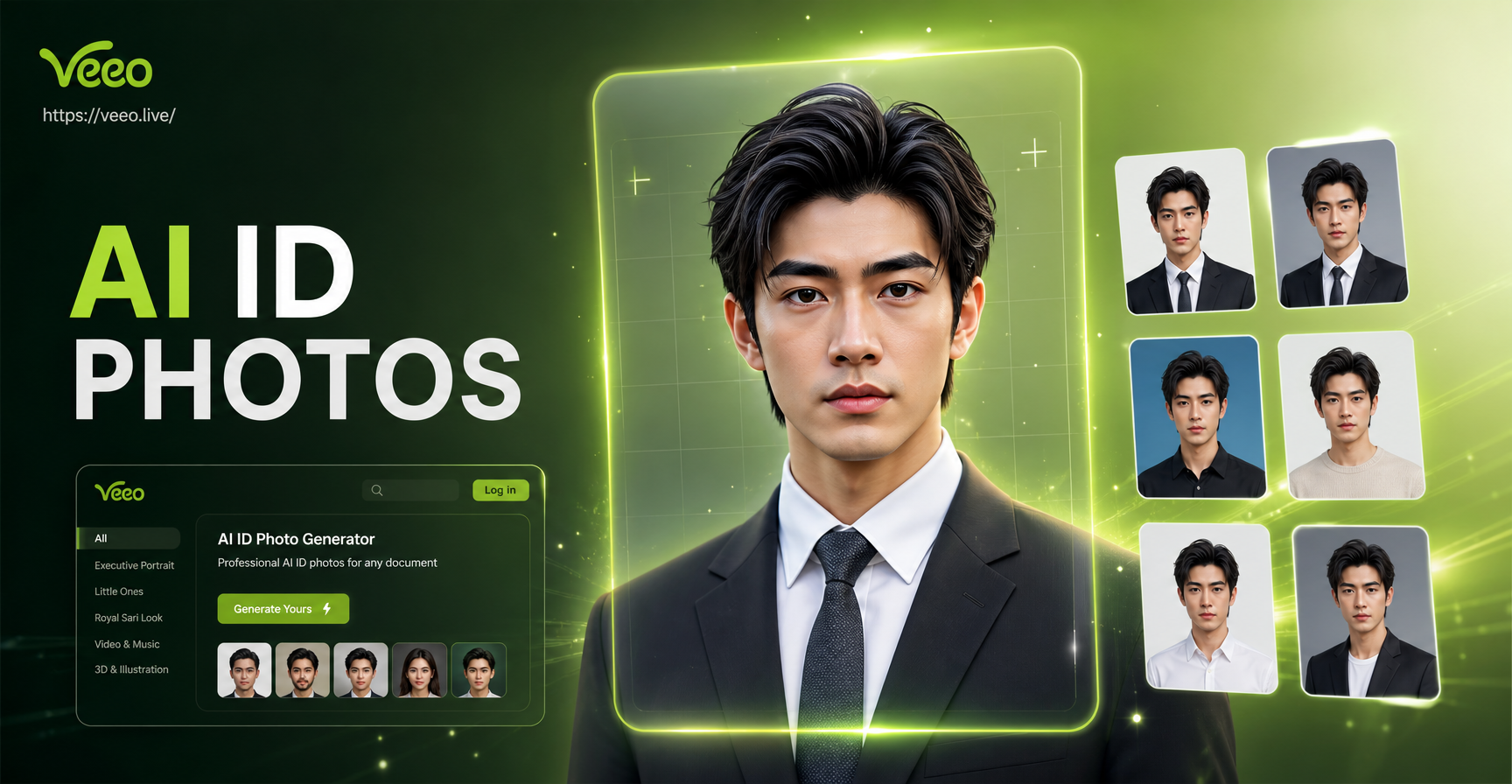
Create Perfect ID Photos with AI in Seconds
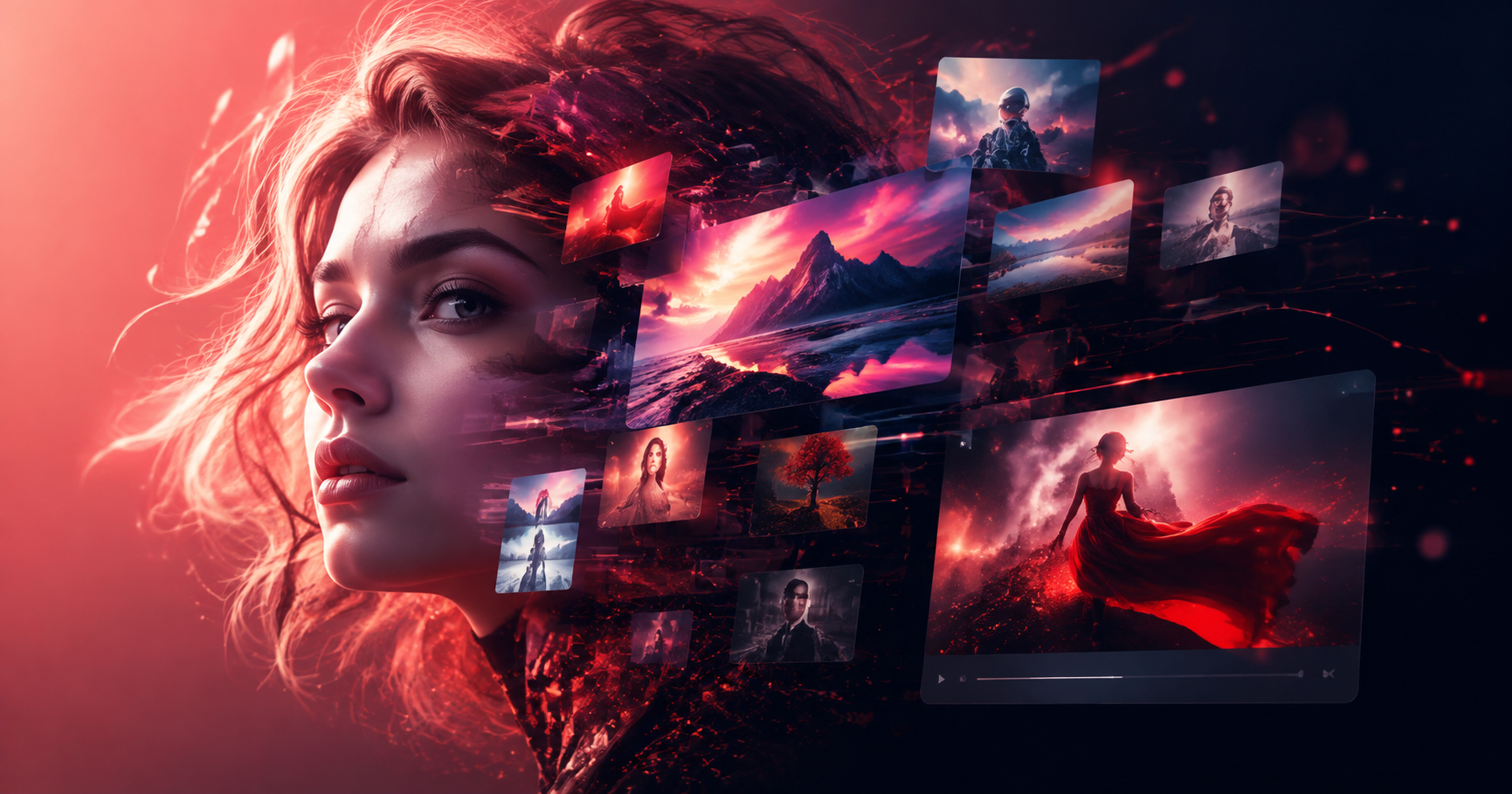
Harry Potter Character AI: Create & Transform Into Wizards
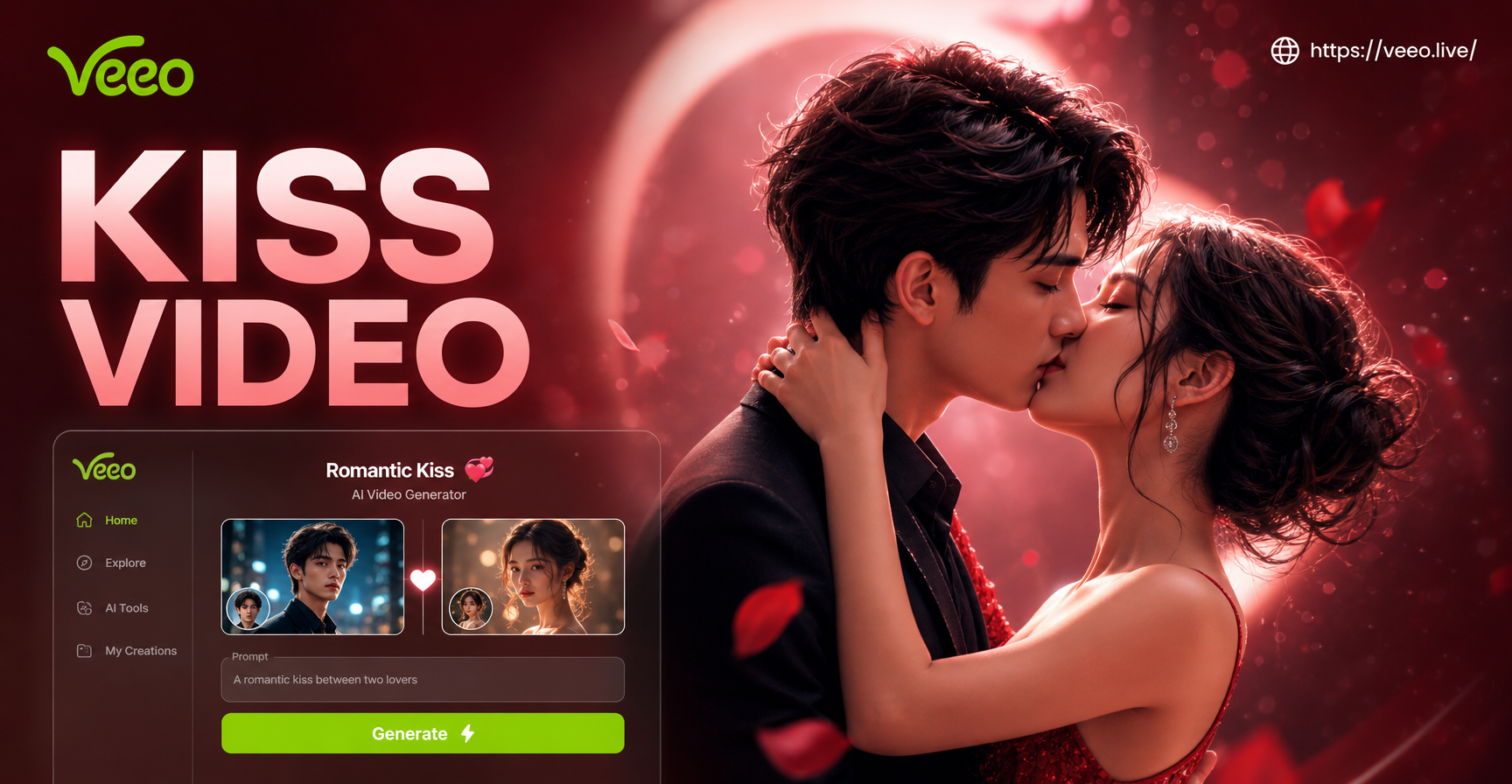
Create Romantic AI Kiss Videos with Your Partner Instantly
Create Heartfelt Birthday Videos for Mom | AI Generator
Create Perfect ID Photos with AI in Seconds
Harry Potter Character AI: Create & Transform Into Wizards
Create Romantic AI Kiss Videos with Your Partner Instantly
Create Your Signature Smoke Portrait
Stop scrolling through generic filters. Generate a truly unique piece of AI art that reflects your personal style. Download veeo and turn your vision into a viral masterpiece.
Create Your Signature Smoke Portrait
Stop scrolling through generic filters. Generate a truly unique piece of AI art that reflects your personal style. Download veeo and turn your vision into a viral masterpiece.