AI Video Restore
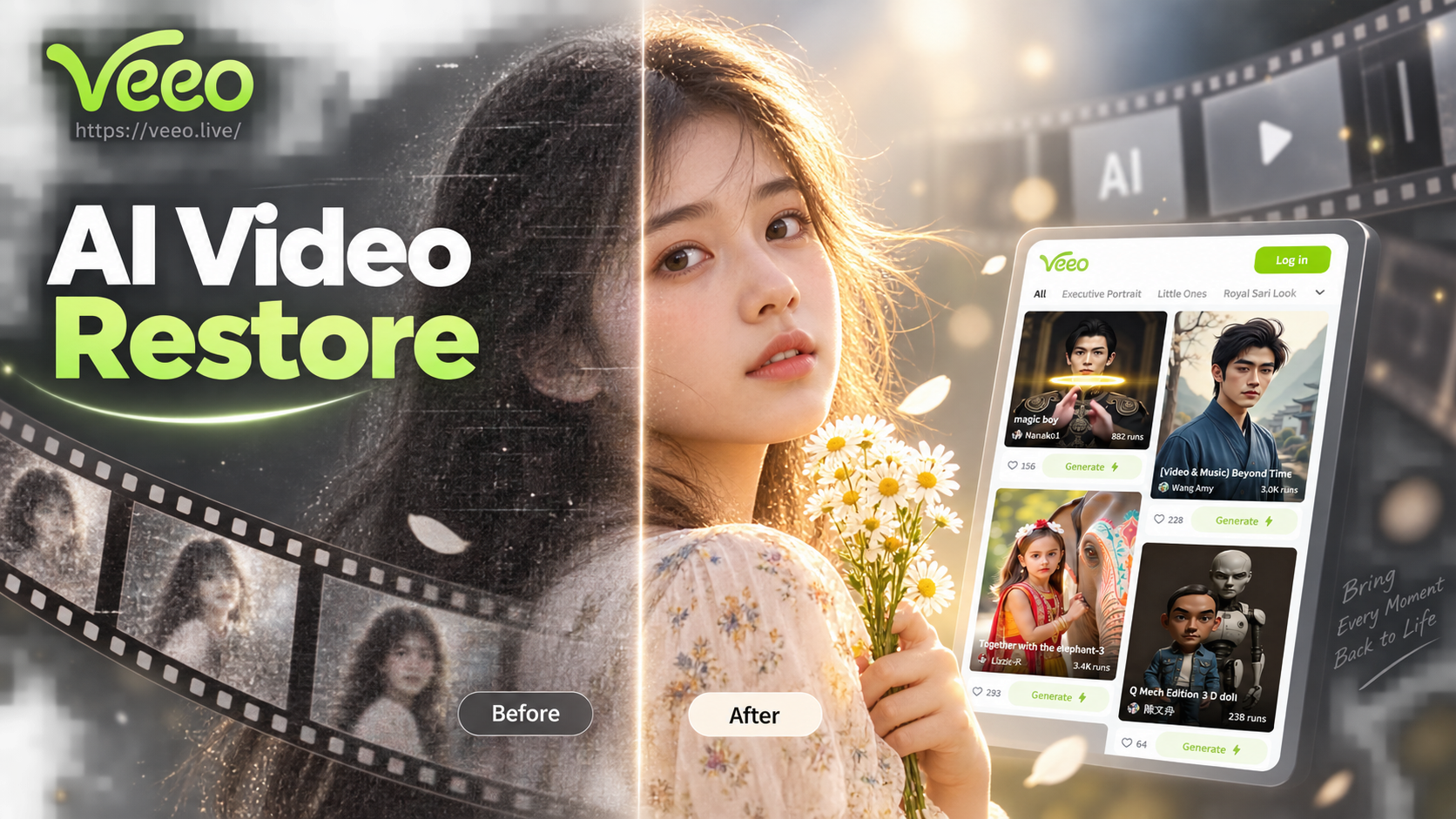
Powerful Restoration Filters for Every Need
Whether you're fixing family archives, improving social media clips, or restoring vintage footage, we have the perfect AI filter to match your video's condition and your desired outcome.
What Our AI Video Restore Can Fix
Our advanced AI is trained on millions of video frames to intelligently identify and correct the most common types of visual degradation, delivering professional-grade restoration instantly.
Upscale & Deblur
Transform low-resolution 480p or 720p videos into crisp 1080p or 4K. AI intelligently fills in missing details to reduce pixelation and sharpen blurry movements for a modern,高清 viewing experience.
Colorize & Enhance
Bring black and white or faded color videos back to life. AI automatically adds realistic, historically accurate colors and boosts contrast and saturation to make scenes vibrant and dynamic again.
Noise & Scratch Removal
Eliminate distracting visual artifacts like film grain, digital noise, compression blocks, dust, and scratches. AI cleans the video frame by frame while preserving the original details and textures.
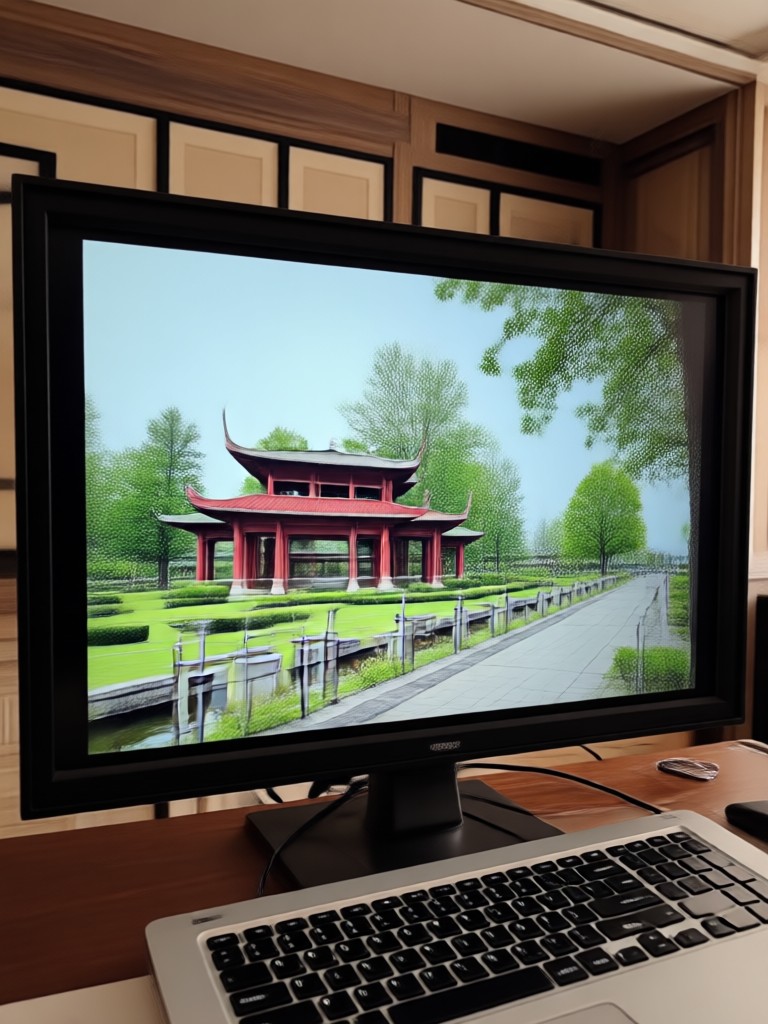
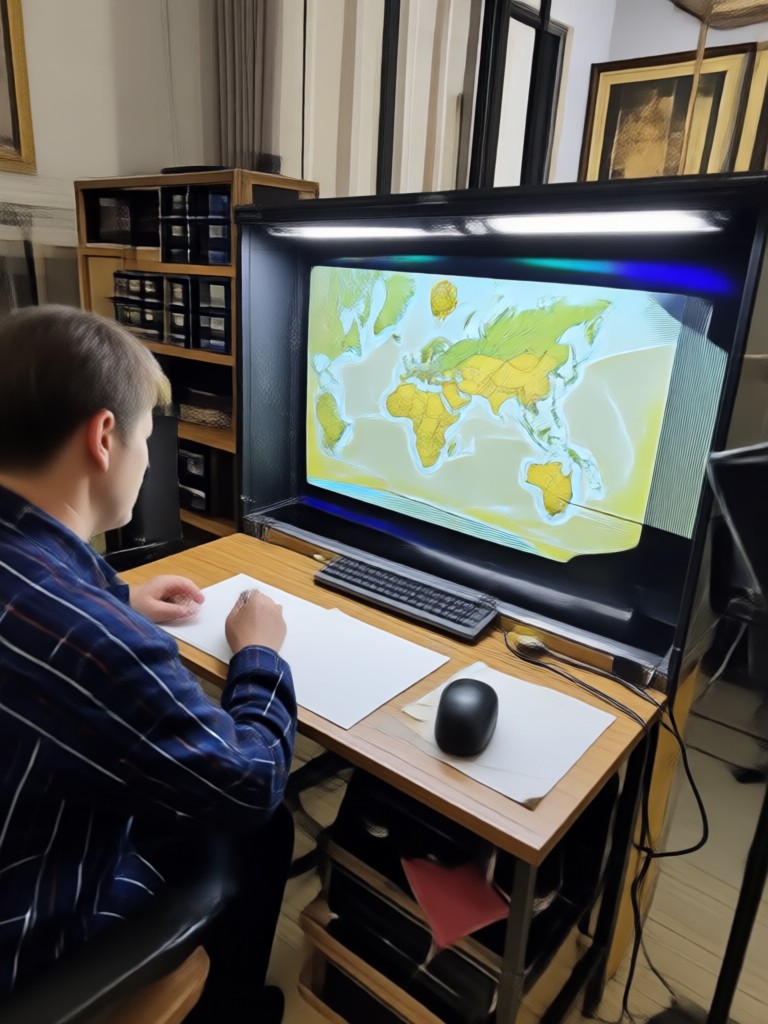
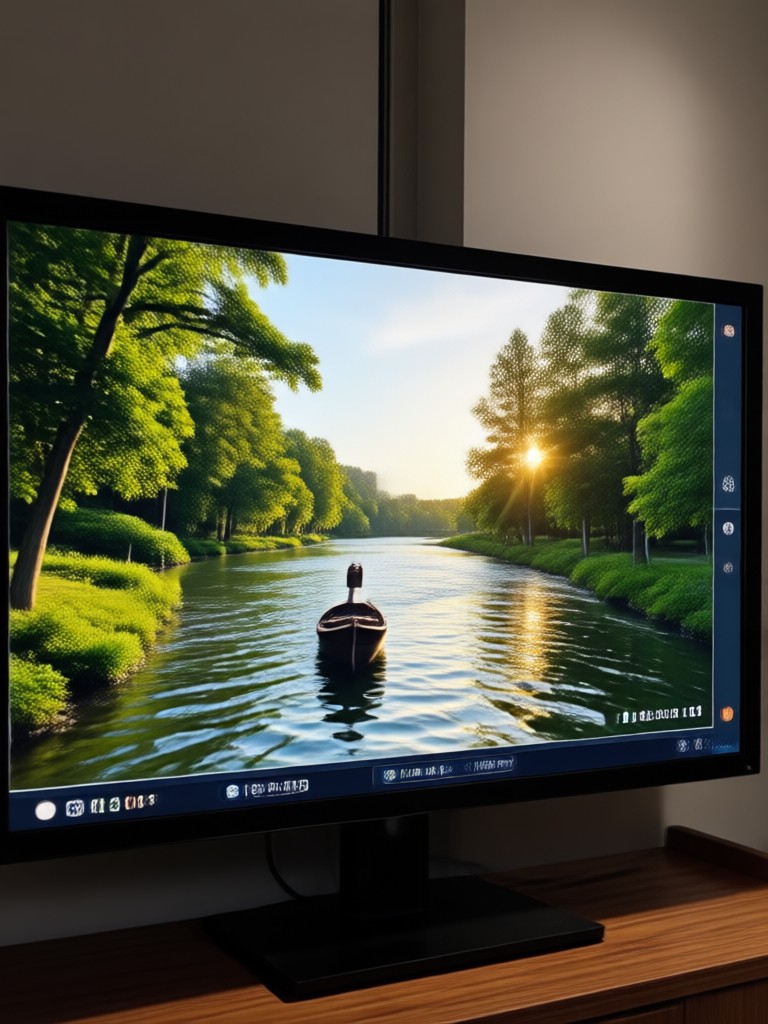
See the Transformation: Before & After AI Restoration
Witness how AI Video Restore can dramatically improve videos of all types. From old home movies to recent phone recordings, the results speak for themselves.
How to Restore Videos with AI in 3 Steps
The entire restoration process is simple, fast, and happens entirely on your mobile device. No technical skills or expensive software required.
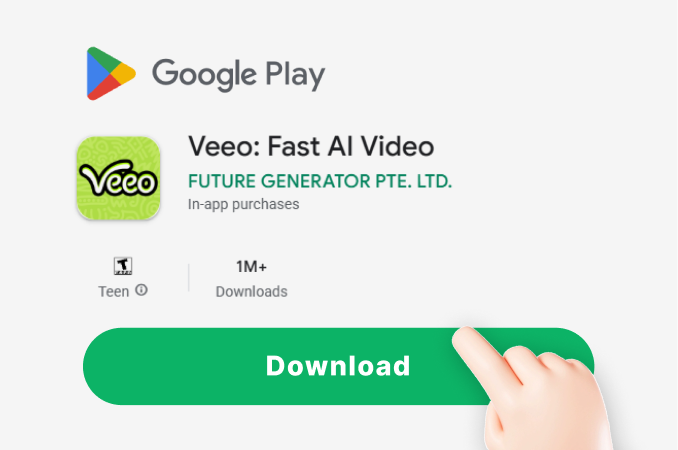
Step 01.
Download the Veeo app from Google Play. Open the app and navigate to the video tools section to find the AI Restore feature.
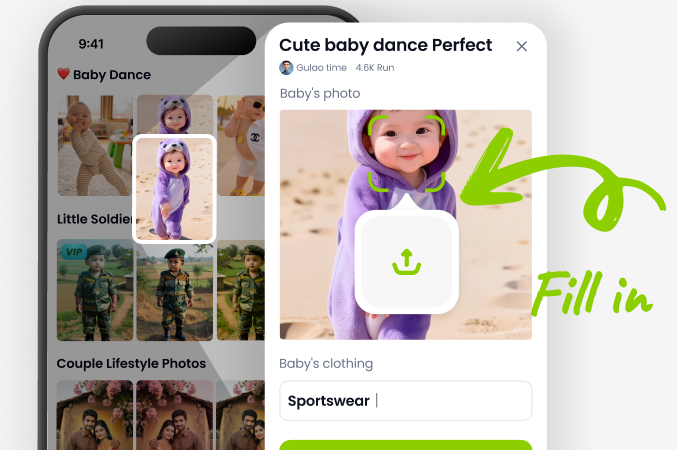
Step 02.
Upload your old or low-quality video directly from your phone's gallery. Then, select your preferred restoration filter, such as 'Upscale HD', 'Colorize', or 'Noise Remover'.
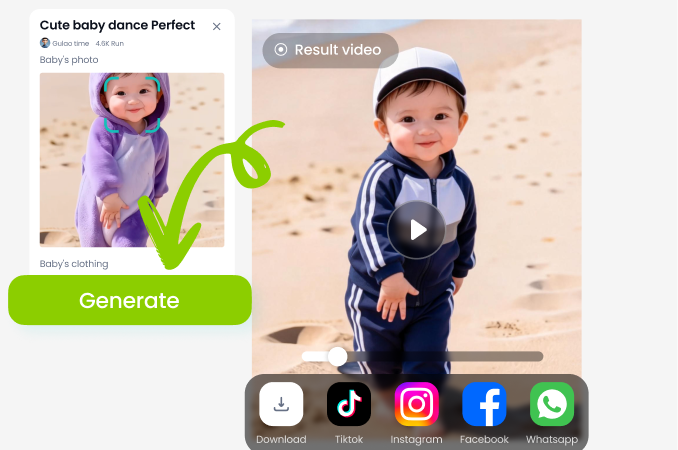
Step 03.
Tap 'Generate'. In seconds, preview your restored video. You can then download the high-quality result in MP4 format to save or share with family and friends.
Stories from Users Who Revived Their Memories
Brought my grandparents' wedding film back to life
I had a badly damaged 8mm film transfer that was flickery and faded. The AI colorize and scratch removal filters worked miracles. My family was in tears seeing it so clear and vibrant for the first time.
Essential tool for my vintage footage channel
I run a YouTube channel showcasing old commercials. This app saves me hours in professional editing suites. The upscaling is incredible, making 70s footage look like it was shot yesterday. My viewers always ask how the quality is so good.
Fixed years of grainy baby videos from my old phone
All my early videos of my kids were dark and pixelated. I was heartbroken thinking they were lost. AI Video Restore brightened them, removed the noise, and made the colors pop. Now I can make proper family montages.
Restore Any Video, Anytime, Anywhere
Your pocket-sized video restoration studio. Process clips up to 60 seconds long directly on your Android device. No cloud upload delays, your private memories stay on your phone.

AI Video Restore FAQs
Get answers to the most common questions about restoring your videos with artificial intelligence technology.
Don't Let Your Memories Fade. Restore Them Today.
Download Veeo now and unlock the power of AI Video Restore. Transform your old, blurry clips into cherished, clear memories in just a few taps.

Don't Let Your Memories Fade. Restore Them Today.
Download Veeo now and unlock the power of AI Video Restore. Transform your old, blurry clips into cherished, clear memories in just a few taps.