AI Camera Orbit Video Effect
Explore Popular AI Video Effects
Beyond the orbit effect, discover thousands of trending AI filters and video styles to elevate your content.
Why Choose Our AI Orbit Video Effect
Our AI Camera Orbit effect stands out with intuitive controls and professional results. Create stunning 360° videos that capture attention and boost engagement across all social platforms.
One-Click 360° Rotation
Upload a single photo and instantly generate a smooth, cinematic orbit video. The AI intelligently animates your subject with realistic 3D rotation, eliminating complex keyframing and manual editing.
One-Click 360° Rotation
Upload a single photo and instantly generate a smooth, cinematic orbit video. The AI intelligently animates your subject with realistic 3D rotation, eliminating complex keyframing and manual editing.
Fully Customizable Motion
Control the speed, direction, and smoothness of your orbit. Choose from slow, dramatic spins or fast, dynamic rotations to match the mood of your content perfectly.
Fully Customizable Motion
Control the speed, direction, and smoothness of your orbit. Choose from slow, dramatic spins or fast, dynamic rotations to match the mood of your content perfectly.
HD Export & Social Ready
Download your AI orbit videos in high definition, optimized for Instagram, TikTok, YouTube Shorts, and Reels. The effect adds a professional touch that makes your content stand out in any feed.
HD Export & Social Ready
Download your AI orbit videos in high definition, optimized for Instagram, TikTok, YouTube Shorts, and Reels. The effect adds a professional touch that makes your content stand out in any feed.
How to Create an AI Orbit Video
Create stunning 360° orbit videos in three simple steps with the veeo app. No prior editing experience is needed.
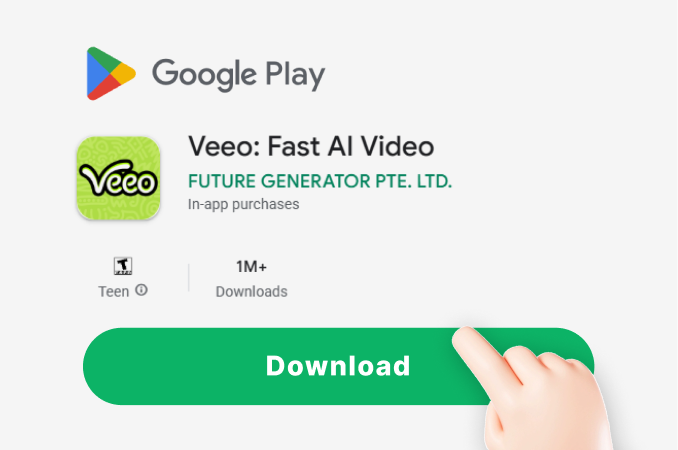
Step 01.
Download the veeo app from Google Play. Open the app and navigate to the video effects section to find the Camera Orbit filter.
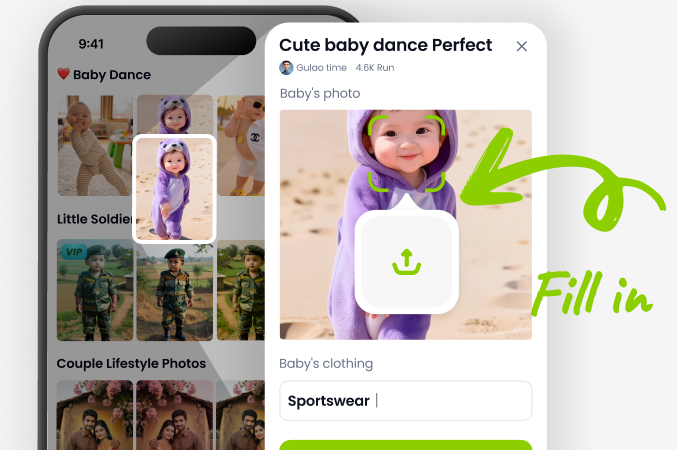
Step 02.
Upload a clear, high-quality photo of your subject. The AI works best with well-lit portraits, products, or objects against a simple background.
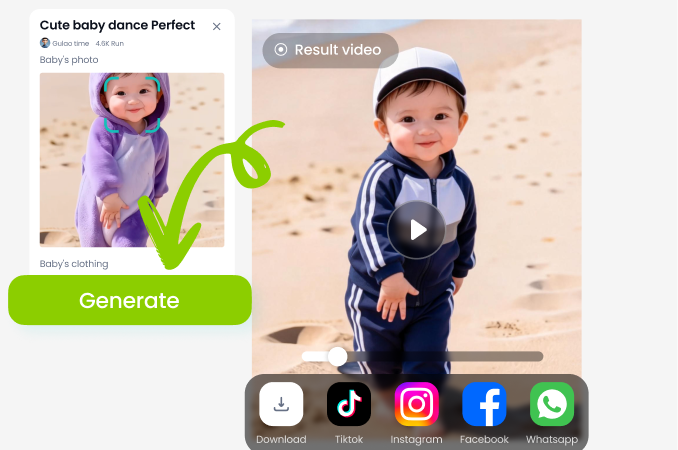
Step 03.
Apply the AI Camera Orbit effect. Adjust rotation speed and direction, then generate and download your HD orbit video to share on social media.
What Creators Say About the Orbit Effect
Game changer for my product videos
I sell handmade jewelry, and the orbit effect lets me showcase every angle of my pieces in a single, engaging video. My Instagram engagement has doubled since I started using it.
Makes portrait photography dynamic
As a photographer, this effect adds a cinematic flair to my still shots that clients love. It's incredibly easy to use and produces professional results every time.
Perfect for social media trends
This is my go-to tool for creating content that stands out on TikTok and Reels. The orbit effect is always trending, and with veeo, I can make my own in seconds.
Create Orbit Videos On Your Phone
Turn any photo into a mesmerizing 360° video directly from your mobile device. No desktop software or complex editing required.

AI Orbit Video Effect FAQs
Find answers to common questions about creating 360° orbit videos with AI. Get started quickly and troubleshoot any issues.
More AI Effects You May Like
Explore more topics you may like and discover fresh ideas tailored to your interests.
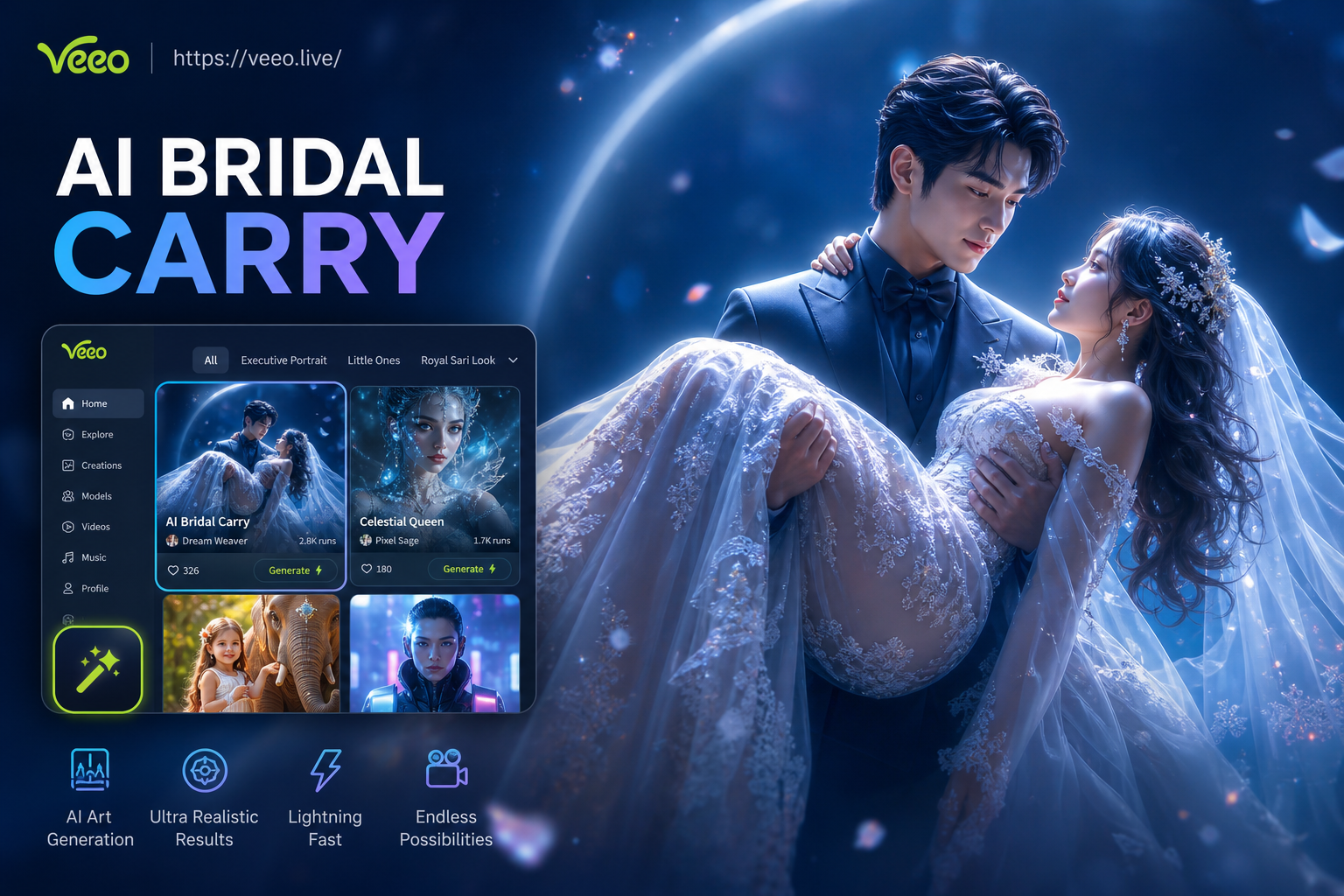
Ai Bridal Carry
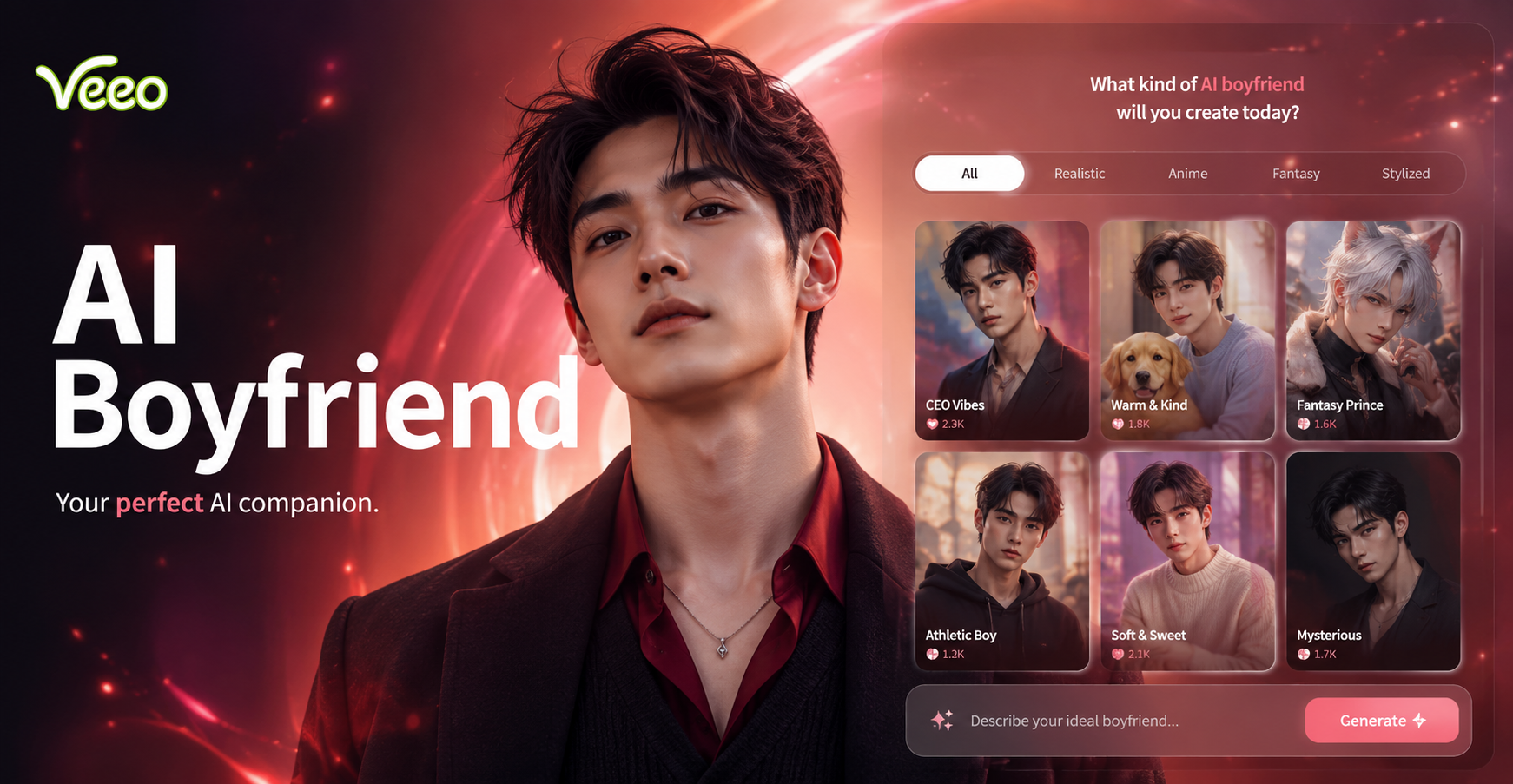
Ai Boyfriend Generator
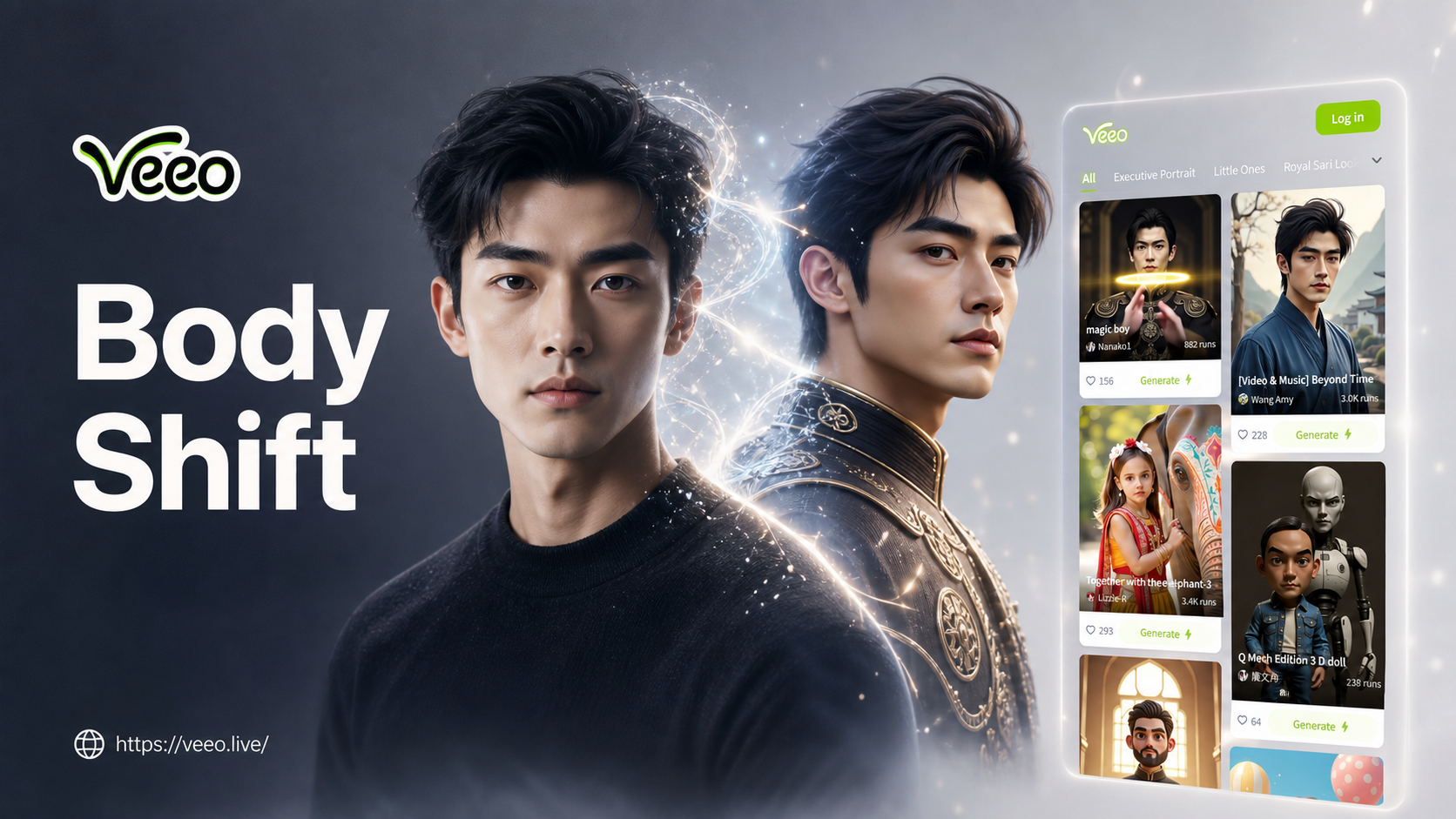
Ai Body Transformation Generator
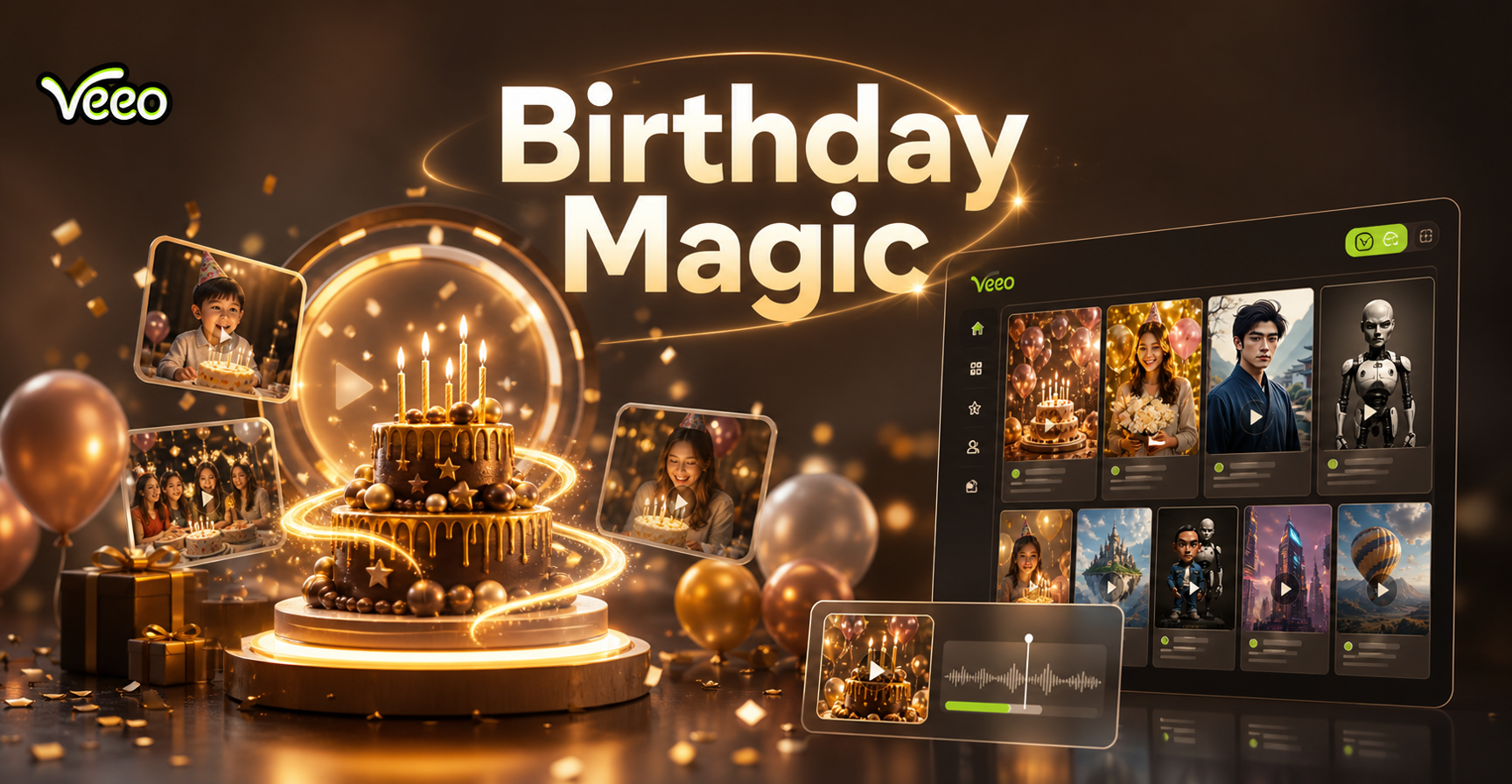
Ai Birthday Party Video Effect
Ai Bridal Carry
Ai Boyfriend Generator
Ai Body Transformation Generator
Ai Birthday Party Video Effect
Start Creating Viral Orbit Videos Today
Download veeo now and access the AI Camera Orbit effect, plus thousands of other creative filters. Transform your photos into eye-catching videos in seconds.

Start Creating Viral Orbit Videos Today
Download veeo now and access the AI Camera Orbit effect, plus thousands of other creative filters. Transform your photos into eye-catching videos in seconds.