AI Bloom Effect
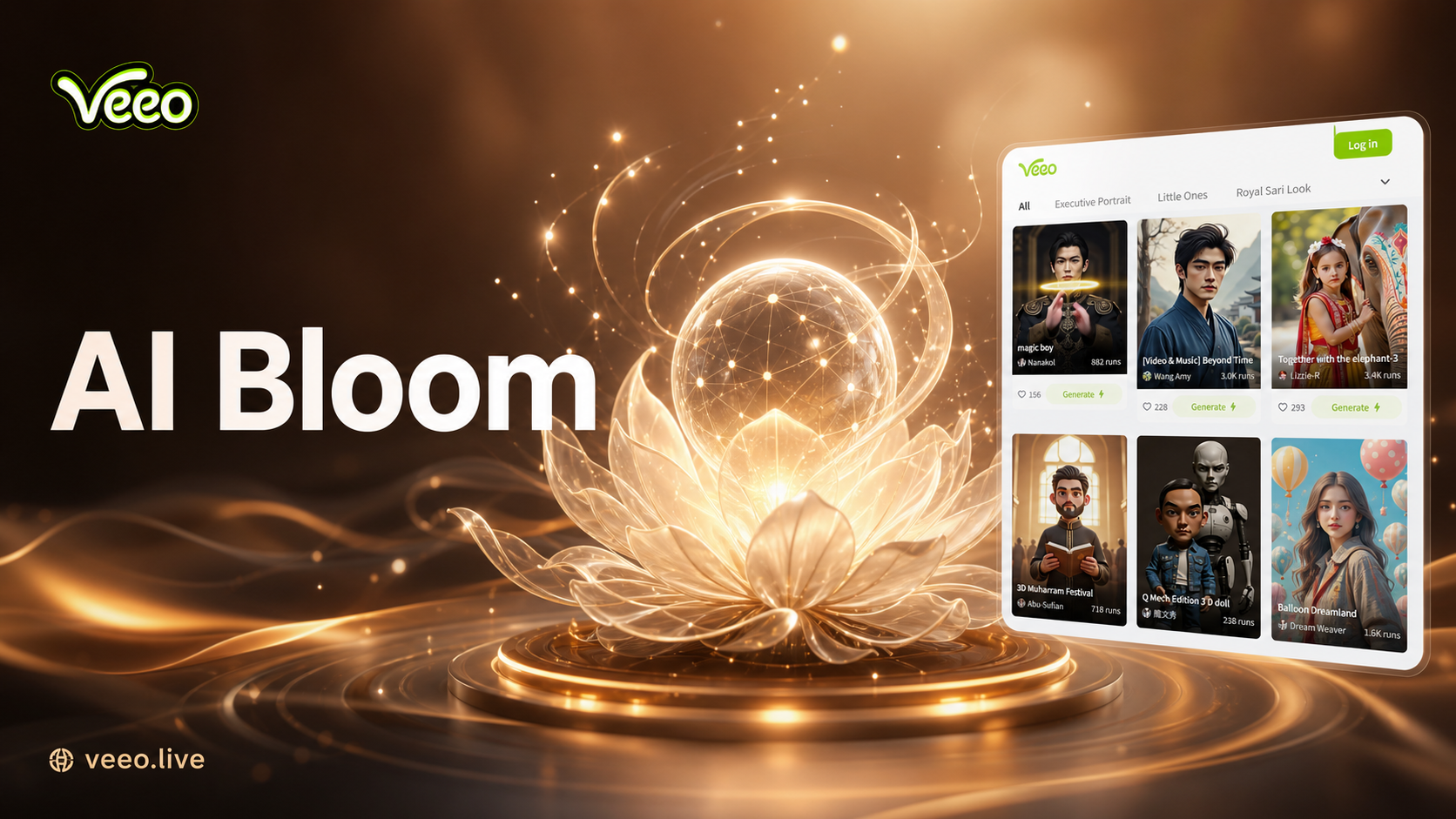
Choose the Filter That Suits You Best
Discover the AI bloom effect filter that perfectly matches your style and mood.
Why Choose Our AI Bloom Effect
Go beyond basic filters. Our AI Bloom Effect understands light, texture, and composition to apply glows intelligently for professional, breathtaking results.
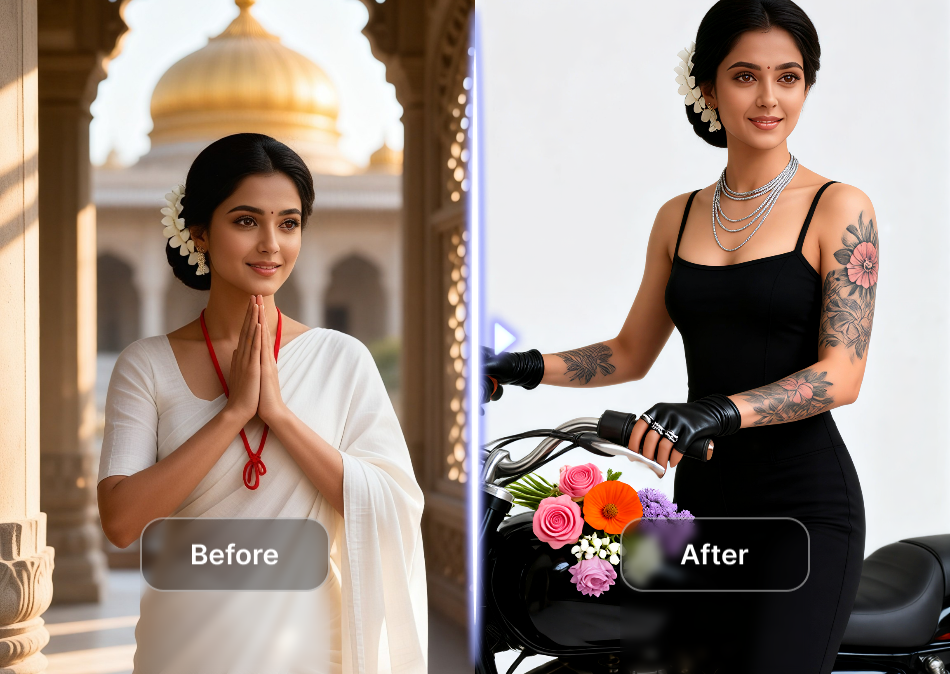
Intelligent Light Detection
AI automatically identifies light sources and highlights in your photo, applying the bloom effect realistically to create natural looking glows and halos.
Intelligent Light Detection
AI automatically identifies light sources and highlights in your photo, applying the bloom effect realistically to create natural looking glows and halos.
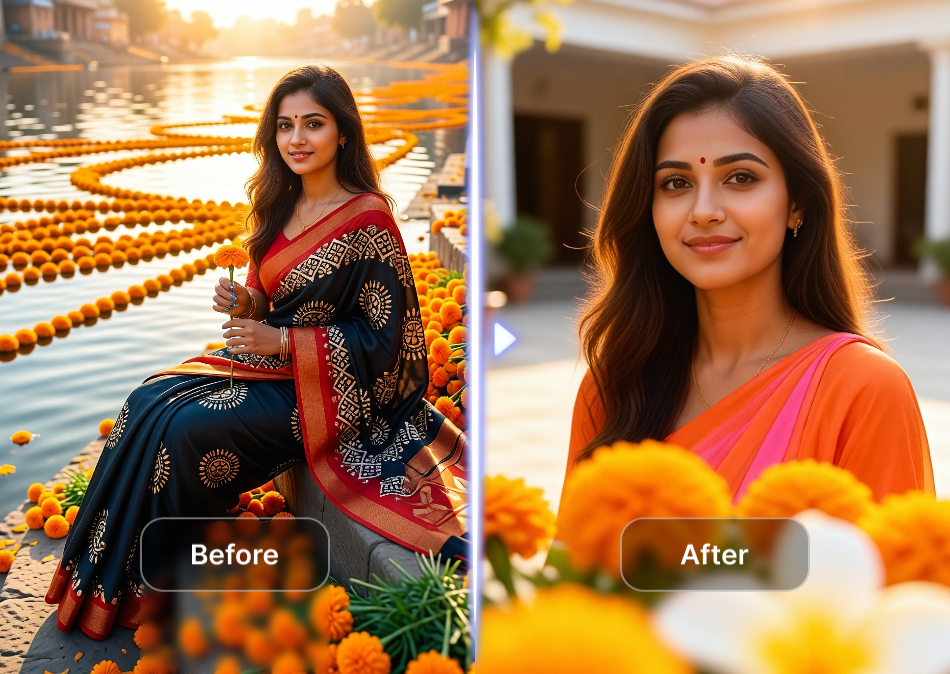
Customizable Glow Intensity
Adjust the strength, spread, and color temperature of your bloom effect. Choose from subtle, dreamy glows to vibrant, dramatic radiant light.
Customizable Glow Intensity
Adjust the strength, spread, and color temperature of your bloom effect. Choose from subtle, dreamy glows to vibrant, dramatic radiant light.
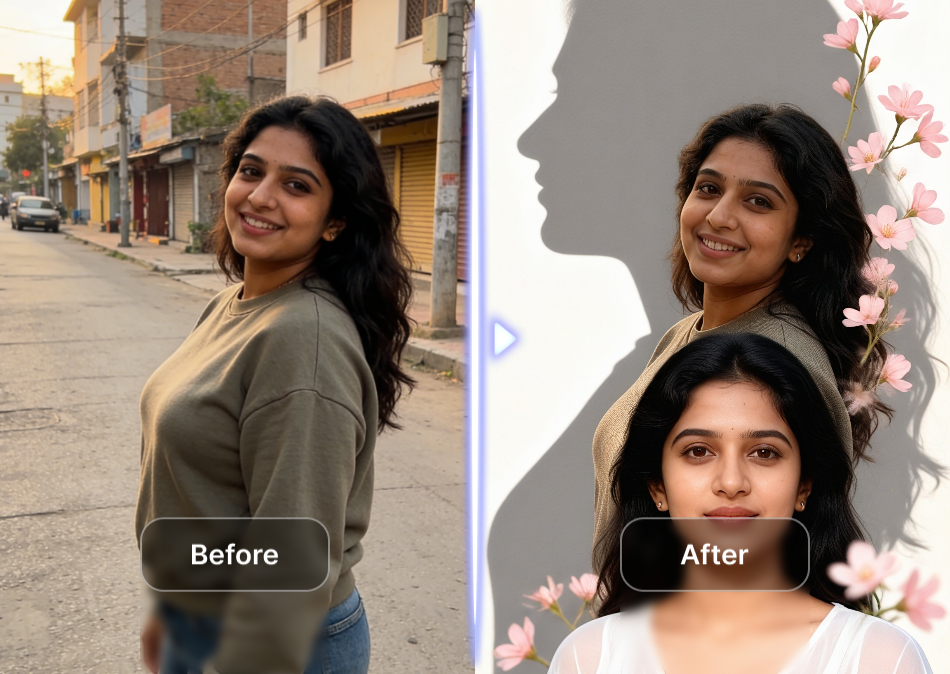
One Tap Professional Results
No complex editing skills required. Select from curated 'Bloom' style templates and get stunning, ethereal results with a single tap on your phone.
One Tap Professional Results
No complex editing skills required. Select from curated 'Bloom' style templates and get stunning, ethereal results with a single tap on your phone.
Why Choose Veeo for AI Bloom Effect
Discover the benefits of using Vimi to add bloom effects to your photos over other methods.
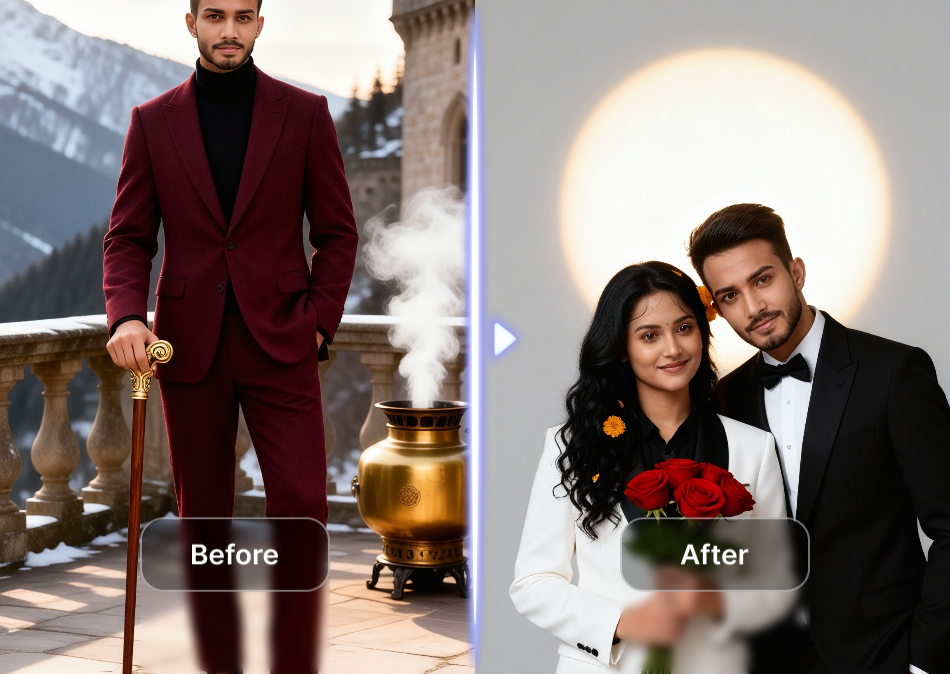
Template Based Workflow Without Prompts
Veeo works through template selection rather than text prompts. You open the app, choose a bloom filter from the library, and upload your photo. The AI applies the effect automatically. This approach suits users who want quick results without learning prompt writing.
Template Based Workflow Without Prompts
Veeo works through template selection rather than text prompts. You open the app, choose a bloom filter from the library, and upload your photo. The AI applies the effect automatically. This approach suits users who want quick results without learning prompt writing.
How to Add an AI Bloom Effect?
Create stunning, glowing photos in just three simple steps with Veeo's powerful mobile app.

Step 01.
Download the Veeo app from the Google Play Store to access the AI Bloom Effect and thousands of other creative filters.

Step 02.
Upload your photo and browse the 'Bloom' or 'Glow' category. Select your preferred intensity and style template.
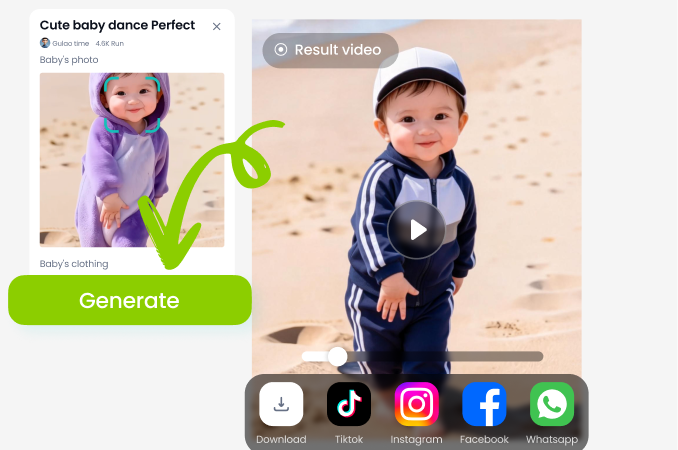
Step 03.
Let the AI process your image. Instantly download your transformed photo with a beautiful bloom effect and share it anywhere.
Creators Love the AI Bloom Effect
Transformed my portrait photography
The AI Bloom Effect adds a professional, ethereal quality I used to spend hours achieving in Photoshop. Now it's one tap. My clients adore the dreamy look it gives their photos.
Perfect for social media content
As a content creator, I need my photos to stand out. The bloom effect adds that magical, eye catching glow that gets more likes and saves. It's my secret weapon for Instagram.
Makes ordinary scenes extraordinary
I travel a lot and take many landscape photos. The AI Bloom Effect brings out the light in a way that feels natural yet breathtaking. It turns good sunset photos into incredible ones.
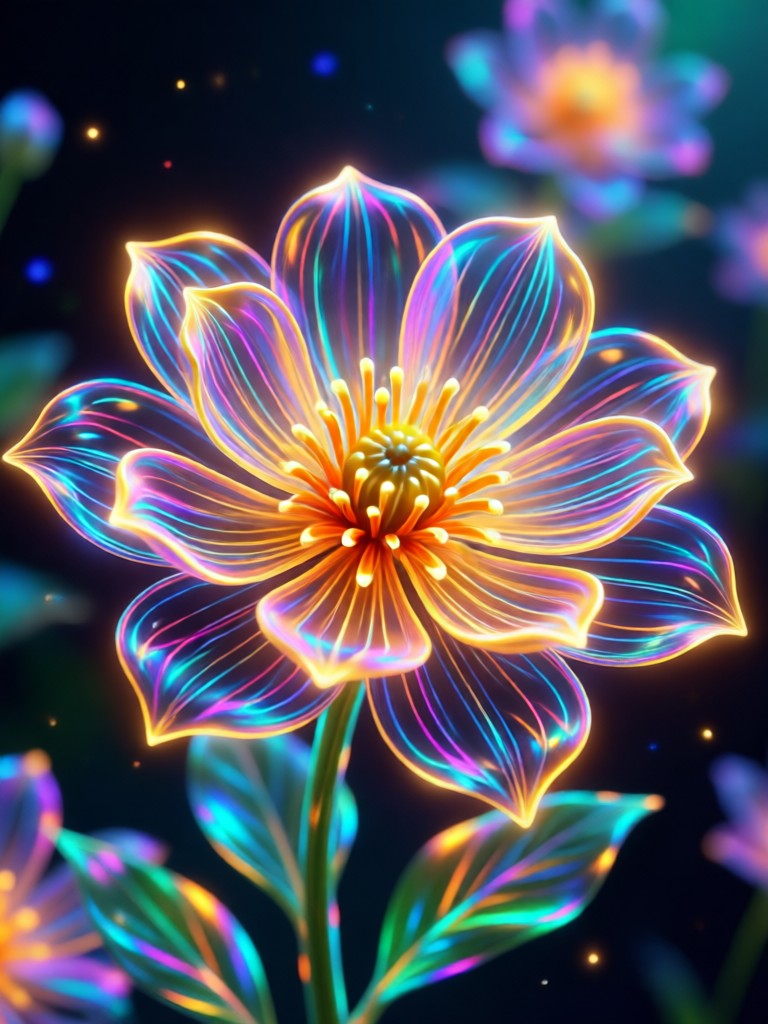
AI Bloom Effect on Mobile
Carry a professional photo studio in your pocket. Add magical glows, radiant light, and ethereal atmospheres to any photo, anytime, anywhere.

AI Bloom Effect FAQs
Find answers to common questions about creating stunning glow and light effects with our AI technology.
More AI Effects You May Like
Explore more topics you may like and discover fresh ideas tailored to your interests.
Ai Beauty Generator
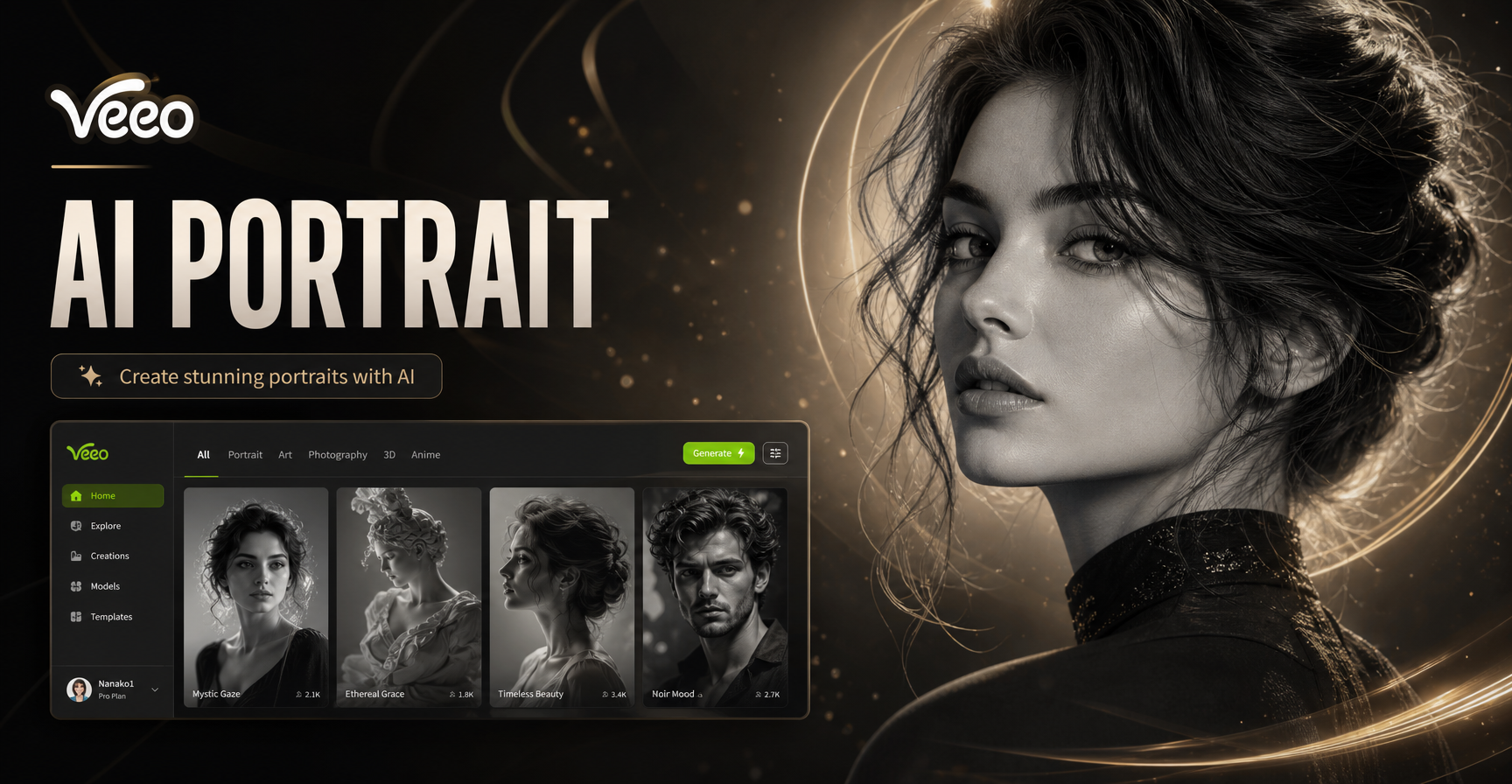
Ai Black And White Portrait
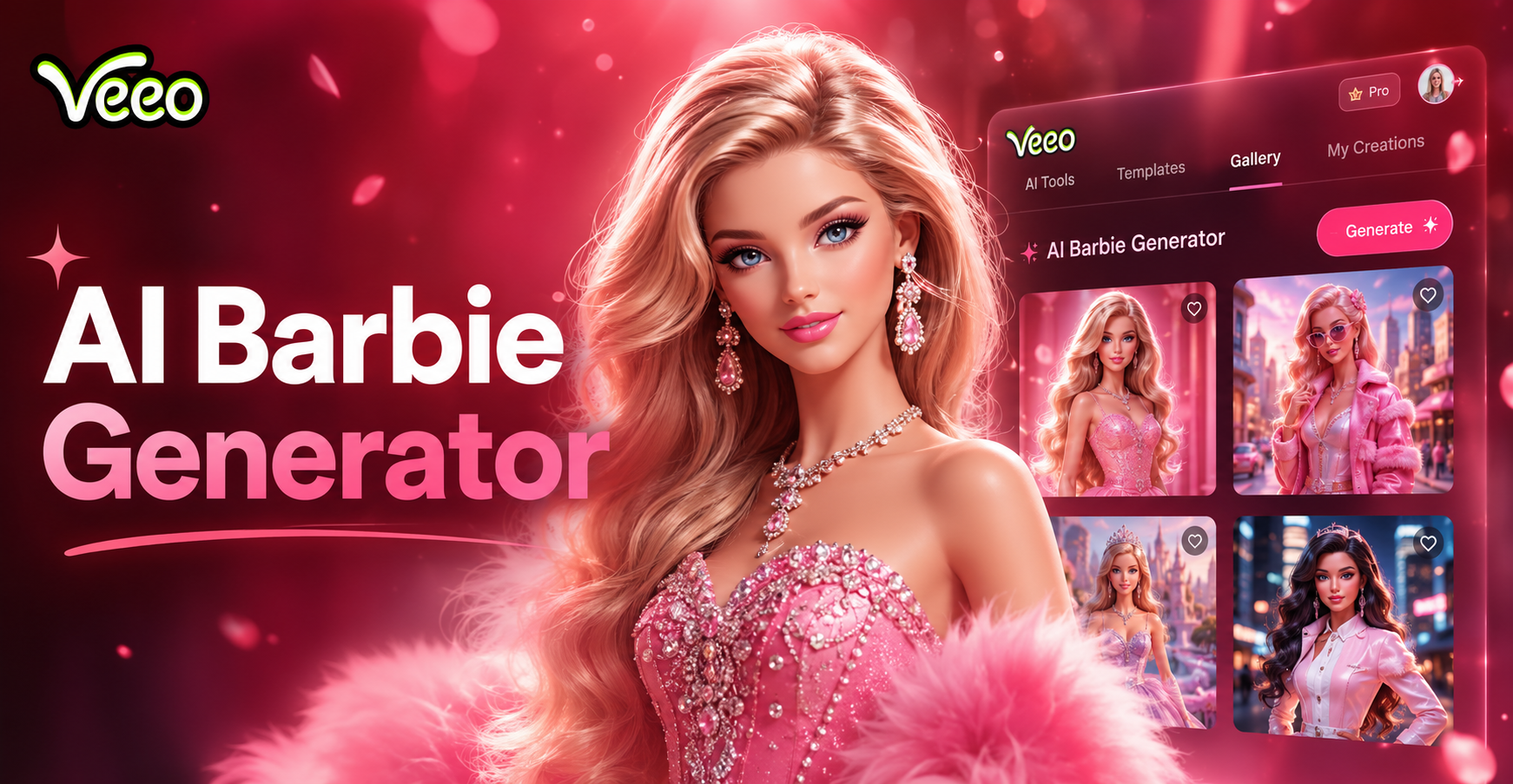
Ai Barbie Generator
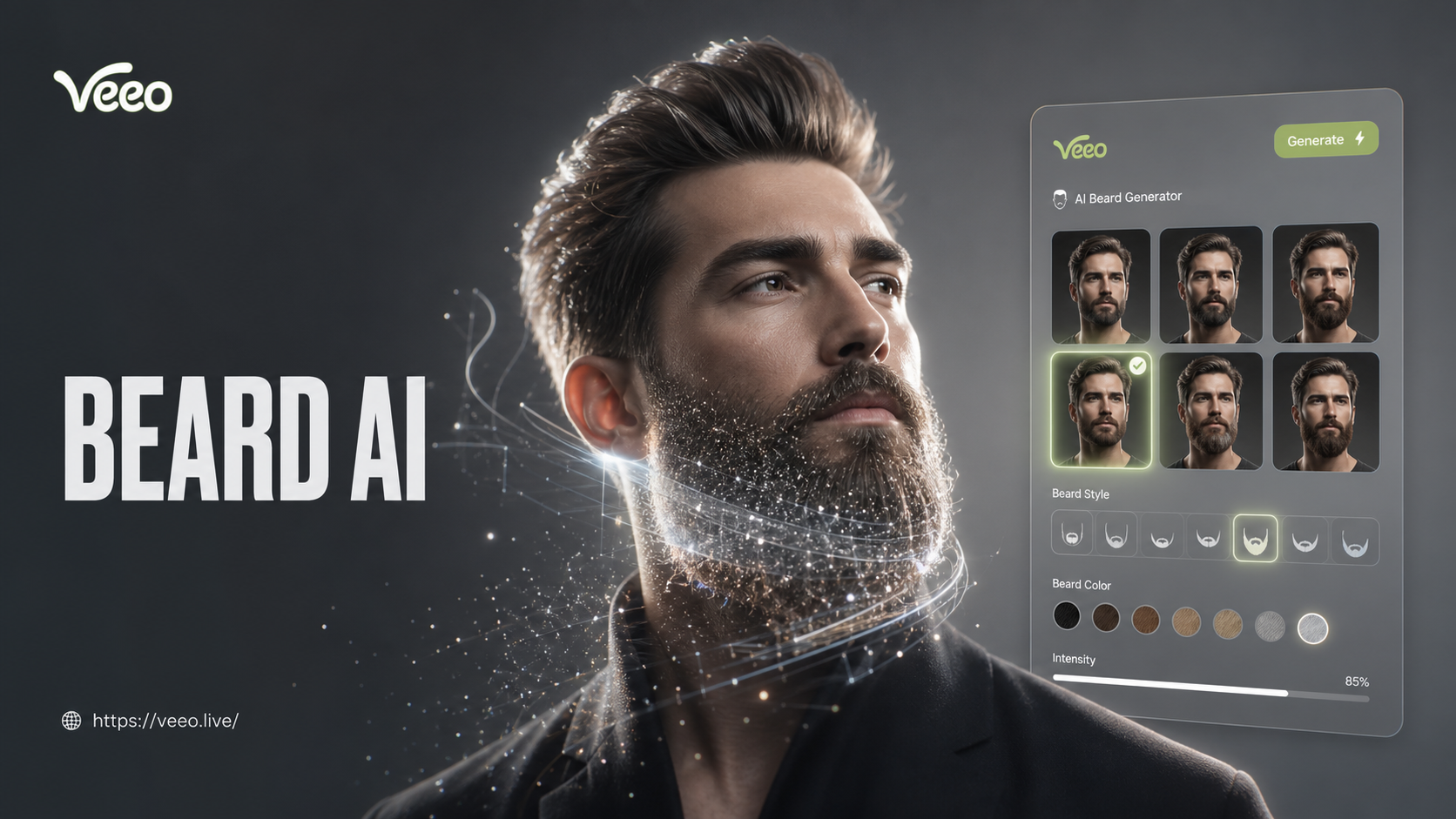
Ai Beard Generator
Ai Beauty Generator
Ai Black And White Portrait
Ai Barbie Generator
Ai Beard Generator
Add Magic to Your Photos Today
Stop using basic filters. Transform your images with the professional, ethereal glow of an AI Bloom Effect. Download Veeo and see the difference instantly.
Add Magic to Your Photos Today
Stop using basic filters. Transform your images with the professional, ethereal glow of an AI Bloom Effect. Download Veeo and see the difference instantly.