AI 360 Rotation Video Generator
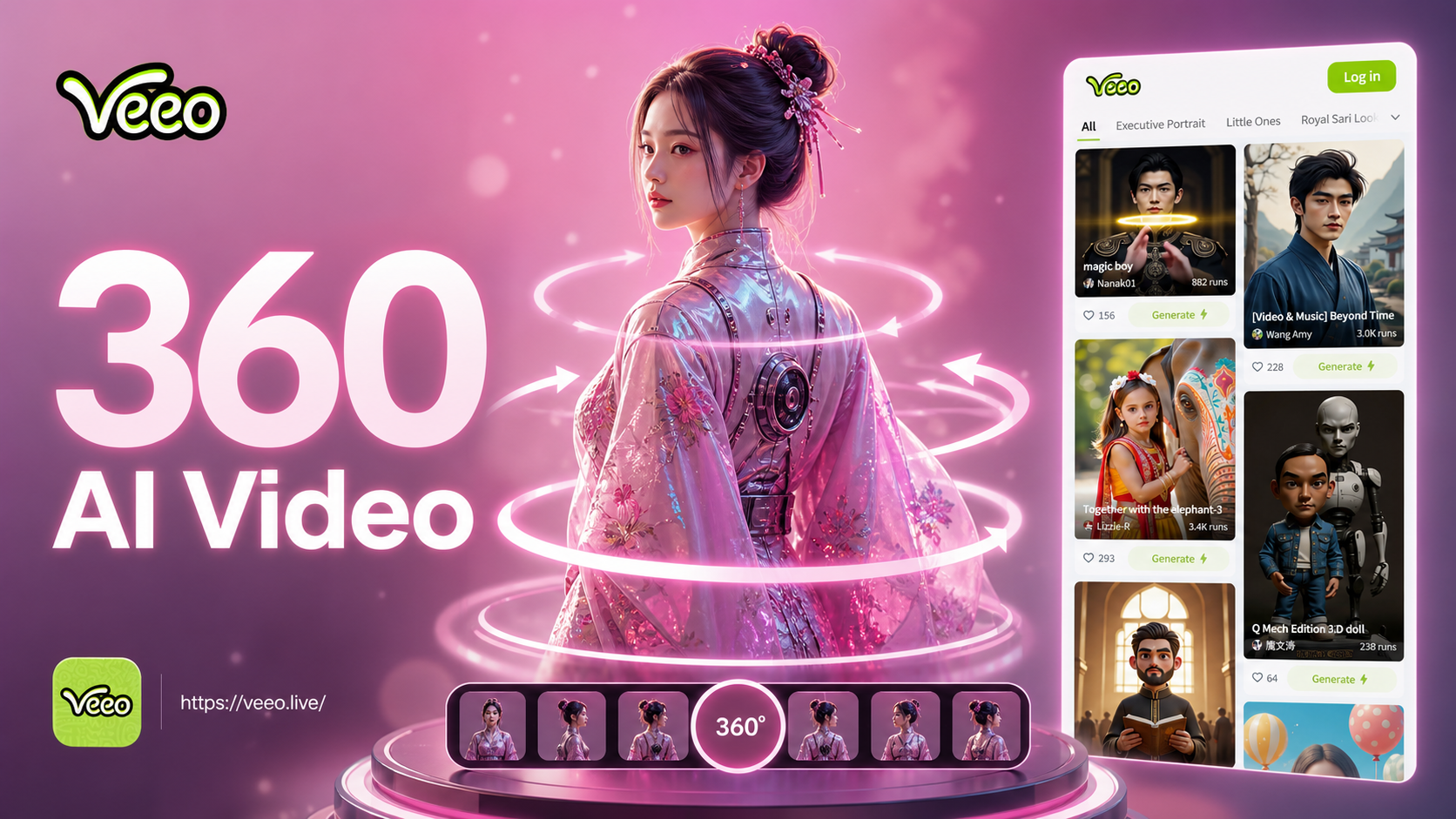
Create Dynamic Rotation Videos
Choose from our collection of AI motion templates to generate smooth 360° spins, slow rotations, or dynamic product reveals.
Key Features of Vimi AI 360 Rotation Video Generator
Explore the main features that make Vimi a simple tool for 360 rotation videos.
 Before
Multi Angle Frame Creation
The AI takes your single photo and creates multiple frames from different angles. It analyzes the subject and generates views from the front, sides, and back. This produces a full rotation effect that looks like a video taken from a camera moving around the subject.
 Before
Smooth Transition Animation
Vimi creates smooth motion between each angle in the rotation. The frames flow together without jumps or pauses. This makes the rotation look natural and continuous. The video loops seamlessly to show the subject from every direction in one smooth clip.
 Before
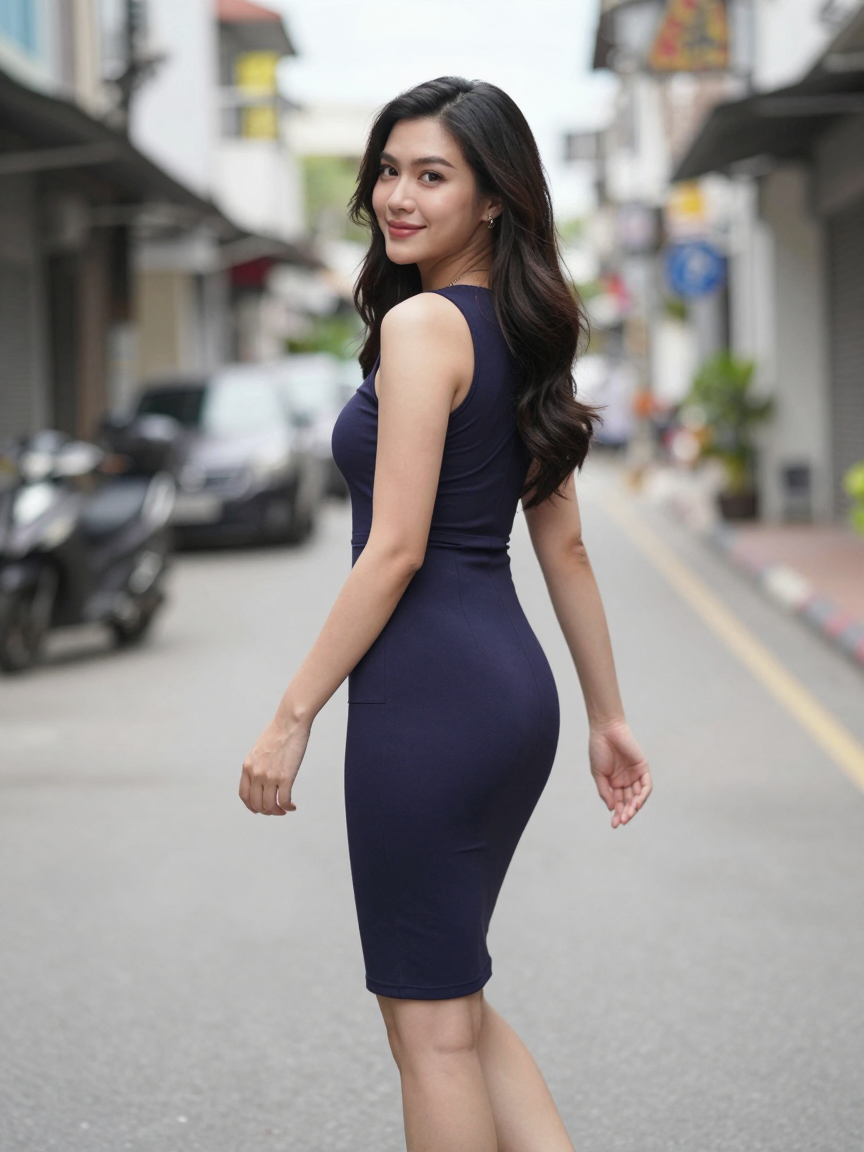
Subject Background Separation
The AI separates the main subject from the background in your photo. It keeps the subject clear and sharp during rotation. The background may stay fixed or rotate with the subject. This depends on the template you choose. The subject remains the focus of the video.
The Smart Solution for Rotation Content
Go beyond basic editing tools with an AI specifically trained to understand depth and create convincing 3D rotation from 2D images.
No 3D Model Required
Traditional 360 videos require expensive 3D modeling or specialized photography rigs. Our AI video generator analyzes your single photo to infer depth and perspective, constructing a believable 360° spin sequence automatically. This makes professional product showcases, portfolio presentations, and creative social content accessible to everyone, for free, directly from a smartphone.
No 3D Model Required
Traditional 360 videos require expensive 3D modeling or specialized photography rigs. Our AI video generator analyzes your single photo to infer depth and perspective, constructing a believable 360° spin sequence automatically. This makes professional product showcases, portfolio presentations, and creative social content accessible to everyone, for free, directly from a smartphone.
How to Make a 360 Rotation Video with AI?
Create captivating AI-powered rotation videos in just three simple steps directly from your mobile device.

Step 01.
Download the Veeo app to access the AI 360 rotation video generator and all other creative tools on the go.
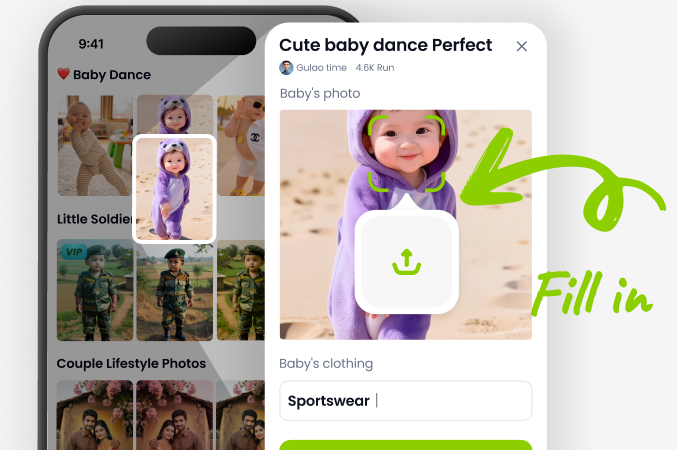
Step 02.
Select the '360 Rotation' or 'Spin' template, then upload your photo. Choose your desired rotation speed and direction.
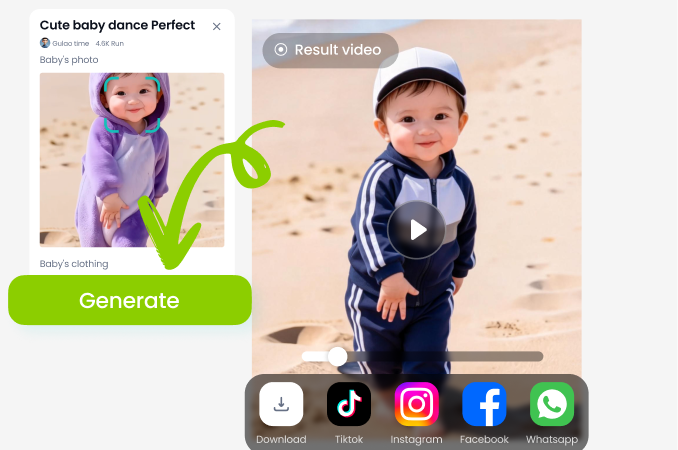
Step 03.
Generate and download your video. Share your professional 360° spin animation directly to social media or save it to your device.
Create 360 Videos On The Go
Download the app to turn your photo gallery into a collection of spinning, animated videos. Generate, edit, and share directly from your phone.

Creators Using AI 360 Rotation Videos
Game-Changer for My E-Commerce Store
Showing products from every angle increased my conversion rate. I can now create rotation videos for new inventory in minutes instead of hiring a videographer. The AI results are incredibly smooth and professional.
Breathed Life Into My Art Portfolio
As a digital artist, presenting my character designs in a spinning 360 view has made my portfolio stand out. Clients love seeing the work from all angles. It adds a dynamic layer I couldn't achieve before.
Perfect for Social Media Engagement
My 360 rotation videos consistently get more saves and shares than static posts. It's the easiest way to create eye-catching content for Reels and TikTok. The free access is unbelievable for this quality.
AI 360 Rotation Video FAQs
Find quick answers to common questions about creating free 360° spin videos with our AI generator.
More Topics You May Like
Explore more topics you may like and discover fresh ideas tailored to your interests.
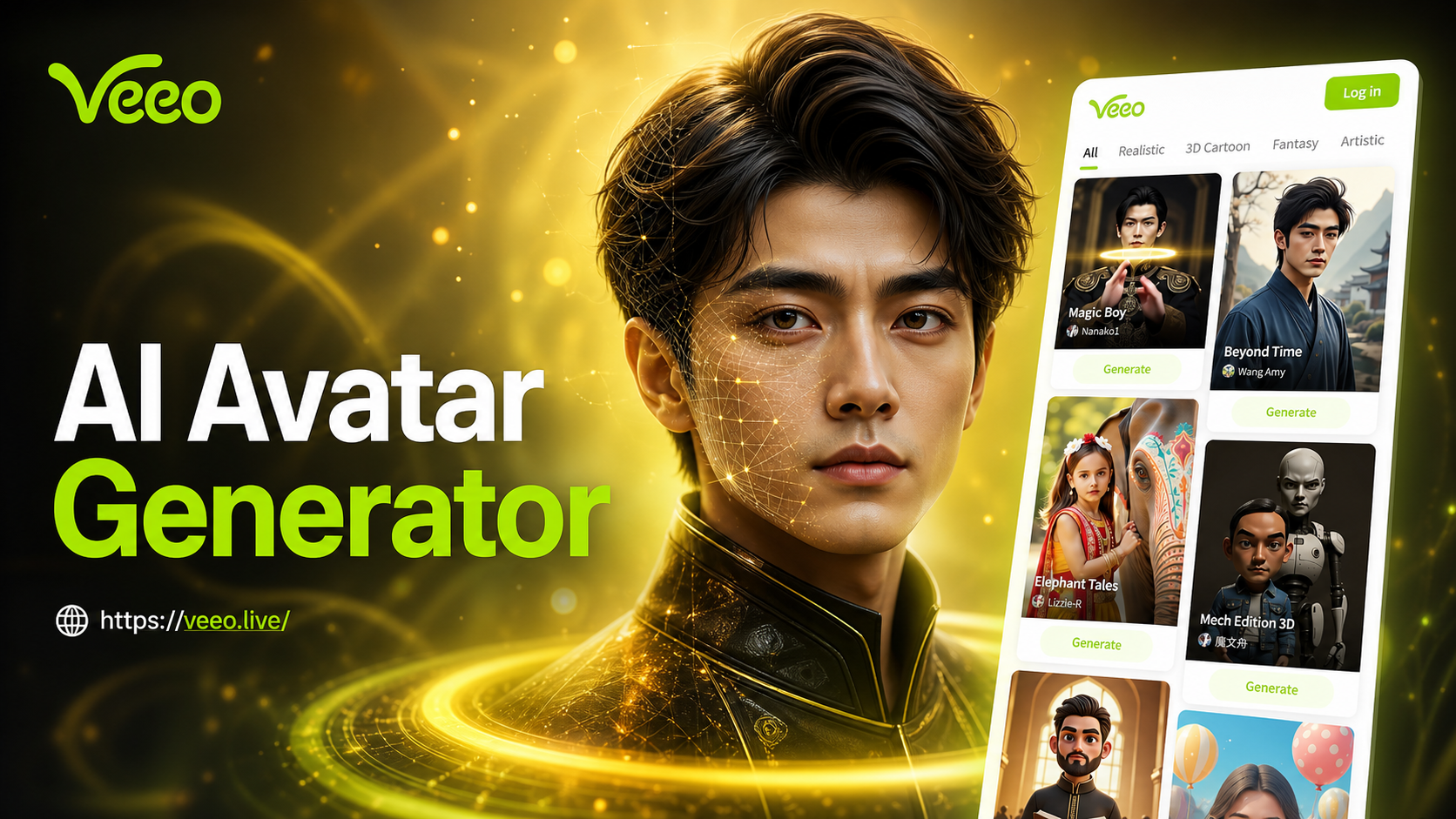
Ai Avatar Generator
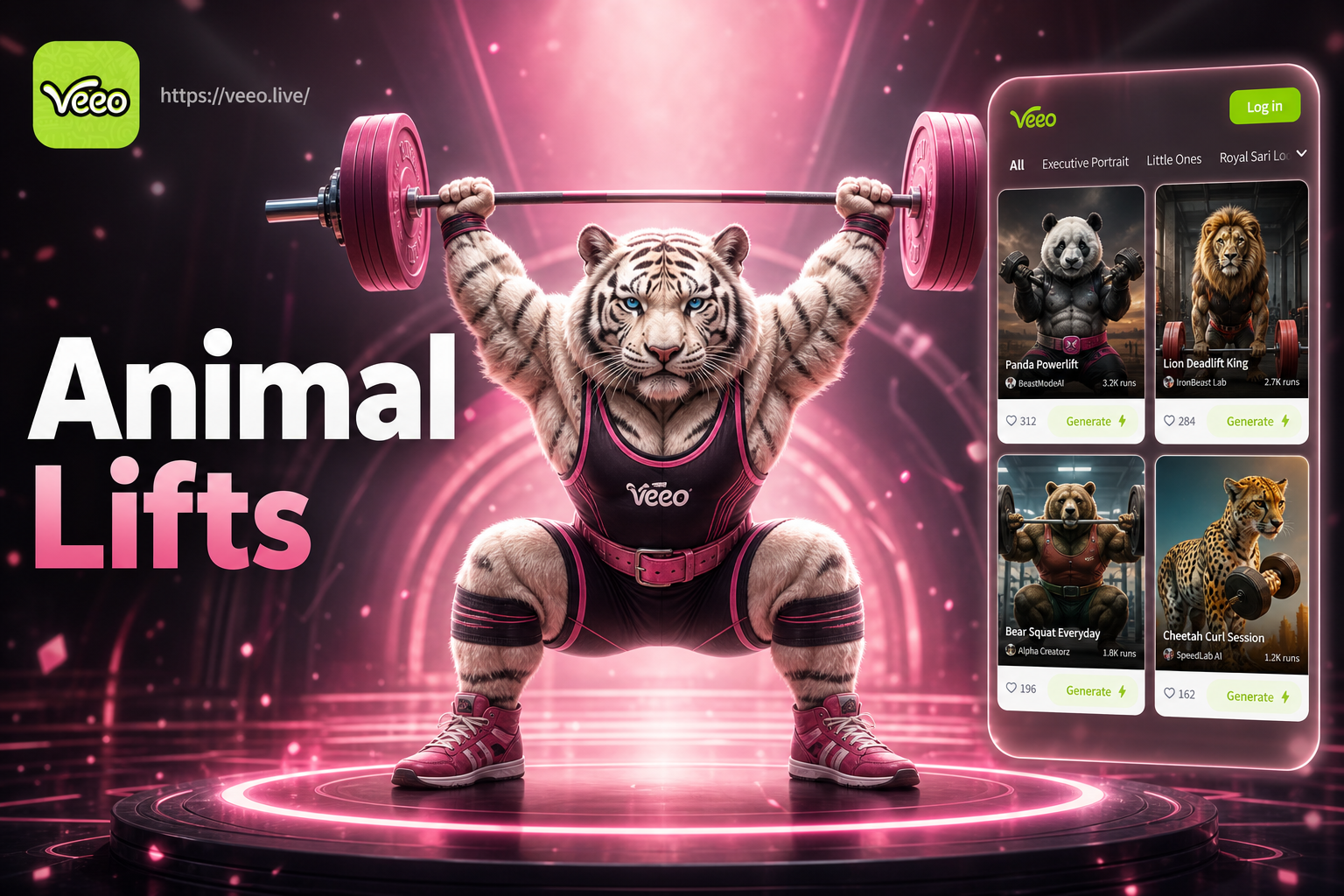
Ai Animal Weightlifting Video Generator
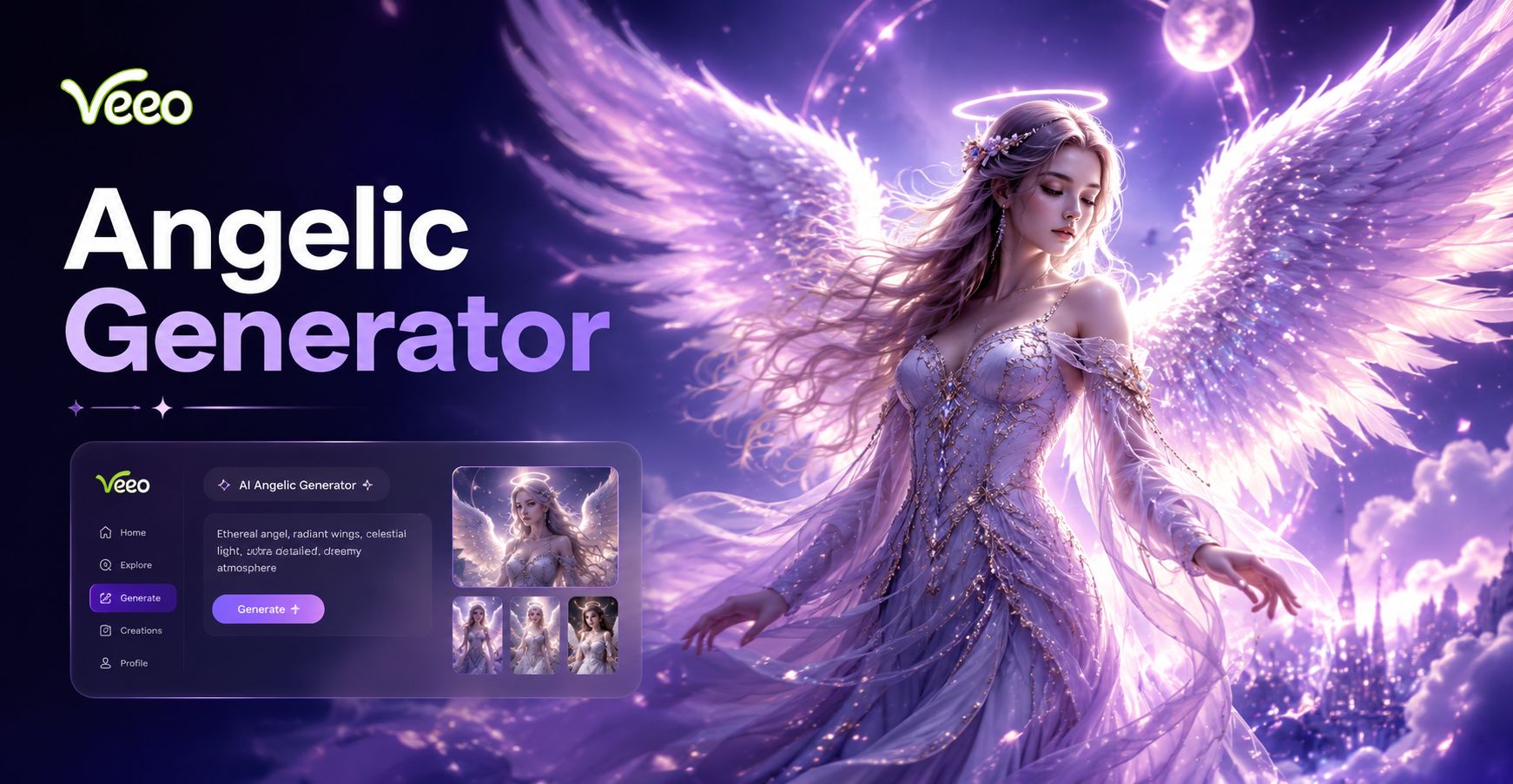
Ai Angelic Generator
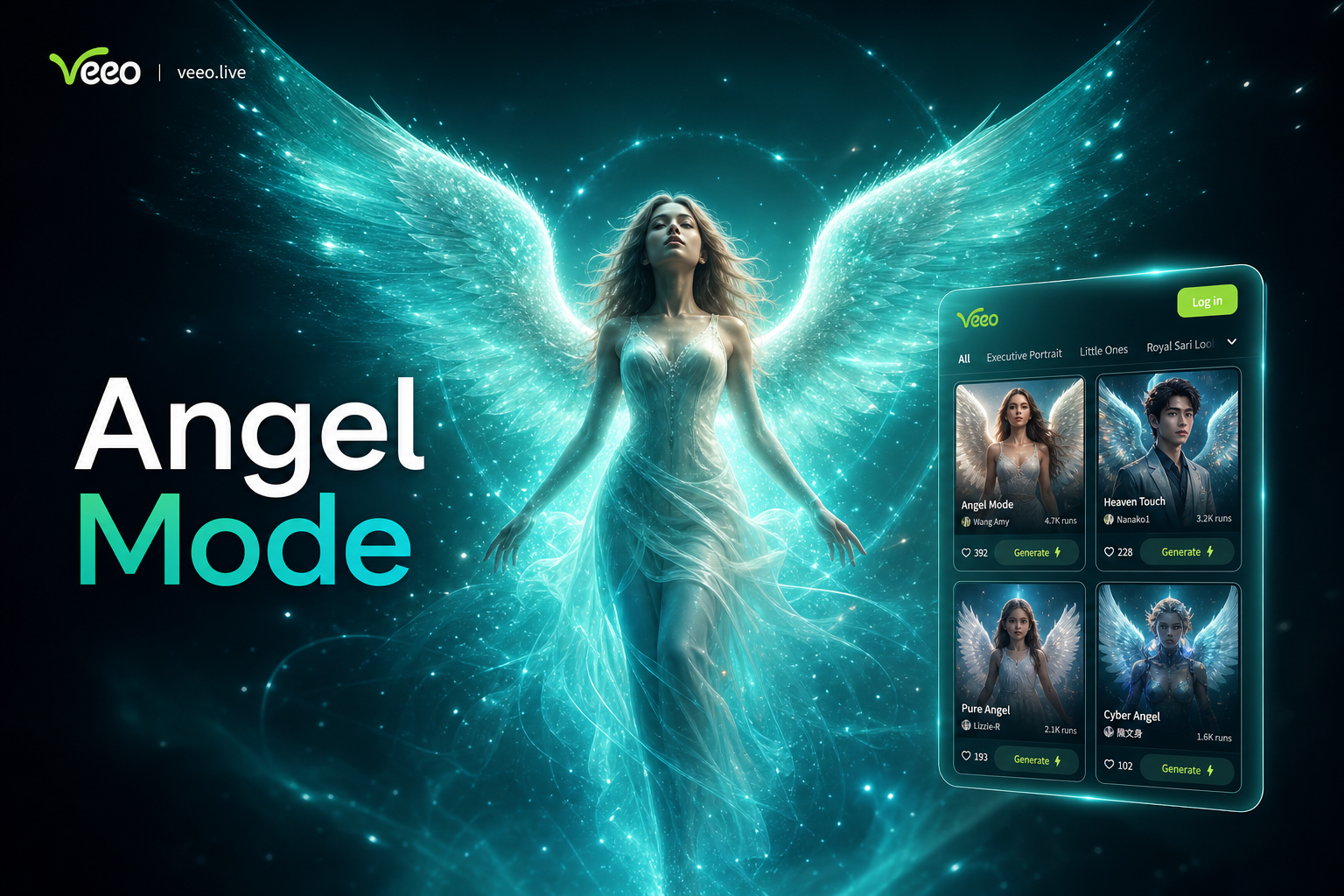
Ai Angel Wings Effect
Ai Avatar Generator
Ai Animal Weightlifting Video Generator
Ai Angelic Generator
Ai Angel Wings Effect
Spin Your World with AI
Stop posting static images. Transform your photos into mesmerizing 360° rotation videos that capture attention and boost engagement. Start creating for free today.
Spin Your World with AI
Stop posting static images. Transform your photos into mesmerizing 360° rotation videos that capture attention and boost engagement. Start creating for free today.